
Character promotional poster using a unified vertical portrait key
Create a character promotional poster for “[XXX]”, using a unified vertical (portrait) key visual composition.
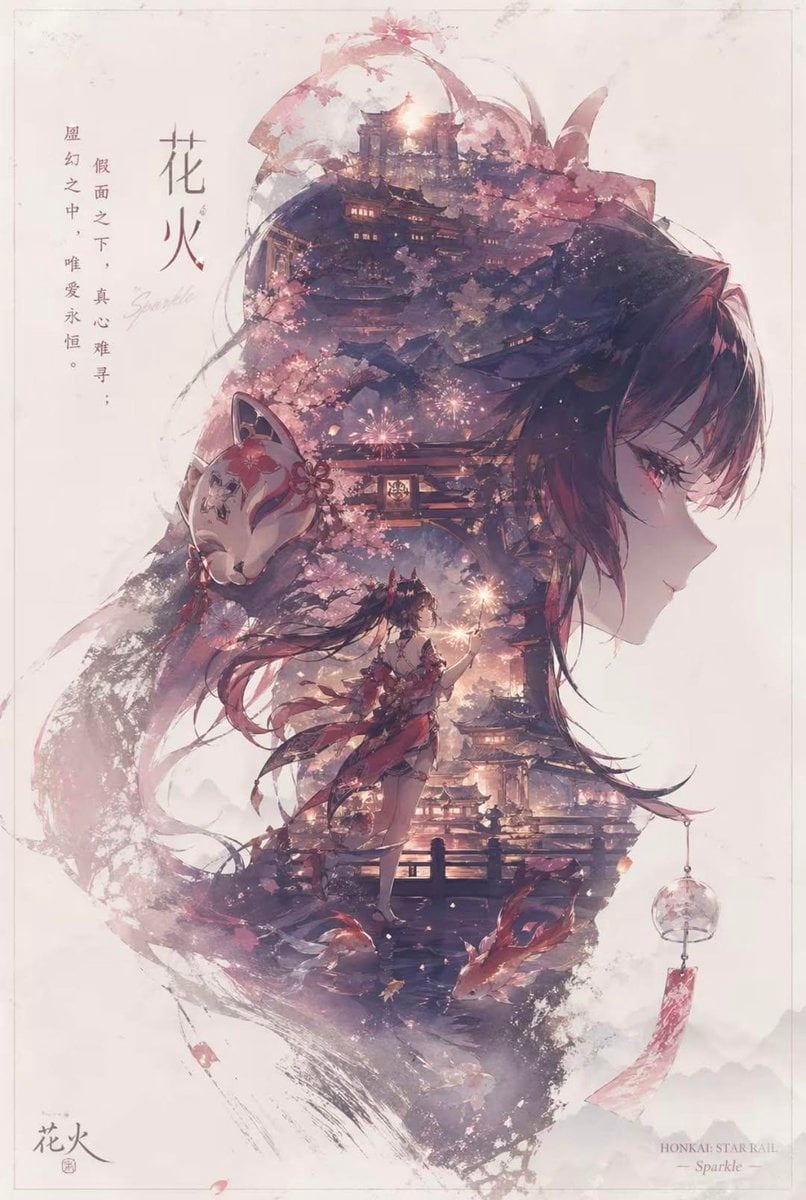
- Prompt included
- Model and format preset
- Free template
The prompt behind this image
Copy the exact prompt behind Character promotional poster using a unified vertical portrait key, or open it in the studio and make it yours.
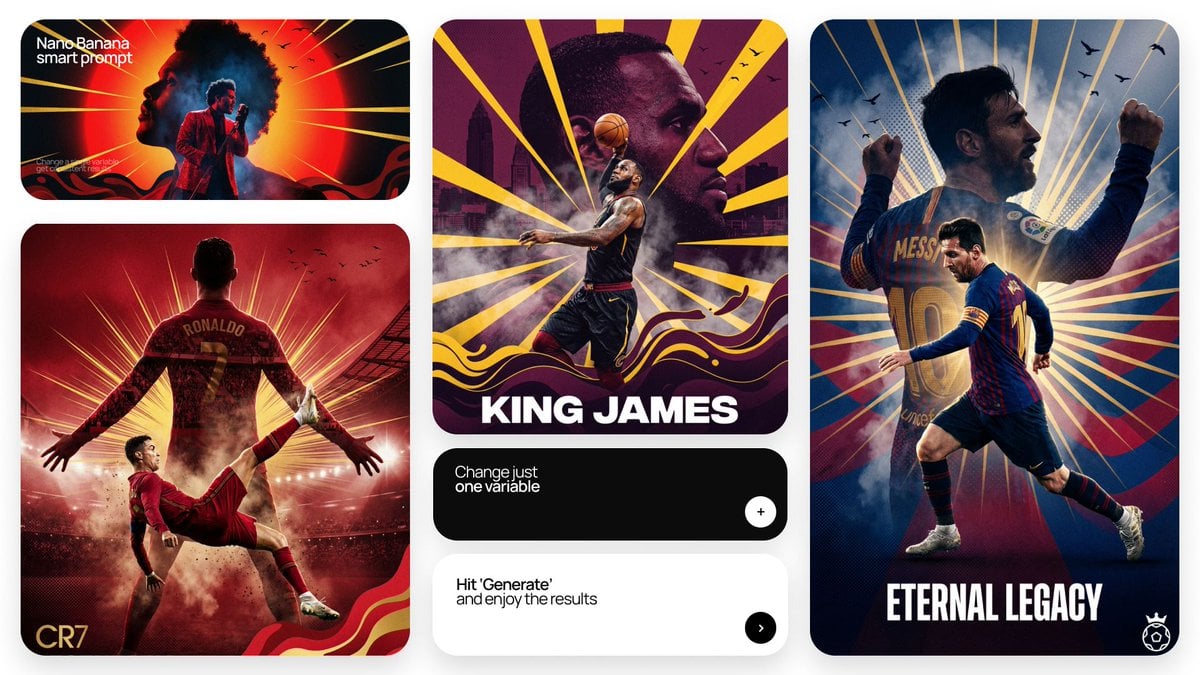
Create a character promotional poster for “[XXX]”, using a unified vertical (portrait) key visual composition. Each poster follows a hierarchy of large top / smaller bottom structure: The upper half of the composition features a highly recognizable large silhouette of the character — focusing on the head, facial contour, mask, or upper-body outline — forming a bold and iconic primary visual. The middle to lower section includes a full-body version of the character as the secondary subject, shown in a stable standing pose or with subtle motion, serving as the visual core of the composition. Inside the large silhouette and around the character, apply double exposure and collage-style storytelling, blending multiple scenes, symbolic elements, small character interactions, supporting visuals, and environments into layered compositions of mist, ink wash, and negative space. On both the left and right sides, place complementary supporting elements to create narrative tension and spatial balance. A flowing visual line should run through the entire composition (top to bottom), connecting the main character, internal collage elements, and the large silhouette above — enhancing cohesion and guiding the viewer’s eye. The overall composition should preserve large areas of negative space, with edges treated using ink diffusion, soft blurring, and fragmented fading, evoking an Eastern aesthetic of balance between emptiness and form. The overall style should feel refined, restrained, premium, and cohesive, emphasizing depth, storytelling, strong visual impact, and a consistent series identity. Aspect ratio: 9:16.
How to use Character promotional poster using a unified vertical portrait key in 3 steps
- 1
Open
The prompt is already in the box next to the preview, with the template's model and format selected.
- 2…a portrait of your subject in softgolden-hour light, 85mm…
Personalize
Edit the subject and creative details for your destination.
- 3Generate
Generate
Press Generate — your image is created in PicX Studio, so you can compare it with the original and refine one variable at a time.
More like this
Templates with the same subject, style or setup. Open one to see its prompt.
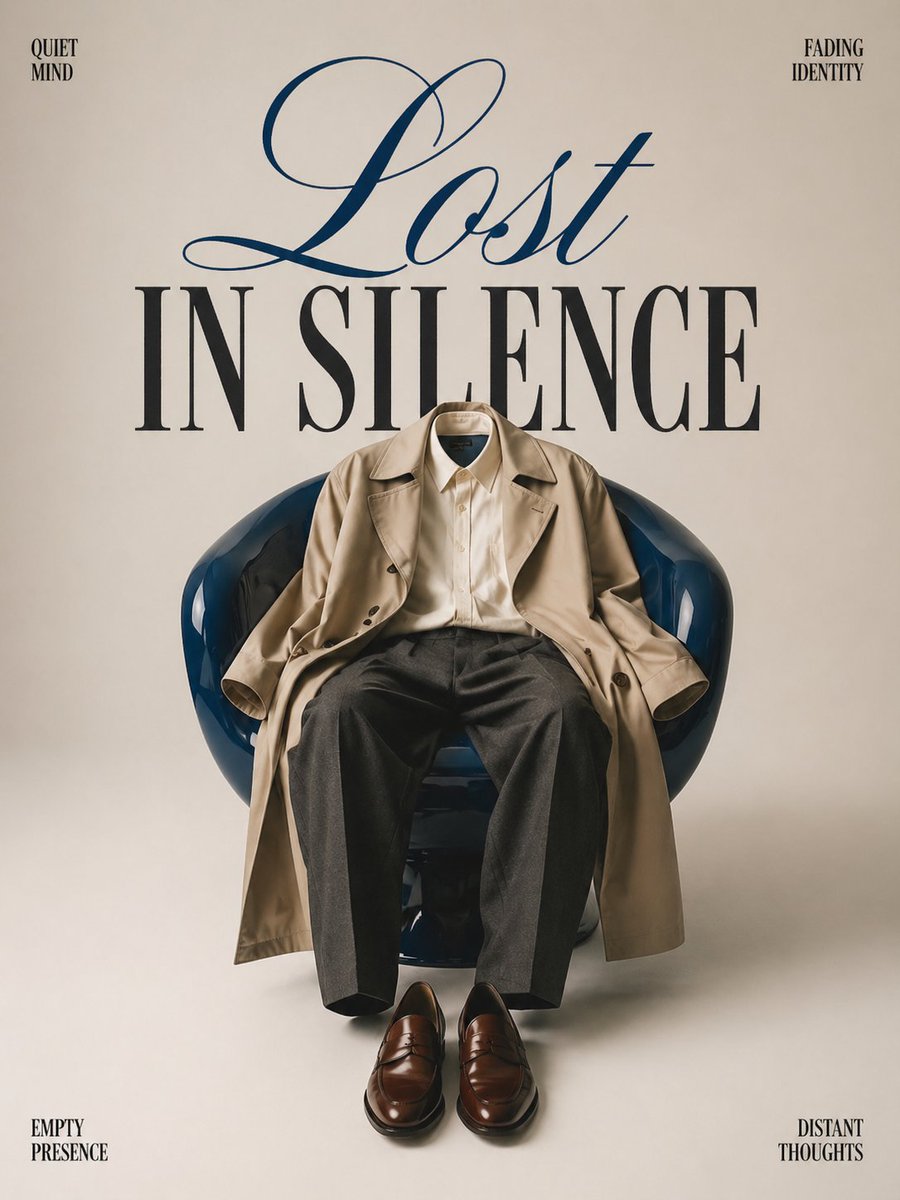
Minimalist conceptual fashion editorial poster, studio shot on a clean
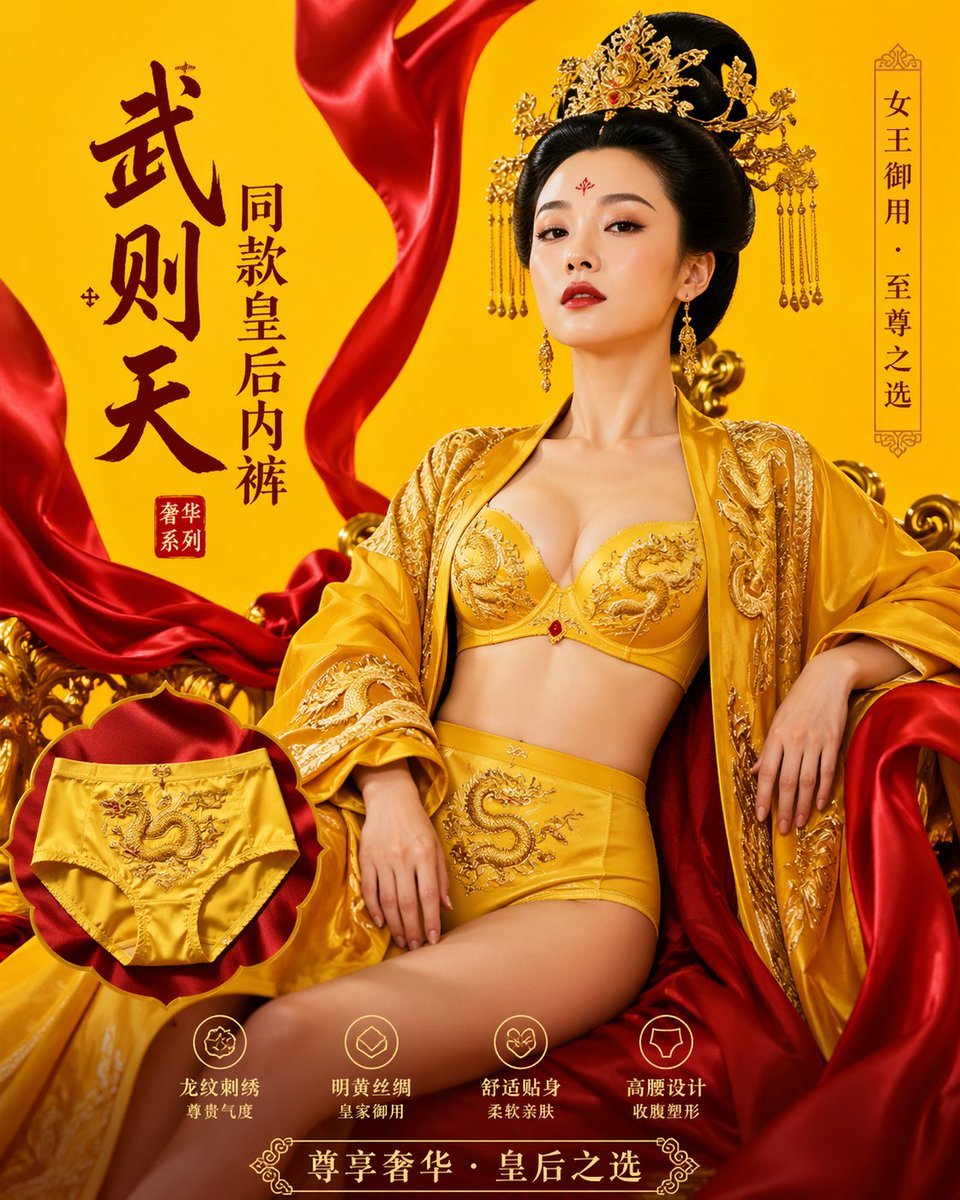
武则天同款皇后内衣广告大片,明黄底色龙纹刺绣,大红丝绸飘带衬托
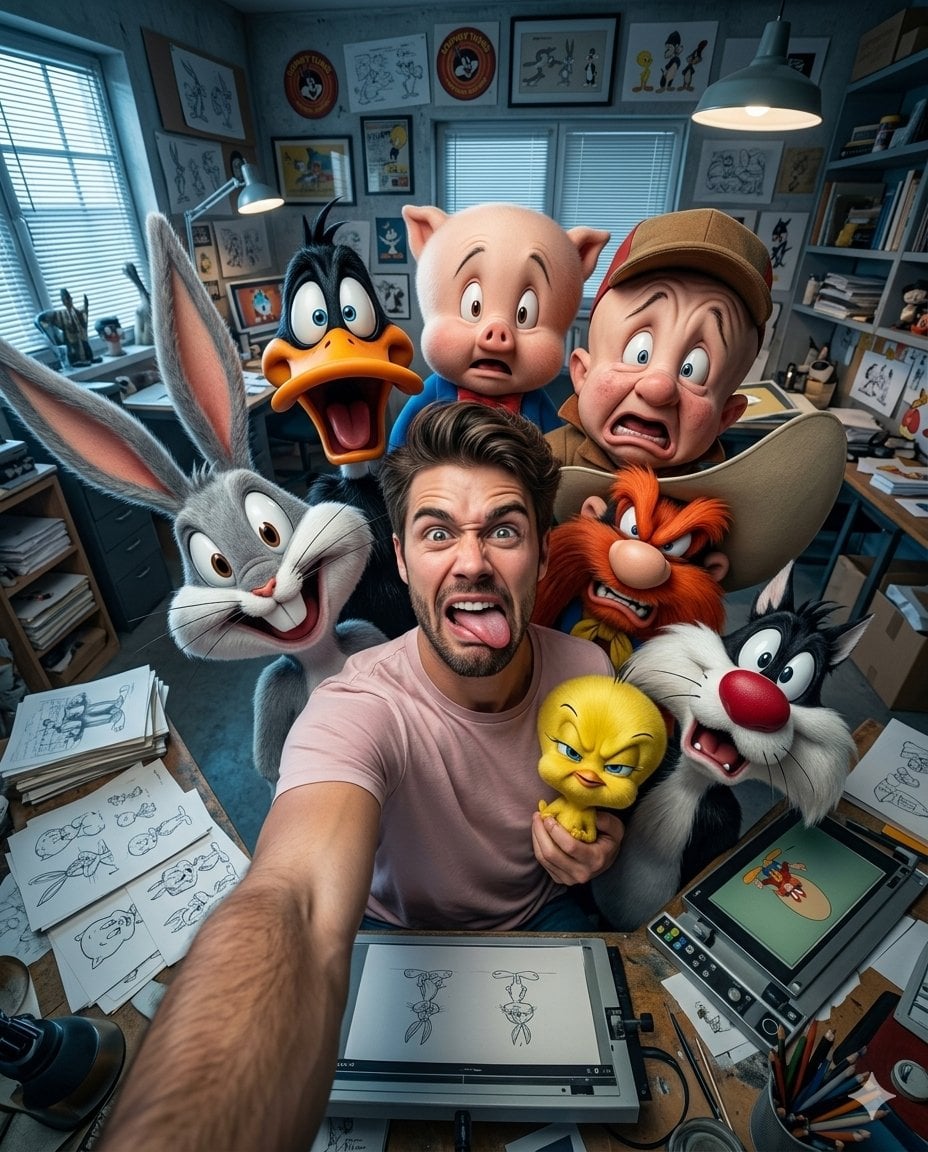
Illustration & 3D Prompt #533
Cinematic 3D action-packed advertisement captured in an intense
Ime characters into realistic human portraits Convert character

Clear, 45 top-down isometric miniature 3D cartoon scene of the iconic
Illustration & 3D Prompt #1437
To hyper-realistic 3D CGI collectible figurine render
Illustration & 3D Prompt #1419
Illustration & 3D Prompt #813
Illustration & 3D Prompt #313
Act as a Senior Art Director
Make it yours
Character promotional poster using a unified vertical portrait key works as-is. These are the safest ways to change it without losing the look.
Change one field
Copy a single group, rewrite it, and generate again so you can see what that field is doing.
Keep the frame, change the subject
Hold the composition and light of Character promotional poster using a unified vertical portrait key, then swap wardrobe, props or the person for a new take.
| If the result… | Why | Fix |
|---|---|---|
| The result drifts from the preview | Too many fields changed at once. | Reuse Character promotional poster using a unified vertical portrait key as-is first, then change one group — subject, light, or setting. |
| The model over-stylizes the scene | The prose prompt leaves finish and camera underspecified. | Add one camera or lighting sentence and stay on GPT Image 2. |
More GPT Image 2 templates
Other prompts made for GPT Image 2.

Six VTuber Japanese Logo Sheet

Realistic Portrait of Woman and Deer

The Vista Modular Condo Poster

AI Model Routing Comparison Infographic

2.5D Anime Art Board

Isometric Productivity Desk Scene

New York Double Exposure Poster

Four-Panel AI Landscape Comparison

Japanese Tatami Lifestyle Magazine Cover

NESCAFÉ Coffee Map Poster
More image prompts
Fresh picks from across the catalog.
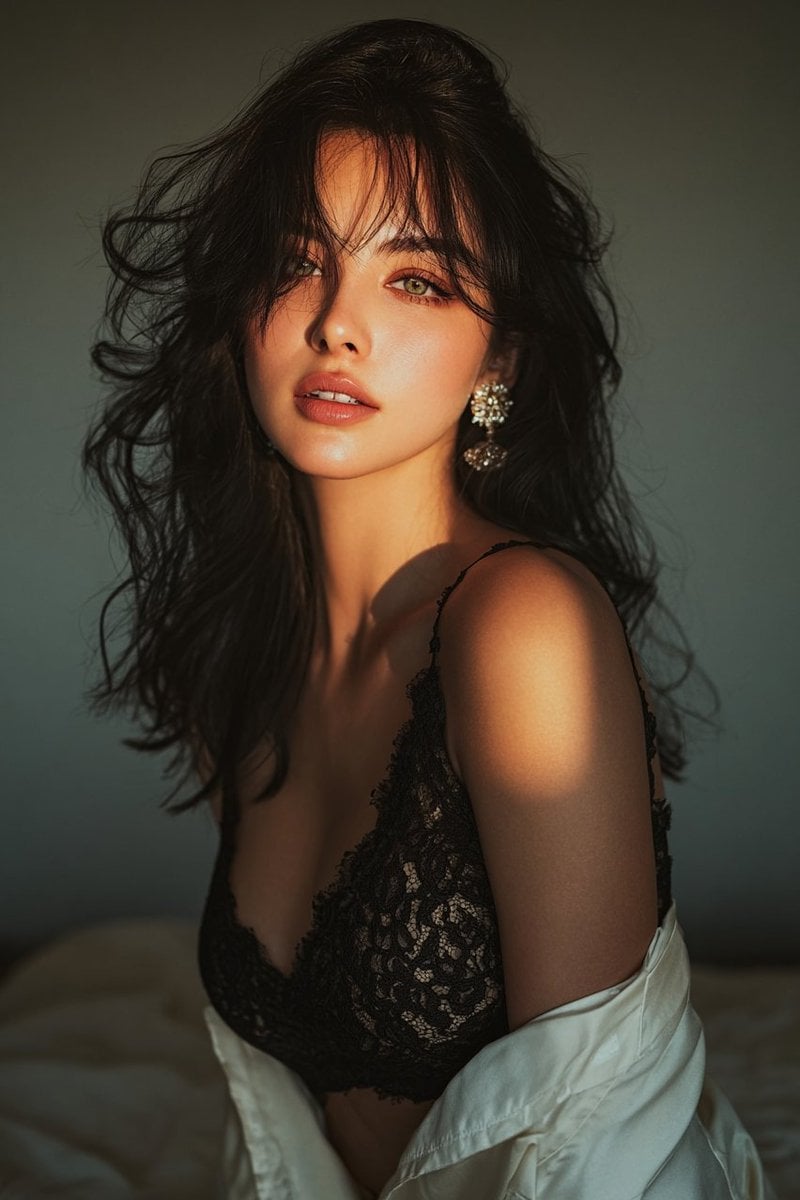
Golden hour portrait of a woman in black lace dress
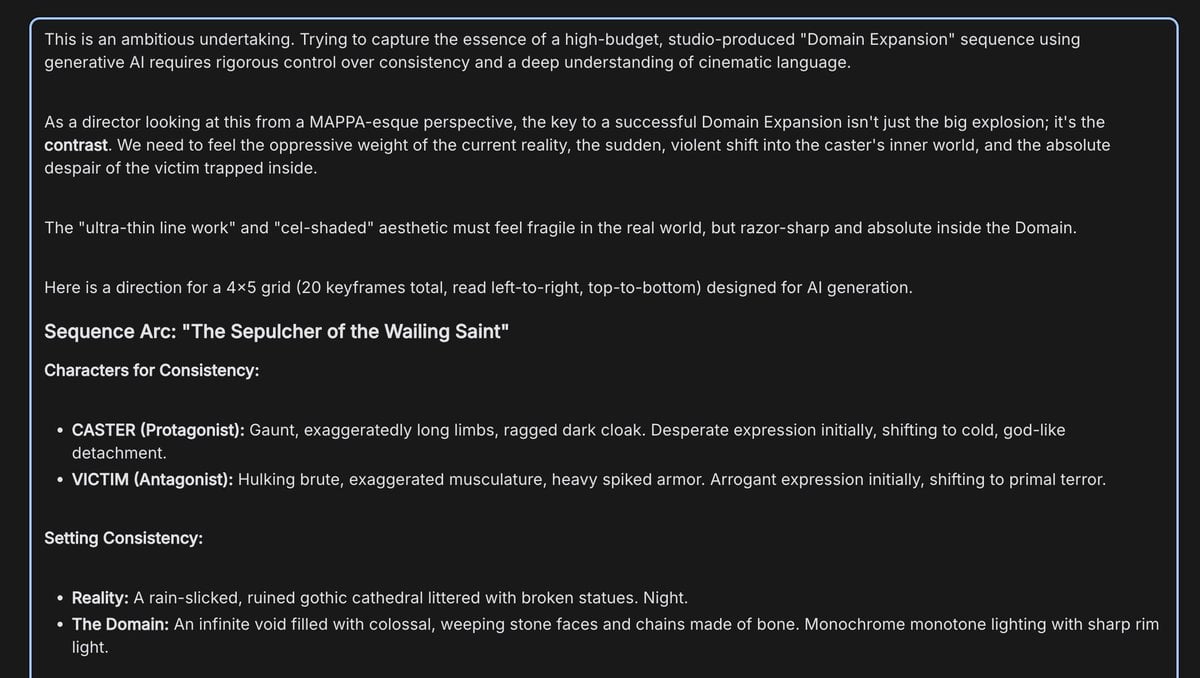
Anime Keyframe Sequence for Domain Expansion
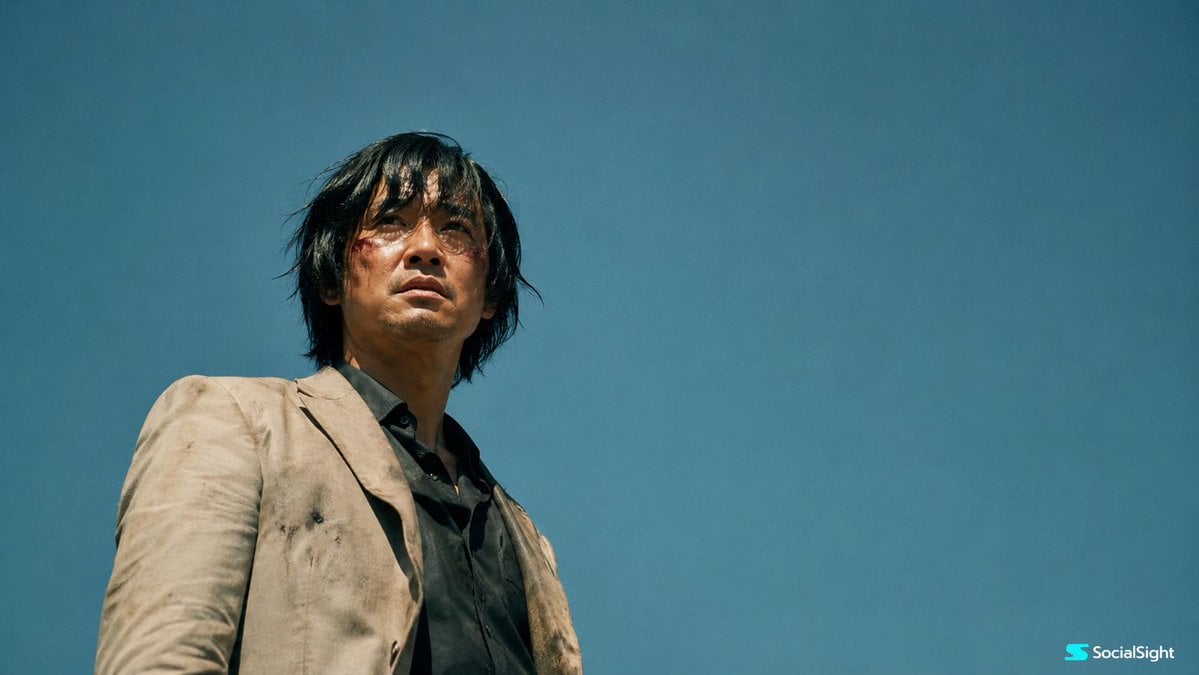
Wounded Man Cinematic Film Still
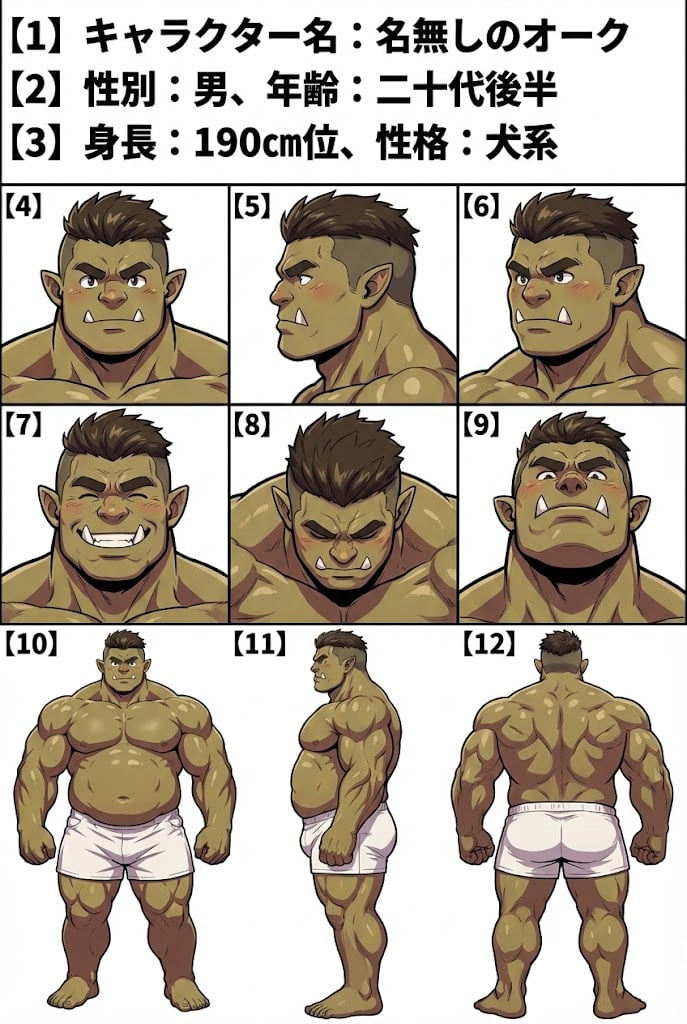
Character Sheet Prompt for Nano Banana
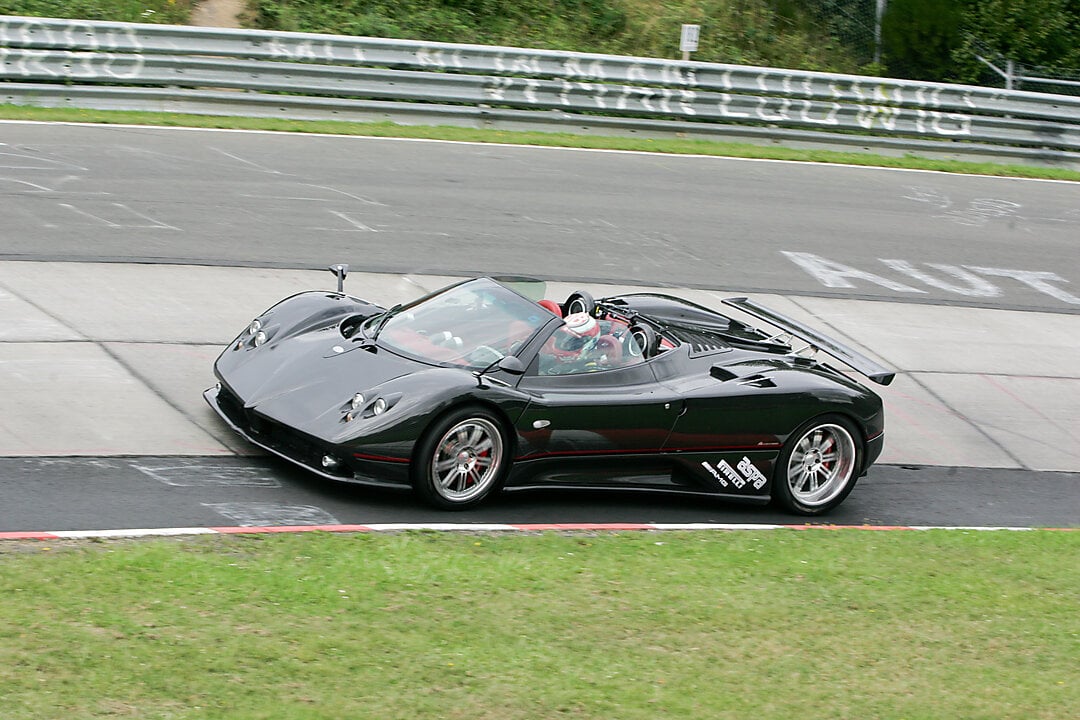
2x2 Grid Car Development Phases
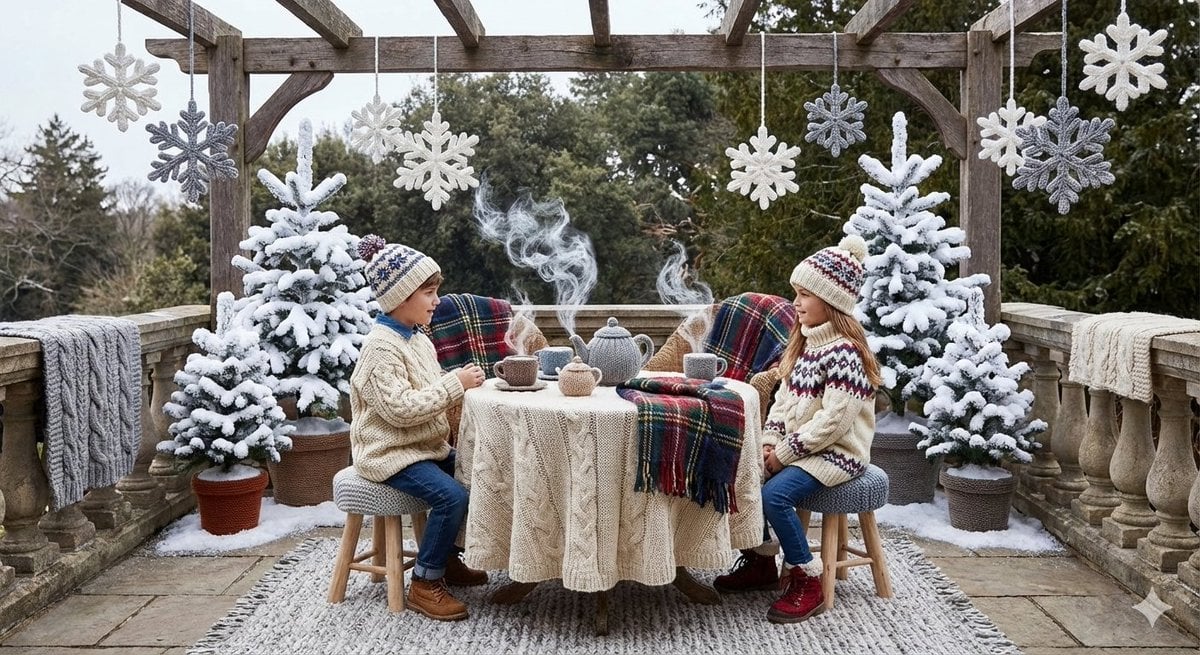
Knitted Terrace Scene with Cable-Knit Textures
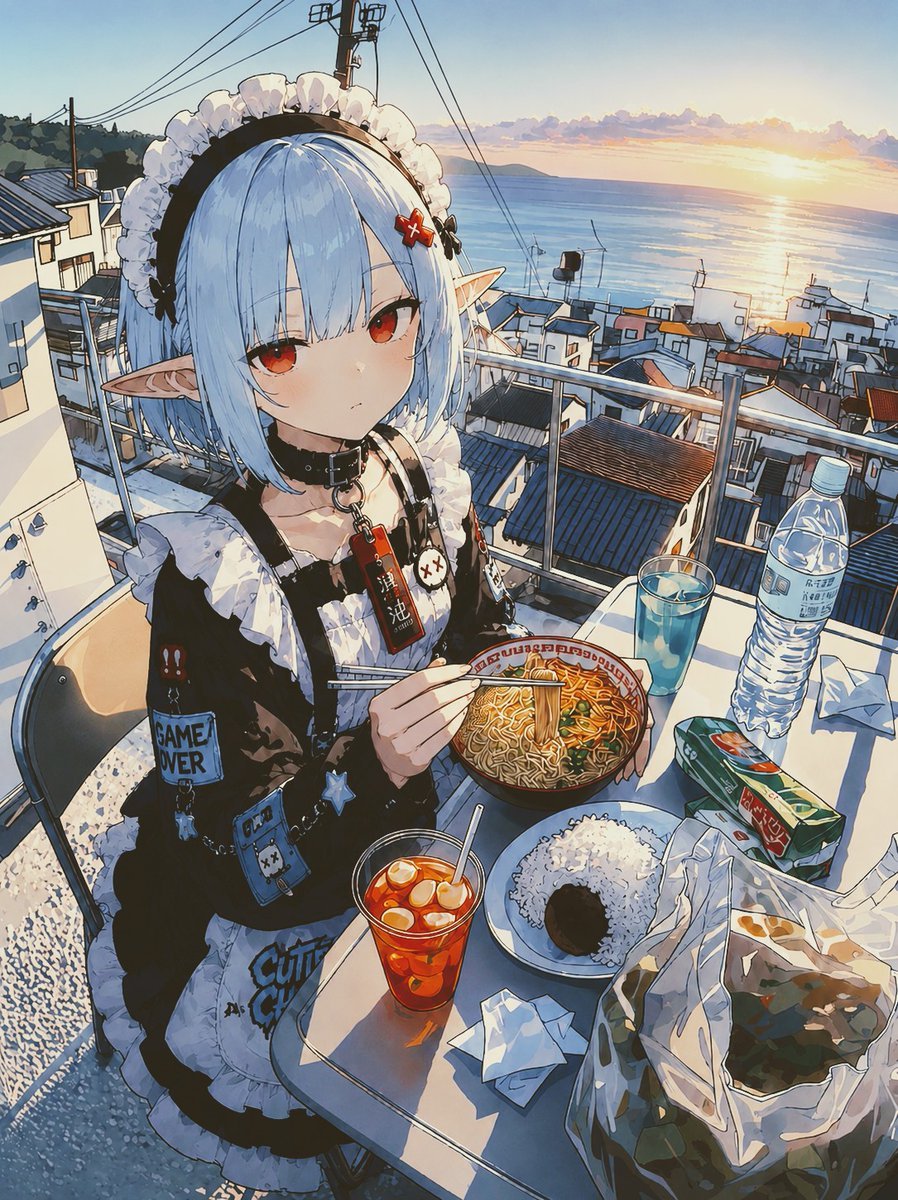
POV Seaside Elf Maid Dinner
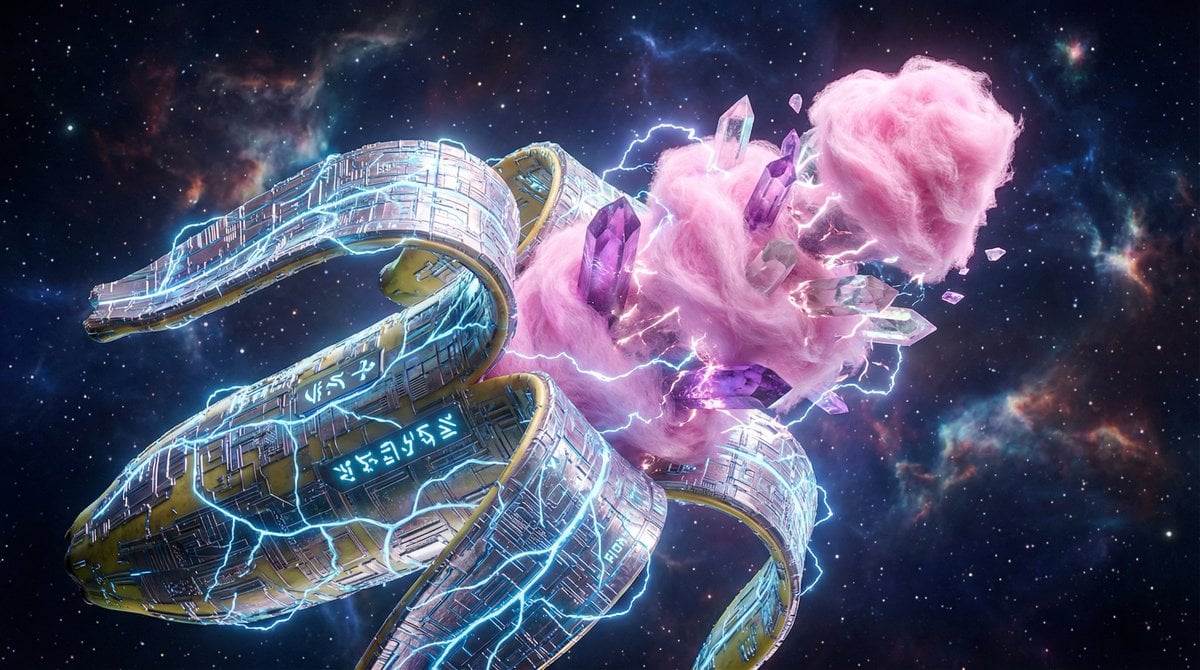
Surreal Nano-Circuitry Banana Split
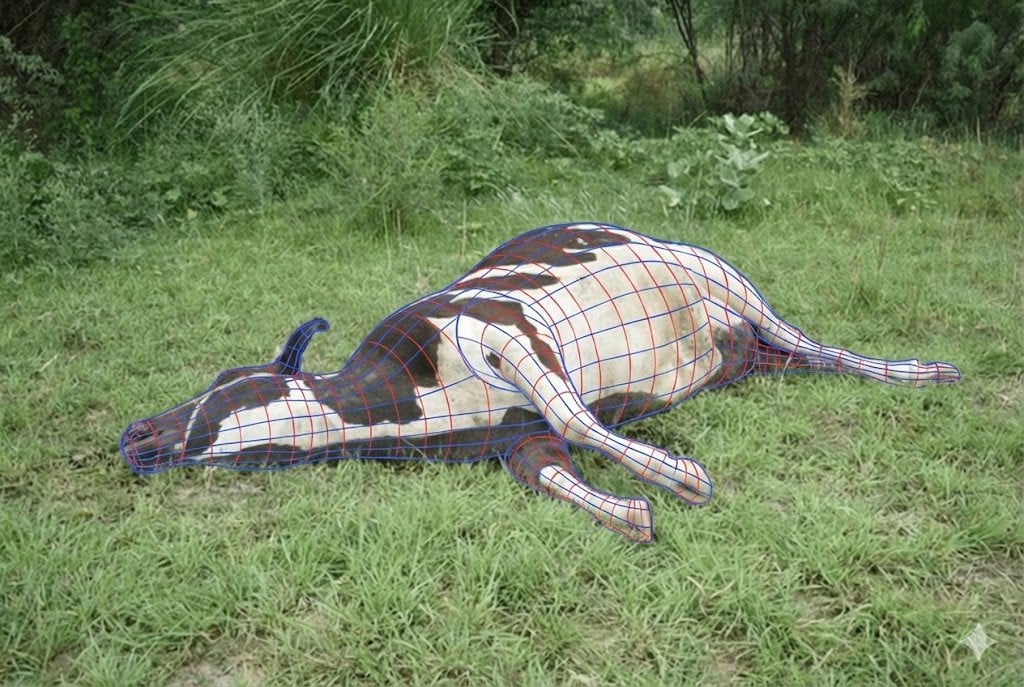
Wireframe Grid Overlay Prompt
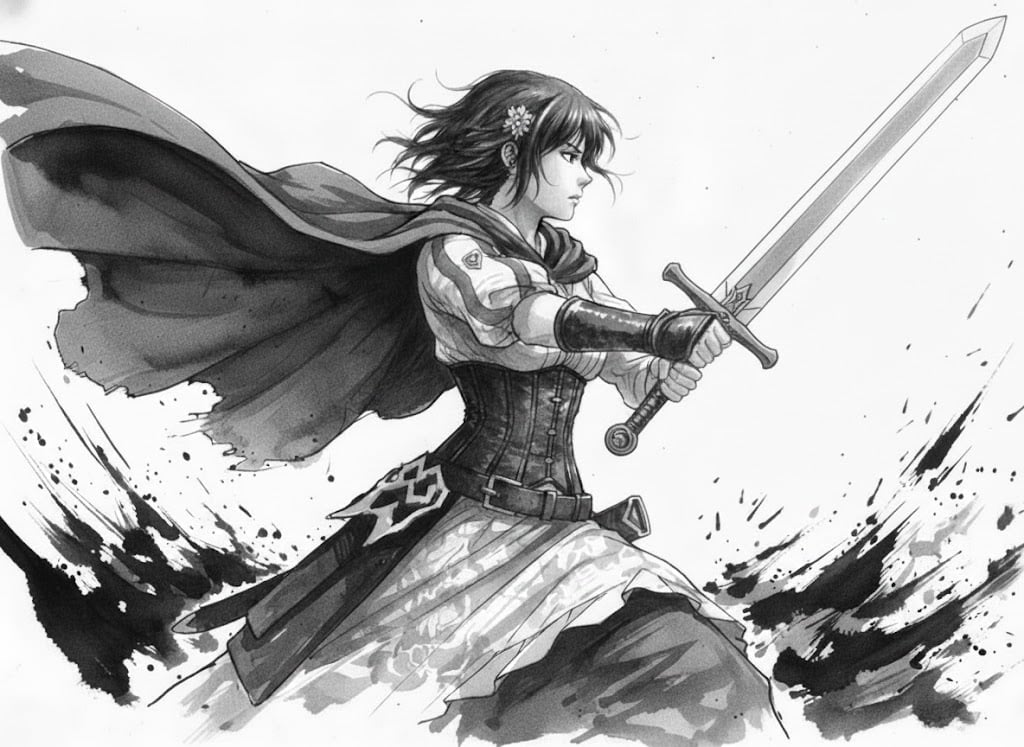
Ink painting style Abé-chan with a sword
Browse template categories
Character promotional poster using a unified vertical portrait key questions
How do I use the Character promotional poster using a unified vertical portrait key template?
Add your photo if the template asks for one, edit the prompt if you like — the template's model and format are already selected — and press Generate. Your version opens in PicX Studio.
Can I customize the Character promotional poster using a unified vertical portrait key template?
Yes. You can change the subject, setting, lighting, mood, format, and available model controls before creating your image.
Is the Character promotional poster using a unified vertical portrait key template free?
Opening and editing this template is free. Generating uses credits, shown on the Generate button when you are signed in.
Which AI model should I use?
Start with GPT Image 2, which is the model associated with this template. You can compare another compatible model for a different finish.
Looking for something else? Browse all templates.

Your photo, any look
Thousands of ready templates for every top image and video model, from one credit balance.