
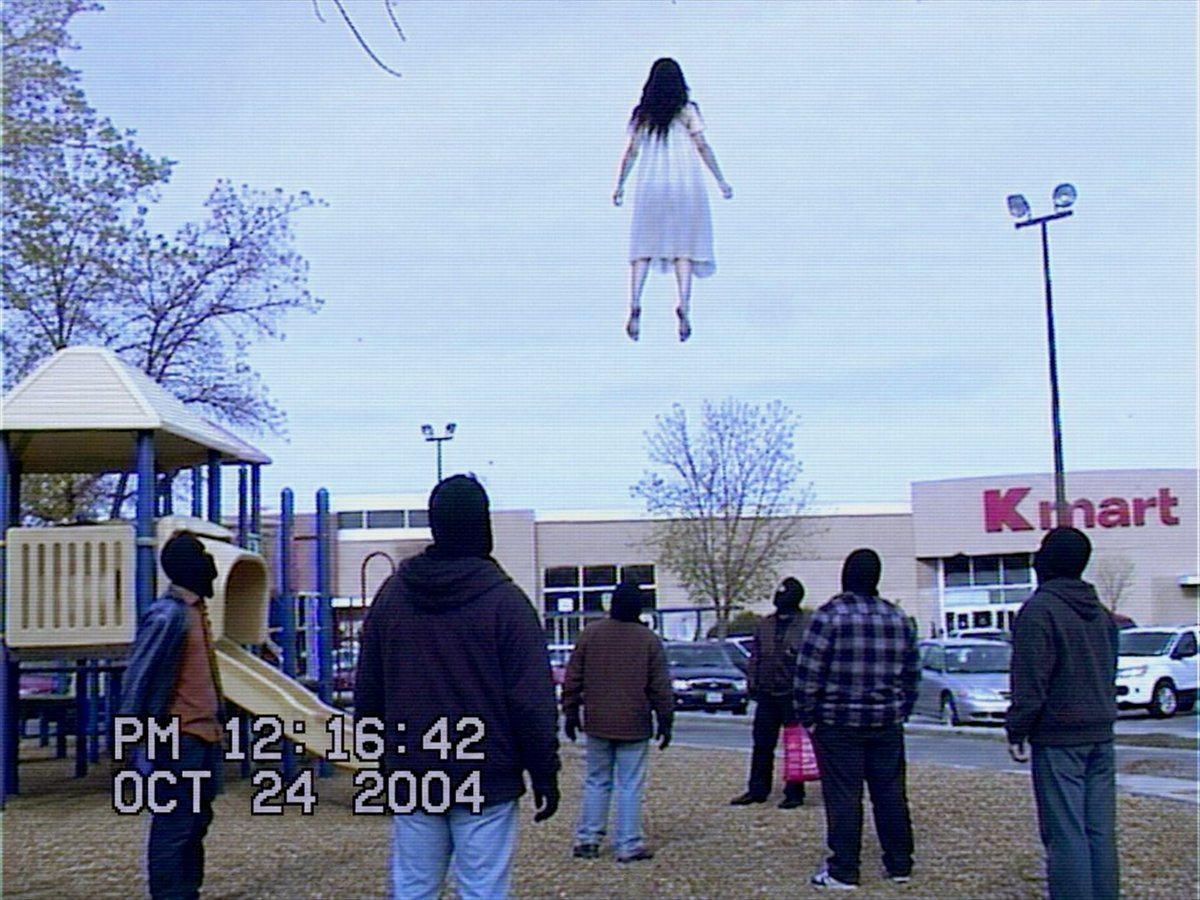
VHS Kmart Levitation Incident
A found-footage style VHS still of onlookers watching a girl levitate above a Kmart parking lot, useful for eerie paranormal scene generation.
- Prompt included
- Model and format preset
- Free template
The prompt behind this image
Copy the exact prompt behind VHS Kmart Levitation Incident, or open it in the studio and make it yours.
Create a low-resolution VHS camcorder still from 2004 showing a strange paranormal event in a suburban Kmart parking lot beside a playground. The scene is shot from behind at eye level on an overcast day, with a pale blue-gray sky, leafless trees, parked cars, beige big-box store facade, and a large red “Kmart” sign on the right. In the upper center of the frame, a young girl with long dark hair wearing a plain white knee-length dress floats unnaturally high above the ground, viewed from behind, arms slightly away from her sides and feet dangling. On the ground there are exactly 7 adult onlookers facing her: 1 person in a beanie near the yellow playground slide on the left, 1 large hooded figure in the foreground center, 1 person in a tan jacket near center, 1 dark-clothed person farther back near the cars, 1 person holding a bright pink shopping bag, 1 person in a blue plaid shirt, and 1 hooded person on the far right. Include a playground structure on the left with a cream roof, yellow slide, blue posts, gravel or mulch ground, parking lot light poles, and cars in the background. Add authentic analog video artifacts: horizontal scan lines, interlacing, slight blur, muted colors, blue tint, compression noise, mild chromatic aberration, and a black-bordered camcorder feel. Overlay large white blocky VHS timestamp text in the lower left reading “PM 12:16:42” on the first line and “OCT 24 2004” on the second line. Make the image feel like found footage of a supernatural levitation incident, realistic and unsettling, not cinematic or polished. Customizable elements: levitating subject is {argument name="levitating subject" default="a young girl with long dark hair in a white dress"}, store sign is {argument name="store sign" default="Kmart"}, timestamp is {argument name="timestamp" default="PM 12:16:42 / OCT 24 2004"}, setting is {argument name="setting" default="suburban Kmart parking lot beside a playground"}, visual format is {argument name="visual format" default="low-resolution 2004 VHS camcorder still"}.
How to use VHS Kmart Levitation Incident in 3 steps
- 1Upload ImagePNG, JPG or paste
Add your photo
Upload the photo the template builds on. The prompt, model and format are already set.
- 2…a portrait of your subject in softgolden-hour light, 85mm…
Personalize
Edit the subject and creative details for your destination.
- 3Generate
Generate
Press Generate — your image is created in PicX Studio, so you can compare it with the original and refine one variable at a time.
More like this
Templates with the same subject, style or setup. Open one to see its prompt.
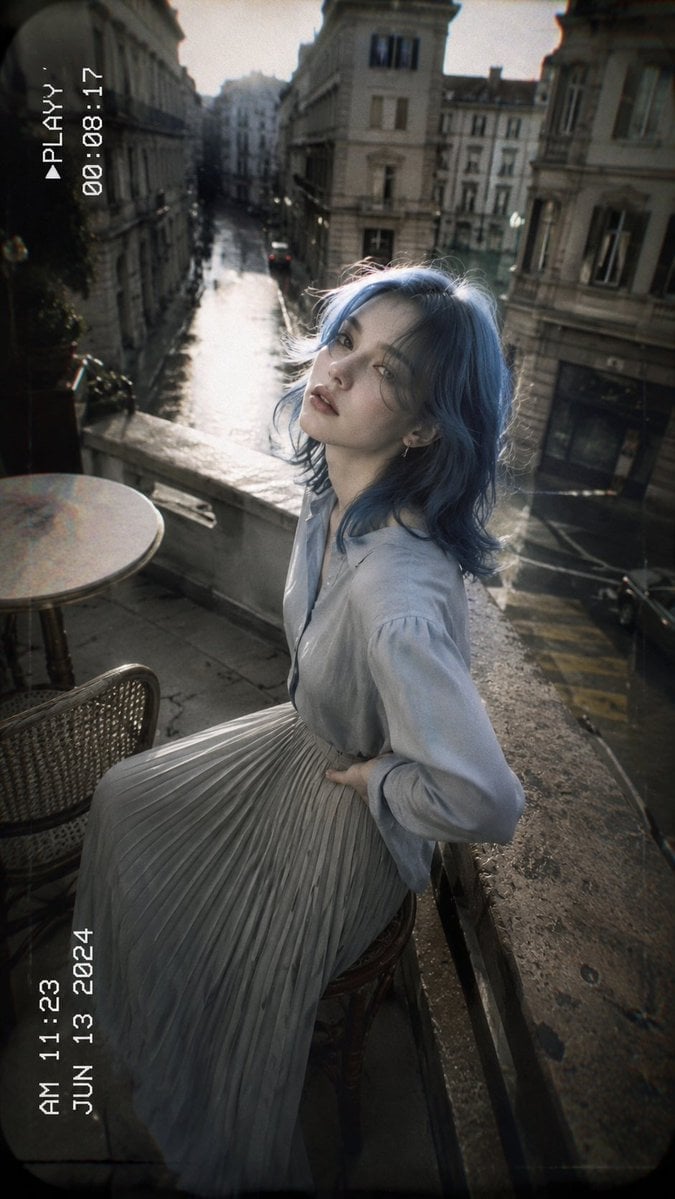
VHS Paris Balcony Portrait
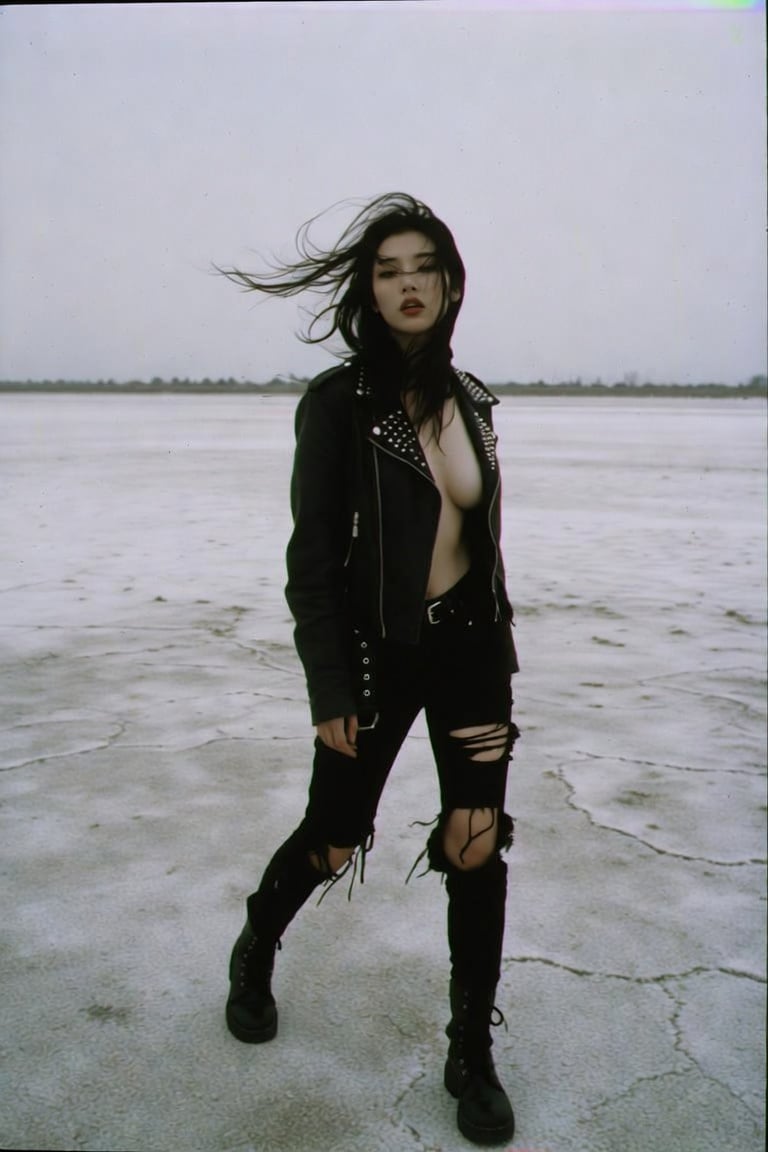
VHS Aesthetic Punk Streetwear
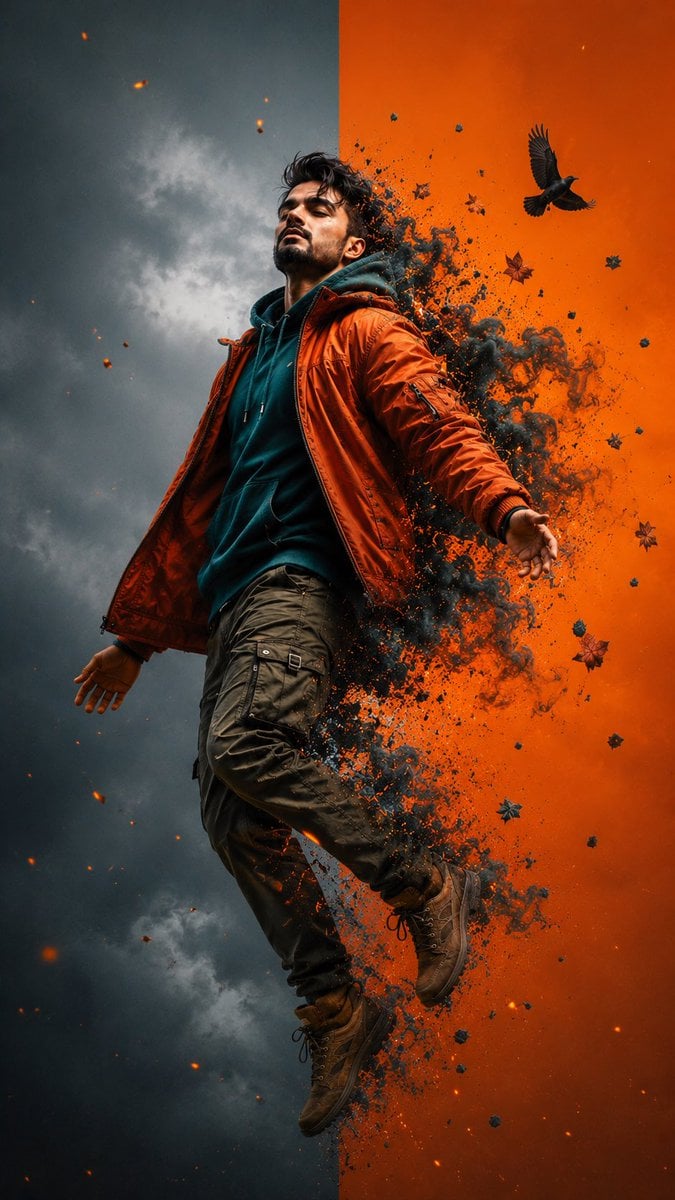
Cinematic Levitation Portrait Transformation

Skate VHS Title Card
VHS Cover Horror Camp
Credit Card Levitation
VHS 90s Mall Teen Group Portrait
Xuanwu Gate Incident Moments Post
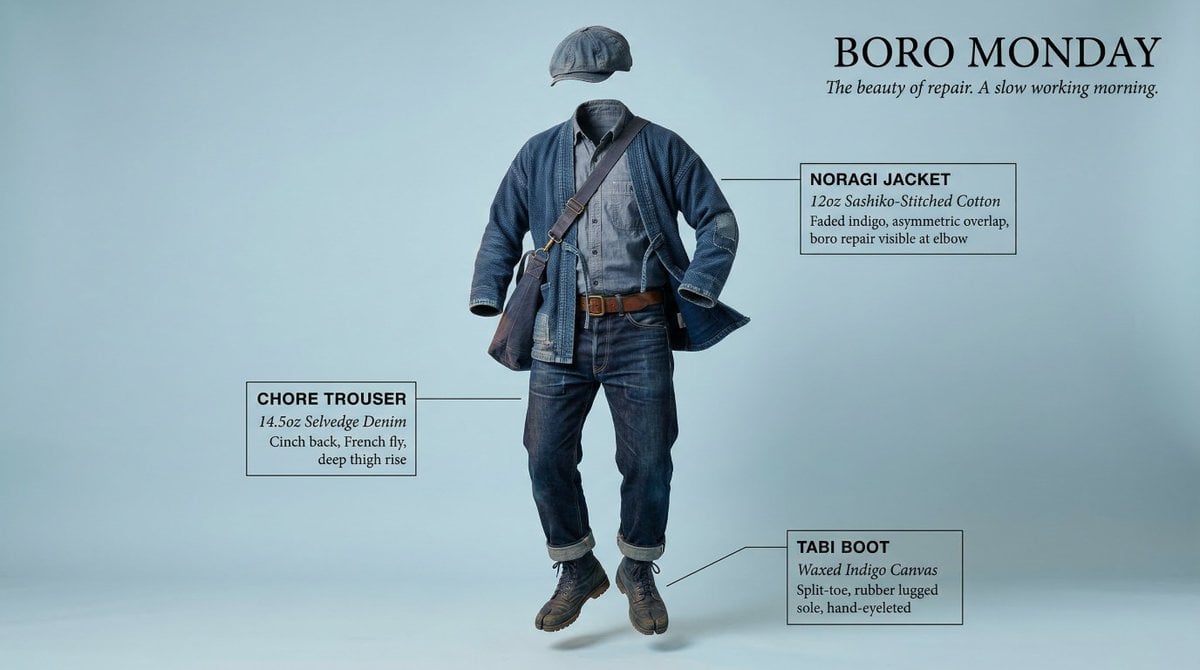
High-Concept Levitation Fashion Editorial
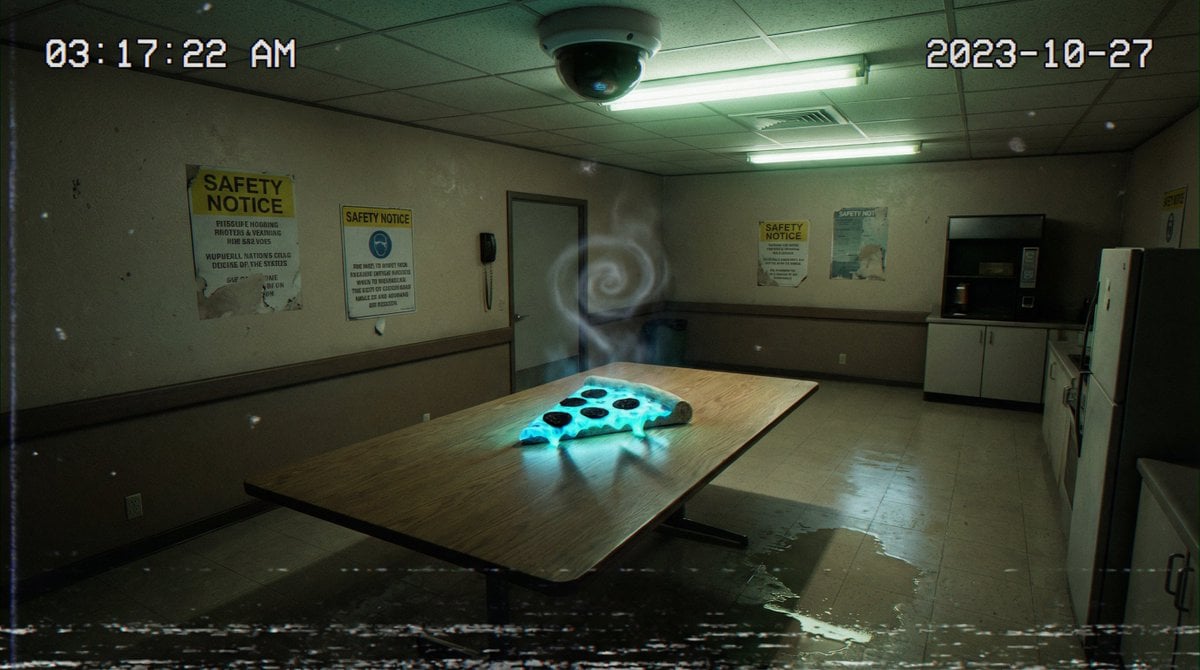
Forensic Surrealist Photography Prompt for Liminal Breakroom Incident
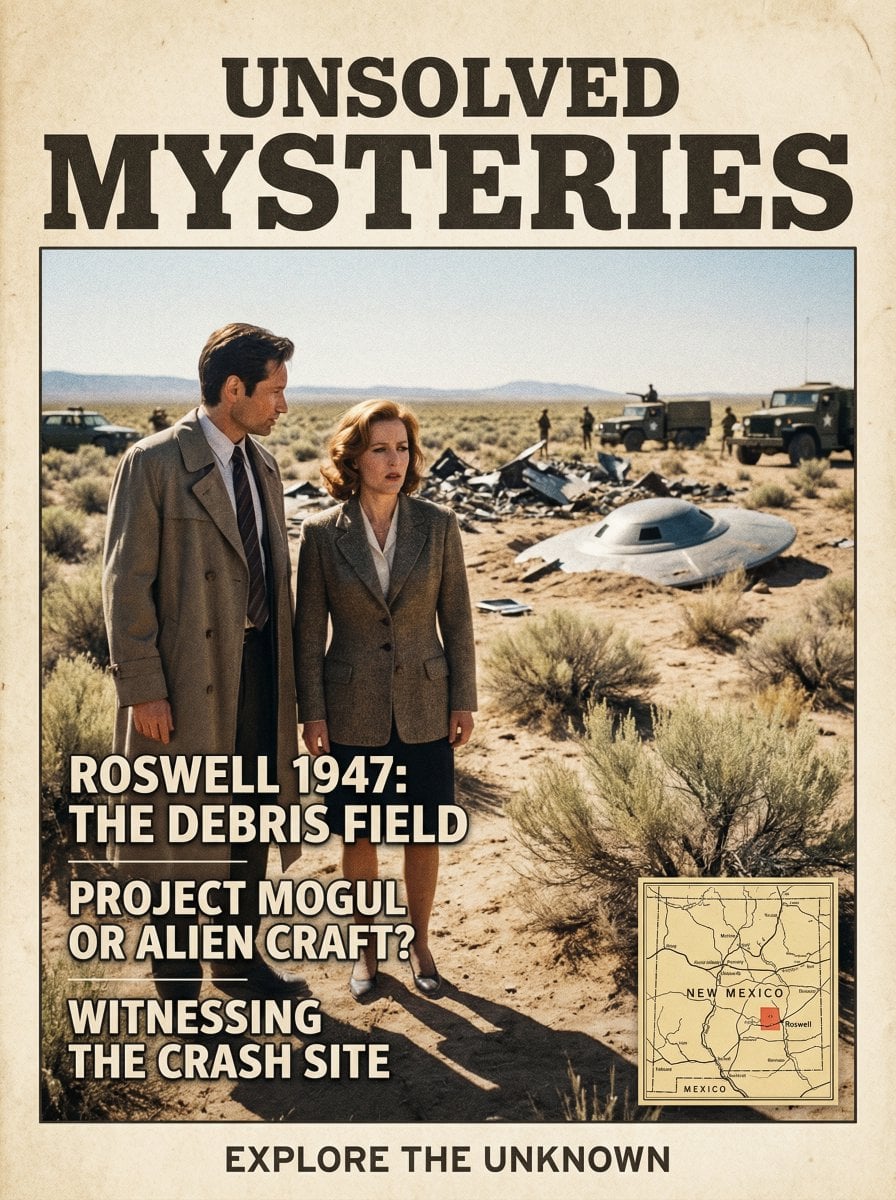
Roswell Incident Magazine Cover
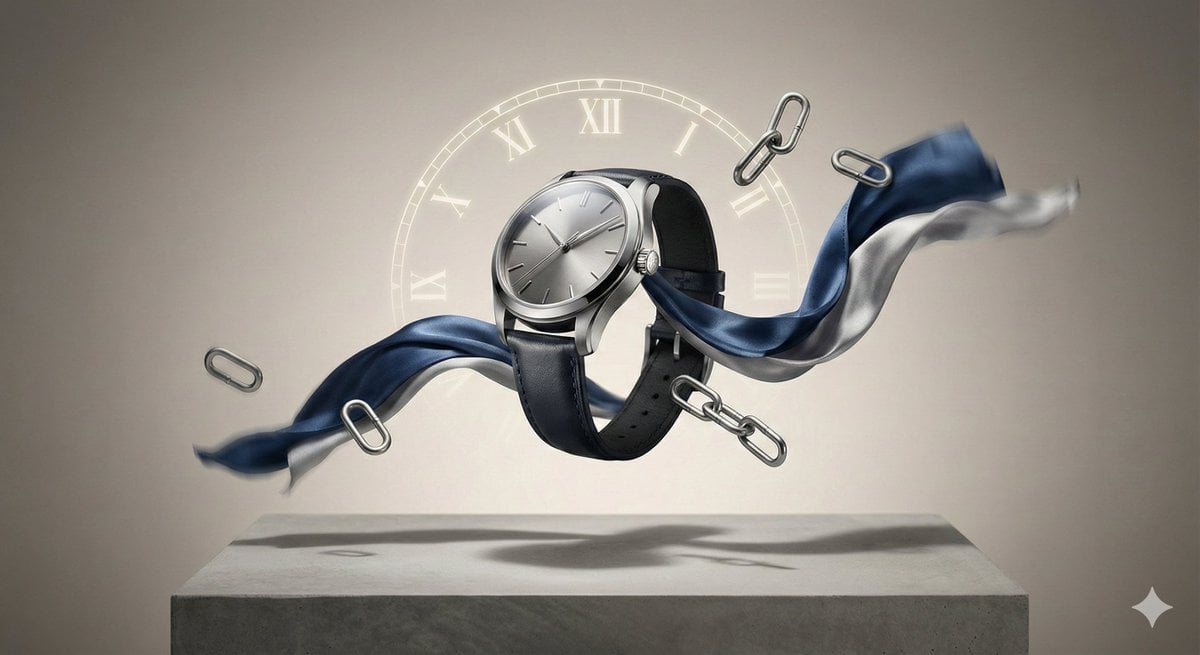
Editorial Product Photography Prompt for Levitation Effect
Make it yours
VHS Kmart Levitation Incident works as-is. These are the safest ways to change it without losing the look.
Change one field
Copy a single group, rewrite it, and generate again so you can see what that field is doing.
Keep the frame, change the subject
Hold the composition and light of VHS Kmart Levitation Incident, then swap wardrobe, props or the person for a new take.
| If the result… | Why | Fix |
|---|---|---|
| The result drifts from the preview | Too many fields changed at once. | Reuse VHS Kmart Levitation Incident as-is first, then change one group — subject, light, or setting. |
| The model over-stylizes the scene | The prose prompt leaves finish and camera underspecified. | Add one camera or lighting sentence and stay on GPT Image 2. |
More GPT Image 2 templates
Other prompts made for GPT Image 2.

Six VTuber Japanese Logo Sheet

Realistic Portrait of Woman and Deer

The Vista Modular Condo Poster

AI Model Routing Comparison Infographic

2.5D Anime Art Board

Isometric Productivity Desk Scene

New York Double Exposure Poster

Four-Panel AI Landscape Comparison

Japanese Tatami Lifestyle Magazine Cover

NESCAFÉ Coffee Map Poster
More image prompts
Fresh picks from across the catalog.
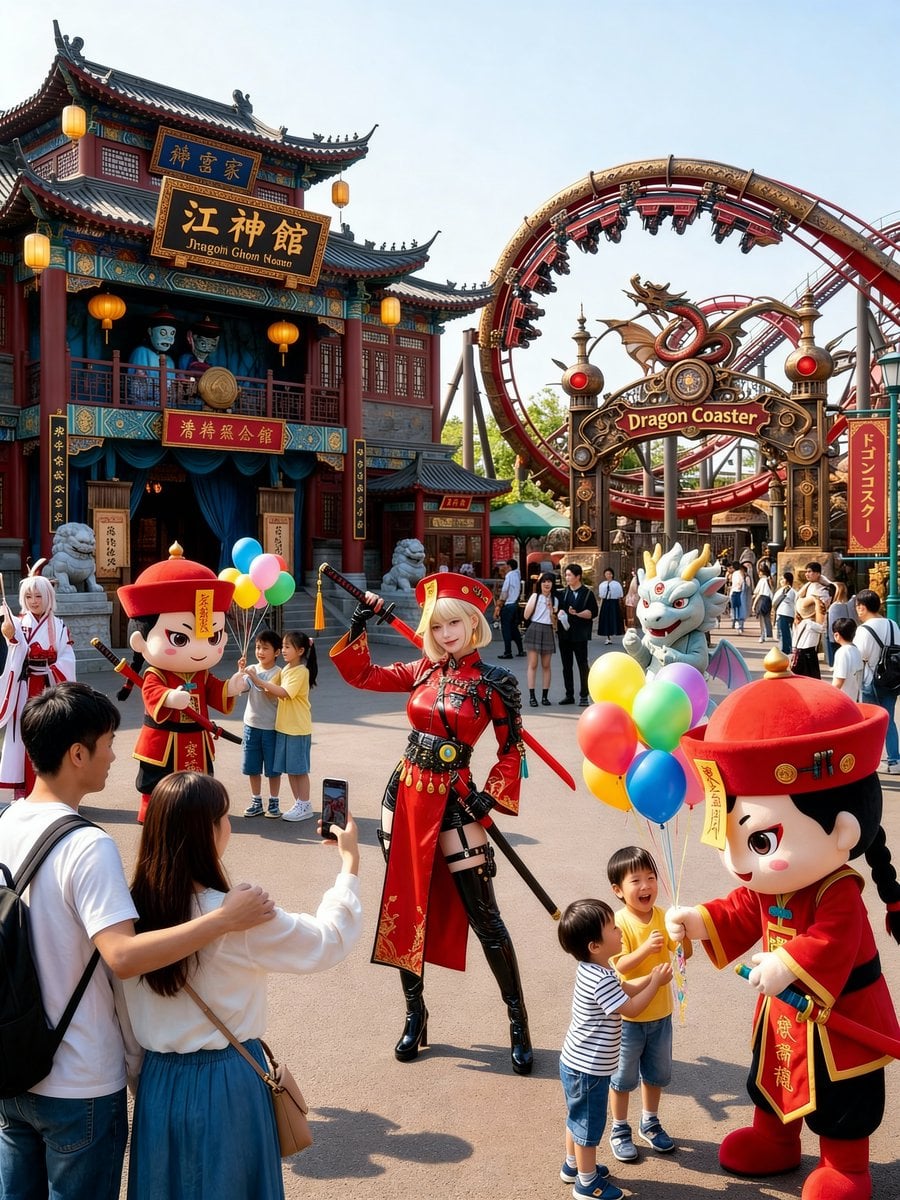
Amusement Park Prompt Template for Character Placement
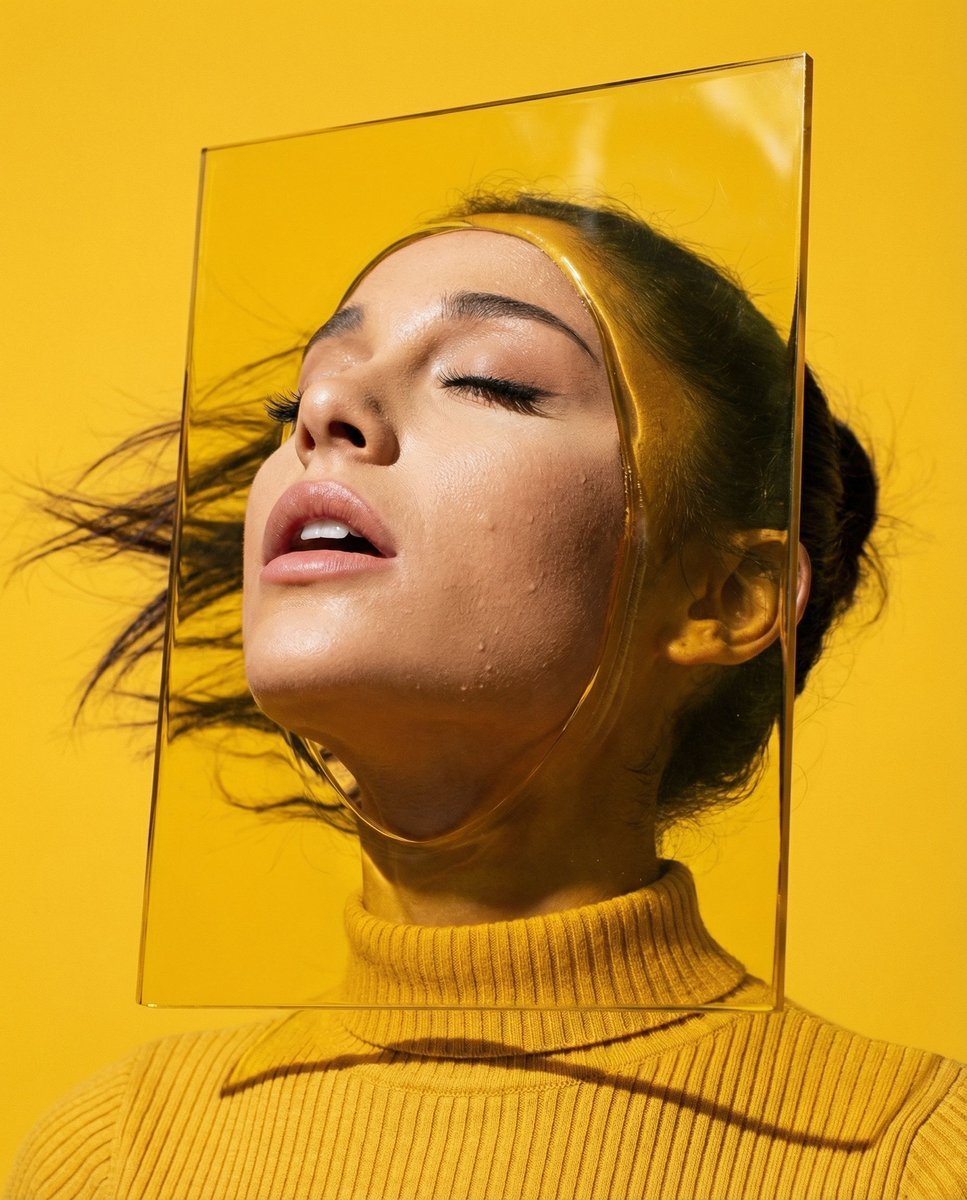
Editorial Surrealism Portrait (Amber Trance)
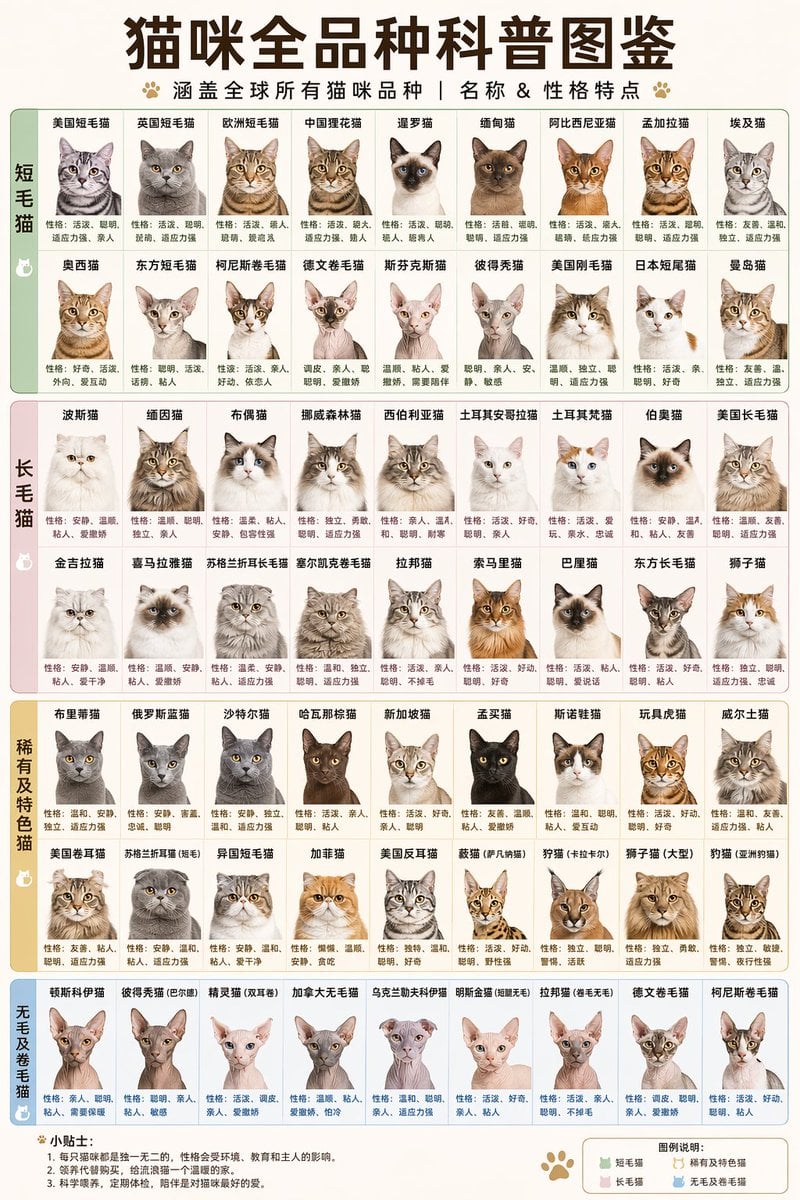
Comprehensive Cat Breed Infographic
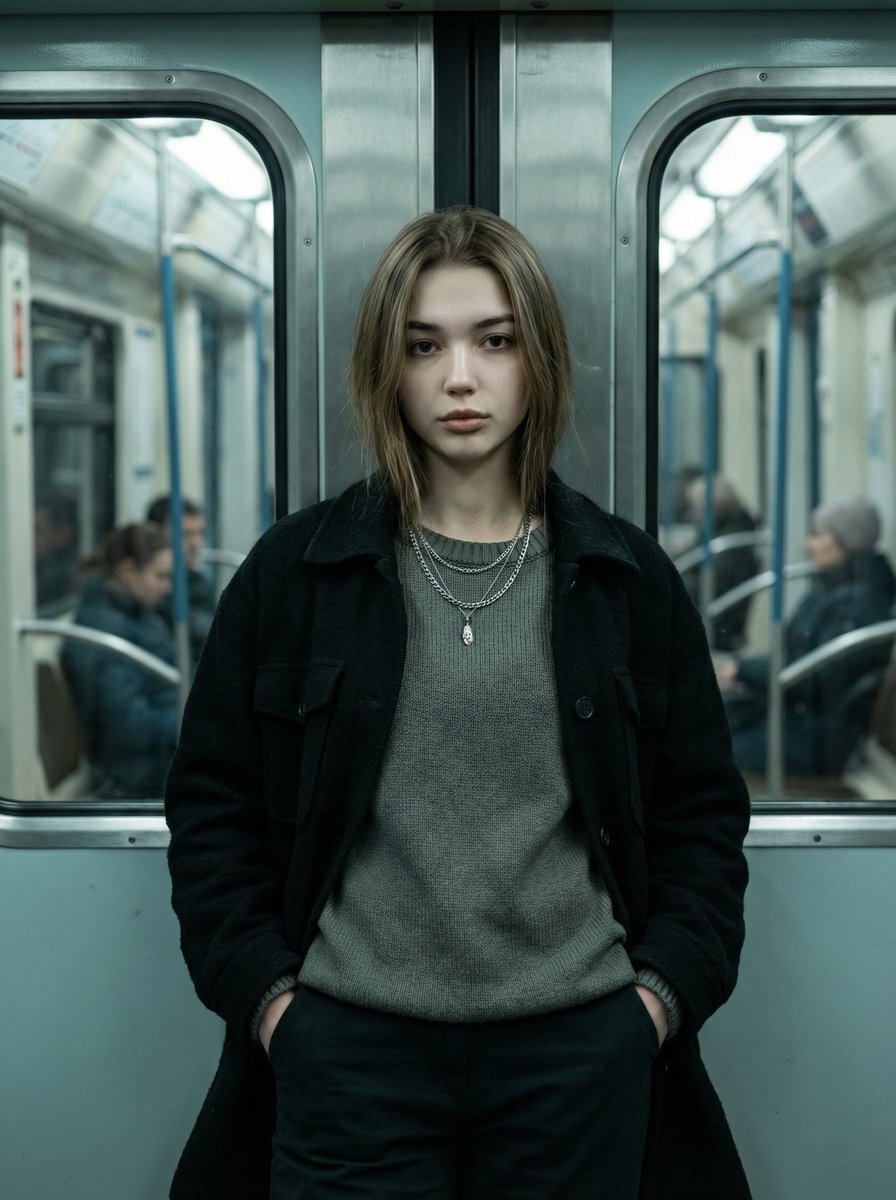
Cinematic Editorial Fashion Portrait in Subway
Y2K Cinematic Portrait in a Convenience Store
X Sumiturkude007 Image Description Subject
Watercolor Travel Journal Illustration
Gpt2 High Fashion Editorial
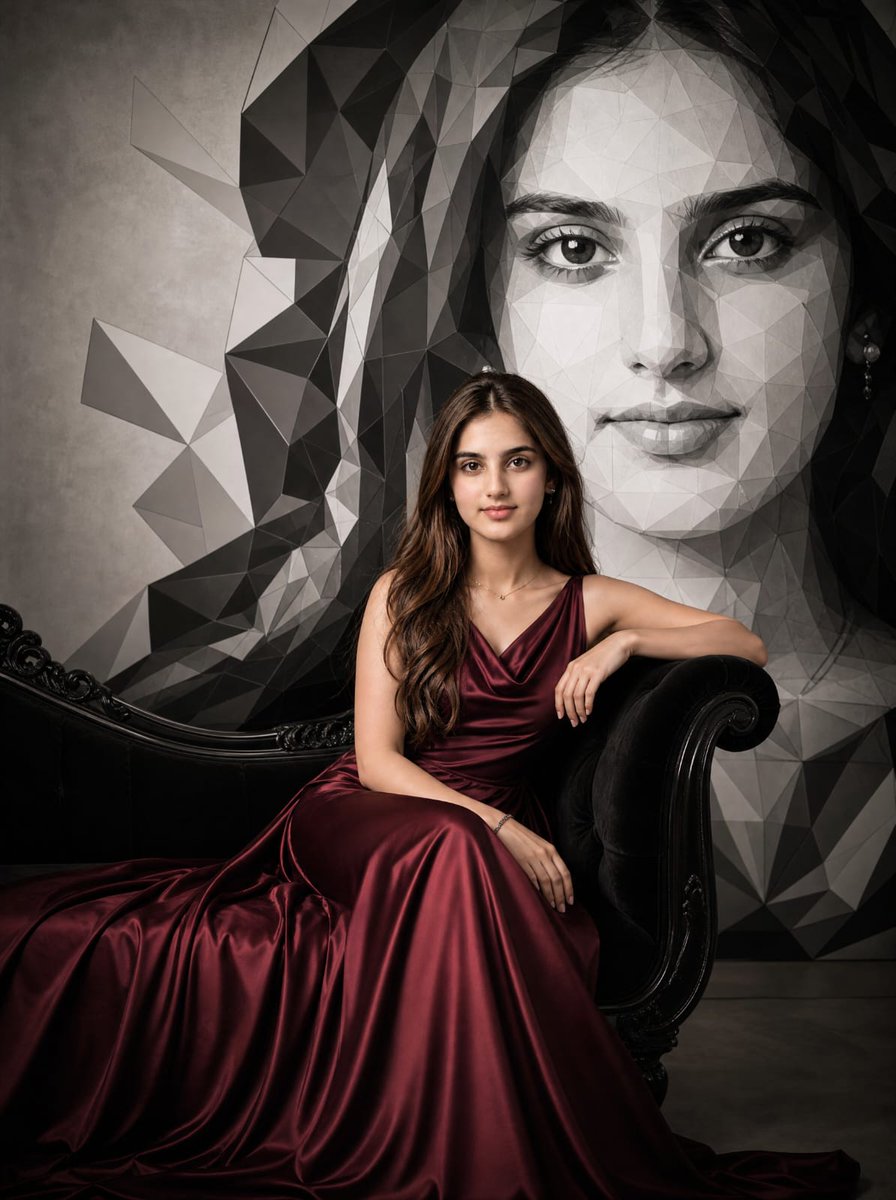
Burgundy Gown Editorial on Black Chaise
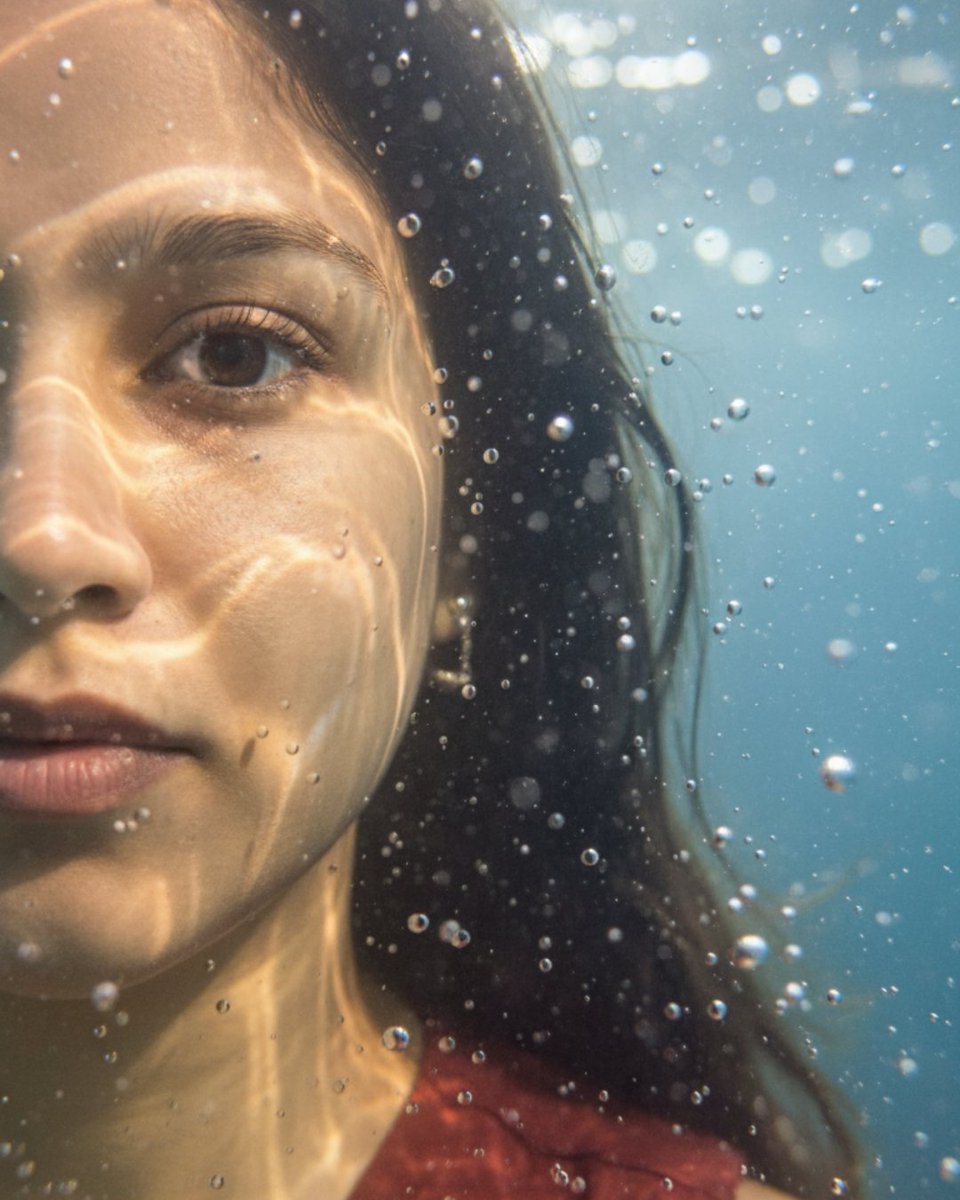
Underwater macro portrait (left half of face)
Browse template categories
VHS Kmart Levitation Incident questions
How do I use the VHS Kmart Levitation Incident template?
Add your photo if the template asks for one, edit the prompt if you like — the template's model and format are already selected — and press Generate. Your version opens in PicX Studio.
Can I customize the VHS Kmart Levitation Incident template?
Yes. You can change the subject, setting, lighting, mood, format, and available model controls before creating your image.
Is the VHS Kmart Levitation Incident template free?
Opening and editing this template is free. Generating uses credits, shown on the Generate button when you are signed in.
Which AI model should I use?
Start with GPT Image 2, which is the model associated with this template. You can compare another compatible model for a different finish.
Looking for something else? Browse all templates.

Your photo, any look
Thousands of ready templates for every top image and video model, from one credit balance.