
Gpt2 High Fashion Editorial
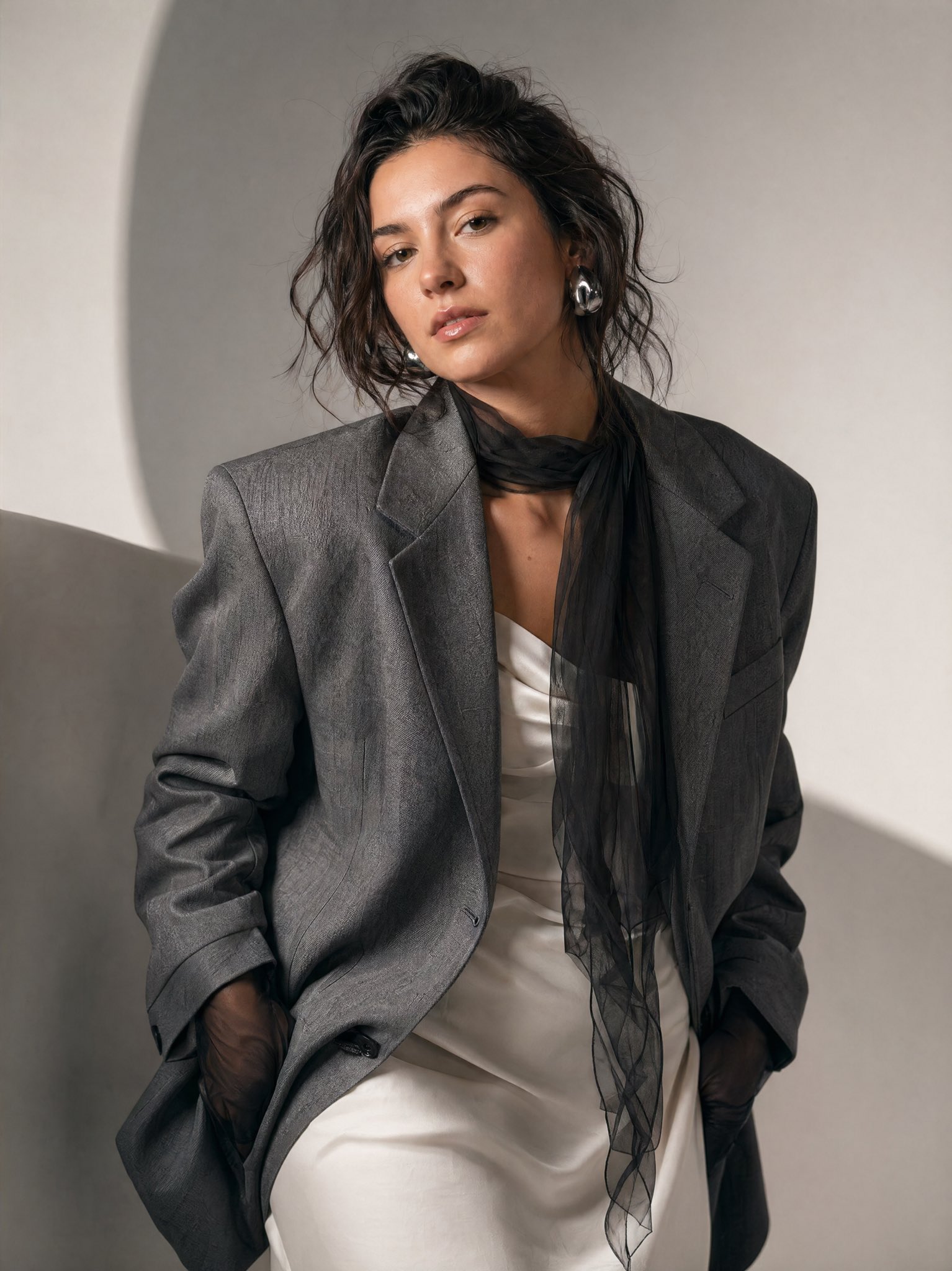
High-fashion editorial minimalist studio portrait — structured gray blazer, sheer black scarf, silver earrings.
- Prompt included
- Model and format preset
- Free template
The prompt behind this image
Copy the exact prompt behind Gpt2 High Fashion Editorial, or open it in the studio and make it yours.
GPT Image 2 in 4k on Higgsfield Prompt: A high-fashion editorial portrait of a woman in a minimalist studio setting. She is leaning slightly forward and tilting her head, creating a dynamic, asymmetrical composition. Her expression is neutral and confident, with a slightly intense gaze directed toward the camera. She wears a structured, oversized gray blazer with a subtle textured pattern over a soft white dress. Around her neck is a sheer black scarf that drapes loosely and flows downward, adding contrast and movement. Her hands are partially tucked into the blazer, with sheer black gloves visible. Her hair is styled in a slightly messy, effortless updo with loose strands framing her face. She wears bold, modern silver earrings. Her makeup is natural and dewy, with softly defined eyes and neutral lips. The lighting is soft and diffused, creating gentle shadows that contour her face and highlight the textures of the fabric, giving it a professional editorial feel. The background is minimal, featuring smooth, light gray tones with subtle curved shapes that add depth without distraction. The color palette is muted and sophisticated: gray, white, and black dominate the scene. The overall mood is elegant, contemporary, and slightly moody, resembling a luxury fashion magazine shoot. Style keywords: fashion editorial, minimalist, soft lighting, neutral tones, modern elegance, high detail, shallow depth of field, studio photography, cinematic composition.
How to use Gpt2 High Fashion Editorial in 3 steps
- 1Upload ImagePNG, JPG or paste
Add your photo
Upload the photo the template builds on. The prompt, model and format are already set.
- 2…a portrait of your subject in softgolden-hour light, 85mm…
Personalize
Edit the subject and creative details for your destination.
- 3Generate
Generate
Press Generate — your image is created in PicX Studio, so you can compare it with the original and refine one variable at a time.
More like this
Templates with the same subject, style or setup. Open one to see its prompt.

Minimalist Fashion Editorial Split Layout
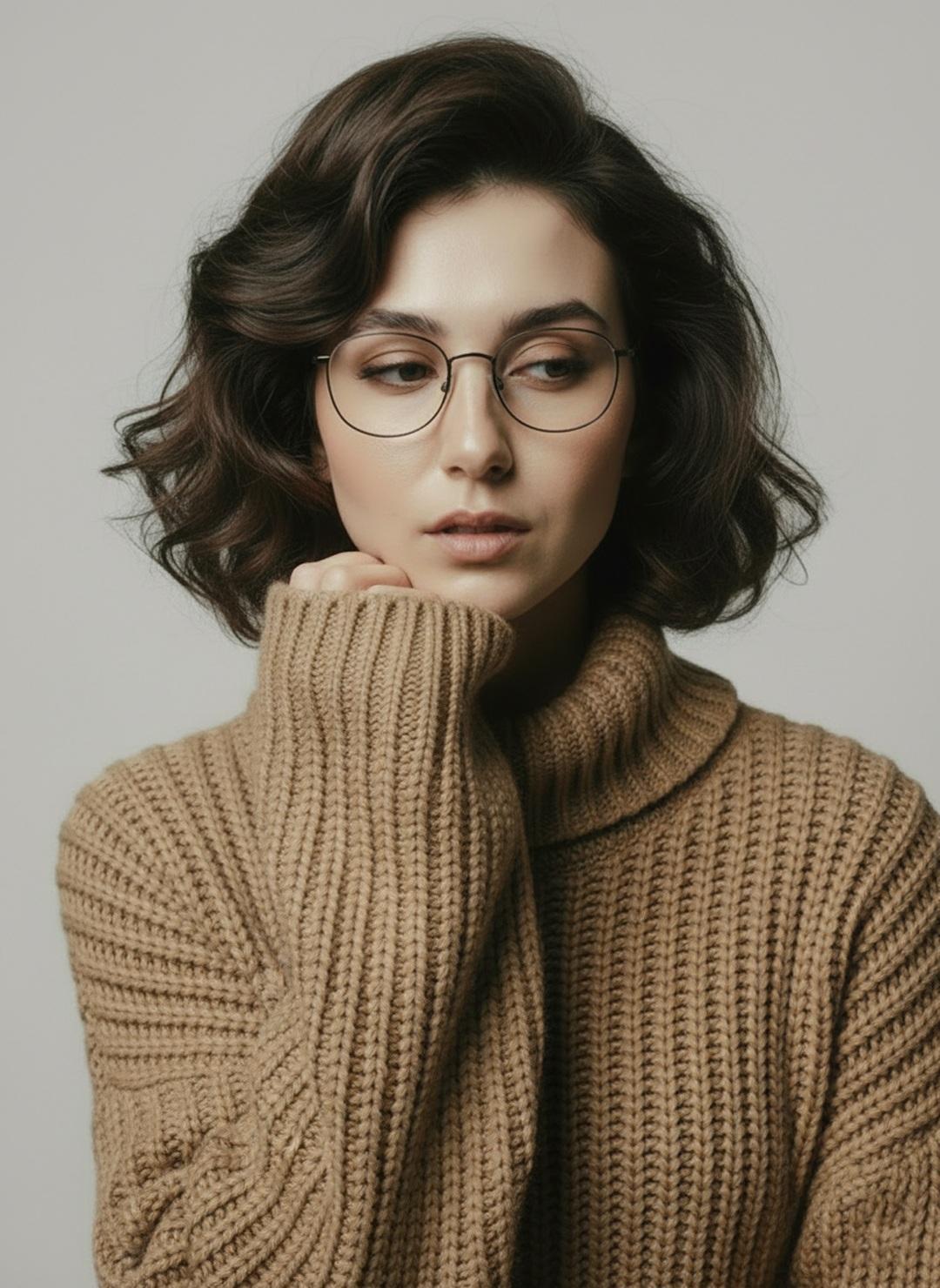
Minimalist Scandinavian Editorial Fashion Portrait Series

Futuristic Studio Neon Ring Minimalist Portrait

Japanese Minimalist Concrete Studio Fashion Editorial

Korean Streetwear Minimalist Campaign Portrait

Quiet Minimalist Anime Style Guide

Moss Logo Minimalist Brand Flat Lay
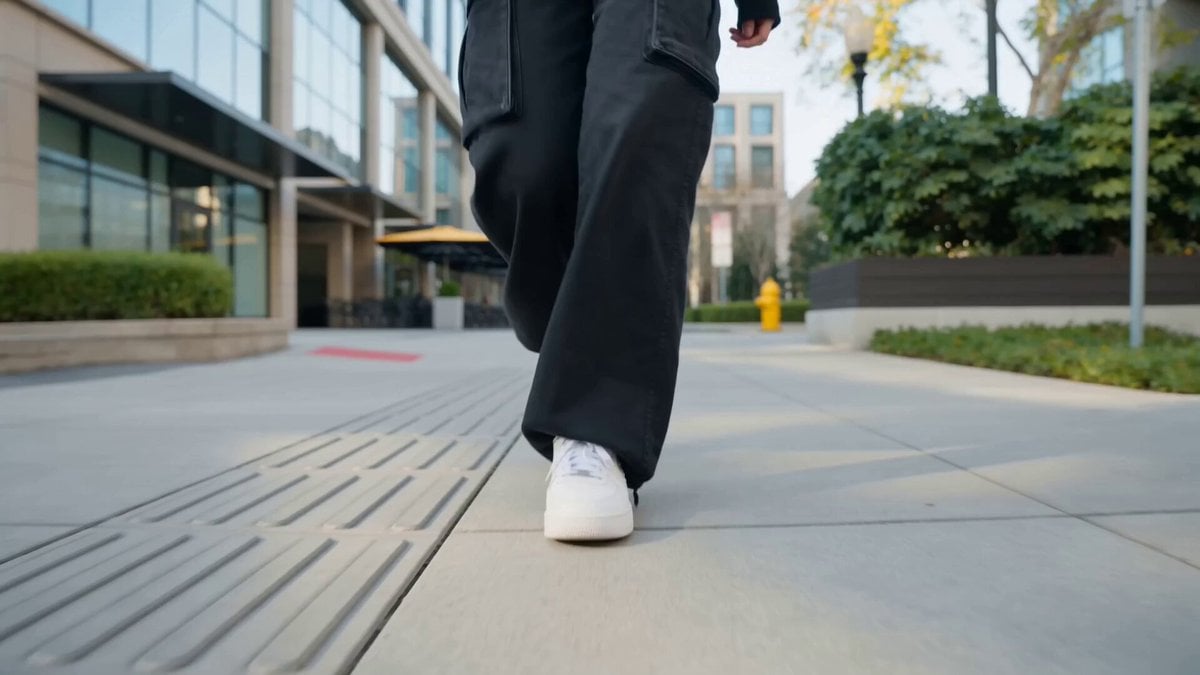
Nano Banana Seedance Cinematic Walk

Nano Banana 2 Higgsfield
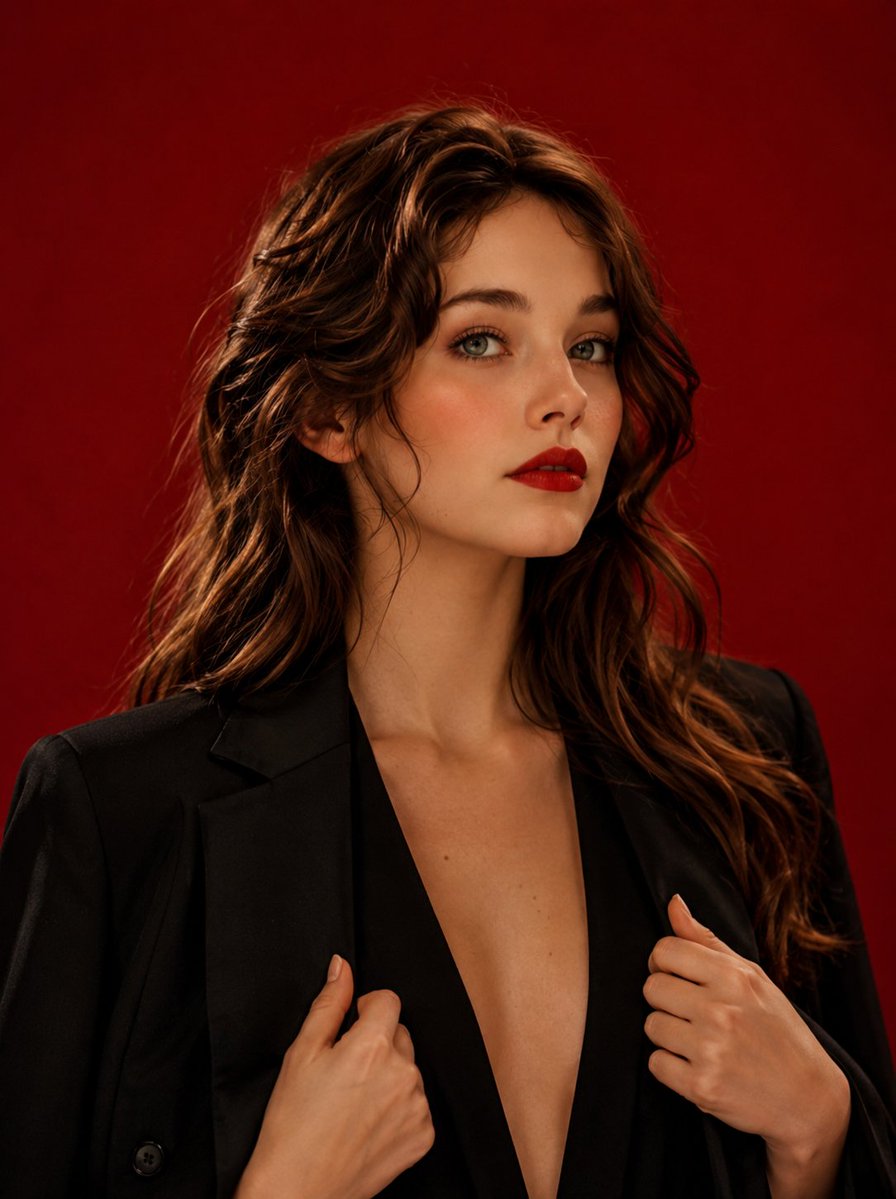
High Fashion Editorial Studio Portrait
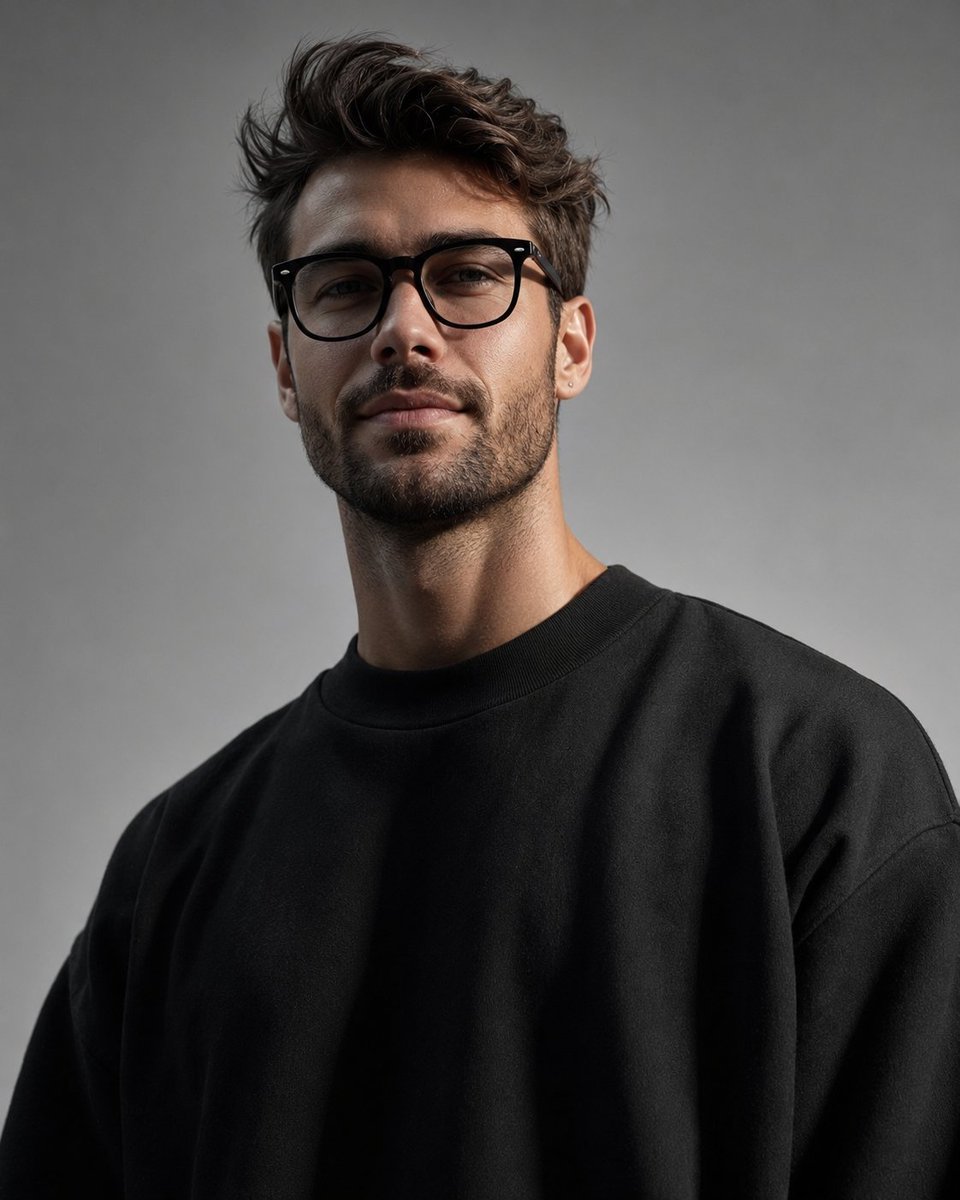
Minimalist High-Fashion Studio Portrait

Minimalist Studio Fashion Portrait Grid
Make it yours
Gpt2 High Fashion Editorial works as-is. These are the safest ways to change it without losing the look.
Change one field
Copy a single group, rewrite it, and generate again so you can see what that field is doing.
Keep the frame, change the subject
Hold the composition and light of gpt2-high-fashion-editorial, then swap wardrobe, props or the person for a new take.
| If the result… | Why | Fix |
|---|---|---|
| The result drifts from the preview | Too many fields changed at once. | Reuse gpt2-high-fashion-editorial as-is first, then change one group — subject, light, or setting. |
| The model over-stylizes the scene | The prose prompt leaves finish and camera underspecified. | Add one camera or lighting sentence and stay on GPT Image 2. |
More GPT Image 2 templates
Other prompts made for GPT Image 2.

Six VTuber Japanese Logo Sheet

Realistic Portrait of Woman and Deer

The Vista Modular Condo Poster

AI Model Routing Comparison Infographic

2.5D Anime Art Board

Isometric Productivity Desk Scene

New York Double Exposure Poster

Four-Panel AI Landscape Comparison

Japanese Tatami Lifestyle Magazine Cover

NESCAFÉ Coffee Map Poster
More image prompts
Fresh picks from across the catalog.
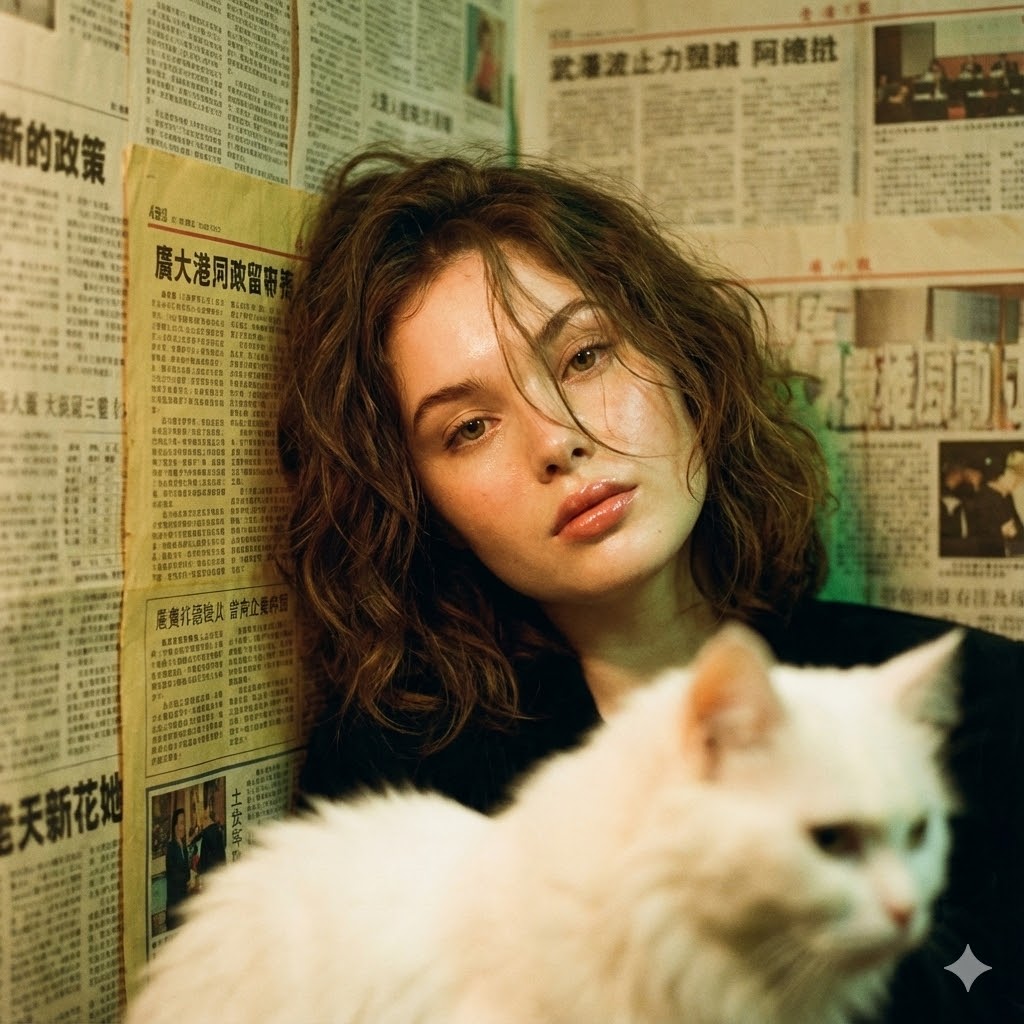
Photorealistic Hong Kong Retro Portrait Prompt
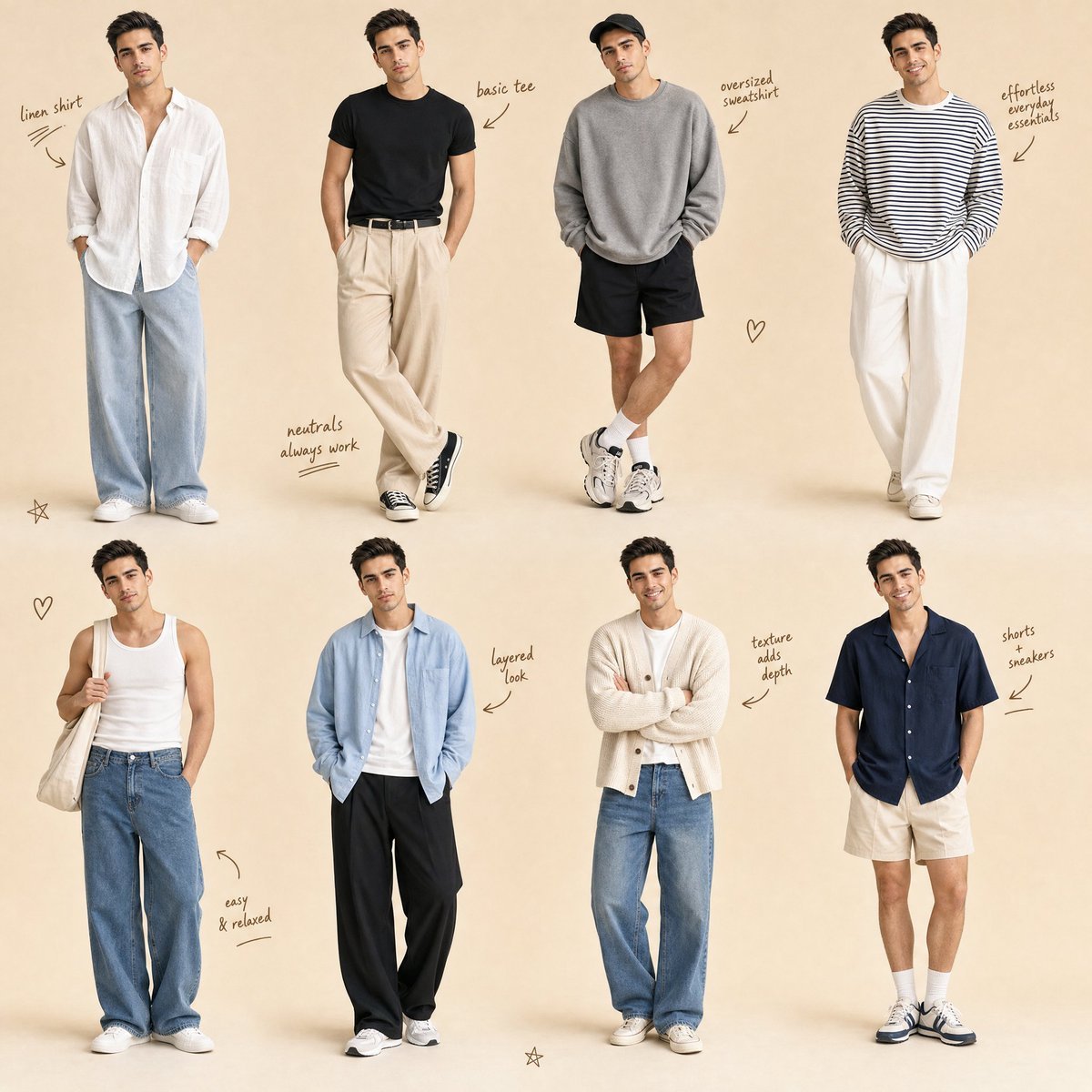
Minimalist Men's Fashion Collage
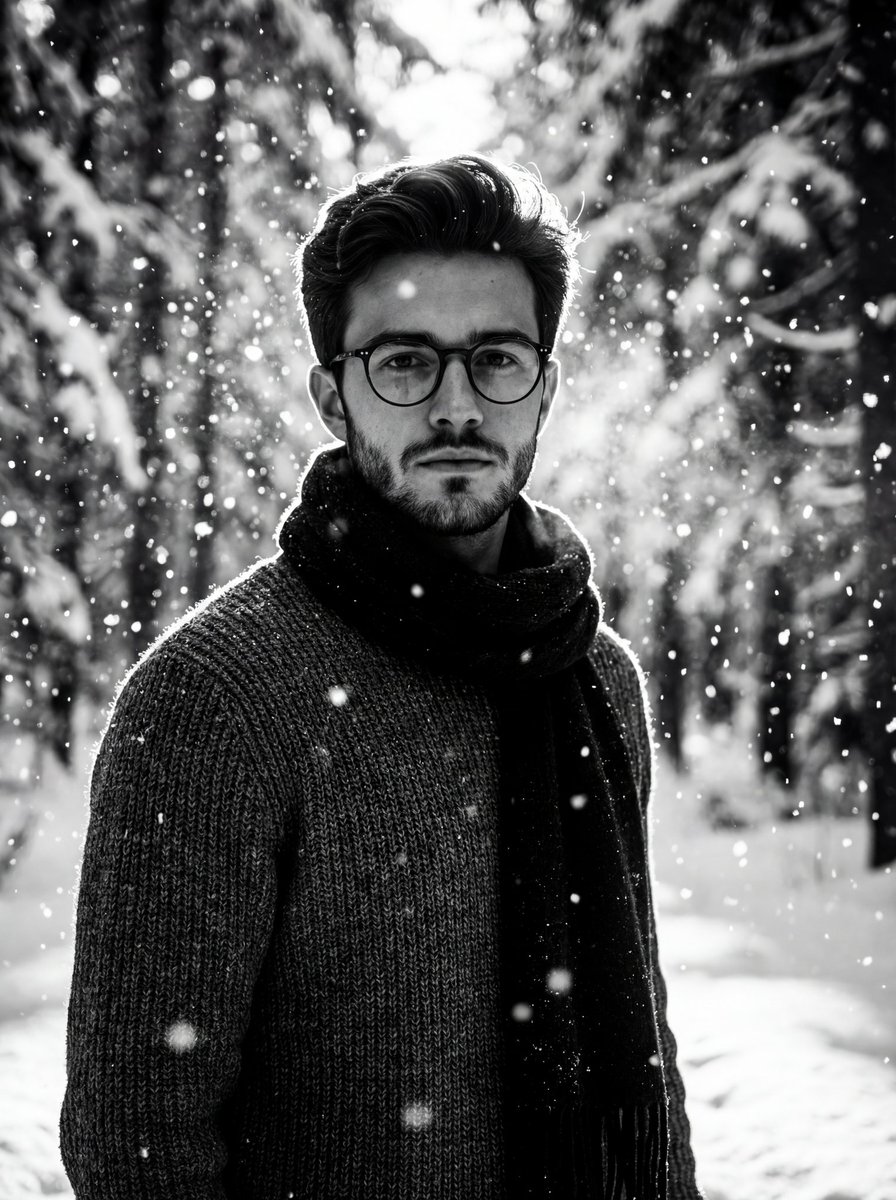
Winter Forest Portrait with Dramatic Backlight
Image Redrawing and Style Transfer Prompt
Punk Gunslinger in Steampunk Undercity

Gpt2 Avant Garde Tennis Fashion
Charcoal and Chalk Fashion Editorial Prompt (Identity Preserve)
Cinematic Ottoman Historical Romance Kiss Prompt
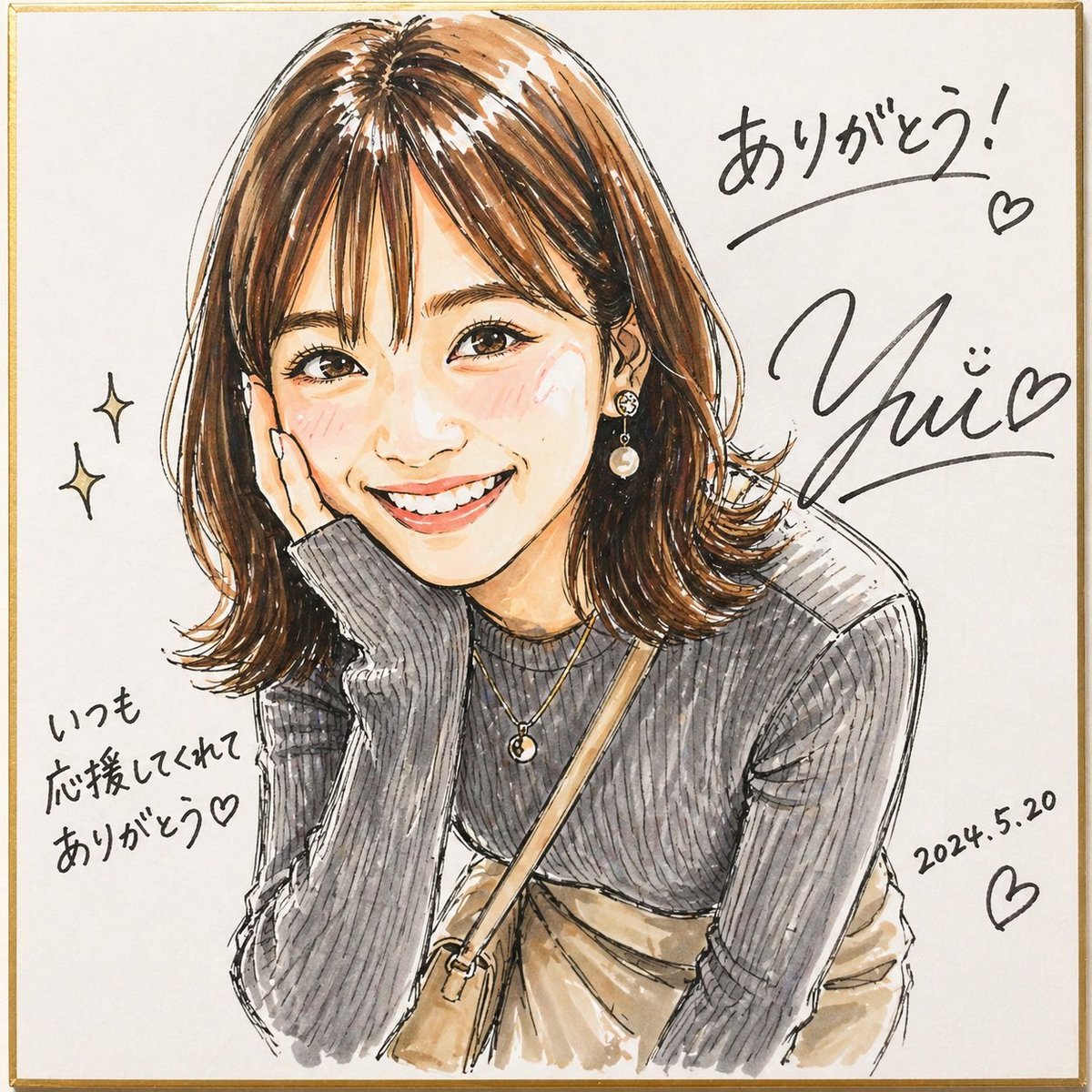
Signed Marker Portrait on Shikishi
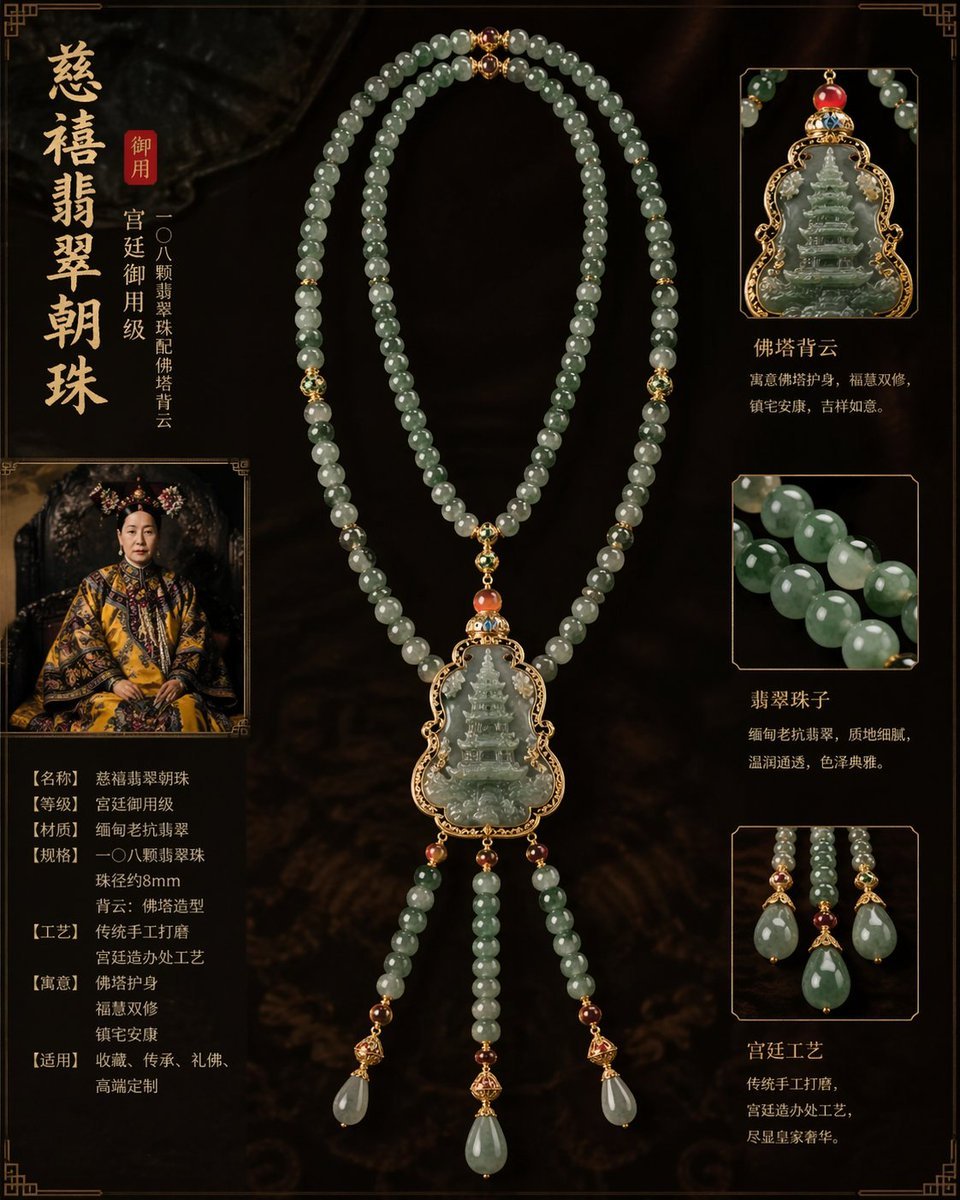
Imperial jewelry design prompt
Browse template categories
Gpt2 High Fashion Editorial questions
How do I use the gpt2-high-fashion-editorial template?
Add your photo if the template asks for one, edit the prompt if you like — the template's model and format are already selected — and press Generate. Your version opens in PicX Studio.
Can I customize the gpt2-high-fashion-editorial template?
Yes. You can change the subject, setting, lighting, mood, format, and available model controls before creating your image.
Is the gpt2-high-fashion-editorial template free?
Opening and editing this template is free. Generating uses credits, shown on the Generate button when you are signed in.
Which AI model should I use?
Start with GPT Image 2, which is the model associated with this template. You can compare another compatible model for a different finish.
Looking for something else? Browse all templates.

Your photo, any look
Thousands of ready templates for every top image and video model, from one credit balance.