
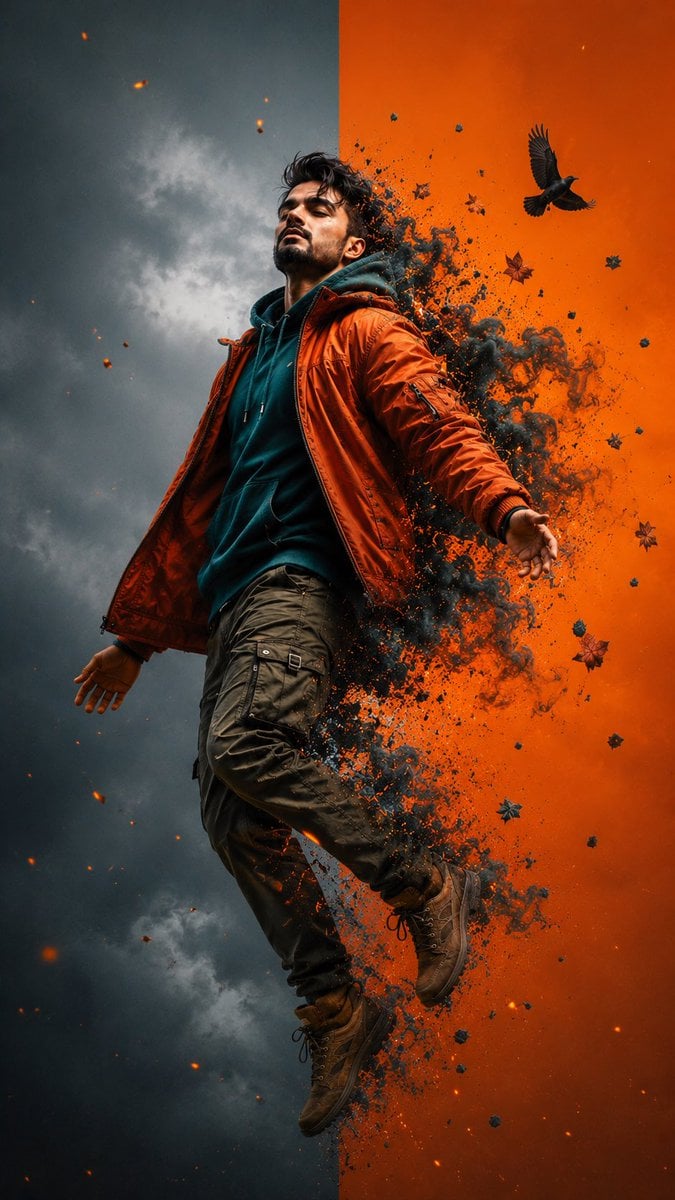
Cinematic Levitation Portrait Transformation
A highly detailed cinematic prompt for a levitation portrait featuring energy transformation effects, focusing on preserving facial identity and realistic clothing textures.
- Prompt included
- Model and format preset
- Free template
The prompt behind this image
Copy the exact prompt behind Cinematic Levitation Portrait Transformation, or open it in the studio and make it yours.
Ultra-realistic cinematic levitation portrait of the exact person from the reference image, preserving facial identity with extremely high fidelity: identical facial structure, jawline, cheekbones, eye shape, eyebrows, nose, lips, beard pattern, hairstyle, hair texture, skin tone, skin texture, and natural masculine South Asian features. No facial alteration, no beautification, no identity drift. Full-body dynamic composition, the subject floating mid-air in a powerful moment of transformation, body slightly arched backward, head tilted upward toward the sky, eyes closed in a calm and liberated expression. Arms relaxed and extended away from the body, legs bent naturally as if suspended by invisible force. Wearing an oversized {argument name="jacket color" default="burnt-orange"} bomber jacket with realistic fabric folds and zipper details, layered over a {argument name="hoodie color" default="dark teal"} hoodie with visible drawstrings and soft textured cotton material. Olive-green cargo pants with multiple pockets, tactical straps, and realistic stitching. Rugged brown hiking boots with worn leather texture and detailed laces. The background is split vertically into two contrasting halves: left side matte storm-gray with subtle atmospheric haze, right side vivid {argument name="glow color" default="glowing orange"} with intense cinematic energy. Subject positioned directly across the dividing line for perfect visual balance. A spectacular explosion of orange embers, teal smoke, ash particles, dust clouds, and fragmented leaves erupts from the subject’s back and lower body, as if transforming into energy. Dynamic particle simulation with realistic volumetric smoke, flying debris, glowing sparks, atmospheric turbulence, and motion trails. Small black crow flying near the upper right area, surrounded by scattered autumn leaves caught in the explosion. Hyper-detailed cinematic lighting, dramatic contrast, volumetric atmosphere, ultra-realistic textures, physically accurate shadows, HDR color grading, shallow depth of field, professional fashion-editorial photography, masterpiece composition, premium advertising campaign quality. Unreal Engine 5 realism, 8K resolution, razor-sharp focus on face, intricate clothing textures, realistic smoke physics, dynamic energy effects, award-winning digital art, cinematic storytelling, surreal yet believable, high-fashion fantasy portrait, vertical 9:16 aspect ratio, magazine-cover quality. Negative prompt: blurry face, identity change, different facial features, extra limbs, extra fingers, distorted anatomy, duplicated body parts, low resolution, cartoon style, oversaturated skin, artificial facial structure, unrealistic proportions, deformed hands, cropped head, flat lighting, low detail, text, watermark, logo, frame, oversharpening, plastic skin, CGI face, bad perspective, motion blur on face. Generate image
How to use Cinematic Levitation Portrait Transformation in 3 steps
- 1Upload ImagePNG, JPG or paste
Add your photo
Upload the photo the template builds on. The prompt, model and format are already set.
- 2…a portrait of your subject in softgolden-hour light, 85mm…
Personalize
Edit the subject and creative details for your destination.
- 3Generate
Generate
Press Generate — your image is created in PicX Studio, so you can compare it with the original and refine one variable at a time.
More like this
Templates with the same subject, style or setup. Open one to see its prompt.

Transformation the Burger Seedance 2 0 a
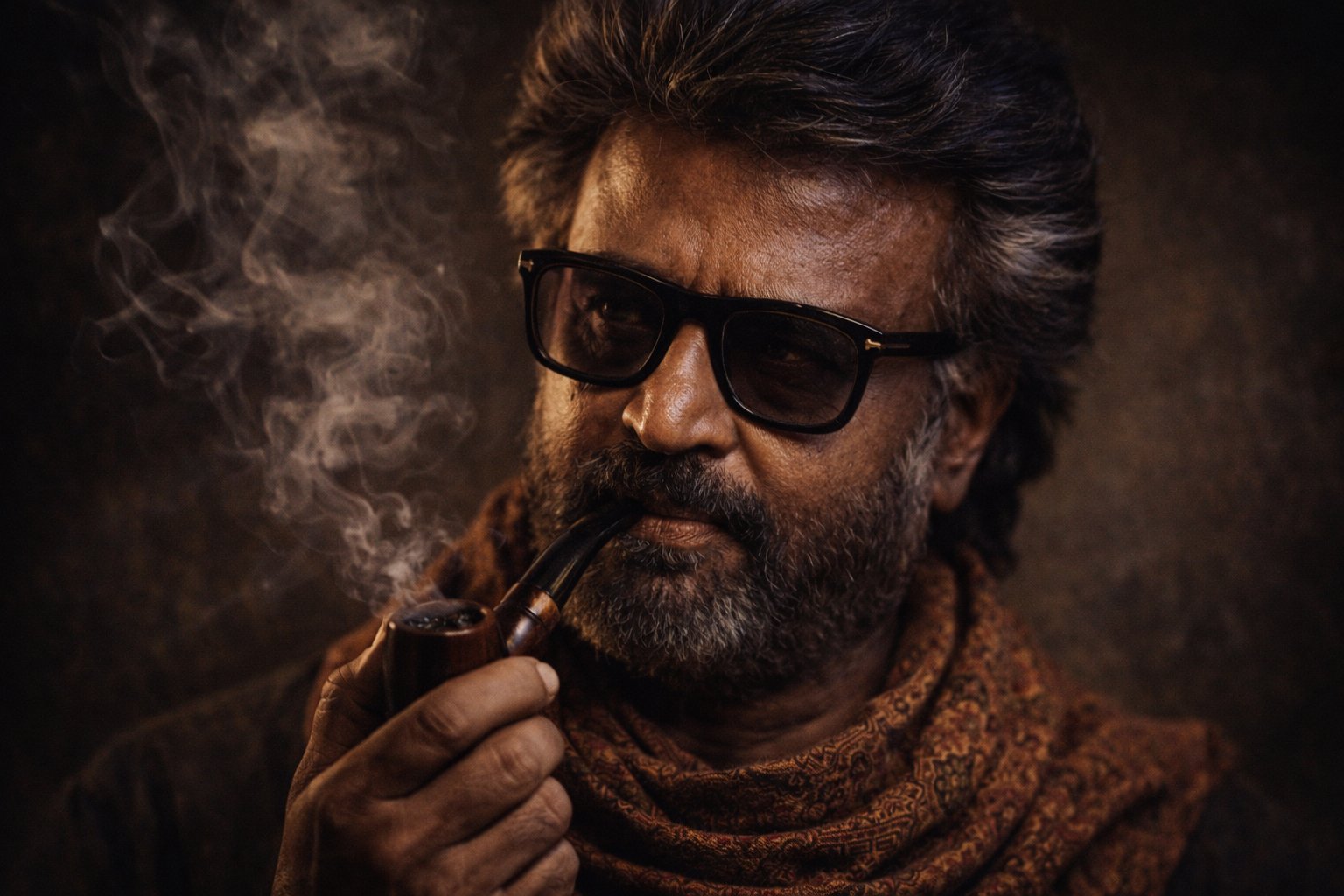
Cinematic Portrait Transformation

Found Photograph: Us, 1970

80s Couple Studio Portrait

80s Bollywood Star

80s Golden Hour Cinema

Me in 1985

1985 Studio Portrait

Hyper-Realistic Minecraft POV Portrait

Rooftop Fisheye — Cat-Ear Balaclava at Golden Hour

Rainy Café Window Moody Portrait

untitled
Make it yours
Cinematic Levitation Portrait Transformation works as-is. These are the safest ways to change it without losing the look.
Change one field
Copy a single group, rewrite it, and generate again so you can see what that field is doing.
Keep the frame, change the subject
Hold the composition and light of Cinematic Levitation Portrait Transformation, then swap wardrobe, props or the person for a new take.
| If the result… | Why | Fix |
|---|---|---|
| The result drifts from the preview | Too many fields changed at once. | Reuse Cinematic Levitation Portrait Transformation as-is first, then change one group — subject, light, or setting. |
| The model over-stylizes the scene | The prose prompt leaves finish and camera underspecified. | Add one camera or lighting sentence and stay on Nano Banana 2. |
More Nano Banana 2 templates
Other prompts made for Nano Banana 2.

Photorealistic Leaf Shaped Like a Dragon

K-Pop Idol Portrait Grid for Rapid Selection

Poetic Rain Forest Portrait During Golden Hour

Urban Street Portrait with Cartoon Inner Self Duo

Candid Nighttime Photo with Cat Prompt

High-Concept 3D Diorama Generation Prompt

Cinematic Futuristic Studio Portrait Template

Skincare Editorial Photography Collage Prompt

Hyper-Realistic Commercial Product Photography (Splash Effect)

Hyper-Realistic Nightclub Portrait Prompt
More image prompts
Fresh picks from across the catalog.
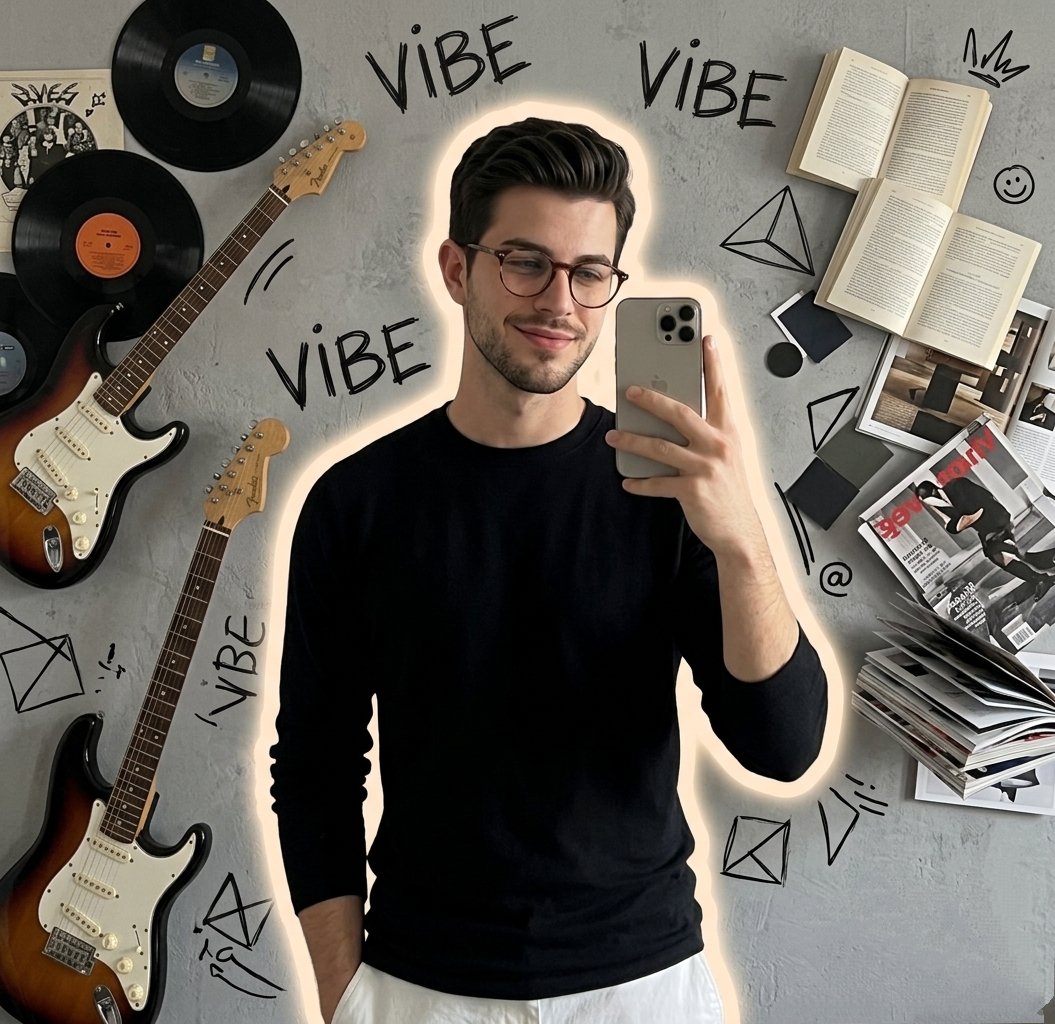
Gen Z Mirror Selfie Collage
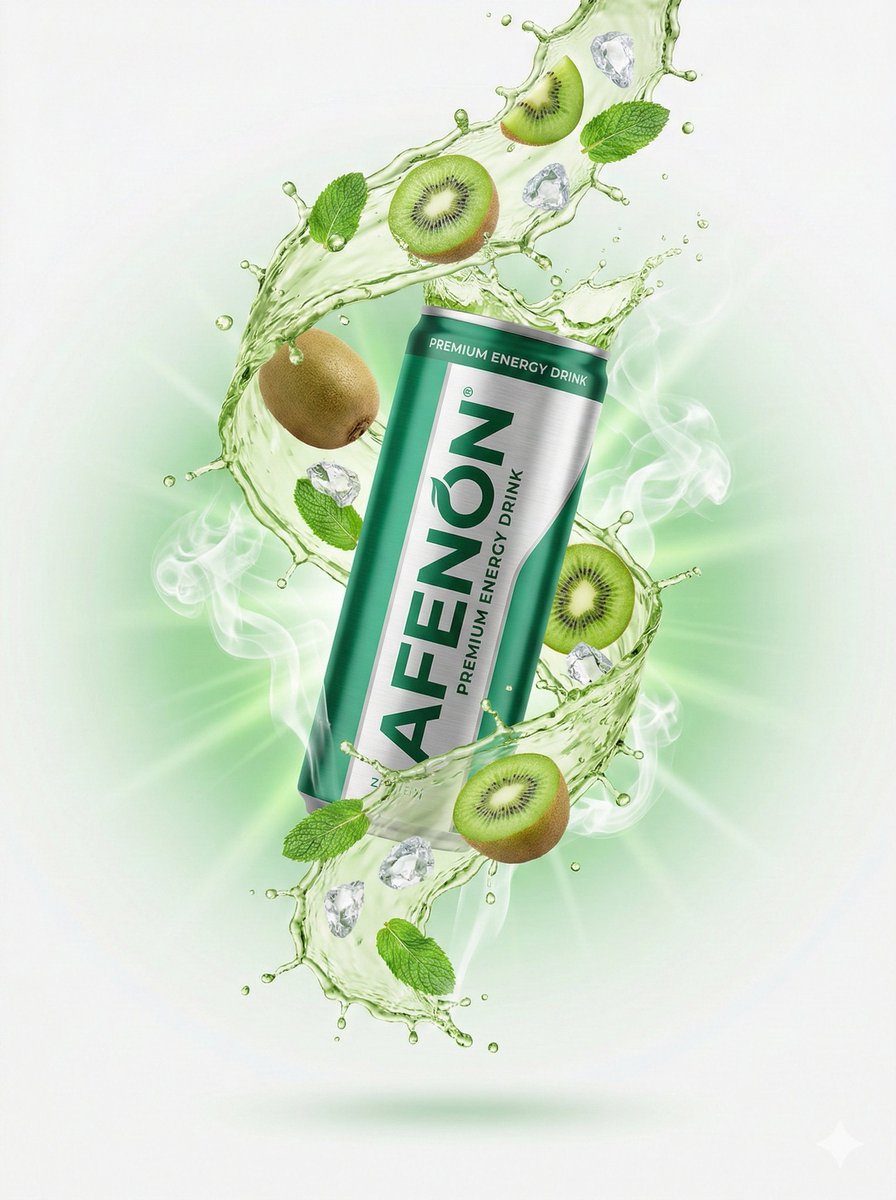
High-End Commercial Product Photography for an Energy Drink
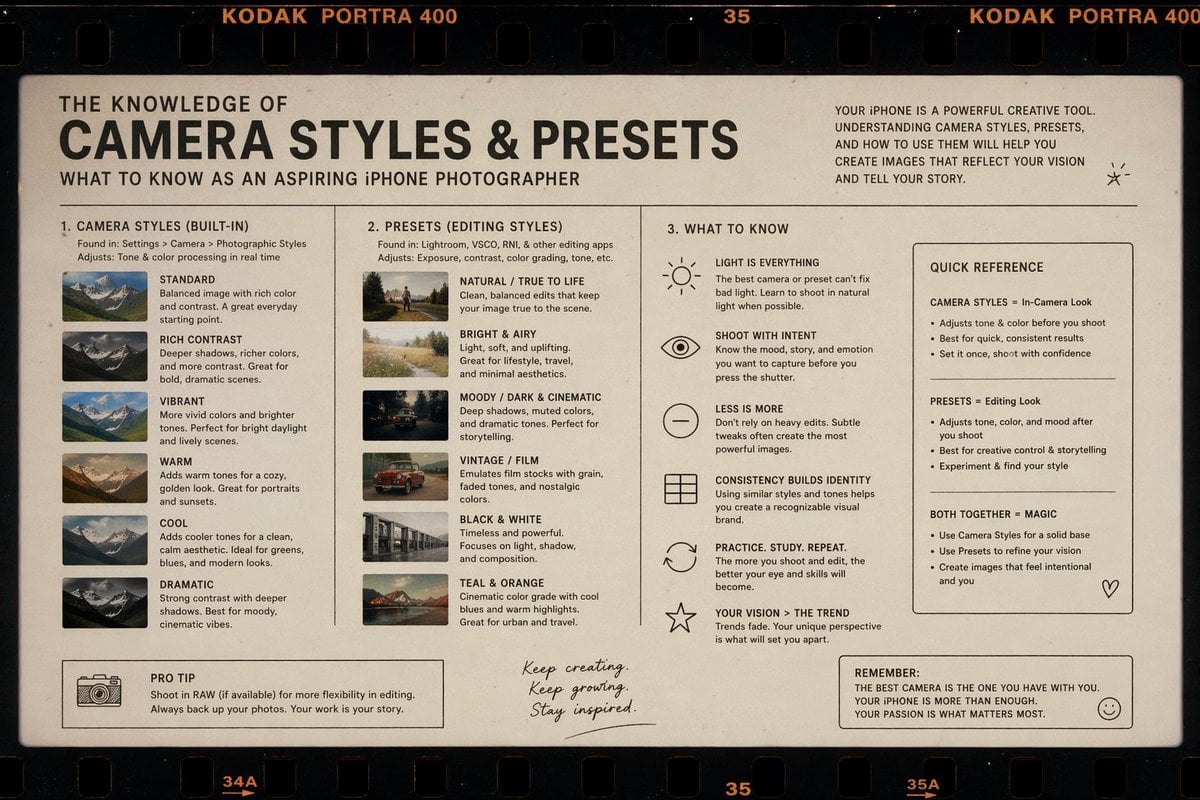
Film Style Instructional Diagram
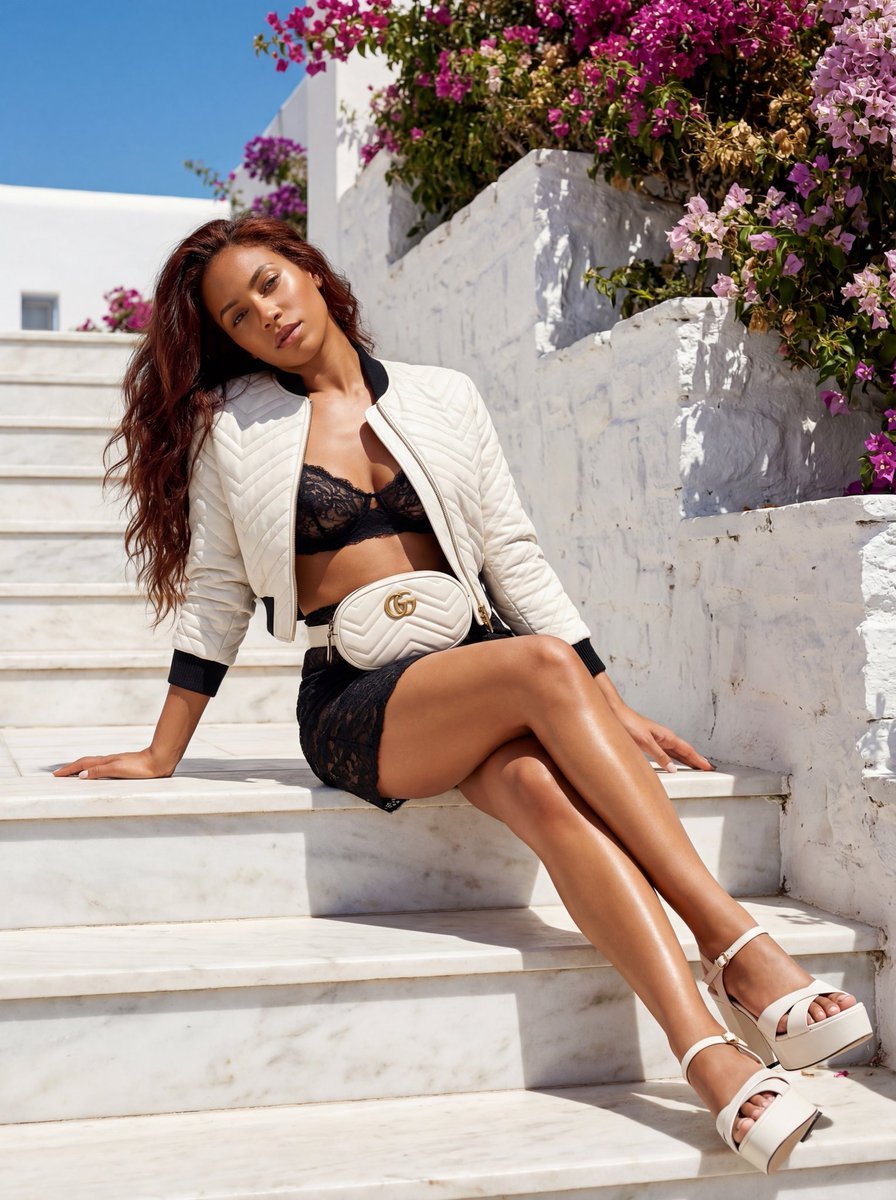
Gucci GG Marmont Fashion Shoot in Greece (JSON)
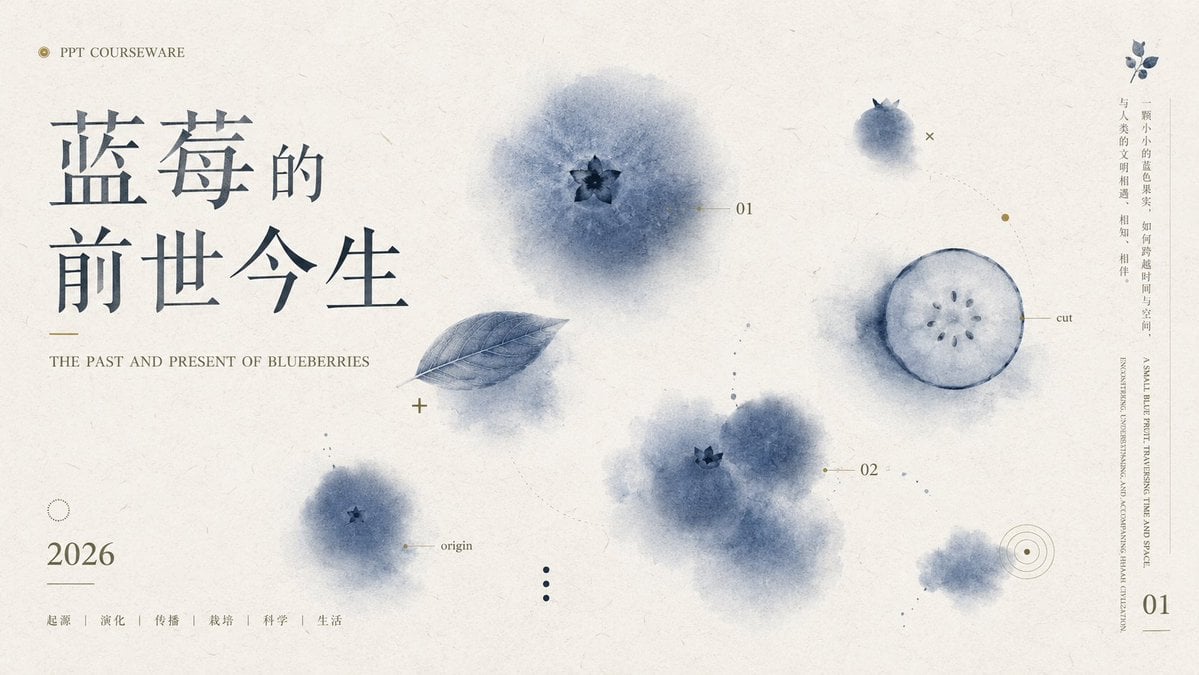
Blueberry Courseware Cover Slide
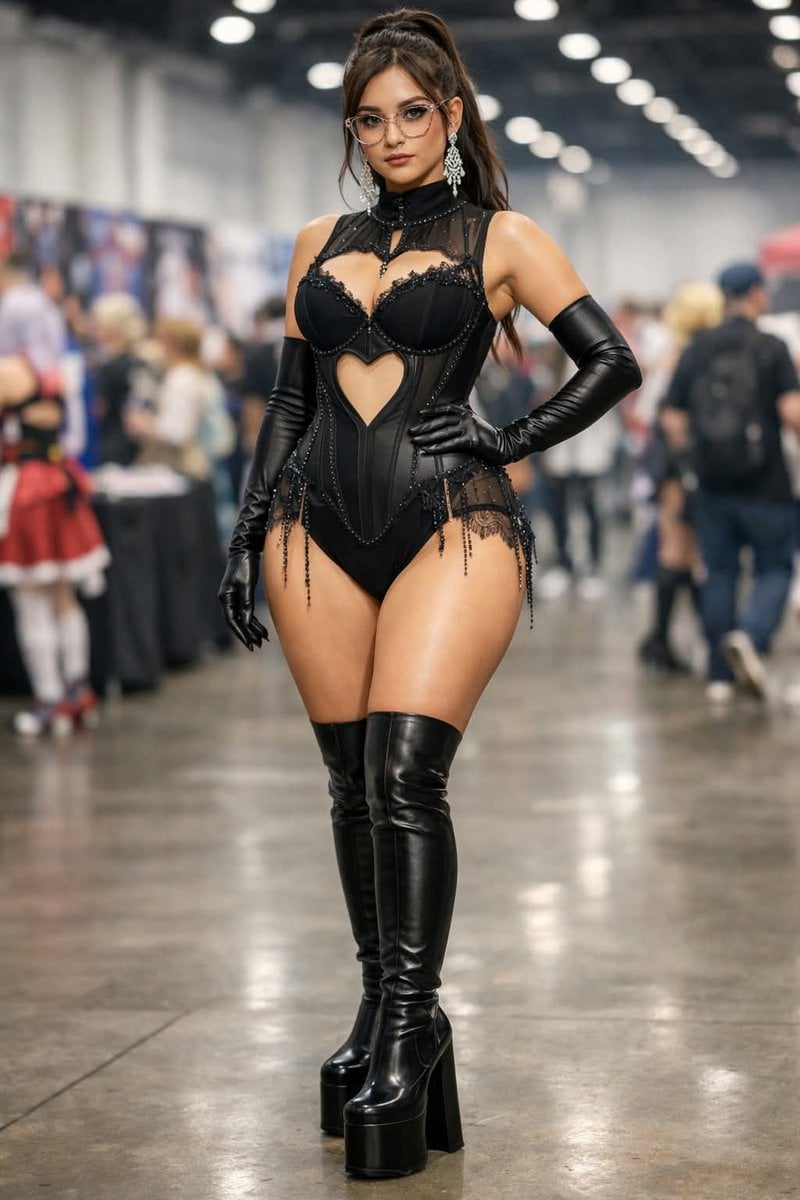
Convention Cosplay Outfit Prompt
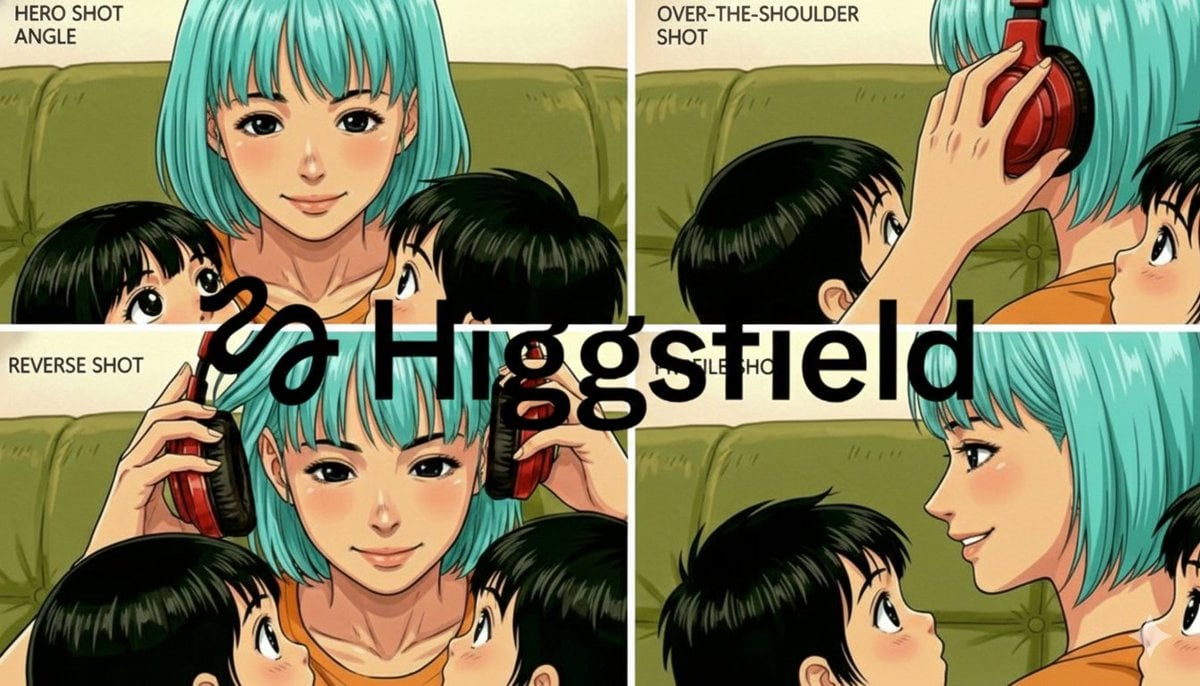
Grid of four camera angles from reference image
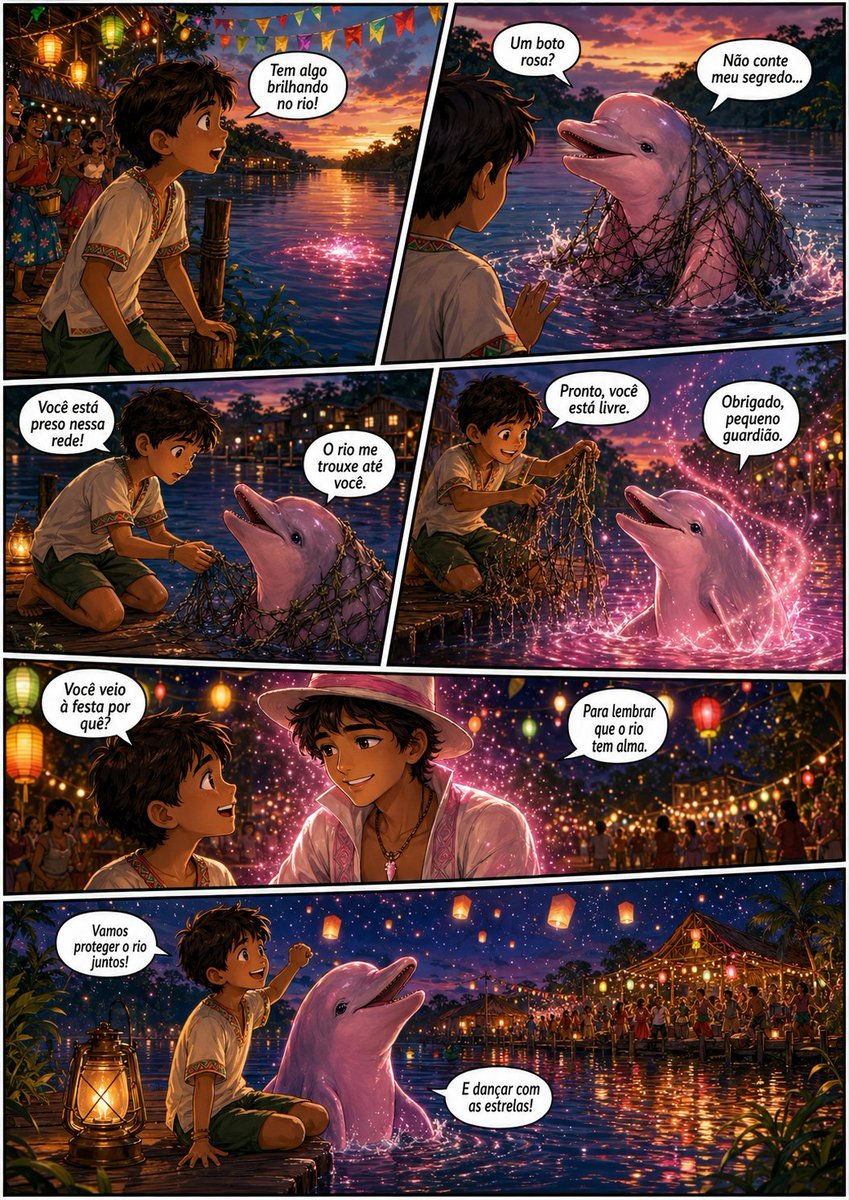
Pink Boto Festival Comic Page

Eid Mubarak Cinematic Fashion Portrait
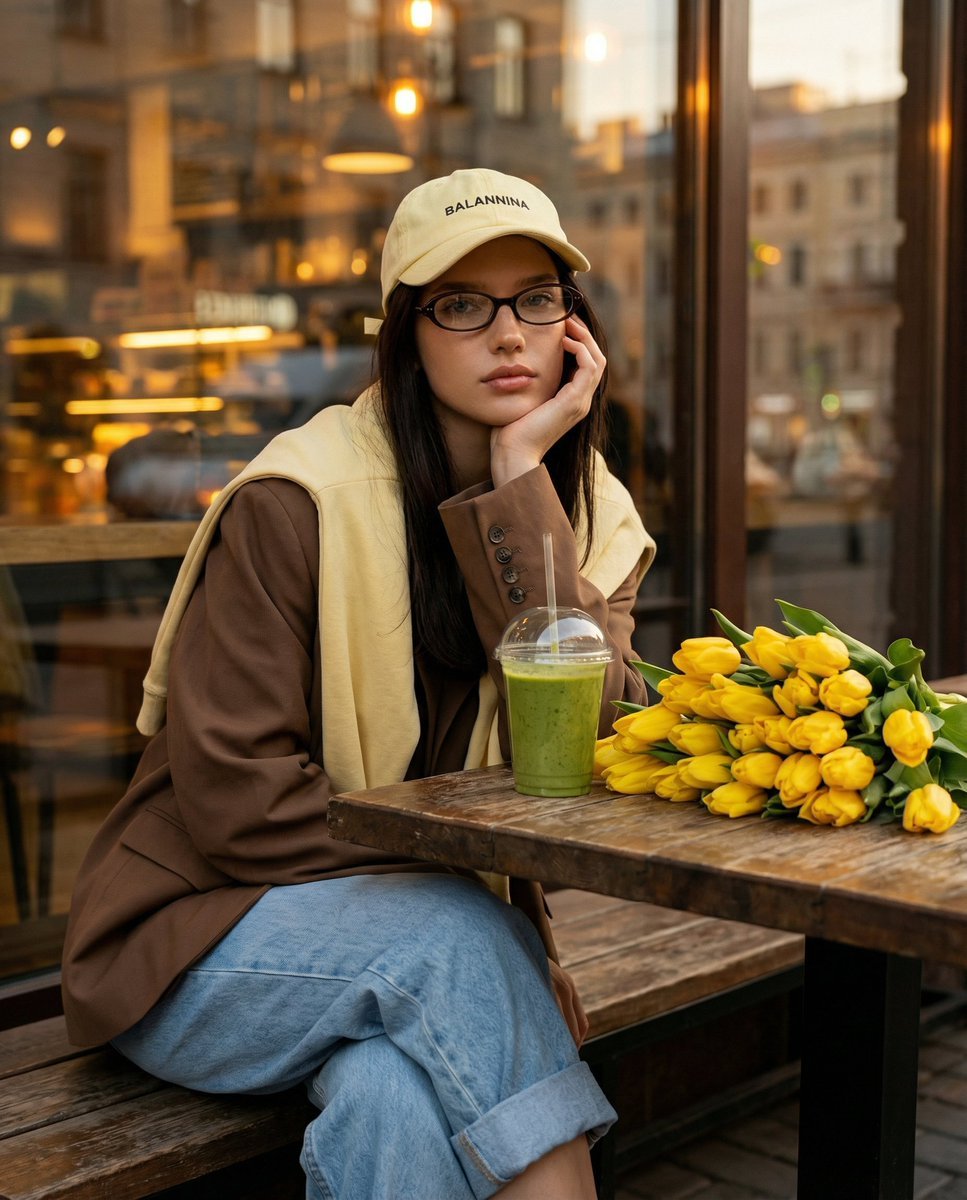
Stylish Street Cafe Portrait with Layered Outfit
Browse template categories
Cinematic Levitation Portrait Transformation questions
How do I use the Cinematic Levitation Portrait Transformation template?
Add your photo if the template asks for one, edit the prompt if you like — the template's model and format are already selected — and press Generate. Your version opens in PicX Studio.
Can I customize the Cinematic Levitation Portrait Transformation template?
Yes. You can change the subject, setting, lighting, mood, format, and available model controls before creating your image.
Is the Cinematic Levitation Portrait Transformation template free?
Opening and editing this template is free. Generating uses credits, shown on the Generate button when you are signed in.
Which AI model should I use?
Start with Nano Banana 2, which is the model associated with this template. You can compare another compatible model for a different finish.
Looking for something else? Browse all templates.

Your photo, any look
Thousands of ready templates for every top image and video model, from one credit balance.