
Gen Z Mirror Selfie Collage
A modern social media style prompt blending a realistic mirror selfie with semi-illustrated floating collage elements and graffiti text.
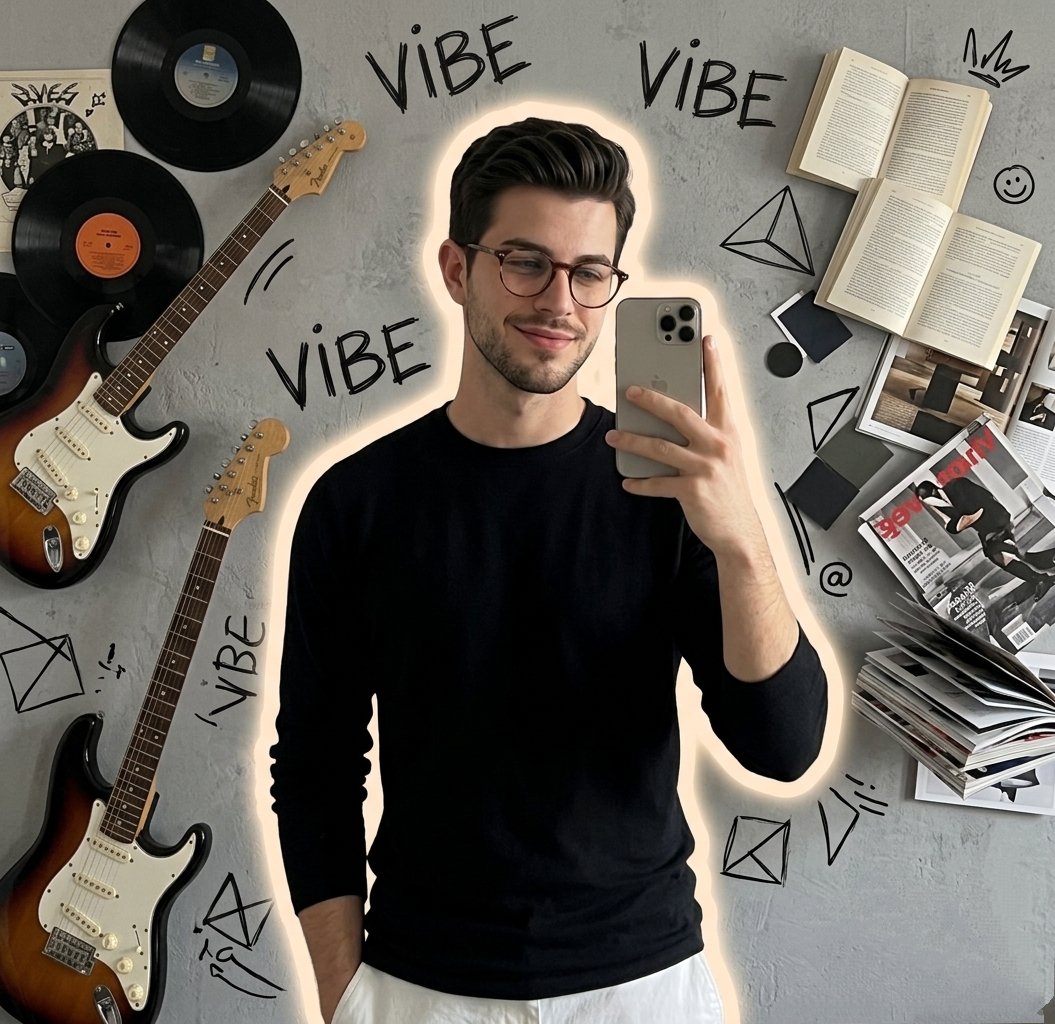
- Prompt included
- Model and format preset
- Free template
The prompt behind this image
Copy the exact prompt behind Gen Z Mirror Selfie Collage, or open it in the studio and make it yours.
Stylish {argument name="subject" default="young man taking a mirror selfie with a smartphone, wearing a minimal black long-sleeve shirt and white pants"}, confident relaxed expression. Subject isolated with a soft glowing outline. Background is {argument name="background details" default="a grey textured wall filled with floating collage-style elements: vinyl records, electric guitar, open books, stacked magazines"}, geometric shapes, and hand-drawn doodles. Repeated handwritten graffiti text “{argument name="text" default="VIBE"}” scattered across the background. Mix of realistic subject and semi-illustrated elements, balanced composition. Soft studio lighting, clean shadows, modern aesthetic, Gen Z lifestyle vibe, high detail, 4K, editorial social media style
How to use Gen Z Mirror Selfie Collage in 3 steps
- 1
Open
The prompt is already in the box next to the preview, with the template's model and format selected.
- 2…a portrait of your subject in softgolden-hour light, 85mm…
Personalize
Edit the subject and creative details for your destination.
- 3Generate
Generate
Press Generate — your image is created in PicX Studio, so you can compare it with the original and refine one variable at a time.
More like this
Templates with the same subject, style or setup. Open one to see its prompt.

Rooftop Fisheye — Cat-Ear Balaclava at Golden Hour

Cat Photobomb Selfie — 0.5x Wide Angle Café Chaos
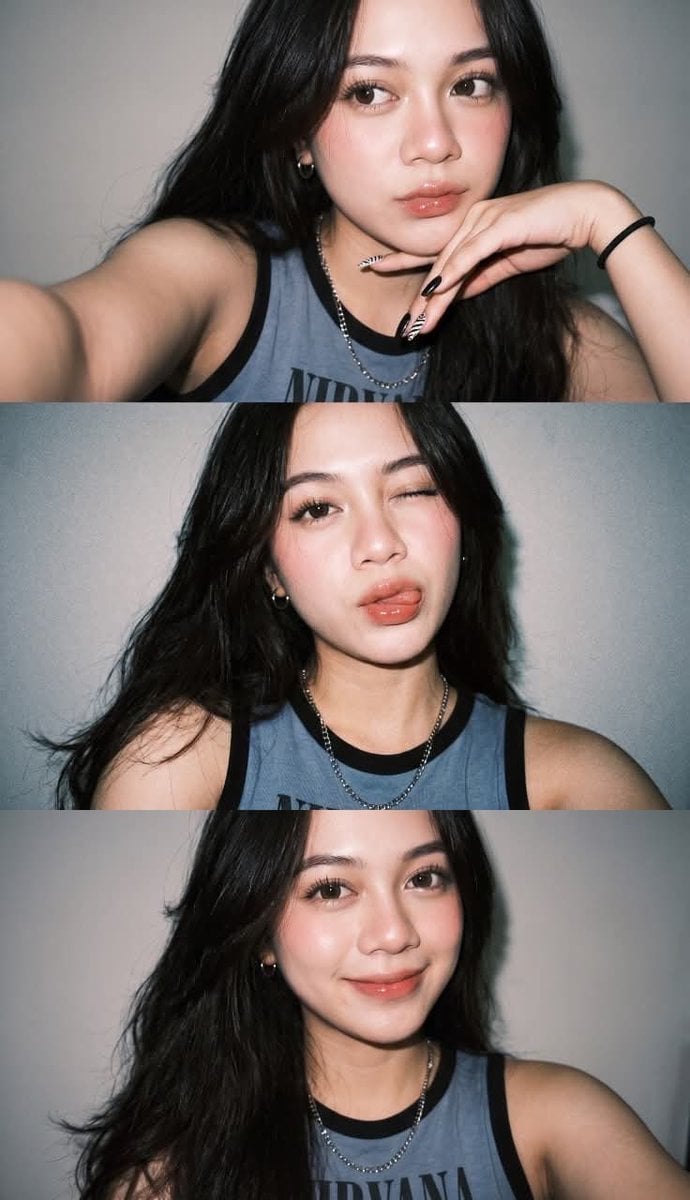
Gen Z Flash Selfie Triple Collage

Nano Banana Grwm Mirror Selfie Pink

Gen Z Flash Selfie Collage

Panel Mirror Selfie Collage
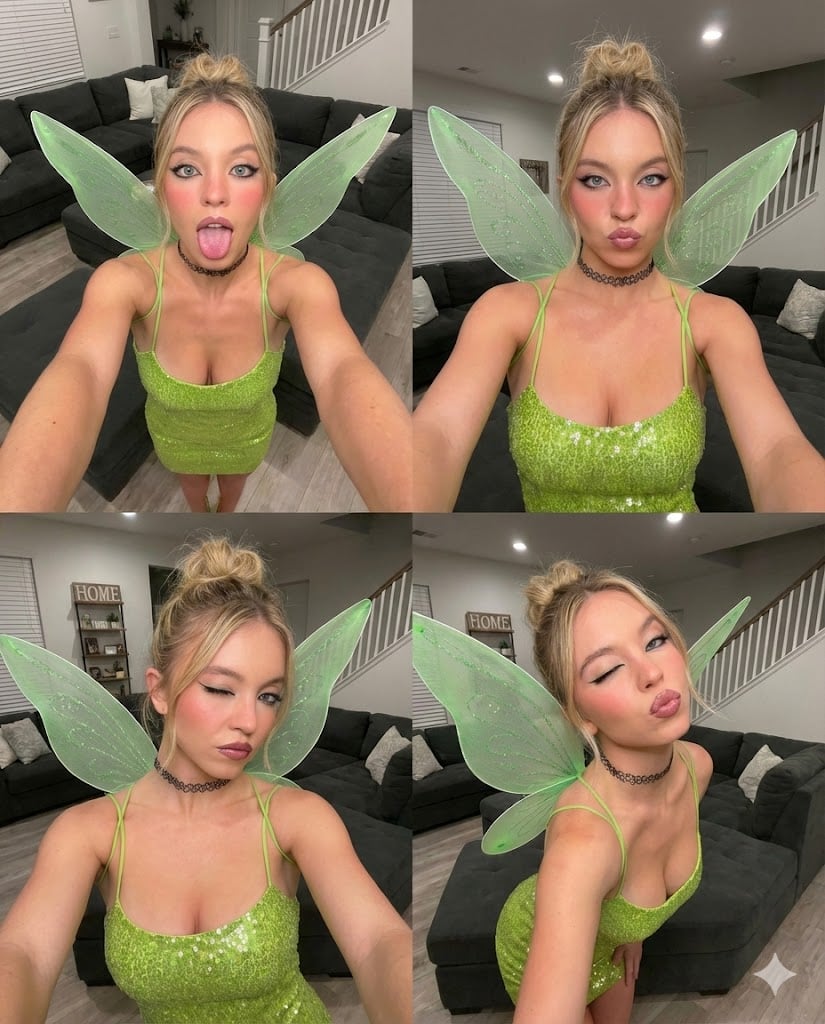
Gen Z Chaotic Fairy Selfie Collage Prompt

Paper Cut Finale Fireworks

Paper Cut Garden Maze

Paper Cut Rooftop Concert

Paper Cut Bicycle Coast

Paper Cut Castle Gate
Make it yours
Gen Z Mirror Selfie Collage works as-is. These are the safest ways to change it without losing the look.
Change one field
Copy a single group, rewrite it, and generate again so you can see what that field is doing.
Keep the frame, change the subject
Hold the composition and light of Gen Z Mirror Selfie Collage, then swap wardrobe, props or the person for a new take.
| If the result… | Why | Fix |
|---|---|---|
| The result drifts from the preview | Too many fields changed at once. | Reuse Gen Z Mirror Selfie Collage as-is first, then change one group — subject, light, or setting. |
| The model over-stylizes the scene | The prose prompt leaves finish and camera underspecified. | Add one camera or lighting sentence and stay on GPT Image 2. |
More GPT Image 2 templates
Other prompts made for GPT Image 2.
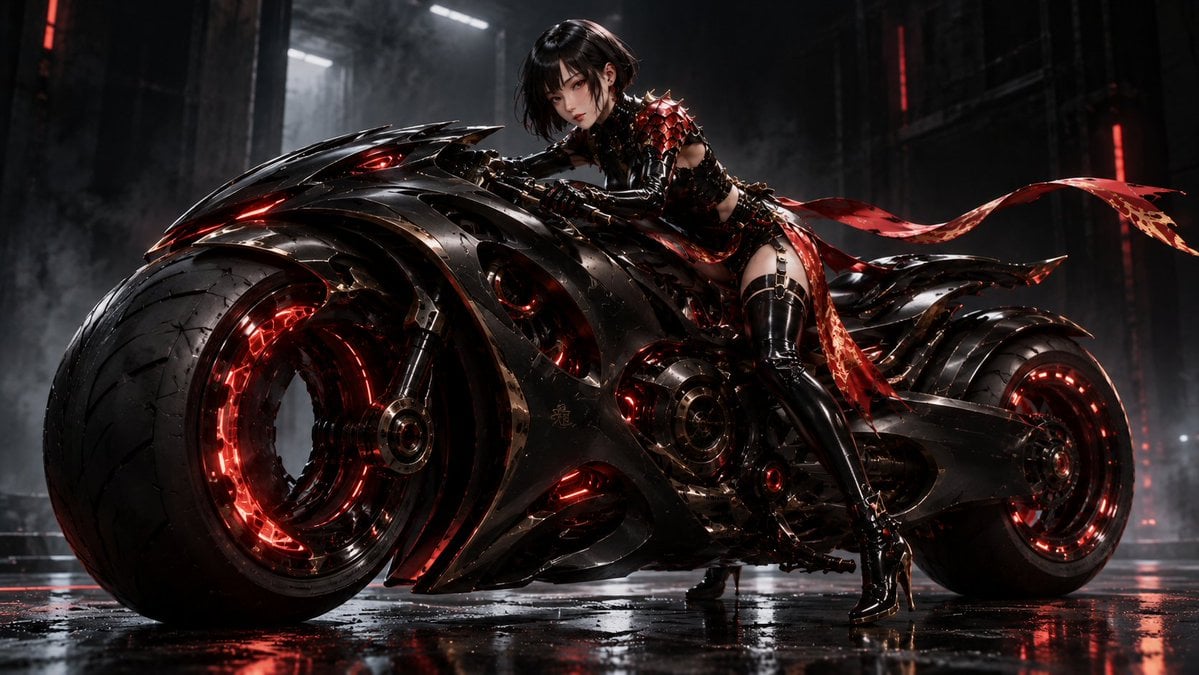
Futuristic Void Fang Mech
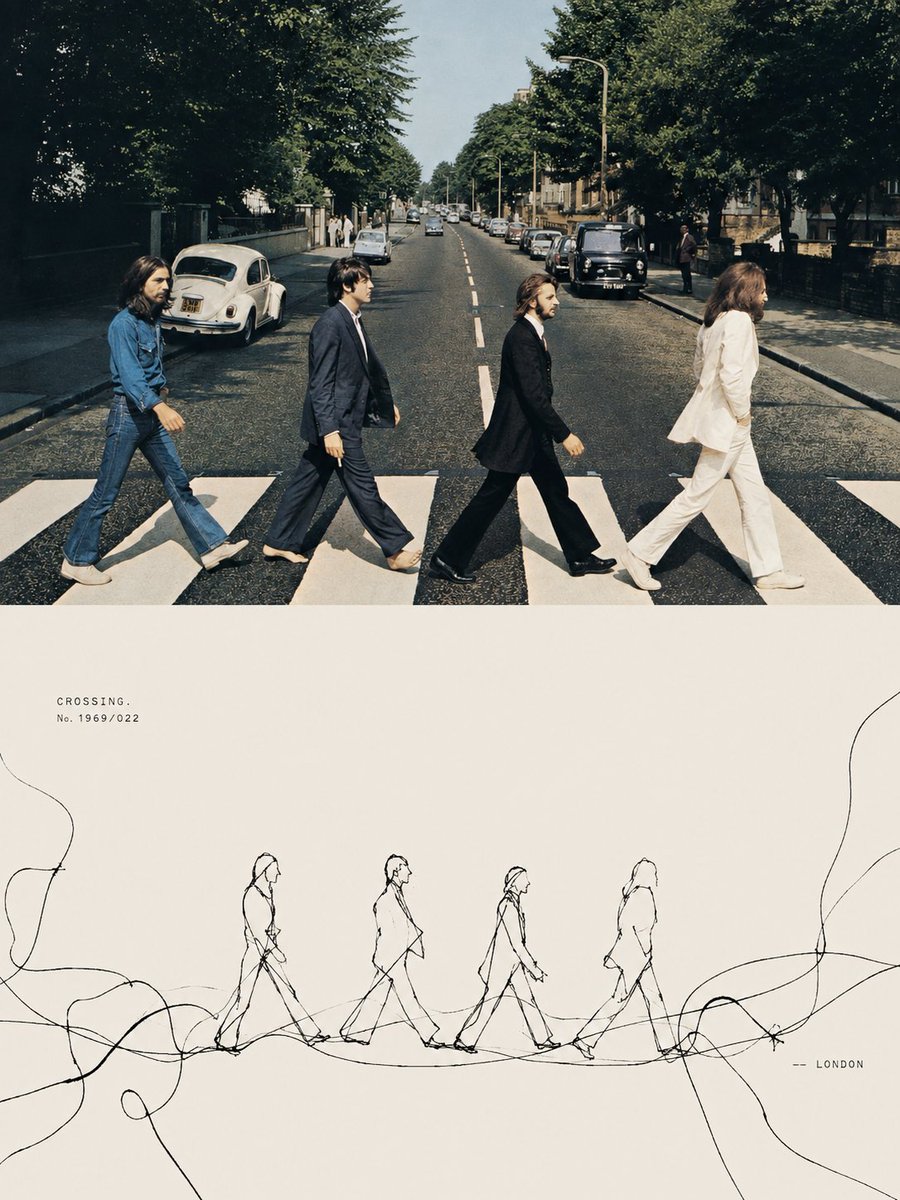
Tension Line Art Concept Poster
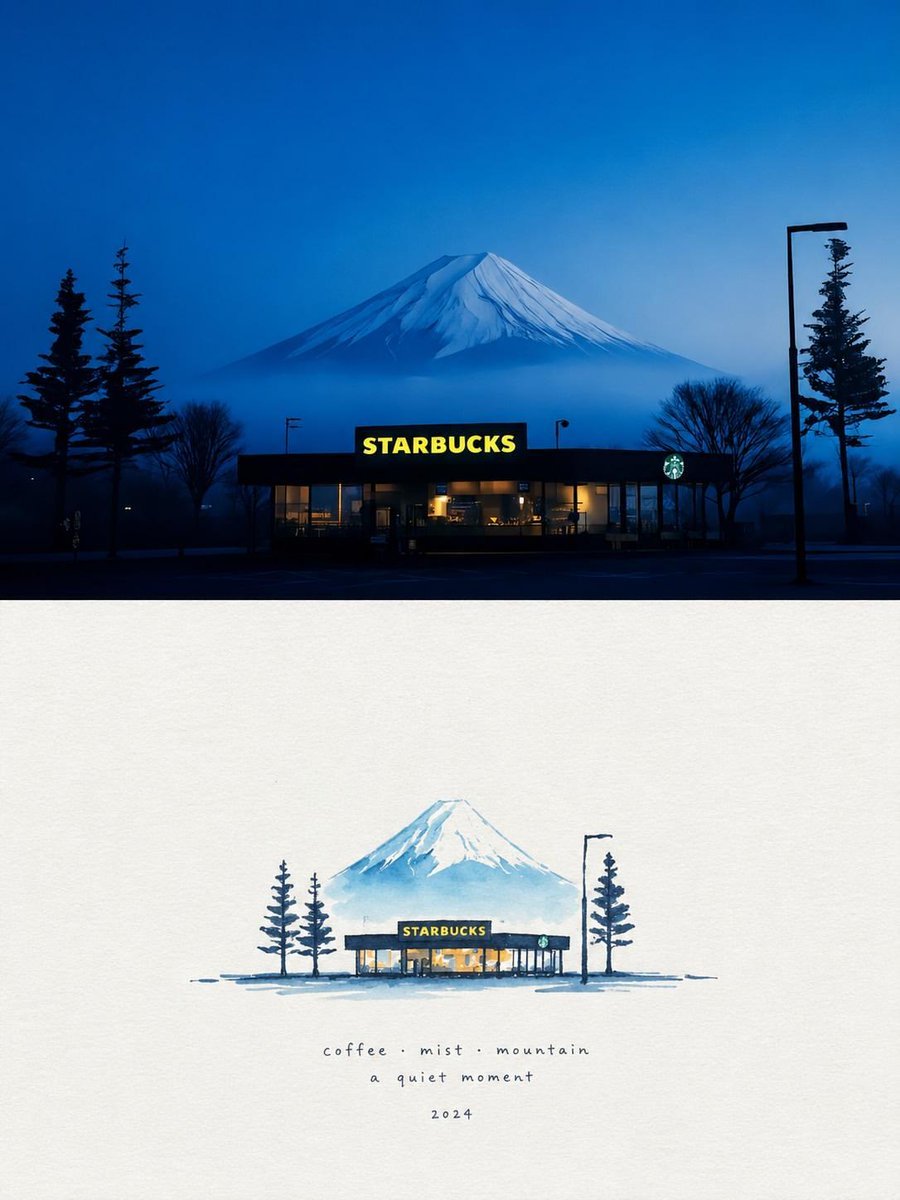
Starbucks Mountain Watercolor Comparison

Six VTuber Japanese Logo Sheet

Luxury ABKR Portrait Poster
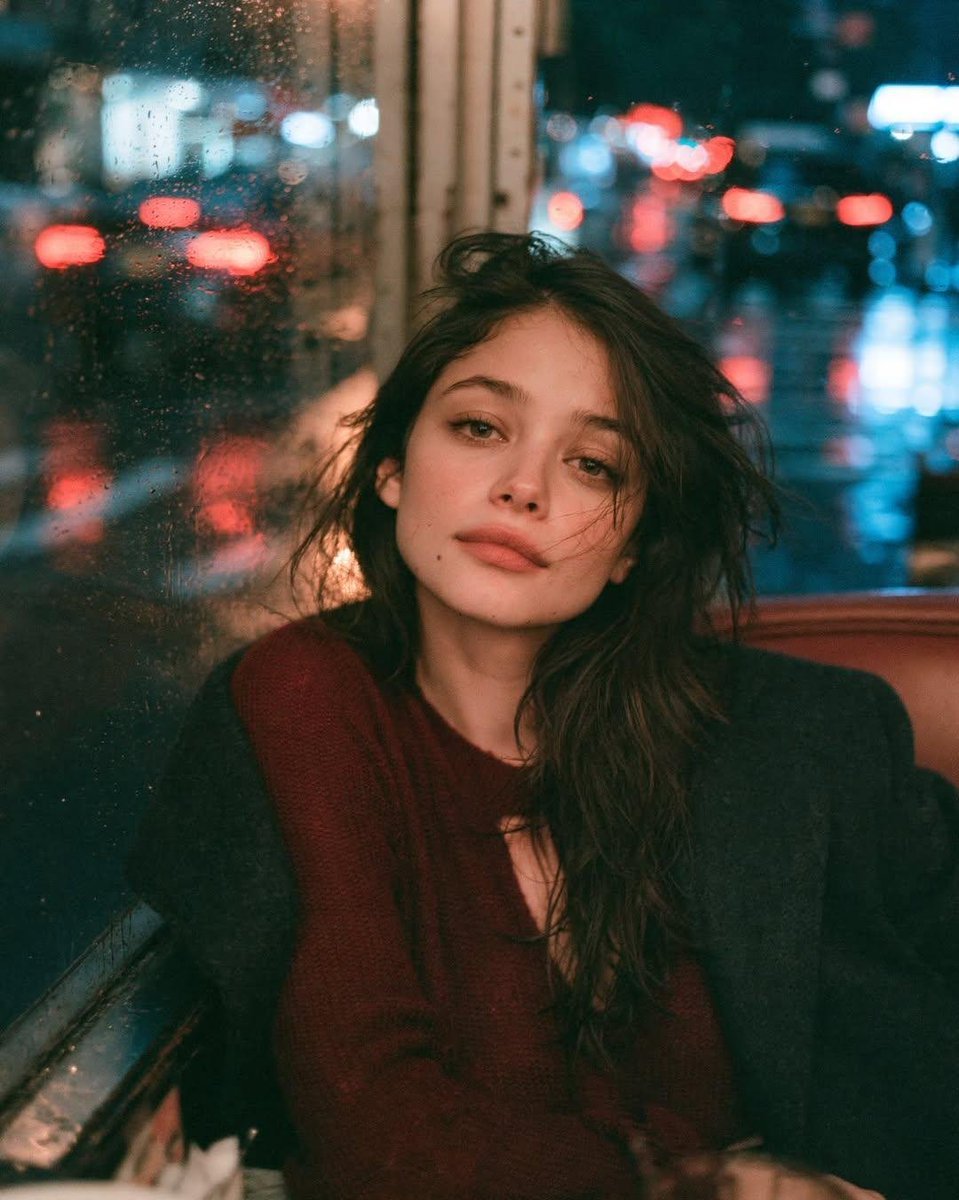
Rainy Night Vintage Diner Portrait
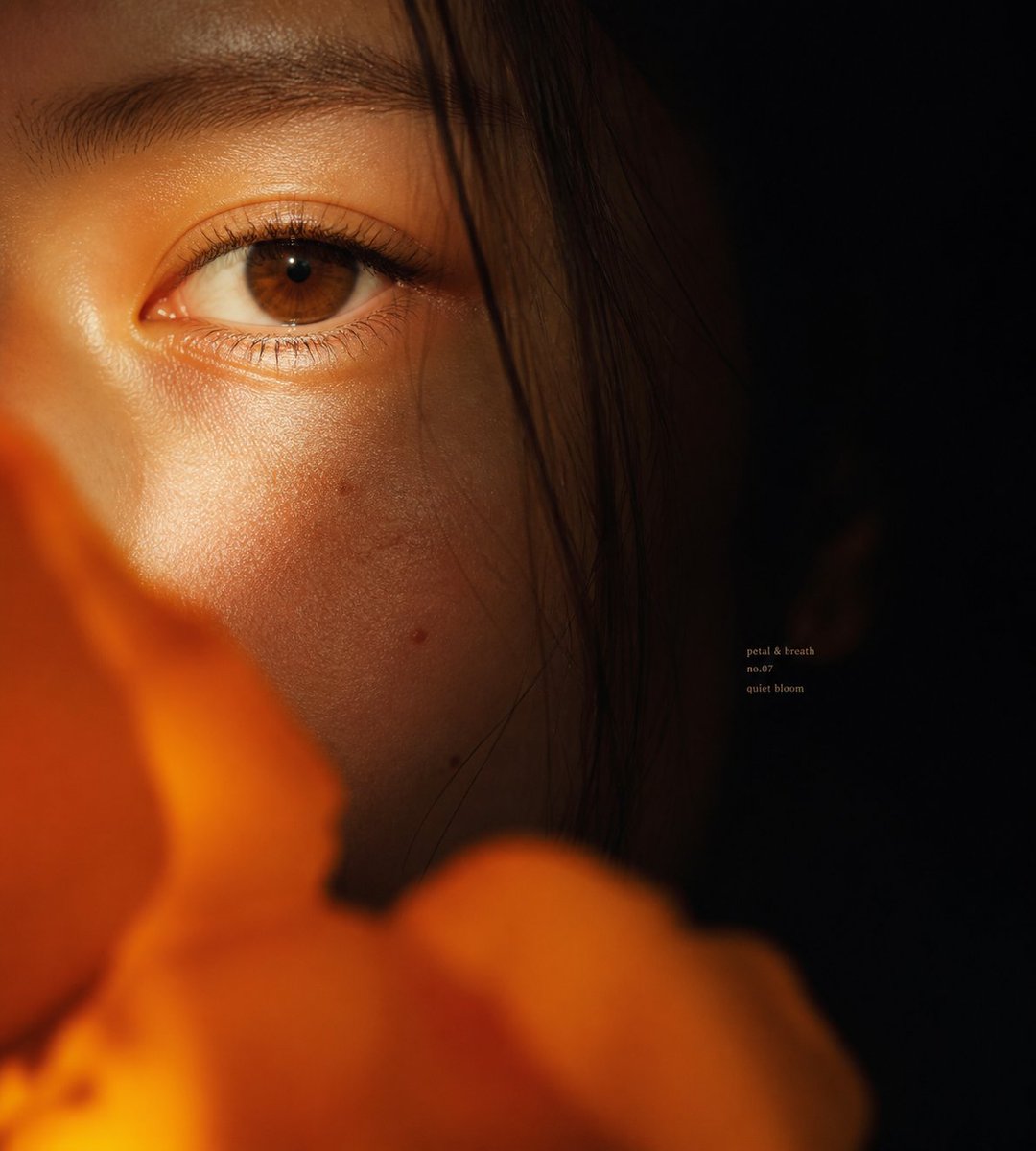
Intimate Flower Petal Macro Portrait
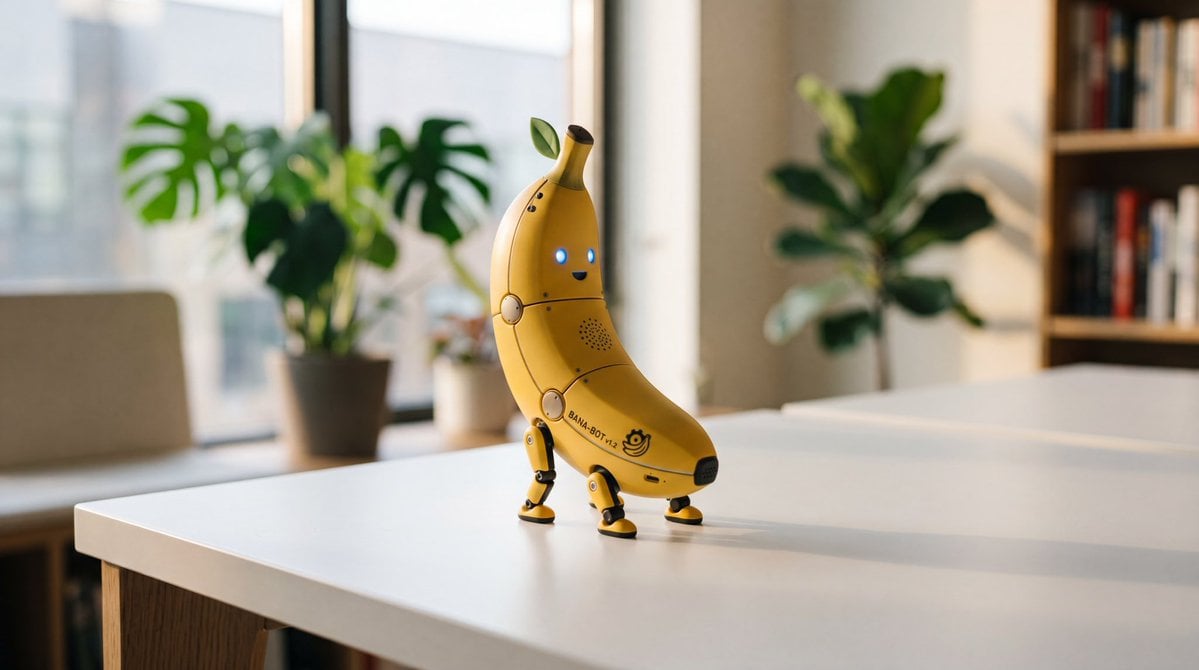
Cute Banana Robot on Table
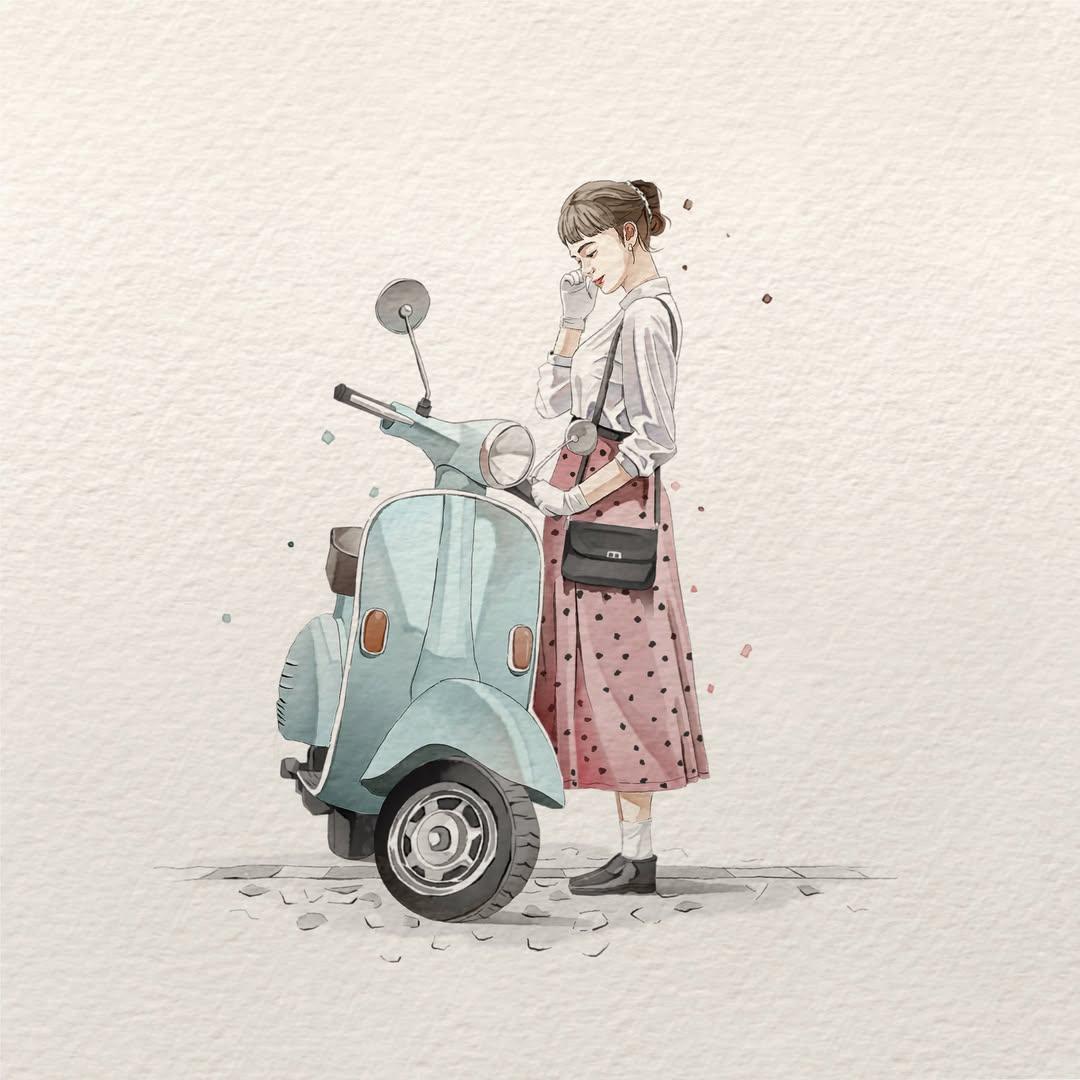
Watercolor Fashion Illustration Aesthetic

Sunlit Orchard Girl With Apples
More image prompts
Fresh picks from across the catalog.
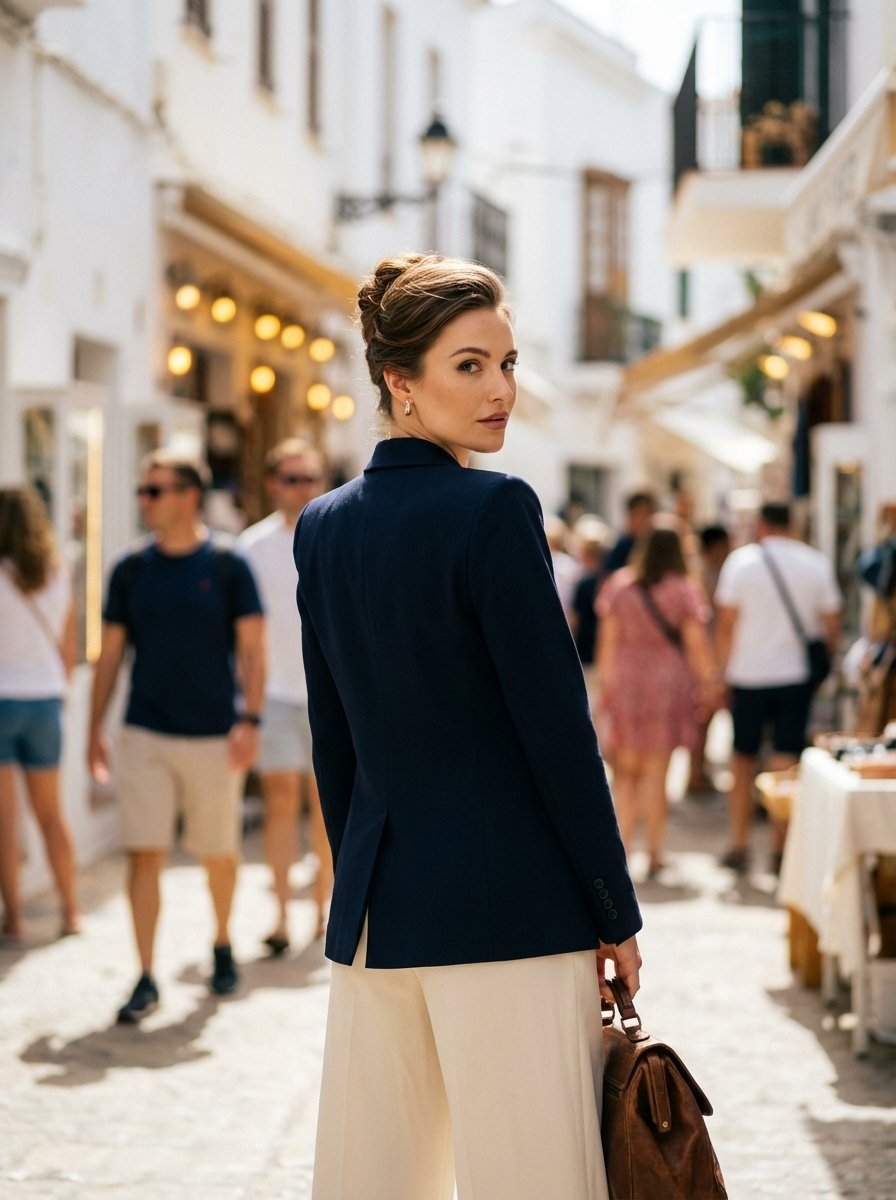
High Fashion Mediterranean Street Portrait Prompt
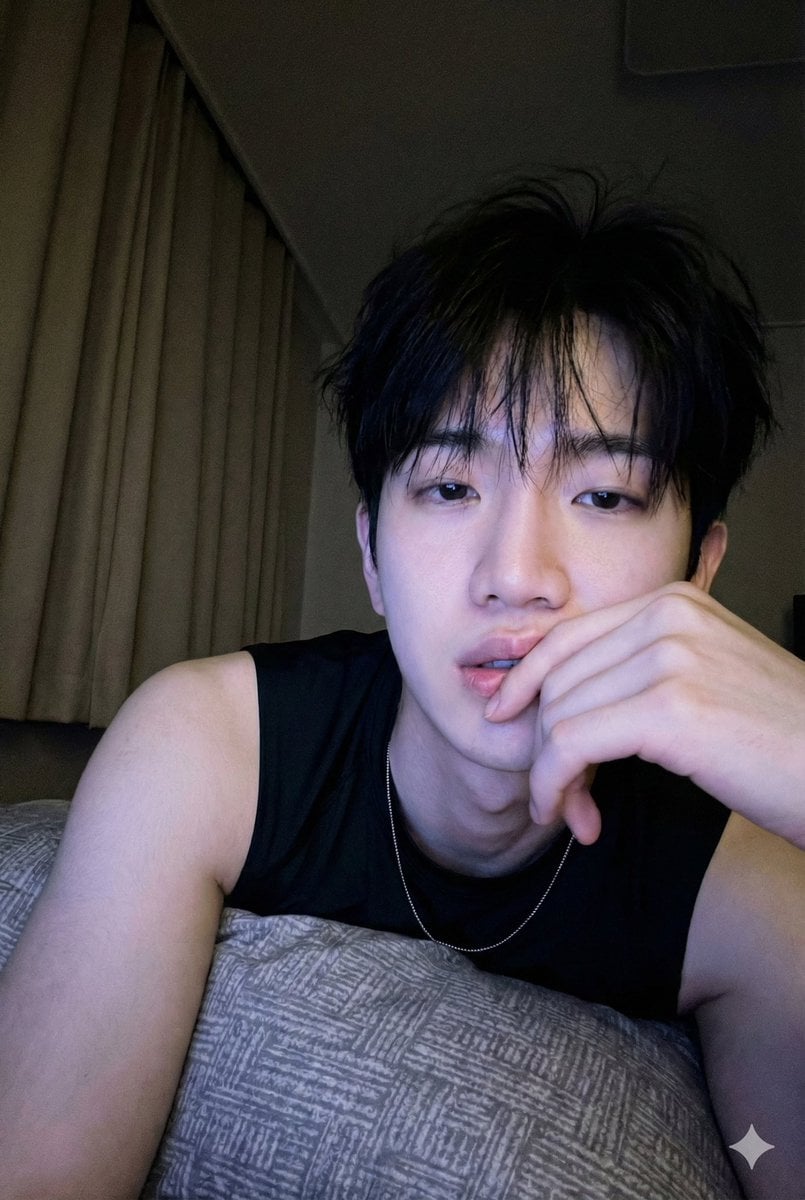
Low-Light Bedroom Selfie Prompt for Nano Banana/Gemini Pro
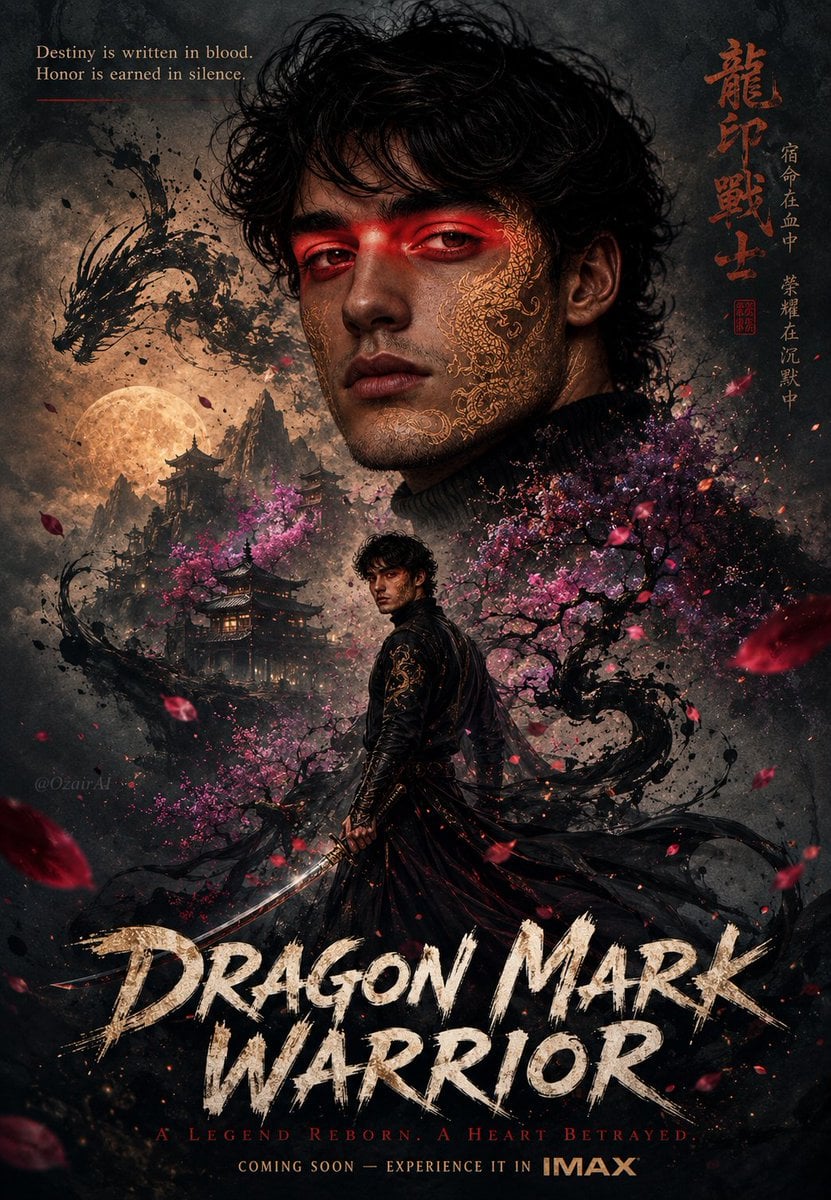
Double Exposure Dragon Warrior Poster
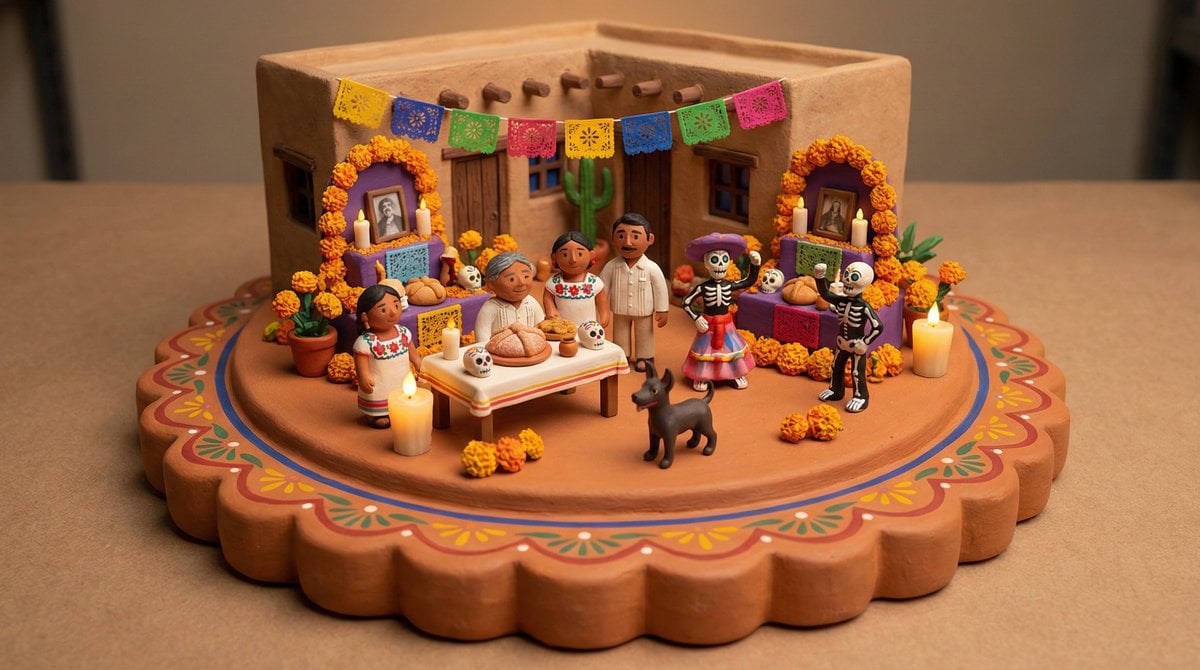
Tiny Clay World Diorama Generator

Indian Village Cattle Herding — Nano Banana
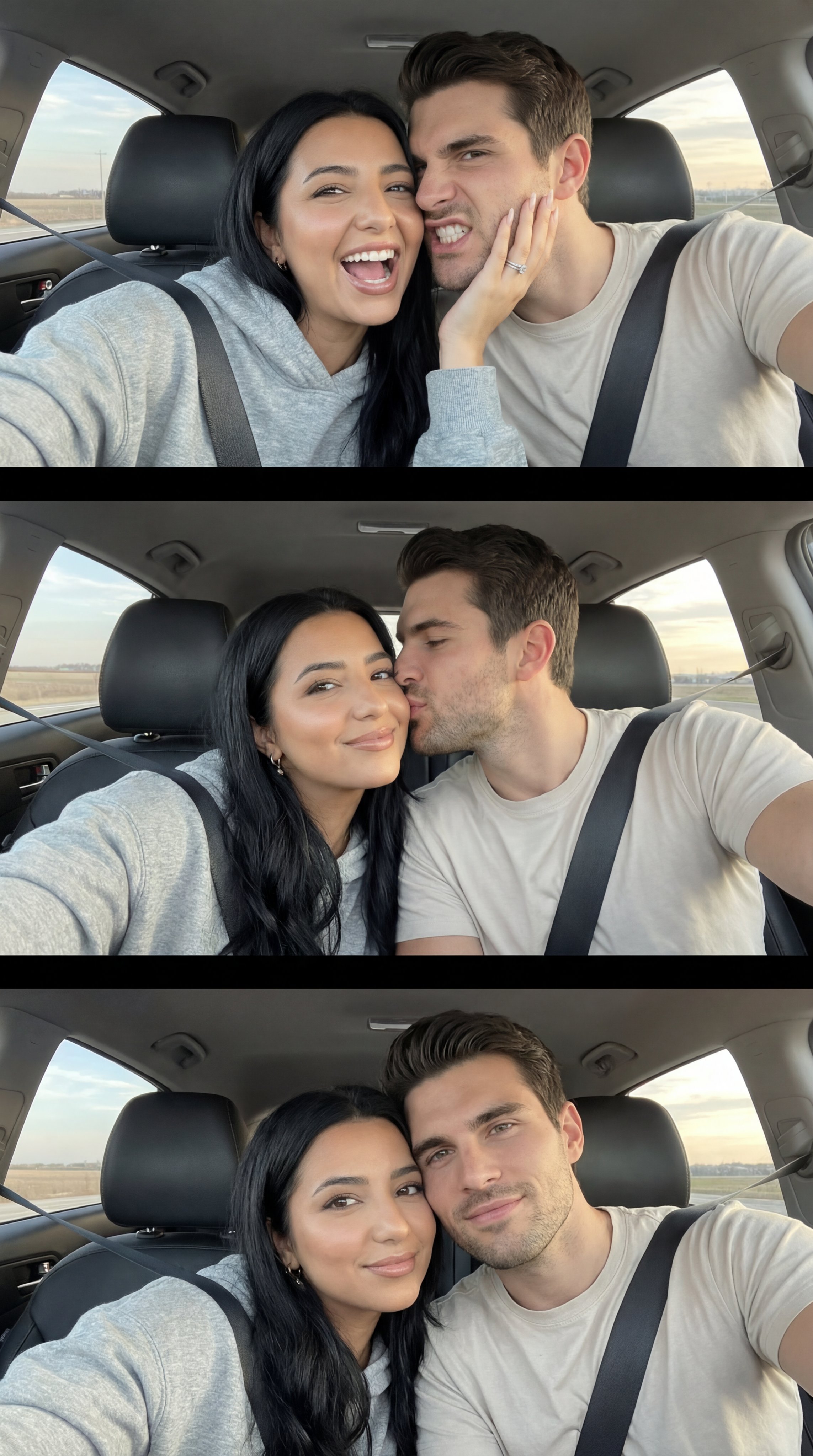
Ai Evolution Timeline Infographic

untitled

Ancient Pyramid Floating Over a Modern Battlefield
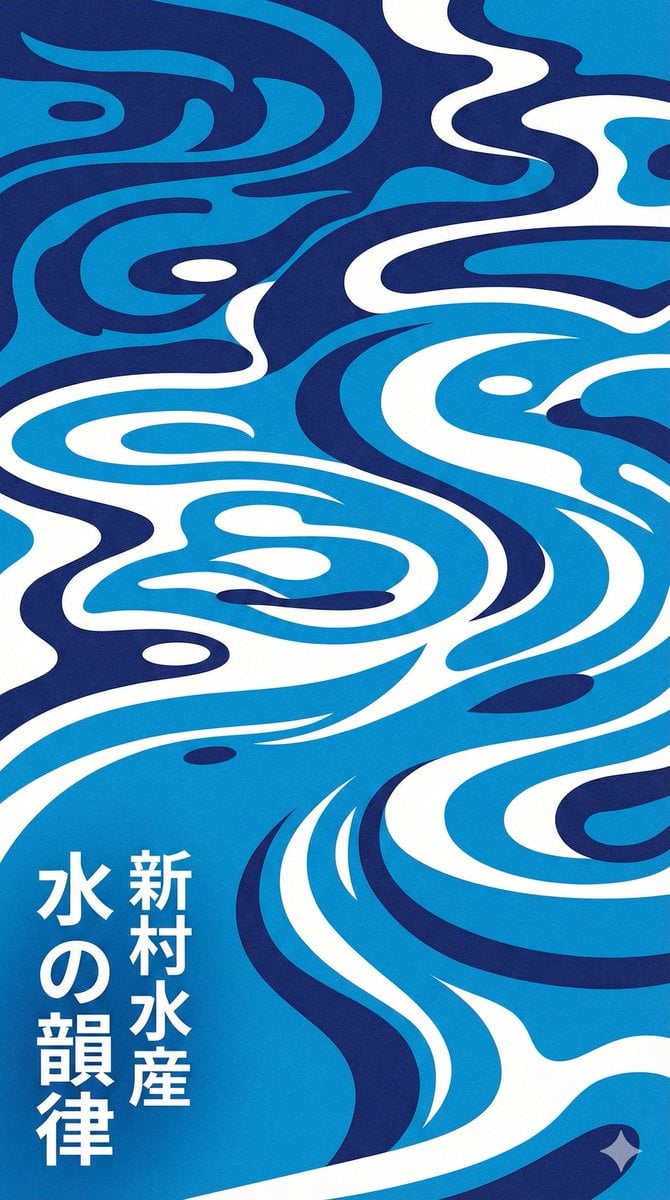
Modern Japanese Graphic Design Poster Prompt
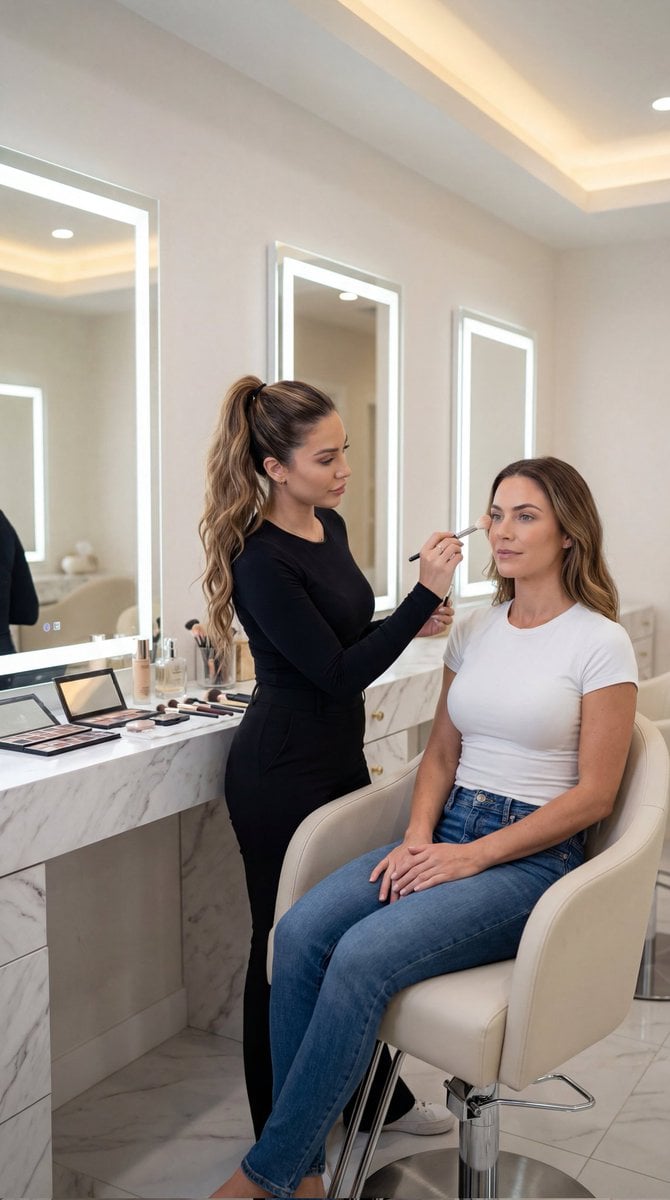
Luxury Salon Portrait with Identity Lock Prompt
Browse template categories
Gen Z Mirror Selfie Collage questions
How do I use the Gen Z Mirror Selfie Collage template?
Add your photo if the template asks for one, edit the prompt if you like — the template's model and format are already selected — and press Generate. Your version opens in PicX Studio.
Can I customize the Gen Z Mirror Selfie Collage template?
Yes. You can change the subject, setting, lighting, mood, format, and available model controls before creating your image.
Is the Gen Z Mirror Selfie Collage template free?
Opening and editing this template is free. Generating uses credits, shown on the Generate button when you are signed in.
Which AI model should I use?
Start with GPT Image 2, which is the model associated with this template. You can compare another compatible model for a different finish.
Looking for something else? Browse all templates.

Your photo, any look
Thousands of ready templates for every top image and video model, from one credit balance.