How do I use the Miniature Toy Self Portrait template?
Edit the prompt in the box under the preview — the template's model and format are already selected — and press Generate. Your version appears right on this page.
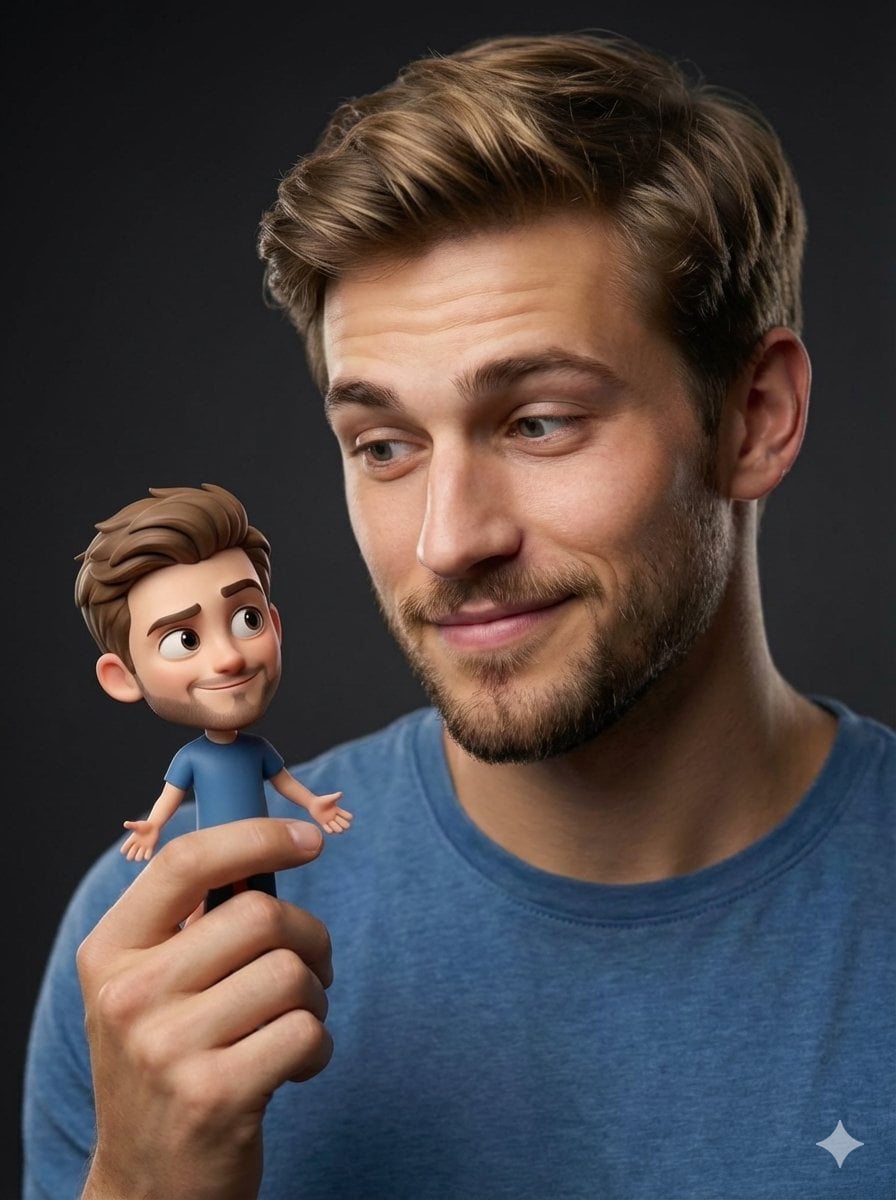
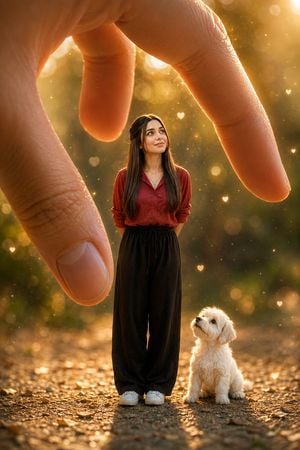
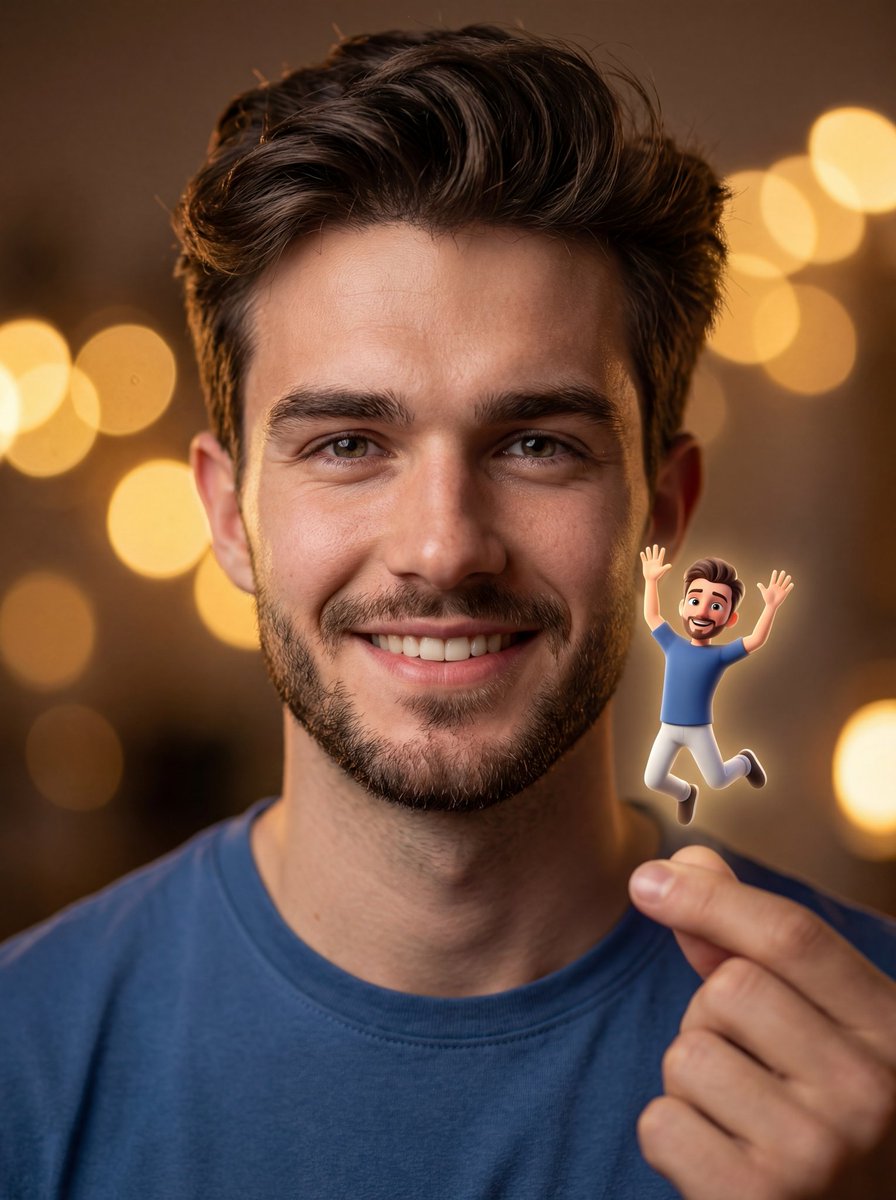
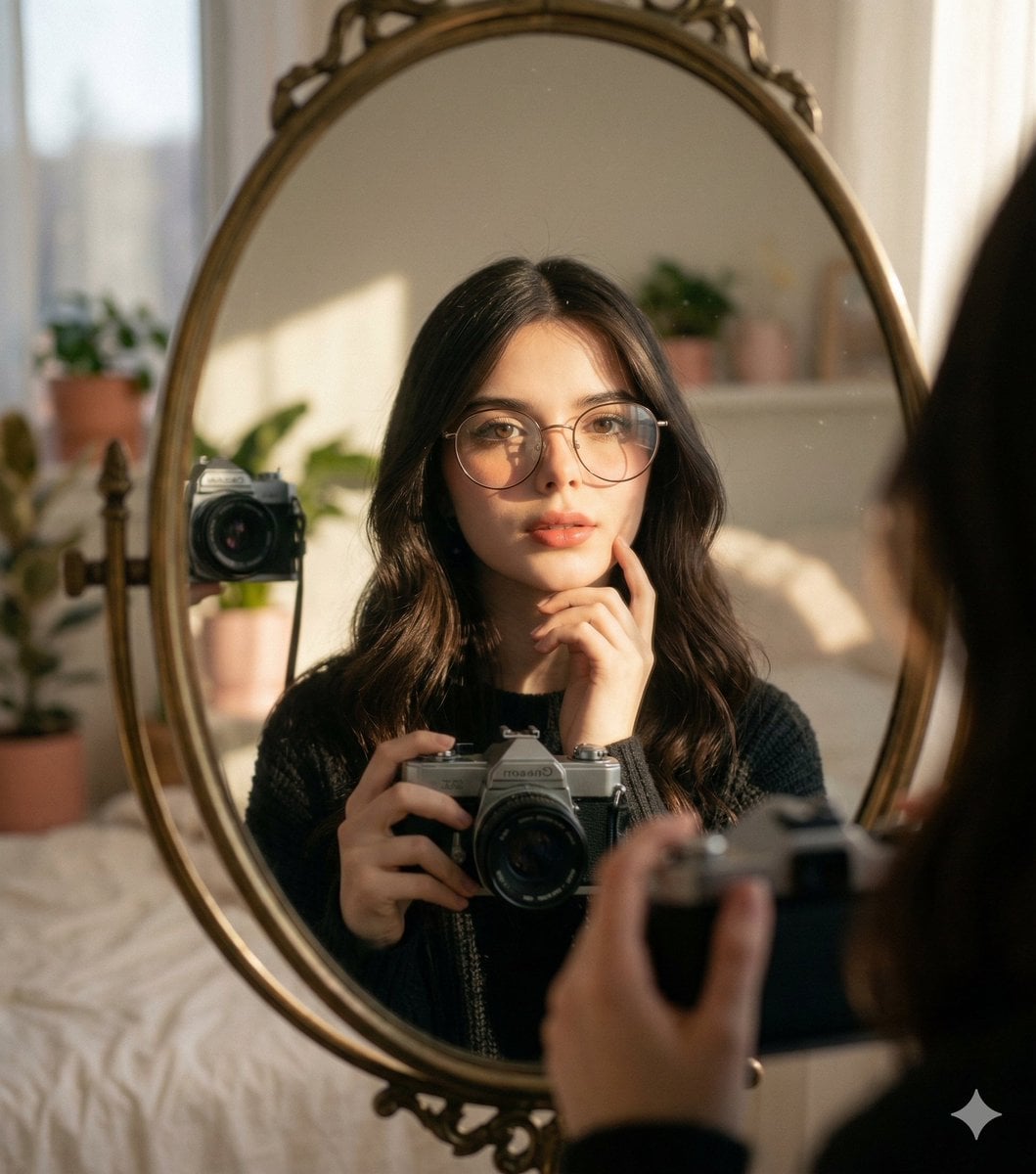
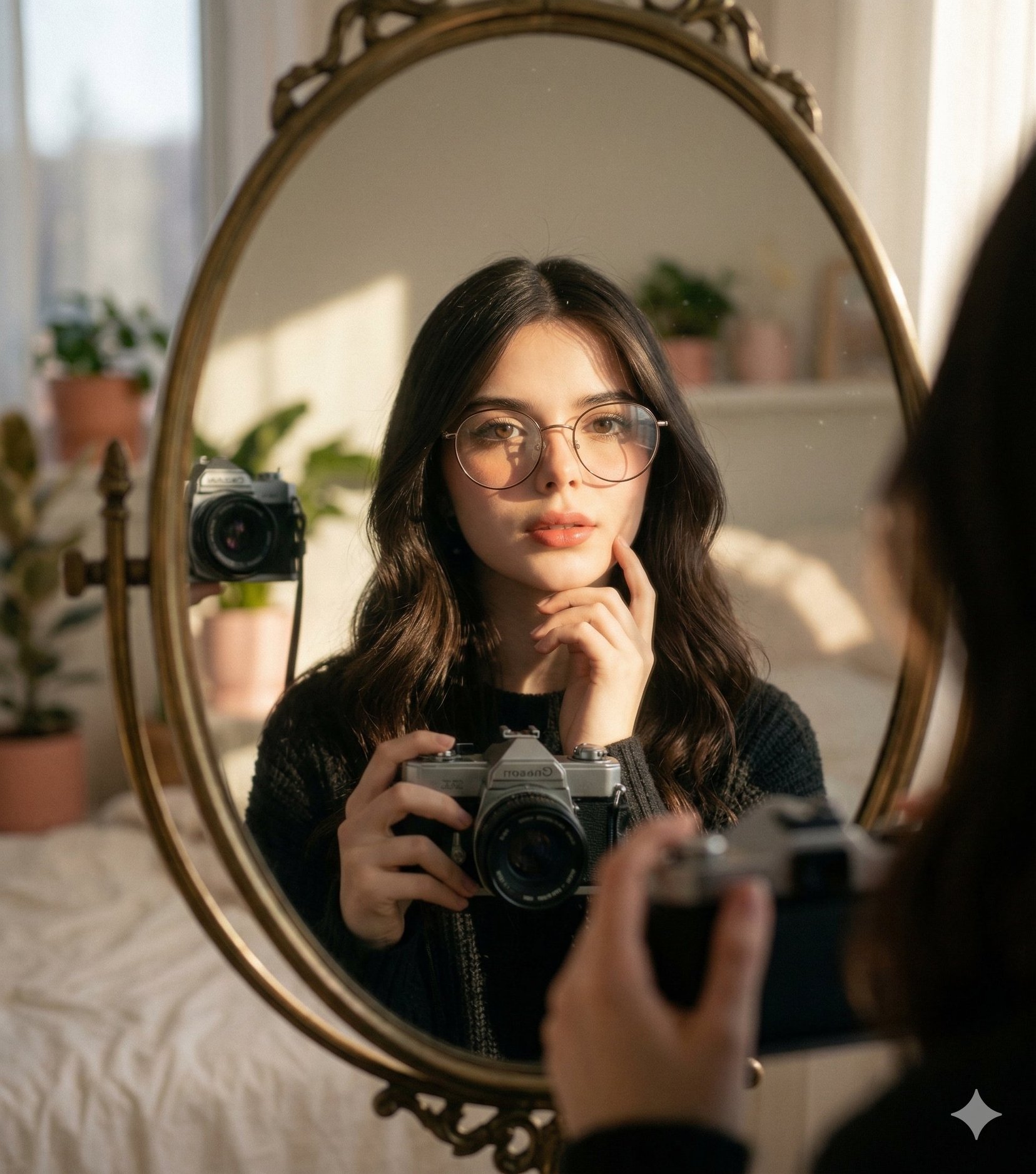
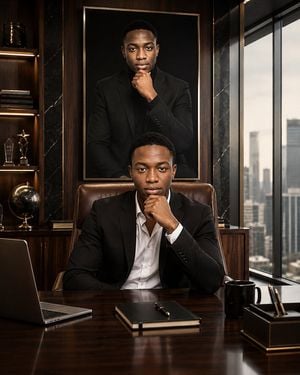
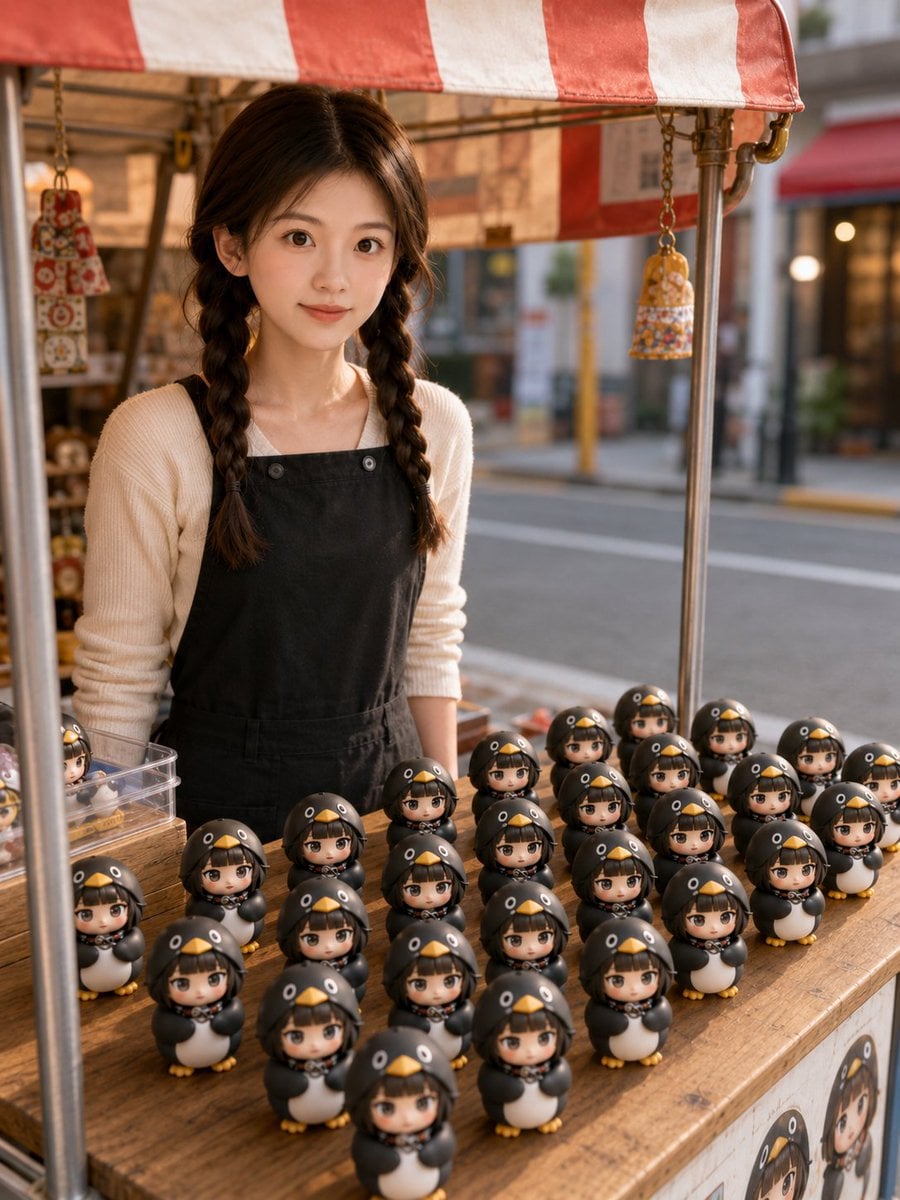
A creative photography prompt where a subject holds a Pixar-style miniature version of themselves, utilizing image reference and bokeh backgrounds.

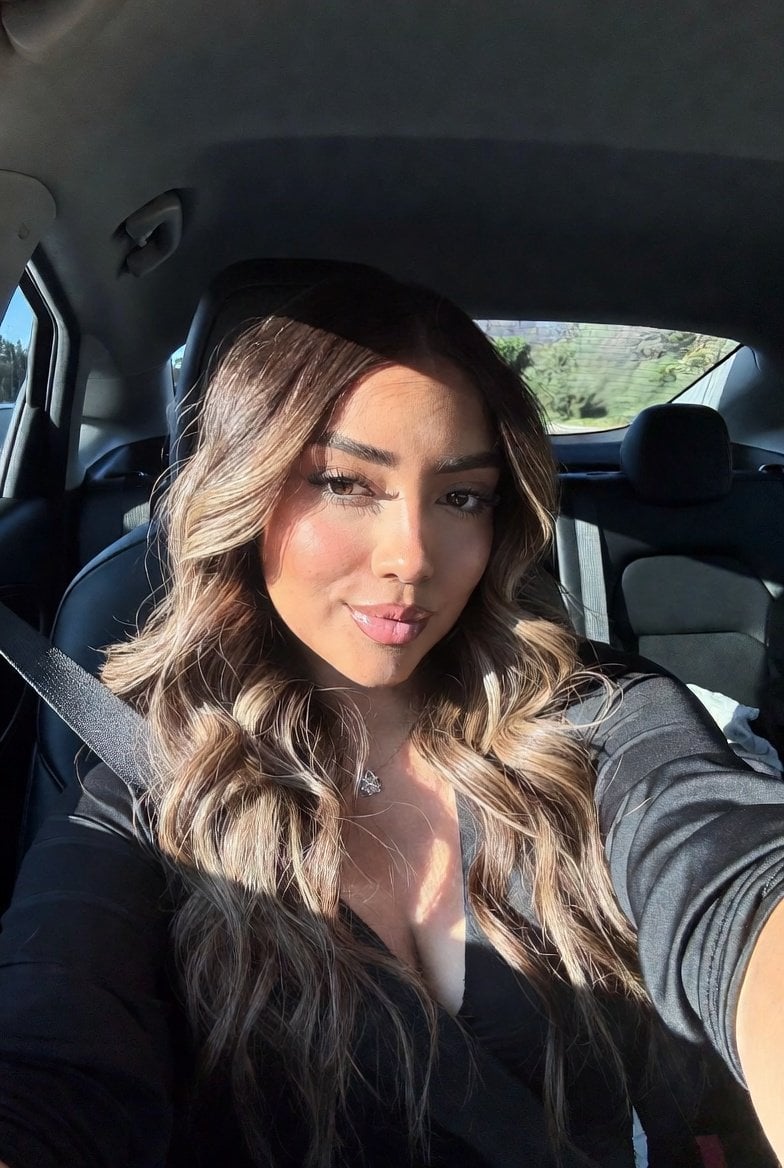
Create a realistic photo of me holding a tiny miniature toy version of myself between my fingers. The miniature figure should look exactly like me, wearing the same clothes and hairstyle, designed as a cute Pixar-style 3D character with big expressive eyes and a happy smile. I am looking at the tiny version with excitement and amazement. Warm golden bokeh background, soft cinematic lighting, shallow depth of field, ultra-realistic skin details, professional portrait photography, highly detailed, magical atmosphere, 85mm lens, f/1.8, photorealistic, 8K quality. Use the uploaded photo as the reference. Create a realistic portrait where the person is holding a miniature chibi doll version of themselves between their fingers. The doll must resemble the person exactly, with matching facial features, hairstyle, and outfit. Warm golden background, cinematic lighting, shallow depth of field, highly detailed, realistic photography, Pixar-style miniature character, 8K.
Create a realistic photo of me holding a tiny miniature toy version of myself between my fingers. The miniature figure should look exactly like me, wearing the same clothes and hairstyle, designed as a cute Pixar-style 3D character with big expressive eyes and a happy smile. I am looking at the tiny version with excitement and amazement. Warm golden bokeh background, soft cinematic lighting, shallow depth of field, ultra-realistic skin details, professional portrait photography, highly detailed, magical atmosphere, 85mm lens, f/1.8, photorealistic, 8K quality. Use the uploaded photo as the reference. Create a realistic portrait where the person is holding a miniature chibi doll version of themselves between their fingers. The doll must resemble the person exactly, with matching facial features, hairstyle, and outfit. Warm golden background, cinematic lighting, shallow depth of field, highly detailed, realistic photography, Pixar-style miniature character, 8K.
Edit the prompt in the box under the preview — the template's model and format are already selected — and press Generate. Your version appears right on this page.
Yes. You can change the subject, setting, lighting, mood, format, and available model controls before creating your image.
Opening and editing this template is free. Generating uses credits, shown on the Generate button when you are signed in.
Start with Nano Banana 2, which is the model associated with this template. You can compare another compatible model for a different finish.
Follow a topic to a crawlable collection of related PicX Studio templates.