How do I use the Rotoscoping animation style conversion template?
Choose the primary action to open PicX Studio with the available template settings. Review the model and format, personalize the creative direction, and generate when ready.
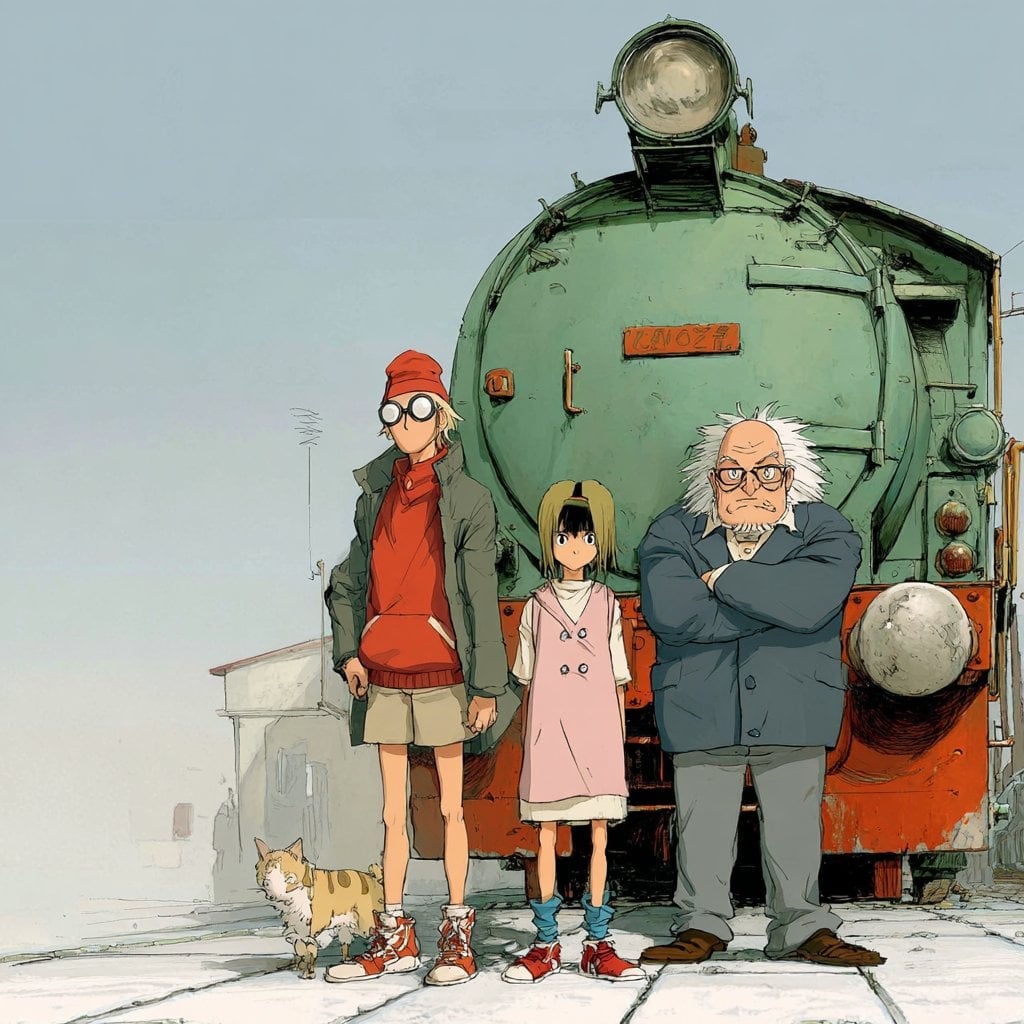
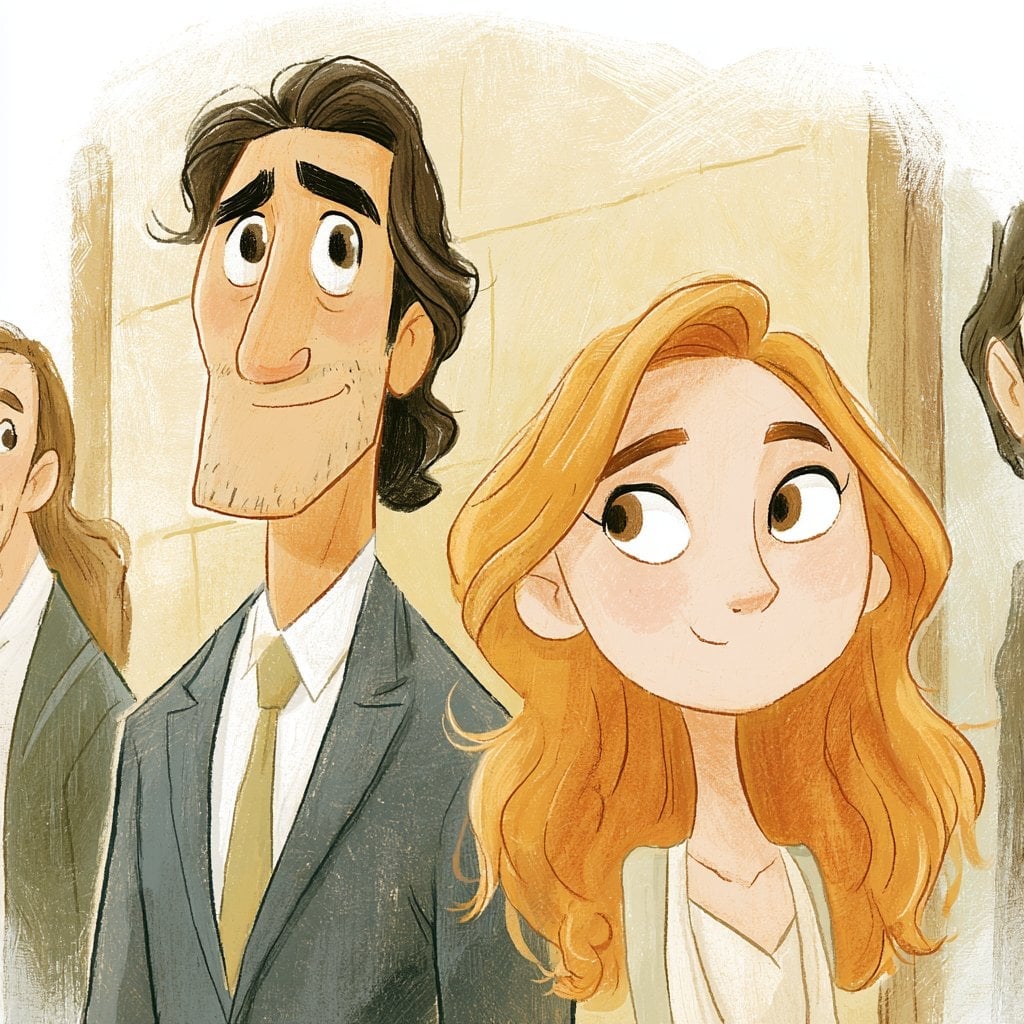
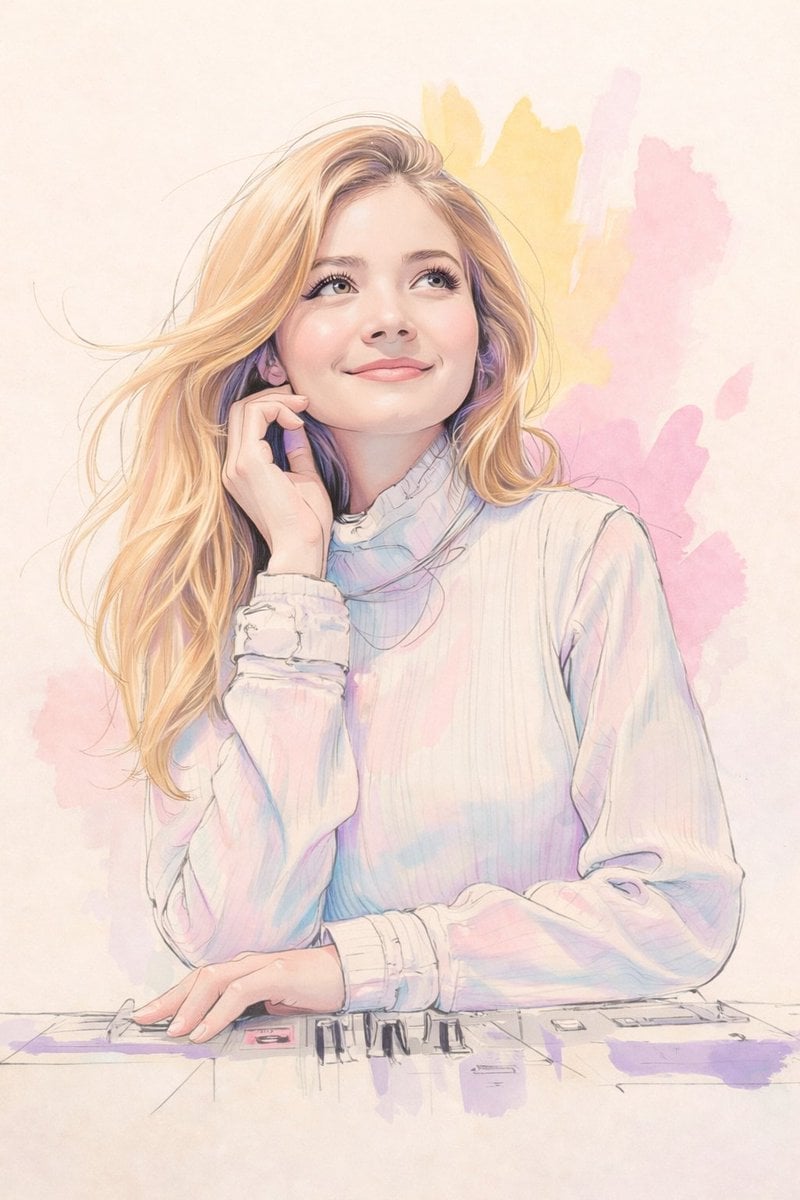
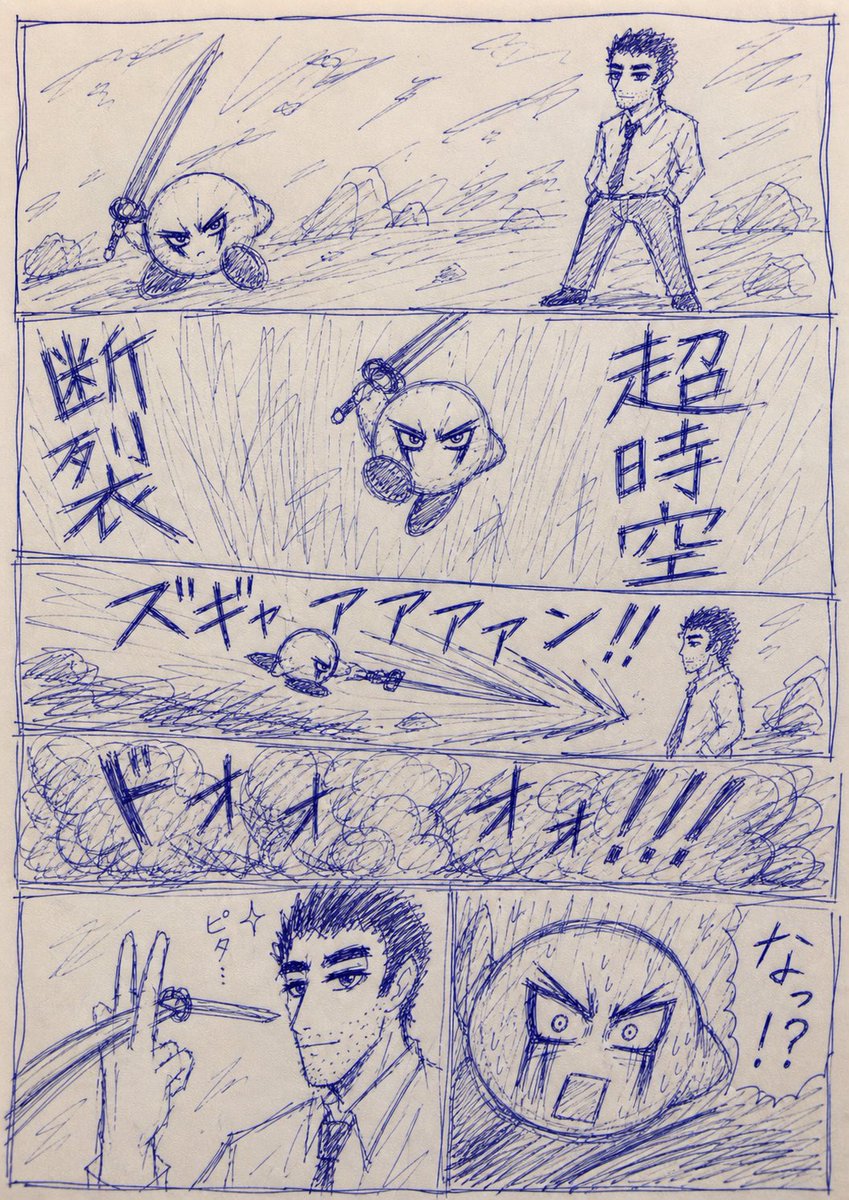
A prompt to transform a reference person into a rotoscoping style illustration with hand-drawn outlines and cinematic lighting.

Rotoscoping style illustration of a real person based on the reference image, preserving exact facial features, pose, and expression, clean hand-drawn outlines, smooth vector-like shading, semi-realistic proportions, subtle color gradients, minimal but accurate background, cinematic lighting, high detail, crisp edges, animation frame aesthetic, inspired by classic rotoscope animation techniques, 4k quality, sharp focus
Choose the primary action to open PicX Studio with the available template settings. Review the model and format, personalize the creative direction, and generate when ready.
Yes. You can change the subject, setting, lighting, mood, format, and available model controls before creating your image.
This template is free to open and customize. Generation usage is shown in PicX Studio before you create.
Start with Nano Banana 2, which is the model associated with this template. You can compare another compatible model for a different finish.
Follow a topic to a crawlable collection of related PicX Studio templates.