
Three Colorful Cheerleaders Studio Pose
Generates a vivid full-body studio photo of three color-coded cheerleaders in sparkling uniforms with pom-poms for commercial dance-team imagery.
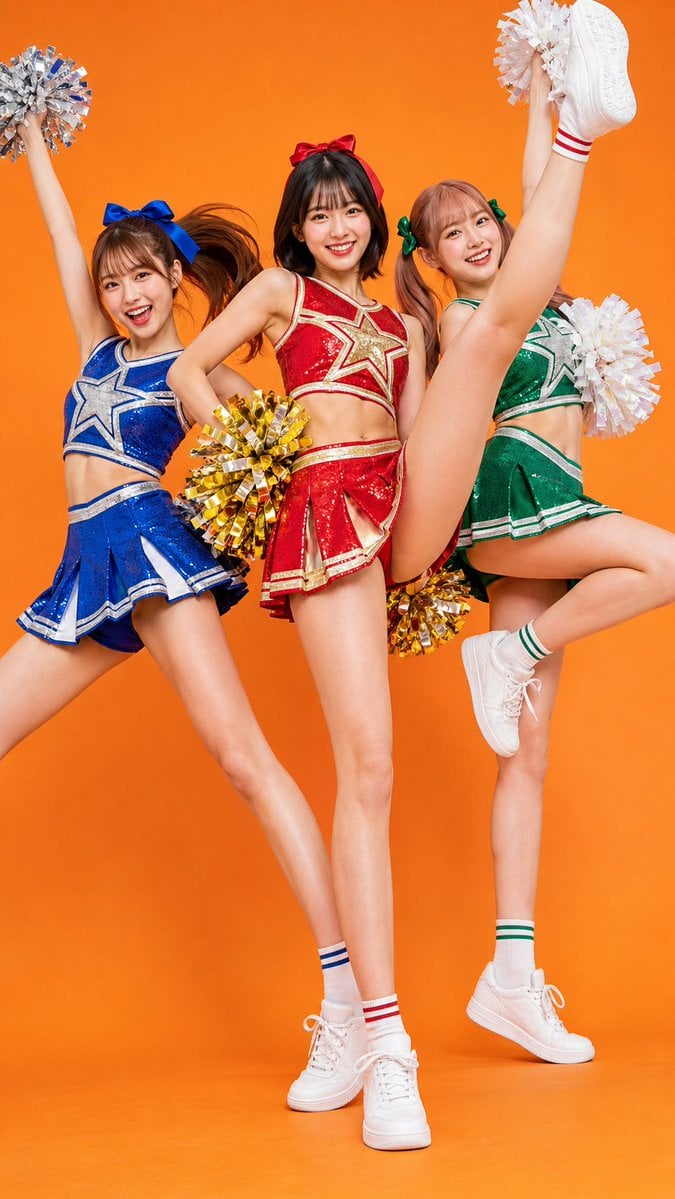
- Prompt included
- Model and format preset
- Free template
The prompt behind this image
Copy the exact prompt behind Three Colorful Cheerleaders Studio Pose, or open it in the studio and make it yours.
Create a bright studio fashion photo of {argument name="number of cheerleaders" default="three"} young adult female cheerleaders posing together against a seamless vivid {argument name="background color" default="orange"} backdrop. The scene contains exactly three performers: the left cheerleader wears a sparkling blue two-piece cheer uniform with silver-and-white trim and a large blue hair bow, leans diagonally with one arm raised holding a silver pom-pom; the center cheerleader wears a sparkling red two-piece cheer uniform with gold-and-white trim, a red hair bow, stands front and center with one hand on her hip and holds metallic gold pom-poms; the right cheerleader wears a sparkling green two-piece cheer uniform with white-and-silver trim and a green hair bow, performs a dramatic vertical high kick with one leg lifted straight upward, holding white pom-poms. All three wear short pleated skirts, white crew socks with colored stripes matching their outfits, and clean white athletic sneakers. Use glossy sequin fabric, crisp studio lighting, vibrant saturated colors, full-body vertical composition, energetic dance-team pose, dynamic hair movement, polished commercial photography style, sharp details on uniforms and pom-poms, smooth orange floor blending into the backdrop, and faces covered by simple square pixelated blur masks for anonymity.
How to use Three Colorful Cheerleaders Studio Pose in 3 steps
- 1Upload ImagePNG, JPG or paste
Add your photo
Upload the photo the template builds on. The prompt, model and format are already set.
- 2…a portrait of your subject in softgolden-hour light, 85mm…
Personalize
Edit the subject and creative details for your destination.
- 3Generate
Generate
Press Generate — your image is created in PicX Studio, so you can compare it with the original and refine one variable at a time.
More like this
Templates with the same subject, style or setup. Open one to see its prompt.

80s Couple Studio Portrait

1985 Studio Portrait

Paper Cut Craft Illustration

Cinematic Low-Angle Fashion Portrait Smoke Editorial

Japanese Architectural Concrete Studio Fashion Campaign

Japanese Minimalist Concrete Studio Fashion Editorial
Cinematic Low-Angle Fashion Portrait Smoke Editorial
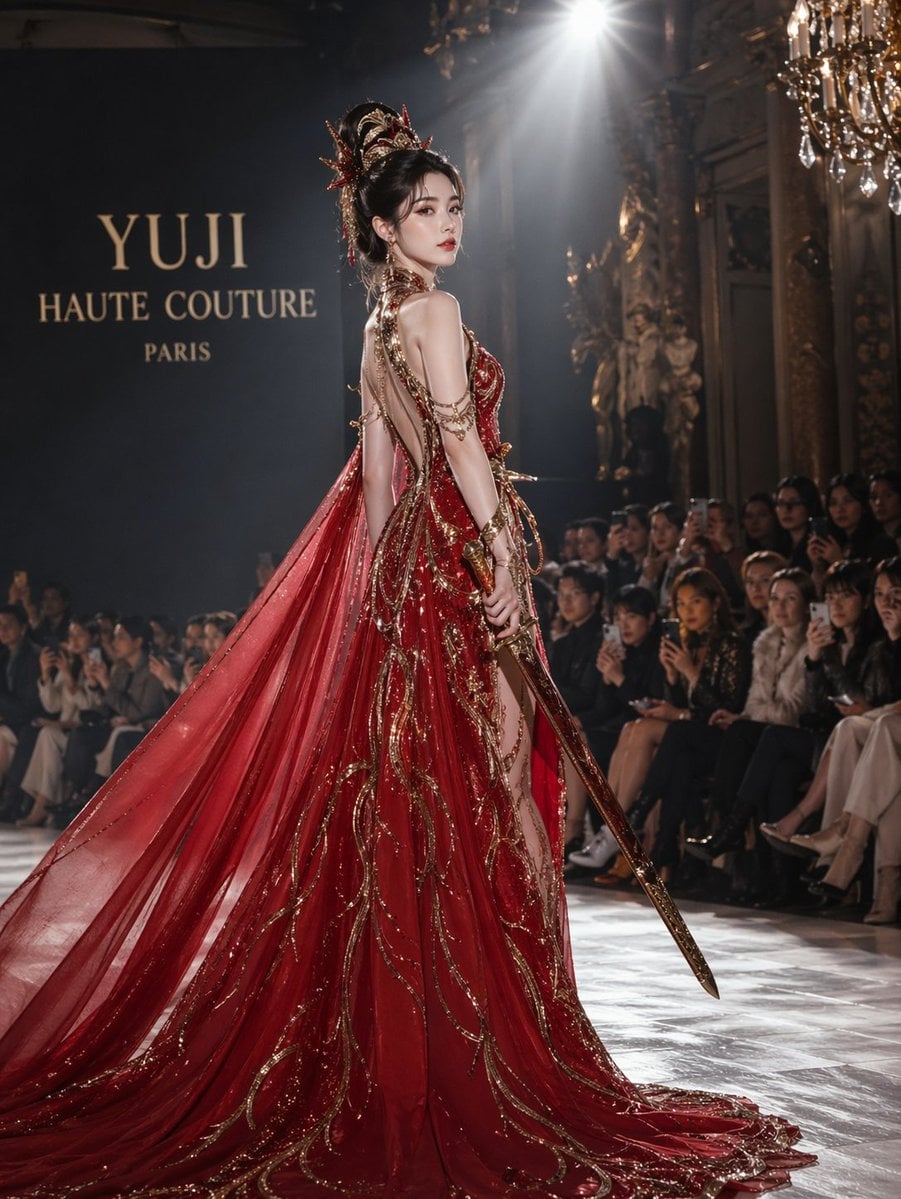
High-Fashion Bauhaus Geometric Cutout Editorial
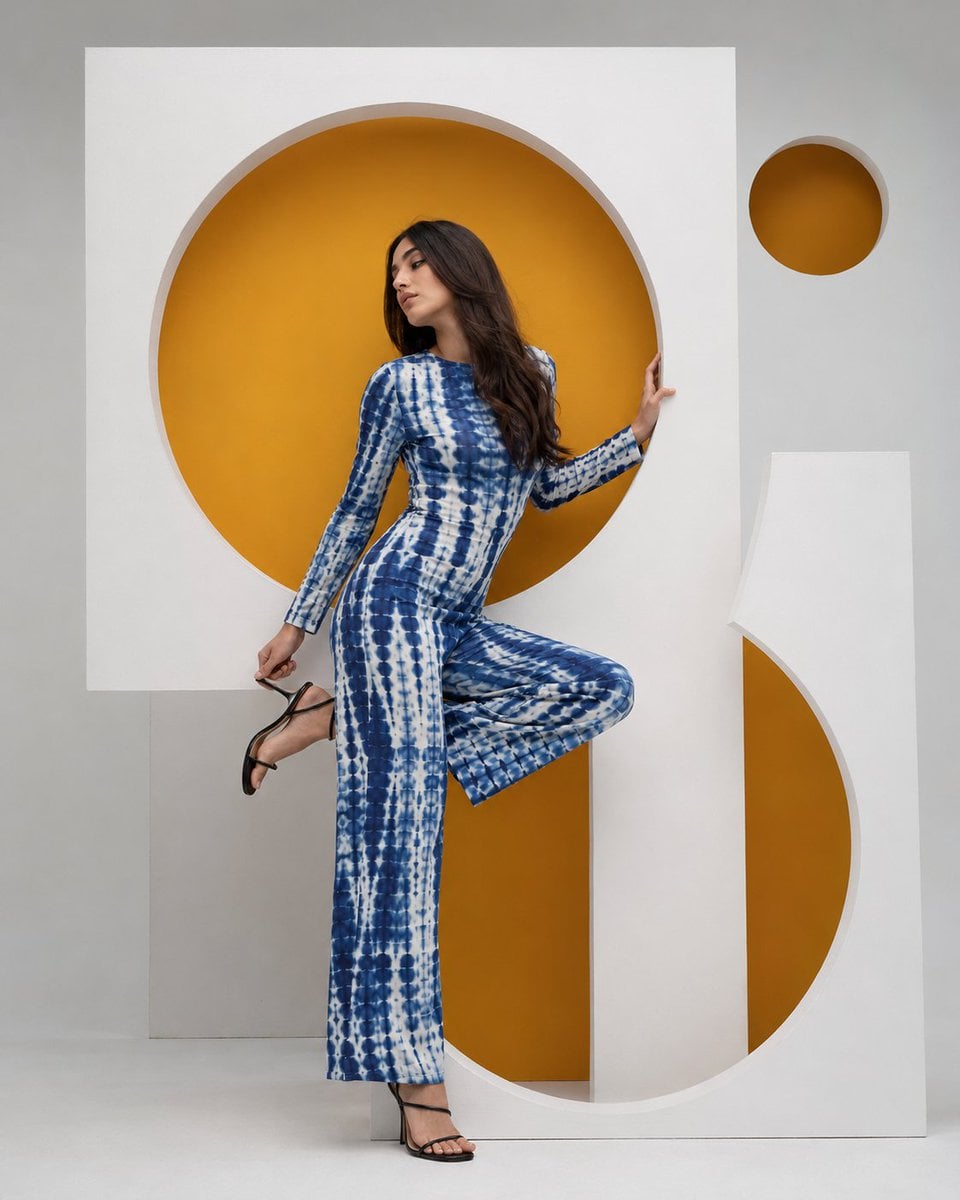
High-Fashion Bauhaus Geometric Cutout Editorial

Luxury Black-and-White Fashion Contact Sheet

Ultra-Realistic Vogue-Style Editorial Fashion Grid

Stylized Fashion Portrait Bold Color Contrast Editorial
Make it yours
Three Colorful Cheerleaders Studio Pose works as-is. These are the safest ways to change it without losing the look.
Change one field
Copy a single group, rewrite it, and generate again so you can see what that field is doing.
Keep the frame, change the subject
Hold the composition and light of Three Colorful Cheerleaders Studio Pose, then swap wardrobe, props or the person for a new take.
| If the result… | Why | Fix |
|---|---|---|
| The result drifts from the preview | Too many fields changed at once. | Reuse Three Colorful Cheerleaders Studio Pose as-is first, then change one group — subject, light, or setting. |
| The model over-stylizes the scene | The prose prompt leaves finish and camera underspecified. | Add one camera or lighting sentence and stay on GPT Image 2. |
More GPT Image 2 templates
Other prompts made for GPT Image 2.

Six VTuber Japanese Logo Sheet

Realistic Portrait of Woman and Deer

The Vista Modular Condo Poster

AI Model Routing Comparison Infographic

2.5D Anime Art Board

Isometric Productivity Desk Scene

New York Double Exposure Poster

Four-Panel AI Landscape Comparison

Japanese Tatami Lifestyle Magazine Cover

NESCAFÉ Coffee Map Poster
More image prompts
Fresh picks from across the catalog.
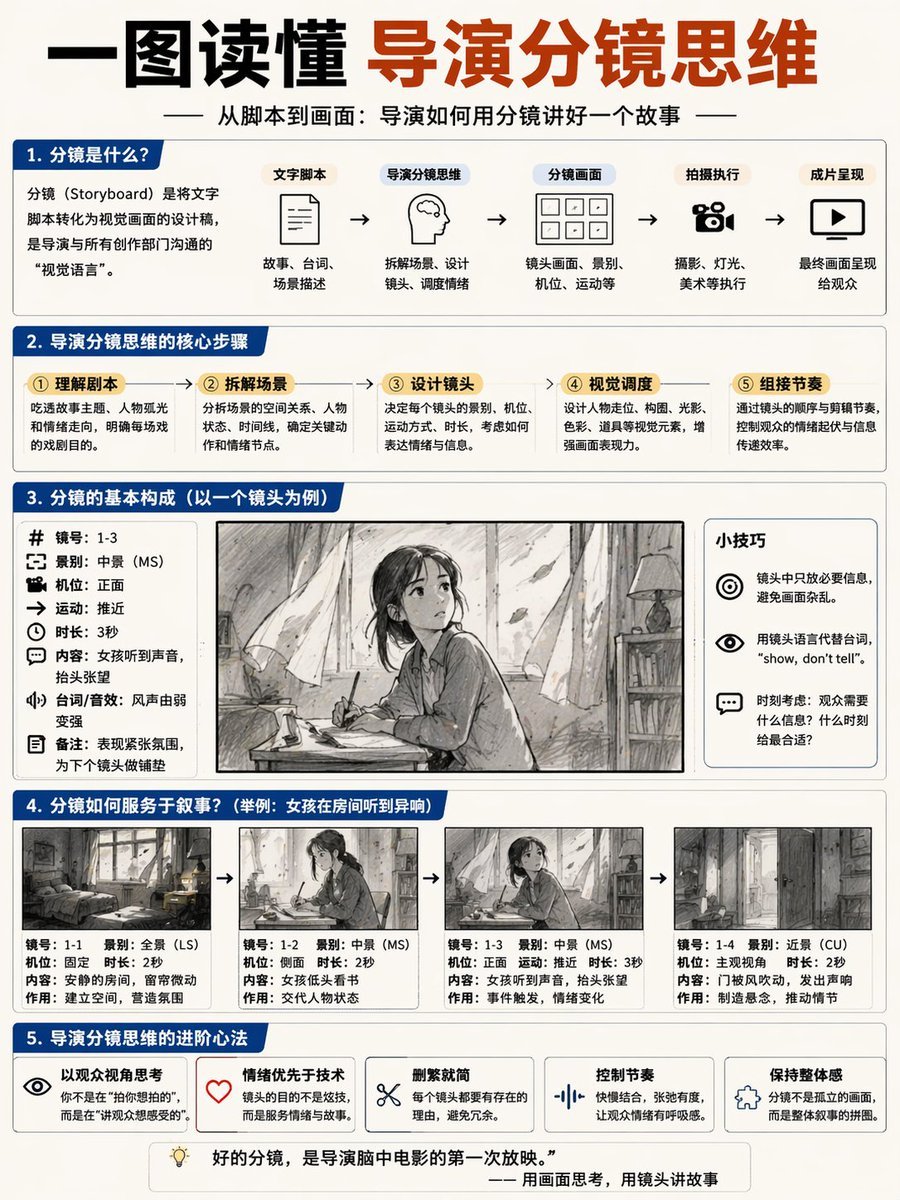
Storyboard Director Infographic
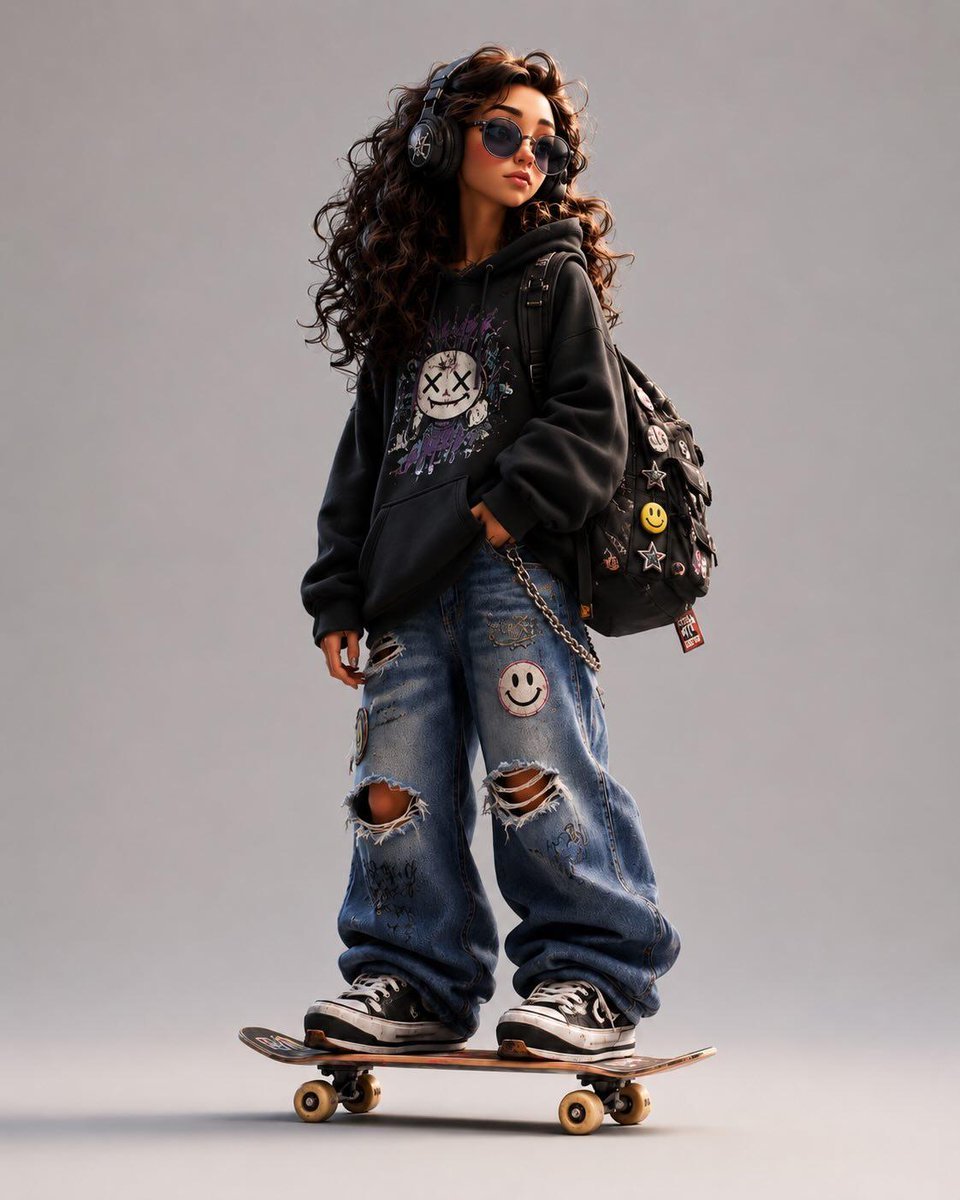
3D Stylized Cartoon Skater
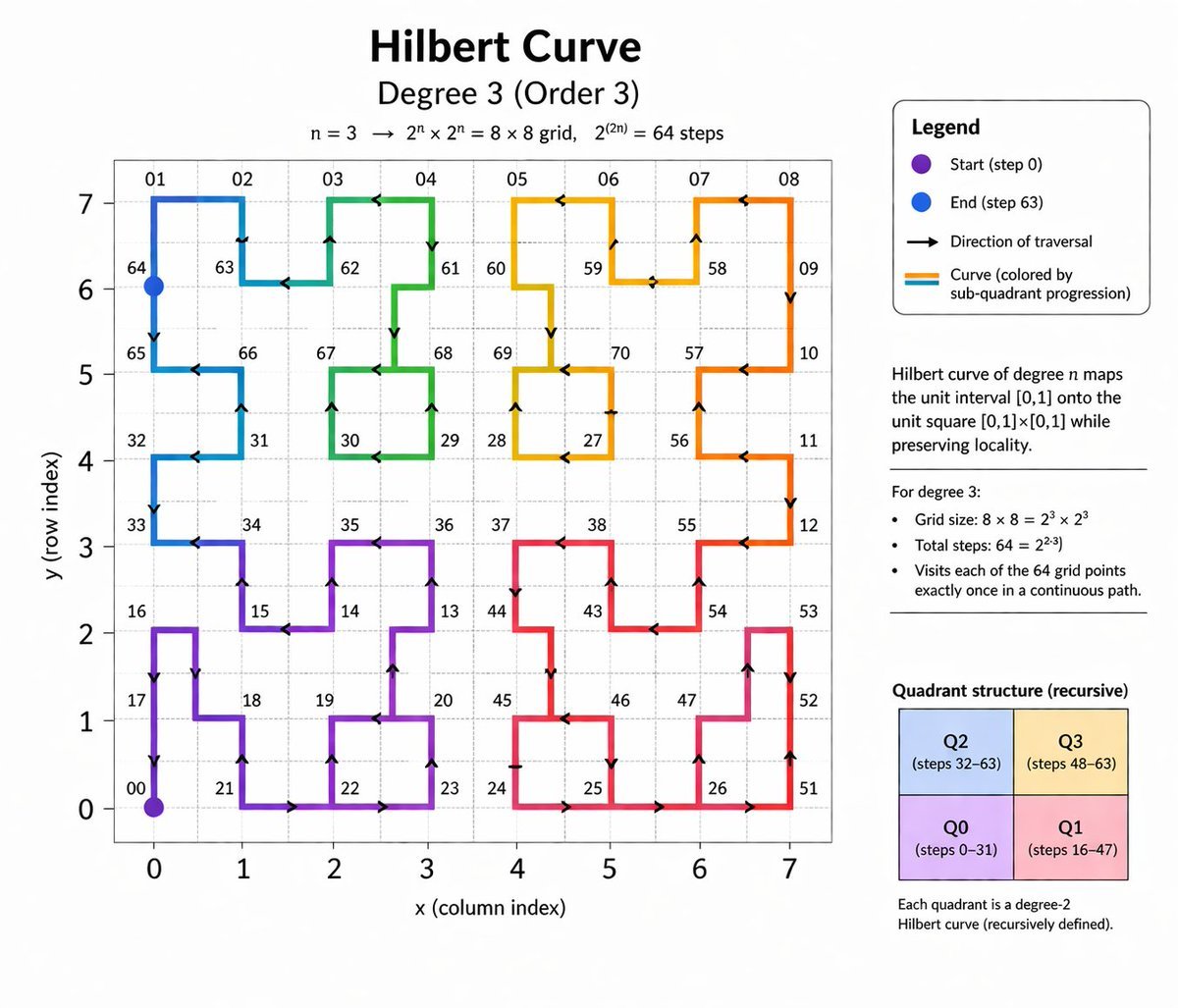
Hilbert Curve Infographic
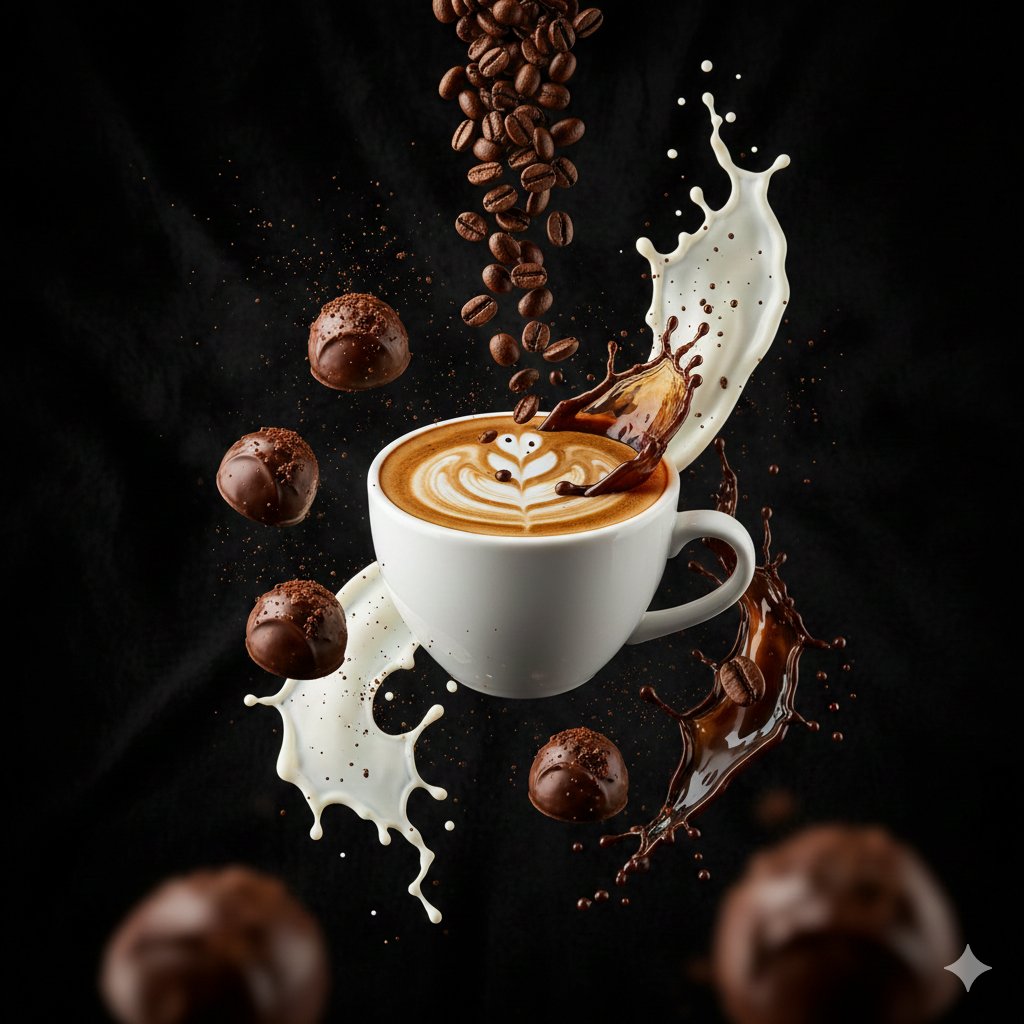
Ultra-Cinematic Splash Photography of Coffee and Chocolate
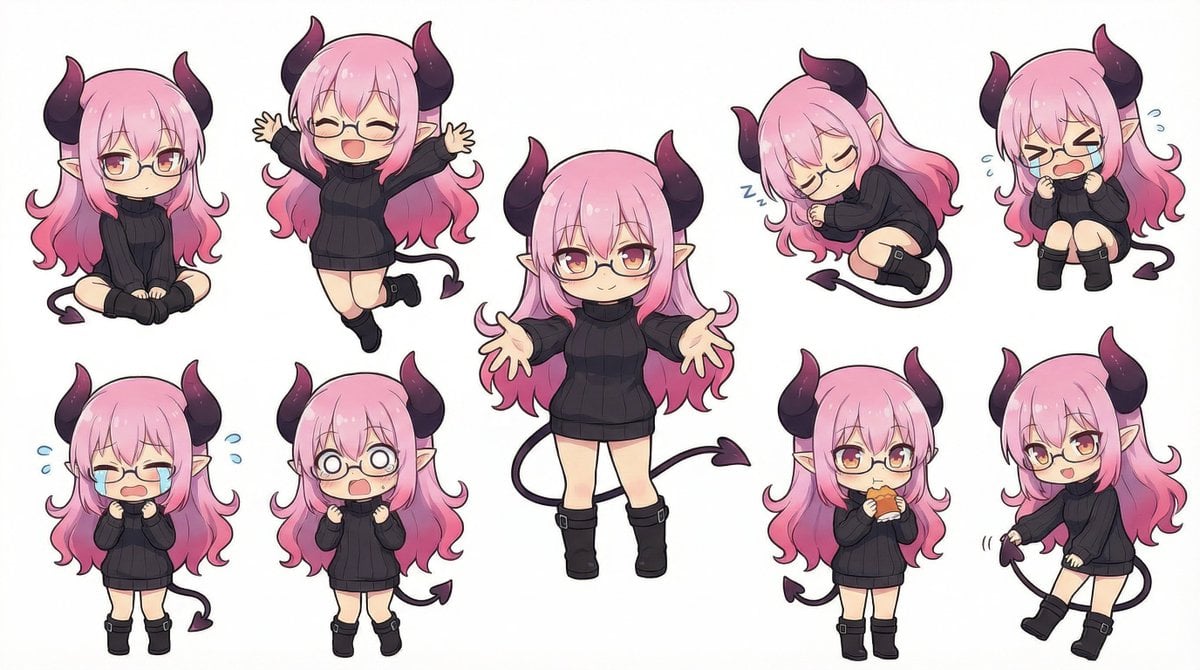
Nanobanana Pro Deformed Character Generation
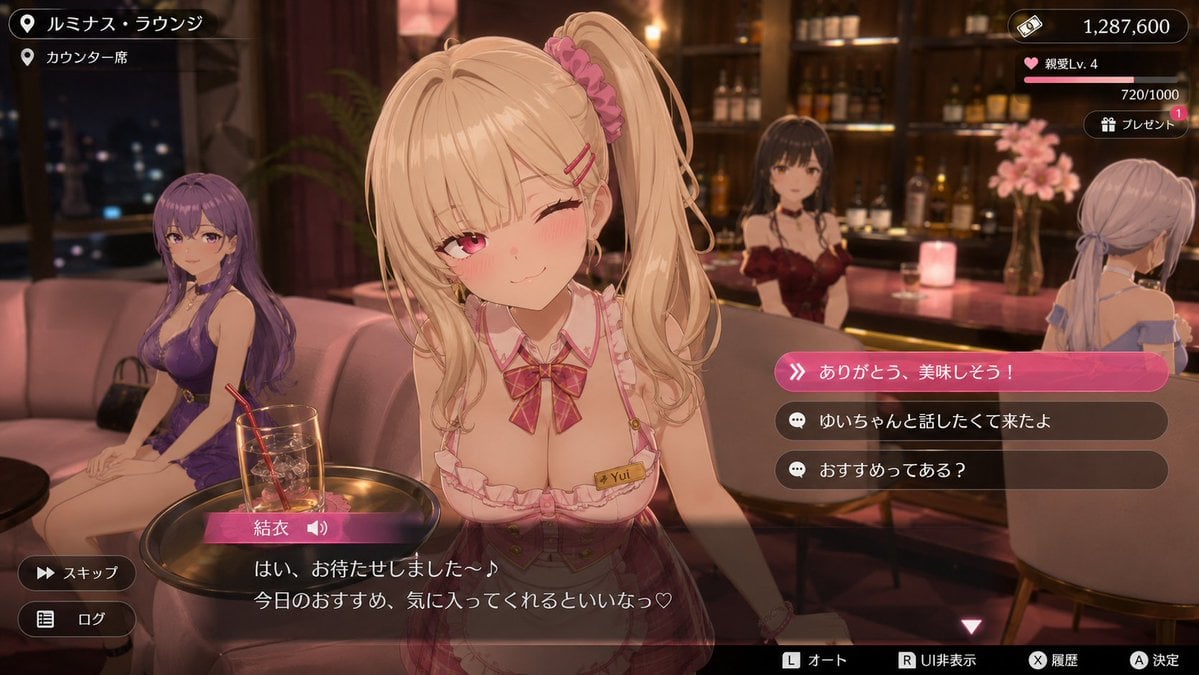
Anime Visual Novel Confession Scene
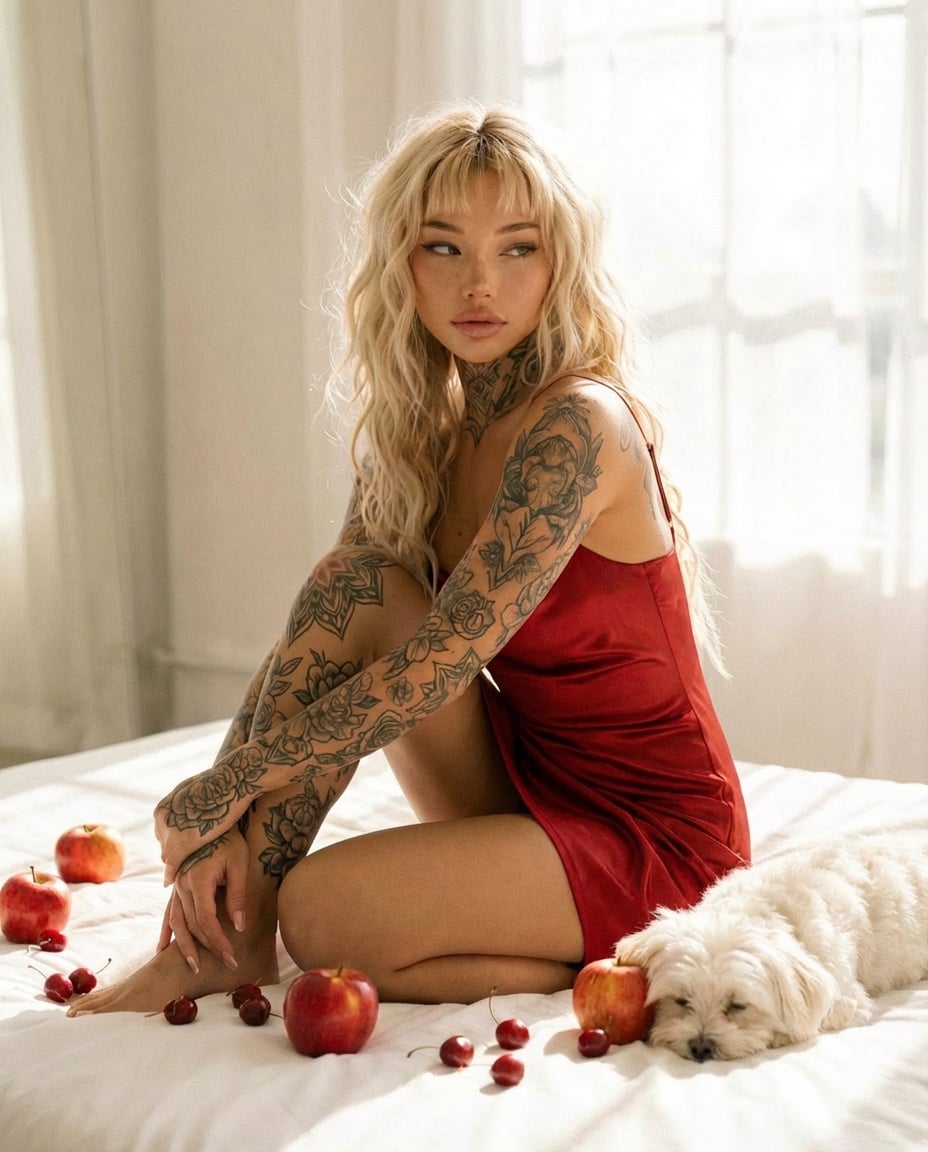
Tattooed Woman in Red Slip Dress Editorial Prompt
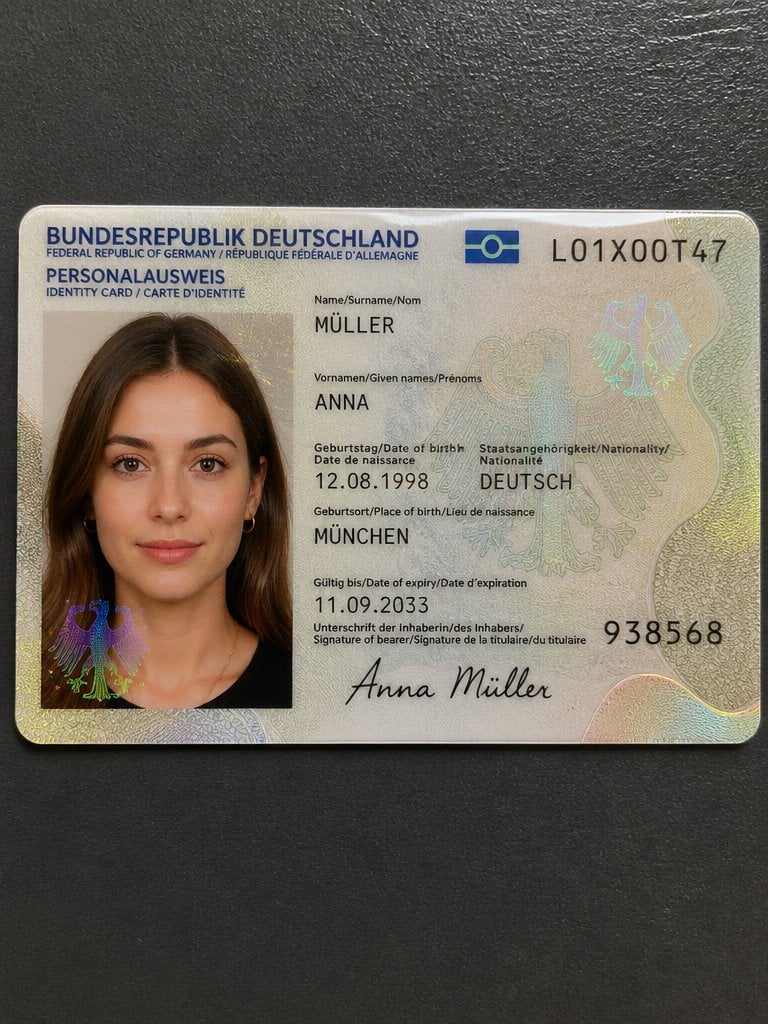
Detailed Identity Card Photography
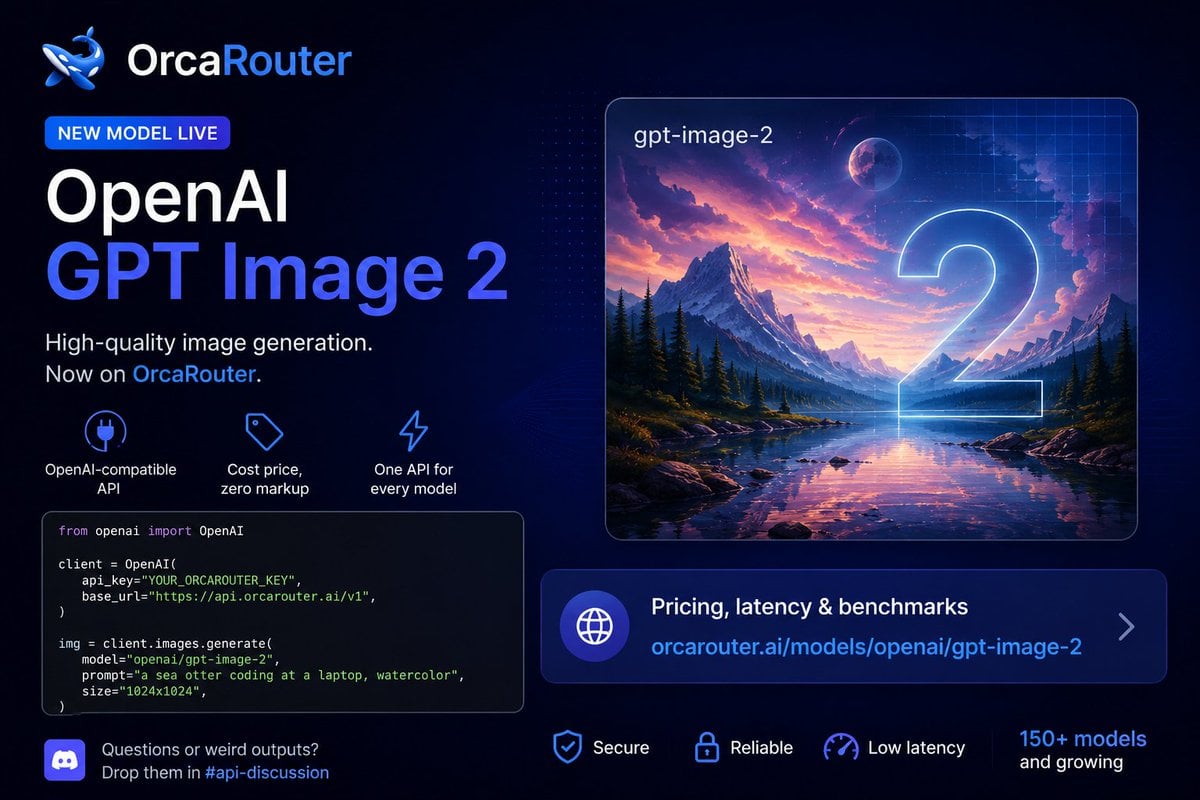
Watercolor Sea Otter Coding
X Oye Samia Hyper Realistic Scene on the Outskirts
Browse template categories
Three Colorful Cheerleaders Studio Pose questions
How do I use the Three Colorful Cheerleaders Studio Pose template?
Add your photo if the template asks for one, edit the prompt if you like — the template's model and format are already selected — and press Generate. Your version opens in PicX Studio.
Can I customize the Three Colorful Cheerleaders Studio Pose template?
Yes. You can change the subject, setting, lighting, mood, format, and available model controls before creating your image.
Is the Three Colorful Cheerleaders Studio Pose template free?
Opening and editing this template is free. Generating uses credits, shown on the Generate button when you are signed in.
Which AI model should I use?
Start with GPT Image 2, which is the model associated with this template. You can compare another compatible model for a different finish.
Looking for something else? Browse all templates.

Your photo, any look
Thousands of ready templates for every top image and video model, from one credit balance.