
Glass Octopus Model Comparison
Creates a two-panel photorealistic comparison of premium glass octopus reef sculptures with labeled model badges.
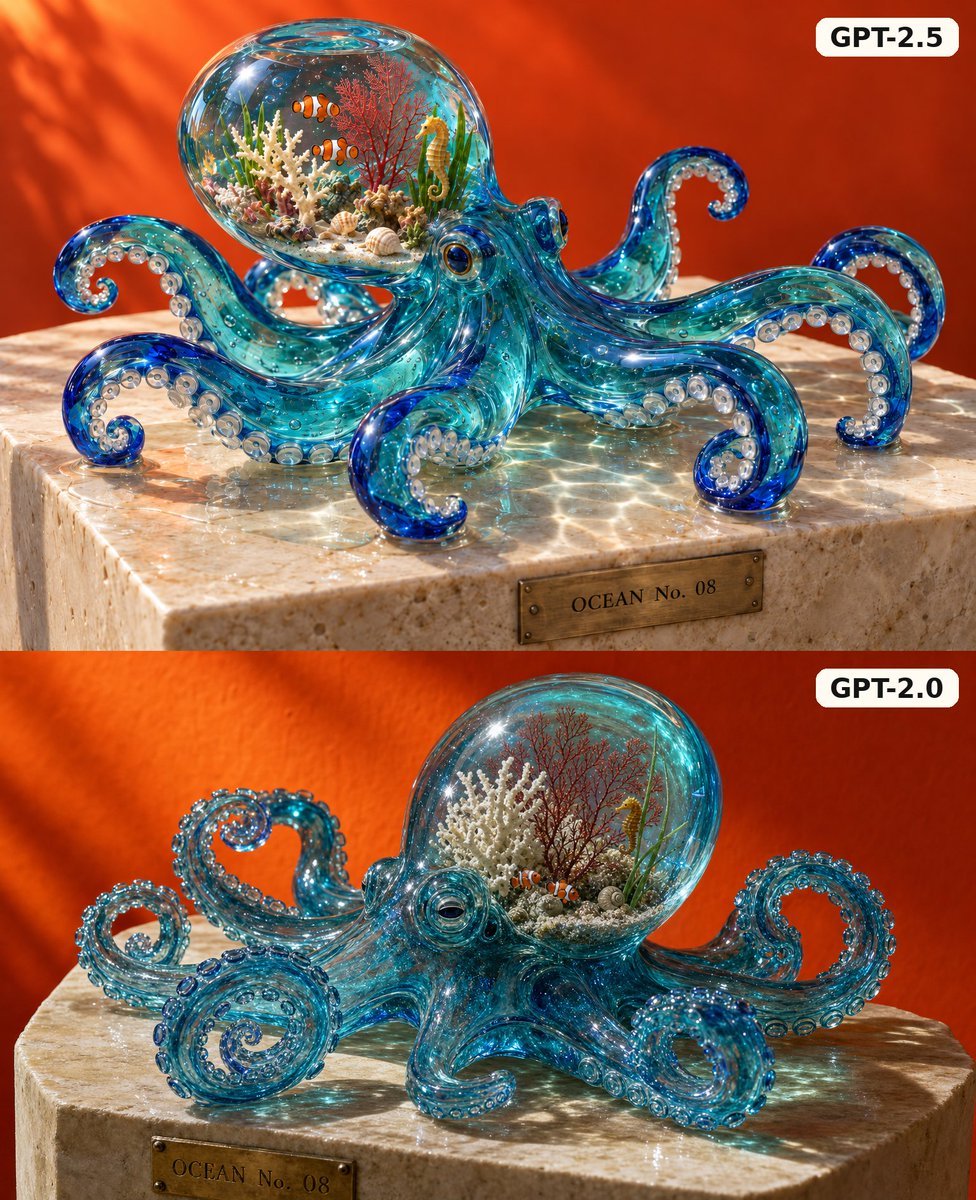
- Prompt included
- Model and format preset
- Free template
The prompt behind this image
Copy the exact prompt behind Glass Octopus Model Comparison, or open it in the studio and make it yours.
Goal: Create a square split-screen comparison image showing two photorealistic glass octopus sculptures, one above the other, on warm stone pedestals against a rich orange background, emphasizing expensive translucent glass, caustic light, and tiny reef details inside the octopus head. Canvas: 1:1 square image, divided into exactly 2 horizontal panels of equal height. No gap between panels. Both panels use the same warm orange plaster-like backdrop with soft diagonal sunlight and shadow patterns. Top panel: Show a highly polished transparent turquoise-blue glass octopus sculpture on a beige marble or limestone block. The octopus must have exactly 8 visible arms, each curling gracefully with deep cobalt-blue tips and rows of round clear suction cups. The bulbous head is a clear glass aquarium containing a miniature coral reef scene: white branching coral, red sea fan coral, green sea grass, sand, shells, exactly 2 orange-and-white clownfish, and 1 yellow seahorse. Add many tiny air bubbles and bright specular highlights throughout the glass. Strong sunlight should create intricate aqua caustic reflections across the stone. On the front of the stone block, place a small aged brass plaque with engraved text: OCEAN No. 08. In the top-right corner, add a rounded white label with bold black text: {argument name="top label" default="GPT-2.5"}. Bottom panel: Show a similar transparent turquoise-blue glass octopus sculpture on a rounded beige stone pedestal, but slightly less elegant and more crowded with beaded suction cups and spiraling tentacles. It must also have exactly 8 visible arms, curled into loops and spirals. The glass body should contain tiny bubbles and blue highlights. Its clear head contains a miniature reef scene with white coral, red sea fan coral, green sea grass, sand, shells, exactly 1 orange-and-white clownfish, and 1 yellow seahorse. Add glowing aqua caustic light on the stone, but make the shape and reef slightly less refined than the top panel. On the front of the pedestal, include a small brass plaque reading: OCEAN No. 08. In the top-right corner, add a rounded white label with bold black text: {argument name="bottom label" default="GPT-2.0"}. Visual style: Ultra-realistic macro product photography, premium art-glass sculpture, glossy transparent borosilicate look, cyan and deep blue gradients, crisp reflections, expensive gallery lighting, shallow depth of field, high detail in the reef and stone texture, warm orange complementary background. Constraints: The image must contain exactly 2 labeled panels, exactly 2 glass octopus sculptures total, and each octopus must have exactly 8 visible arms. Preserve the plaque text OCEAN No. 08 on both pedestals. Do not add extra animals beyond the specified clownfish and seahorses.
How to use Glass Octopus Model Comparison in 3 steps
- 1Upload ImagePNG, JPG or paste
Add your photo
Upload the photo the template builds on. The prompt, model and format are already set.
- 2…a portrait of your subject in softgolden-hour light, 85mm…
Personalize
Edit the subject and creative details for your destination.
- 3Generate
Generate
Press Generate — your image is created in PicX Studio, so you can compare it with the original and refine one variable at a time.
More like this
Templates with the same subject, style or setup. Open one to see its prompt.

AI Model Routing Comparison Infographic

Fantasy Model Comparison Grid
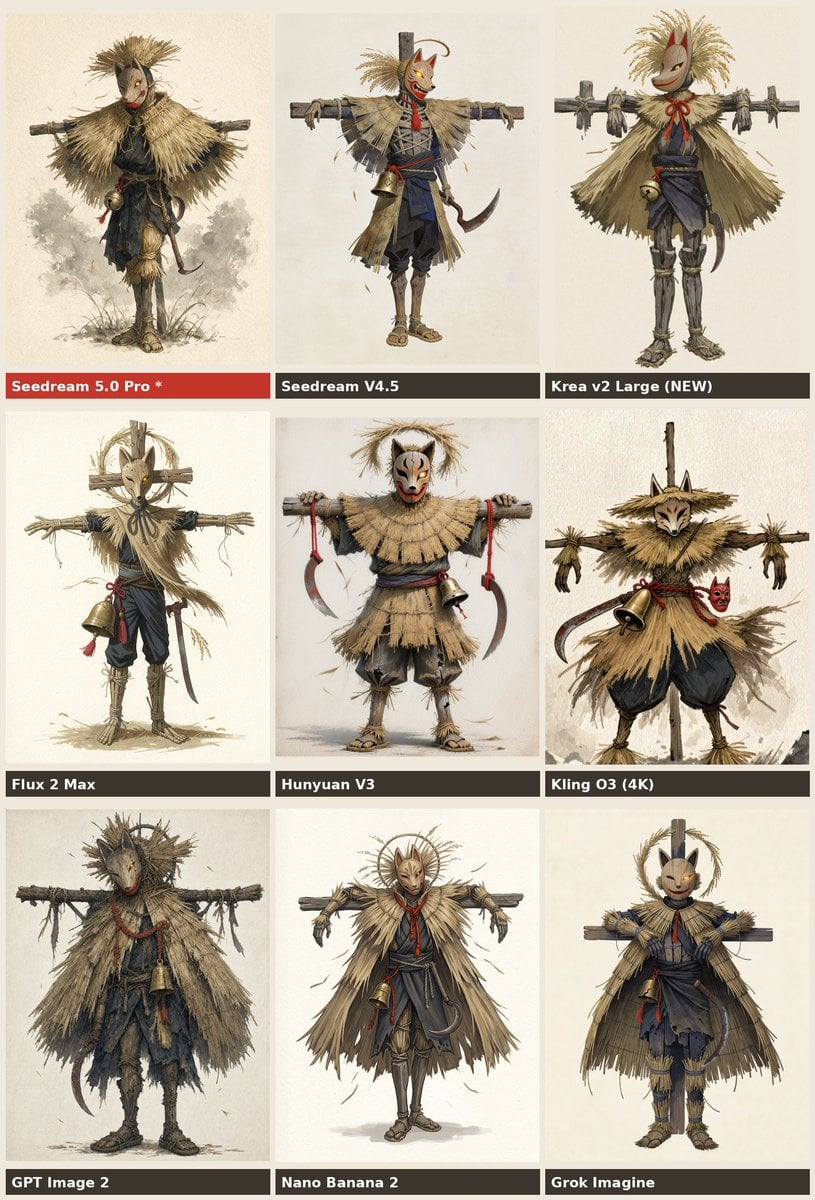
Nine-Model Scarecrow Yokai Comparison

Premium Vertical Product Campaign Poster

Cinematic Glass Brand Logo Volcanic Landscape
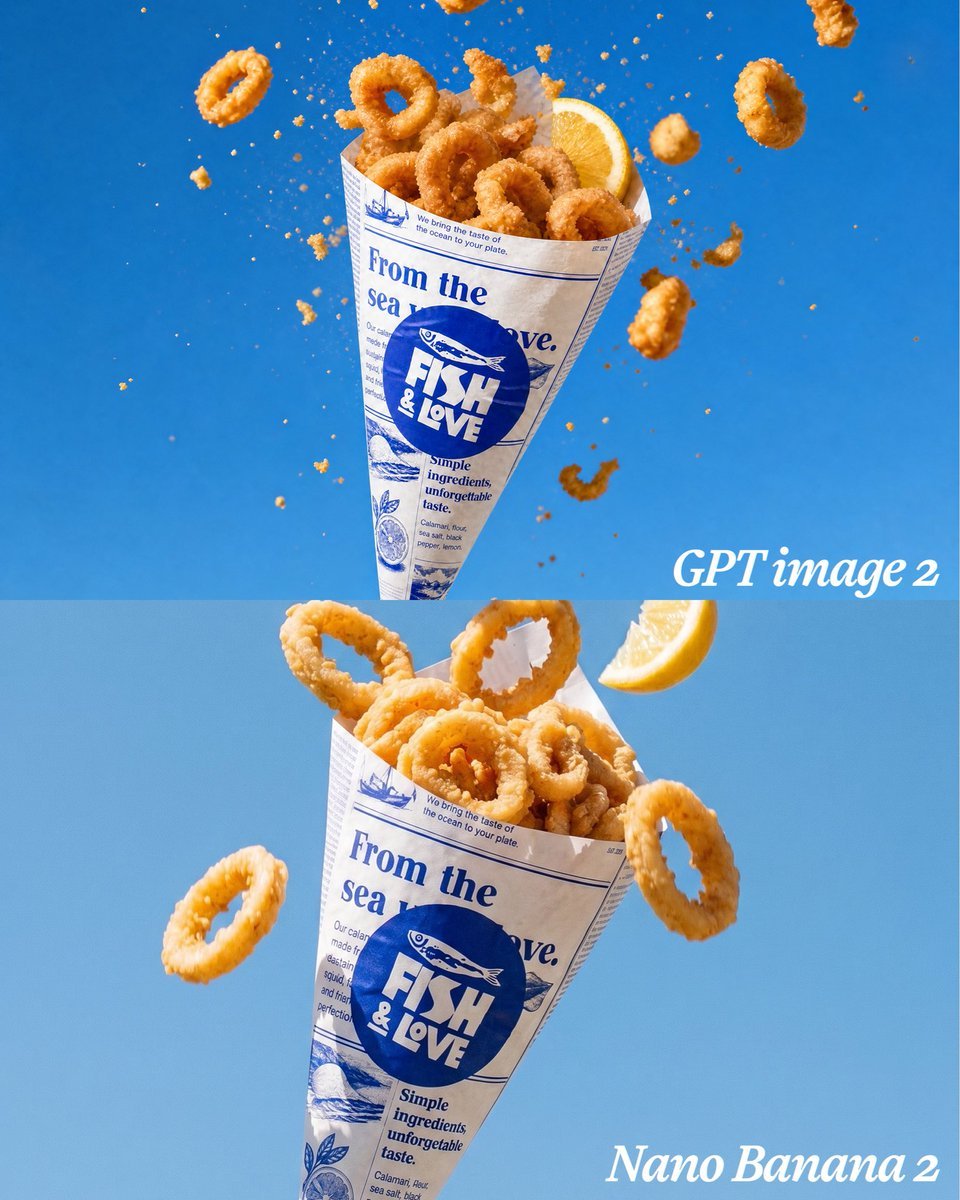
Calamari Cone Model Comparison
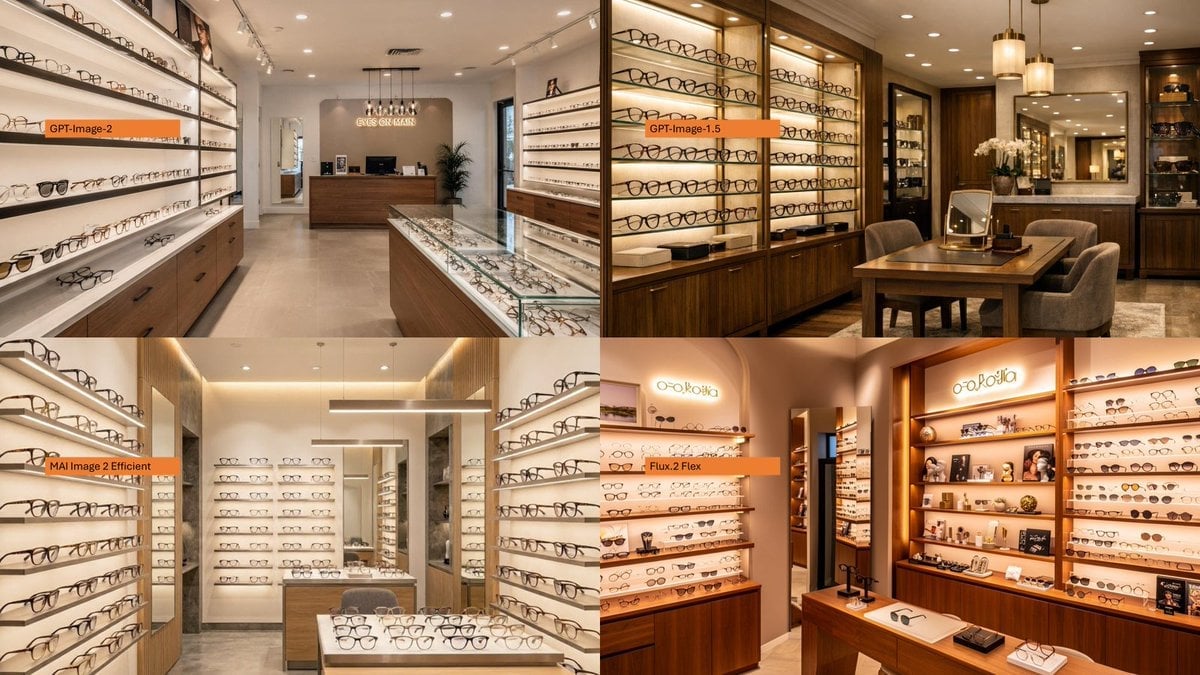
AI Model Eyewear Store Comparison
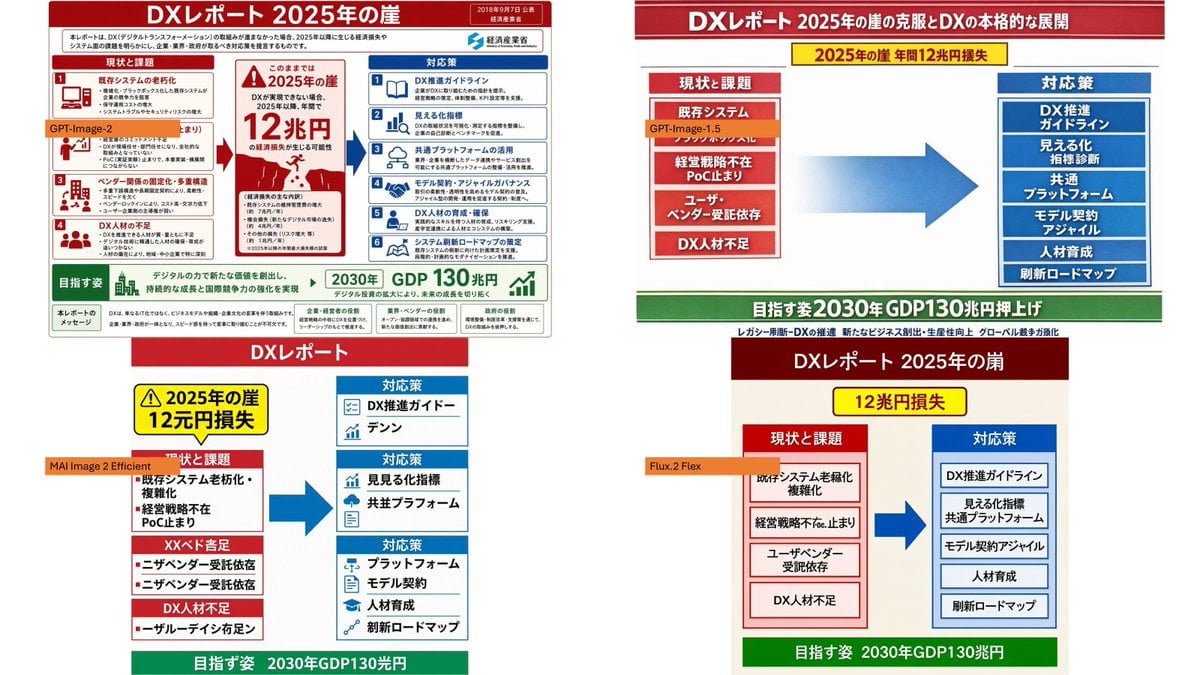
DX Infographic Model Comparison
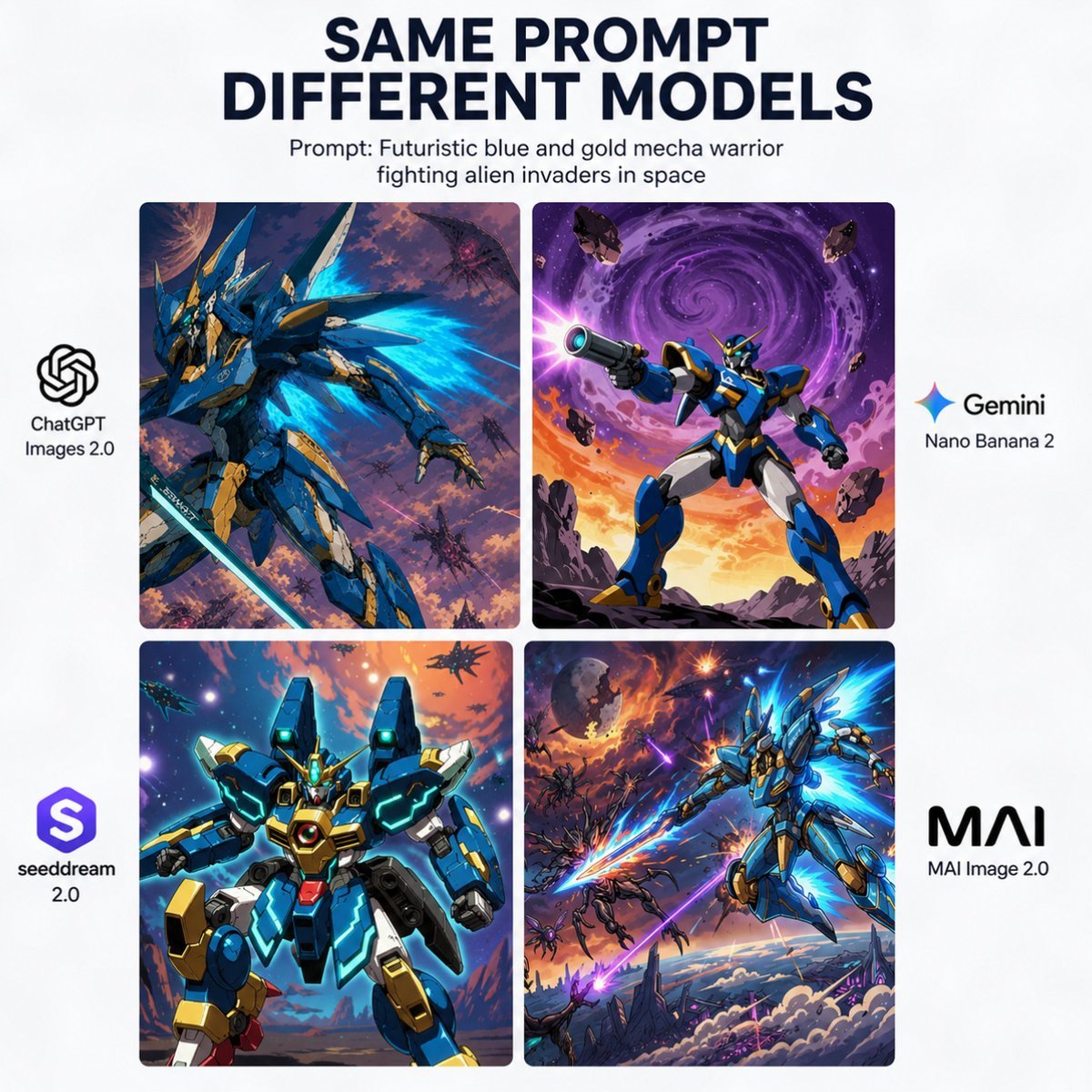
AI Model Mecha Comparison Poster
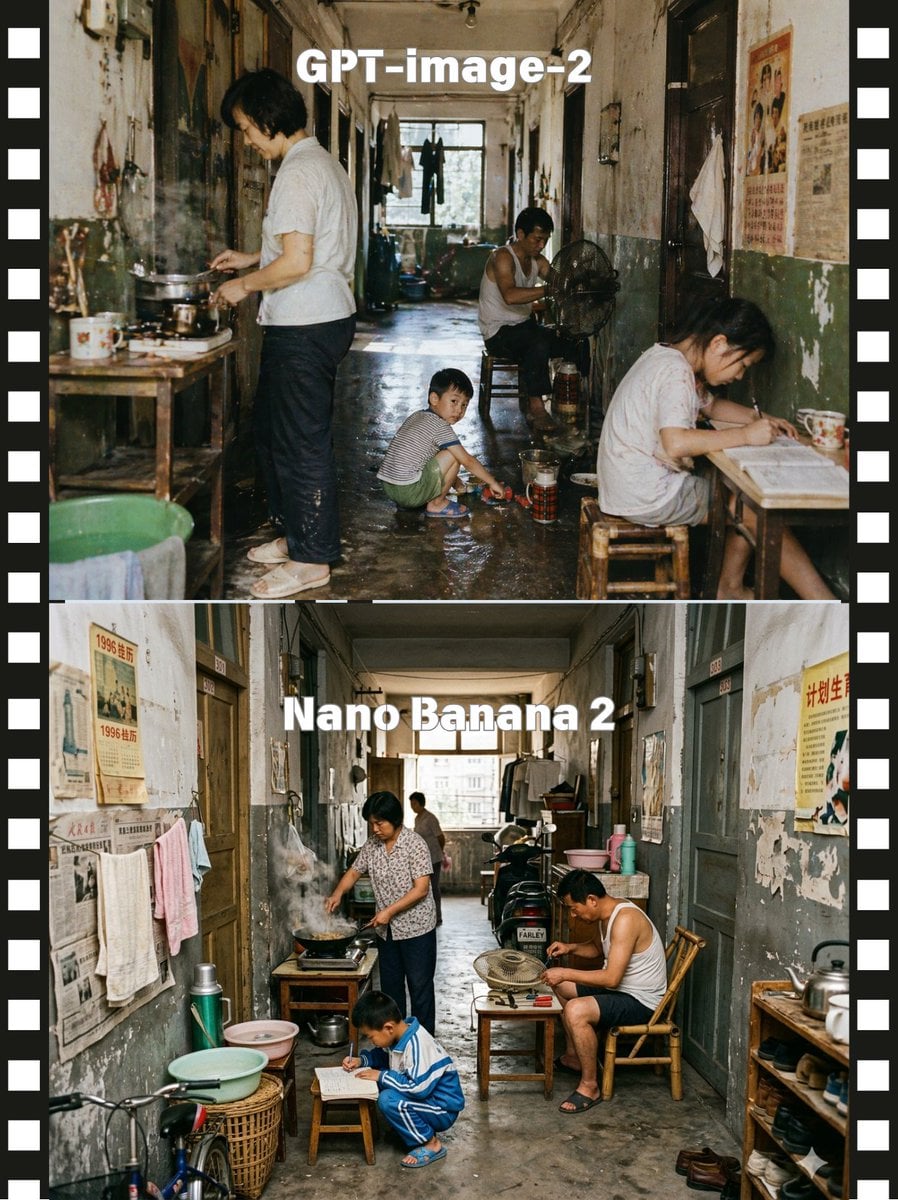
Stacked Corridor Model Comparison
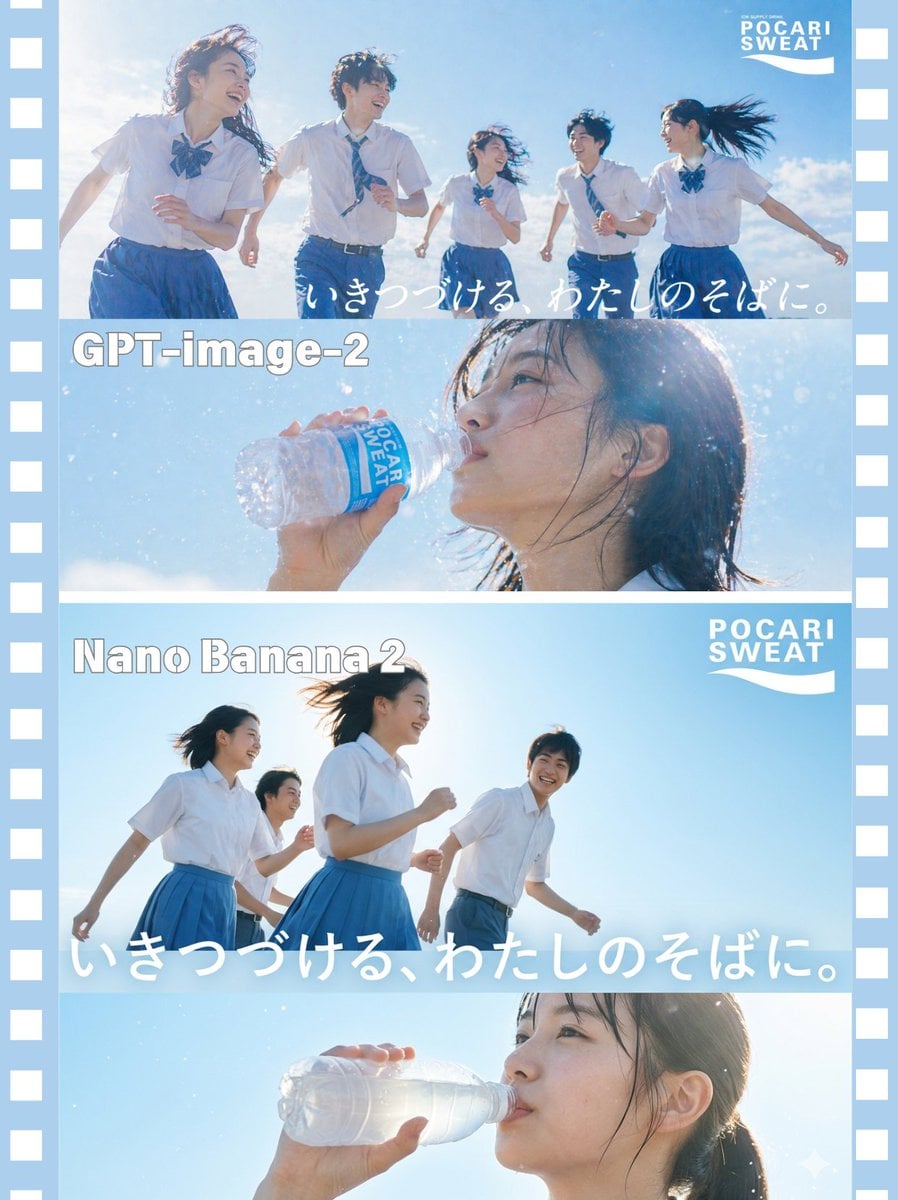
AI Model Comparison Ad Poster
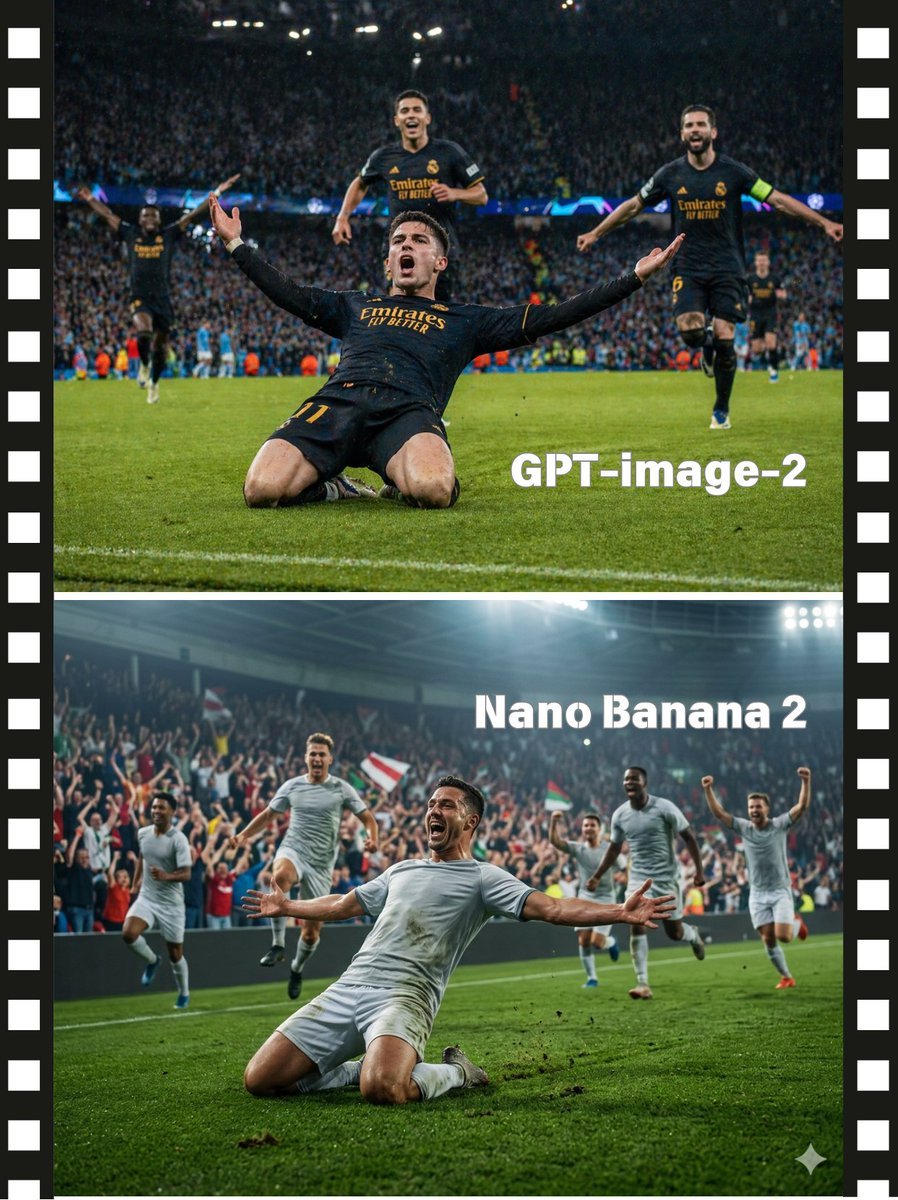
Soccer Model Comparison Poster
Make it yours
Glass Octopus Model Comparison works as-is. These are the safest ways to change it without losing the look.
Change one field
Copy a single group, rewrite it, and generate again so you can see what that field is doing.
Keep the frame, change the subject
Hold the composition and light of Glass Octopus Model Comparison, then swap wardrobe, props or the person for a new take.
| If the result… | Why | Fix |
|---|---|---|
| The result drifts from the preview | Too many fields changed at once. | Reuse Glass Octopus Model Comparison as-is first, then change one group — subject, light, or setting. |
| The model over-stylizes the scene | The prose prompt leaves finish and camera underspecified. | Add one camera or lighting sentence and stay on GPT Image 2. |
More GPT Image 2 templates
Other prompts made for GPT Image 2.

Six VTuber Japanese Logo Sheet

Realistic Portrait of Woman and Deer

The Vista Modular Condo Poster

2.5D Anime Art Board

Isometric Productivity Desk Scene

New York Double Exposure Poster

Japanese Tatami Lifestyle Magazine Cover

NESCAFÉ Coffee Map Poster

Brutalist Cogito Chinese Typography Poster

Cinematic Luxury Terrace Portrait
More image prompts
Fresh picks from across the catalog.
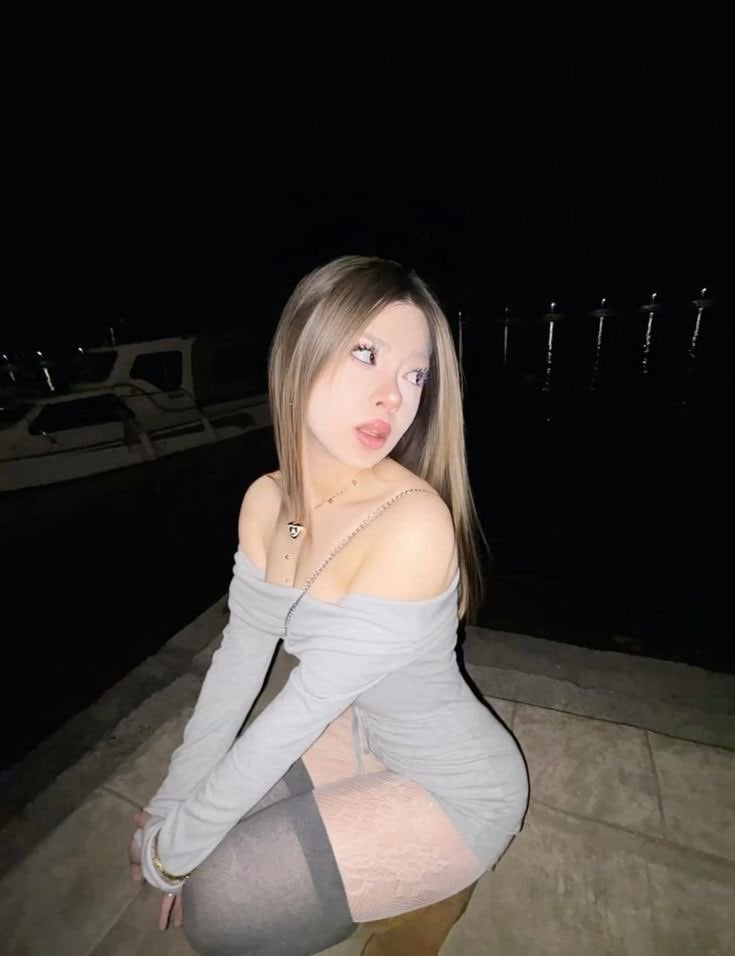
High-Fidelity Night Marina Flash Photo
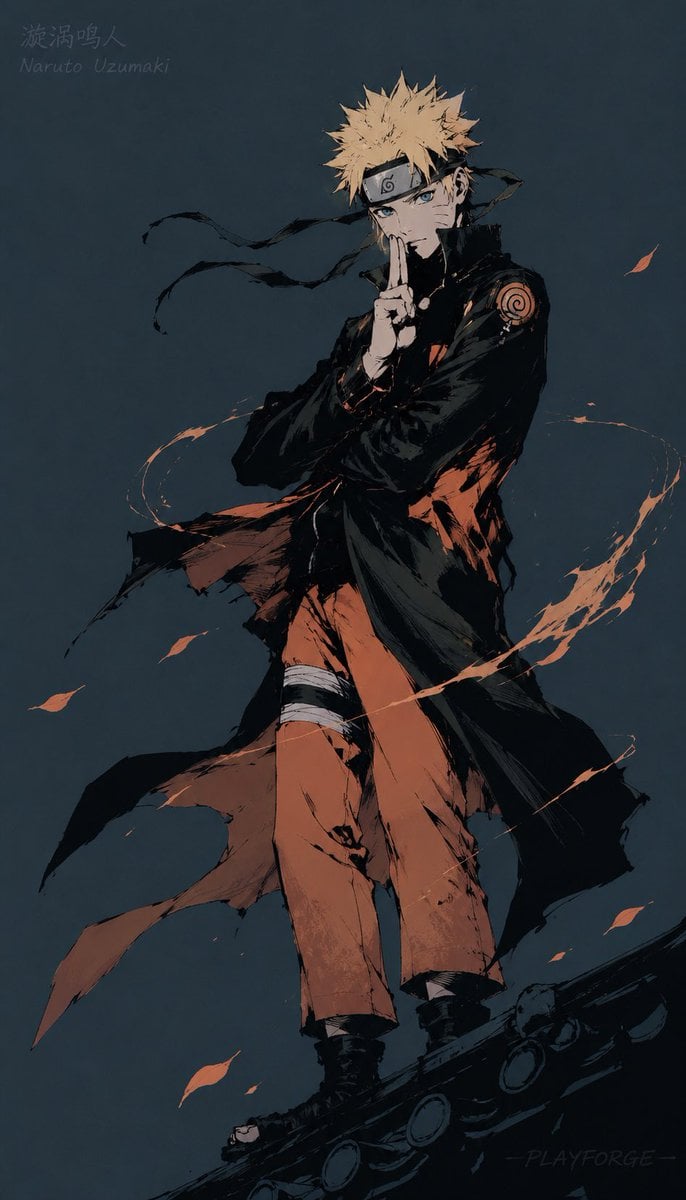
Gritty Naruto Poster Illustration
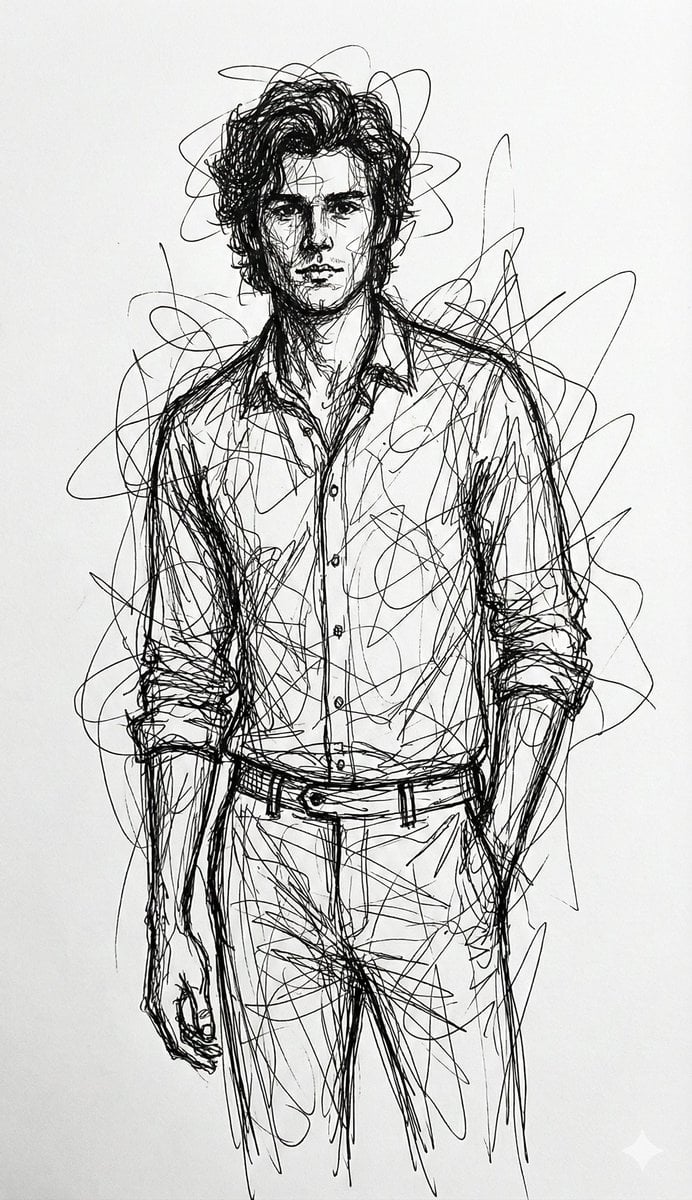
Abstract Chaotic Scribble Art Prompt
Steampunk Hands Holding Old Photo
Billionaire Executive Portrait
Sporty Outdoor Portrait with Turkey Soccer Kit
Hyper-Realistic Neon Times Square Portrait
Japanese Winter Mystery Poster Grid
Intimate Photorealistic Portrait with Strict Face Consistency
Far Future City with Transparent Humanoid
Browse template categories
Glass Octopus Model Comparison questions
How do I use the Glass Octopus Model Comparison template?
Add your photo if the template asks for one, edit the prompt if you like — the template's model and format are already selected — and press Generate. Your version opens in PicX Studio.
Can I customize the Glass Octopus Model Comparison template?
Yes. You can change the subject, setting, lighting, mood, format, and available model controls before creating your image.
Is the Glass Octopus Model Comparison template free?
Opening and editing this template is free. Generating uses credits, shown on the Generate button when you are signed in.
Which AI model should I use?
Start with GPT Image 2, which is the model associated with this template. You can compare another compatible model for a different finish.
Looking for something else? Browse all templates.

Your photo, any look
Thousands of ready templates for every top image and video model, from one credit balance.