
Calamari Cone Model Comparison
A split-panel food advertising image comparing two renderings of a crispy calamari cone against a bright blue studio background.
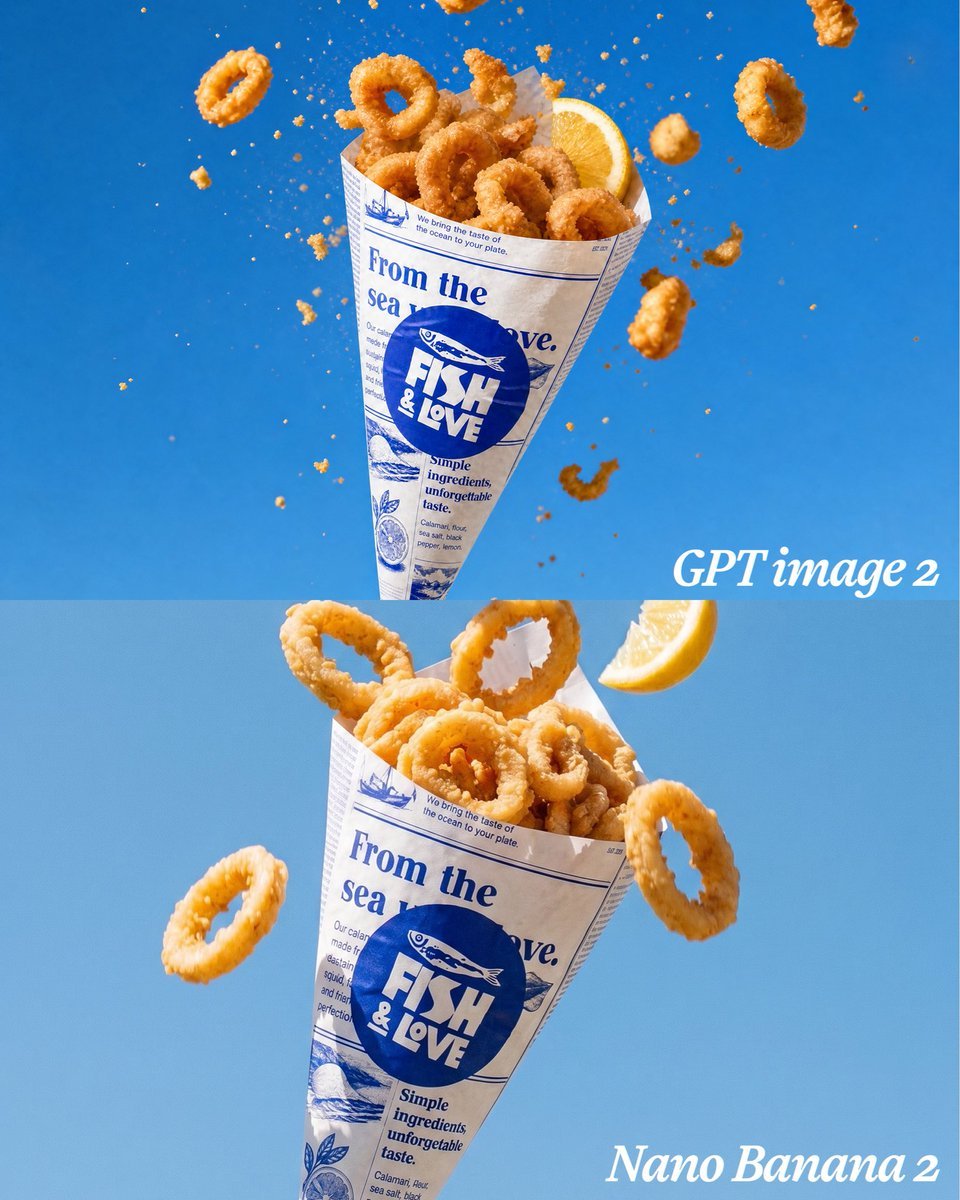
- Prompt included
- Model and format preset
- Free template
The prompt behind this image
Copy the exact prompt behind Calamari Cone Model Comparison, or open it in the studio and make it yours.
Goal: Create a vertical comparison image showing the same appetizing fried calamari cone rendered in two stacked panels, like a side-by-side model comparison but arranged top and bottom. Canvas: Square 1:1 image, 768 x 768 style composition, split horizontally into exactly 2 equal panels. Use a clean bright {argument name="background color" default="vivid ocean blue"} studio background with a subtle gradient; the top panel is slightly deeper blue and the bottom panel slightly lighter blue. Layout: Top panel contains one floating paper cone of fried calamari centered slightly left, tilted upright, surrounded by airborne crumbs and flying calamari rings. Bottom panel contains the same paper cone larger and closer to camera, centered slightly left, with a few flying rings and a lemon wedge. Add a white italic serif label reading {argument name="top label" default="GPT image 2"} near the lower-right of the top panel, and another white italic serif label reading {argument name="bottom label" default="Nano Banana 2"} in the lower-right corner of the bottom panel. Subject details: The food is golden crispy fried calamari rings with rough crunchy breading, photographed as high-speed food advertising. Use exactly 2 lemon wedges total: 1 tucked into the top cone at the upper right, and 1 floating near the upper-right of the bottom panel. Use exactly 34 prominent calamari rings total: in the top panel, 18 rings, with 10 piled inside the cone and 8 flying around it; in the bottom panel, 16 rings, with 13 piled inside the cone and 3 flying outside it. Add many tiny orange breadcrumb particles and a few broken batter fragments suspended in midair, especially dense around the top cone. Packaging: Each cone is made from off-white faux newspaper paper printed in blue ink. The main circular logo on the cone reads {argument name="brand logo text" default="FISH & LOVE"} with a small fish illustration above it. Large blue newspaper headline text on the wrapper reads {argument name="wrapper headline" default="From the sea to love."}. Include smaller decorative seafood-newspaper details, thin blue rule lines, tiny columns of filler text, simple fish and lemon illustrations, and the phrase "Simple ingredients, unforgettable taste." on the wrapper. The top cone is slightly smaller with more dramatic exploding crumbs; the bottom cone is larger, more polished, and has clearer wrapper text. Visual style: Ultra-realistic commercial food photography, crisp texture, sharp focus on calamari, high-speed freeze-frame motion, bright natural highlights, appetizing warm orange-gold food color against saturated blue, shallow depth of field, clean advertising composition, no people, no plates, no extra objects, no watermark.
How to use Calamari Cone Model Comparison in 3 steps
- 1Upload ImagePNG, JPG or paste
Add your photo
Upload the photo the template builds on. The prompt, model and format are already set.
- 2…a portrait of your subject in softgolden-hour light, 85mm…
Personalize
Edit the subject and creative details for your destination.
- 3Generate
Generate
Press Generate — your image is created in PicX Studio, so you can compare it with the original and refine one variable at a time.
More like this
Templates with the same subject, style or setup. Open one to see its prompt.

Premium Vertical Product Campaign Poster

Skin Comparison Portrait — Nano Banana Pro
Anime Ice Cream Castle Cone
Solar System Ice Cream Cones

AI Model Routing Comparison Infographic

Fantasy Model Comparison Grid
Nine-Model Scarecrow Yokai Comparison
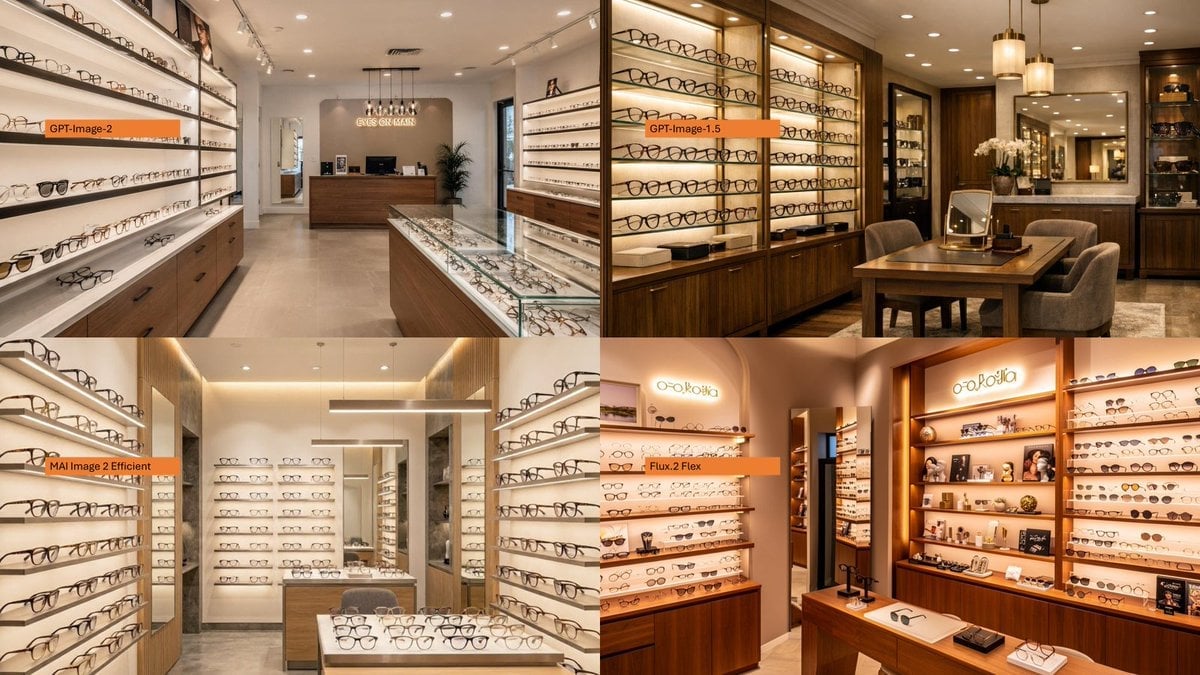
AI Model Eyewear Store Comparison
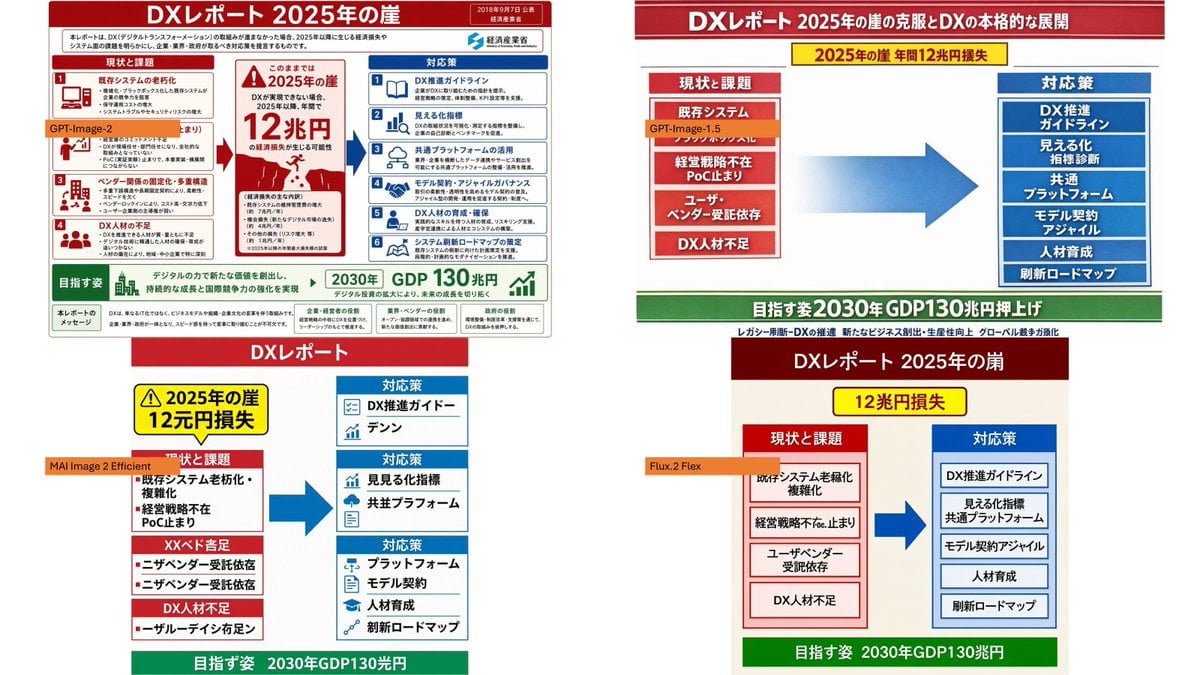
DX Infographic Model Comparison
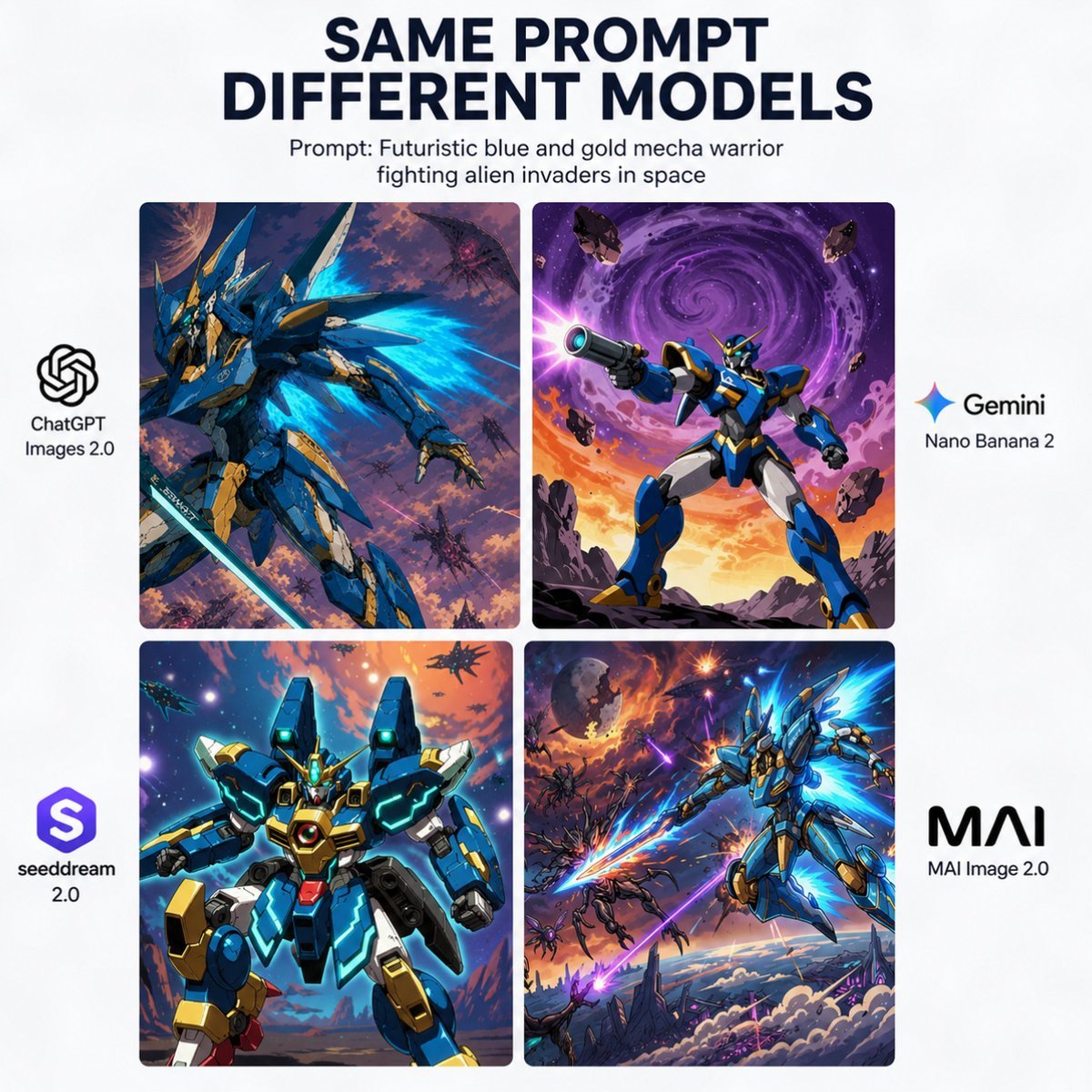
AI Model Mecha Comparison Poster
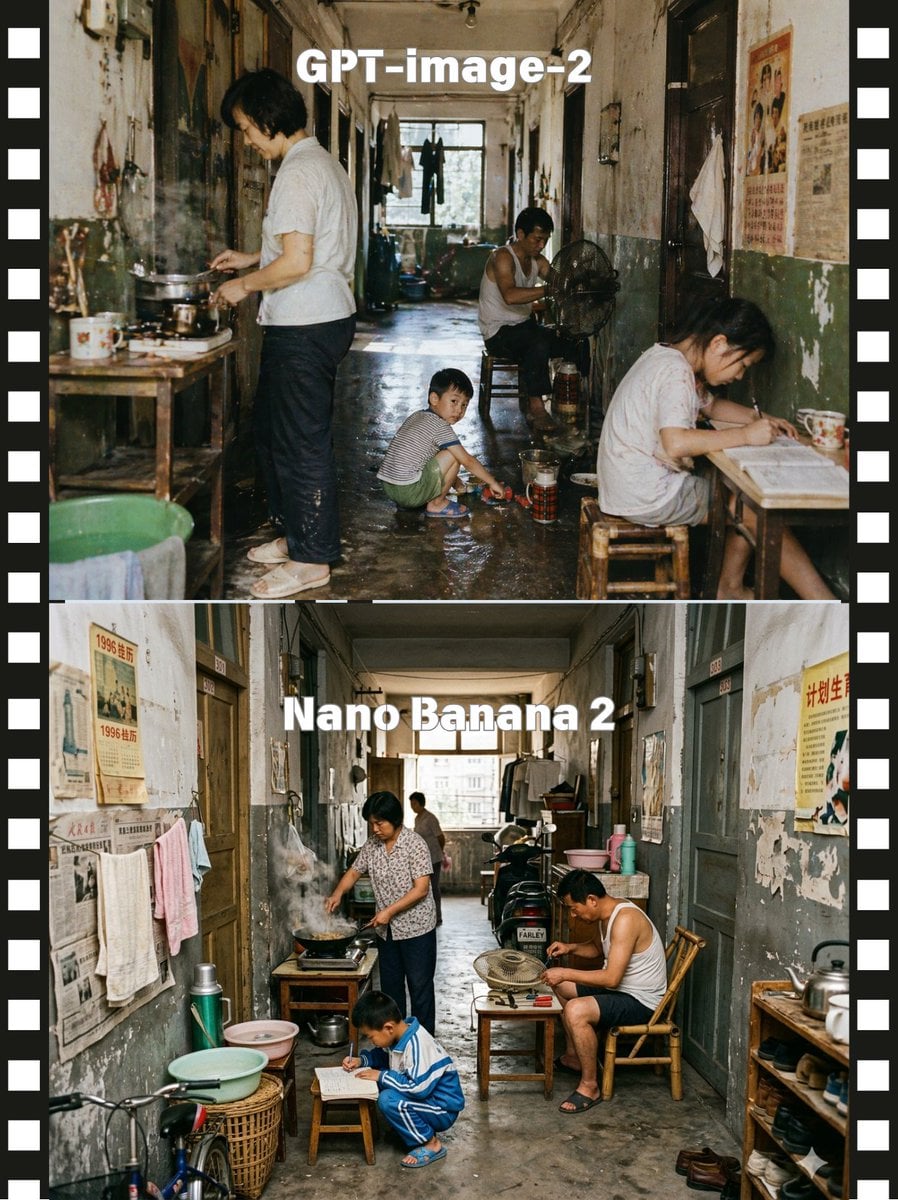
Stacked Corridor Model Comparison
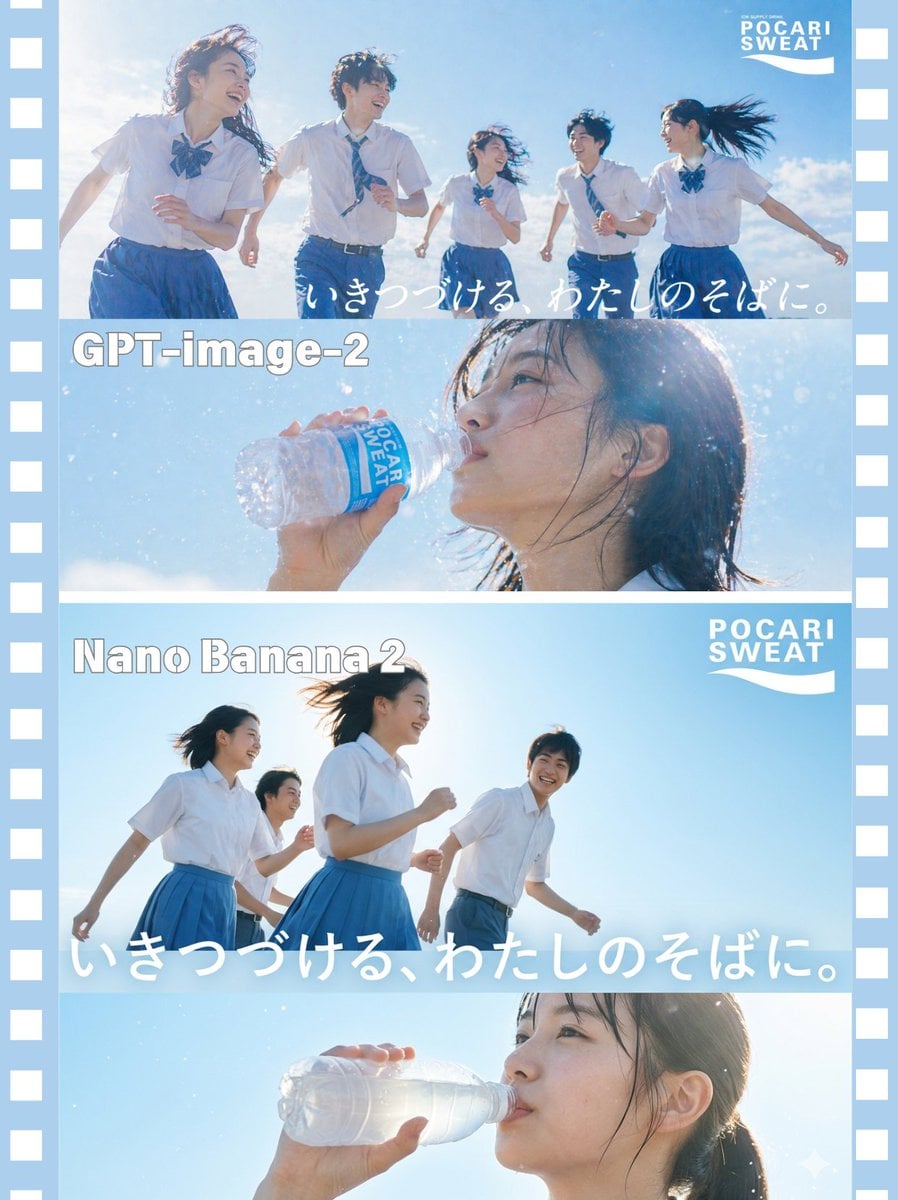
AI Model Comparison Ad Poster
Make it yours
Calamari Cone Model Comparison works as-is. These are the safest ways to change it without losing the look.
Change one field
Copy a single group, rewrite it, and generate again so you can see what that field is doing.
Keep the frame, change the subject
Hold the composition and light of Calamari Cone Model Comparison, then swap wardrobe, props or the person for a new take.
| If the result… | Why | Fix |
|---|---|---|
| The result drifts from the preview | Too many fields changed at once. | Reuse Calamari Cone Model Comparison as-is first, then change one group — subject, light, or setting. |
| The model over-stylizes the scene | The prose prompt leaves finish and camera underspecified. | Add one camera or lighting sentence and stay on GPT Image 2. |
More GPT Image 2 templates
Other prompts made for GPT Image 2.

Six VTuber Japanese Logo Sheet

Realistic Portrait of Woman and Deer

The Vista Modular Condo Poster

2.5D Anime Art Board

Isometric Productivity Desk Scene

New York Double Exposure Poster

Japanese Tatami Lifestyle Magazine Cover

NESCAFÉ Coffee Map Poster

Brutalist Cogito Chinese Typography Poster

Cinematic Luxury Terrace Portrait
More image prompts
Fresh picks from across the catalog.
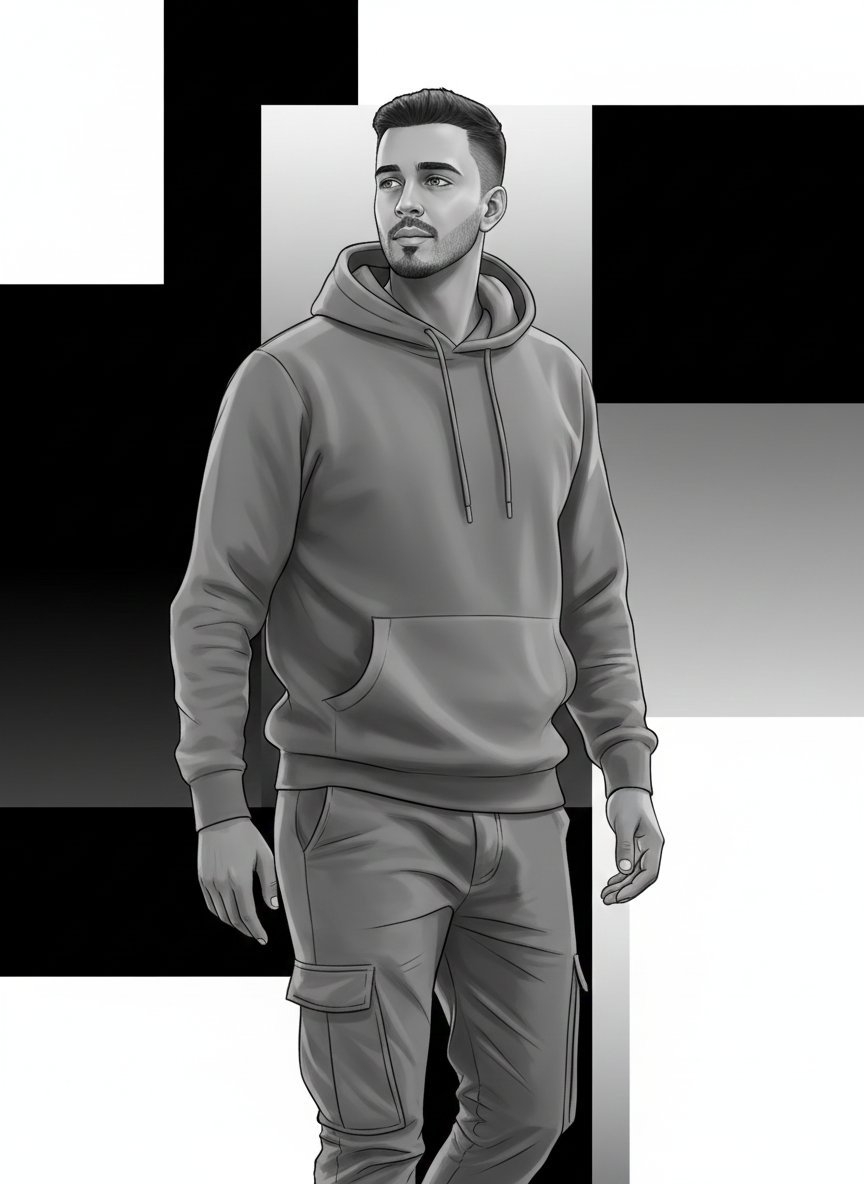
High-Fashion Monochrome Vector Illustration Prompt
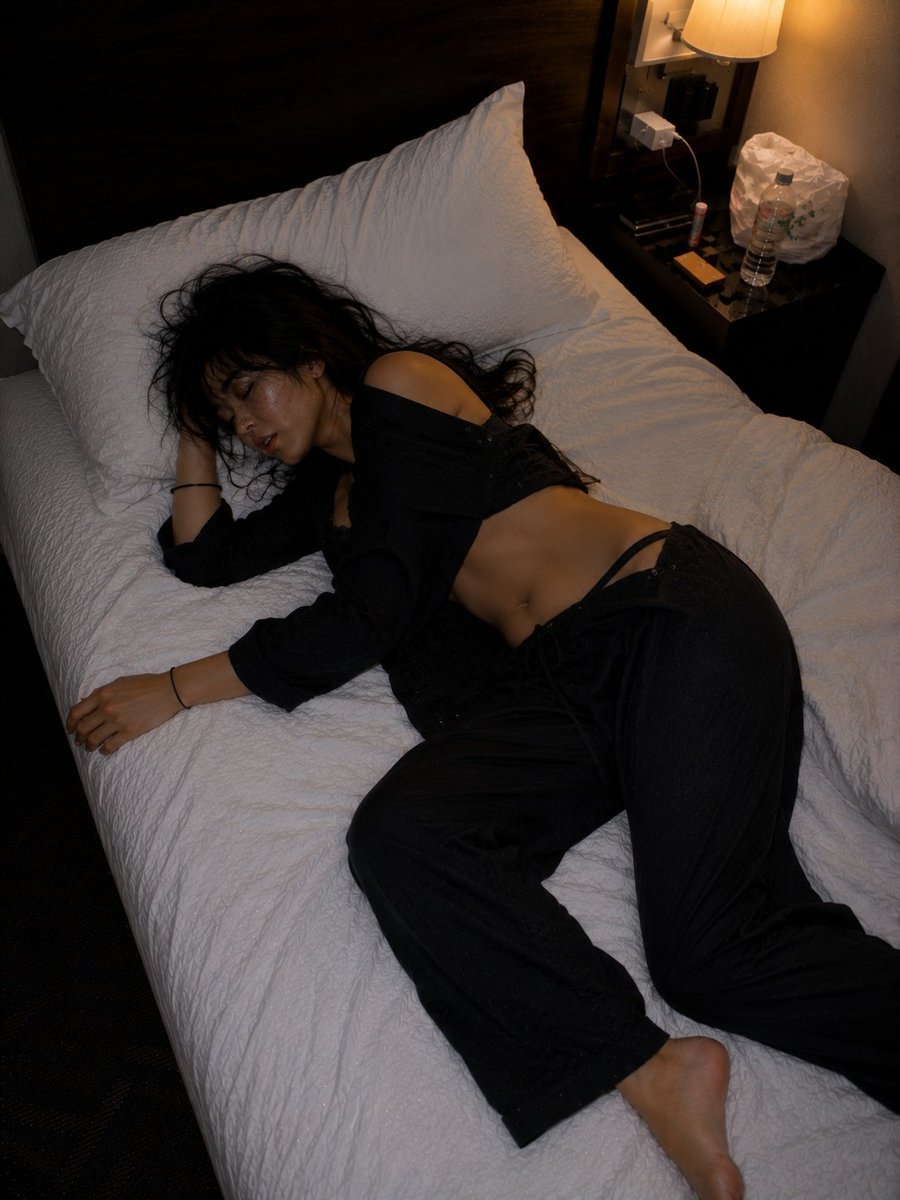
Late Night Hotel Exhausted Traveler
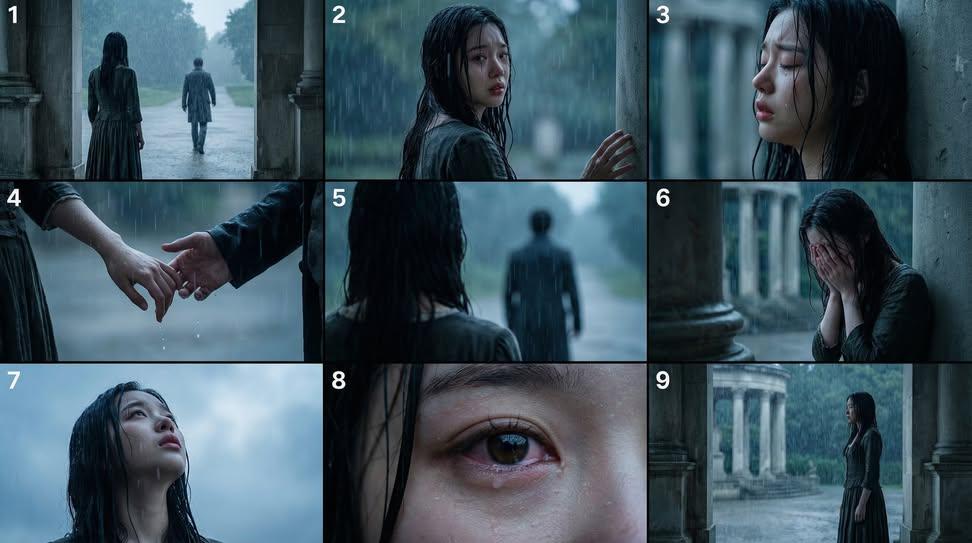
Cinematic Storyboard Generation Prompt

Introspective Portrait in a Bathroom with Identity Lock
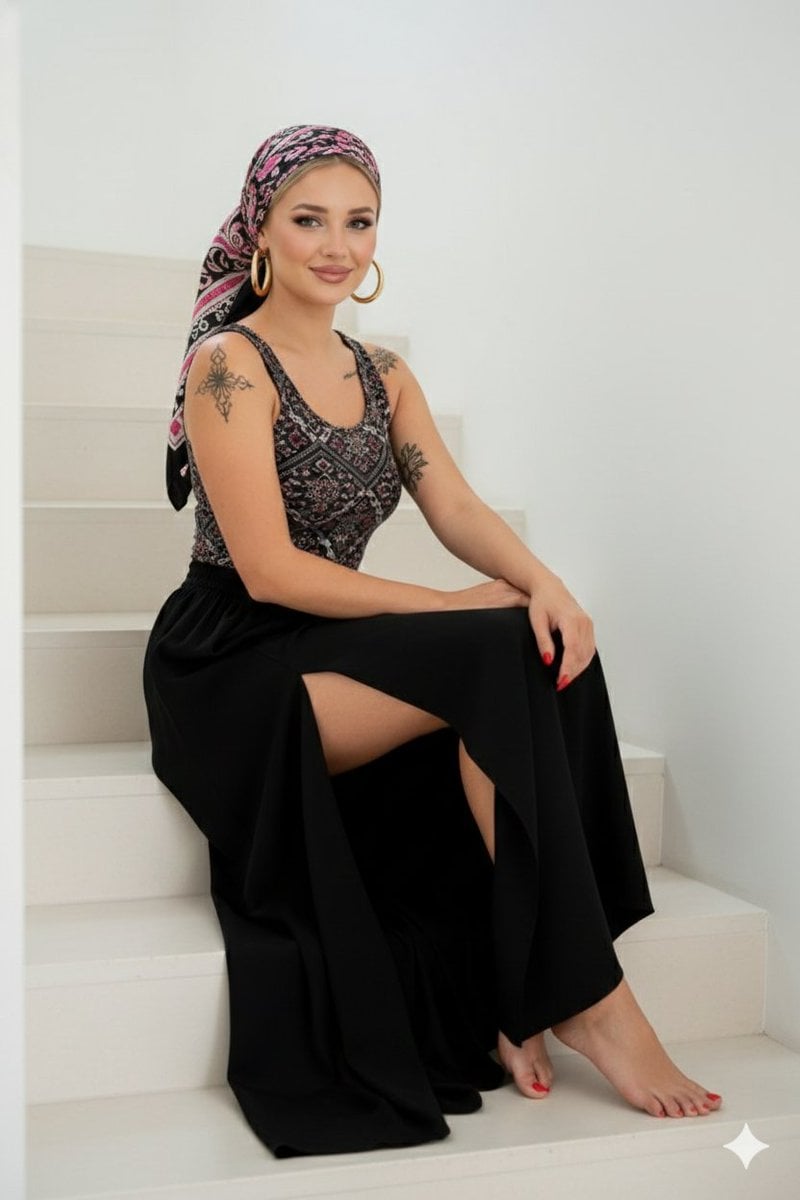
High-Quality Full-Body Fashion Photograph Prompt
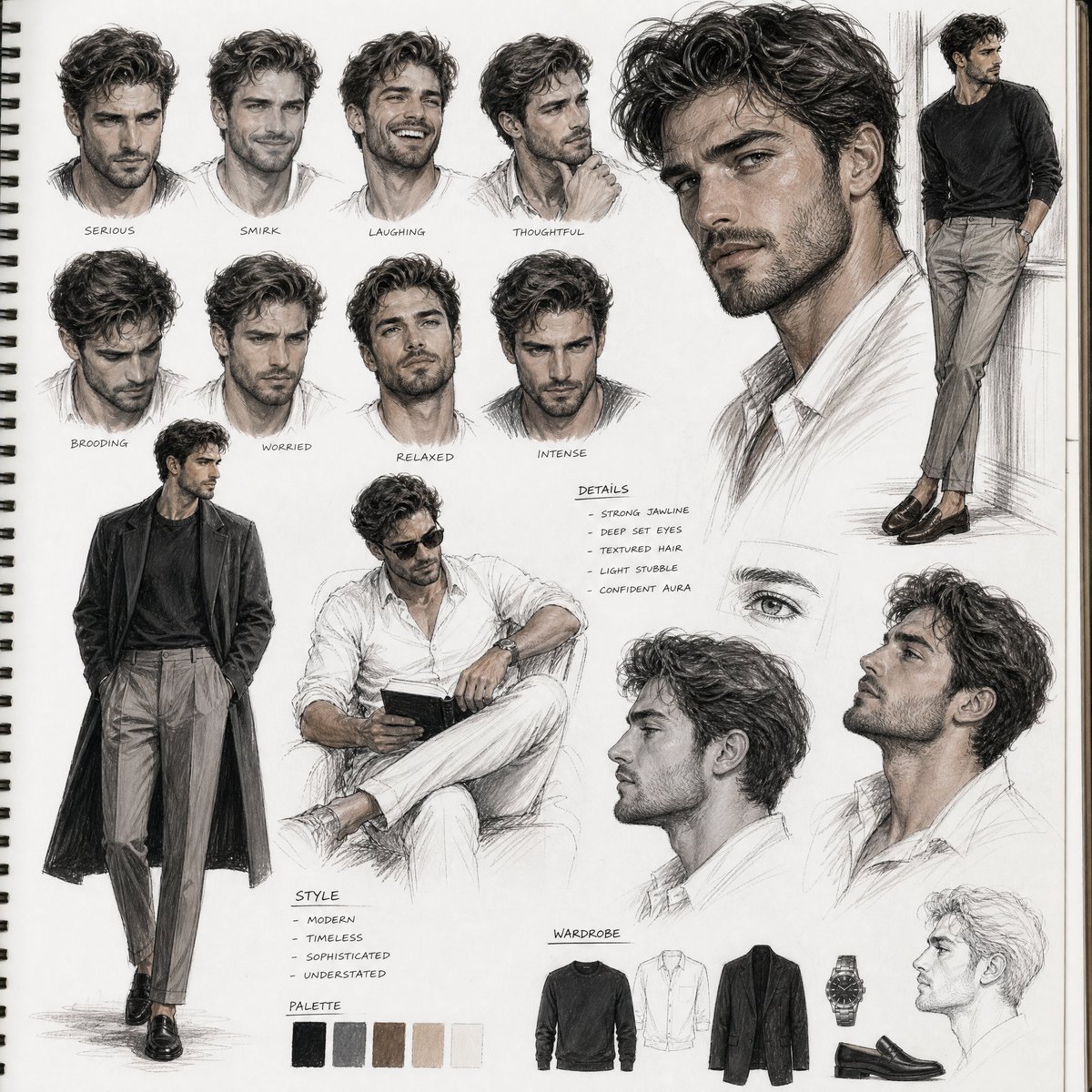
Sketchbook Character Study Board

Crow Tengu Shrine Ensemble
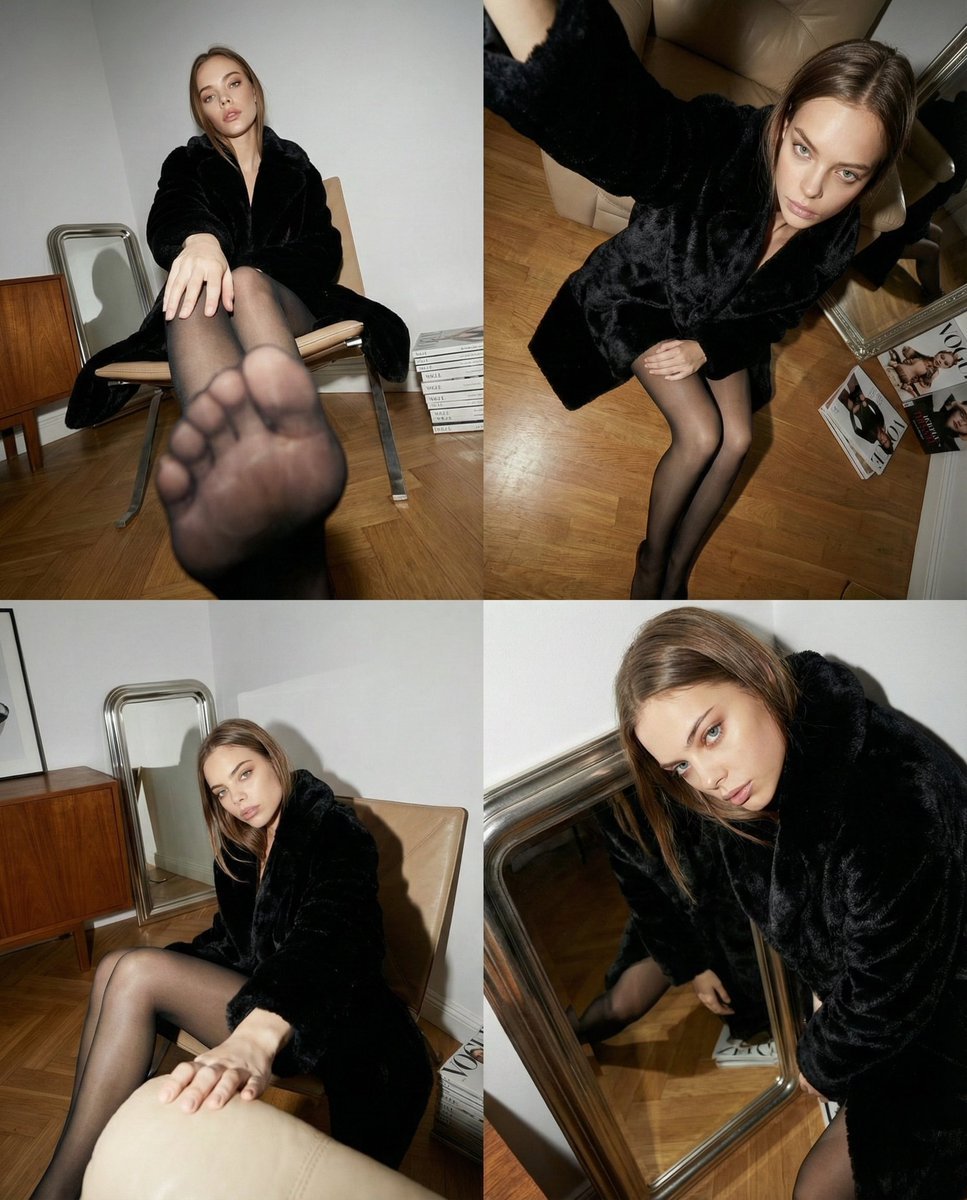
Dynamic Wide-Angle Perspective Transformation

Ultra-Realistic Corporate Headshot of Businessman
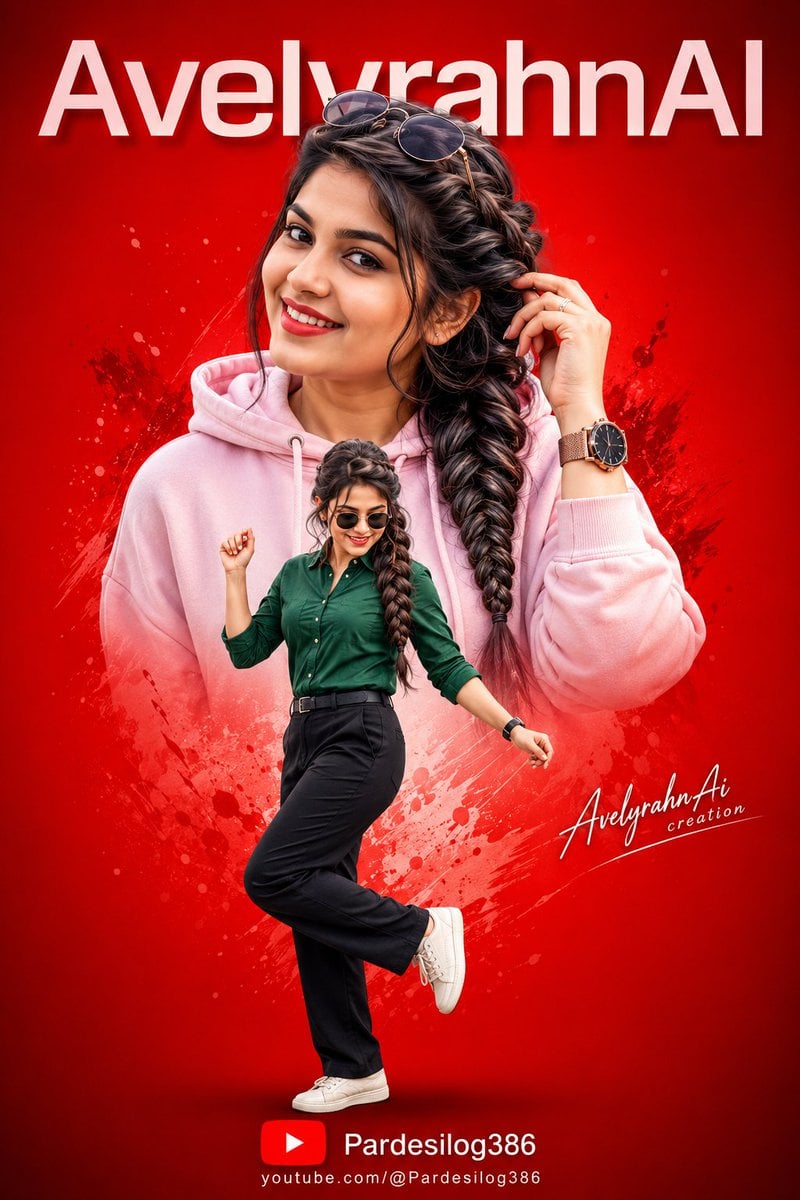
Vibrant High-Contrast Digital Collage
Browse template categories
Calamari Cone Model Comparison questions
How do I use the Calamari Cone Model Comparison template?
Add your photo if the template asks for one, edit the prompt if you like — the template's model and format are already selected — and press Generate. Your version opens in PicX Studio.
Can I customize the Calamari Cone Model Comparison template?
Yes. You can change the subject, setting, lighting, mood, format, and available model controls before creating your image.
Is the Calamari Cone Model Comparison template free?
Opening and editing this template is free. Generating uses credits, shown on the Generate button when you are signed in.
Which AI model should I use?
Start with GPT Image 2, which is the model associated with this template. You can compare another compatible model for a different finish.
Looking for something else? Browse all templates.

Your photo, any look
Thousands of ready templates for every top image and video model, from one credit balance.