
Stacked Corridor Model Comparison
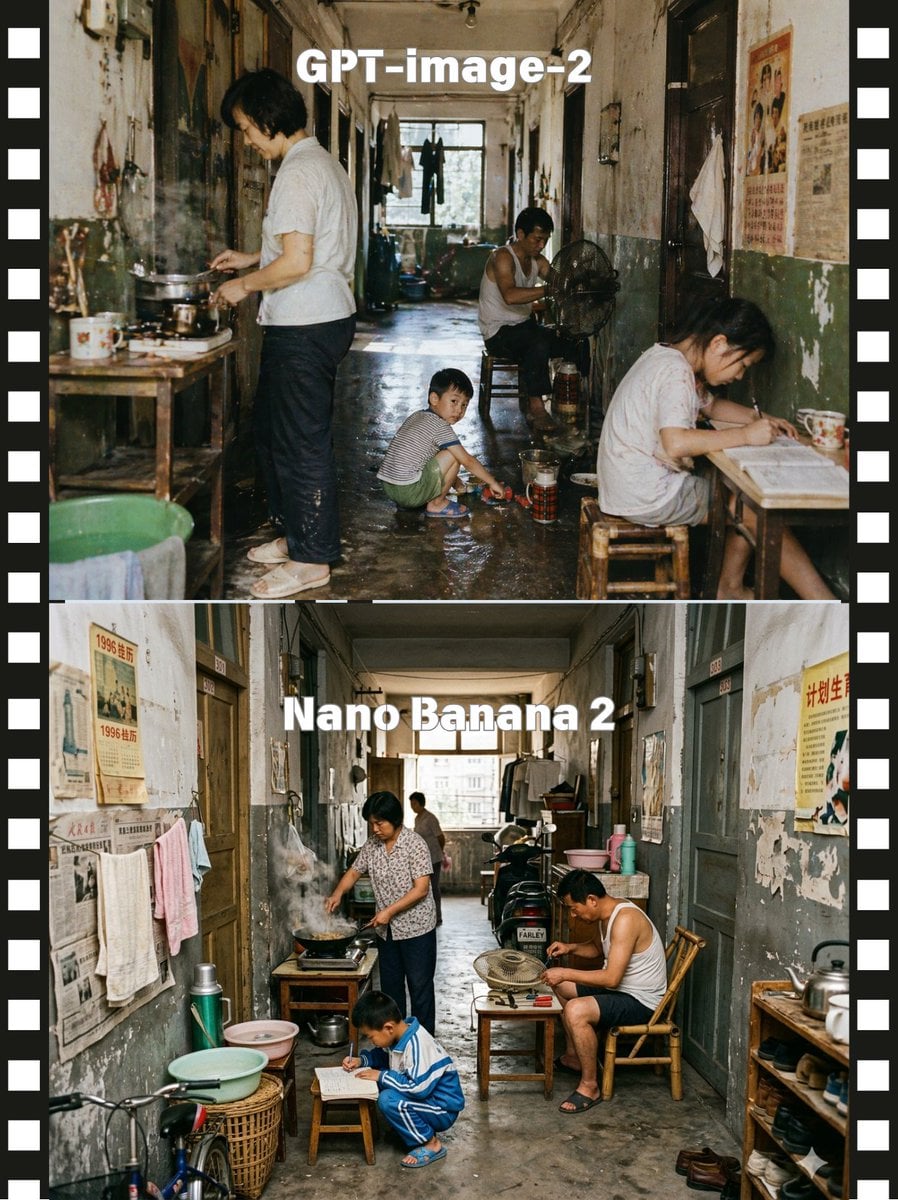
This prompt generates a two-panel filmstrip-style comparison image showing two realistic renderings of a crowded old apartment corridor scene, useful for visual model comparison posts.
- Prompt included
- Model and format preset
- Free template
The prompt behind this image
Copy the exact prompt behind Stacked Corridor Model Comparison, or open it in the studio and make it yours.
A side-by-side comparison image presented as two stacked documentary-style photographs of the same cramped old Chinese apartment corridor, framed by a black filmstrip border with white sprocket holes on both left and right edges. The top half is labeled {argument name="top label" default="GPT-image-2"} in large bold white sans-serif text centered near the top, and the bottom half is labeled {argument name="bottom label" default="Nano Banana 2"} in the same style. Create a gritty, nostalgic, cinematic scene in a long, narrow shared hallway of a worn residential building from the late 20th century, with peeling paint, stained walls, faded propaganda posters and old newspapers on the walls, dark wooden doorways, hanging towels and laundry, a damp concrete floor, and daylight coming from a window at the far end. In the upper scene, show exactly 4 people: 1 adult standing at the left cooking over a small stove on a wooden table with visible steam, 1 adult man sitting deeper in the corridor beside an electric fan, 1 child crouching in the center playing near a basin on the wet floor, and 1 adult woman seated at a small table on the right writing or reading; include enamel mugs, metal pots, stools, buckets, thermos containers, and cluttered household items. In the lower scene, show exactly 4 people again: 1 adult woman at the left cooking at a stove with smoke rising, 1 adult man seated on the right in a bamboo chair leaning over a tabletop fan, 1 child crouching in front writing on paper on a low stool, and 1 distant adult figure near the back window; add more visible corridor clutter including a bicycle front wheel at lower left, wash basins, baskets, thermoses, shelves, shoes, and hanging clothes. Keep the camera straight-on and centered to emphasize the corridor depth, with realistic human proportions, candid slice-of-life behavior, muted aged colors, soft natural light, high detail, photojournalistic realism, and a subtle difference in arrangement between the top and bottom scenes while preserving the same overall environment and mood.
How to use Stacked Corridor Model Comparison in 3 steps
- 1Upload ImagePNG, JPG or paste
Add your photo
Upload the photo the template builds on. The prompt, model and format are already set.
- 2…a portrait of your subject in softgolden-hour light, 85mm…
Personalize
Edit the subject and creative details for your destination.
- 3Generate
Generate
Press Generate — your image is created in PicX Studio, so you can compare it with the original and refine one variable at a time.
More like this
Templates with the same subject, style or setup. Open one to see its prompt.

AI Model Routing Comparison Infographic

Fantasy Model Comparison Grid
Nine-Model Scarecrow Yokai Comparison

Premium Vertical Product Campaign Poster

Calamari Cone Model Comparison
Tilt-Shift Palace Corridor Comparison
AI Model Eyewear Store Comparison

DX Infographic Model Comparison
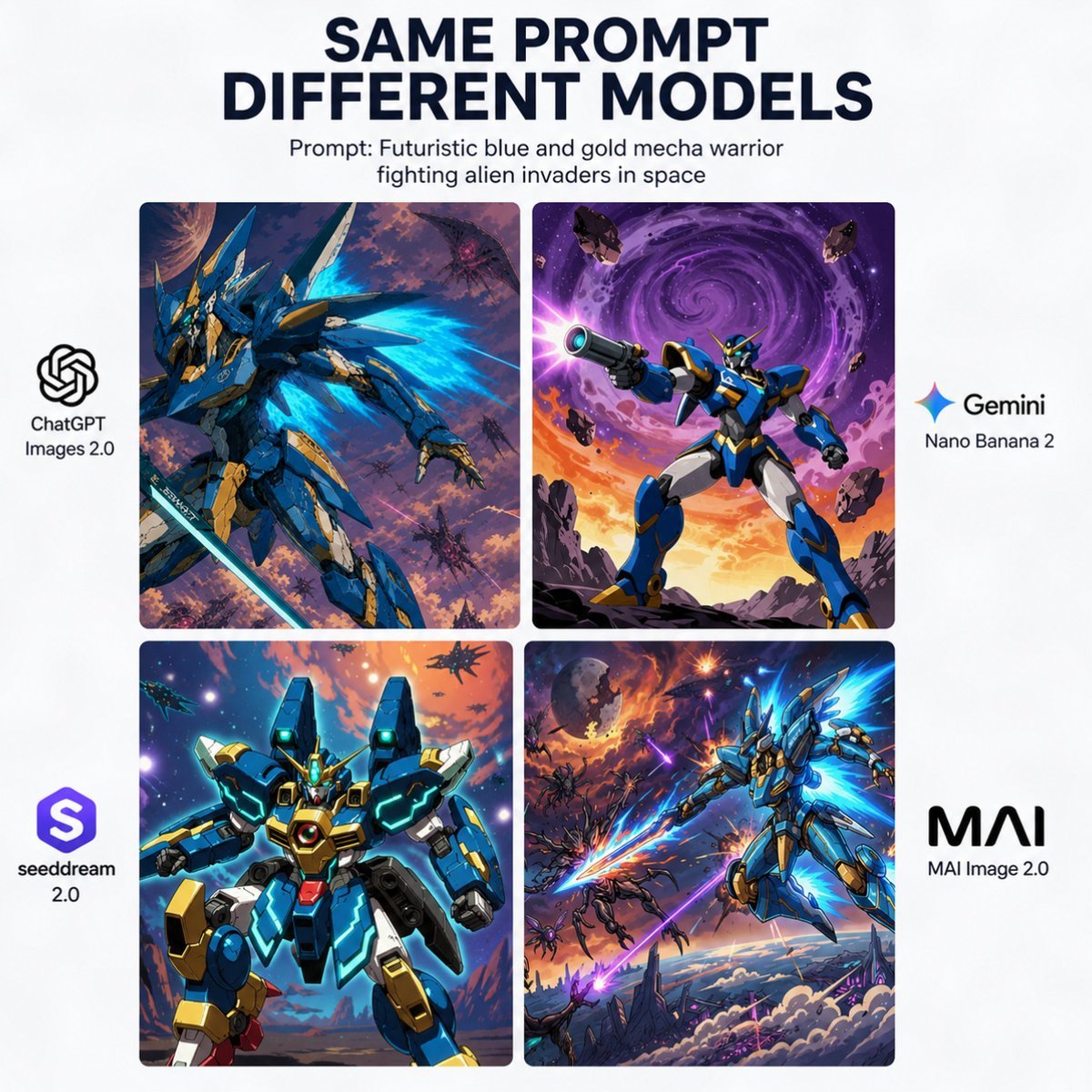
AI Model Mecha Comparison Poster

AI Model Comparison Ad Poster
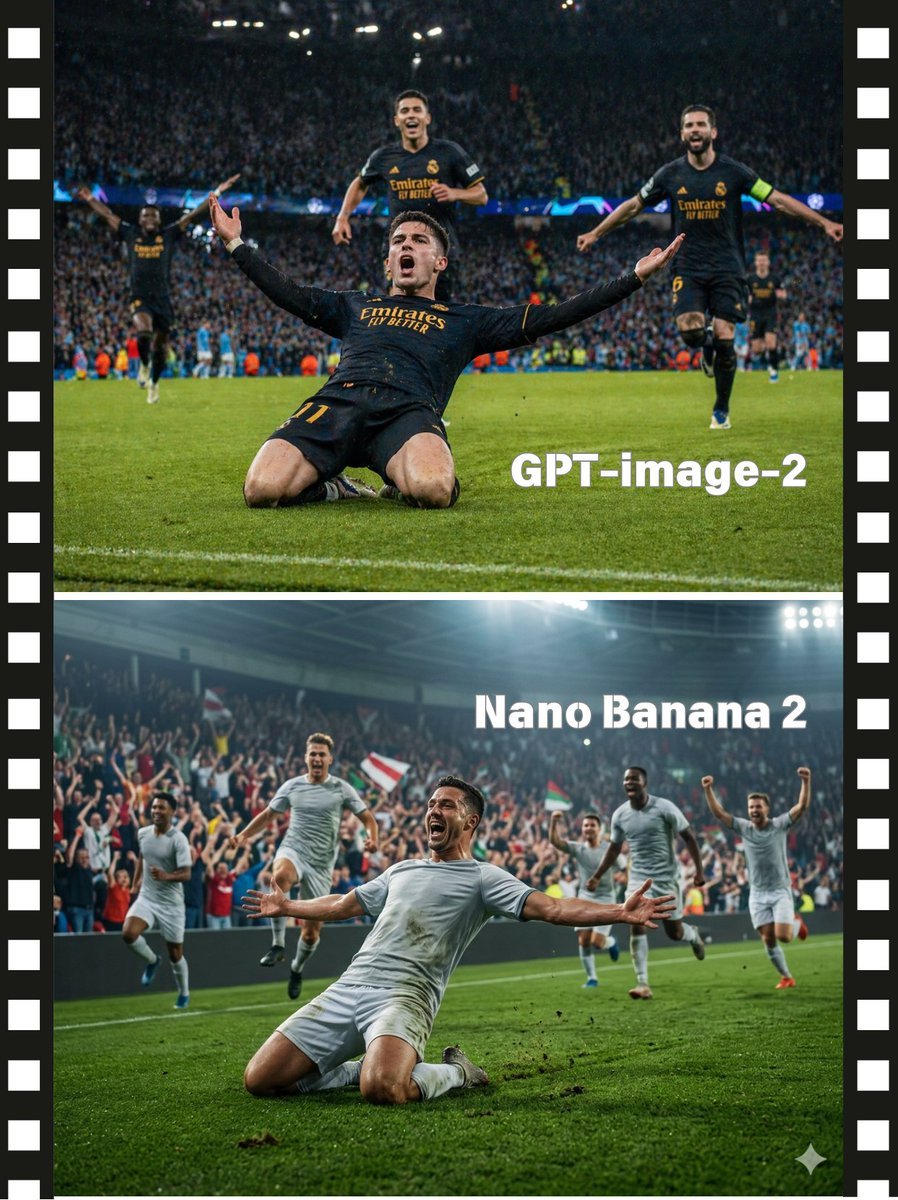
Soccer Model Comparison Poster

Two-Panel Snow Cabin Model Comparison
Make it yours
Stacked Corridor Model Comparison works as-is. These are the safest ways to change it without losing the look.
Change one field
Copy a single group, rewrite it, and generate again so you can see what that field is doing.
Keep the frame, change the subject
Hold the composition and light of Stacked Corridor Model Comparison, then swap wardrobe, props or the person for a new take.
| If the result… | Why | Fix |
|---|---|---|
| The result drifts from the preview | Too many fields changed at once. | Reuse Stacked Corridor Model Comparison as-is first, then change one group — subject, light, or setting. |
| The model over-stylizes the scene | The prose prompt leaves finish and camera underspecified. | Add one camera or lighting sentence and stay on GPT Image 2. |
More GPT Image 2 templates
Other prompts made for GPT Image 2.

Six VTuber Japanese Logo Sheet

Realistic Portrait of Woman and Deer

The Vista Modular Condo Poster

2.5D Anime Art Board

Isometric Productivity Desk Scene

New York Double Exposure Poster

Four-Panel AI Landscape Comparison

Japanese Tatami Lifestyle Magazine Cover

NESCAFÉ Coffee Map Poster

Brutalist Cogito Chinese Typography Poster
More image prompts
Fresh picks from across the catalog.
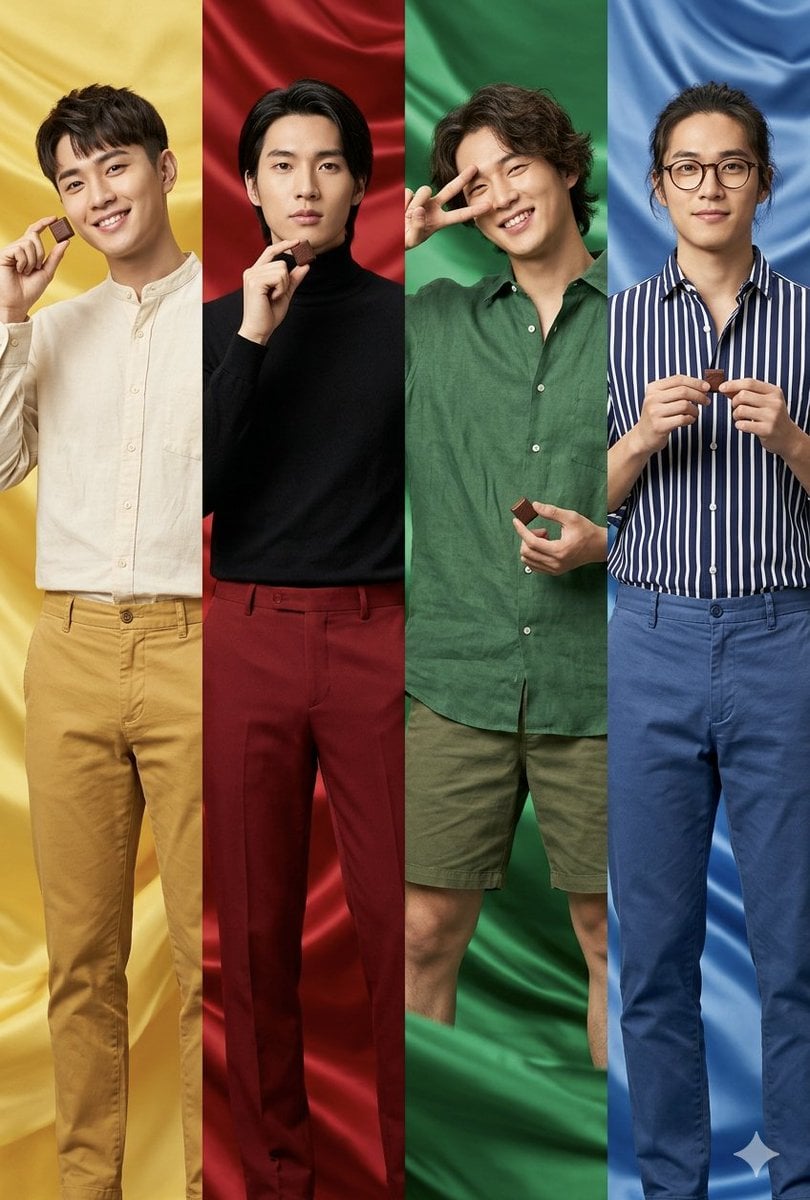
Fashion Editorial Color Quadtych
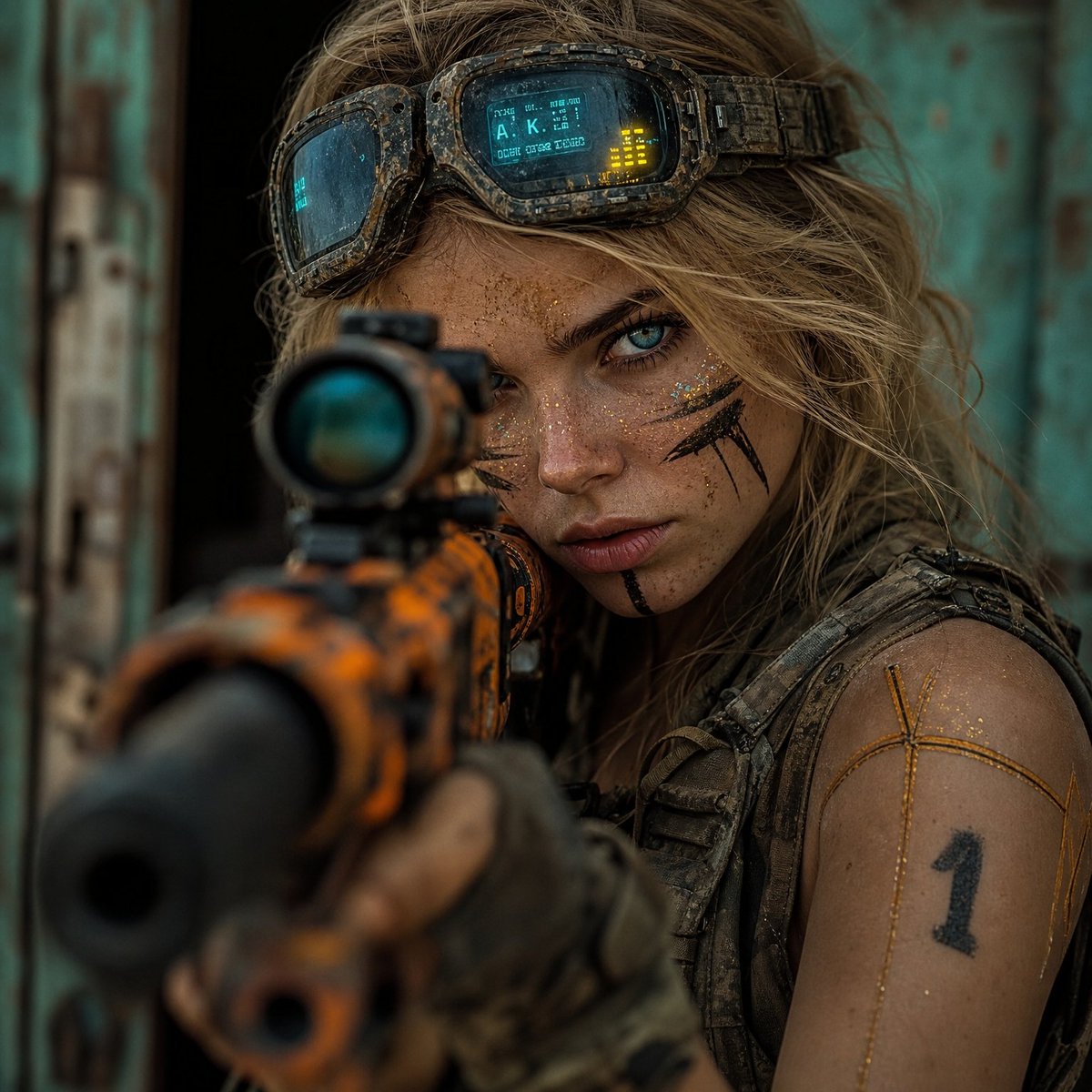
Hyper-Realistic Cinematic Rifle Portrait
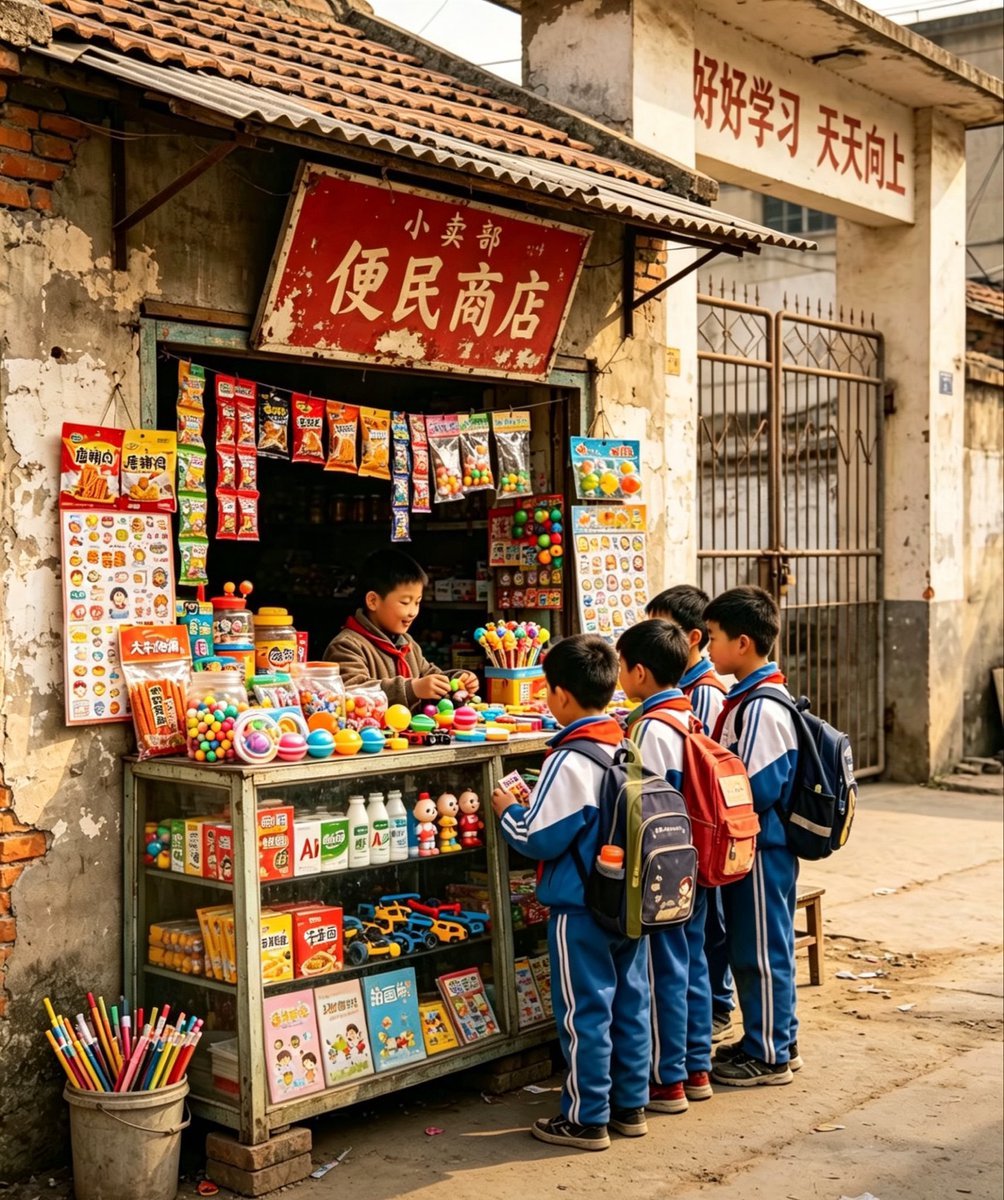
Nostalgic Chinese School Shop Scene
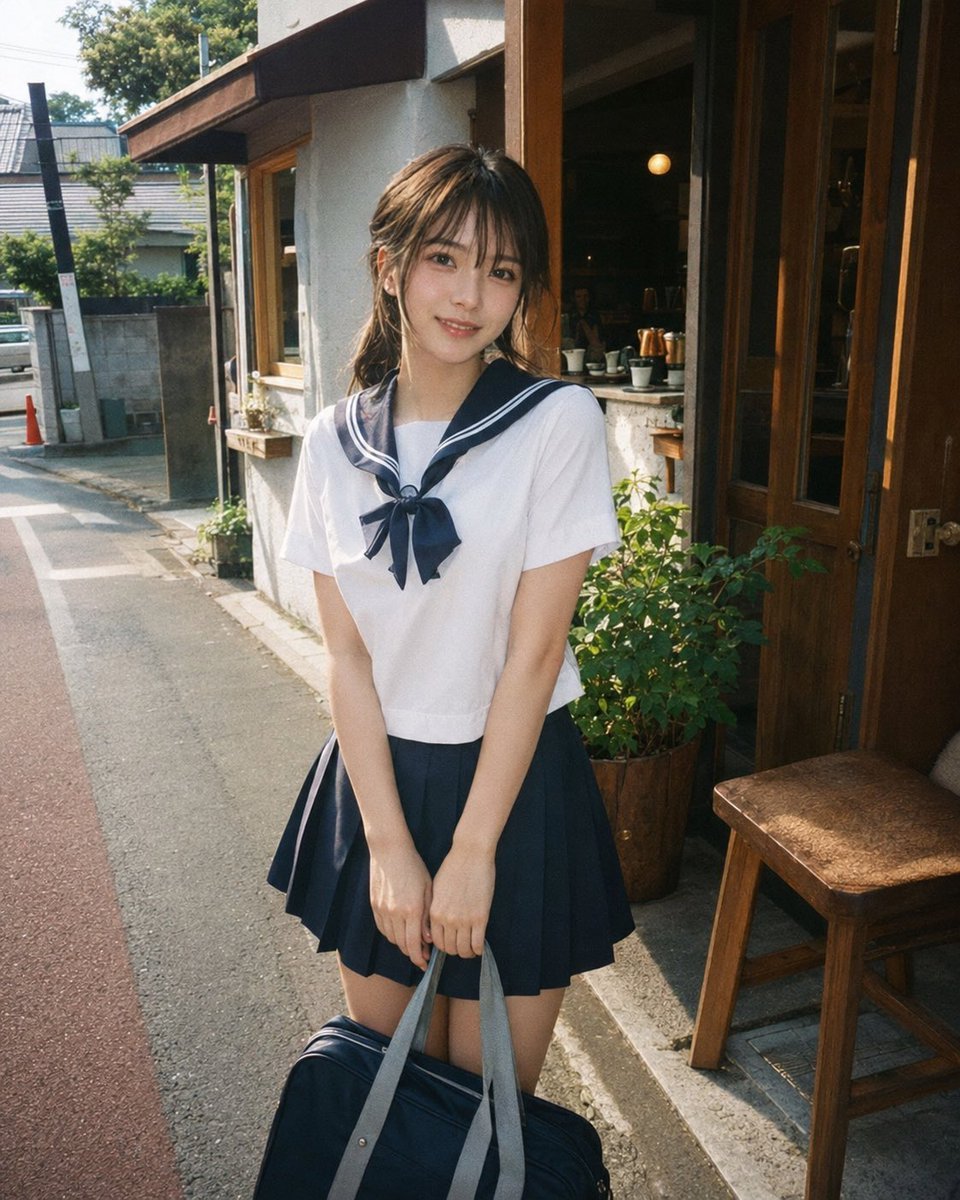
Disposable Film Sailor Cosplay Portrait
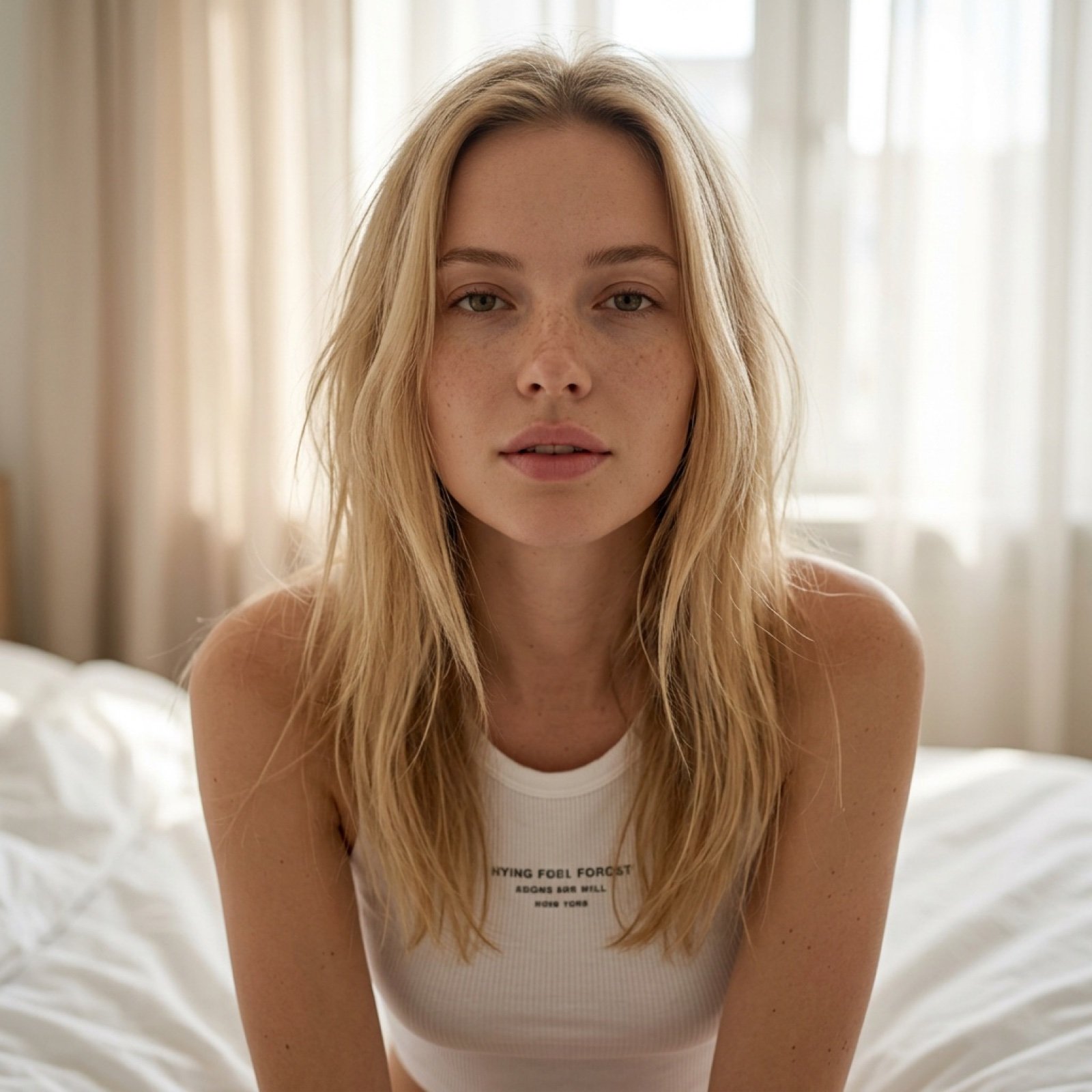
Intimate Morning Selfie Portrait
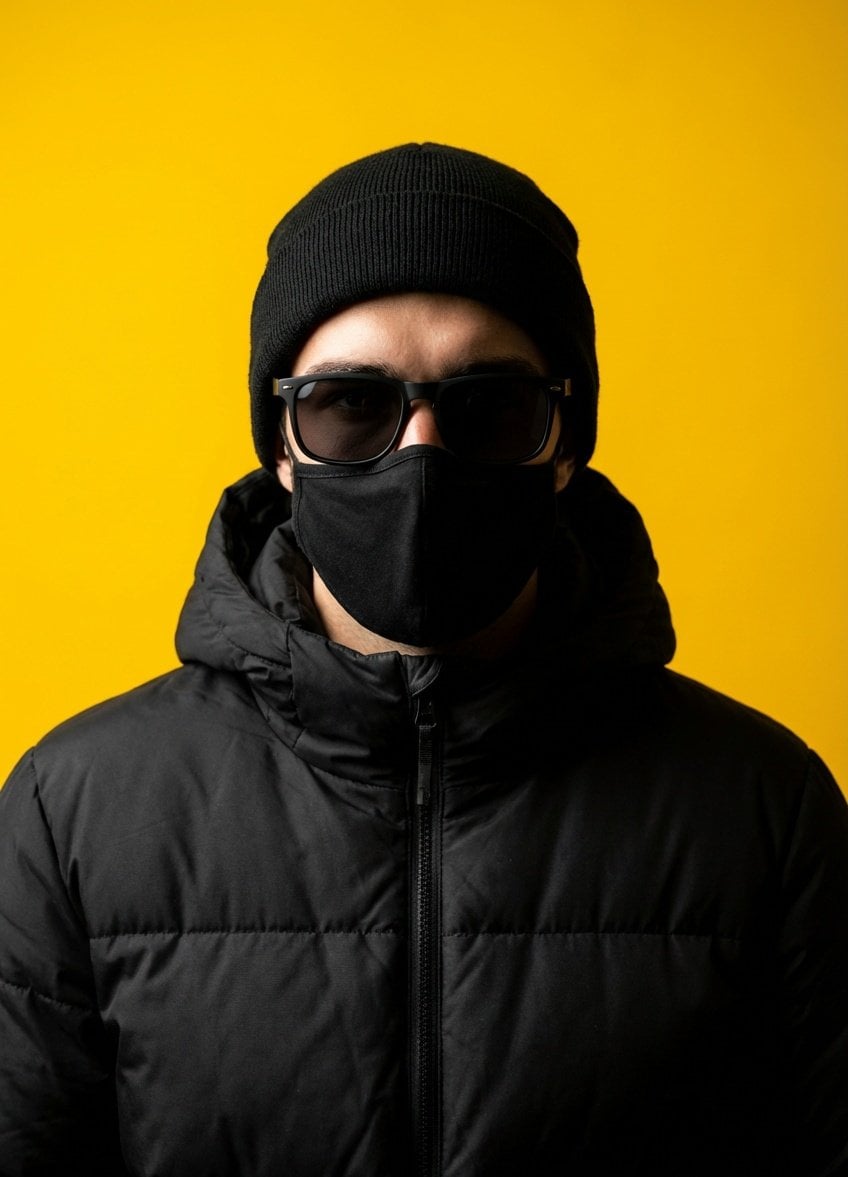
Minimalist Studio Portrait with High Contrast

Illustration Anthropomorphism Prompt
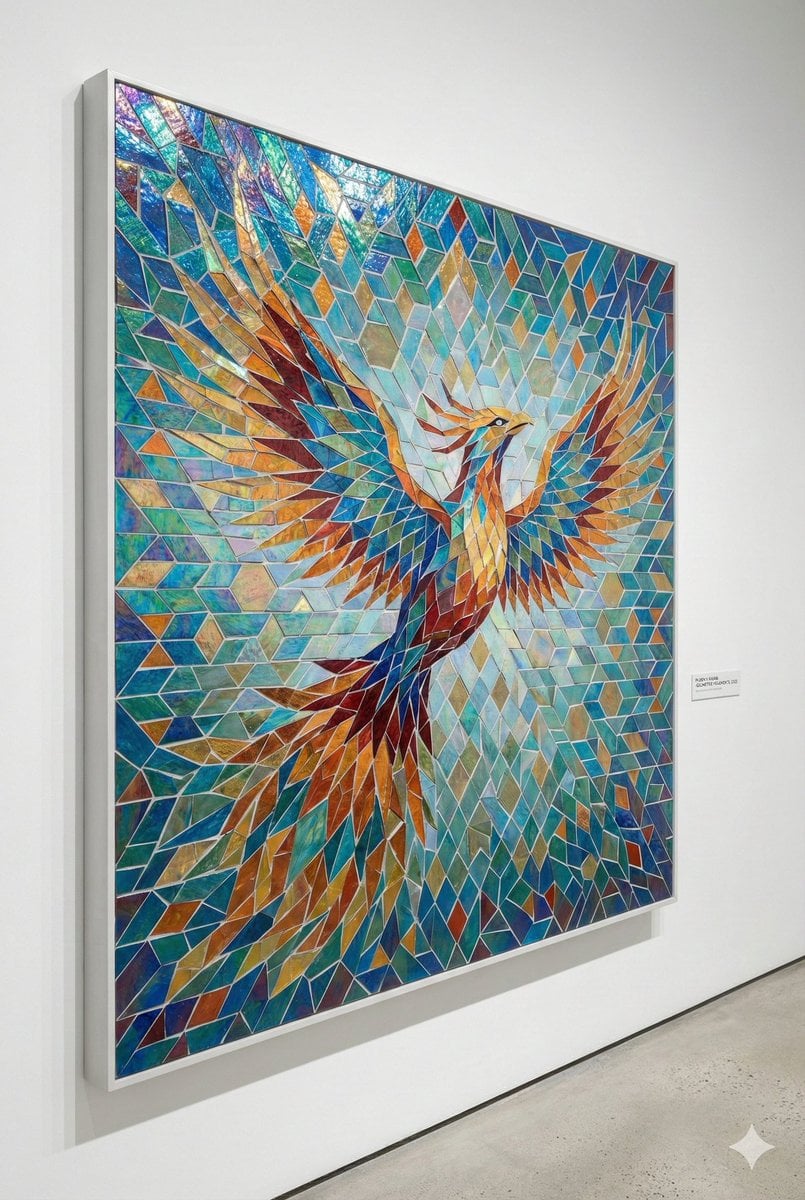
Geometric Mosaic Composition Prompt

Intense Artistic Glitch Transformation
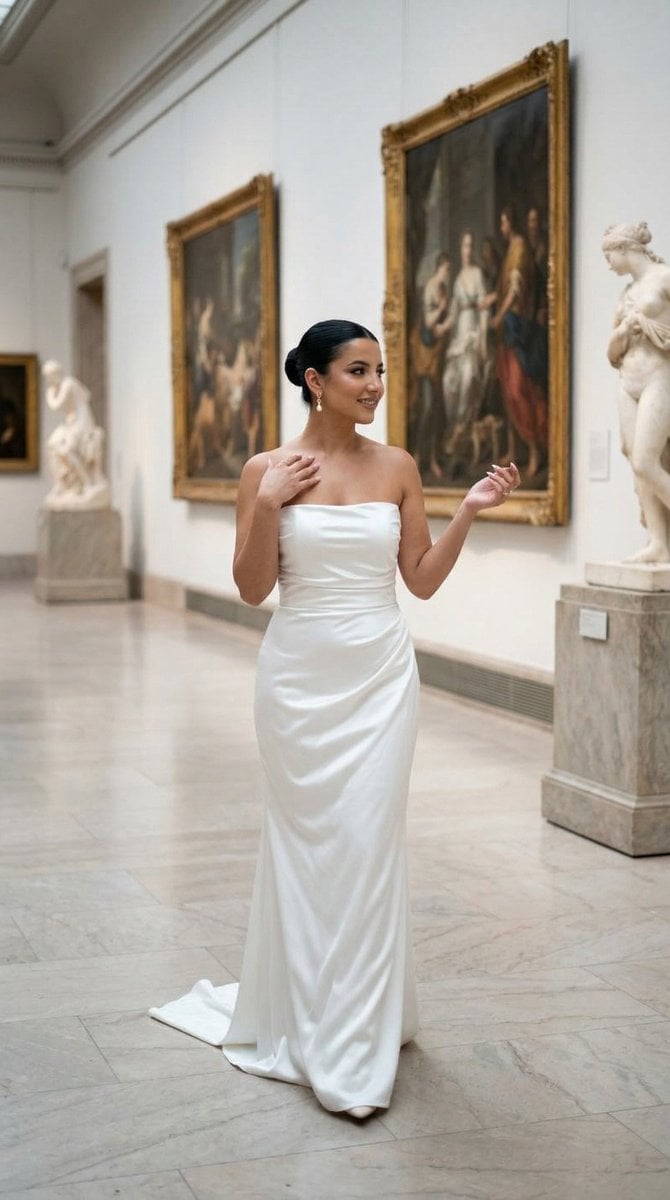
Nano Banana - Dancing Carefree Paris
Browse template categories
Stacked Corridor Model Comparison questions
How do I use the Stacked Corridor Model Comparison template?
Add your photo if the template asks for one, edit the prompt if you like — the template's model and format are already selected — and press Generate. Your version opens in PicX Studio.
Can I customize the Stacked Corridor Model Comparison template?
Yes. You can change the subject, setting, lighting, mood, format, and available model controls before creating your image.
Is the Stacked Corridor Model Comparison template free?
Opening and editing this template is free. Generating uses credits, shown on the Generate button when you are signed in.
Which AI model should I use?
Start with GPT Image 2, which is the model associated with this template. You can compare another compatible model for a different finish.
Looking for something else? Browse all templates.

Your photo, any look
Thousands of ready templates for every top image and video model, from one credit balance.