
Soccer Model Comparison Poster
A vertical social-media comparison graphic showing two AI-generated soccer goal celebration scenes in stacked panels, used to compare image model realism and style.
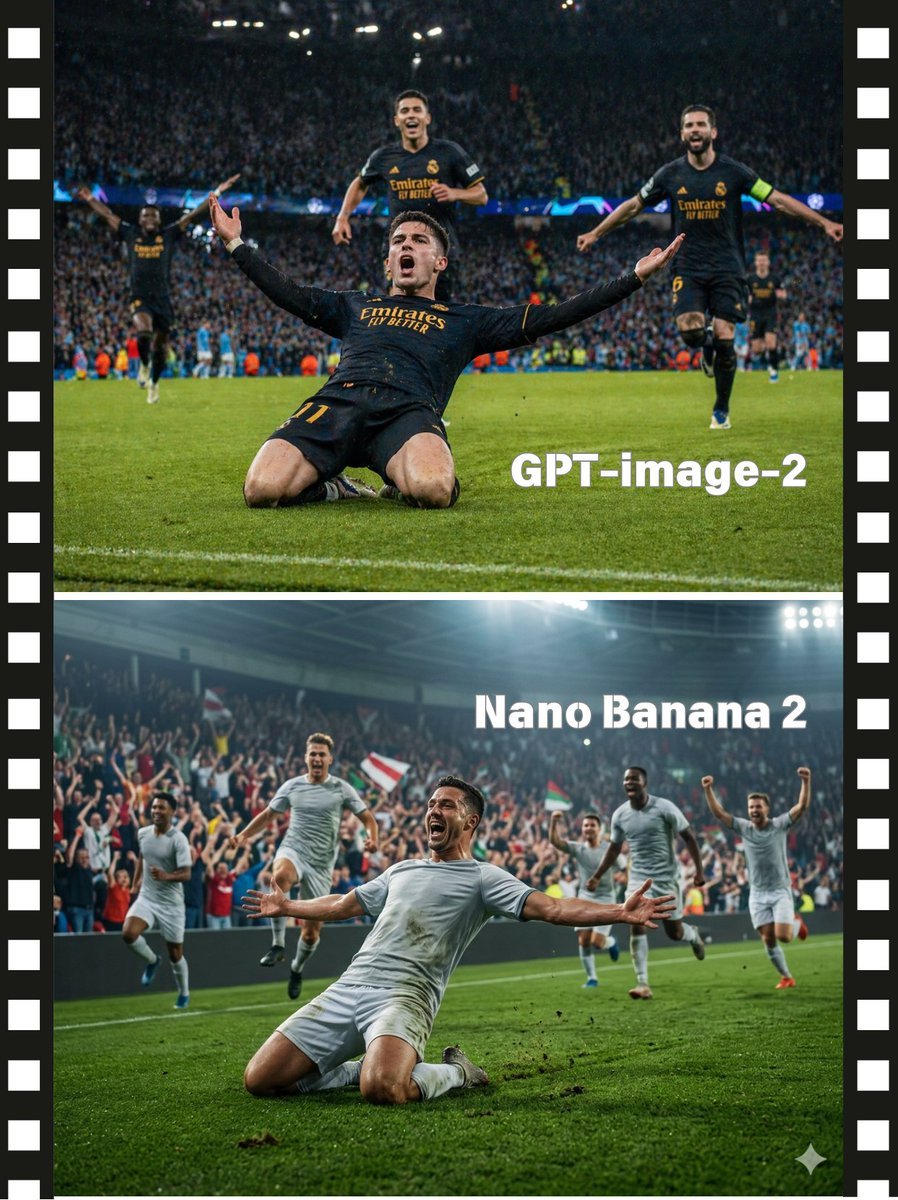
- Prompt included
- Model and format preset
- Free template
The prompt behind this image
Copy the exact prompt behind Soccer Model Comparison Poster, or open it in the studio and make it yours.
- Type
- side-by-side model comparison poster
- Subject
- dramatic soccer goal celebration
- Style
- cinematic sports photography comparison, high energy, realistic, editorial social-media graphic
- Layout › Orientation
- vertical
- Layout › Sections › 0 › Title
- GPT-image-2
- Layout › Sections › 0 › Position
- top half
- Layout › Sections › 0 › Count
- 1
- Layout › Sections › 0 › Labels
- GPT-image-2
- Layout › Sections › 1 › Title
- Nano Banana 2
- Layout › Sections › 1 › Position
- bottom half
- Layout › Sections › 1 › Count
- 1
- Layout › Sections › 1 › Labels
- Nano Banana 2
- Layout › Divider
- one thick horizontal white line separating the two images
- Layout › Border
- black filmstrip border on the left and right edges with evenly spaced white sprocket holes, approximately 15 visible holes per side
- Layout › Watermarks › 0 › Text
- GPT-image-2
- Layout › Watermarks › 0 › Position
- lower right area of top panel
- Layout › Watermarks › 1 › Text
- Nano Banana 2
- Layout › Watermarks › 1 › Position
- upper right area of bottom panel
- Scene › Sport
- football / soccer
- Scene › Moment
- a player scores and celebrates by knee-sliding toward the camera with arms stretched wide while teammates run in from behind
- Scene › Camera
- low field-level angle, slightly wide lens, center-framed main player, dynamic perspective
- Scene › Environment
- packed stadium at night under bright floodlights, blurred cheering crowd, vivid green grass, bits of turf flying
- Panels › Top › Look
- Champions League style match photo, darker and more contrasty, polished broadcast realism
- Panels › Top › Main Player › Kit
- black jersey and shorts with gold lettering and trim
Raw JSON
{"type":"side-by-side model comparison poster","subject":"dramatic soccer goal celebration","style":"cinematic sports photography comparison, high energy, realistic, editorial social-media graphic","layout":{"orientation":"vertical","sections":[{"title":"GPT-image-2","position":"top half","count":1,"labels":["GPT-image-2"]},{"title":"Nano Banana 2","position":"bottom half","count":1,"labels":["Nano Banana 2"]}],"divider":"one thick horizontal white line separating the two images","border":"black filmstrip border on the left and right edges with evenly spaced white sprocket holes, approximately 15 visible holes per side","watermarks":[{"text":"GPT-image-2","position":"lower right area of top panel"},{"text":"Nano Banana 2","position":"upper right area of bottom panel"}]},"scene":{"sport":"football / soccer","moment":"a player scores and celebrates by knee-sliding toward the camera with arms stretched wide while teammates run in from behind","camera":"low field-level angle, slightly wide lens, center-framed main player, dynamic perspective","environment":"packed stadium at night under bright floodlights, blurred cheering crowd, vivid green grass, bits of turf flying"},"panels":{"top":{"look":"Champions League style match photo, darker and more contrasty, polished broadcast realism","main player":{"kit":"black jersey and shorts with gold lettering and trim","pose":"sliding on both knees toward camera, torso leaning back slightly, both arms spread wide"},"teammates":{"count":4,"descriptions":["one teammate behind center running forward","one teammate on right running with arms out, wearing a captain armband","one teammate far left in the background with arms lifted","one distant teammate at far right background"]},"crowd":"dense blue-toned stadium crowd, heavily blurred","text_overlay":"large bold white sans-serif text reading GPT-image-2"},"bottom":{"look":"more generic but dramatic sports photo, brighter stadium haze, slightly softer realism","main player":{"kit":"plain light gray or white jersey and shorts","pose":"sliding on both knees toward camera, arms thrown wide, dirt and grass kicked up near the legs"},"teammates":{"count":5,"descriptions":["one teammate at far left running forward","one teammate left of center leaping with knees bent","one teammate behind center-right running","one teammate right of center running toward the celebration","one teammate at far right with both fists raised"]},"crowd":"cheering spectators with several red-white-green flags visible","lighting":"bright overhead stadium lights with atmospheric glow","text_overlay":"large bold white sans-serif text reading Nano Banana 2","extra_mark":"small white sparkle icon near the bottom-right corner"}},"quality":"high detail, motion, shallow depth of field, realistic skin and fabric texture, dramatic sports action, social post comparison aesthetic","avoid":"cartoon style, empty stadium, static posing, close-up crop, logos other than the visible comparison text"}How to use Soccer Model Comparison Poster in 3 steps
- 1Upload ImagePNG, JPG or paste
Add your photo
Upload the photo the template builds on. The prompt, model and format are already set.
- 2…a portrait of your subject in softgolden-hour light, 85mm…
Personalize
Edit the subject and creative details for your destination.
- 3Generate
Generate
Press Generate — your image is created in PicX Studio, so you can compare it with the original and refine one variable at a time.
More like this
Templates with the same subject, style or setup. Open one to see its prompt.

Panning Motion Soccer Kick Poster

Premium Vertical Product Campaign Poster
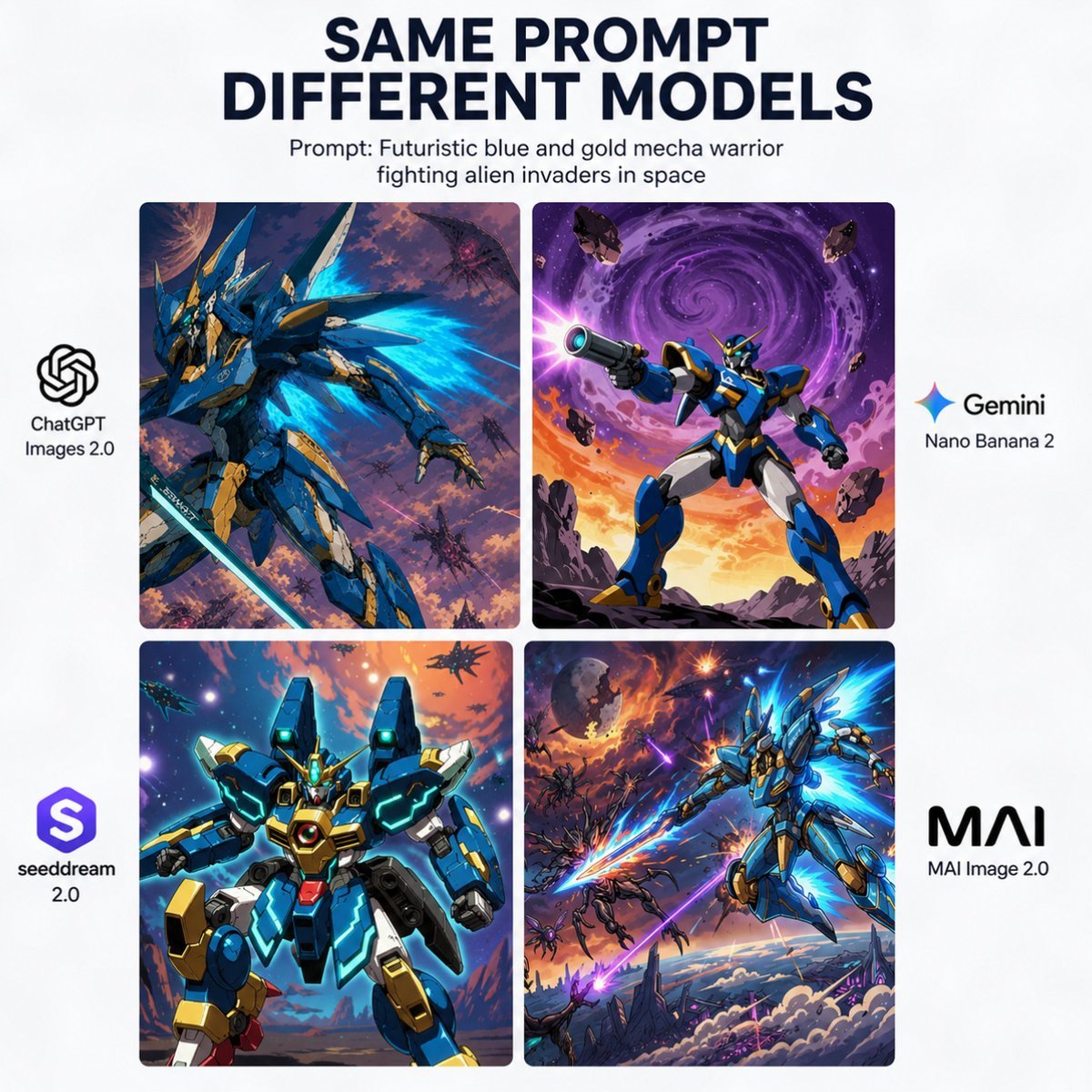
AI Model Mecha Comparison Poster
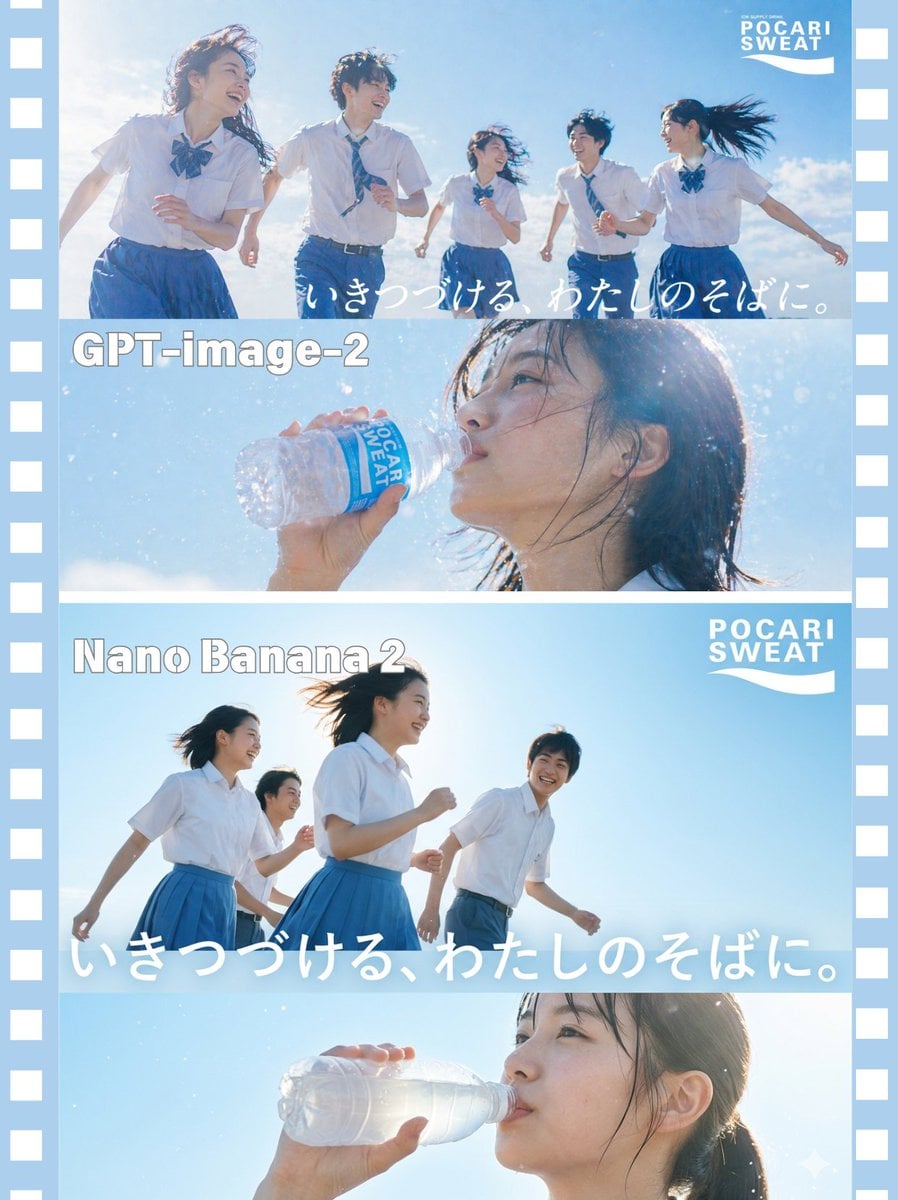
AI Model Comparison Ad Poster

Japan Travel Brochure Poster

AI Model Routing Comparison Infographic

Fantasy Model Comparison Grid
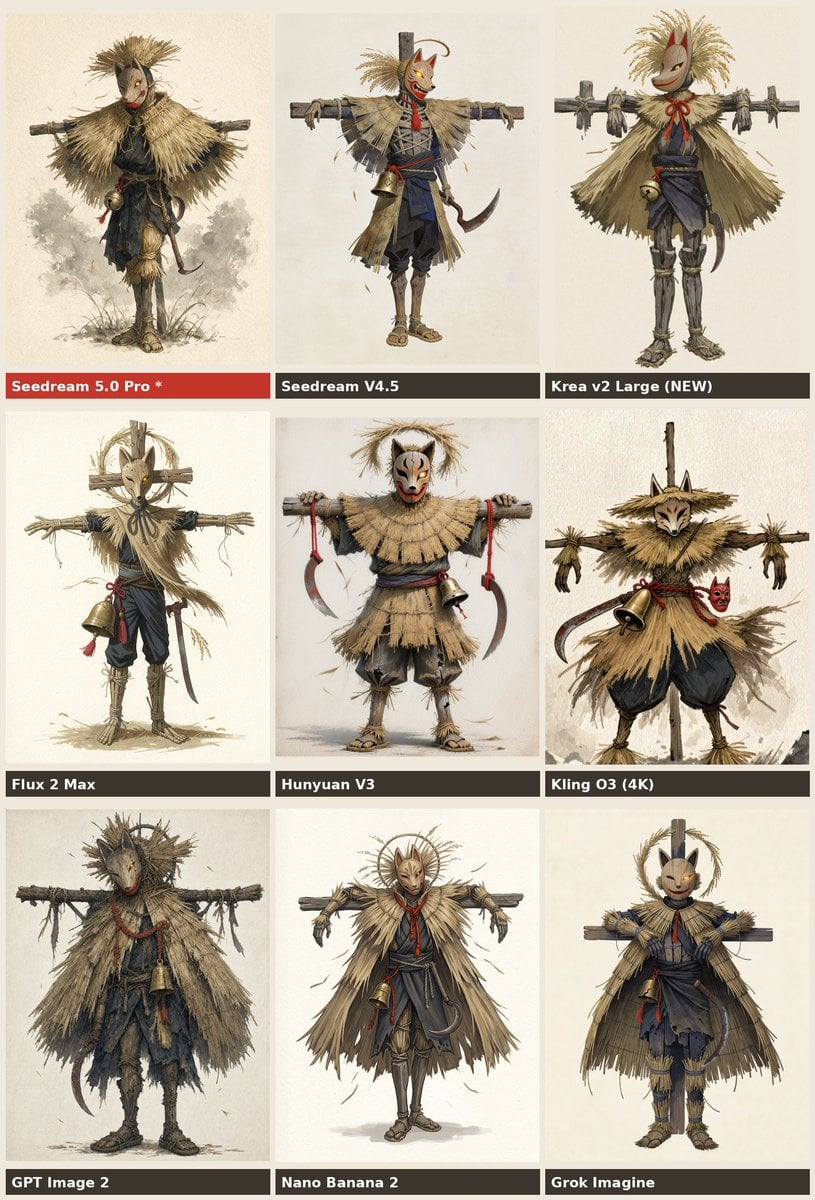
Nine-Model Scarecrow Yokai Comparison

Cartoon TV Show Poster Pack

Trendy Cafe Drink Promo Poster

Urban Fashion Editorial Collage Streetwear Poster

Premium Fashion Editorial Cover Layout System
Make it yours
Soccer Model Comparison Poster works as-is. These are the safest ways to change it without losing the look.
Swap the setting
Keep the rest of the prompt and replace the location block. The current setting is “packed stadium at night under bright floodlights, blurred cheering crowd, vivid ”.
Swap the light
One lighting change is enough to compare takes. Current light: “bright overhead stadium lights with atmospheric glow”.
Change one field
Copy a single group, rewrite it, and generate again so you can see what that field is doing.
| If the result… | Why | Fix |
|---|---|---|
| The result drifts from the preview | Too many fields changed at once. | Reuse Soccer Model Comparison Poster as-is first, then change one group — subject, light, or setting. |
| GPT Image 2 ignores part of the JSON | Some models flatten or skip nested keys. | Keep the same values and paste them as a short paragraph instead. |
More GPT Image 2 templates
Other prompts made for GPT Image 2.

Six VTuber Japanese Logo Sheet

Realistic Portrait of Woman and Deer

The Vista Modular Condo Poster

2.5D Anime Art Board

Isometric Productivity Desk Scene

New York Double Exposure Poster

Four-Panel AI Landscape Comparison

Japanese Tatami Lifestyle Magazine Cover

NESCAFÉ Coffee Map Poster

Brutalist Cogito Chinese Typography Poster
More image prompts
Fresh picks from across the catalog.
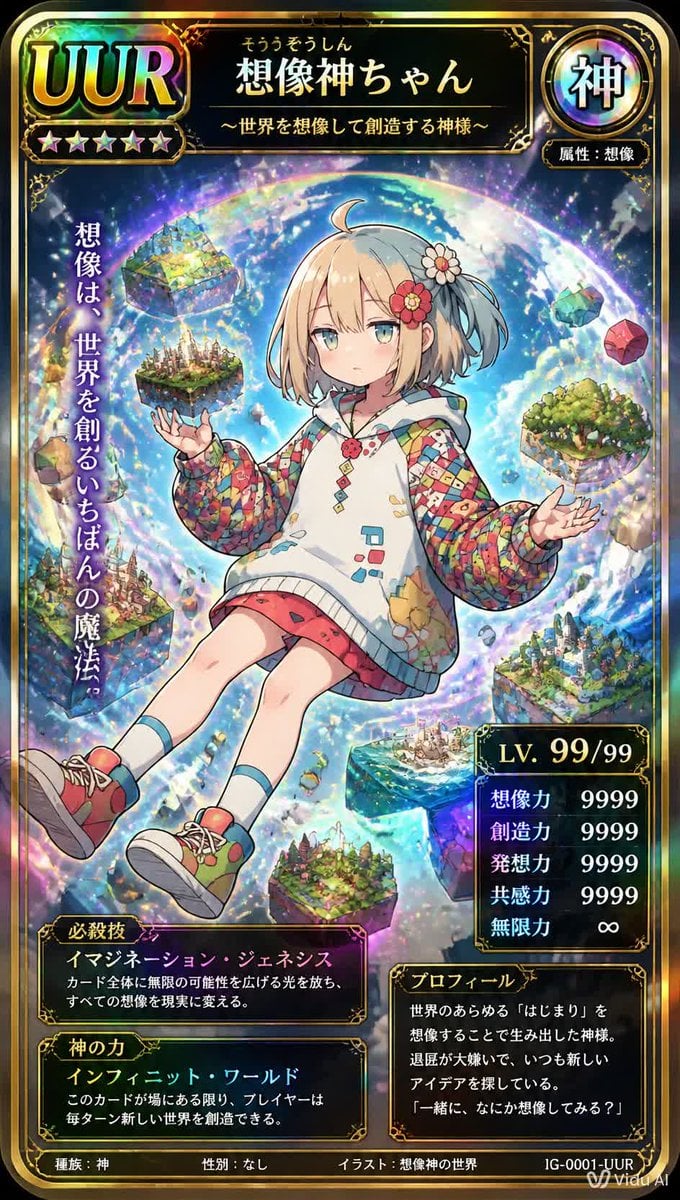
Ultra Rare Imagination God TCG Card

Gyeongju Korea Paper-Cut Travel Poster
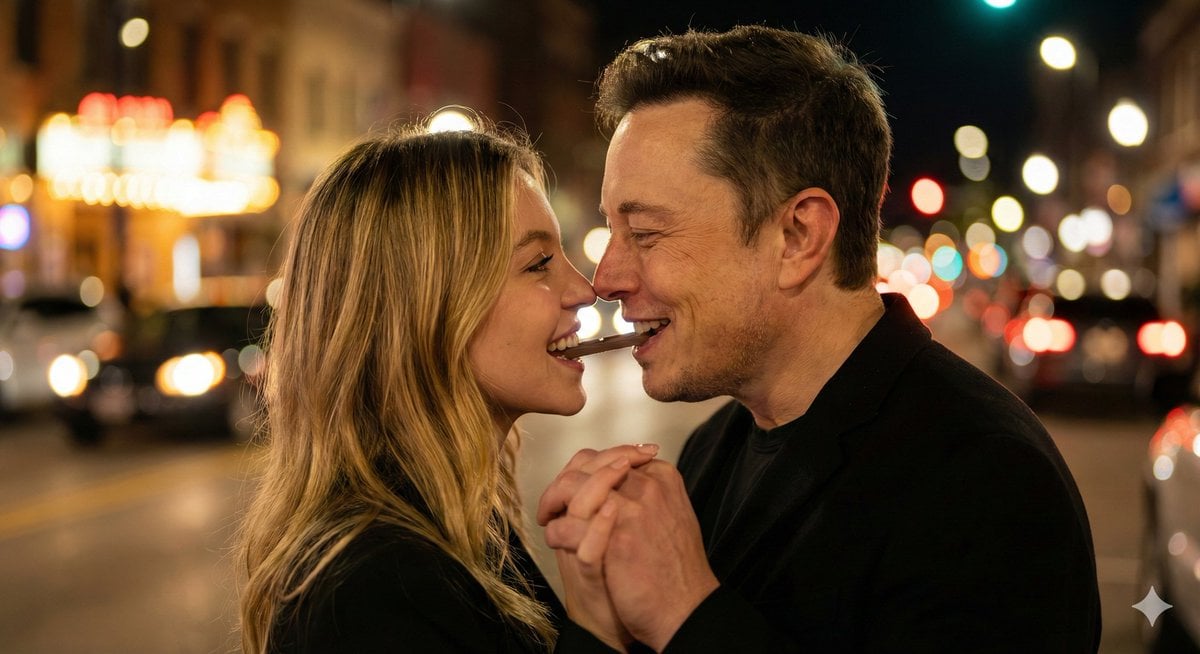
Ultra-Realistic Romantic Chocolate Portrait
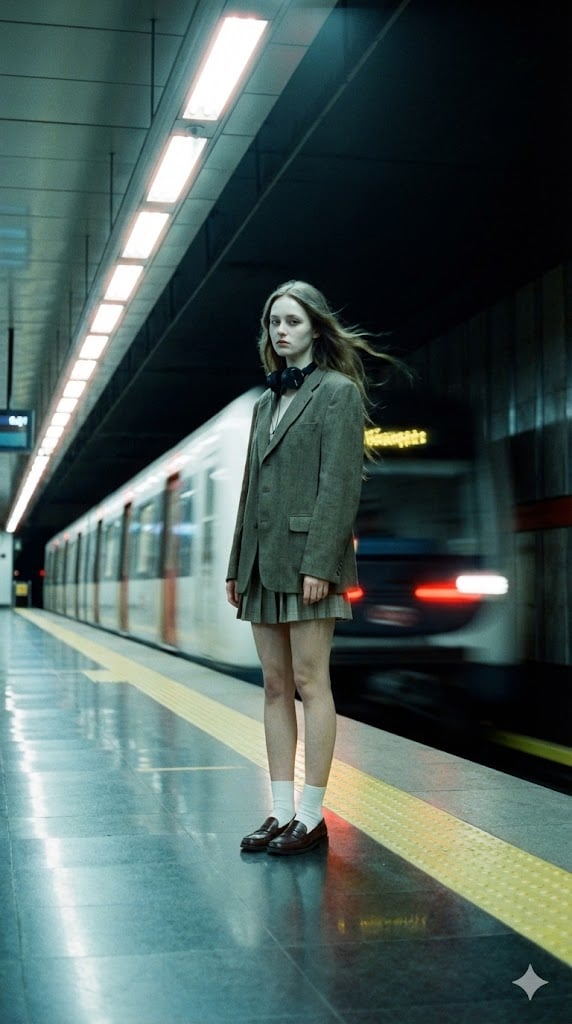
Long-Exposure Subway Fashion Prompt

Bathroom Mirror Selfie Prompt (Image-to-Image)

Professional studio portrait prompt
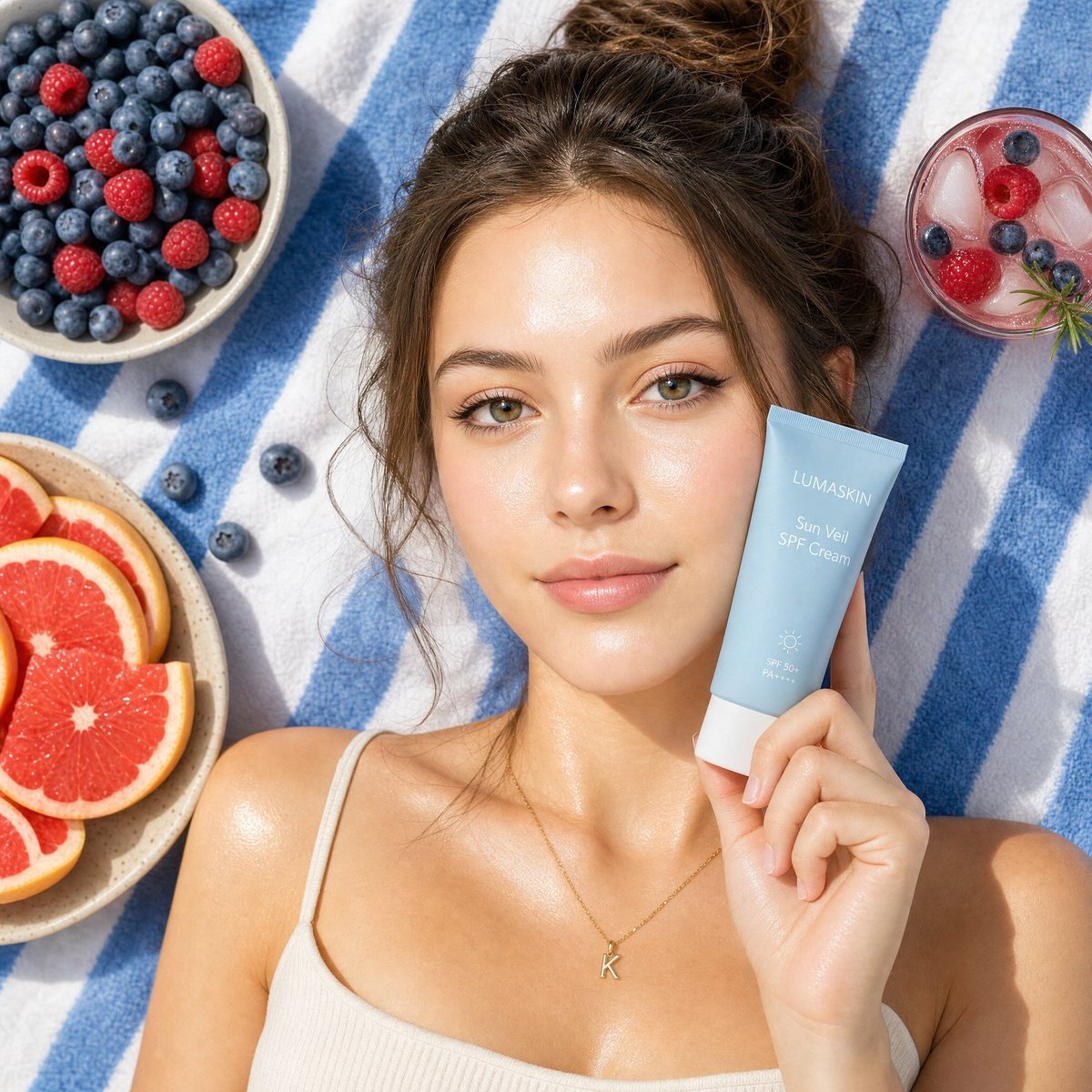
Summery Skincare Beauty Advertisement
Street Style Squatting Pose with Iced Coffee
Puri-kura Style Processing and Drawn Wings Test
Romantic 1950s Diner Scene
Browse template categories
Soccer Model Comparison Poster questions
How do I use the Soccer Model Comparison Poster template?
Add your photo if the template asks for one, edit the prompt if you like — the template's model and format are already selected — and press Generate. Your version opens in PicX Studio.
Can I customize the Soccer Model Comparison Poster template?
Yes. You can change the subject, setting, lighting, mood, format, and available model controls before creating your image.
Is the Soccer Model Comparison Poster template free?
Opening and editing this template is free. Generating uses credits, shown on the Generate button when you are signed in.
Which AI model should I use?
Start with GPT Image 2, which is the model associated with this template. You can compare another compatible model for a different finish.
Looking for something else? Browse all templates.

Your photo, any look
Thousands of ready templates for every top image and video model, from one credit balance.