
Ultra-Realistic Editorial Fashion Portrait Prompt
A highly detailed, structured prompt designed for ultra-realistic editorial fashion photography, focusing on a dramatic, high-contrast monochrome portrait of a young woman in a black blazer.
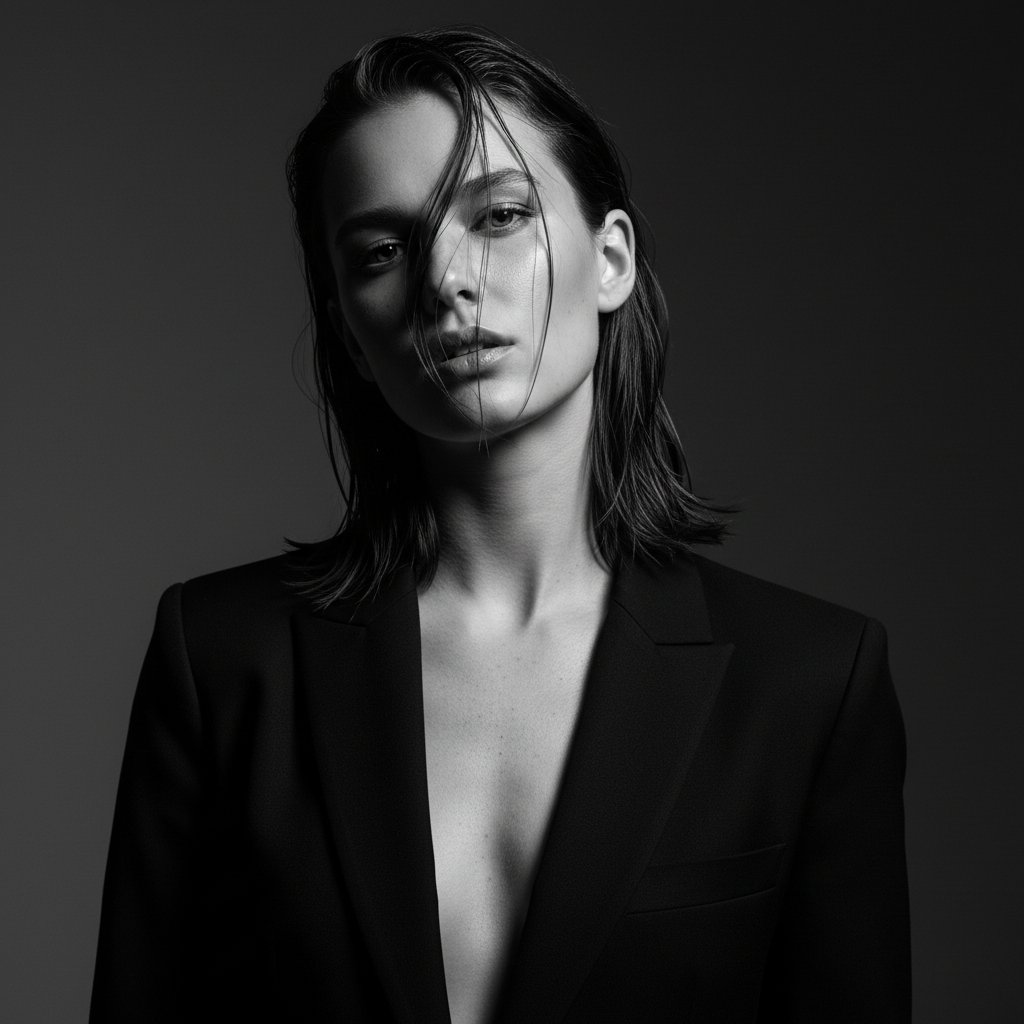
- Prompt included
- Model and format preset
- Free template
The prompt behind this image
Copy the exact prompt behind Ultra-Realistic Editorial Fashion Portrait Prompt, or open it in the studio and make it yours.
{ "prompt_description": { "subject": "A young adult woman, likely in her early to mid-twenties, with a slender build and a confident, poised demeanor.", "face": "Angular facial structure with high cheekbones and a defined jawline. Eyes are open and alert, with a direct, engaging gaze. Lips are slightly parted, conveying a subtle sensuality. Skin has a visible texture, with fine pores and subtle freckling across the décolletage. Expression is neutral but intense.", "hair": "Dark brown, shoulder-length hair with a wet or slicked-back appearance. A few strands are artfully draped across her face, adding a touch of drama.", "clothing": "A black blazer, worn open to reveal the upper chest. The blazer has a sharp lapel and appears to be made of a structured fabric that holds its shape. The neckline is a deep V, exposing the collarbones and upper chest. The fit of the blazer is tailored but not restrictive, with the front edges falling away from the body.", "accessories": "No visible accessories.", "environment": "A plain, dark, studio background. The background is uniformly dark, creating a strong contrast with the subject and emphasizing her form. There is a subtle gradient in the darkness, suggesting a controlled lighting setup rather than a flat wall.", "lighting": "Dramatic, high-contrast studio lighting. A key light source appears to be positioned slightly above and to the side of the subject, creating strong highlights on her face, collarbones, and the fabric of the blazer. Deep shadows are present, particularly on the right side of her face and in the background, adding depth and sculpting her features. Specular highlights catch the moisture in her hair and the subtle sheen of her skin.", "atmosphere": "Sophisticated, alluring, and powerful. The mood is one of confident sensuality and high fashion." }, "style": { "art_style": "Ultra-realistic editorial fashion photography", "color_grade": "Monochromatic (black and white), with a high-contrast grade. Deep blacks, bright whites, and a wide range of grays are present, emphasizing texture and form.", "texture_quality": "Extremely sharp and detailed, with a focus on micro-contrast. Every pore, strand of hair, and fabric texture should be rendered with photorealistic clarity. Minimal to no digital grain." }, "camera_settings": { "camera": "Medium Format or high-end DSLR", "lens": "85mm or 105mm portrait lens, implying slight compression and beautiful bokeh", "aperture": "f/2.8 - f/4.0 (suggesting a shallow depth of field, but with enough in focus to capture facial details clearly)", "iso": "Low ISO (e.g., 100-200) to ensure maximum detail and minimal noise", "shutter_speed": "Fast shutter speed to freeze motion perfectly", "white_balance": "Neutral or slightly cool white balance to enhance the monochrome tones." }, "composition": { "framing": "Medium shot - upper chest to head"}
How to use Ultra-Realistic Editorial Fashion Portrait Prompt in 3 steps
- 1
Open
The prompt is already in the box next to the preview, with the template's model and format selected.
- 2…a portrait of your subject in softgolden-hour light, 85mm…
Personalize
Edit the subject and creative details for your destination.
- 3Generate
Generate
Press Generate — your image is created in PicX Studio, so you can compare it with the original and refine one variable at a time.
More like this
Templates with the same subject, style or setup. Open one to see its prompt.

Caution Tape Fashion — Industrial Editorial

Couture Fashion Editorial Woman and Drag

Nano Banana 2 Editorial Fashion Portrait

untitled

Nano Banana 2 High Fashion Sports Campai

Ive Yujin Fashion Portrait in Blue

21 Glass Floor Skyscraper — California Series

19 Luxury Helicopter Travel — California Series

08 Rodeo Drive Luxury Exit — California Series

03 Beverly Hills Convertible — California Series

Nano Banana - Paris Cafe Editorial

Luxury Fashion Editorial Portrait
Make it yours
Ultra-Realistic Editorial Fashion Portrait Prompt works as-is. These are the safest ways to change it without losing the look.
Change one field
Copy a single group, rewrite it, and generate again so you can see what that field is doing.
Keep the frame, change the subject
Hold the composition and light of Ultra-Realistic Editorial Fashion Portrait Prompt, then swap wardrobe, props or the person for a new take.
| If the result… | Why | Fix |
|---|---|---|
| The result drifts from the preview | Too many fields changed at once. | Reuse Ultra-Realistic Editorial Fashion Portrait Prompt as-is first, then change one group — subject, light, or setting. |
| The model over-stylizes the scene | The prose prompt leaves finish and camera underspecified. | Add one camera or lighting sentence and stay on Nano Banana 2. |
More Nano Banana 2 templates
Other prompts made for Nano Banana 2.

Photorealistic Leaf Shaped Like a Dragon

K-Pop Idol Portrait Grid for Rapid Selection

Poetic Rain Forest Portrait During Golden Hour

Urban Street Portrait with Cartoon Inner Self Duo

Candid Nighttime Photo with Cat Prompt

High-Concept 3D Diorama Generation Prompt

Cinematic Futuristic Studio Portrait Template

Skincare Editorial Photography Collage Prompt

Hyper-Realistic Commercial Product Photography (Splash Effect)

Hyper-Realistic Nightclub Portrait Prompt
More image prompts
Fresh picks from across the catalog.
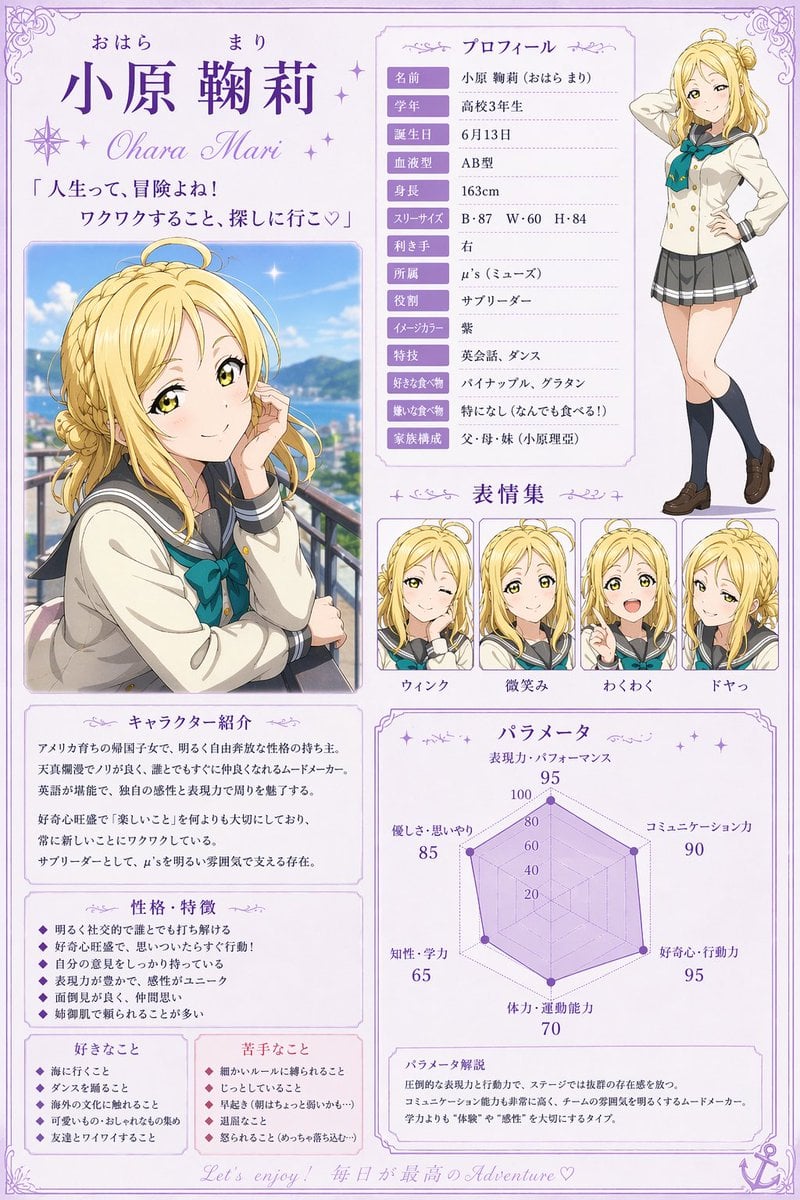
Anime Character Profile Sheet
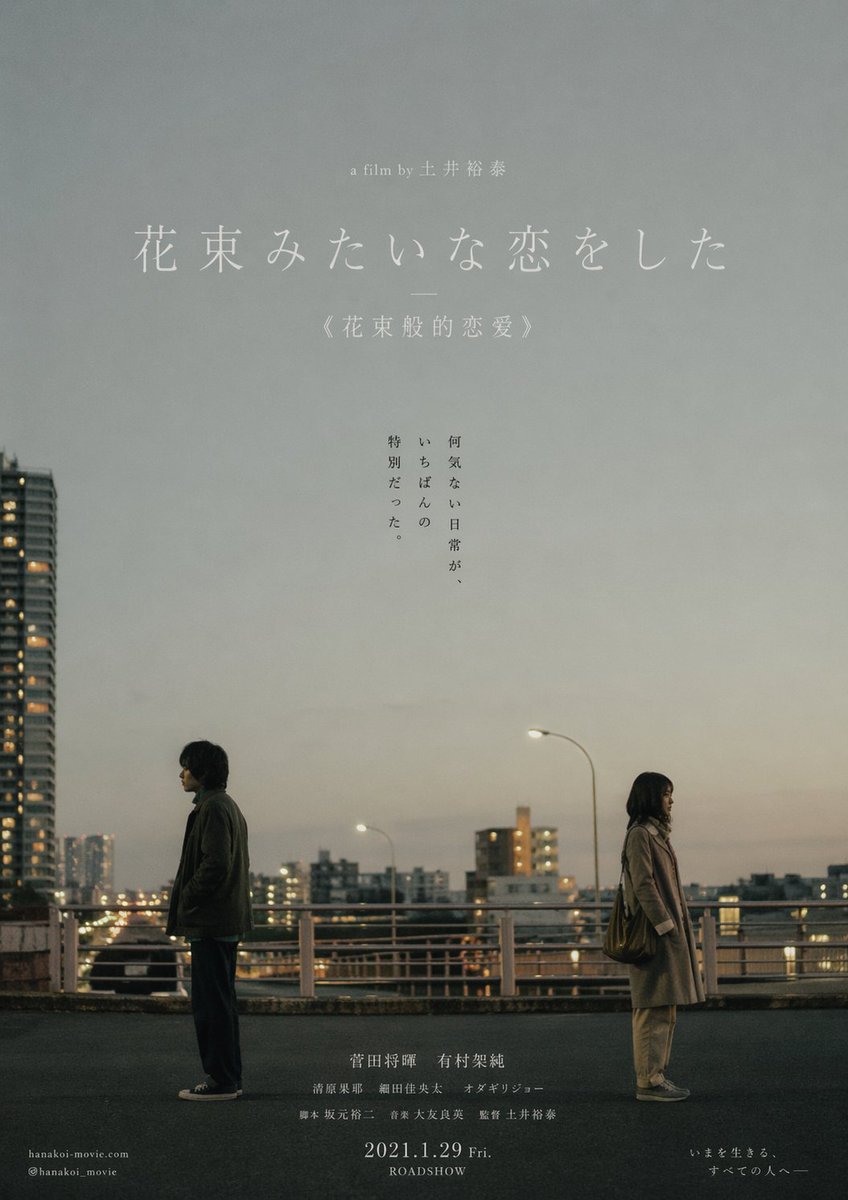
Japanese Realist Romance Movie Poster
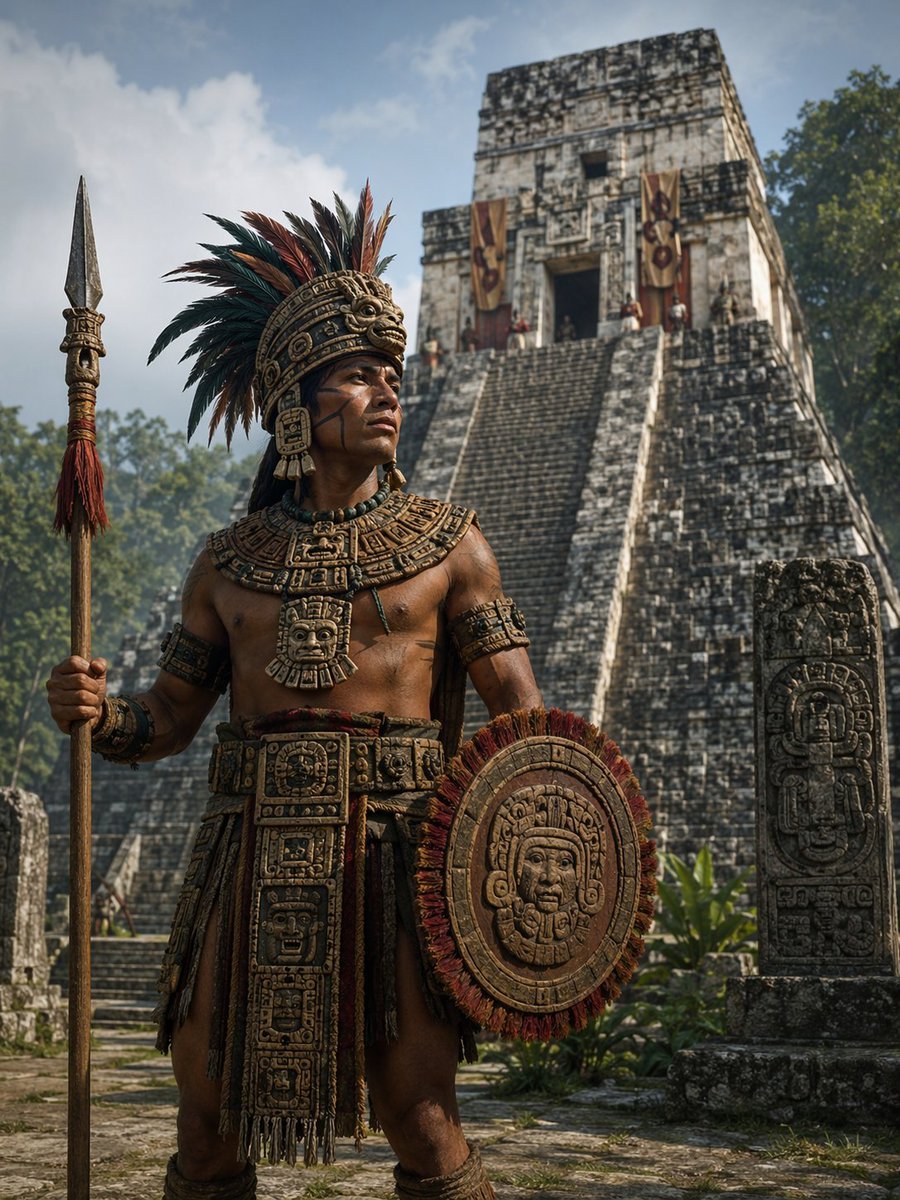
Cinematic Mesoamerican Warrior Portrait
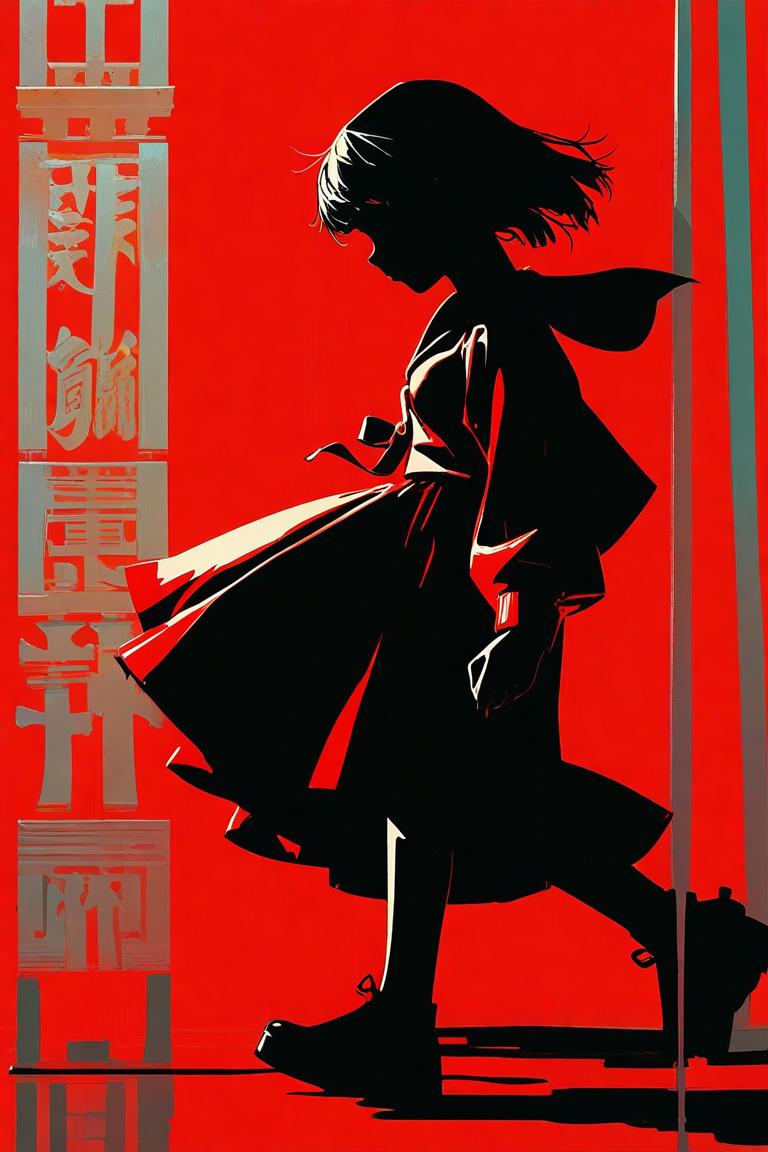
Red Anime Silhouette Poster
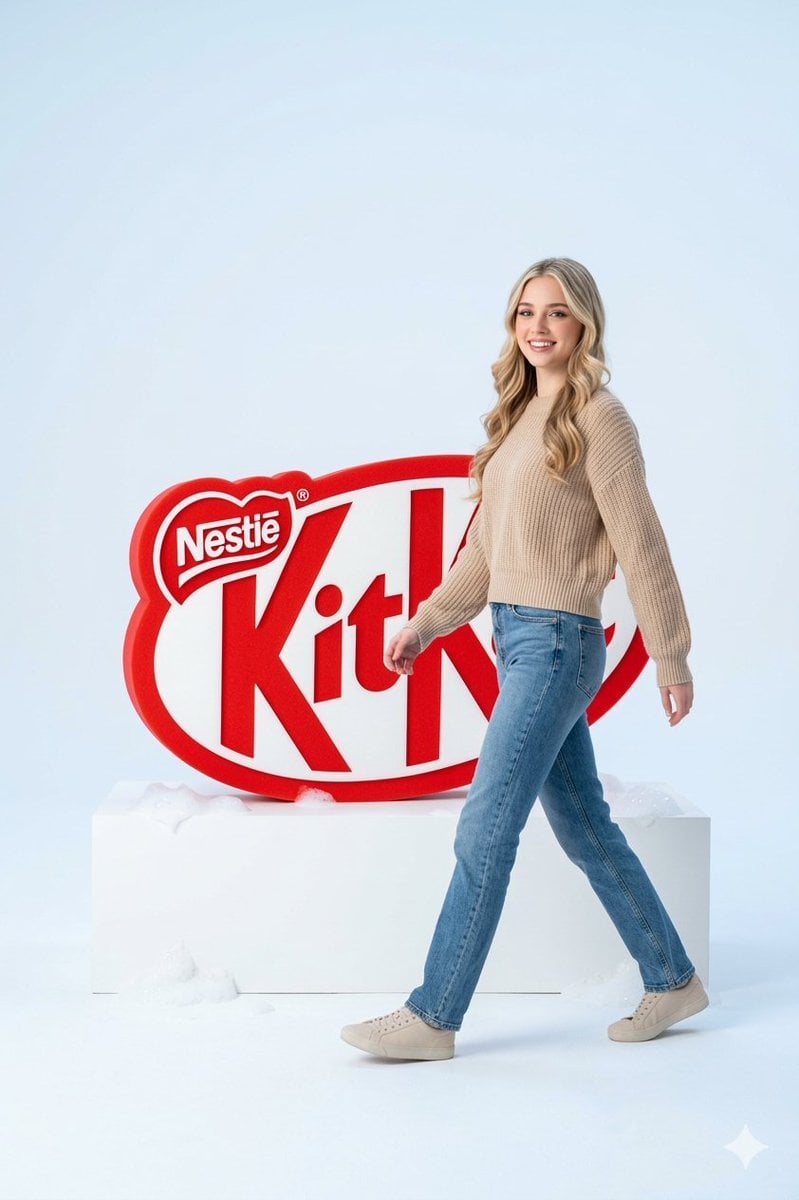
Premium Advertising Campaign Photograph
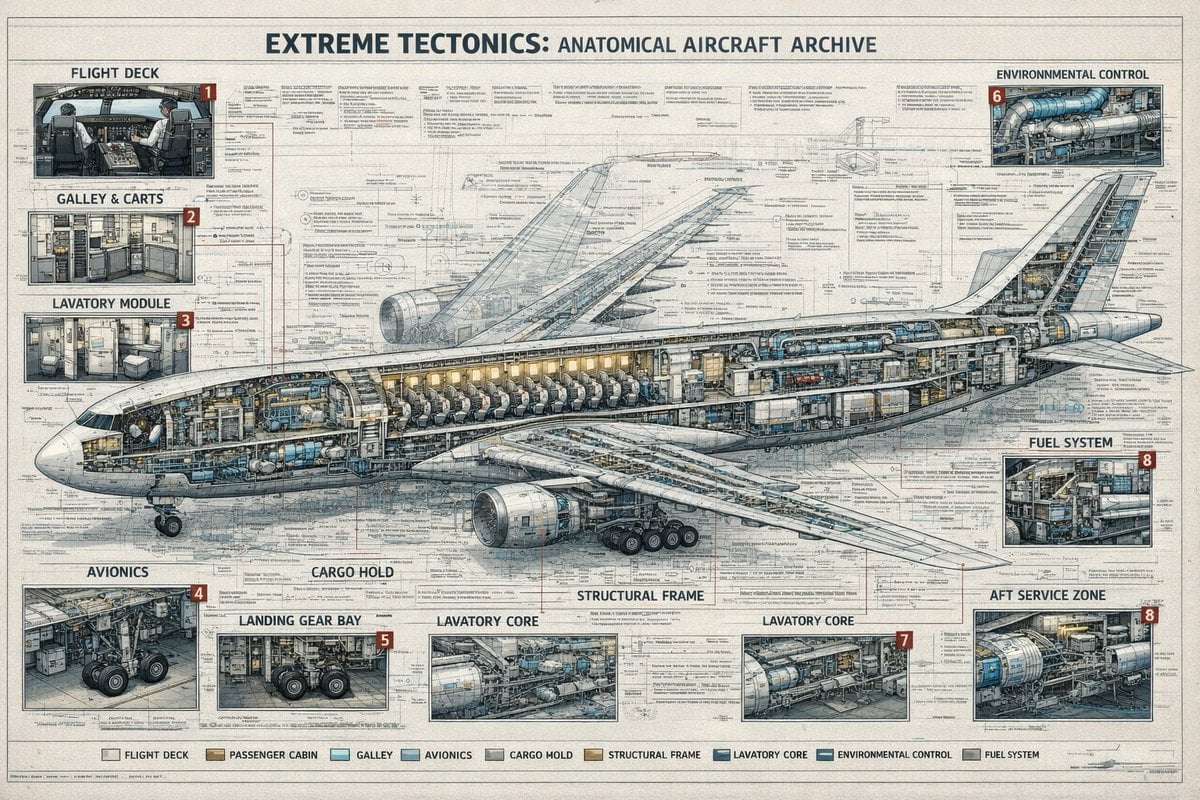
Aircraft Cutaway Archive Poster
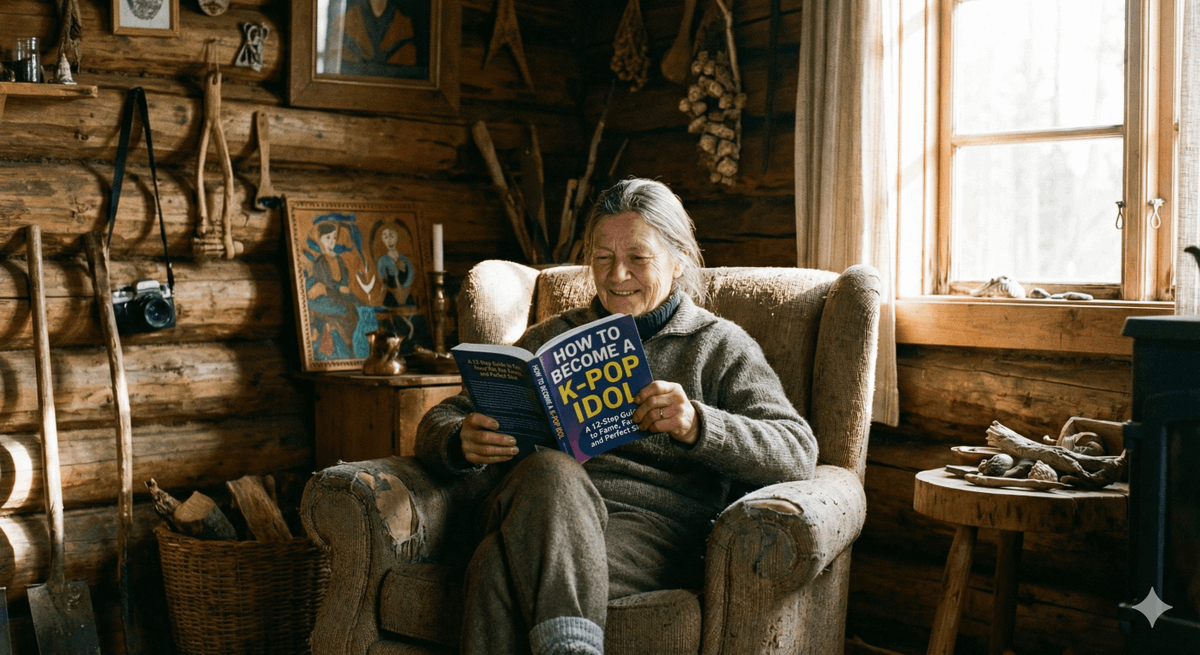
Absurd Book Title Image Generation
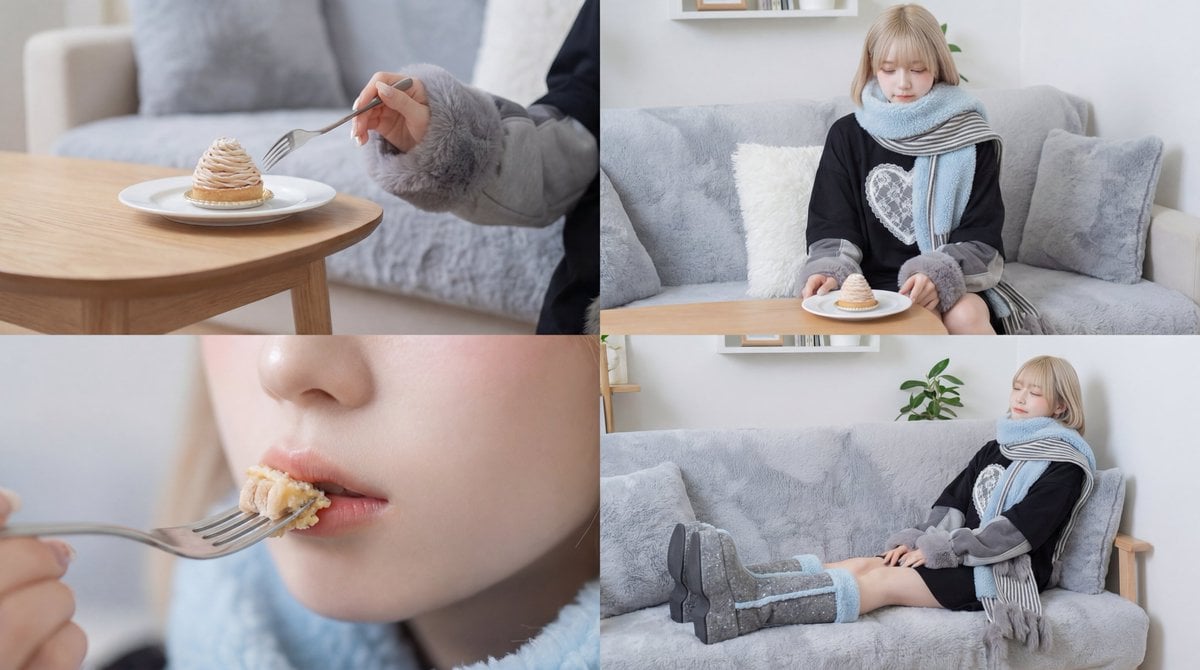
Cinematic Video of a Woman Enjoying Sweets
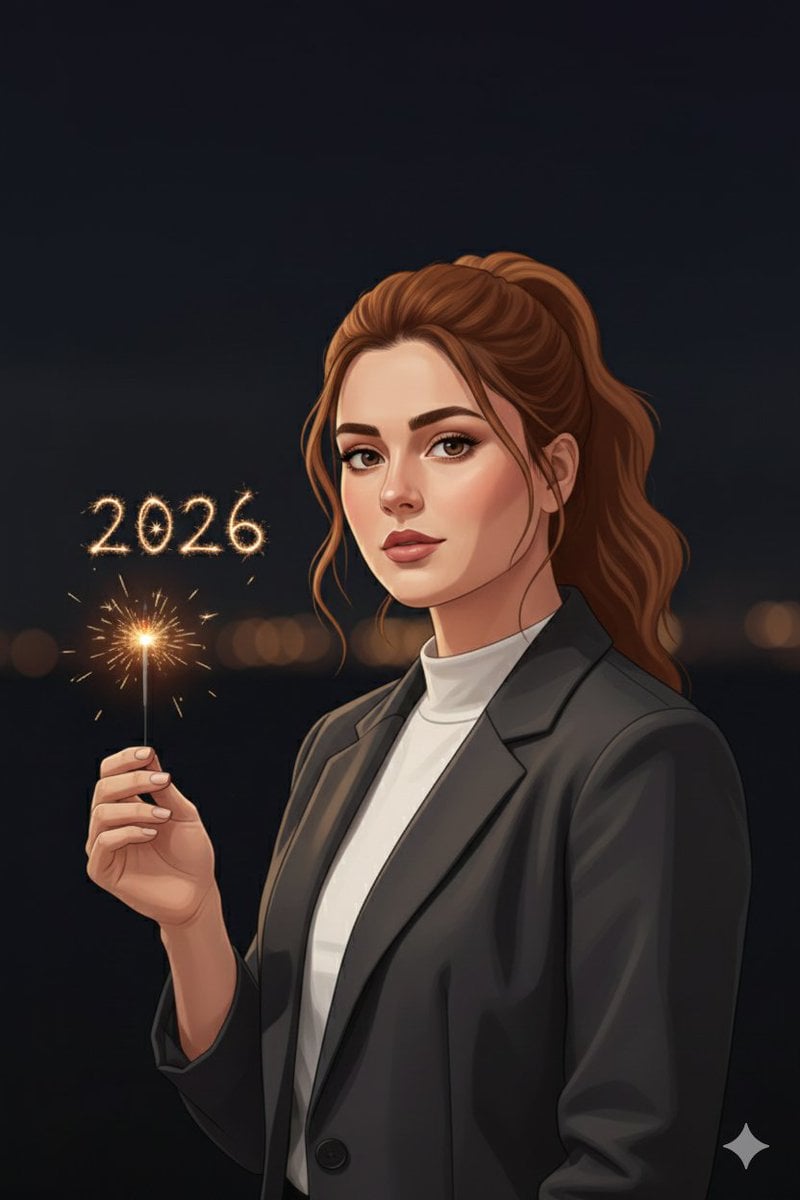
Minimal Cinematic New Year 2026 Portrait

PS1 Retro Gaming Style Prompt
Browse template categories
Ultra-Realistic Editorial Fashion Portrait Prompt questions
How do I use the Ultra-Realistic Editorial Fashion Portrait Prompt template?
Add your photo if the template asks for one, edit the prompt if you like — the template's model and format are already selected — and press Generate. Your version opens in PicX Studio.
Can I customize the Ultra-Realistic Editorial Fashion Portrait Prompt template?
Yes. You can change the subject, setting, lighting, mood, format, and available model controls before creating your image.
Is the Ultra-Realistic Editorial Fashion Portrait Prompt template free?
Opening and editing this template is free. Generating uses credits, shown on the Generate button when you are signed in.
Which AI model should I use?
Start with Nano Banana 2, which is the model associated with this template. You can compare another compatible model for a different finish.
Looking for something else? Browse all templates.

Your photo, any look
Thousands of ready templates for every top image and video model, from one credit balance.