How do I use the Coastal Full Body Drone Shot template?
Choose the primary action to open PicX Studio with the available template settings. Review the model and format, personalize the creative direction, and generate when ready.
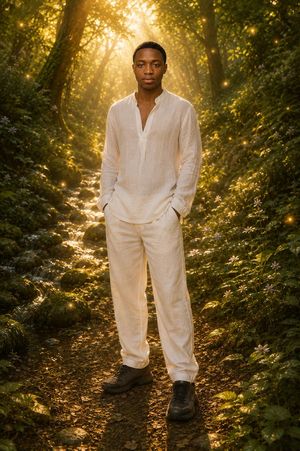
A dynamic drone shot prompt featuring a male subject on a stainless steel rod against a backdrop of deep blue sea and strong waves.
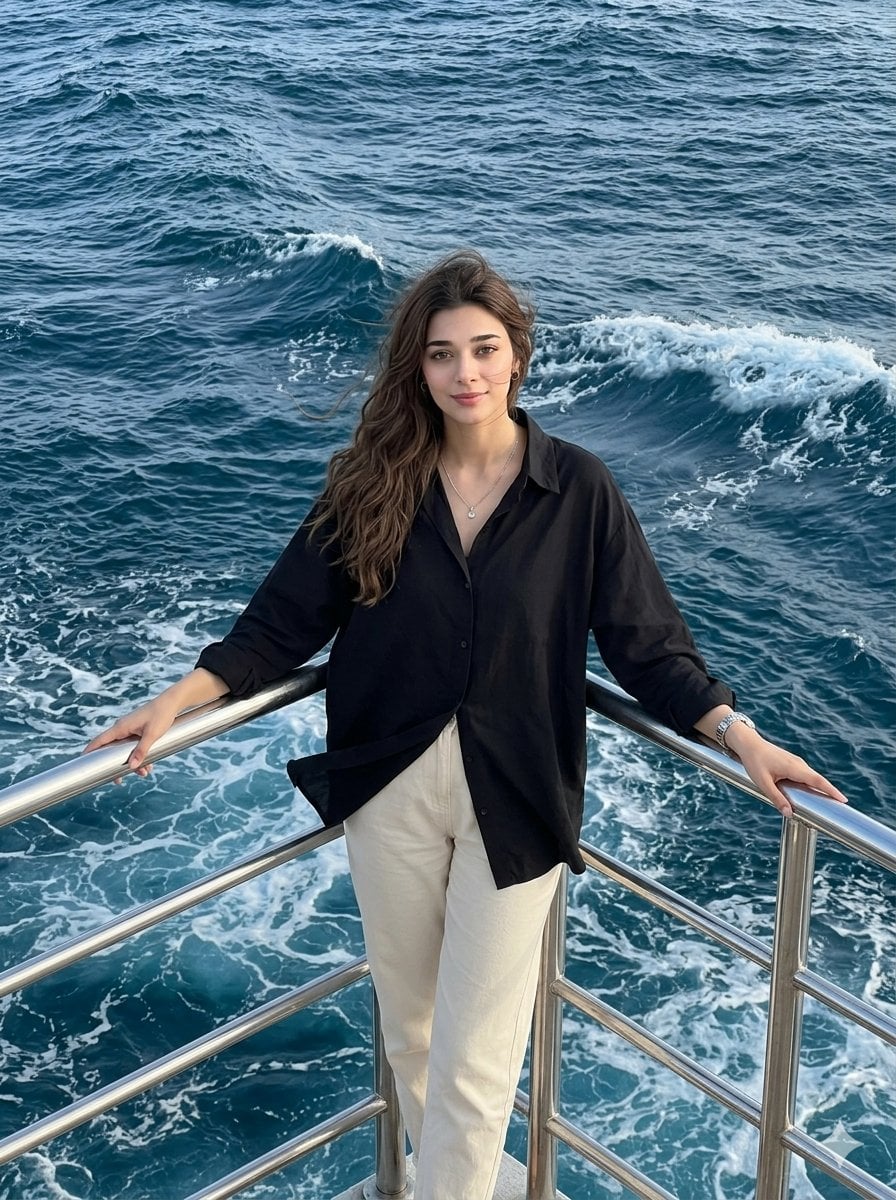
Make a photo without editing portrait face, realistic male face, {argument name="skin tone" default="white-pink skin tone"}, height 180+, slim nose, black hair, head block. Arrange your hair a little. Big fold clothing: {argument name="outfit" default="oversized black shirt, open chest, open arms"}. Hand on stainless steel rod, silver watch, small silver necklace, cream casual pants. Soft smile, natural makeup, natural pink lips. Atmosphere: stainless steel rail below with {argument name="background" default="deep blue sea, strong waves, strong wind hitting from front"}. Posture: standing on stainless steel rod, looking at the camera. Full body drone shot, aspect ratio 3:4.
Choose the primary action to open PicX Studio with the available template settings. Review the model and format, personalize the creative direction, and generate when ready.
Yes. You can change the subject, setting, lighting, mood, format, and available model controls before creating your image.
This template is free to open and customize. Generation usage is shown in PicX Studio before you create.
Start with Nano Banana 2, which is the model associated with this template. You can compare another compatible model for a different finish.
Follow a topic to a crawlable collection of related PicX Studio templates.