
Korean Idol 3x3 Photobook Grid Portrait Series
MeiGen #26 — nine-panel idol portrait grid with identity-locked consistency and soft photobook aesthetic.
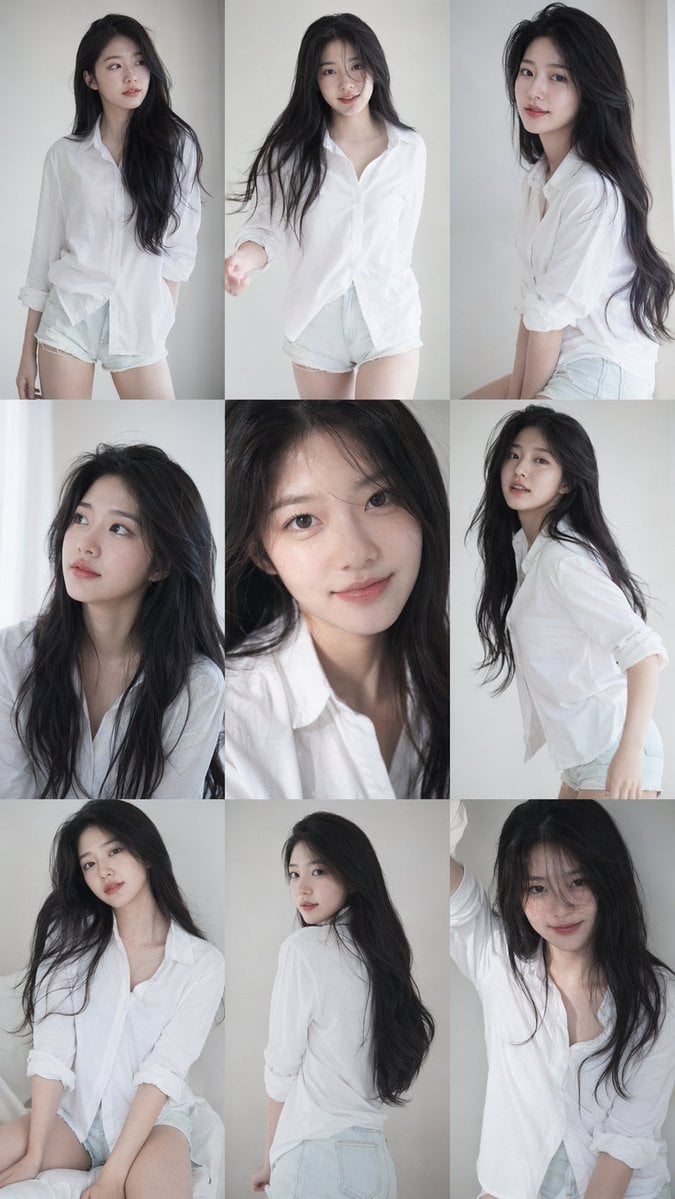
- Prompt included
- Model and format preset
- Free template
The prompt behind this image
Copy the exact prompt behind Korean Idol 3x3 Photobook Grid Portrait Series, or open it in the studio and make it yours.
9:16 vertical — a 3x3 grid collage (nine images) forming a Korean idol portrait photoshoot series. Each frame features the same young Korean female idol, maintaining 100% consistency in facial features, proportions, hairstyle, and identity across all nine shots. Natural, ultra-realistic skin texture, no retouching, no smoothing. Clean idol-style minimal makeup, soft glow, subtle imperfections. Hair: long, voluminous dark hair, slightly tousled, consistent across all frames. Outfit: cohesive Korean idol photoshoot styling — white shirt + short bottoms, youthful, clean, slightly casual but styled. Same outfit across all frames. Setting: minimal studio or simple indoor environment. Lighting: soft diffused natural light, gentle highlights, low contrast, slightly airy tones, subtle film-like softness. Camera style: intimate portrait photography, slightly handheld feel. Mood: Korean idol photobook / photocard aesthetic. Quality: ultra-realistic, 8K detail, subtle analog film grain.
How to use Korean Idol 3x3 Photobook Grid Portrait Series in 3 steps
- 1
Open
The prompt is already in the box next to the preview, with the template's model and format selected.
- 2…a portrait of your subject in softgolden-hour light, 85mm…
Personalize
Edit the subject and creative details for your destination.
- 3Generate
Generate
Press Generate — your image is created in PicX Studio, so you can compare it with the original and refine one variable at a time.
More like this
Templates with the same subject, style or setup. Open one to see its prompt.
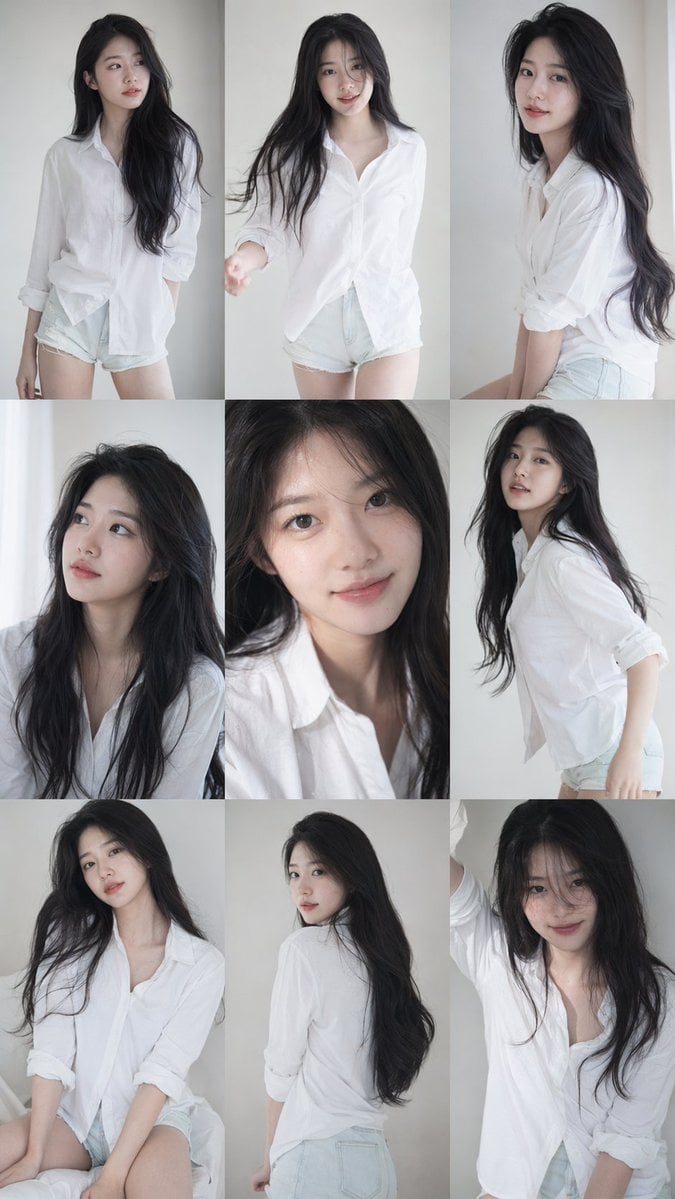
9 16 vertical a 3x3 grid collage nine images forming a Korean idol

Korean Idol Partial Shadow Editorial Portrait

A 3x3 grid storyboard contact sheet comprised of nine candid, cinematic
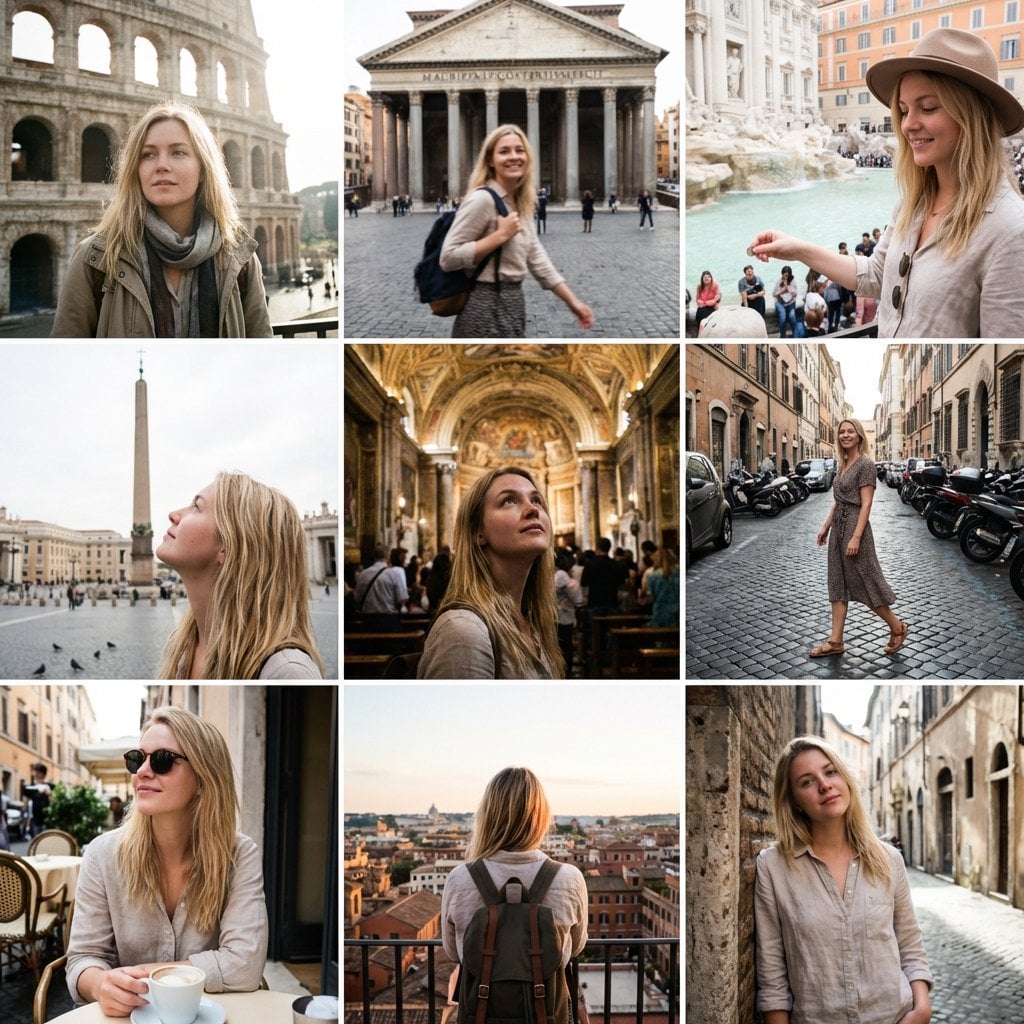
3x3 Instagram-style grid of low-quality smartphone photos featuring
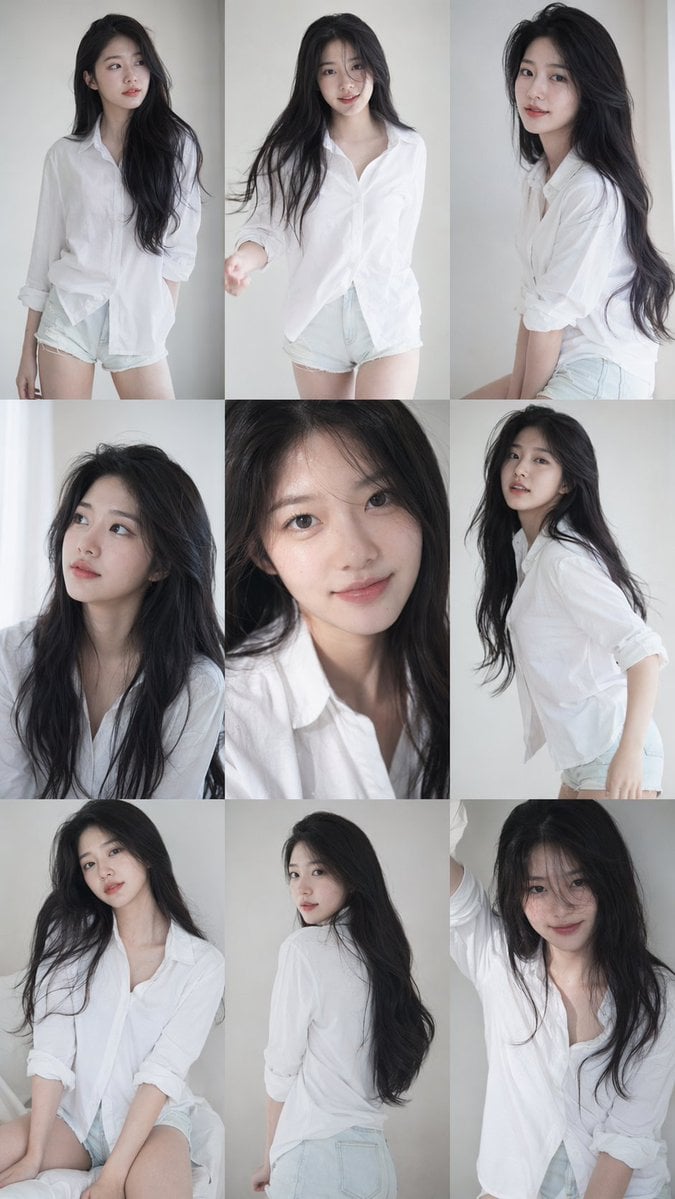
Korean Idol Photobook Collage

Cool Beauty Korean Idol Portrait

Mountain Valley Lifestyle Portrait

2025 Aesthetic Photography

Portrait of a young woman in her early 20s walking calmly on a beautiful

A high-definition cinematic portrait of a sophisticated woman sitting

Realistic portrait 100 identical face, no editing allowed
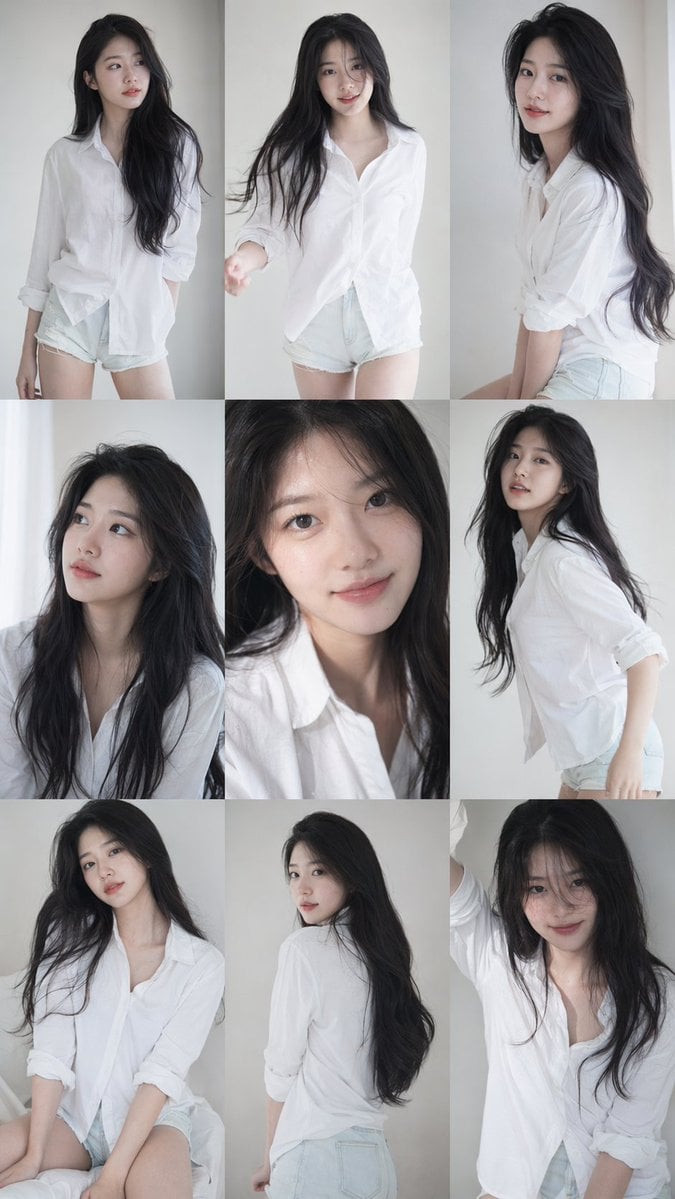
Korean Idol Photocard Grid Collage
Make it yours
Korean Idol 3x3 Photobook Grid Portrait Series works as-is. These are the safest ways to change it without losing the look.
Change one field
Copy a single group, rewrite it, and generate again so you can see what that field is doing.
Keep the frame, change the subject
Hold the composition and light of Korean Idol 3x3 Photobook Grid Portrait Series, then swap wardrobe, props or the person for a new take.
| If the result… | Why | Fix |
|---|---|---|
| The result drifts from the preview | Too many fields changed at once. | Reuse Korean Idol 3x3 Photobook Grid Portrait Series as-is first, then change one group — subject, light, or setting. |
| The model over-stylizes the scene | The prose prompt leaves finish and camera underspecified. | Add one camera or lighting sentence and stay on PicX Studio. |
More image prompts
Fresh picks from across the catalog.
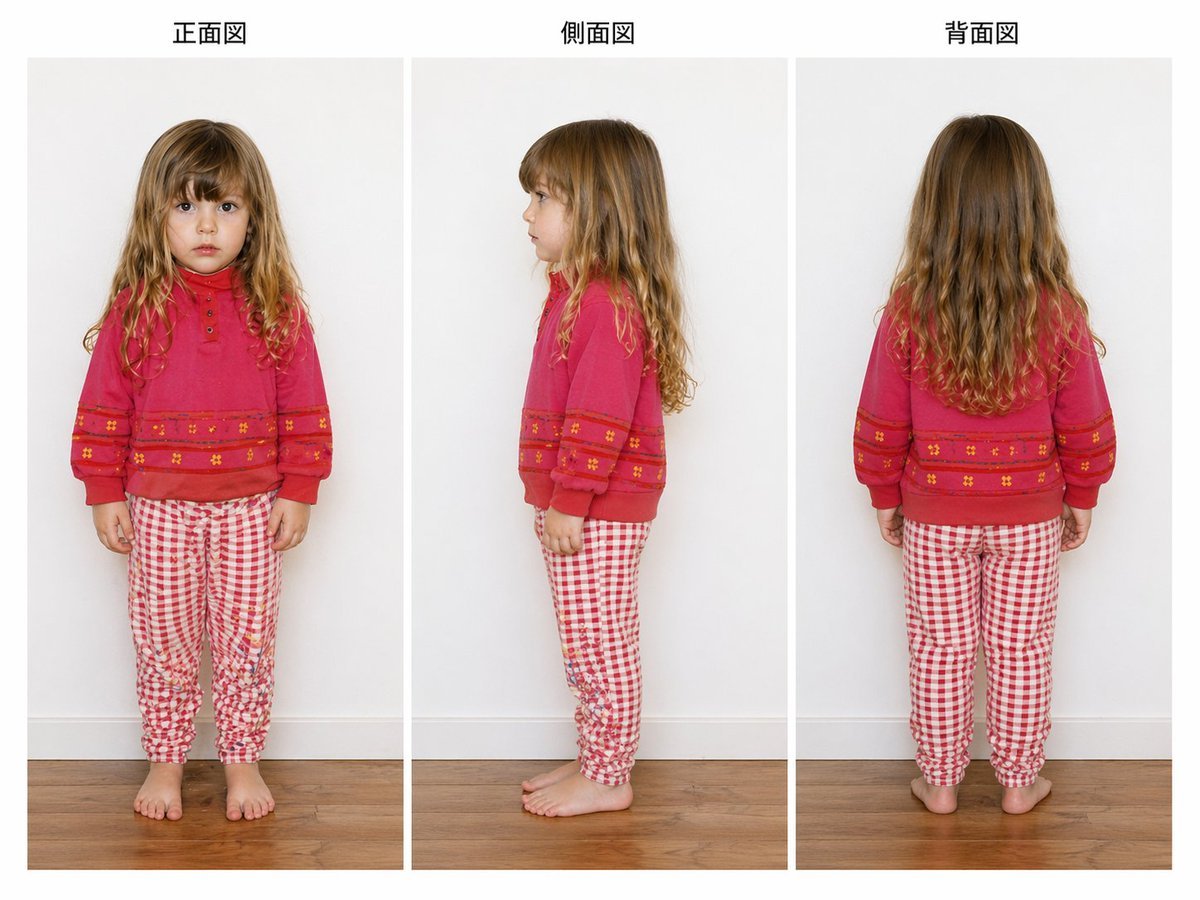
Child Three-View Clothing Reference

Two Men Celebrating at a Restaurant
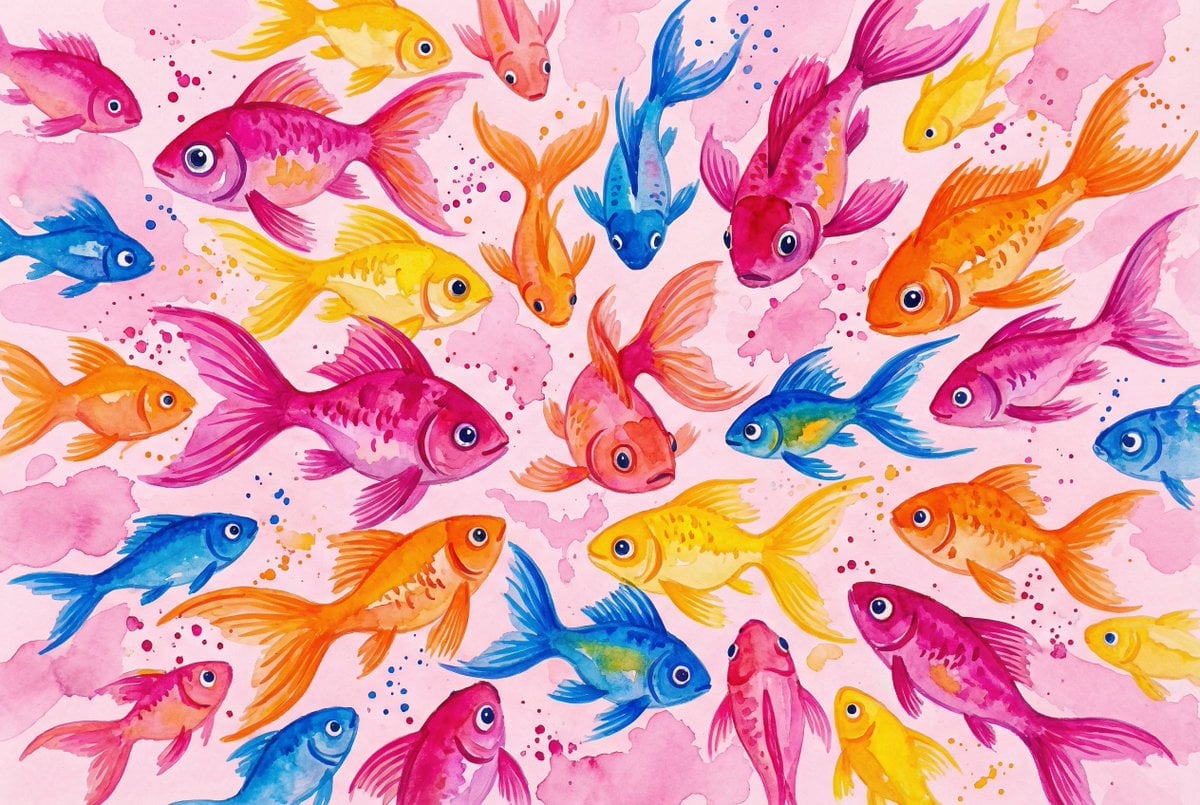
Watercolor School of Stylized Fish
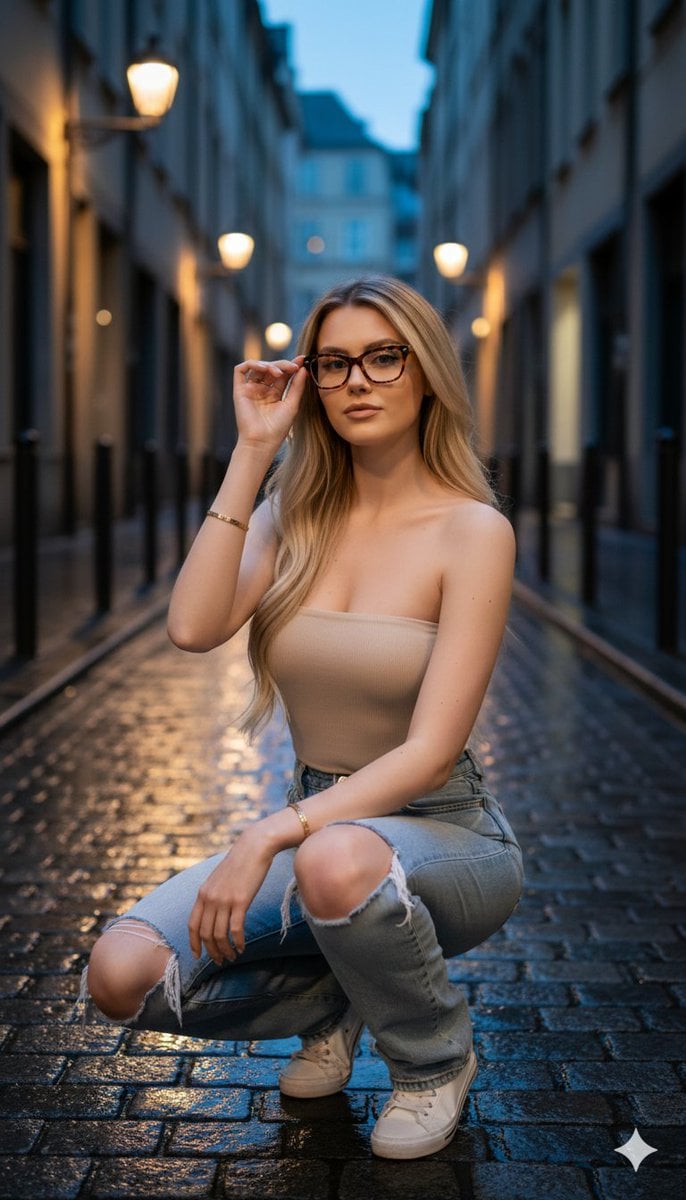
Hyper-realistic twilight portrait in a European alleyway

Ultra-Realistic Fashion Portrait with Bold Typography
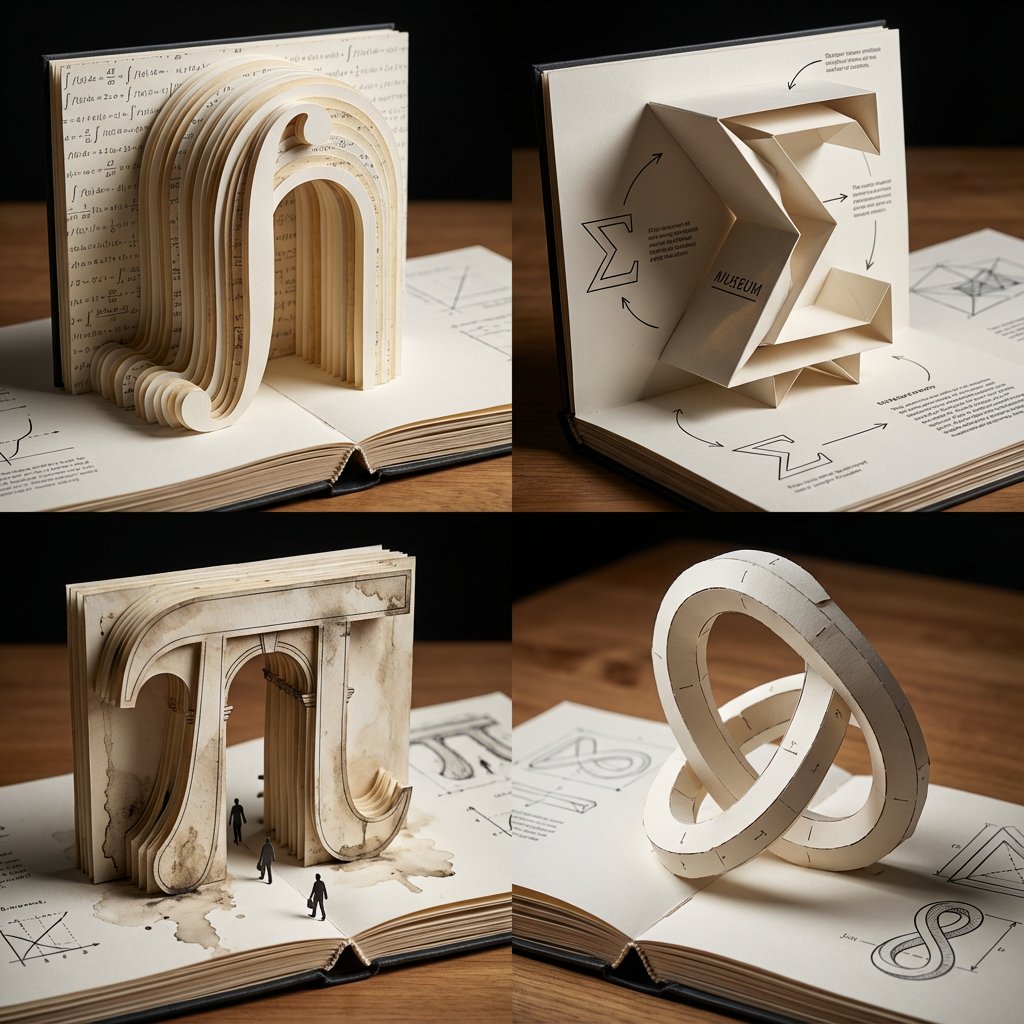
Pop-Up Paper Engineering of Mathematical Symbols
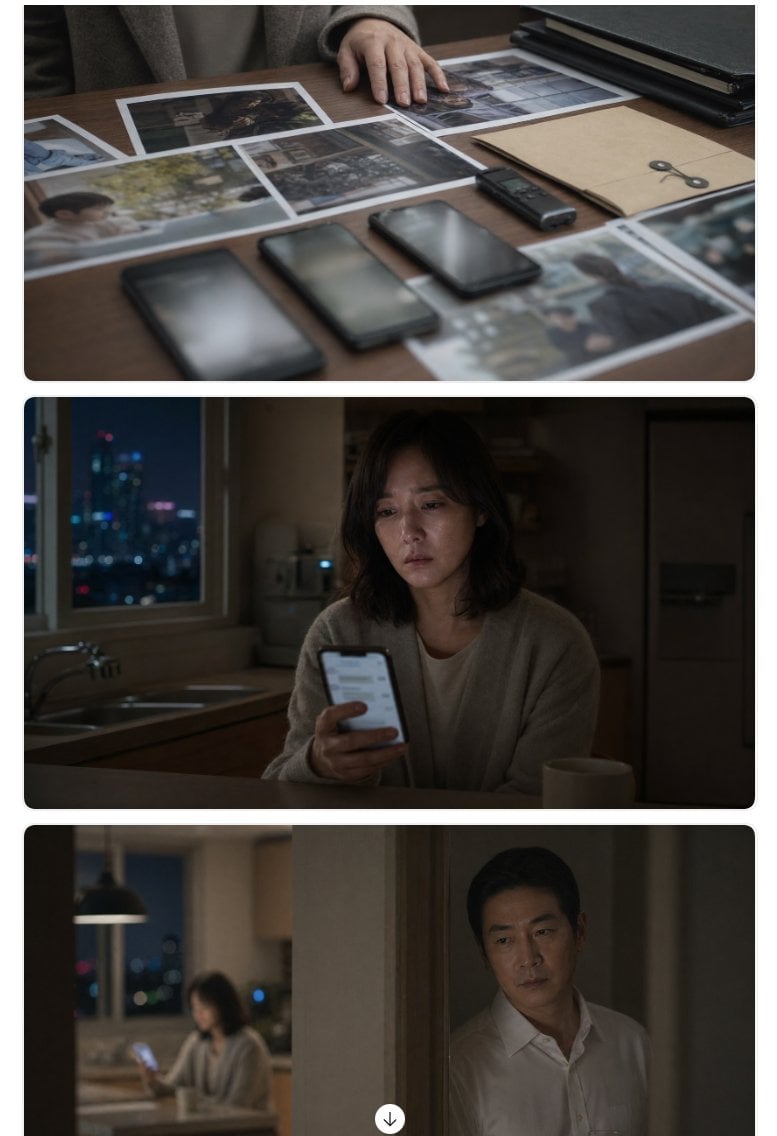
Cinematic Korean Thriller Storyboard

High-Fashion Cinematic Portrait Emphasizing Motion
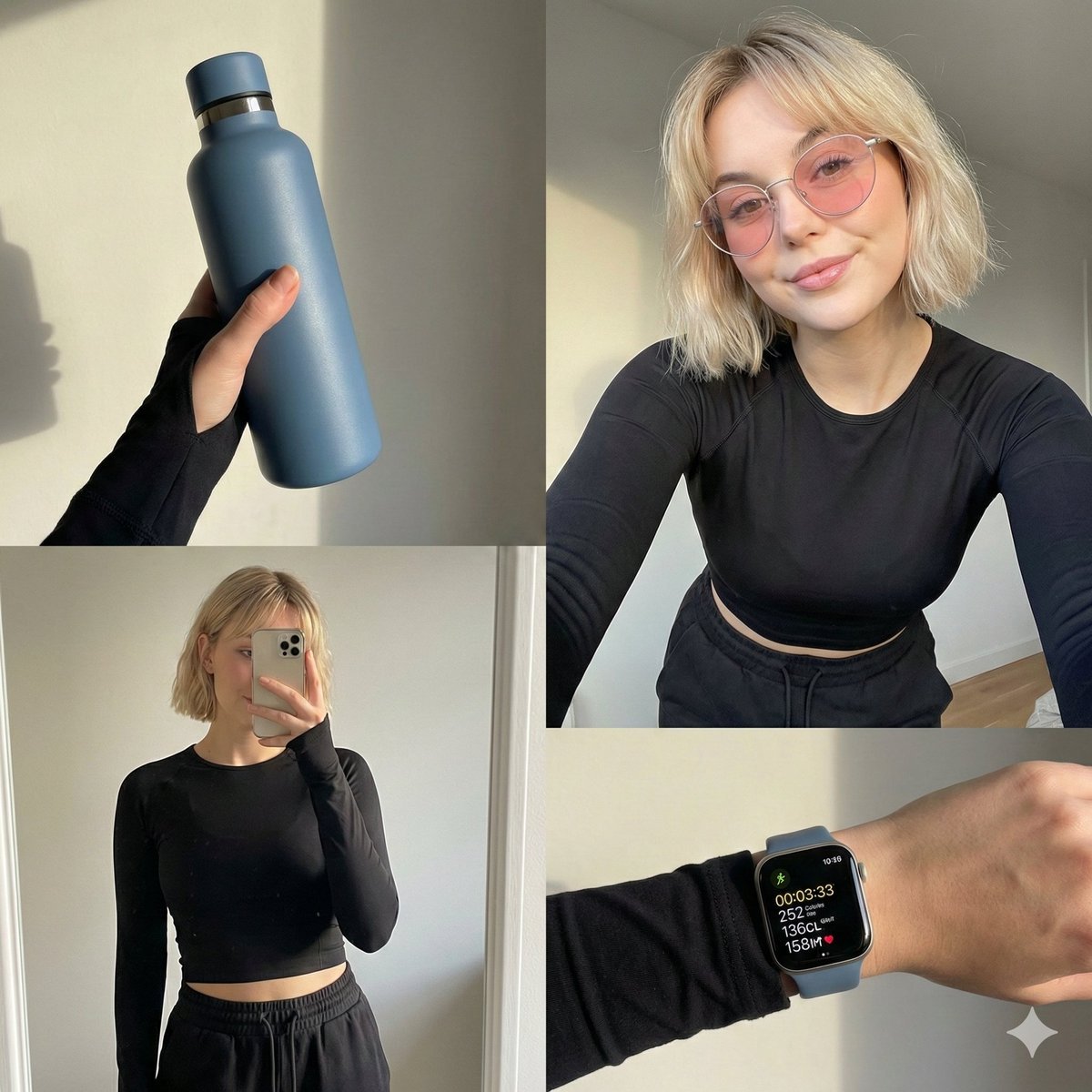
Four-grid lifestyle collage of an Asian woman in activewear, post-workout

Cinematic mirror selfie in a stainless-steel elevator
Browse template categories
Korean Idol 3x3 Photobook Grid Portrait Series questions
How do I use the Korean Idol 3x3 Photobook Grid Portrait Series template?
Add your photo if the template asks for one, edit the prompt if you like — the template's model and format are already selected — and press Generate. Your version opens in PicX Studio.
Can I customize the Korean Idol 3x3 Photobook Grid Portrait Series template?
Yes. You can change the subject, setting, lighting, mood, format, and available model controls before creating your image.
Is the Korean Idol 3x3 Photobook Grid Portrait Series template free?
Opening and editing this template is free. Generating uses credits, shown on the Generate button when you are signed in.
Which AI model should I use?
Choose a compatible model in PicX Studio based on the style, speed, and output controls your project needs.
Looking for something else? Browse all templates.

Your photo, any look
Thousands of ready templates for every top image and video model, from one credit balance.