
Cyber Crystal Anime Girl Portrait
This prompt generates a polished anime character illustration of a jewel-like futuristic girl in a glowing holographic cyberspace, ideal for AI persona art or avatar key visuals.
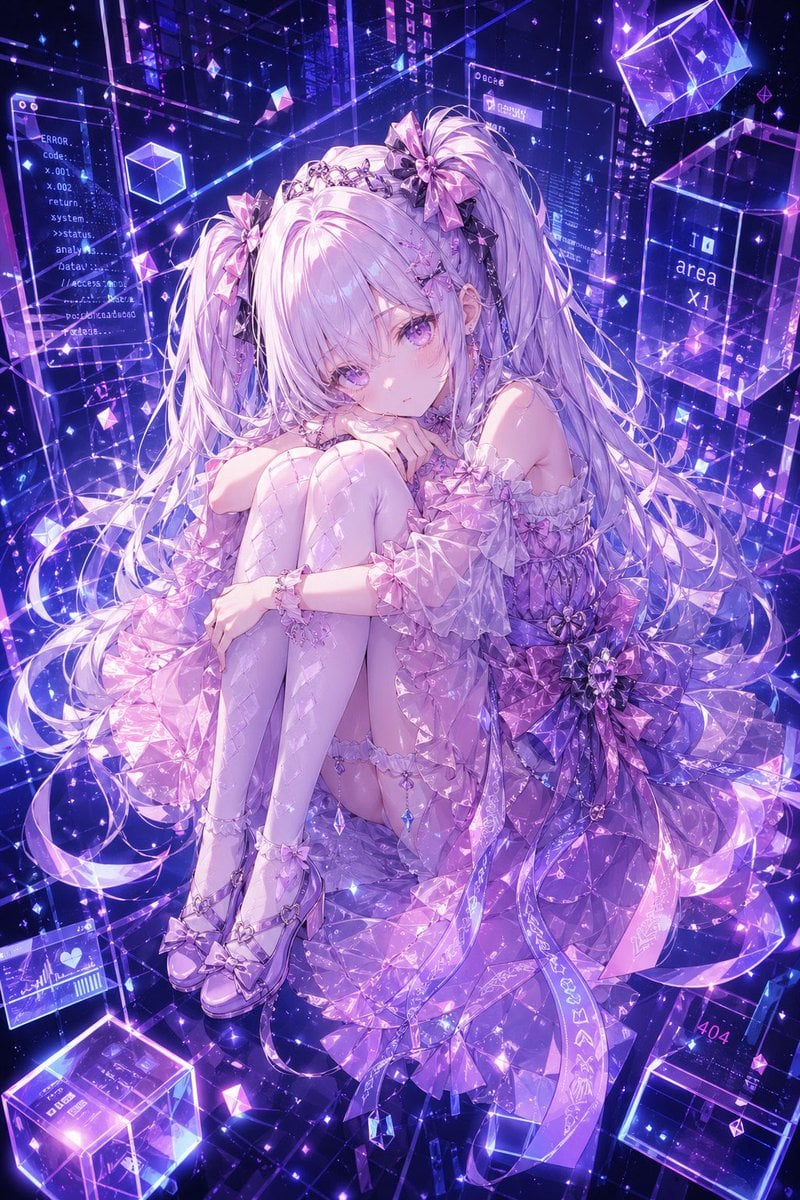
- Prompt included
- Model and format preset
- Free template
The prompt behind this image
Copy the exact prompt behind Cyber Crystal Anime Girl Portrait, or open it in the studio and make it yours.
A highly detailed anime-style full-body character portrait of {argument name="character name" default="Hermes"}, a delicate futuristic girl sitting curled up with her knees hugged to her chest, gazing softly at the viewer with a calm, slightly melancholic expression. She has extremely long {argument name="hair color" default="silver-lilac"} twin tails with soft bangs, glossy lavender eyes, porcelain skin, and ornate crystal hair accessories including 3 large ribbon bows and a jeweled tiara-like headpiece. Her outfit is an elaborate translucent idol-tech dress in {argument name="outfit color" default="pink, lavender, and violet"}, featuring off-shoulder puff sleeves, layered ruffles, faceted gemstone-like fabrics, a huge floral bow at the waist, dangling crystal charms, garter details, patterned thigh-high stockings, and glossy bow heels. Surround her with a luminous cyber dreamscape in {argument name="background palette" default="neon violet and electric blue"}: transparent holographic panels, floating glass cubes, sparkling particles, geometric prisms, glowing wireframe lines, and digital UI windows suspended in space. Include 5 readable interface text elements scattered in the background: "ERROR.", "Code-", "return", "area x1", and "404". Make the whole image feel like a luxurious AI avatar reference illustration, mixing ethereal fantasy and cyberspace aesthetics, with crystalline light refractions, dramatic glow, high detail, intricate lace and gem textures, and a polished premium gpt-image-2 anime rendering.
How to use Cyber Crystal Anime Girl Portrait in 3 steps
- 1Upload ImagePNG, JPG or paste
Add your photo
Upload the photo the template builds on. The prompt, model and format are already set.
- 2…a portrait of your subject in softgolden-hour light, 85mm…
Personalize
Edit the subject and creative details for your destination.
- 3Generate
Generate
Press Generate — your image is created in PicX Studio, so you can compare it with the original and refine one variable at a time.
More like this
Templates with the same subject, style or setup. Open one to see its prompt.
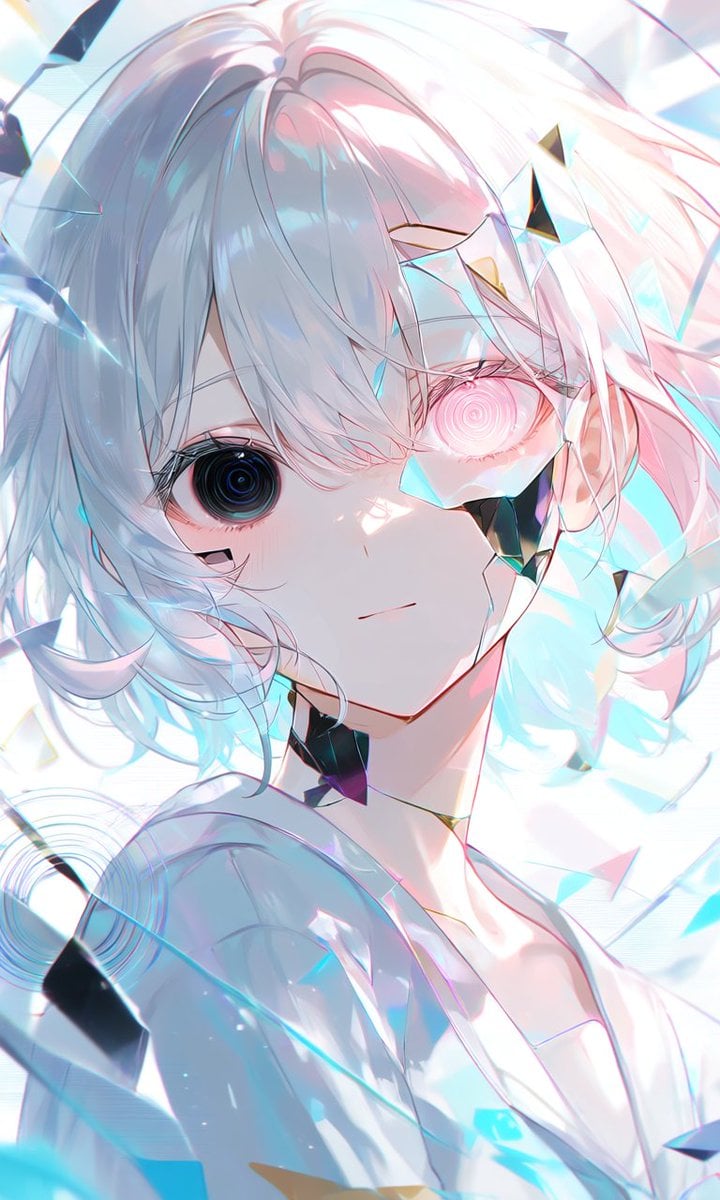
Crystalline Cybernetic Anime Girl

Found Photograph: Us, 1970

80s Couple Studio Portrait

80s Bollywood Star

80s Golden Hour Cinema

Me in 1985

1985 Studio Portrait

Hyper-Realistic Minecraft POV Portrait

Teen Girl Alpine Lake Mountain View

Cyber Samurai Empress Portrait

Obscured Cyberpunk Girl Poster

Framed Quilling Anime Girl
Make it yours
Cyber Crystal Anime Girl Portrait works as-is. These are the safest ways to change it without losing the look.
Change one field
Copy a single group, rewrite it, and generate again so you can see what that field is doing.
Keep the frame, change the subject
Hold the composition and light of Cyber Crystal Anime Girl Portrait, then swap wardrobe, props or the person for a new take.
| If the result… | Why | Fix |
|---|---|---|
| The result drifts from the preview | Too many fields changed at once. | Reuse Cyber Crystal Anime Girl Portrait as-is first, then change one group — subject, light, or setting. |
| The model over-stylizes the scene | The prose prompt leaves finish and camera underspecified. | Add one camera or lighting sentence and stay on GPT Image 2. |
More GPT Image 2 templates
Other prompts made for GPT Image 2.

Six VTuber Japanese Logo Sheet

Realistic Portrait of Woman and Deer

The Vista Modular Condo Poster

AI Model Routing Comparison Infographic

2.5D Anime Art Board

Isometric Productivity Desk Scene

New York Double Exposure Poster

Four-Panel AI Landscape Comparison

Japanese Tatami Lifestyle Magazine Cover

NESCAFÉ Coffee Map Poster
More image prompts
Fresh picks from across the catalog.
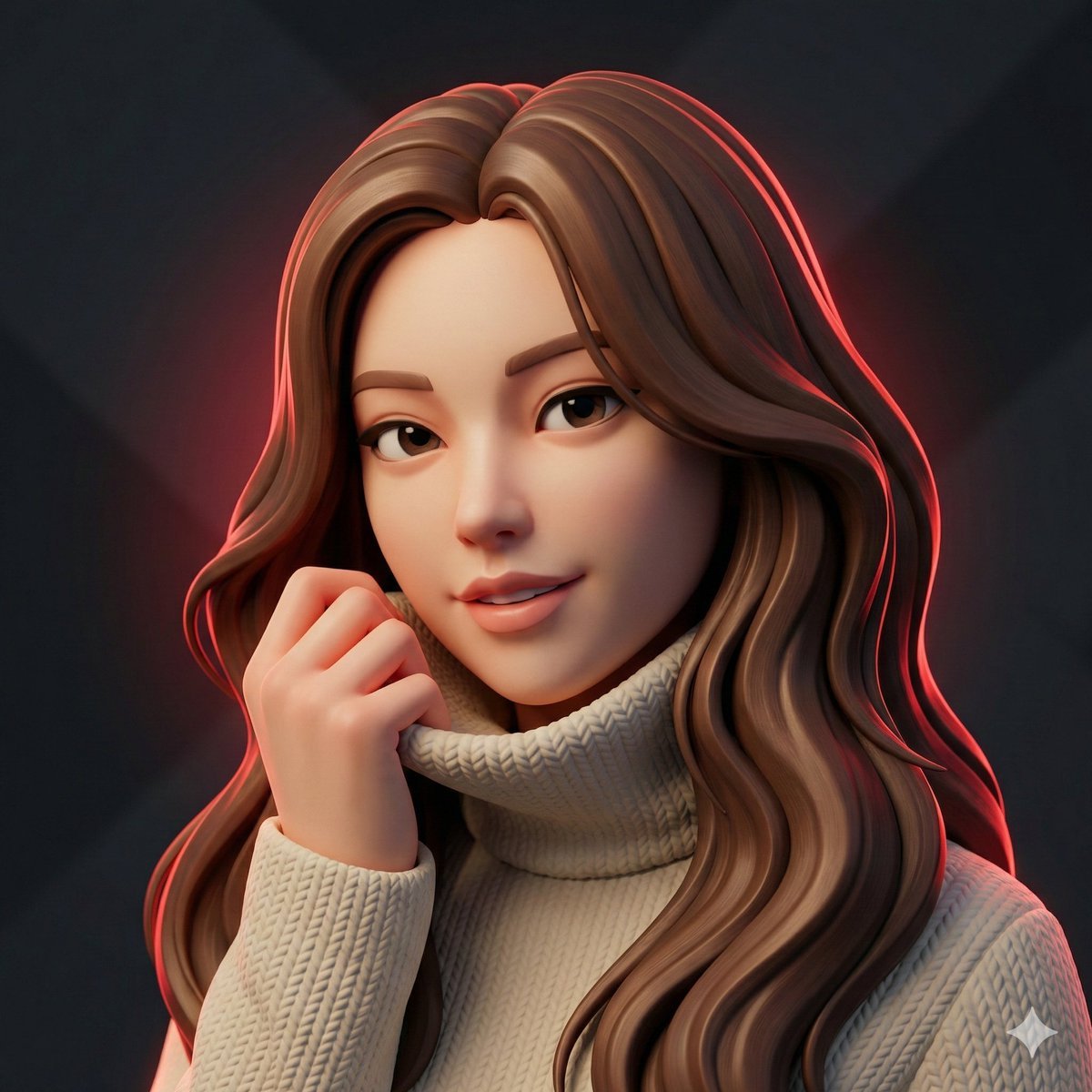
Hyper-Stylized 3D Character Synthesis (Designer Toy Aesthetic)
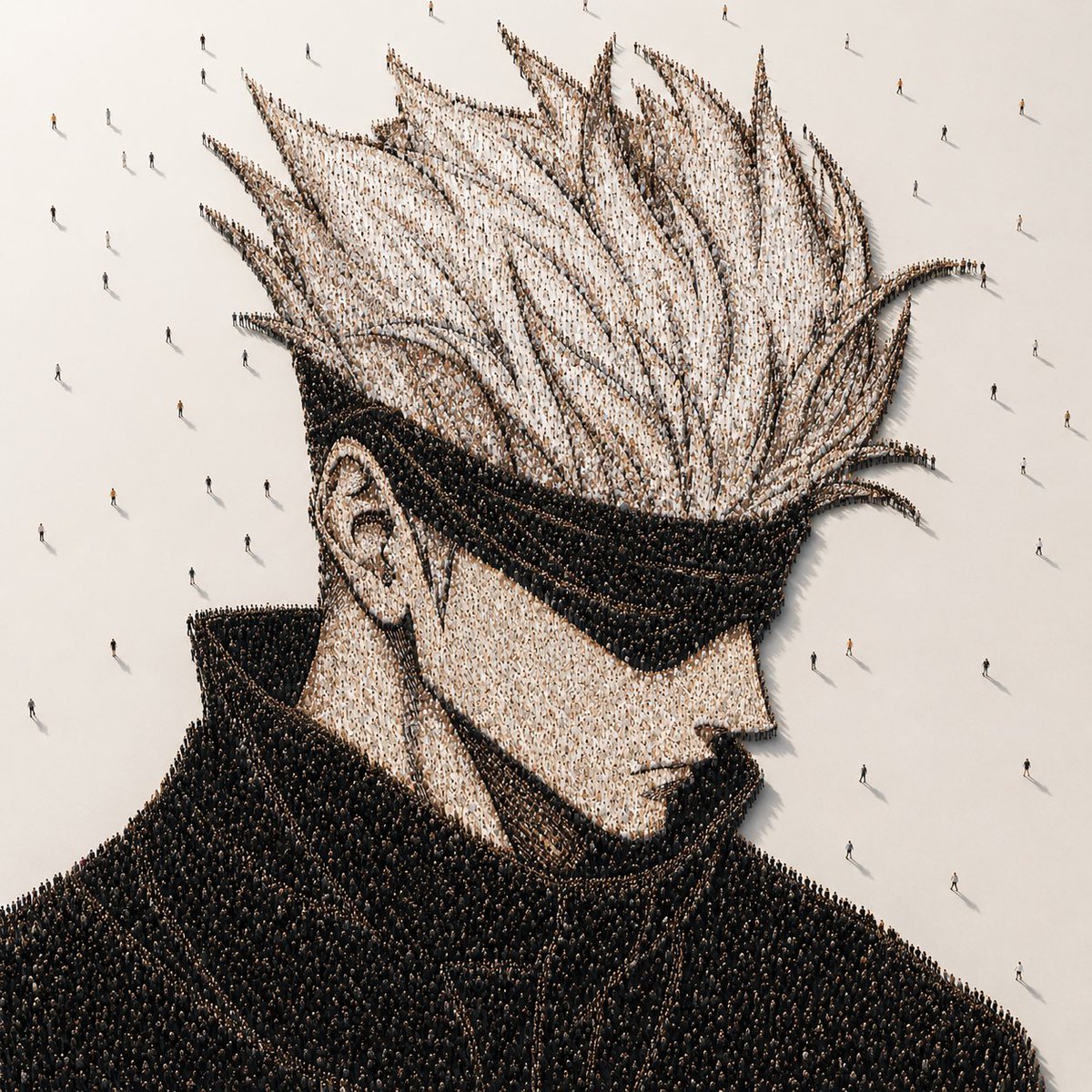
Crowd-Built Anime Portrait
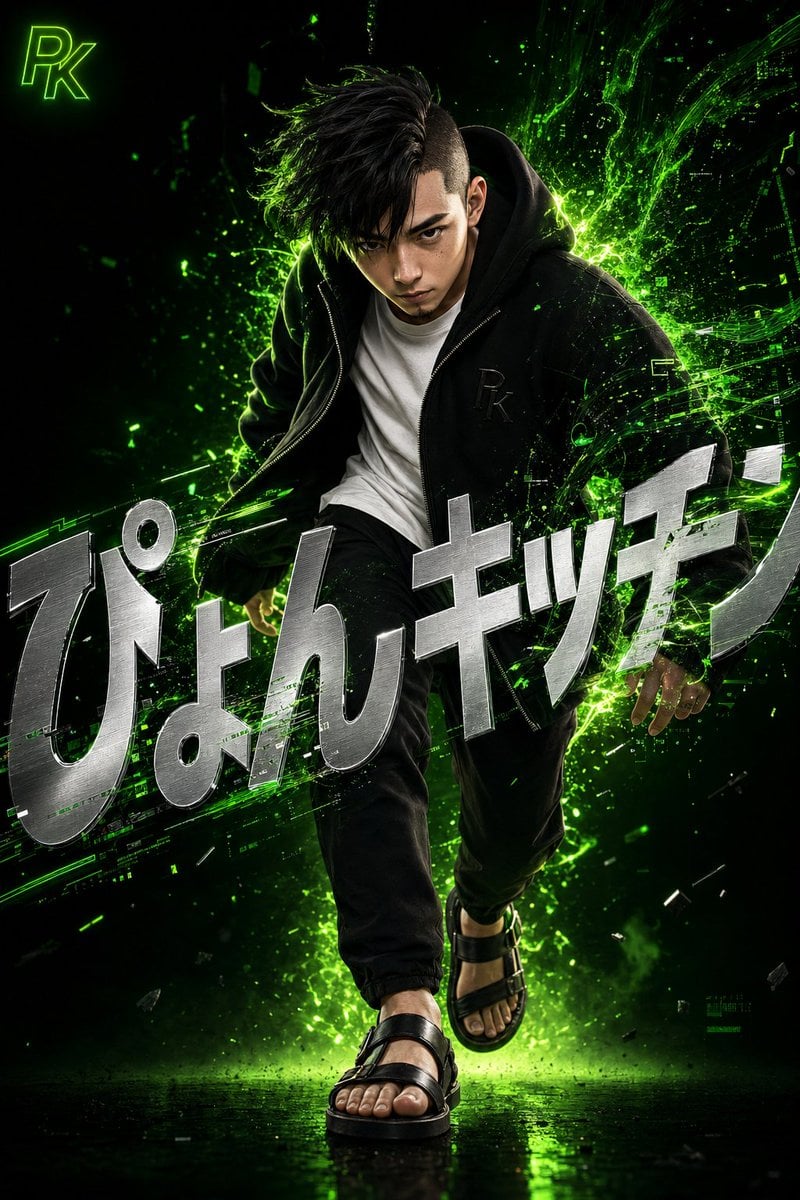
Surreal Japanese Tech Style Poster
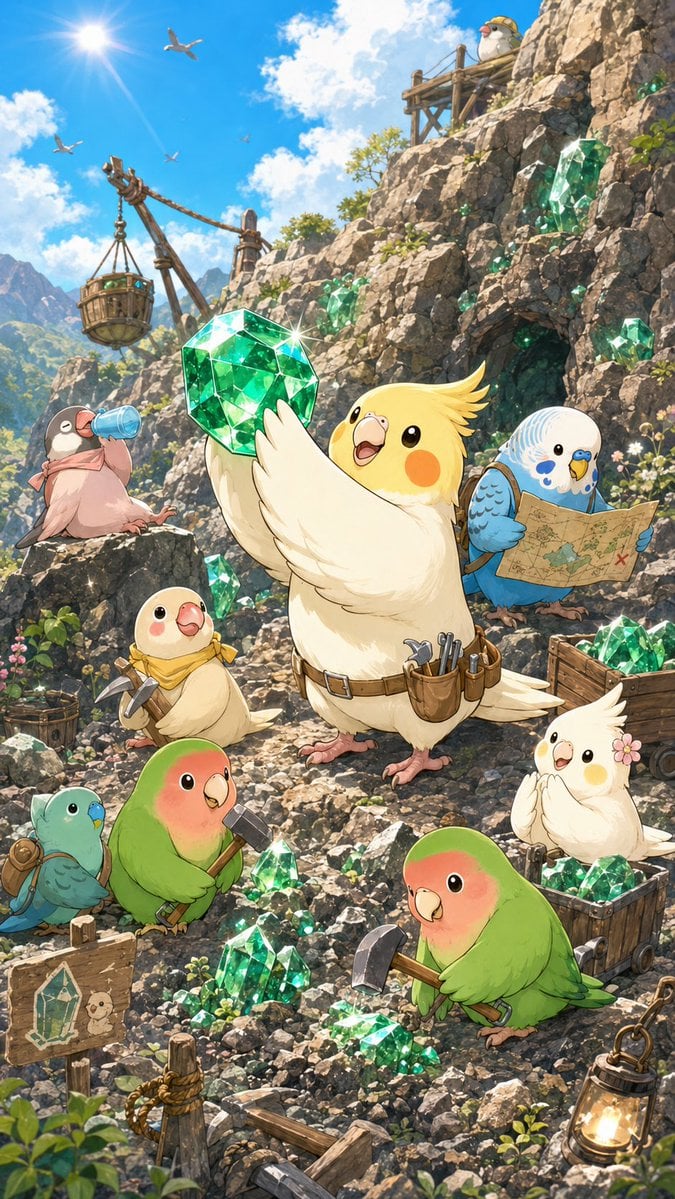
Cute Bird Emerald Mine Adventure
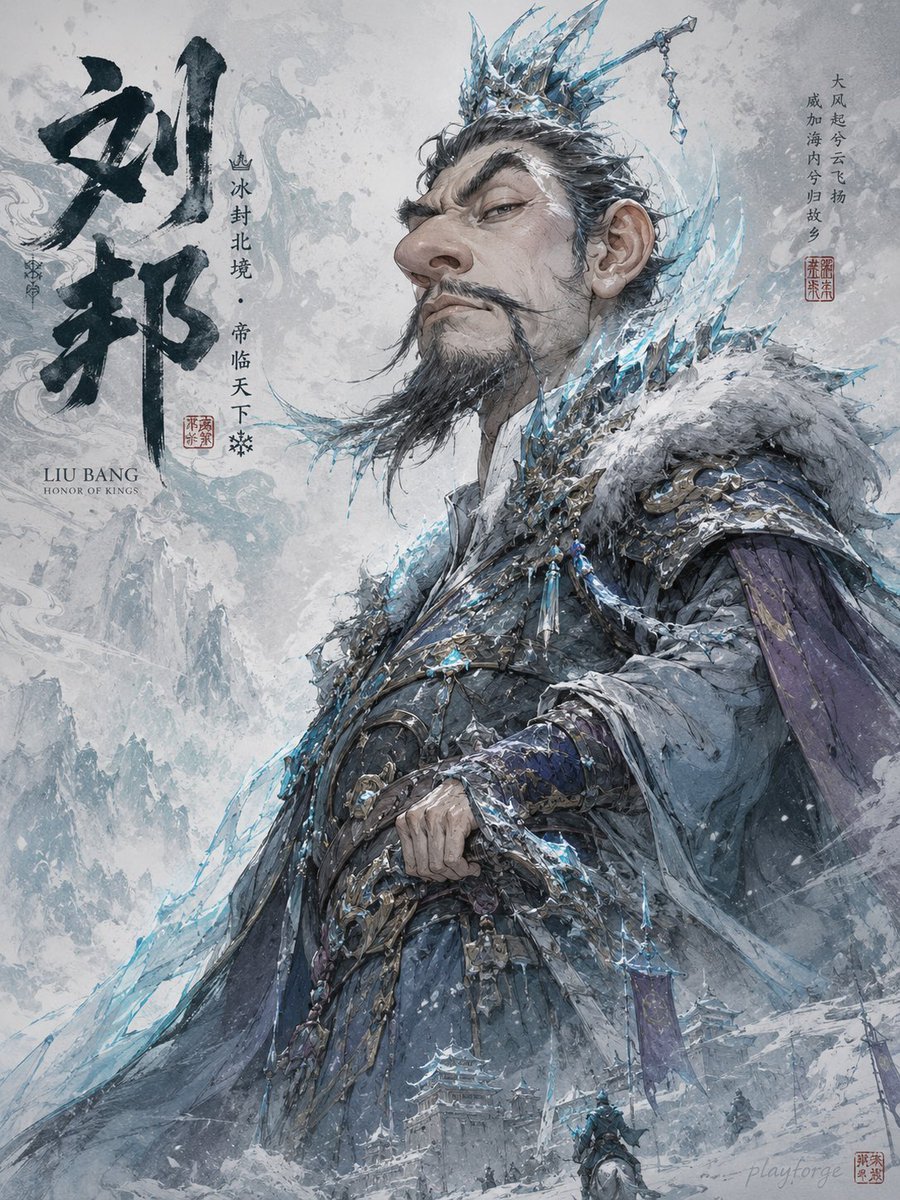
Humorous Game Character Caricature
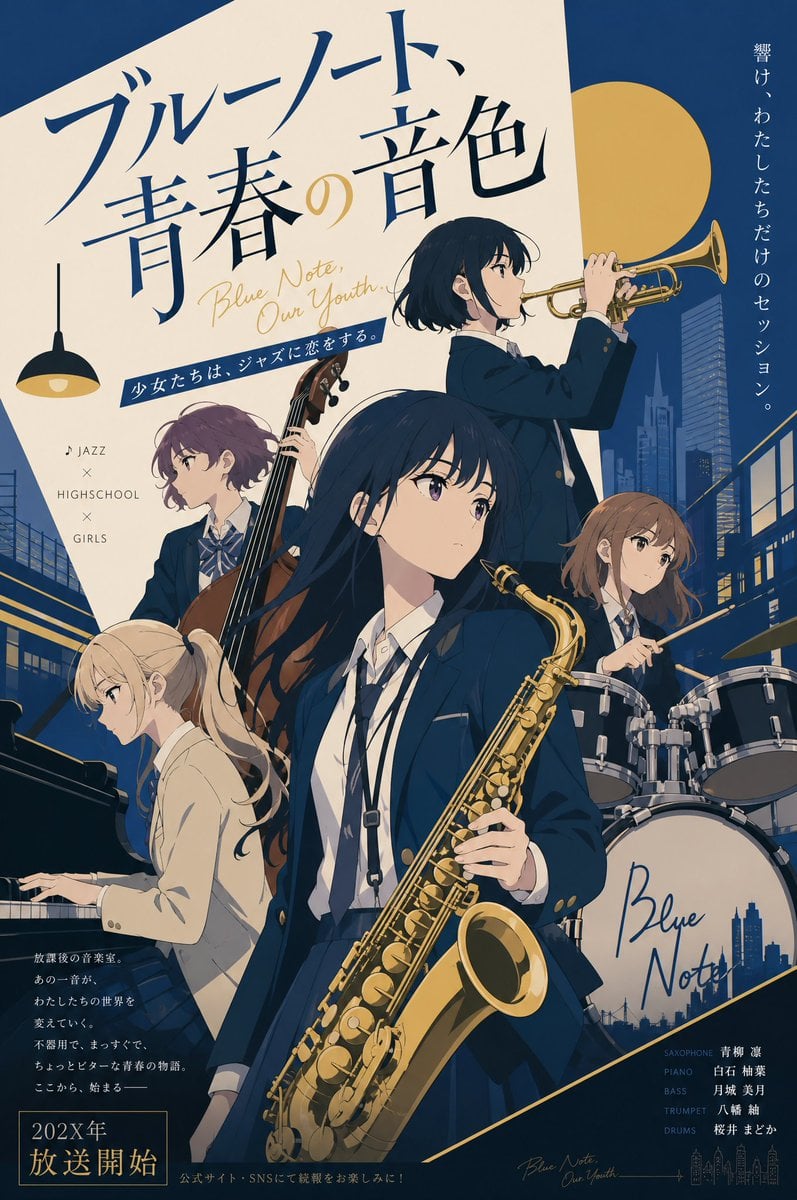
Jazz Theme Anime Key Visual
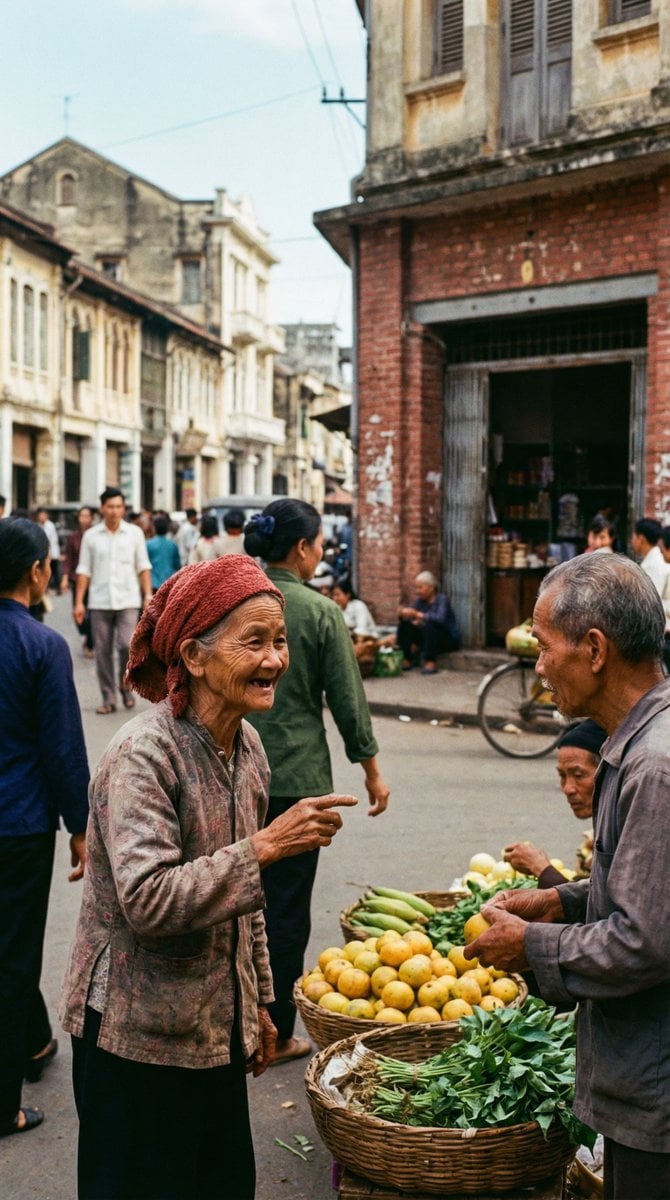
1970s Kodachrome Street Documentary Moment
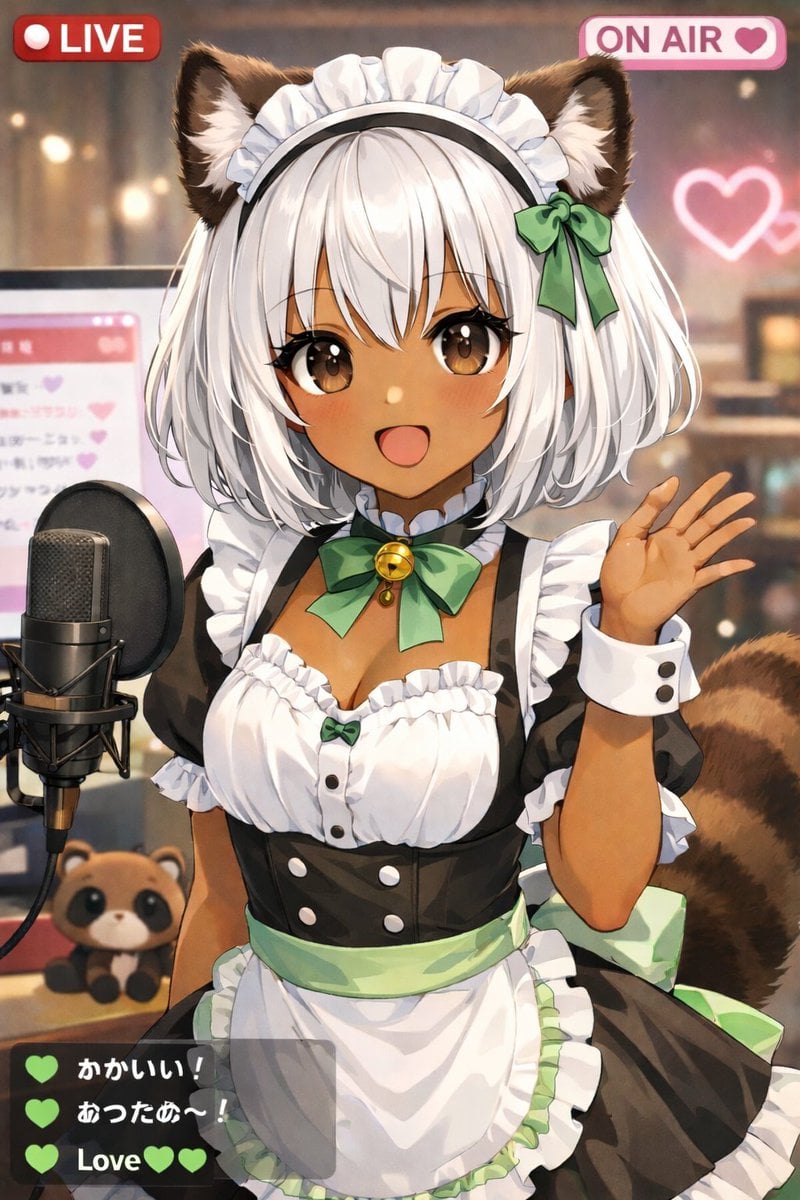
Anime VTuber Live Stream Overlay
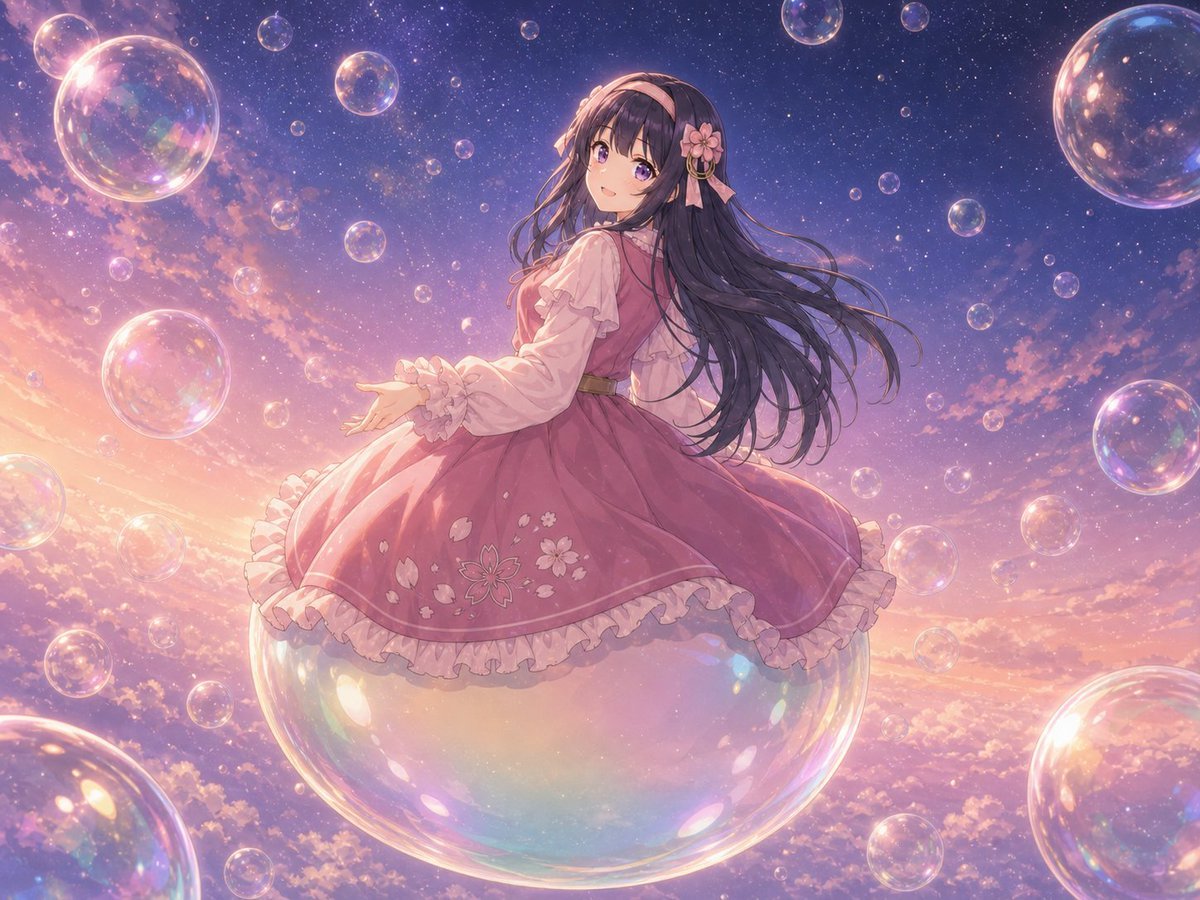
Poetic Surreal Portrait
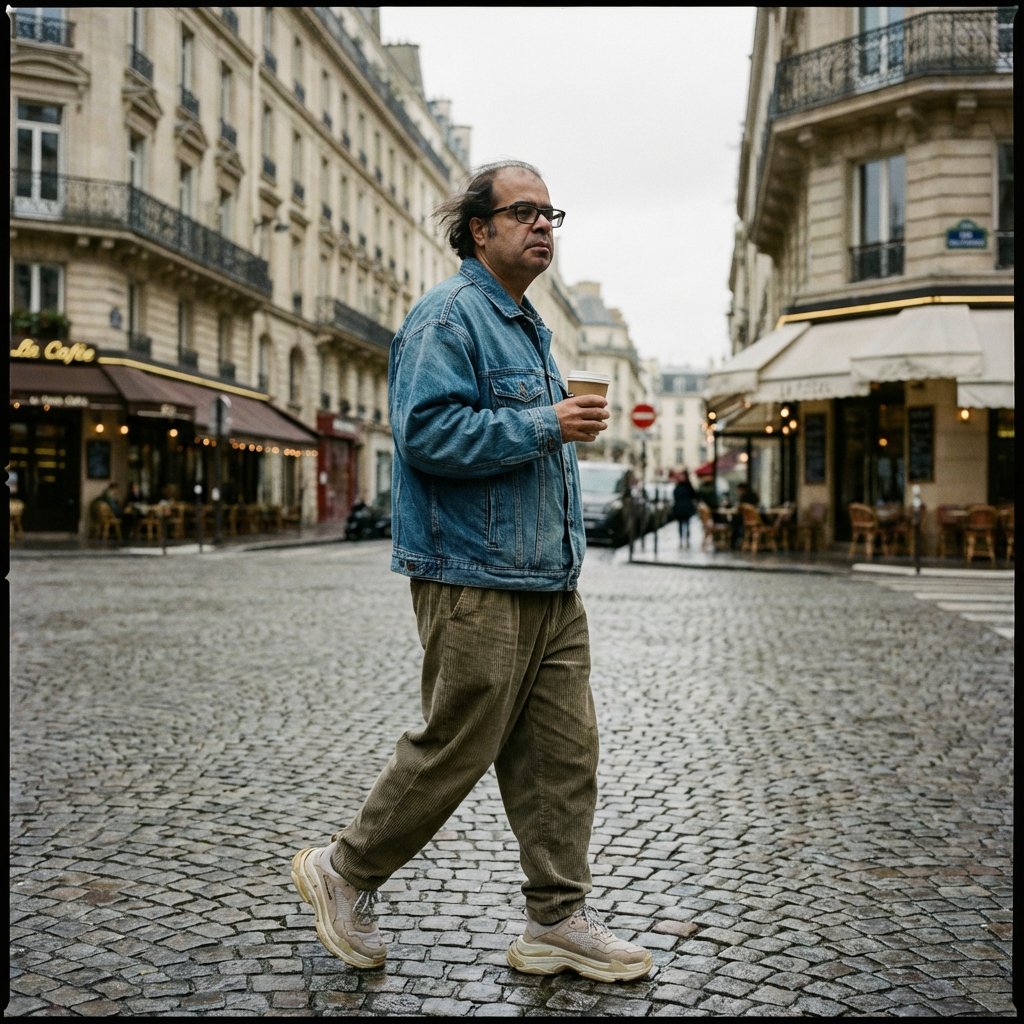
Prompt for Editorial Photo Shoot Model Posing in Street
Browse template categories
Cyber Crystal Anime Girl Portrait questions
How do I use the Cyber Crystal Anime Girl Portrait template?
Add your photo if the template asks for one, edit the prompt if you like — the template's model and format are already selected — and press Generate. Your version opens in PicX Studio.
Can I customize the Cyber Crystal Anime Girl Portrait template?
Yes. You can change the subject, setting, lighting, mood, format, and available model controls before creating your image.
Is the Cyber Crystal Anime Girl Portrait template free?
Opening and editing this template is free. Generating uses credits, shown on the Generate button when you are signed in.
Which AI model should I use?
Start with GPT Image 2, which is the model associated with this template. You can compare another compatible model for a different finish.
Looking for something else? Browse all templates.

Your photo, any look
Thousands of ready templates for every top image and video model, from one credit balance.