
Day and Night Split Portrait Prompt for Nano Banana Pro
A highly detailed prompt for generating a hyper-realistic 8K portrait using Nano Banana Pro, featuring a vertical split down the center of the face.
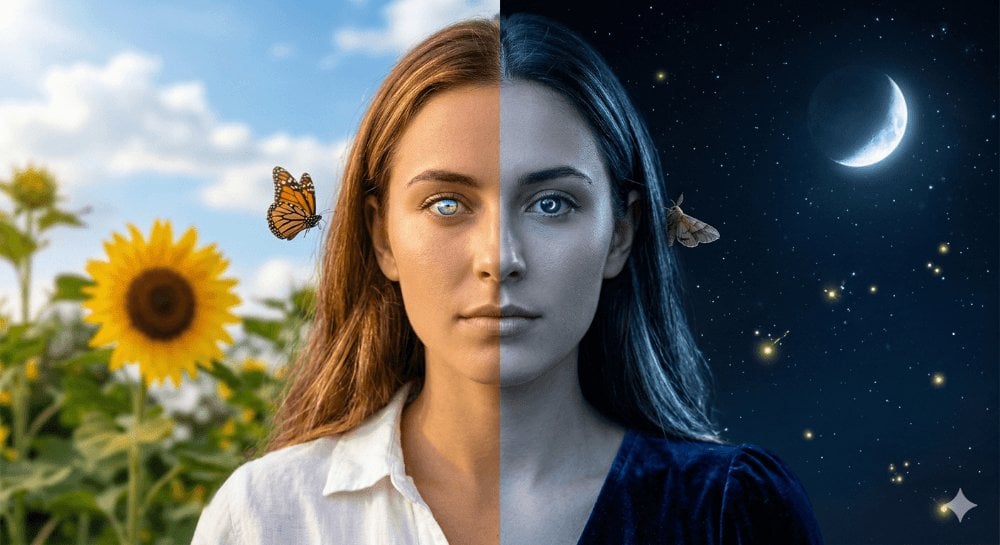
- Prompt included
- Model and format preset
- Premium template
The prompt behind this image
Copy the exact prompt behind Day and Night Split Portrait Prompt for Nano Banana Pro, or open it in the studio and make it yours.
Day and night split portrait: A hyper-realistic 8K photo of a young woman's portrait, with her face split vertically and sharply down the center of her nose, representing two different times of day. The LEFT HALF of her face is illuminated by warm, golden afternoon daylight, with sun-kissed skin and eye reflections of the sun and clouds. Her hair shows warm highlights, and she wears a white linen shirt on the left shoulder. The background behind the left side features a bright blue sky, a sunflower, green leaves, and a butterfly near her left ear. The RIGHT HALF of her face is bathed in cool, blue moonlight, with a cool-toned, slightly silvery complexion, and eye reflections of moonlight and stars. Her hair shows cool blue highlights, and she wears a dark velvet dress visible on the right shoulder. The background on the right shows a dark night sky with visible stars, a crescent moon, fireflies glowing, and a moth near her right ear. The transition between the two halves is abrupt and sharp, with a perfect vertical dividing line running through the center of the nose bridge, creating a stunning and impossible juxtaposition of day and night. The woman maintains a calm, direct gaze with the same expression on both halves. The lighting setup is distinctly different on each side, with warm 3200K daylight from the left and cool 7000K moonlight from the right, with no bleed. The image is captured on an 85mm f/1.8 lens as a head-and-shoulders close-up at direct eye-level angle, with a shallow depth of field, rendering a photorealistic, clean, and beautiful image with share-worthy qualities.
How to use Day and Night Split Portrait Prompt for Nano Banana Pro in 3 steps
- 1
Open
The prompt is already in the box next to the preview, with the template's model and format selected.
- 2…a portrait of your subject in softgolden-hour light, 85mm…
Personalize
Edit the subject and creative details for your destination.
- 3Generate
Generate
Press Generate — your image is created in PicX Studio, so you can compare it with the original and refine one variable at a time.
More like this
Templates with the same subject, style or setup. Open one to see its prompt.

Nano Banana Is So Addictive

Nano Banana 2 Perspective Experiment

Gemini Nano Banana 2 Isometric 3d City D

Nano Banana 2

Gemini Nano Banana 2

Gemini Nano Banana 2 Logo in Wet Sand Be

Nano Banana 2 Gourmet Ice Cream Commerci

Nano Banana Pro Photoreal Playful Couple

Nano Banana 2 High Fashion Sports Campai

Nano Banana 2 Editorial Fashion Portrait

B&W Photobooth Expression Grid 4x4 — Nano Banana

Gen Z TikTok Viral Expression Grid 4x4 — Nano Banana
Make it yours
Day and Night Split Portrait Prompt for Nano Banana Pro works as-is. These are the safest ways to change it without losing the look.
Change one field
Copy a single group, rewrite it, and generate again so you can see what that field is doing.
Keep the frame, change the subject
Hold the composition and light of Day and Night Split Portrait Prompt for Nano Banana Pro, then swap wardrobe, props or the person for a new take.
| If the result… | Why | Fix |
|---|---|---|
| The result drifts from the preview | Too many fields changed at once. | Reuse Day and Night Split Portrait Prompt for Nano Banana Pro as-is first, then change one group — subject, light, or setting. |
| The model over-stylizes the scene | The prose prompt leaves finish and camera underspecified. | Add one camera or lighting sentence and stay on Nano Banana 2. |
More Nano Banana 2 templates
Other prompts made for Nano Banana 2.

Photorealistic Leaf Shaped Like a Dragon

K-Pop Idol Portrait Grid for Rapid Selection

Poetic Rain Forest Portrait During Golden Hour

Urban Street Portrait with Cartoon Inner Self Duo

Candid Nighttime Photo with Cat Prompt

High-Concept 3D Diorama Generation Prompt

Cinematic Futuristic Studio Portrait Template

Skincare Editorial Photography Collage Prompt

Hyper-Realistic Commercial Product Photography (Splash Effect)

Hyper-Realistic Nightclub Portrait Prompt
More image prompts
Fresh picks from across the catalog.
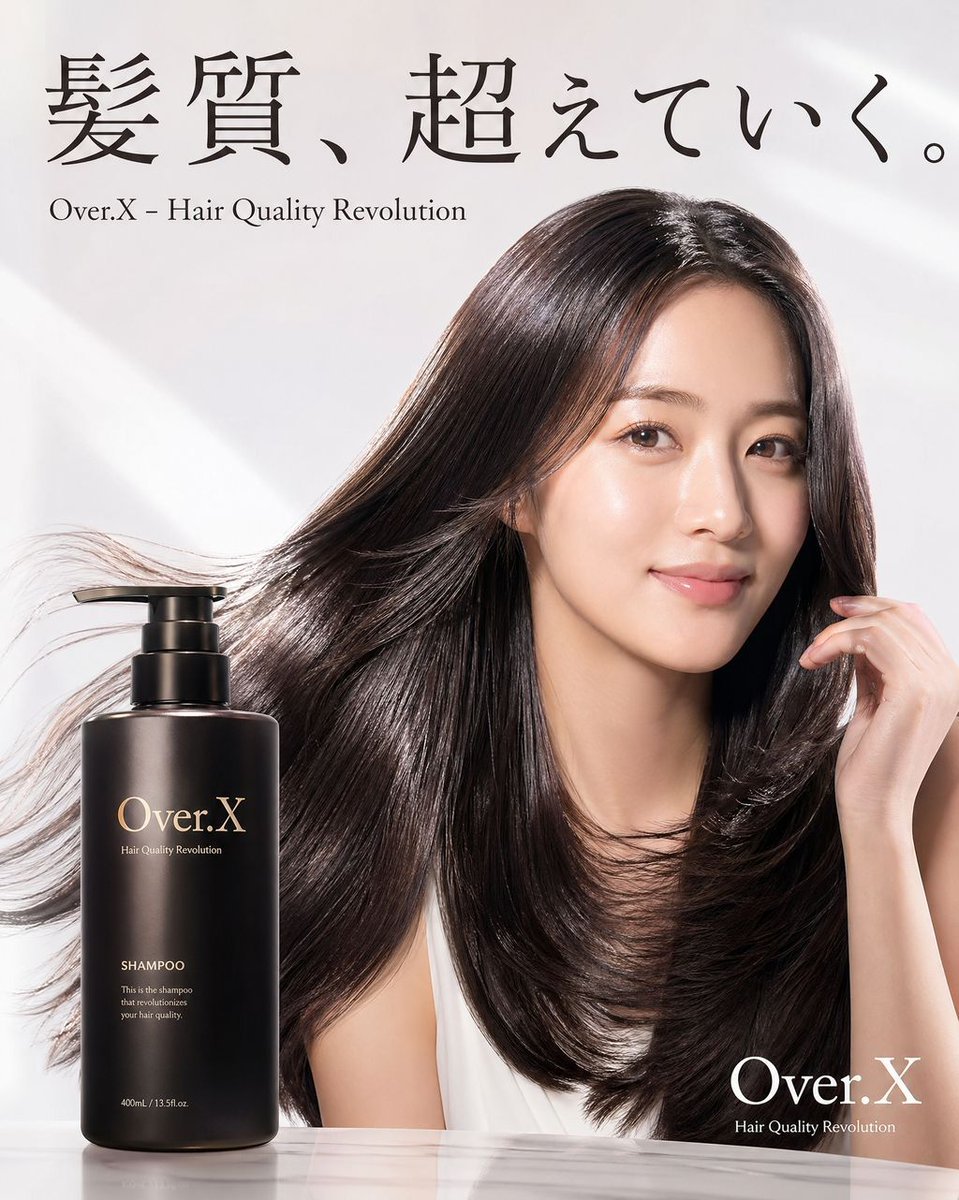
Shampoo Product Creative Prompt
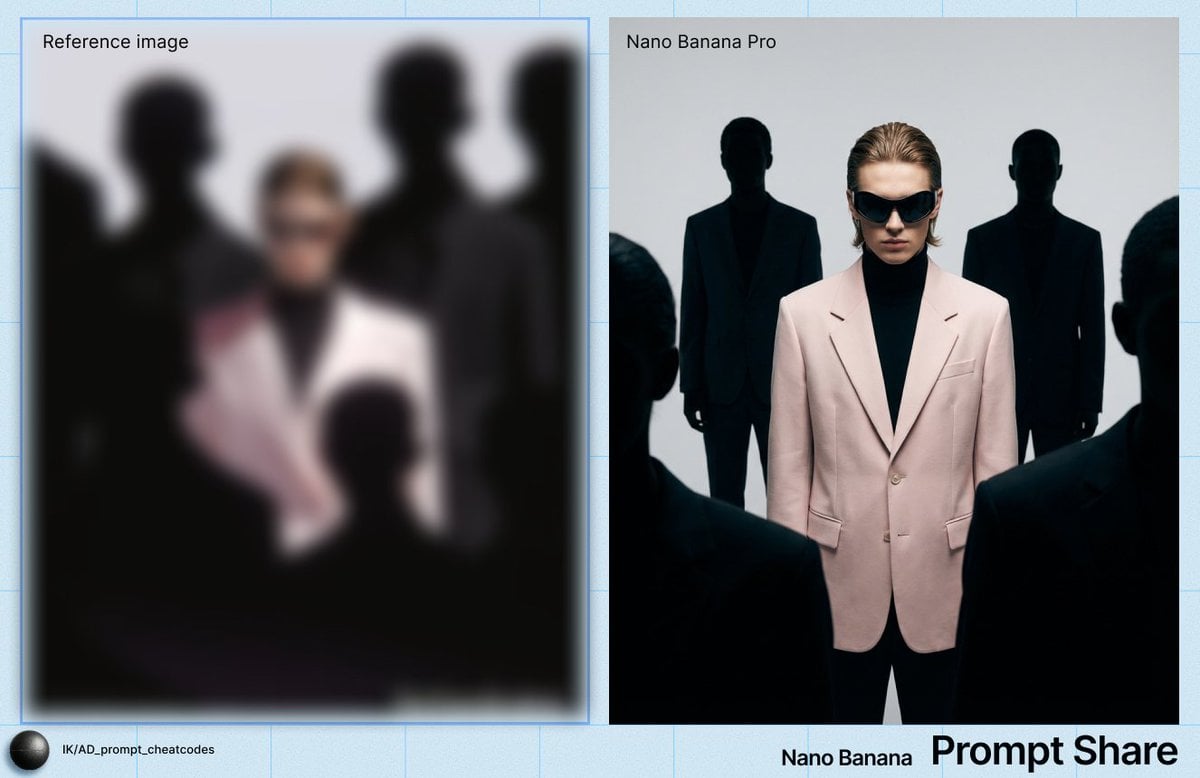
YSL Style High-Contrast Fashion Image

Man with Motion Blur Streaks and Double Exposure Effect
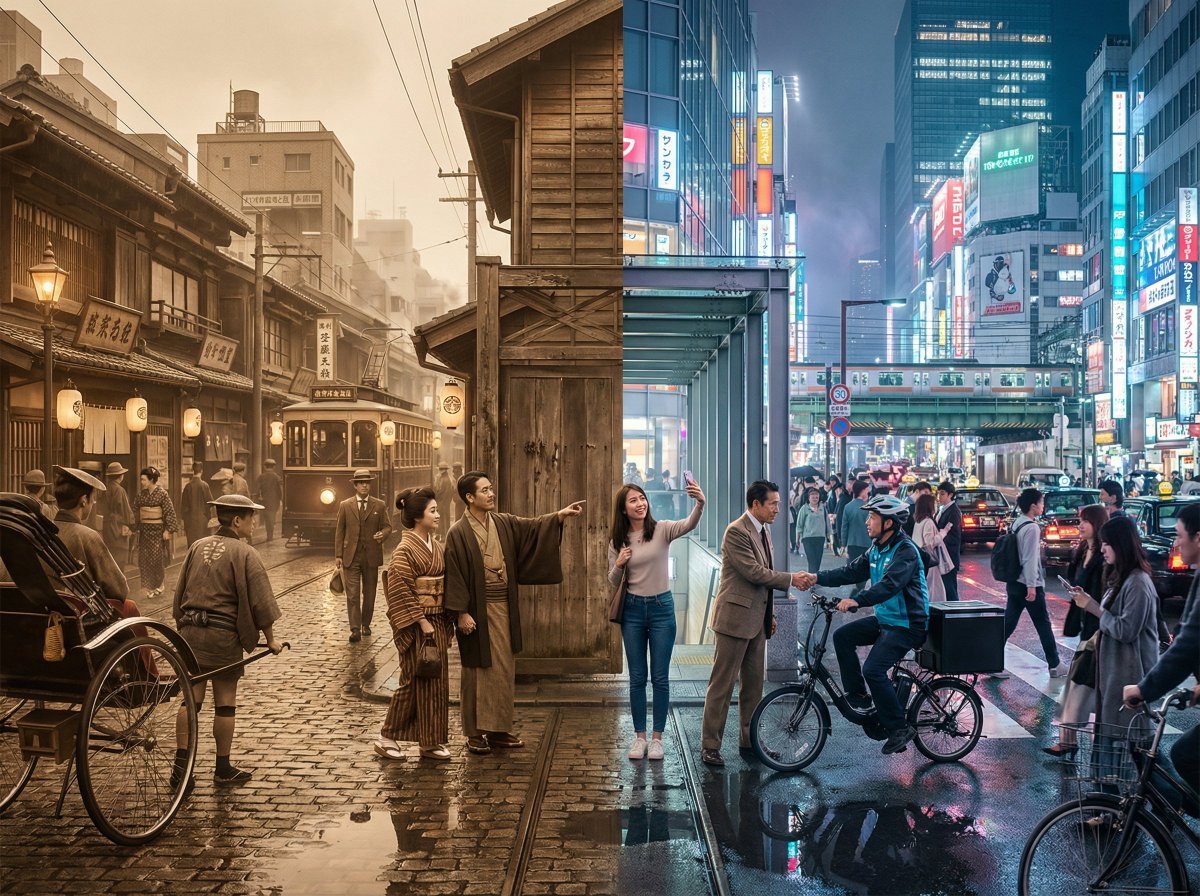
Tokyo Time-Blend Split-Screen
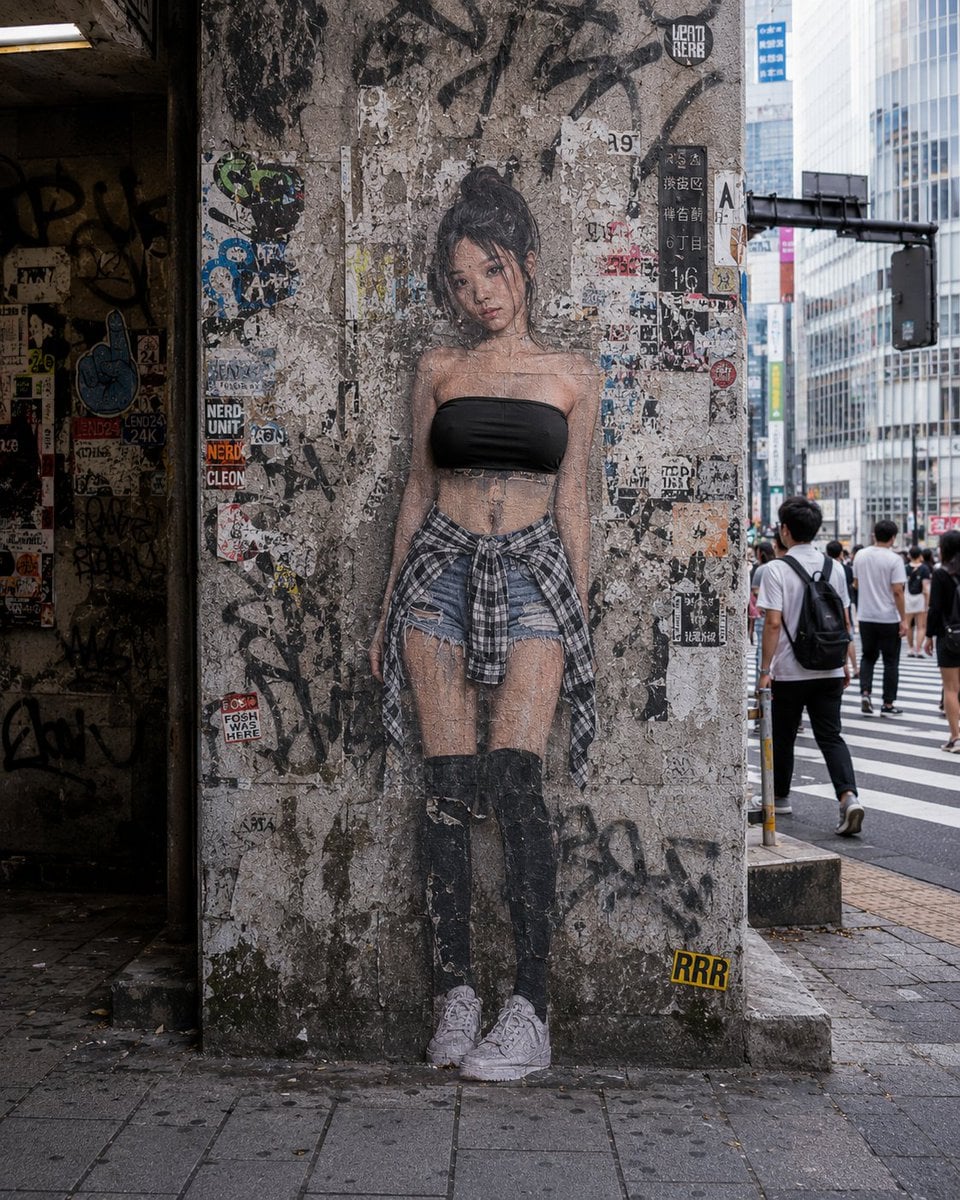
2D to 3D Surreal Street Photography
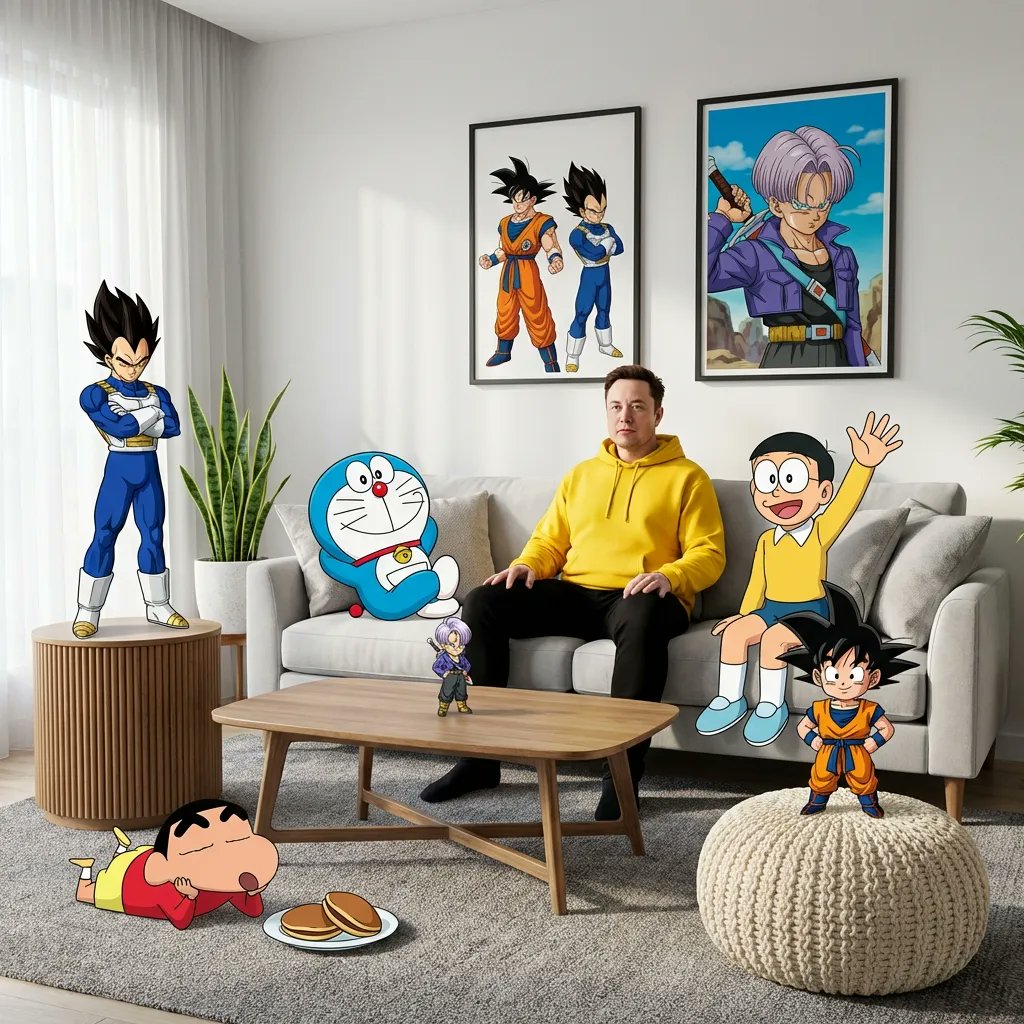
Blending Photorealism and Anime in a Living Room Scene
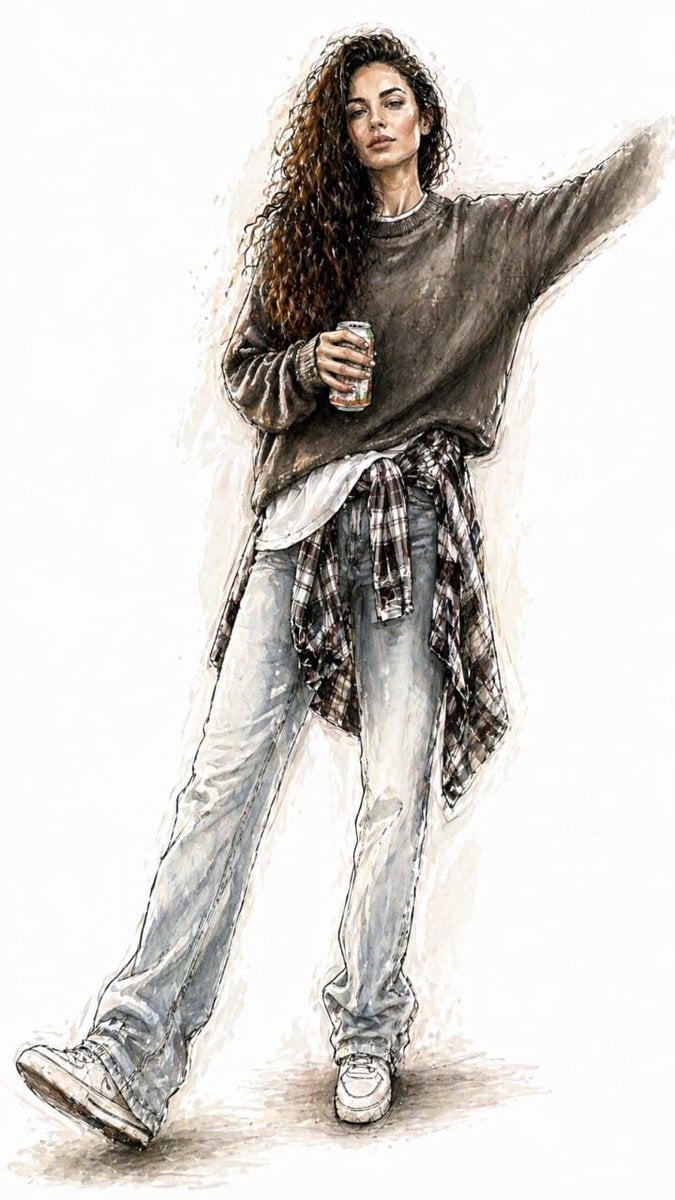
Watercolor Fashion Illustration Sketch
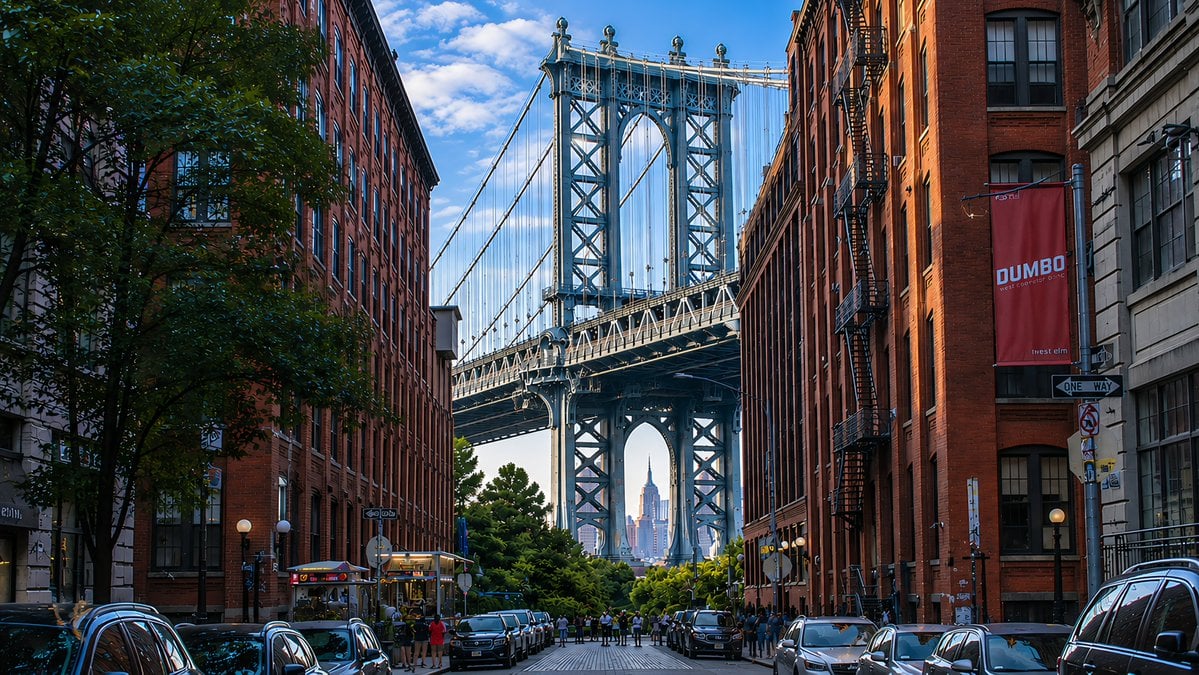
DUMBO Bridge Desktop Wallpaper
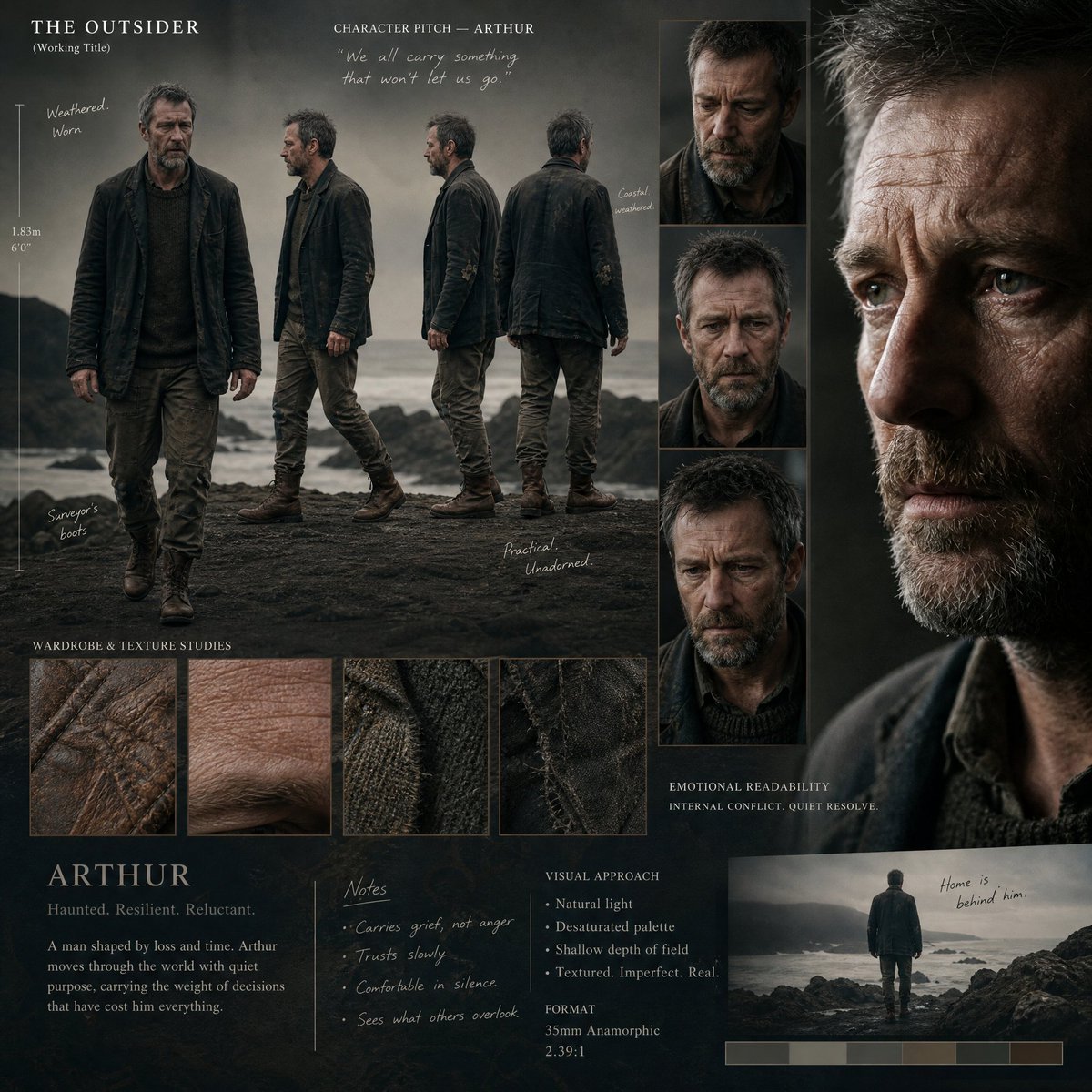
Director's Cinematic Pitch Board
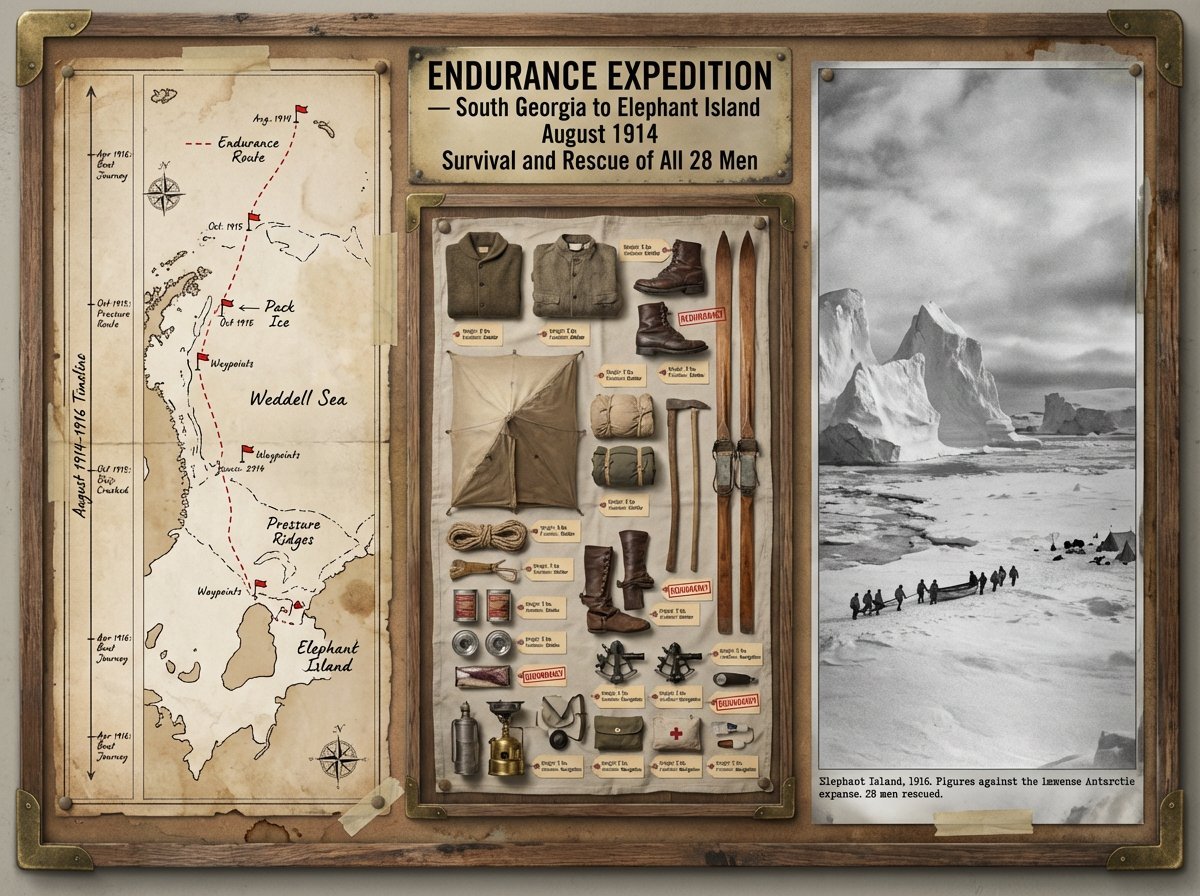
Expedition Planning Board Collage Prompt
Browse template categories
Day and Night Split Portrait Prompt for Nano Banana Pro questions
How do I use the Day and Night Split Portrait Prompt for Nano Banana Pro template?
Add your photo if the template asks for one, edit the prompt if you like — the template's model and format are already selected — and press Generate. Your version opens in PicX Studio.
Can I customize the Day and Night Split Portrait Prompt for Nano Banana Pro template?
Yes. You can change the subject, setting, lighting, mood, format, and available model controls before creating your image.
Is the Day and Night Split Portrait Prompt for Nano Banana Pro template free?
Opening and editing this template is free. Generating uses credits, shown on the Generate button when you are signed in.
Which AI model should I use?
Start with Nano Banana 2, which is the model associated with this template. You can compare another compatible model for a different finish.
Looking for something else? Browse all templates.

Your photo, any look
Thousands of ready templates for every top image and video model, from one credit balance.