
Real Woman with Illustrated Twin
Generates a realistic street-style fashion photo of a young woman standing beside a miniature hand-drawn illustrated version of herself.
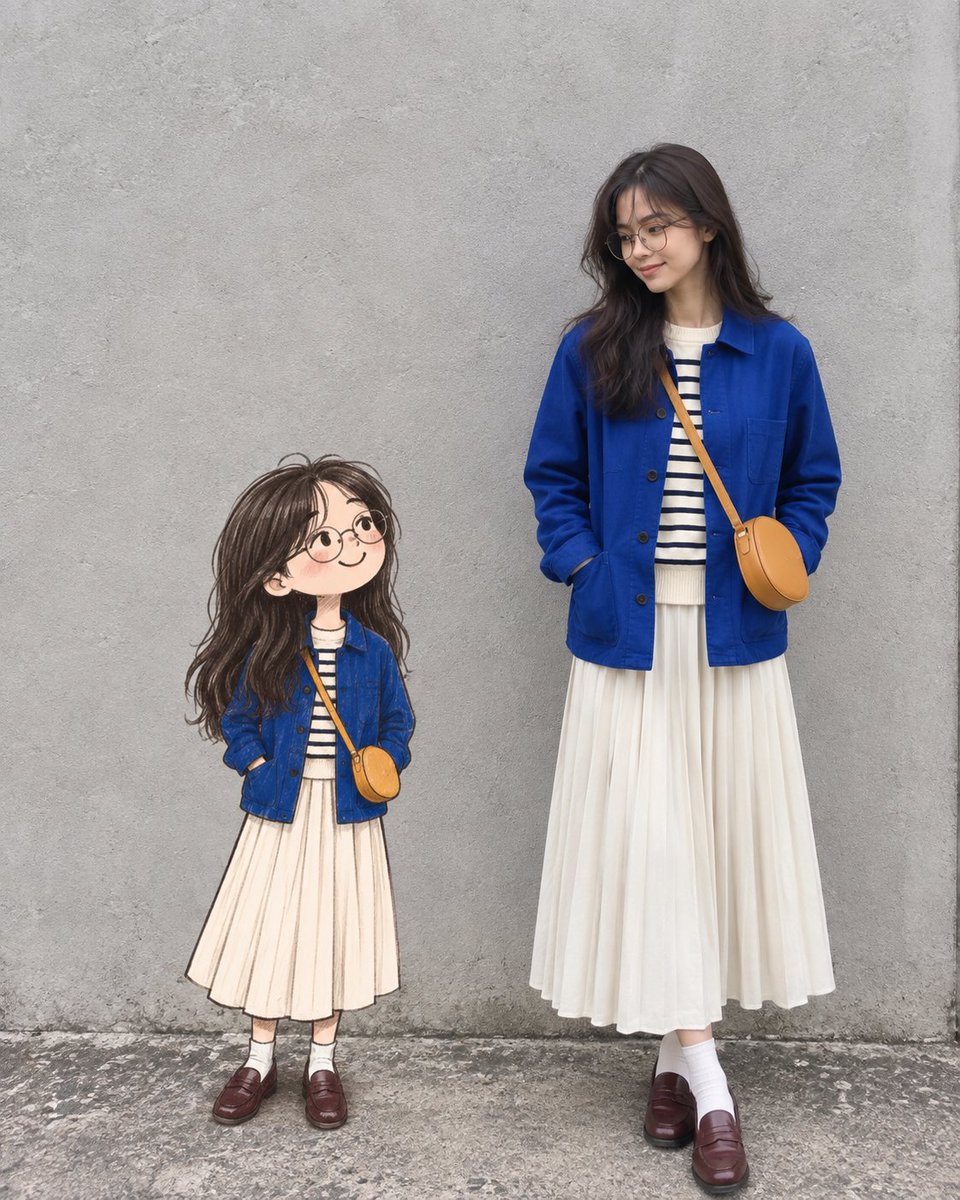
- Prompt included
- Model and format preset
- Free template
The prompt behind this image
Copy the exact prompt behind Real Woman with Illustrated Twin, or open it in the studio and make it yours.
Create a highly realistic editorial-style fashion photograph of one real young woman standing beside one hand-drawn illustrated girl who looks like her miniature visual twin. The scene is vertical, full-body, shot against a plain textured gray concrete wall with a rough gray pavement floor, soft natural daylight, muted colors, and a clean minimal street-style composition. Place the illustrated girl on the left, about half the height of the real woman, and the real woman on the right, both facing slightly toward each other with gentle smiles. The real woman is a young East Asian woman with {argument name="hair style" default="long slightly wavy dark brown hair with wispy bangs"}, round thin eyeglasses, and a calm shy expression, looking down toward the illustrated girl. She wears {argument name="main outfit" default="a cobalt blue chore jacket over a cream sweater with navy horizontal stripes, a long cream pleated skirt, white socks, and burgundy leather loafers"}. Add a small round tan crossbody bag with a narrow strap worn diagonally across her torso; her hands are tucked casually into the jacket pockets. The illustrated girl should be a charming hand-drawn childlike counterpart with soft pencil-and-watercolor texture, slightly oversized head, rosy cheeks, round glasses, long messy dark hair, and the same outfit details: blue jacket, striped cream shirt, long cream skirt, white socks, burgundy loafers, and tan crossbody bag. Make the illustration appear physically present in the same space, aligned with the ground plane, with subtle contact shadow and believable scale, while preserving visible sketch outlines and painterly shading. Use a realistic 35mm editorial photo look, natural proportions for the real woman, crisp fabric detail, no text, no logos, no extra people, no props beyond the single tan bag on each figure.
How to use Real Woman with Illustrated Twin in 3 steps
- 1Upload ImagePNG, JPG or paste
Add your photo
Upload the photo the template builds on. The prompt, model and format are already set.
- 2…a portrait of your subject in softgolden-hour light, 85mm…
Personalize
Edit the subject and creative details for your destination.
- 3Generate
Generate
Press Generate — your image is created in PicX Studio, so you can compare it with the original and refine one variable at a time.
More like this
Templates with the same subject, style or setup. Open one to see its prompt.
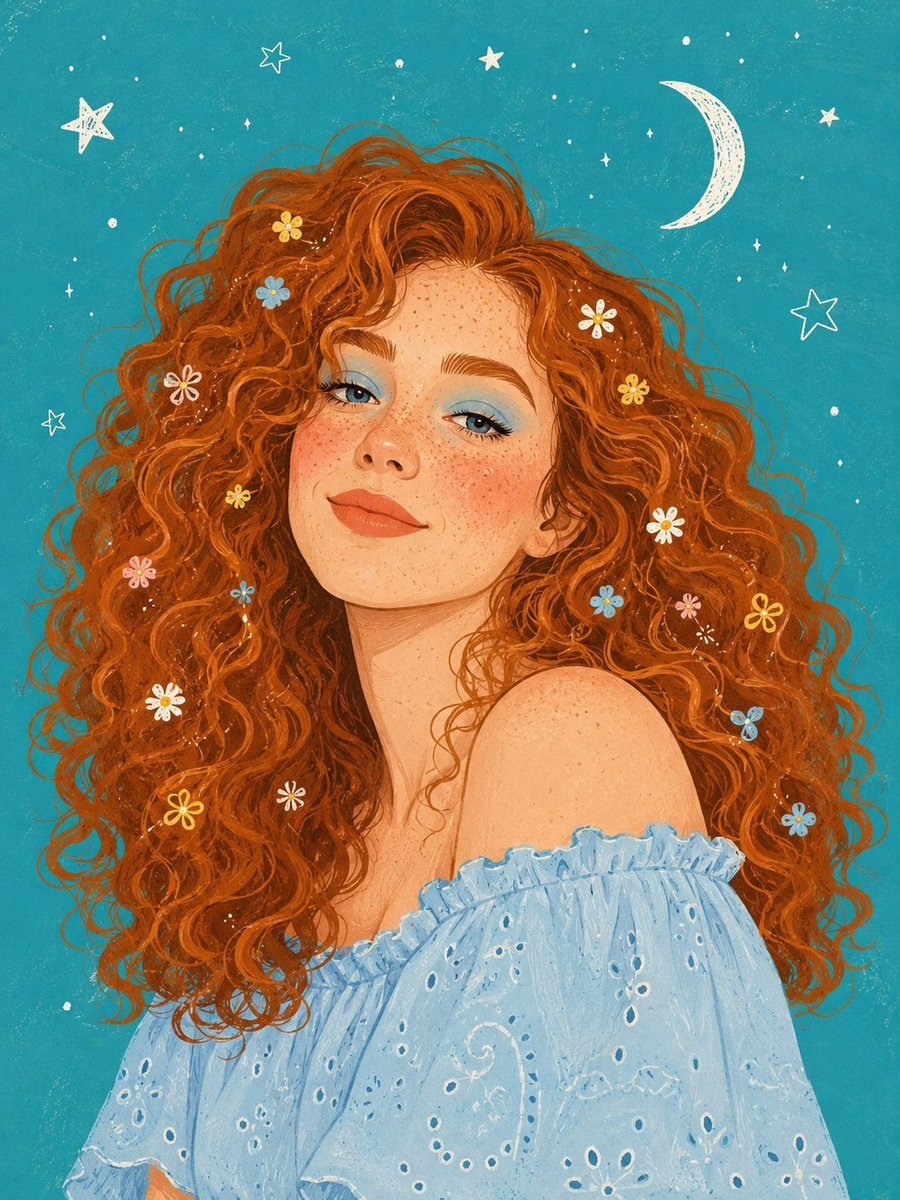
Illustrated Editorial Portrait of a Woman
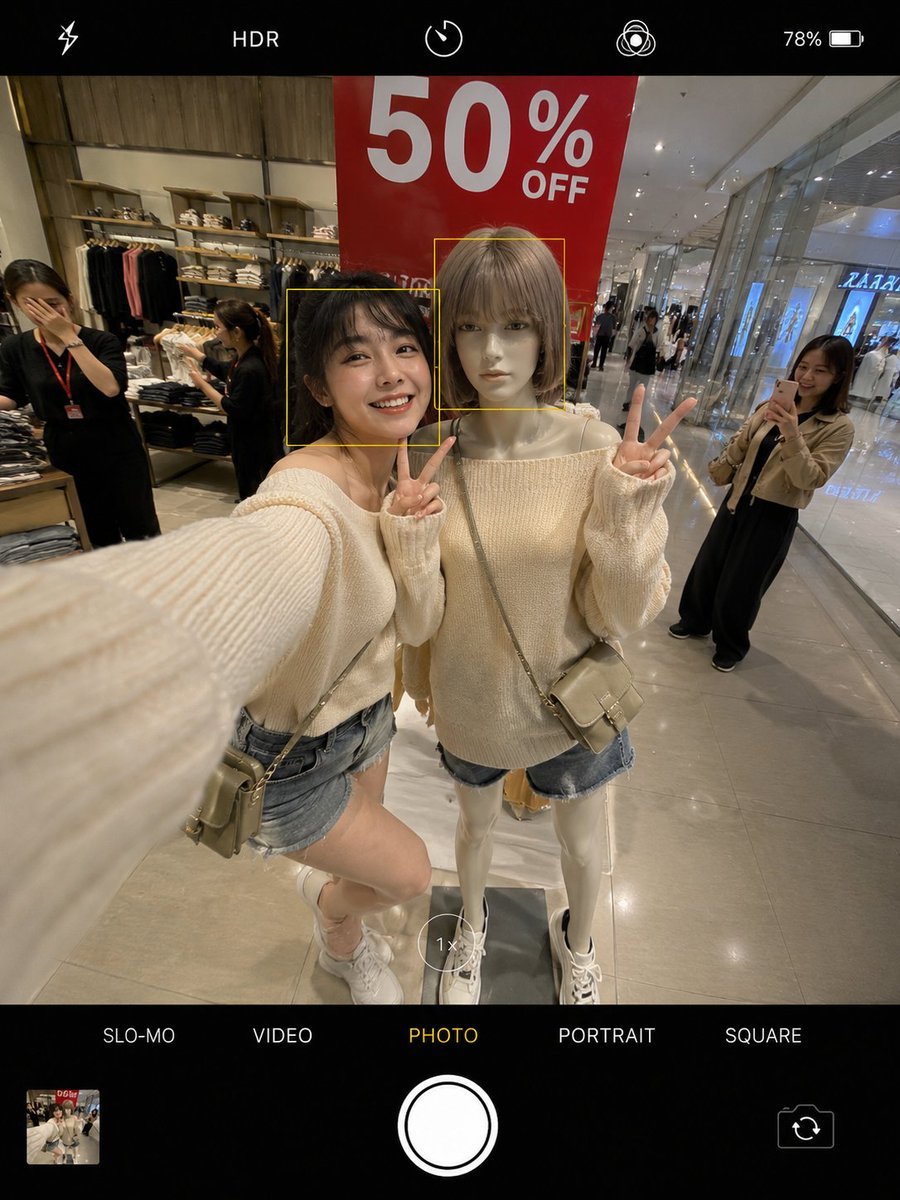
Realistic Smartphone Selfie Twins
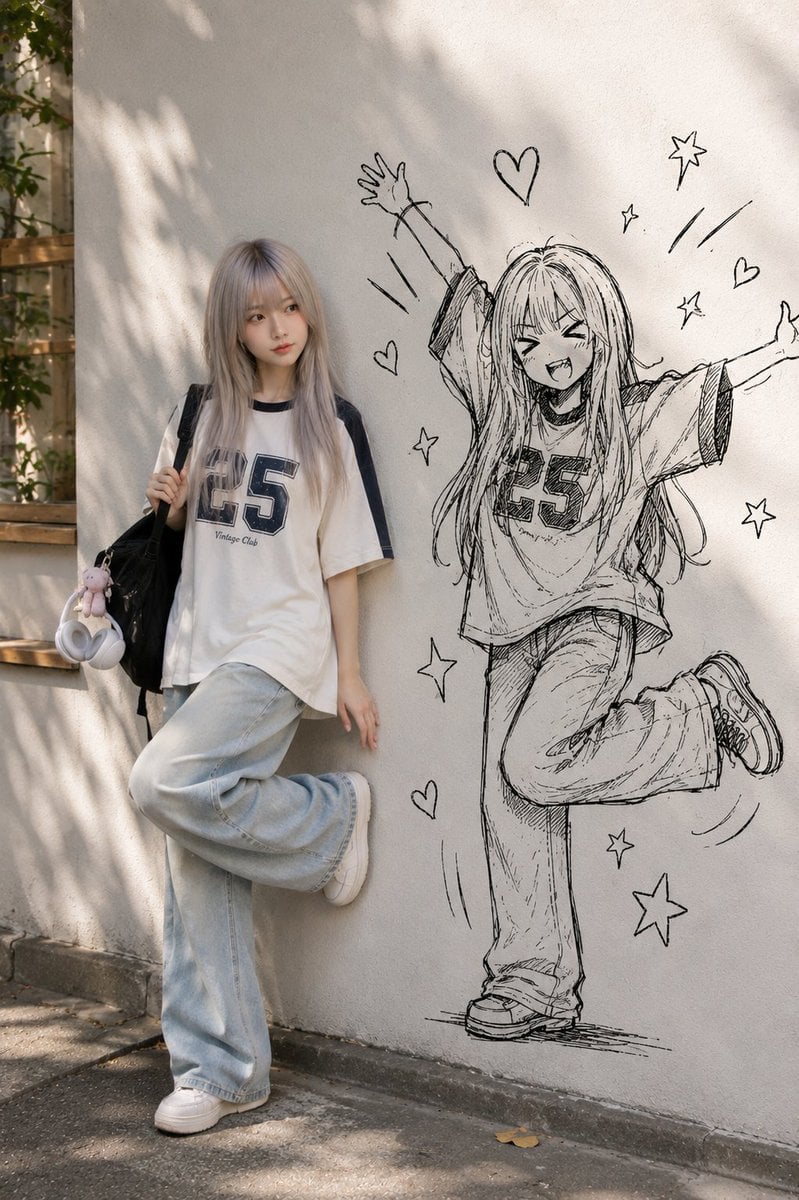
Real Person and Ink-Twin Doodle

Realistic Portrait of Woman and Deer

Surreal Desert with Twin Celestial Spheres

Woman in Mall with Chanel Bag - Heart Gesture

Floating Woman Above Cityscape with Notifications
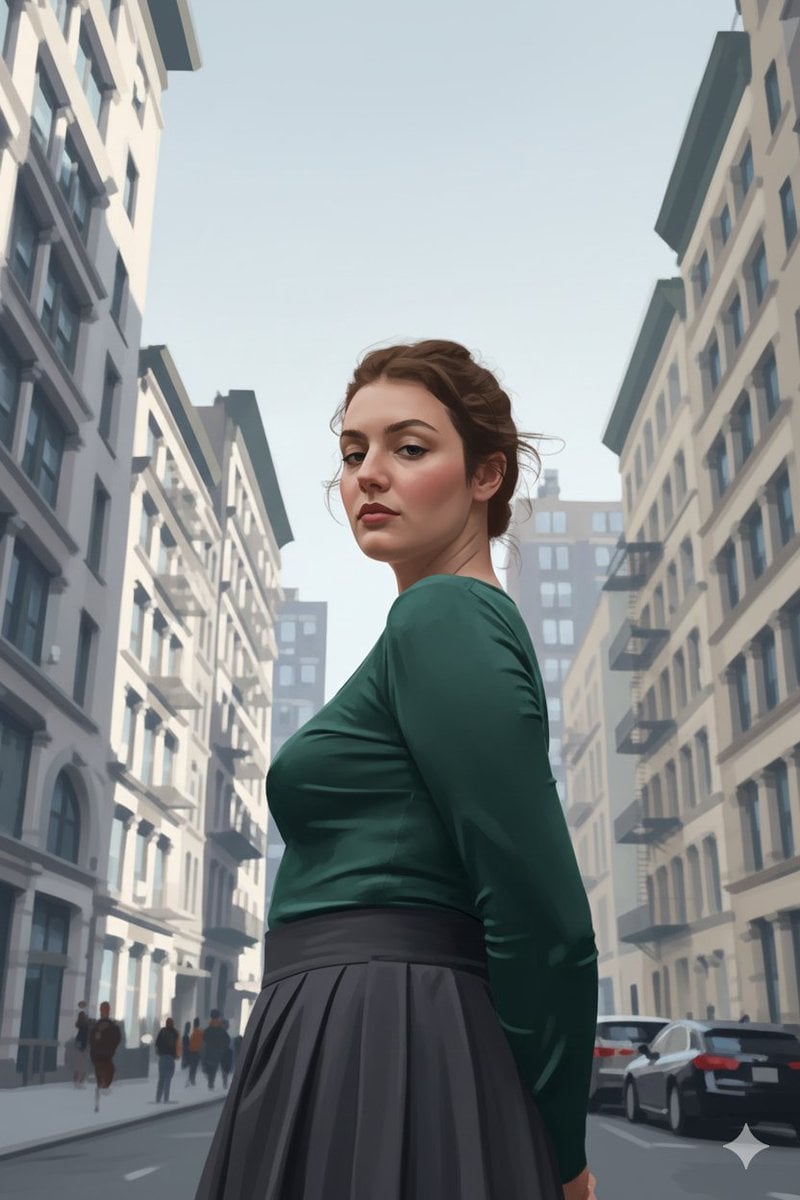
Ultra-Realistic Illustrated Portrait with Identity Preservation
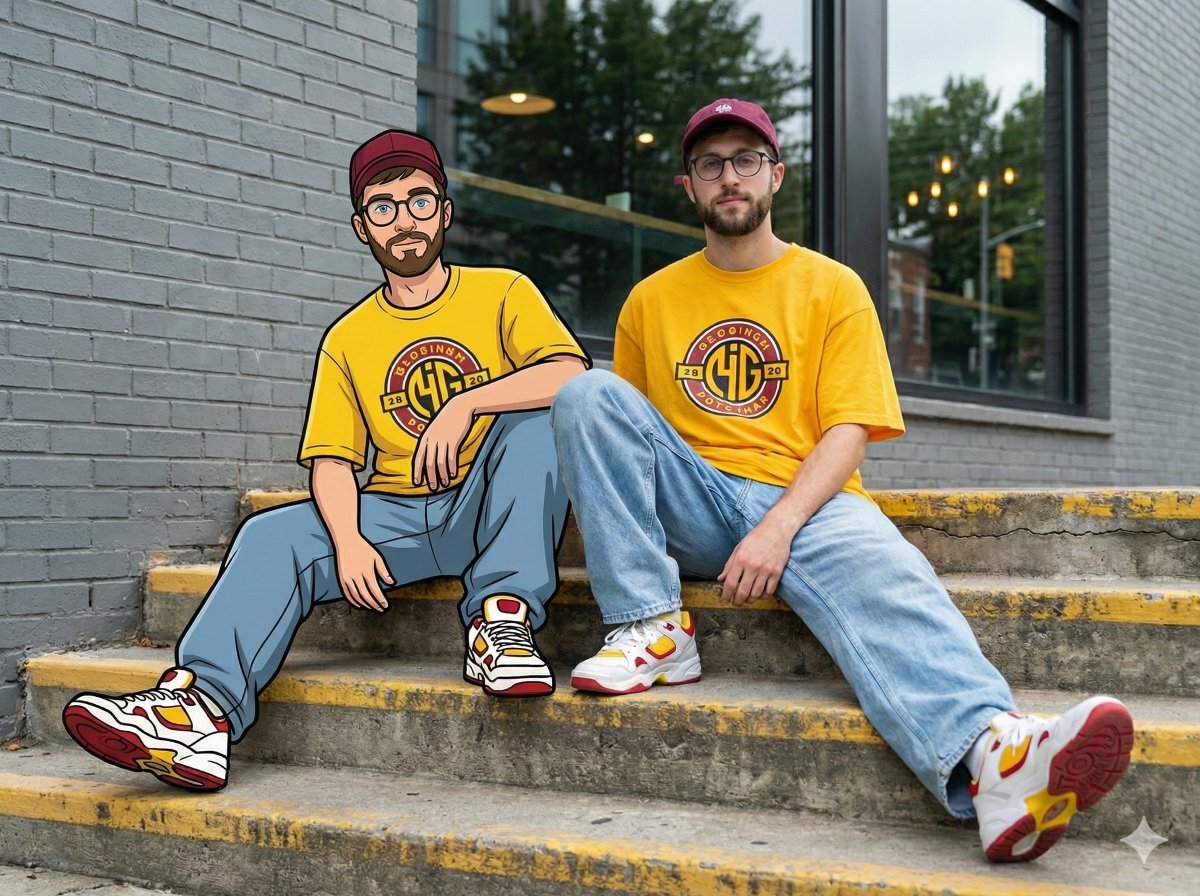
Mixed-Reality Street Portrait (Real Person with Cartoon Twin)
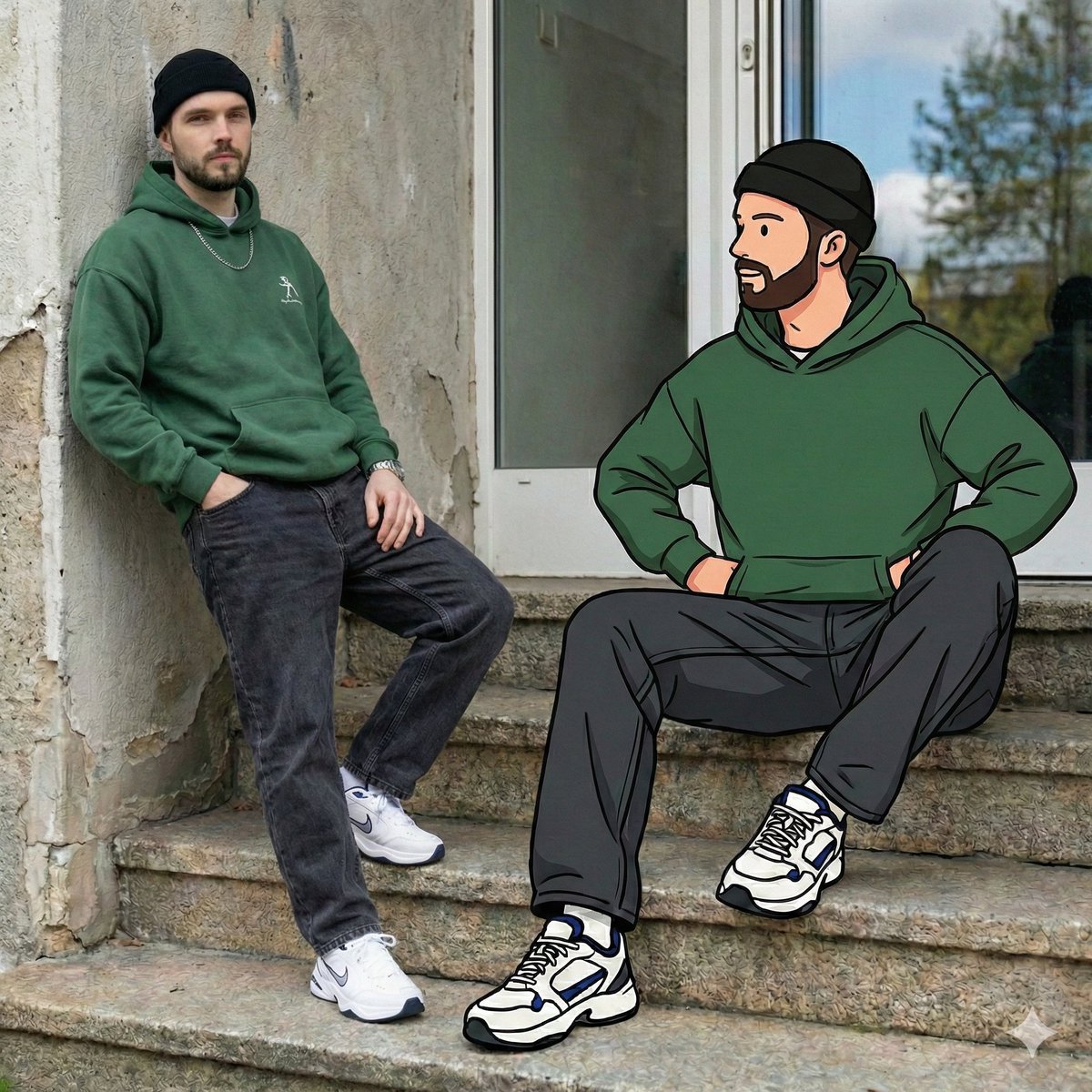
Mixed Reality Street Portrait with Cartoon Twin
UGC Skincare Review - Seedance 2.0
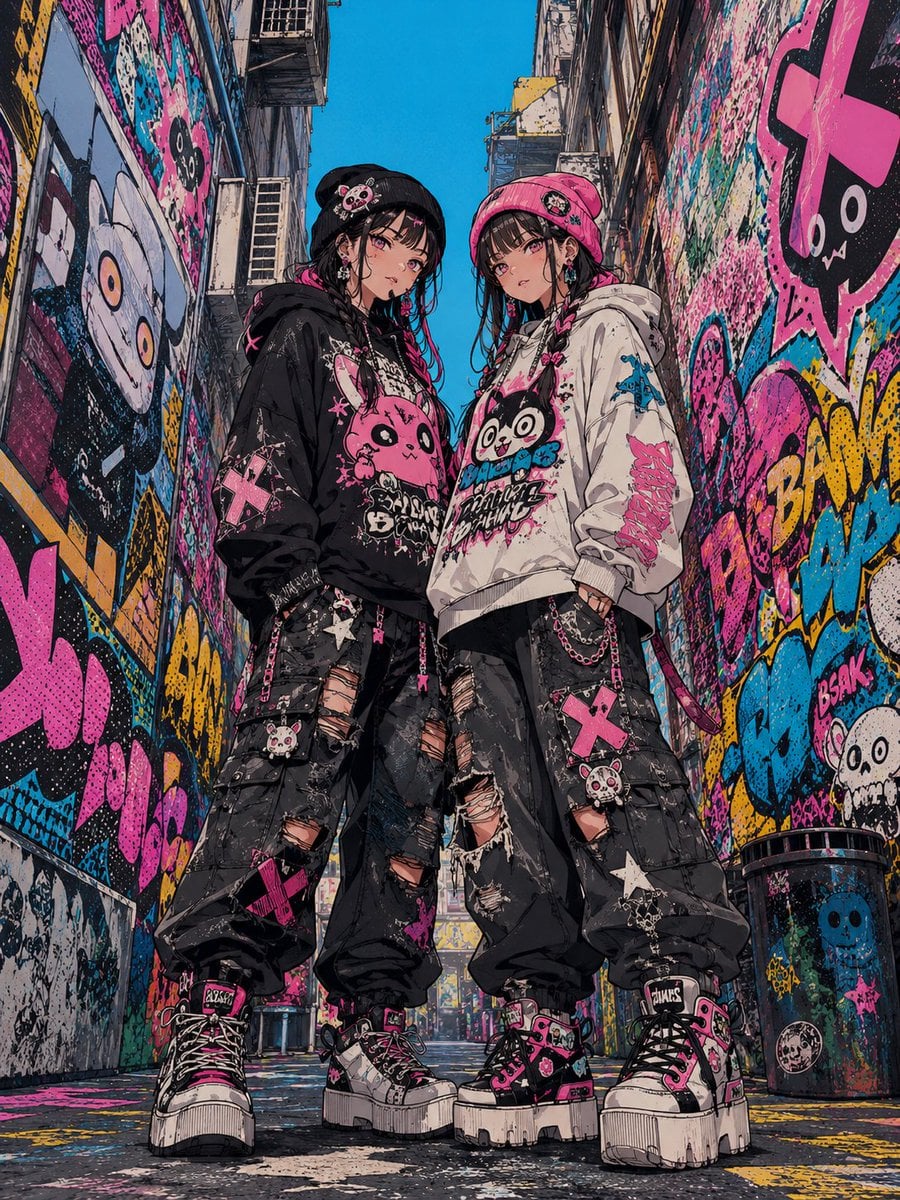
Dark Pop Horror Alley Twins
Make it yours
Real Woman with Illustrated Twin works as-is. These are the safest ways to change it without losing the look.
Change one field
Copy a single group, rewrite it, and generate again so you can see what that field is doing.
Keep the frame, change the subject
Hold the composition and light of Real Woman with Illustrated Twin, then swap wardrobe, props or the person for a new take.
| If the result… | Why | Fix |
|---|---|---|
| The result drifts from the preview | Too many fields changed at once. | Reuse Real Woman with Illustrated Twin as-is first, then change one group — subject, light, or setting. |
| The model over-stylizes the scene | The prose prompt leaves finish and camera underspecified. | Add one camera or lighting sentence and stay on GPT Image 2. |
More GPT Image 2 templates
Other prompts made for GPT Image 2.

Six VTuber Japanese Logo Sheet

The Vista Modular Condo Poster

AI Model Routing Comparison Infographic

2.5D Anime Art Board

Isometric Productivity Desk Scene

New York Double Exposure Poster

Four-Panel AI Landscape Comparison

Japanese Tatami Lifestyle Magazine Cover

NESCAFÉ Coffee Map Poster

Brutalist Cogito Chinese Typography Poster
More image prompts
Fresh picks from across the catalog.
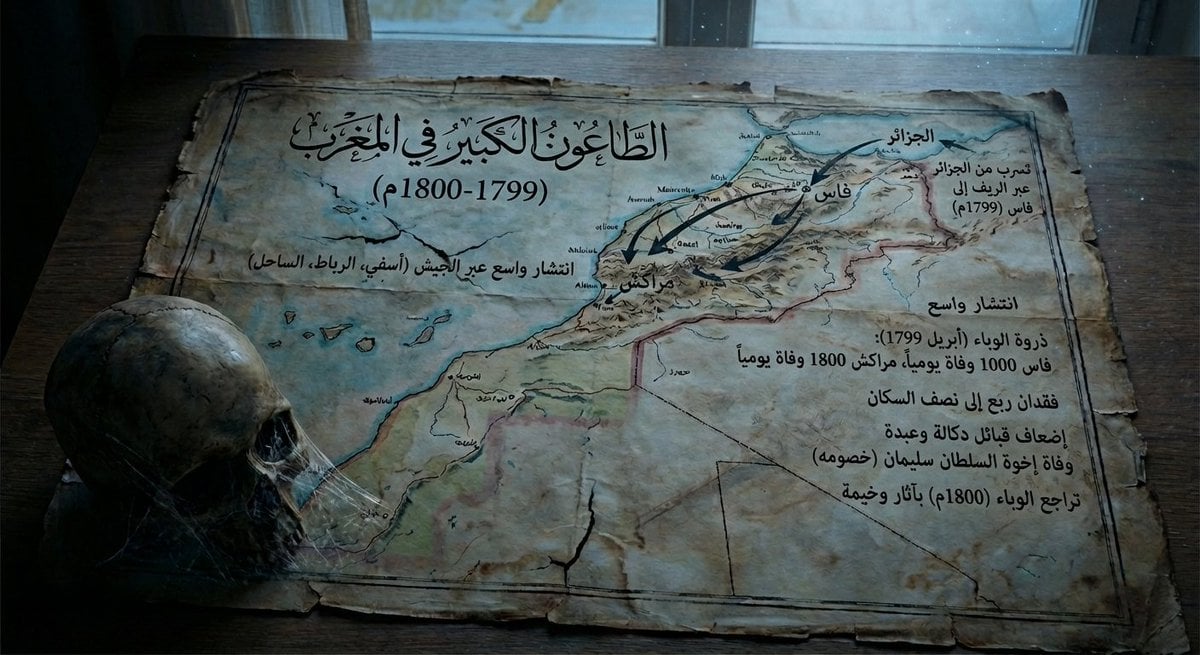
Map of Morocco during the 1799–1800 plague
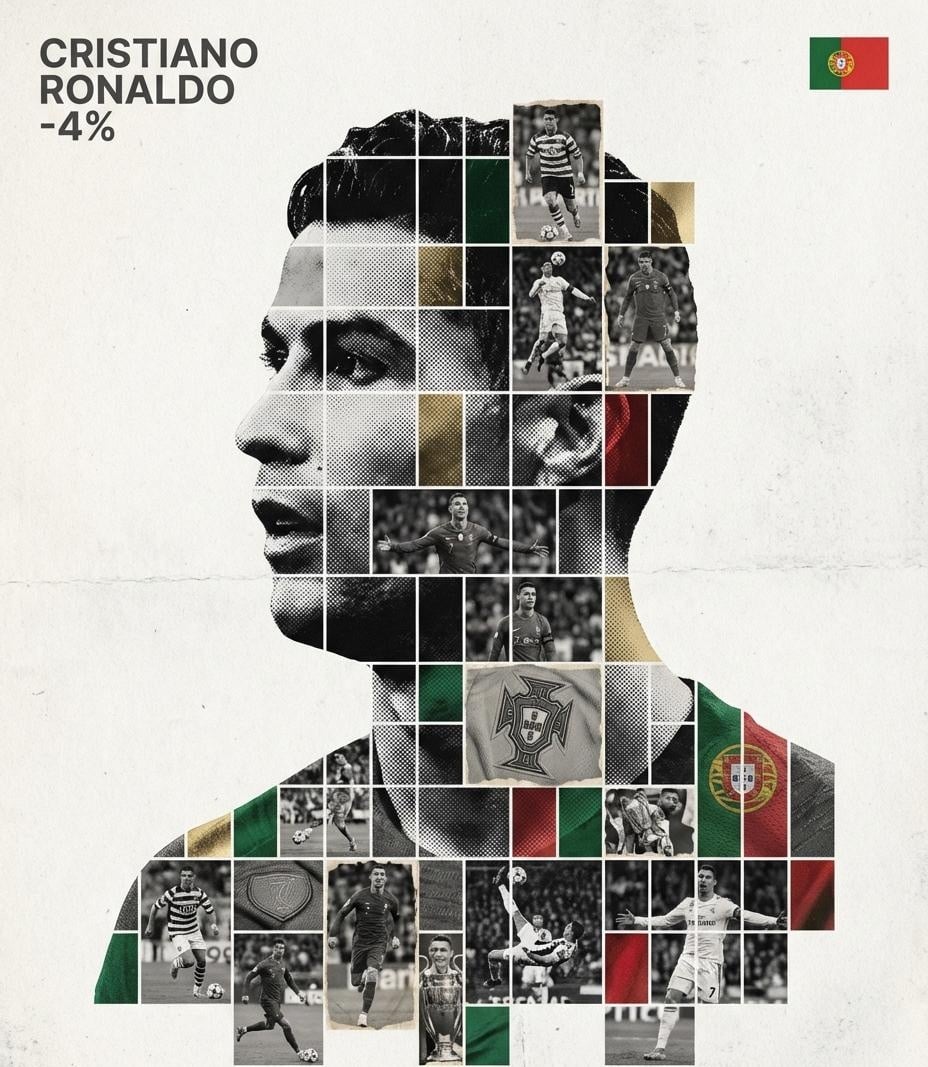
Gallery-Quality Tribute Poster with Textured Photo Mosaic Silhouette

Chinese VPS Comparison Cover
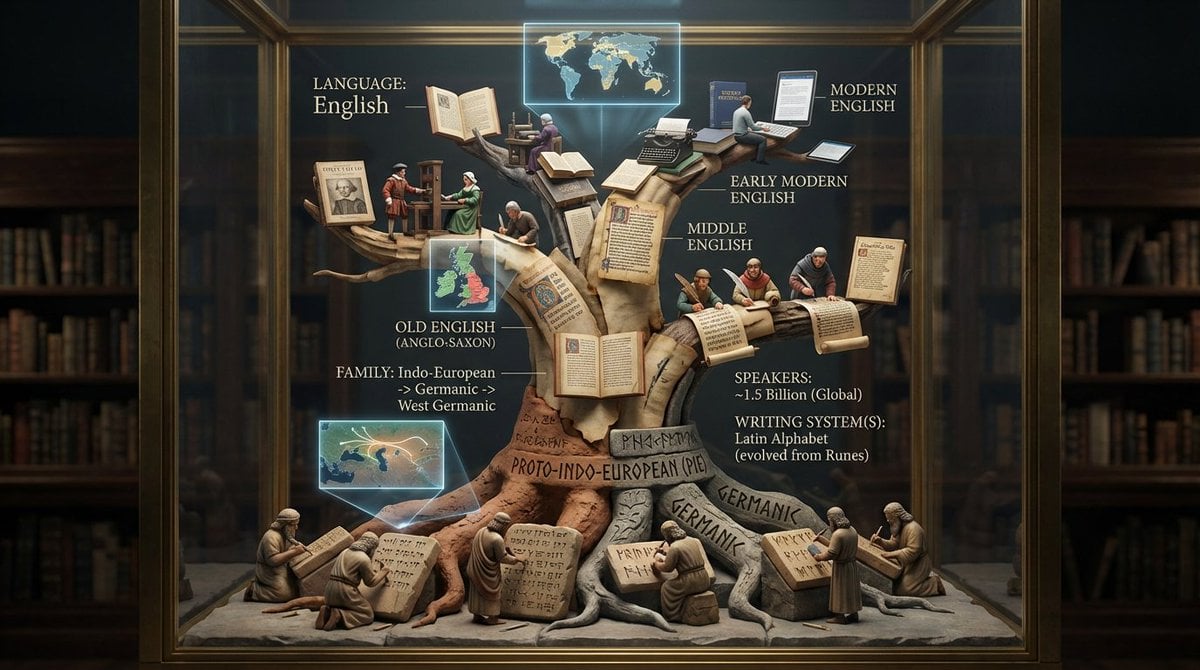
Linguistic Evolution Tree Infographic Generation
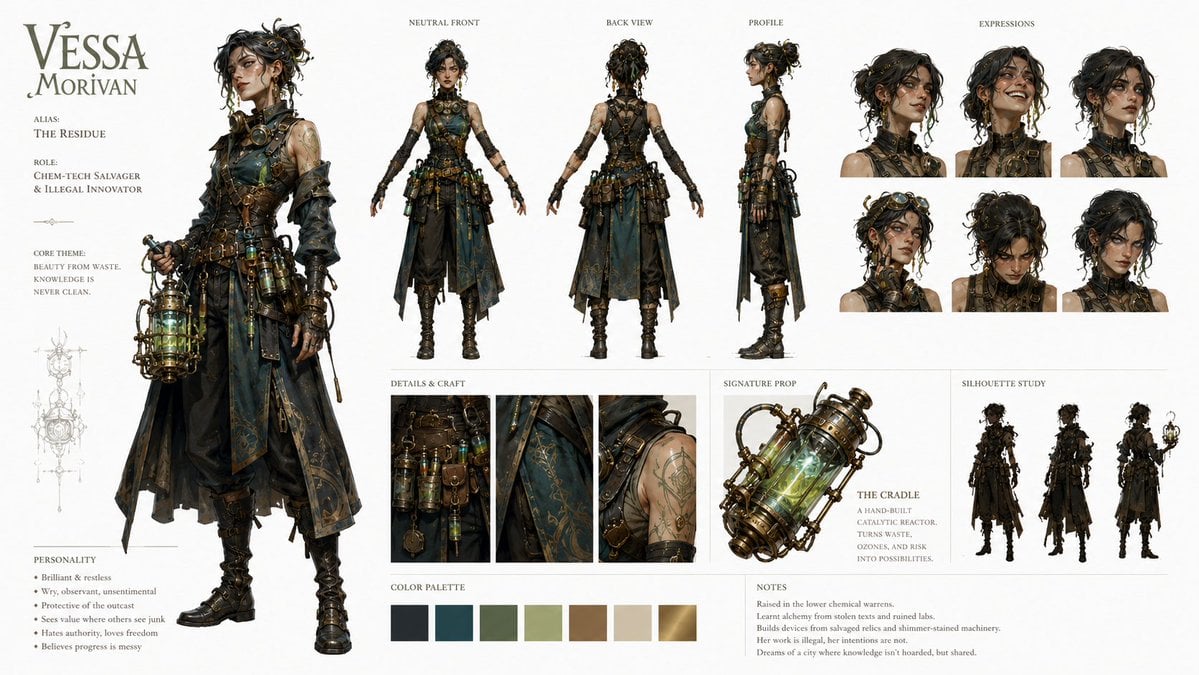
Character Identity Board Template

Luxury Chicken Burger Ingredient Explosion Commercial
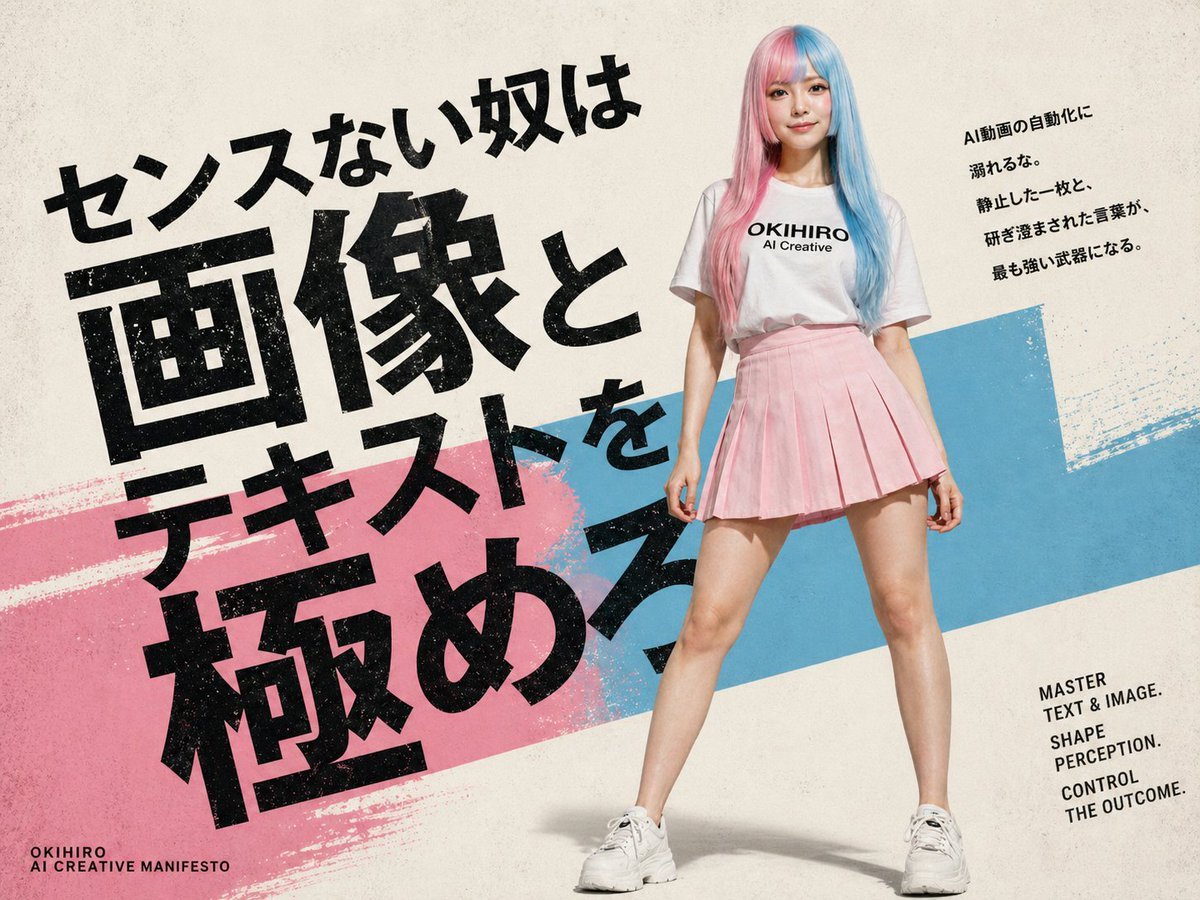
Japanese AI Creative Manifesto Poster
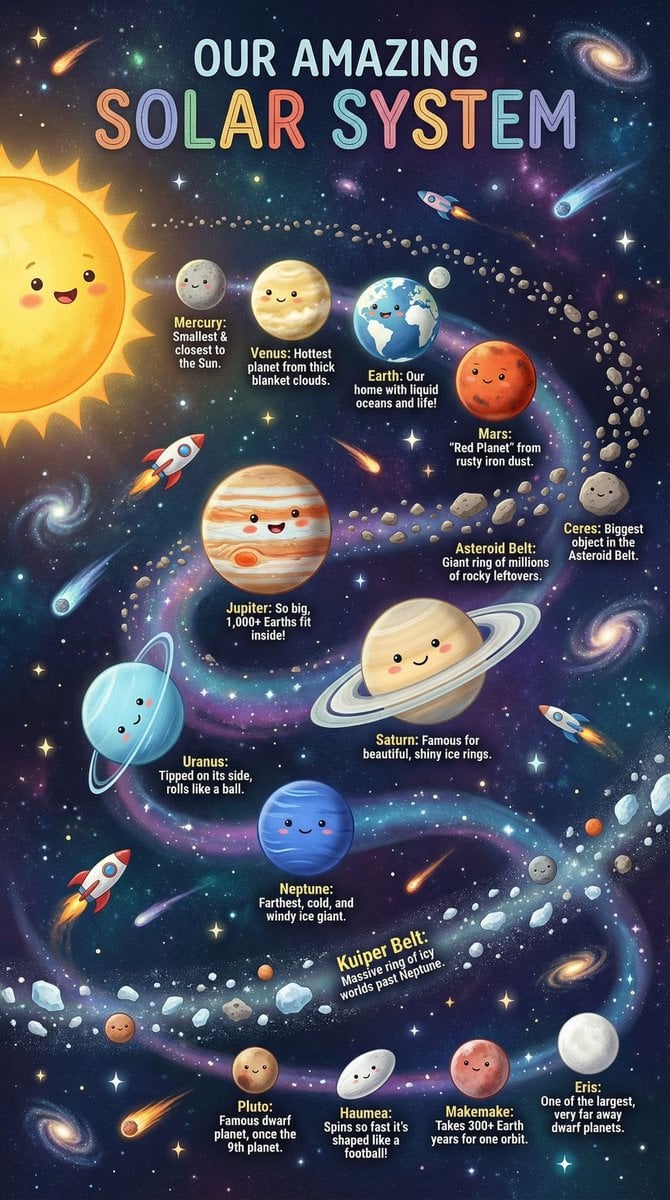
Educational Chart Generation Prompt (Solar System)
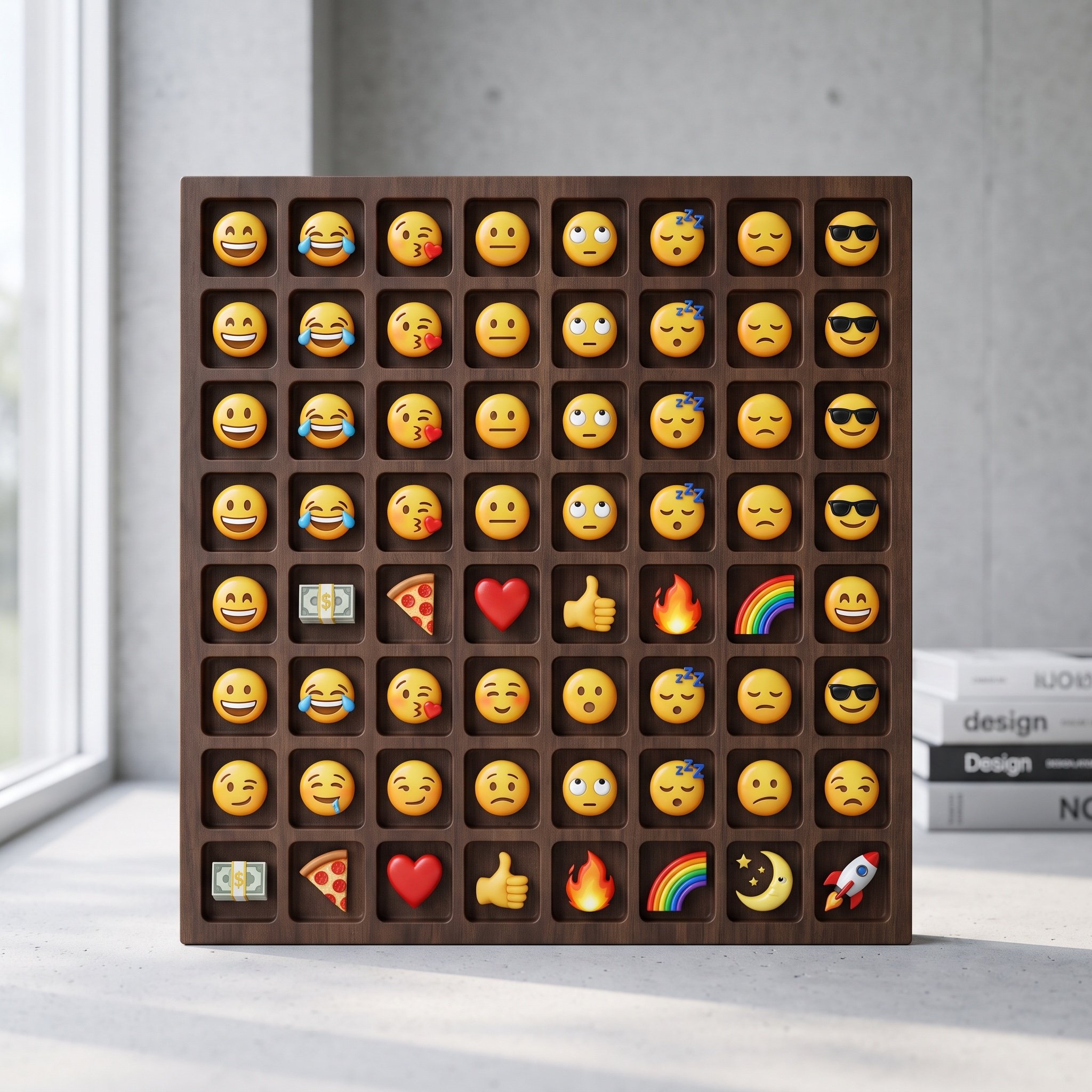
Logo-Based Emoji Grid Generation
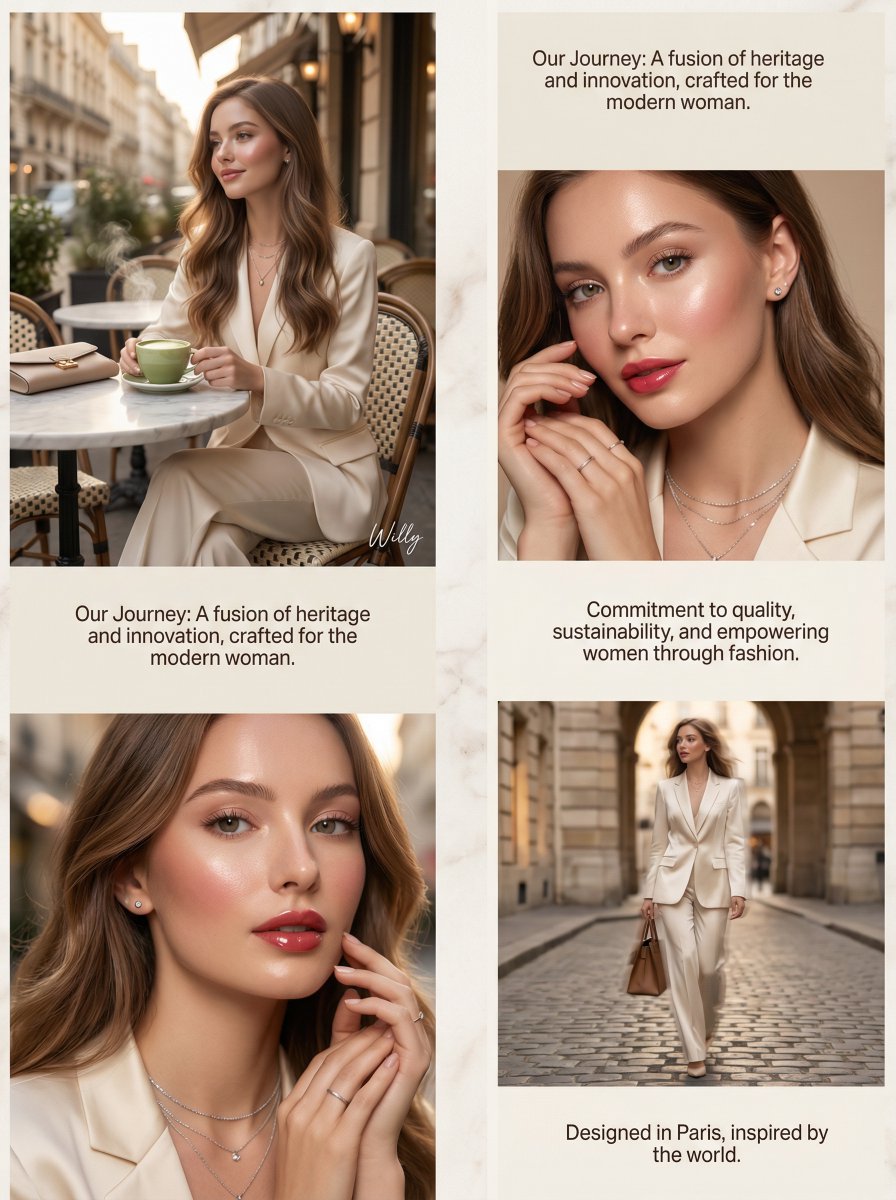
Luxury Brand About Page Storytelling Layout
Browse template categories
Real Woman with Illustrated Twin questions
How do I use the Real Woman with Illustrated Twin template?
Add your photo if the template asks for one, edit the prompt if you like — the template's model and format are already selected — and press Generate. Your version opens in PicX Studio.
Can I customize the Real Woman with Illustrated Twin template?
Yes. You can change the subject, setting, lighting, mood, format, and available model controls before creating your image.
Is the Real Woman with Illustrated Twin template free?
Opening and editing this template is free. Generating uses credits, shown on the Generate button when you are signed in.
Which AI model should I use?
Start with GPT Image 2, which is the model associated with this template. You can compare another compatible model for a different finish.
Looking for something else? Browse all templates.

Your photo, any look
Thousands of ready templates for every top image and video model, from one credit balance.