
Mixed-Media Streetwear Poster
A creative mixed-media studio portrait combining photorealistic streetwear photography with flat vector doodles and collage elements.
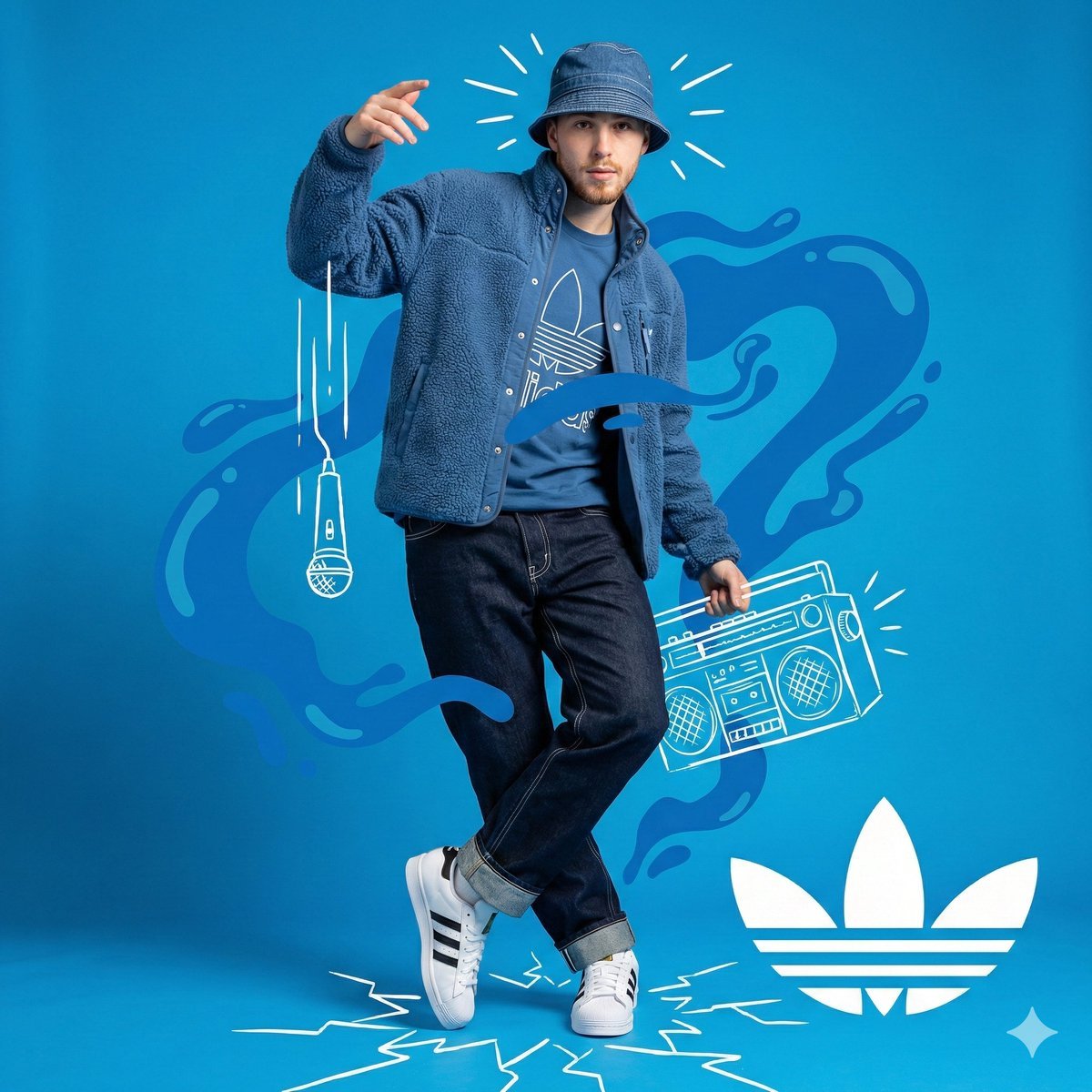
- Prompt included
- Model and format preset
- Free template
The prompt behind this image
Copy the exact prompt behind Mixed-Media Streetwear Poster, or open it in the studio and make it yours.
High-resolution mixed-media studio portrait combining photography with flat white hand-drawn vector doodles and collage overlays. Full-body shot of a {argument name="subject" default="confident young man"} on a {argument name="background color" default="vivid solid blue background"}, dressed head to toe in a monochromatic blue {argument name="brand" default="Adidas"} streetwear fit with crisp white details. Subject: young man, light goatee, neutral confident expression, head tilted slightly left, body angled slightly right, right hand raised near his face, left leg crossed in front of the right. Low-angle full shot framed head to toe, 35mm-equivalent lens, deep depth of field, even soft front-right studio lighting in neutral white, gentle self-shadows on the left side of face and neck. Outfit: - Royal-blue denim/canvas bucket hat (#003399), brim pulled slightly down, visible white contrast stitching around brim and crown. - Open vivid-blue sherpa fleece jacket (#0044CC), nubby high-pile texture, silver snap on the collar, sleeves slightly pushed up. - Royal-blue cotton T-shirt underneath with a large white Adidas Trefoil outline printed across the chest. - Dark-wash indigo relaxed-fit jeans (#2A3B55) with heavy white contrast stitching along seams and pockets, cuffs rolled up showing the lighter inside of the denim. - Pristine all-white Adidas Superstar sneakers (smooth leather upper, rubber shell toe, three white-on-white stripes); right foot planted, left foot up on the toe. Flat white hand-drawn vector overlays (sharp edges, doodle aesthetic, no shading): - Three thick vertical white lines dropping from his raised hand down to a hand-drawn dynamic vocal microphone (mic-drop motif). - An isometric outlined boombox to his center-right showing speaker mesh, handle, buttons, cassette deck. - A large flat white Adidas Trefoil logo in the bottom-right corner. - Short radiating motion/sound stroke lines around his head and the boombox. - Jagged shattered-glass crack lines fanning out across the floor under his feet. Behind him: amorphous flat liquid-blob shapes in a slightly more saturated blue (#5CAFF0) wrapping around the subject as a secondary background layer over the solid blue base. Composition: subject centered, asymmetrical balance from the doodles filling the negative space, high-contrast and dynamic. Color palette strictly vivid blue, deep blue, and pure white. Sharp boundary between the photoreal subject and the flat 2D vector overlays so they read as layered, not blended. Vibe: energetic, urban, artistic, cool, album-cover energy.
How to use Mixed-Media Streetwear Poster in 3 steps
- 1
Open
The prompt is already in the box next to the preview, with the template's model and format selected.
- 2…a portrait of your subject in softgolden-hour light, 85mm…
Personalize
Edit the subject and creative details for your destination.
- 3Generate
Generate
Press Generate — your image is created in PicX Studio, so you can compare it with the original and refine one variable at a time.
More like this
Templates with the same subject, style or setup. Open one to see its prompt.

Urban Fashion Editorial Collage Streetwear Poster

Ultra-Stylized High-Fashion Streetwear Poster

Urban Fashion Editorial Collage Poster

Selective Color Monochrome Football Poster
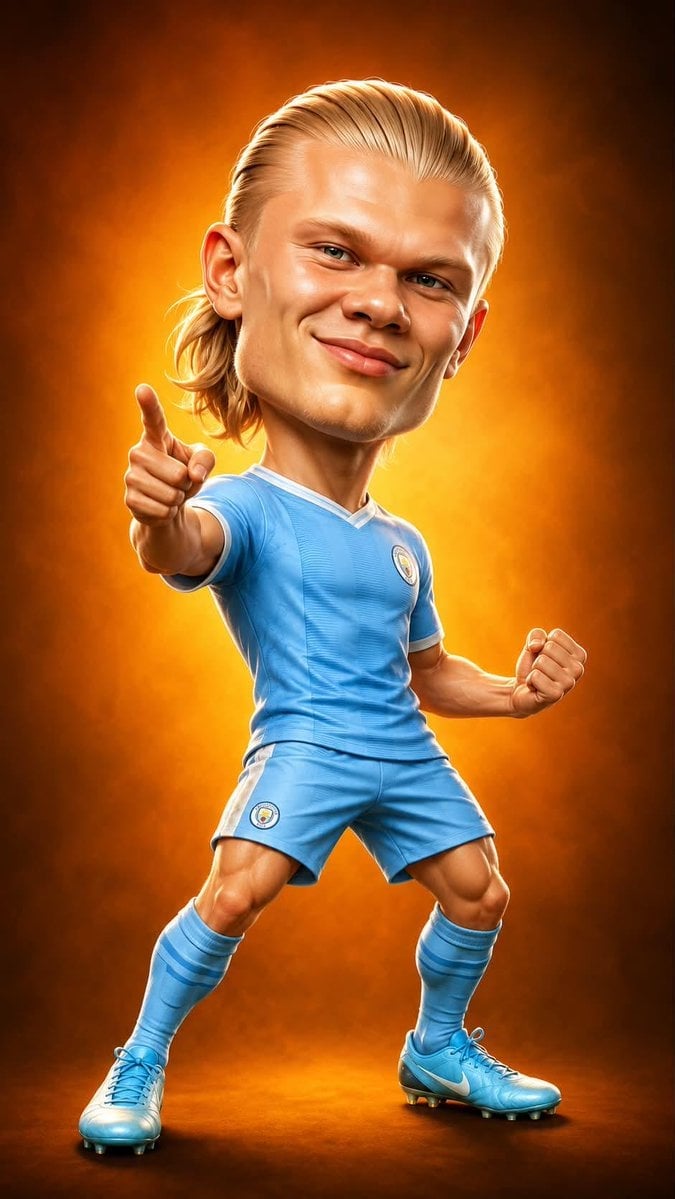
Legendary Icons Mixed Style Poster Pack
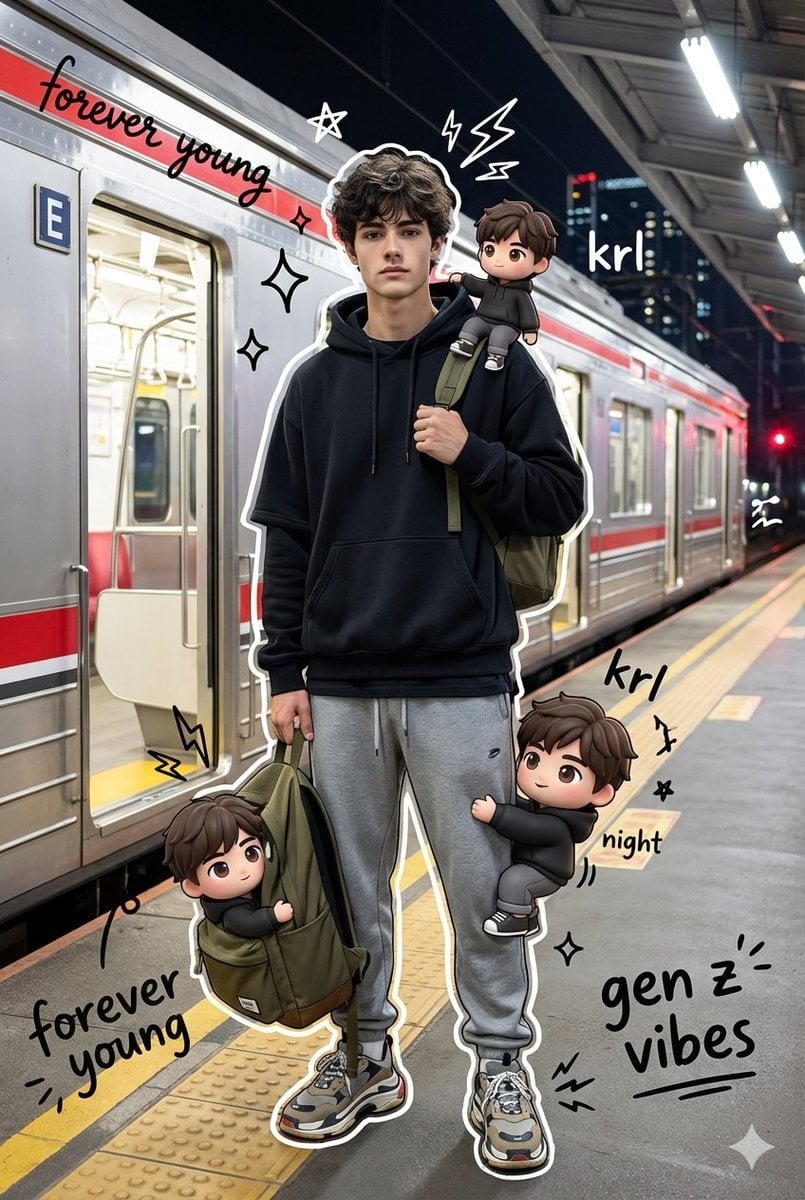
Mixed Media Chibi Streetwear Portrait

Gpt2 Product Marketing Streetwear Sneaker Poster Ad

Gpt2 Social Media Post Cinematic Chicken Momos Ad Poster

Gpt2 Social Media Post Bmw Performance Social Poster
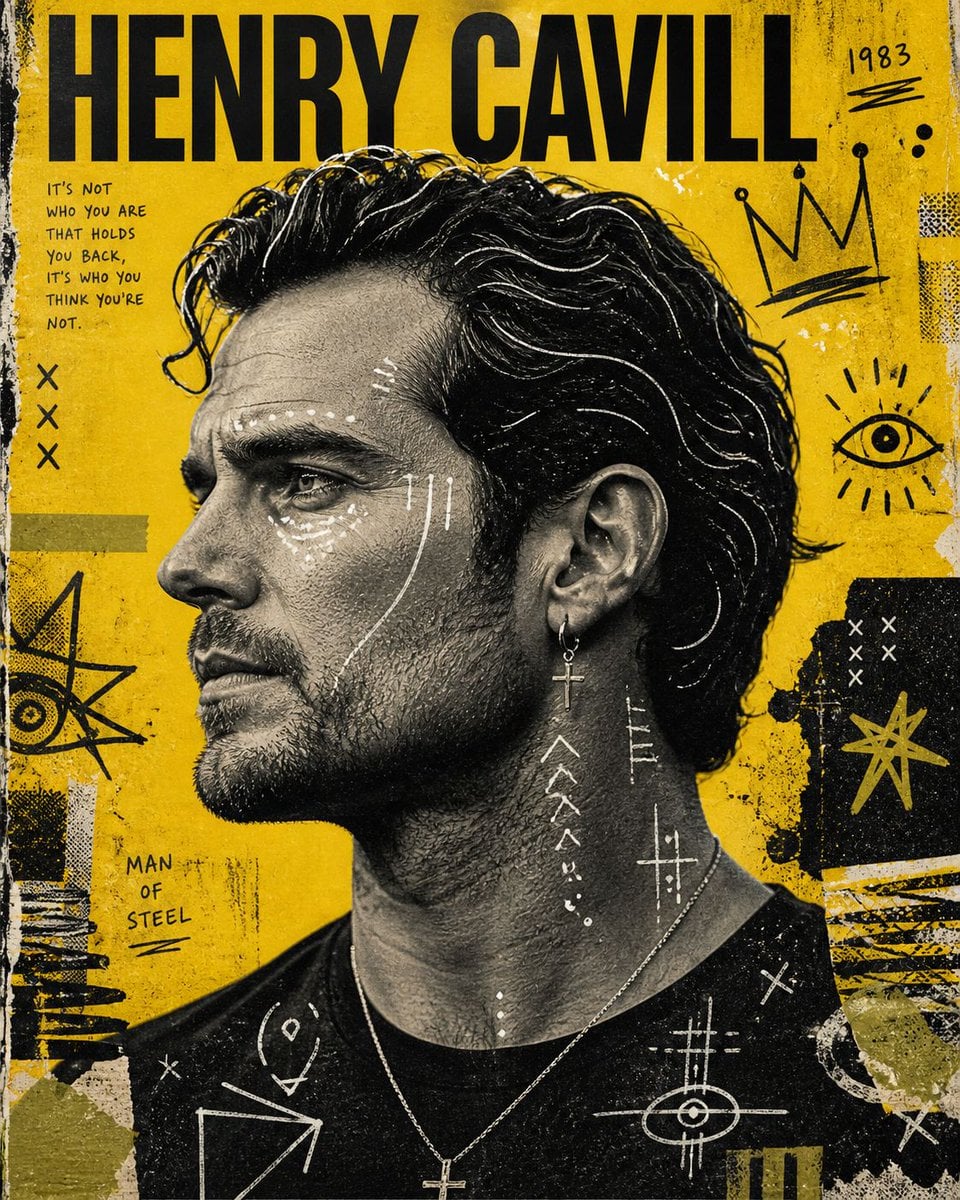
Raw Mixed-Media Street Art Poster
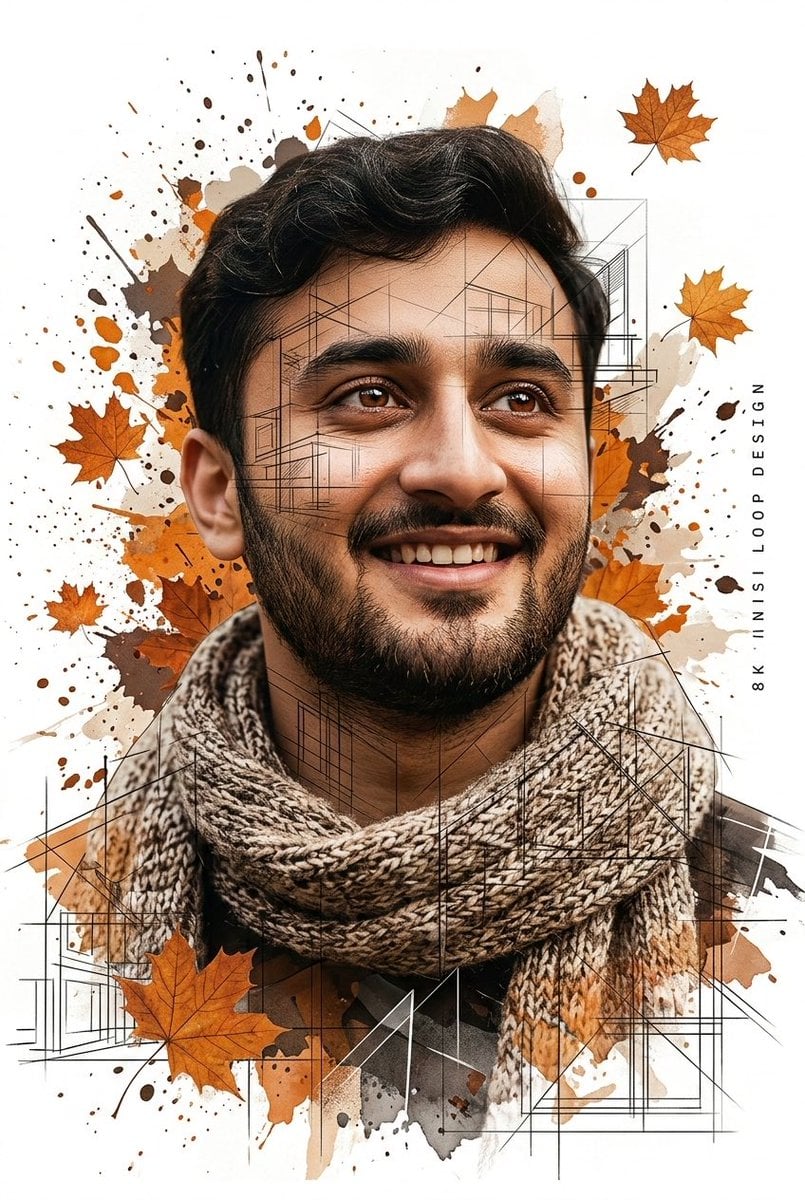
Gentle Autumn Mood Mixed-Media Portrait Poster Prompt

1988 Mall Style
Make it yours
Mixed-Media Streetwear Poster works as-is. These are the safest ways to change it without losing the look.
Change one field
Copy a single group, rewrite it, and generate again so you can see what that field is doing.
Keep the frame, change the subject
Hold the composition and light of Mixed-Media Streetwear Poster, then swap wardrobe, props or the person for a new take.
| If the result… | Why | Fix |
|---|---|---|
| The result drifts from the preview | Too many fields changed at once. | Reuse Mixed-Media Streetwear Poster as-is first, then change one group — subject, light, or setting. |
| The model over-stylizes the scene | The prose prompt leaves finish and camera underspecified. | Add one camera or lighting sentence and stay on GPT Image 2. |
More GPT Image 2 templates
Other prompts made for GPT Image 2.

Six VTuber Japanese Logo Sheet

Realistic Portrait of Woman and Deer

The Vista Modular Condo Poster

AI Model Routing Comparison Infographic

2.5D Anime Art Board

Isometric Productivity Desk Scene

New York Double Exposure Poster

Four-Panel AI Landscape Comparison

Japanese Tatami Lifestyle Magazine Cover

NESCAFÉ Coffee Map Poster
More image prompts
Fresh picks from across the catalog.
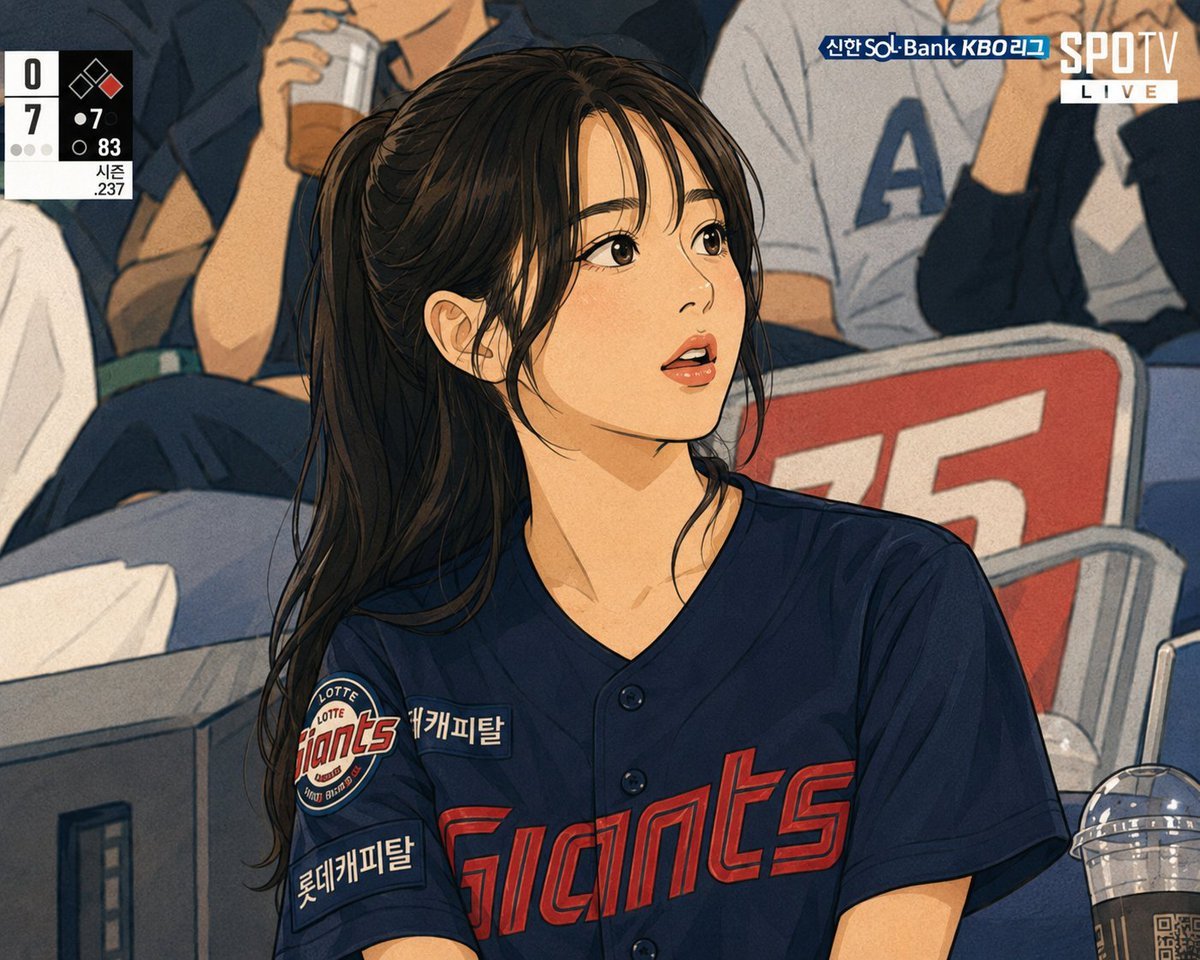
Line Stamp Style and Instagram Doodles
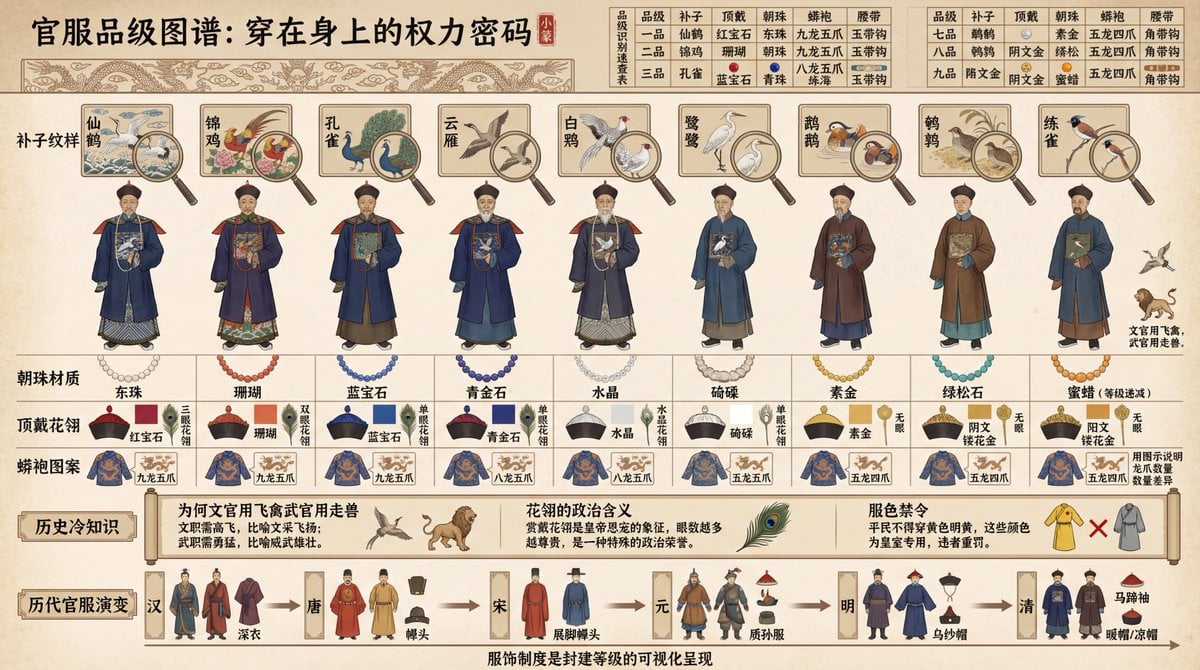
Visual Infographic of Ancient Chinese Official Ranks and Attire
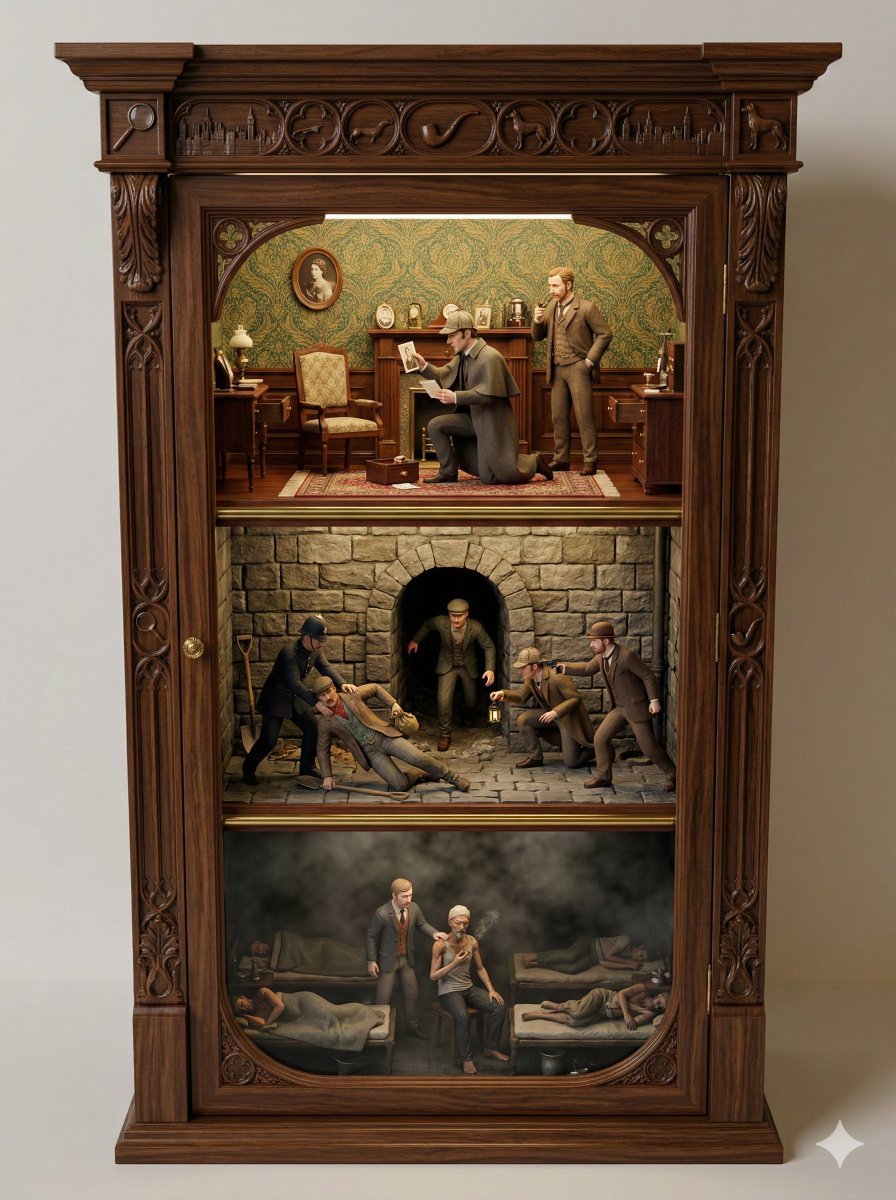
Sherlock Holmes Ornate Cupboard Diorama Prompt
Personalized Mural Studio Portrait
Microsoft PowerWordEx Logo Mockup
X Chryzleenprompt Create Image a Hyper Photorealistic Polaroid
Moonlit Gothic Cannon Maiden
Luxury Editorial Fashion Portrait Prompt for Nano Banana 2
High-Fidelity Flash Selfie Portrait Prompt
Highly detailed 8K morning still life desk scene prompt
Browse template categories
Mixed-Media Streetwear Poster questions
How do I use the Mixed-Media Streetwear Poster template?
Add your photo if the template asks for one, edit the prompt if you like — the template's model and format are already selected — and press Generate. Your version opens in PicX Studio.
Can I customize the Mixed-Media Streetwear Poster template?
Yes. You can change the subject, setting, lighting, mood, format, and available model controls before creating your image.
Is the Mixed-Media Streetwear Poster template free?
Opening and editing this template is free. Generating uses credits, shown on the Generate button when you are signed in.
Which AI model should I use?
Start with GPT Image 2, which is the model associated with this template. You can compare another compatible model for a different finish.
Looking for something else? Browse all templates.

Your photo, any look
Thousands of ready templates for every top image and video model, from one credit balance.