
Microsoft PowerWordEx Logo Mockup
A polished hybrid Microsoft Office-style branding image combining four app icons with a custom product wordmark, suitable for logo concepts and parody software branding.
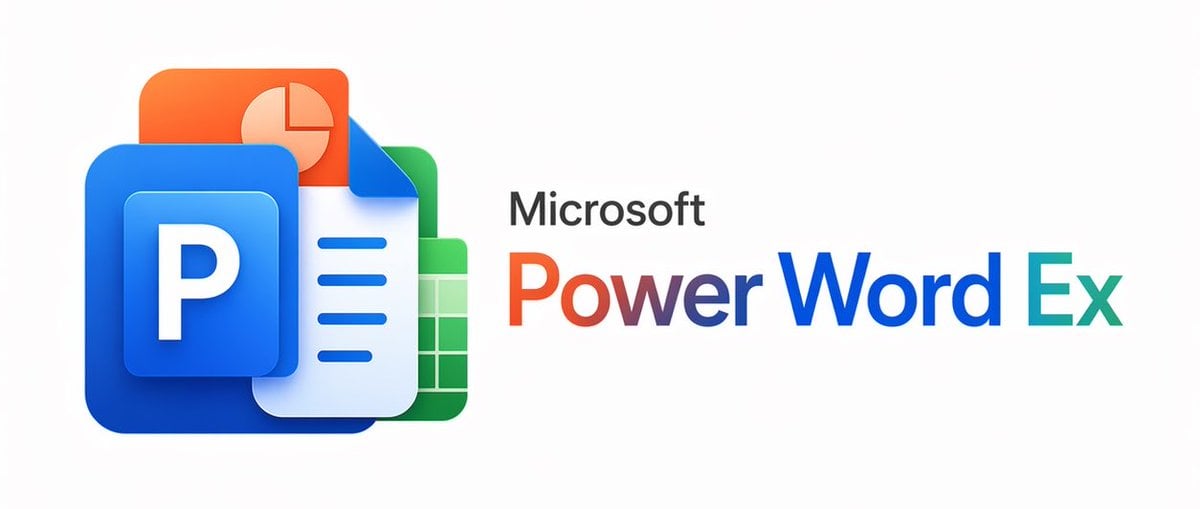
- Prompt included
- Model and format preset
- Free template
The prompt behind this image
Copy the exact prompt behind Microsoft PowerWordEx Logo Mockup, or open it in the studio and make it yours.
A clean minimalist tech logo composition on a light gray background, wide horizontal layout. On the left, show a stacked cluster of 4 overlapping Microsoft Office-style app icons with soft gradients, rounded corners, subtle depth, and glossy modern vector shading. The front icon is a large blue square tile with a smaller raised blue panel containing a bold white capital P. Behind and slightly above it, place an orange presentation icon with a white pie-chart symbol. Behind the blue icon to the right, place a white document page icon with a folded blue corner and 4 horizontal blue text lines. At the back on the right, place a green spreadsheet icon with a white grid. Arrange the 4 icons so they overlap tightly and read as a unified hybrid Office app mark. On the right side, place the product name in a clean sans-serif font: small black text reading Microsoft above a large multicolor wordmark reading {argument name="headline text" default="PowerWordEx"}. Color the word in segmented Microsoft-style hues: warm orange-red for Power, deep blue for Word, and teal-green for Ex. Center the whole composition vertically, keep generous whitespace, and render it as polished corporate branding mockup, crisp vector illustration, soft shadowing, no extra objects.
How to use Microsoft PowerWordEx Logo Mockup in 3 steps
- 1Upload ImagePNG, JPG or paste
Add your photo
Upload the photo the template builds on. The prompt, model and format are already set.
- 2…a portrait of your subject in softgolden-hour light, 85mm…
Personalize
Edit the subject and creative details for your destination.
- 3Generate
Generate
Press Generate — your image is created in PicX Studio, so you can compare it with the original and refine one variable at a time.
More like this
Templates with the same subject, style or setup. Open one to see its prompt.

Moss Logo Minimalist Brand Flat Lay

Product Shot - T-Shirt Mockup

Cinematic Anime Shinobi Poster Mockup

Six VTuber Japanese Logo Sheet

Japanese Kawaii Logo Model Comparison
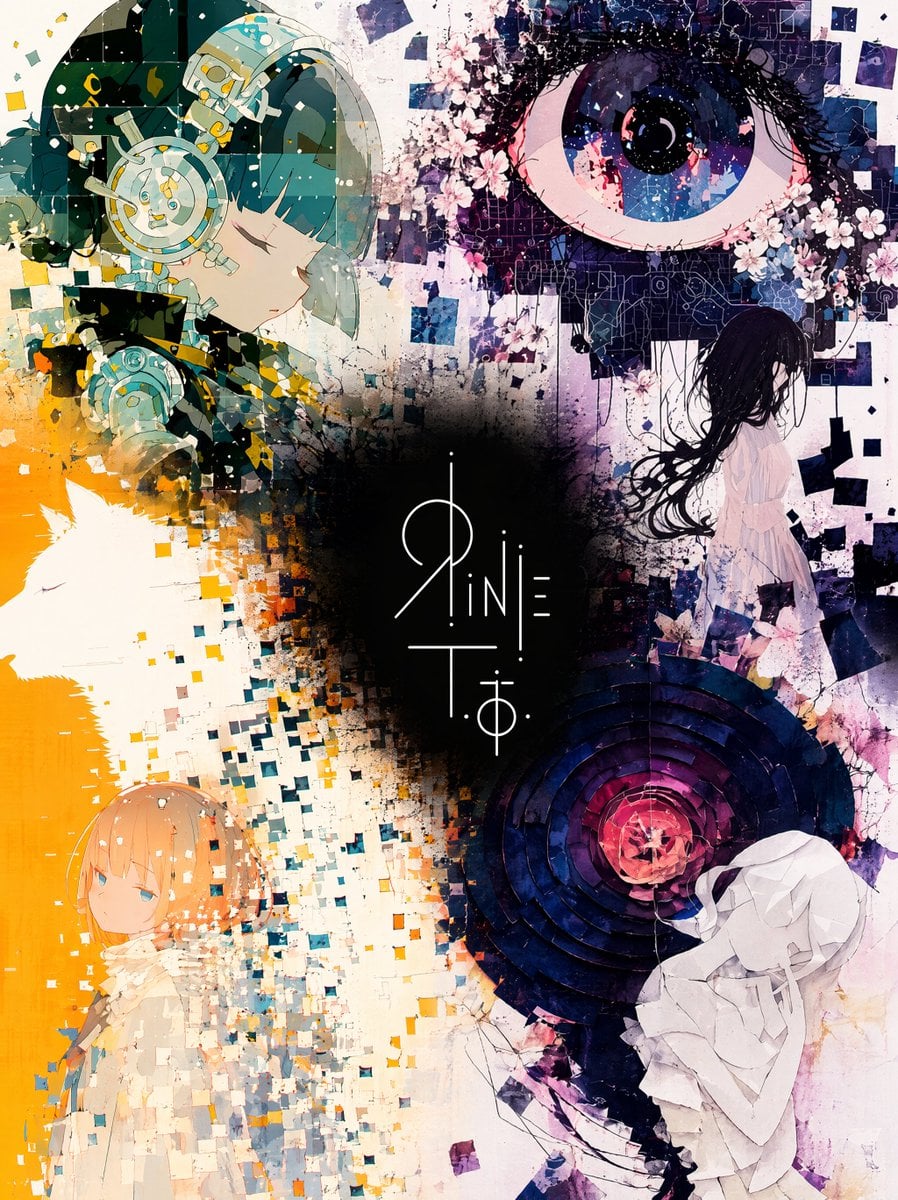
Unified Illustration and Logo Collage

Lumen iOS Wellness App Mockup
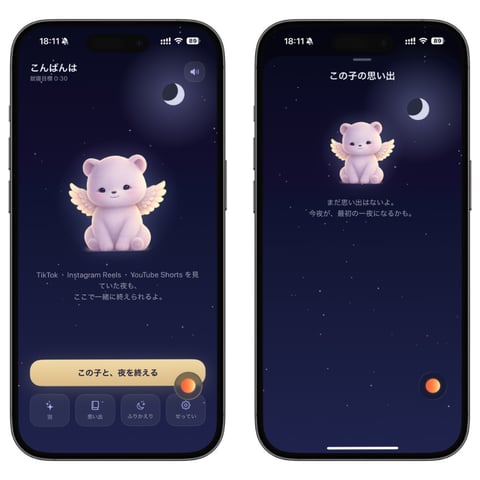
Bedtime Companion App Mockup
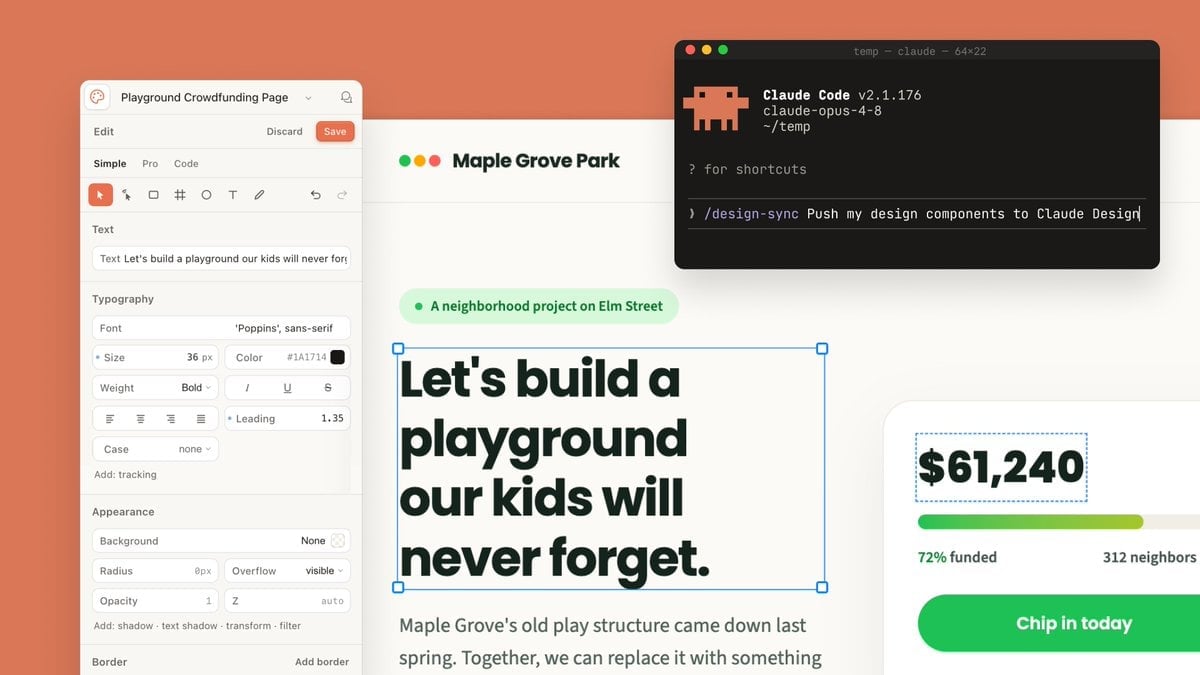
Claude Design Sync UI Mockup

Japanese Mystery Website Mockup

Cinematic Tropical Island Brand Logo

Vector Cyberpunk Logo Art
Make it yours
Microsoft PowerWordEx Logo Mockup works as-is. These are the safest ways to change it without losing the look.
Change one field
Copy a single group, rewrite it, and generate again so you can see what that field is doing.
Keep the frame, change the subject
Hold the composition and light of Microsoft PowerWordEx Logo Mockup, then swap wardrobe, props or the person for a new take.
| If the result… | Why | Fix |
|---|---|---|
| The result drifts from the preview | Too many fields changed at once. | Reuse Microsoft PowerWordEx Logo Mockup as-is first, then change one group — subject, light, or setting. |
| The model over-stylizes the scene | The prose prompt leaves finish and camera underspecified. | Add one camera or lighting sentence and stay on GPT Image 2. |
More GPT Image 2 templates
Other prompts made for GPT Image 2.

Realistic Portrait of Woman and Deer

The Vista Modular Condo Poster

AI Model Routing Comparison Infographic

2.5D Anime Art Board

Isometric Productivity Desk Scene

New York Double Exposure Poster

Four-Panel AI Landscape Comparison

Japanese Tatami Lifestyle Magazine Cover

NESCAFÉ Coffee Map Poster

Brutalist Cogito Chinese Typography Poster
More image prompts
Fresh picks from across the catalog.

Cinematic Wide Shot of Girl in Dewy Meadow at Sunrise
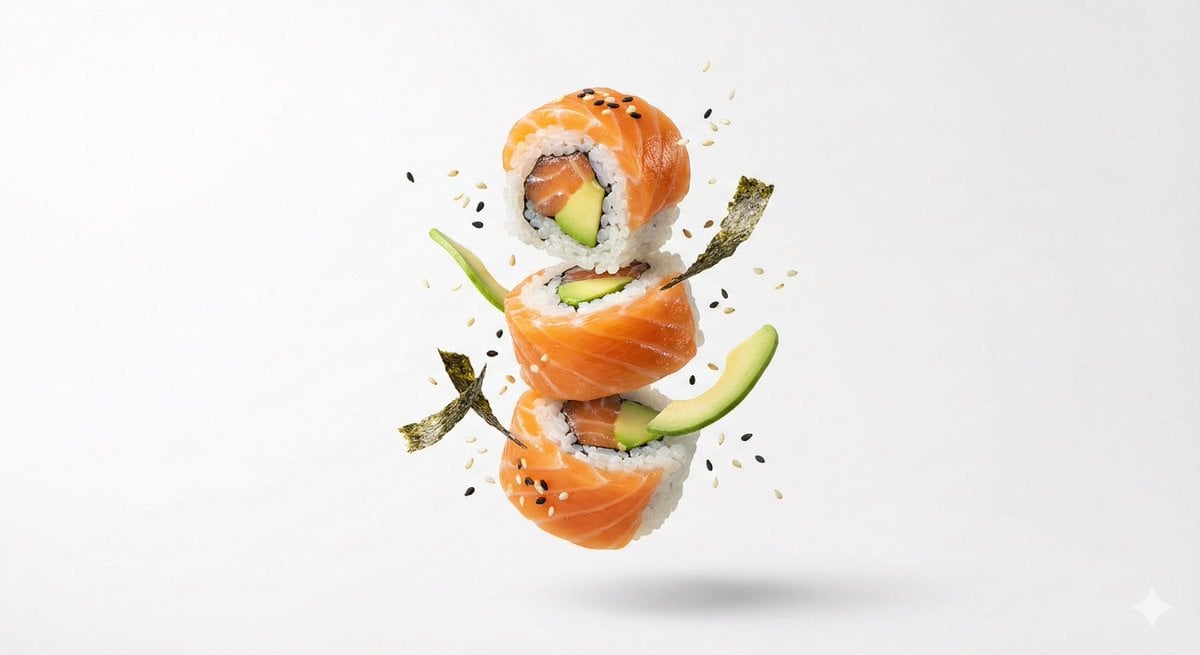
Premium Floating Food Hero Shot Template

Female Android in Spaceship

Vlog Style Video Prompt (Fashion Focus)
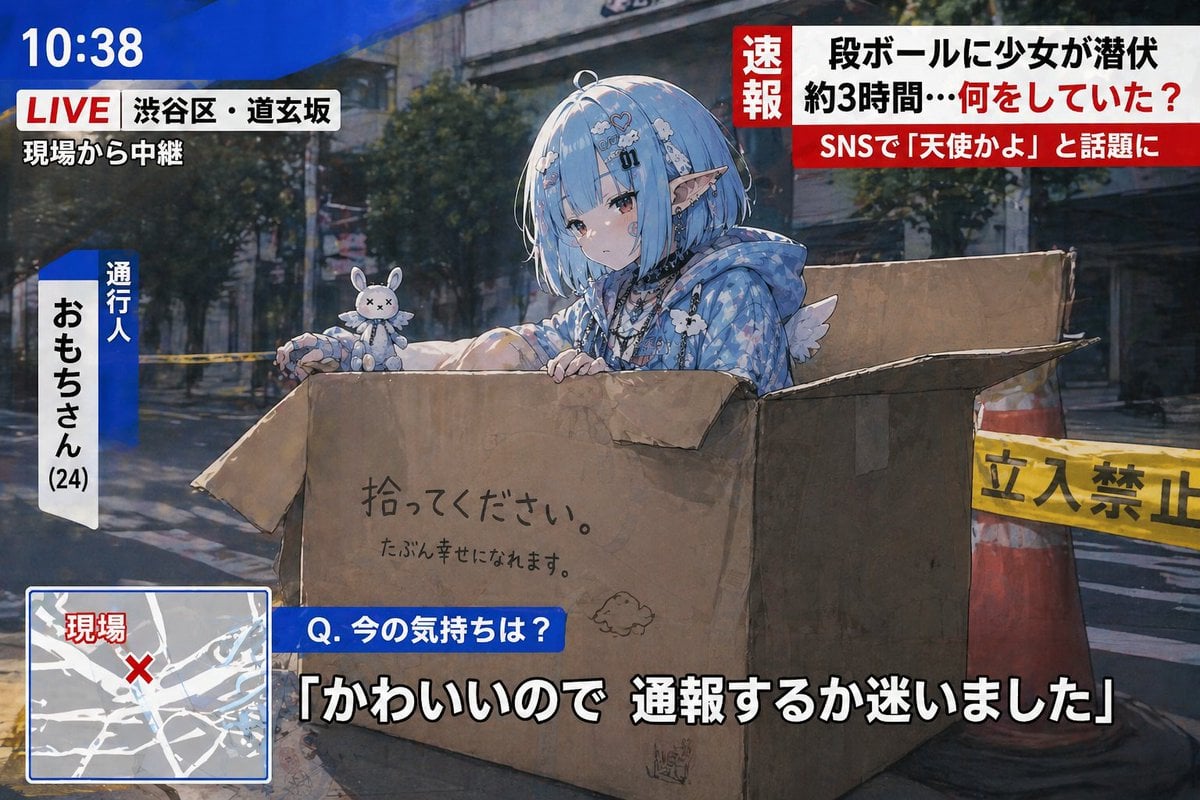
Breaking News Style Character Art
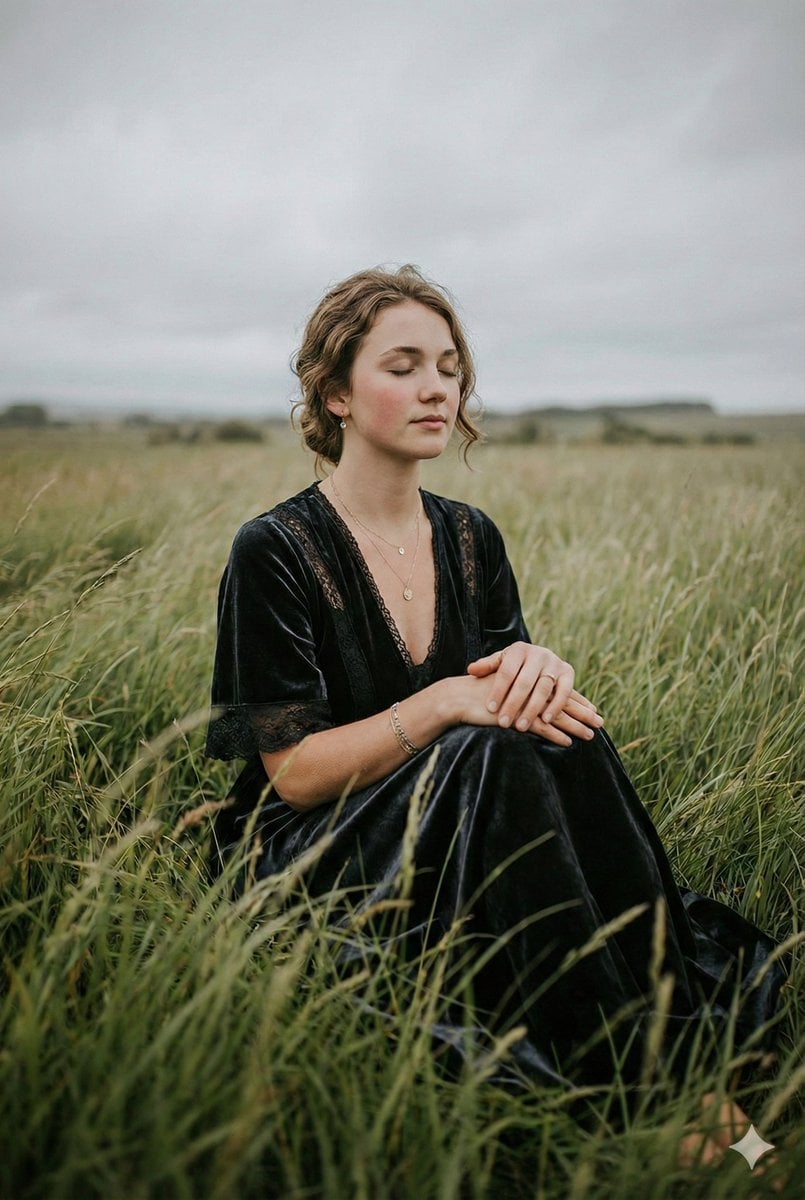
Serene Western Girl in Tall Grass Portrait
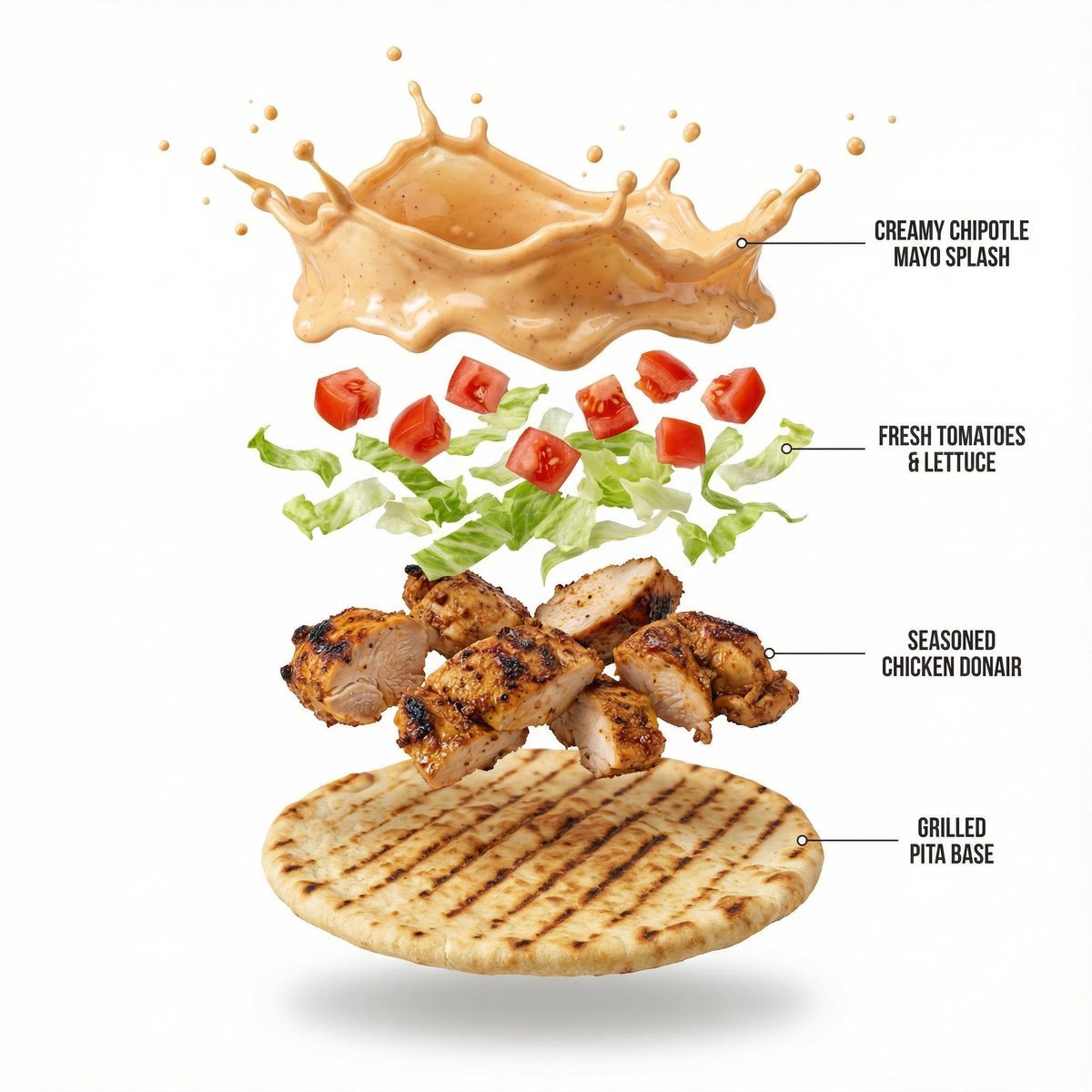
Shawarma Product Photography and Exploded Infographic

Zen Tea Ceremony Robot

Moody Japanese Railway Crossing Portrait
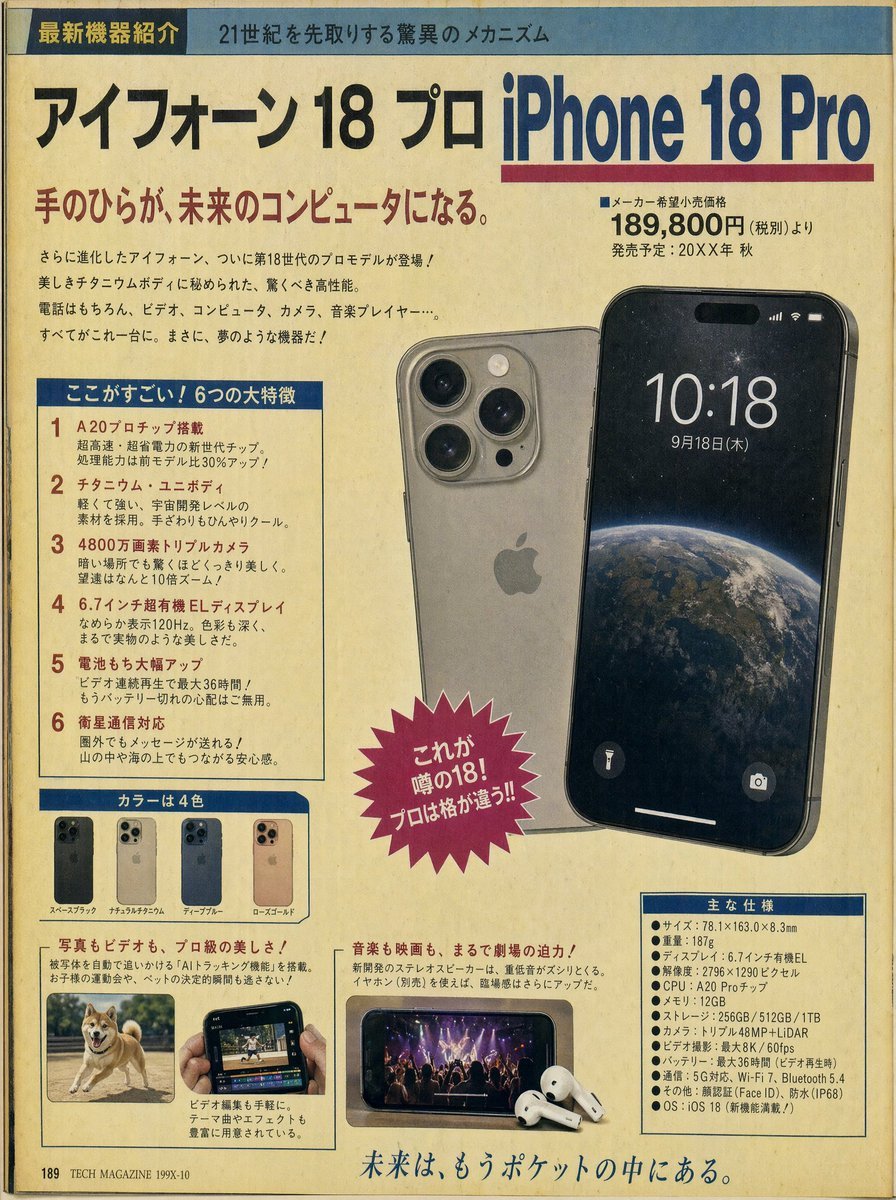
Retro Japanese Tech Magazine Layout
Browse template categories
Microsoft PowerWordEx Logo Mockup questions
How do I use the Microsoft PowerWordEx Logo Mockup template?
Add your photo if the template asks for one, edit the prompt if you like — the template's model and format are already selected — and press Generate. Your version opens in PicX Studio.
Can I customize the Microsoft PowerWordEx Logo Mockup template?
Yes. You can change the subject, setting, lighting, mood, format, and available model controls before creating your image.
Is the Microsoft PowerWordEx Logo Mockup template free?
Opening and editing this template is free. Generating uses credits, shown on the Generate button when you are signed in.
Which AI model should I use?
Start with GPT Image 2, which is the model associated with this template. You can compare another compatible model for a different finish.
Looking for something else? Browse all templates.

Your photo, any look
Thousands of ready templates for every top image and video model, from one credit balance.