How do I use the Cinematic Industrial Fashion Prompts template?
Choose the primary action to open PicX Studio with the available template settings. Review the model and format, personalize the creative direction, and generate when ready.
A pair of highly detailed JSON prompts for cinematic street fashion and industrial portraits focusing on realism and lighting. Change the subject, setting, or lighting one variable at a time.

Prompt 1 { "style": "cinematic street fashion, raw realism", "scene": "industrial alley with red brick warehouses, metal pipes, overhead walkways, cobblestone ground", "subject": "young woman standing dominant over camera, one foot stepping forward toward lens", "camera": { "angle": "extreme low angle, worm's-eye view", "lens": "18mm wide-angle", "focus": "sharp on boot sole in foreground, slight falloff on face", "depth_of_field": "moderate, foreground exaggerated perspective" }, "composition": "boot sole filling lower frame, subject towering above, strong vertical lines from buildings", "lighting": { "type": "natural sunlight", "time": "midday", "quality": "hard light, crisp shadows", "direction": "top-left, casting defined shadow on cobblestone" }, "styling": { "outfit": "black crop top, loose dark navy pants, chunky black combat boots", "accessories": "small oval sunglasses", "hair": "short messy bob, wind slightly lifting strands" }, "color": "warm tones, slightly desaturated blues, cinematic contrast", "texture": "gritty, detailed cobblestone, worn leather boot texture", "mood": "assertive, confrontational, editorial confidence", "imperfections": "slight lens distortion, natural skin texture, no plastic smoothing", "quality": "high detail, realistic, no AI gloss" } Prompt 2 { "style": "cinematic portrait, analog realism", "scene": "industrial brick buildings with metal structures and pipes in background", "subject": "young woman looking slightly down at camera with neutral, confident expression", "camera": { "angle": "low angle close-up", "lens": "35mm", "focus": "sharp on face, soft background", "depth_of_field": "shallow" }, "composition": "face centered, chin slightly raised, background geometry framing head", "lighting": { "type": "natural sunlight", "time": "late afternoon", "quality": "soft but directional", "direction": "front-top lighting with subtle shadows under chin" }, "styling": { "outfit": "blue denim jacket", "accessories": "oval tinted sunglasses", "hair": "short choppy bob, slightly windblown" }, "color": "warm skin tones, muted industrial palette, slightly faded film look", "texture": "natural skin texture, visible fabric grain on denim", "mood": "cool, detached, self-assured", "imperfections": "minor grain, slight lens softness, no over-retouching", "quality": "photorealistic, cinematic, no artificial sharpness" }
Choose the primary action to open PicX Studio with the available template settings. Review the model and format, personalize the creative direction, and generate when ready.
Yes. You can change the subject, setting, lighting, mood, format, and available model controls before creating your image.
This template is free to open and customize. Generation usage is shown in PicX Studio before you create.
Start with Nano Banana 2, which is the model associated with this template. You can compare another compatible model for a different finish.
© 2026 PicX Studio. All rights reserved.

Follow a topic to a crawlable collection of related PicX Studio templates.
43,474 public templates available. Verified via the PicX Studio public templates API; refreshed hourly.







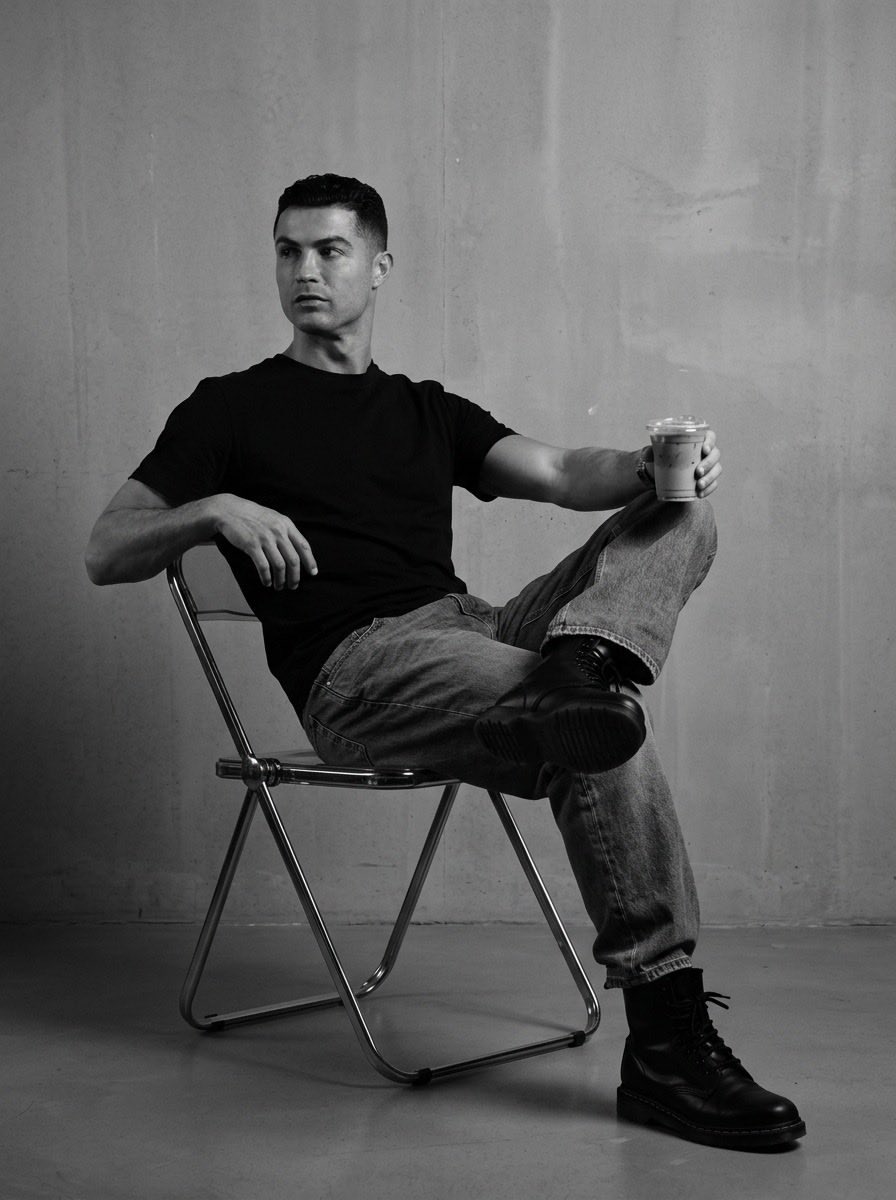


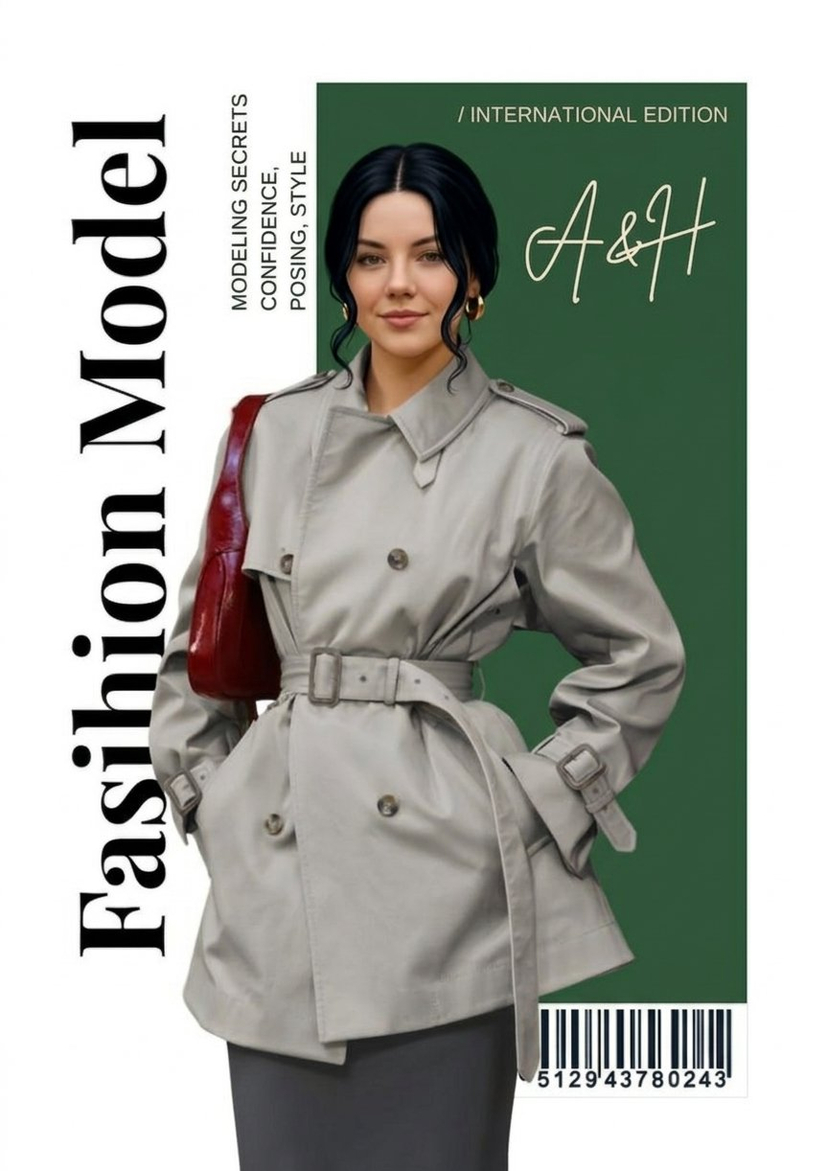



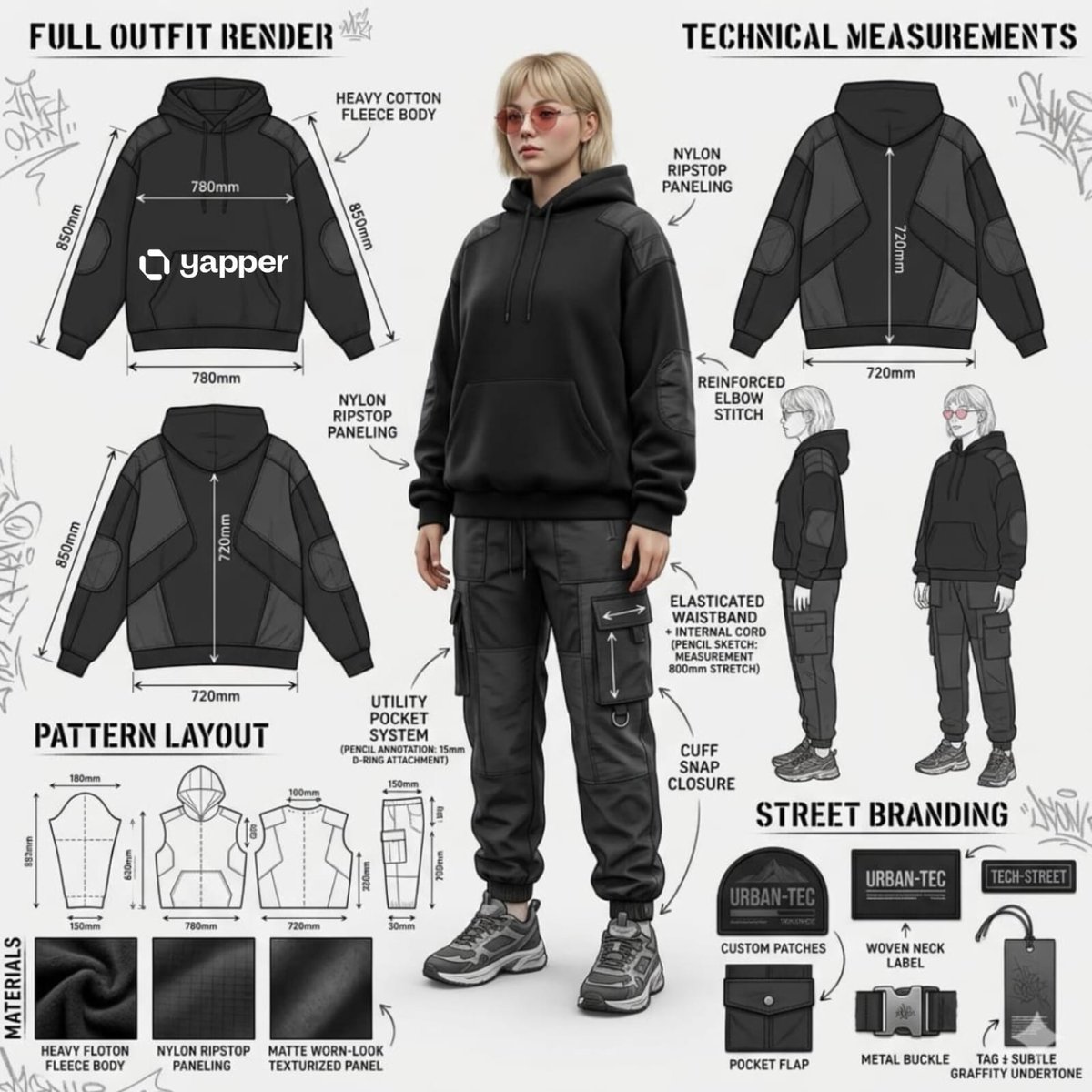



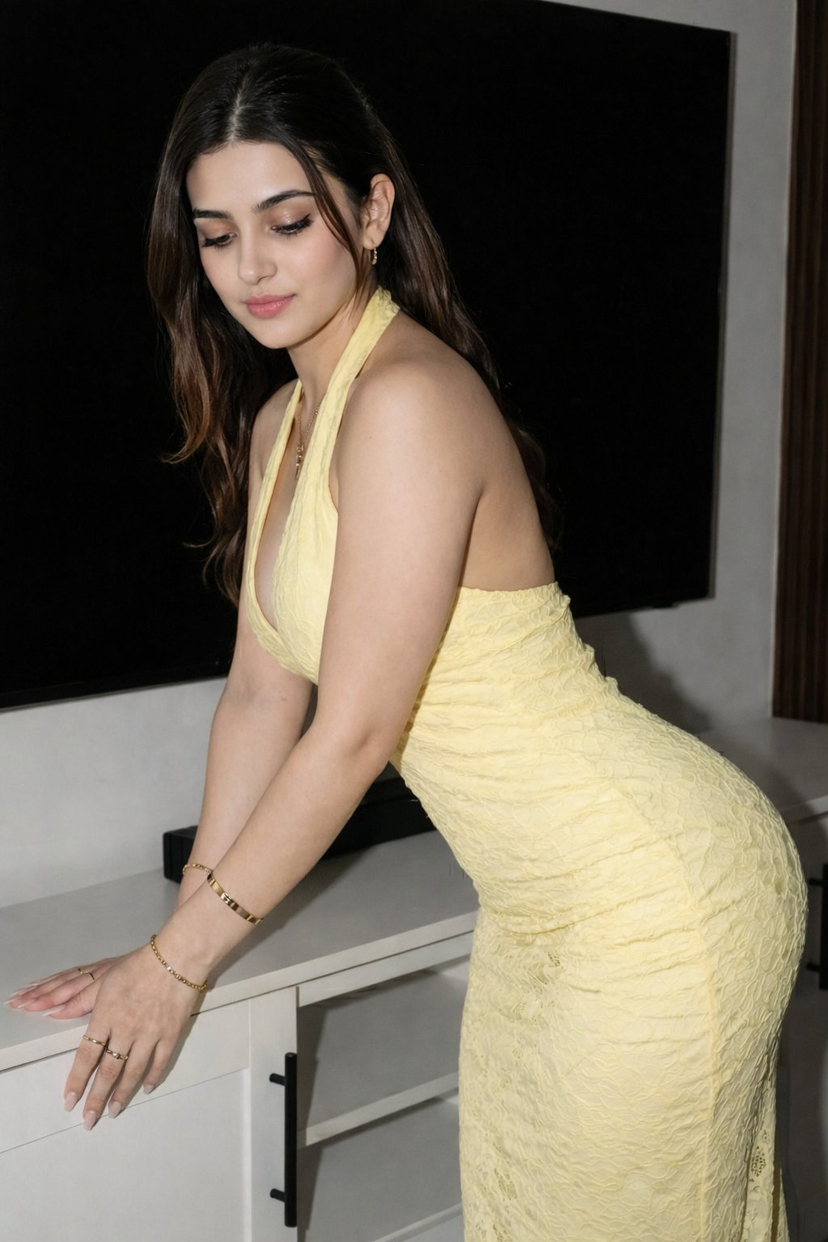


![Naive doodle-style subject illustration — A doodle-style {argument name="subject" default="[subject]"}, naive lines, humorous shape exaggeration](https://pbs.twimg.com/media/G6Wl2YxbsAARB2b.jpg)

















![Fighting Game Blueprint Poster — Create a fighting game character sheet poster using the {argument name="subject" default="[tag your mage]"} Maintain and preser](https://cms-assets.youmind.com/media/1779096597989_duqi1x_HIfL38Zb0AA9lIY.jpg)