How do I use the Golden Hour Bedroom Selfie Aesthetic Portrait template?
Choose the primary action to open PicX Studio with the available template settings. Review the model and format, personalize the creative direction, and generate when ready.
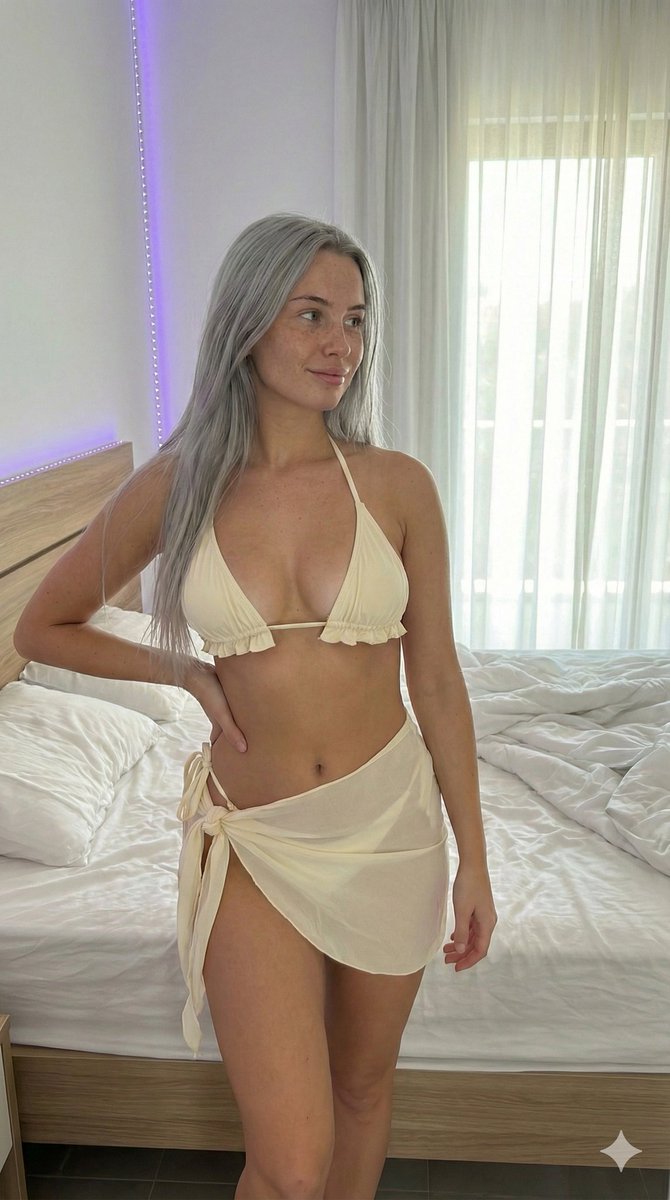
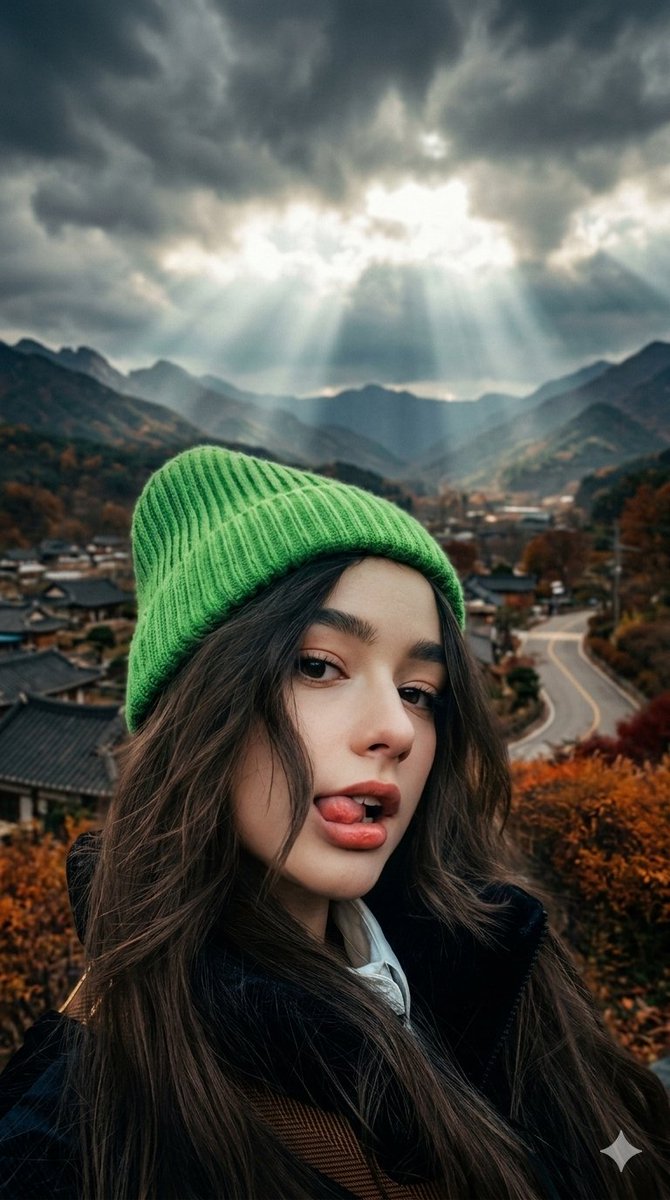
A detailed JSON prompt for generating a flirty, warm, and aesthetically pleasing portrait of a young woman taking a mirror selfie in a cozy bedroom during golden hour. The prompt specifies her appearance (honey blonde braids, crocheted bikini top, unbuttoned denim shorts), pose, and the environment, emphasizing strong golden light, lens flare, and a low-angle perspective from the floor mirror. (free to use) — Free AI image template on PicX Studio.
{ referans görseldeki yüzü kullan "prompt_type": "descriptive_portrait", "subject_details": { "demographics": "Young female, fair skin that glows in golden light, curvy petite build.", "facial_features": { "expression": "Playful smirk, biting her lower lip, looking suggestively at the phone screen beneath hooded eyelids.", "eyes": "Blue eyes, sparkling in the sunlight. Minimal makeup.", "nose": "Cute, slightly upturned nose.", "cheeks": "Warm glow from the sunset light.", "lips": "Natural rosy lips, slightly bitten.", "hair": "Honey blonde hair styled in two loose, messy braided pigtails resting on her shoulders. Wispies catching the light." }, "apparel": { "dress": "A white crocheted (örgü) bikini top paired with high-waisted, light-wash denim shorts that are unbuttoned at the top.", "accessories": "A delicate gold belly chain visible around her waist and stacked rings on her fingers.", "footwear": "White ribbed crew socks with small cherry embroidery." } }, "pose_and_action": { "body_position": "Sitting cross-legged on a wooden floor in front of a full-length mirror. Body angled slightly to show her profile.", "hands": "Holding the phone low near her lap for the photo. The other hand is resting on her knee, making a subtle peace sign.", "camera_angle": "Low angle, looking slightly up from the floor mirror." }, "objects": { "phone": "Gold iPhone with a clear case showing a Polaroid photo tucked inside.", "room_items": "A rumpled unmade bed with white linens visible in the background reflection. Clothes draped over a chair." }, "background_environment": { "location": "Cozy bedroom during golden hour.", "flooring": "Light oak wooden floorboards with a fluffy sheepskin rug nearby.", "walls": "Cream-colored walls covered in posters and string lights (off).", "architectural_elements": { "window": "A large window to the side (off-camera) casting strong golden light rays and long shadows across the room.", "mirror": "A large wooden-framed floor mirror leaning against the wall." } }, "lighting_and_atmosphere": { "lighting_source": "Intense, warm golden hour sunlight streaming directly into the room, creating lens flare and dust motes visible in the air.", "mood": "Flirty, warm, cozy, aesthetically pleasing, dreamy.", "color_palette": "Gold, cream, warm whites, denim blue, and natural wood tones." }, "technical_specs": { "aspect_ratio": "4:5 (vertical portrait)", "focus": "Soft focus overall, emphasizing the warm light and subject.", "style": "Realism, atmospheric smartphone photography, warm filter aesthetic." } }
Use Golden Hour Bedroom Selfie Aesthetic Portrait to plan an AI image around nano-banana-2 generation. Match the preview's composition first, then personalize the subject, setting, and mood for your own project.
Use the primary action to load the template settings in PicX Studio.
Adjust the subject and creative details for your destination.
Create the image, compare the result with the preview, and refine one variable at a time.
A continuous mix — similar concepts first, woven with same-model prompts and fresh picks from the catalog.
Choose the primary action to open PicX Studio with the available template settings. Review the model and format, personalize the creative direction, and generate when ready.
Yes. You can change the subject, setting, lighting, mood, format, and available model controls before creating your image.
This template is free to open and customize. Generation usage is shown in PicX Studio before you create.
Start with nano-banana-2, which is the model associated with this template. You can compare another compatible model for a different finish.
Follow a topic to a crawlable collection of related PicX Studio templates.
39,155 public templates available. Verified via the PicX Studio public templates API; refreshed hourly.
A continuous mix — similar concepts first, woven with same-model prompts and fresh picks from the catalog.