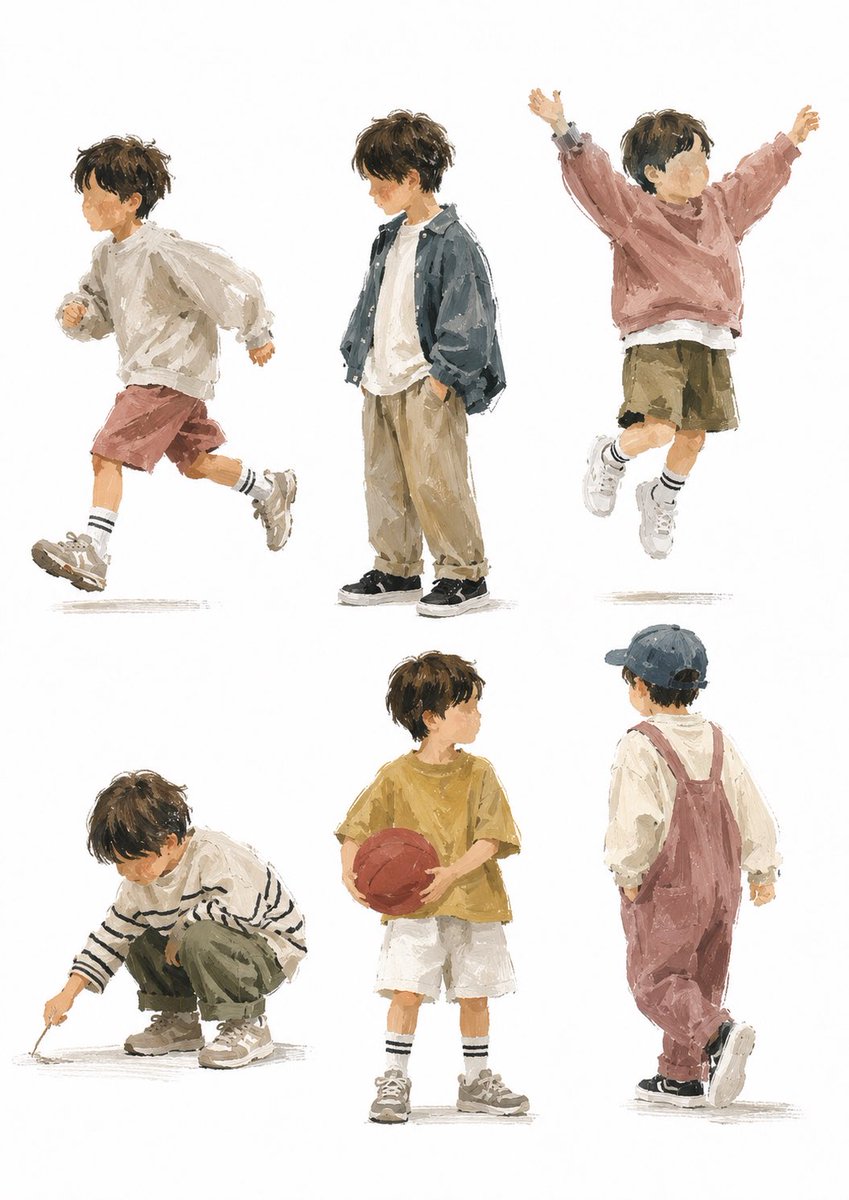
Painterly Boy Fashion Character Sheet
Goal: Create a stylish children’s fashion character sheet featuring {argument name="character name" default="a young boy"} in six separate full-body poses, drawn as loose painterly editorial illustrations on a clean white background.
Canvas: Vertical portrait canvas, about 3:4 ratio, with generous white space and no borders, props, scenery, captions, or logos. Arrange the figures in a balanced 2-row by 3-column grid, each figure isolated with a faint gray grounding shadow beneath the shoes.
Visual style: Modern Japanese lifestyle illustration, soft gouache and watercolor texture mixed with rough digital brush strokes, muted earthy colors, visible dry-brush edges, casual sketchbook looseness, fashionable but natural children’s clothing, warm gentle atmosphere. Keep anatomy childlike and expressive, around preschool to early elementary age. Faces should be intentionally anonymized with a small soft square blur over each face, while hair, clothing, pose, and body language remain clear.
Subject details: The child has tousled {argument name="hair color" default="dark brown"} short hair, a slim small build, white socks, chunky sneakers, and relaxed oversized clothing. Use neutral lighting with no strong cast shadows.
Layout and exact figure count: Include exactly 6 separate full-body illustrations:
1. Top left: side-view running pose facing left, wearing an oversized off-white hoodie or sweatshirt, muted dusty-rose shorts, striped white socks, and beige chunky sneakers; one knee lifted, arms bent, energetic motion.
2. Top center: standing pose facing slightly left, hands in pockets, wearing a loose dark blue-gray jacket over an off-white T-shirt, baggy beige pants, and black sneakers; calm casual attitude.
3. Top right: jumping pose with both arms raised in a V shape, wearing a dusty pink sweatshirt, olive-khaki shorts, striped socks, and white sneakers; joyful airborne posture.
4. Bottom left: crouching pose facing left, drawing on the ground with a stick, wearing a cream sweater with black horizontal stripes, olive green pants, and beige sneakers; focused quiet mood.
5. Bottom center: standing front-facing pose holding {argument name="sports ball" default="a red basketball"} with both hands, wearing a mustard yellow T-shirt, white shorts, striped socks, and gray sneakers; relaxed sporty look.
6. Bottom right: back-view walking pose facing right, wearing a navy baseball cap, cream long-sleeve shirt, dusty rose overalls, and black sneakers; one foot lifted mid-step.
Constraints: Use exactly six figures and no additional characters. Do not add text. Preserve the clean white background and painterly fashion-illustration mood. Keep clothing colors muted: {argument name="color palette" default="cream, dusty rose, olive khaki, mustard yellow, beige, navy, dark blue-gray"}.


![Typographic illustration shaped like a, where the text forms the shape — Create a typographic illustration shaped like a [OBJECT], where the text [BRAND SLOGAN]](https://images.meigen.ai/tweets/2038261502696648942/0.jpg)
![Playful designer packaging creative box shaped like the product — Playful designer packaging for [product name], creative box shaped like the product, integrate](https://images.meigen.ai/tweets/2027806040109289487/0.jpg)
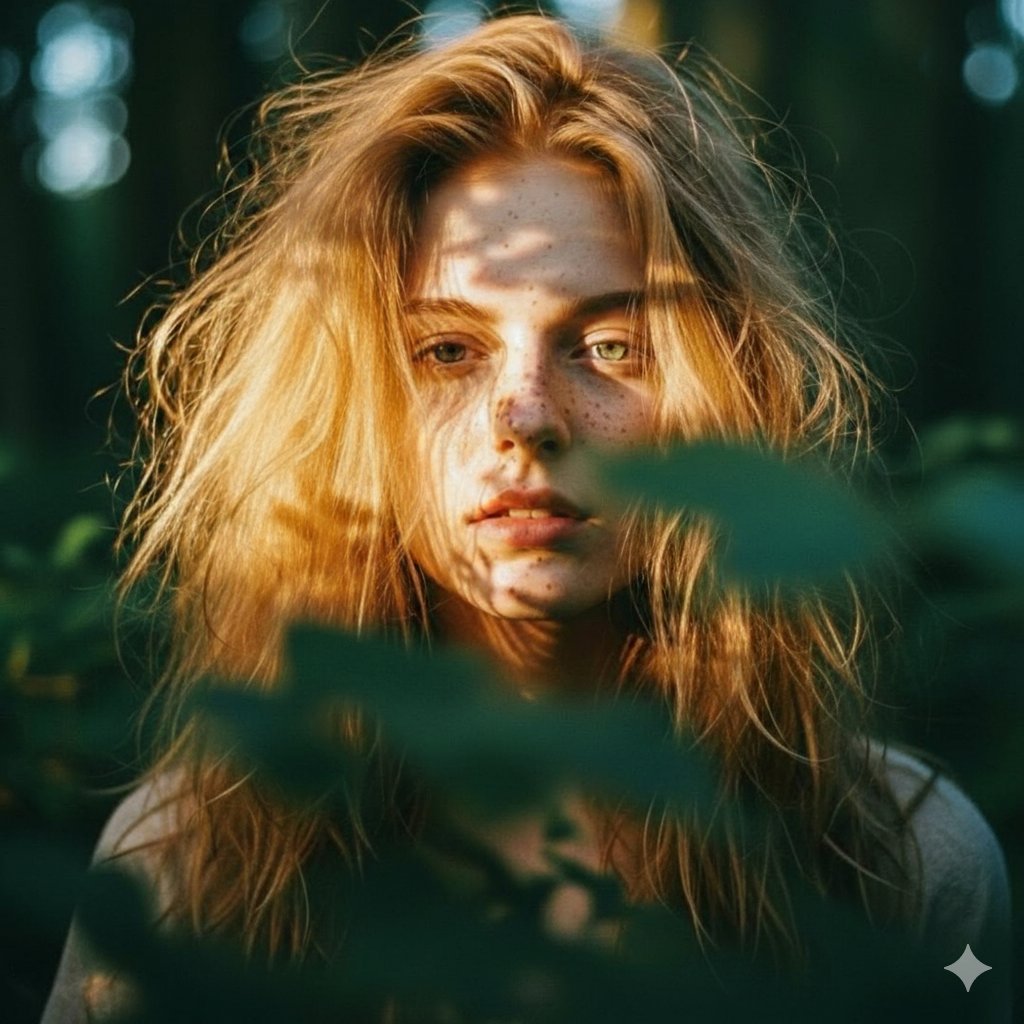
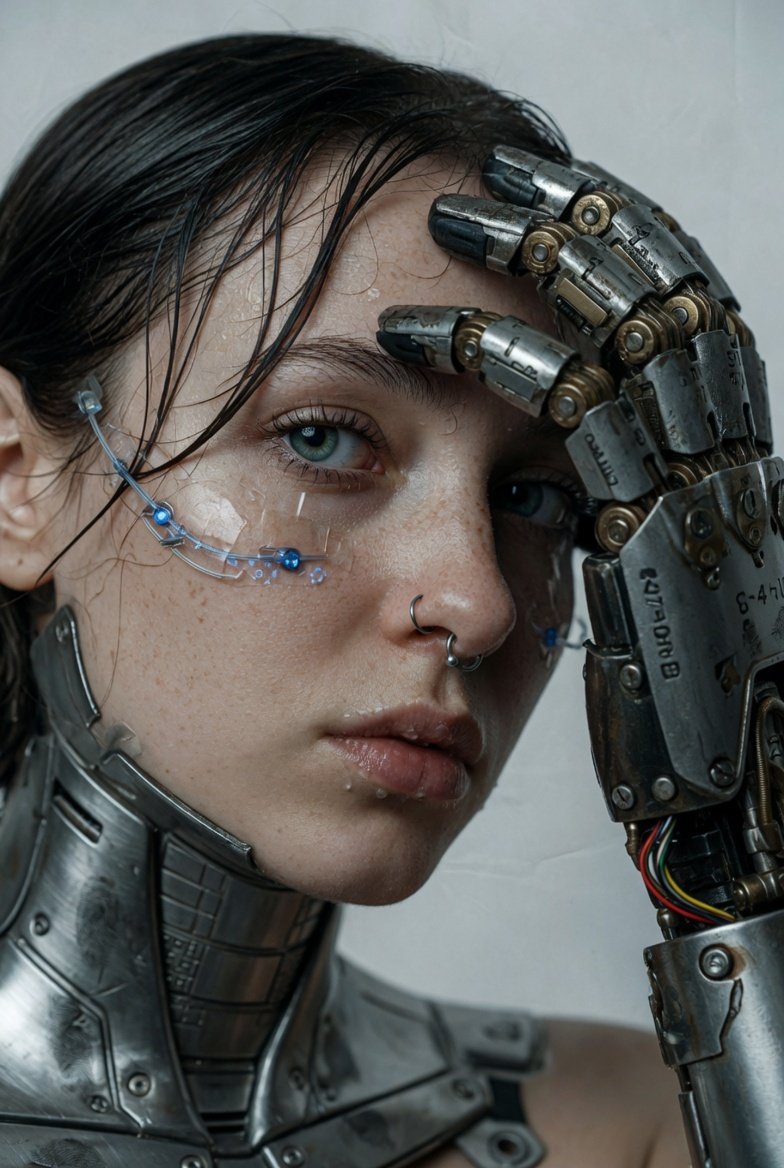

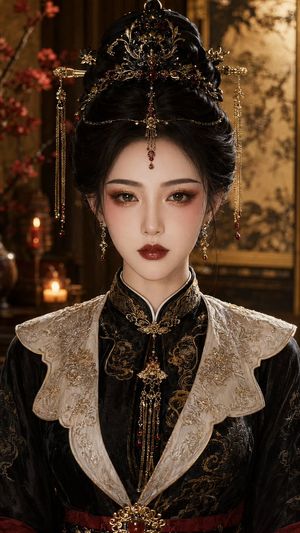
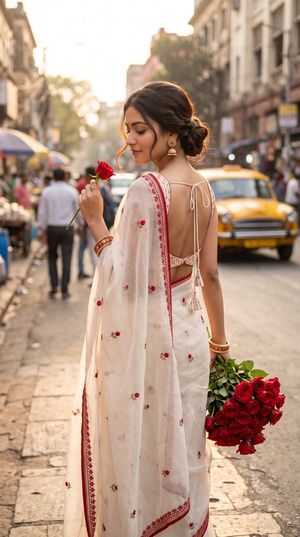
![A hand-carved wooden miniature figure shaped with visible knife marks — A hand-carved wooden miniature figure of [NAME], shaped with visible knife marks, natura](https://images.meigen.ai/tweets/2017886103781490917/0.jpg)
![Typographic illustration shaped like a, where the text forms the shape — Create a typographic illustration shaped like a [OBJECT], where the text [BRAND SLOGAN]](https://images.meigen.ai/tweets/2005620980891480567/0.jpg)
![Stylized miniature model of shaped entirely from soft polymer clay — Create a stylized miniature model of [CHARACTERS] shaped entirely from soft polymer clay. T](https://images.meigen.ai/tweets/2009285406303387993/0.jpg)
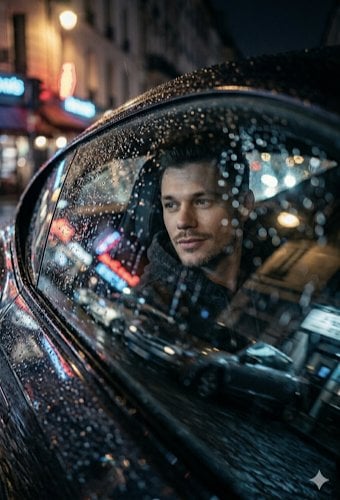
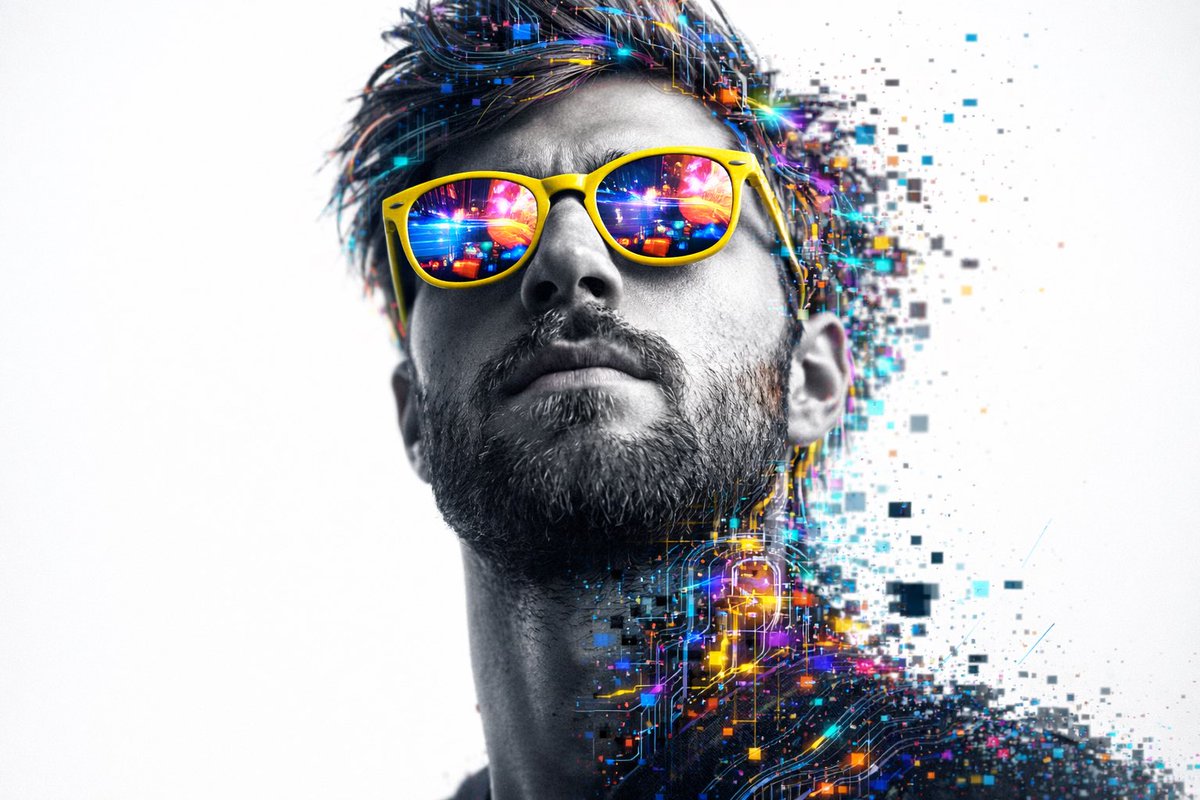


![Photo of a cute ball-shaped version of a, with big adorable over-sized — Make a photo of a cute ball-shaped version of a [animal], with big adorable over-sized](https://images.meigen.ai/tweets/2027298143134478451/0.jpg)
![Hyper-realistic food photography of a pancake shaped precisely like — hyper-realistic food photography of a pancake shaped precisely like the [brand name] logo,](https://images.meigen.ai/tweets/2033181947103773158/0.jpg)
![Extreme close-up macro of miniature city diorama on a solid base, held — Extreme close-up macro of miniature city diorama [CITY, COUNTRY] on a solid base, held](https://images.meigen.ai/tweets/2007777809712976297/0.jpg)
![A surreal, hyper-realistic close-up scene of a miniature driving along — A surreal, hyper-realistic close-up scene of a miniature [CAR] driving along a winding](https://images.meigen.ai/tweets/2018311275210523012/0.jpg)
![A tight close-up commercial product photo of a premium labeled — A tight close-up commercial product photo of a premium [PRODUCT TYPE] labeled “[BRAND NAME]”. T](https://images.meigen.ai/tweets/2010210489813680211/0.jpg)
![Naive doodle-style subject illustration — A doodle-style {argument name="subject" default="[subject]"}, naive lines, humorous shape exaggeration](https://pbs.twimg.com/media/G6Wl2YxbsAARB2b.jpg)
















![3D embossed brand logo on monochrome background — 平面上中心对齐的{argument name="品牌名称" default="[品牌名称]"}采用3D浮雕光泽轮廓渲染,构图完美居中,周围留白充足,营造出高端简约的美感。
单色{argument name="主色" d](https://pbs.twimg.com/media/G7Jj9YHbgAAVRUA.jpg)