
Curly Hair Rose Selfie Portrait
A detailed close-up selfie portrait featuring voluminous spiral curls and a massive bouquet of spray roses, shot with a high-end smartphone photography look.
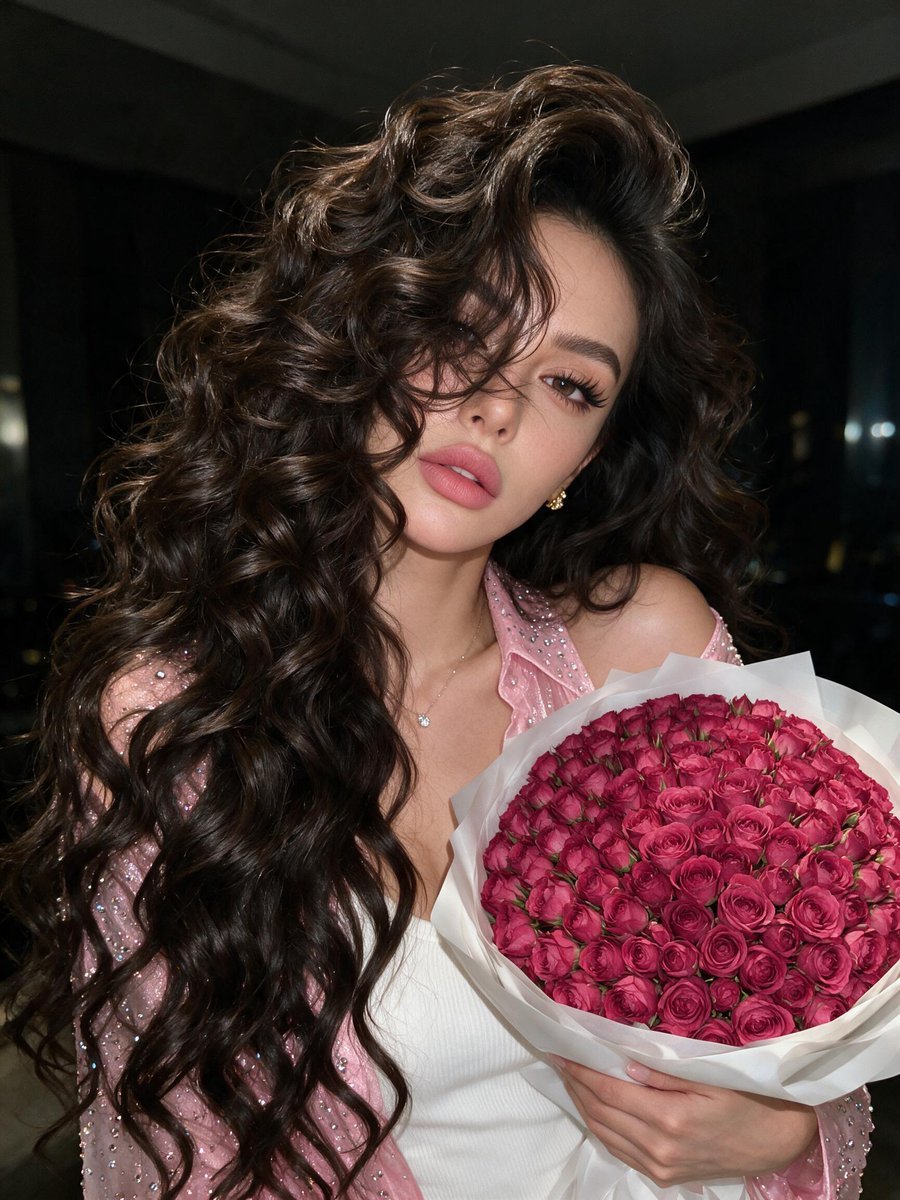
- Prompt included
- Model and format preset
- Free template
The prompt behind this image
Copy the exact prompt behind Curly Hair Rose Selfie Portrait, or open it in the studio and make it yours.
Close-up selfie portrait, camera very close to the face, slight high angle, shot cropped at the chest. One hand presses a {argument name="bouquet" default="huge bouquet of 1001 dark fuchsia small spray roses"} against the body. Shoulder is slightly raised, relaxed confident pose, gaze directly into the camera through curls. The bouquet is very massive, plush, and dense with about 1001 stems in white matte multi-layered packaging. Hair: {argument name="hair" default="very voluminous curly hair"} down to the waist. Dense, elastic, large spiral curls with messy defined texture. Large volume at the roots, dark chocolate shade, individual curls chaotically fall onto the face and partially cover one eye. Salon-defined curls, glossy frizz-free finish. Makeup: Long lashes with a fox-eye effect, laminated eyebrows, lips painted with {argument name="makeup" default="matte dusty pink lipstick"}. Clothing: Form-fitting white ribbed top and a pink rhinestone-studded shirt, slightly slipped off the shoulder. Accessories: Thin translucent chain with a diamond, gold stud earrings. Pose: Head slightly tilted to the side and slightly forward, hair falling onto the face, lips slightly relaxed, gaze intense and focused. Location: Indoor, bokeh effects. Lighting: Background is darkened, main lighting from a smartphone screen, the room is dark. Technical: Photorealism, high detail of skin, fabric, and props. Motion photo. Image quality like an iPhone 17.
How to use Curly Hair Rose Selfie Portrait in 3 steps
- 1
Open
The prompt is already in the box next to the preview, with the template's model and format selected.
- 2…a portrait of your subject in softgolden-hour light, 85mm…
Personalize
Edit the subject and creative details for your destination.
- 3Generate
Generate
Press Generate — your image is created in PicX Studio, so you can compare it with the original and refine one variable at a time.
More like this
Templates with the same subject, style or setup. Open one to see its prompt.
Athletic Blonde Curly Hair Portrait

Rooftop Fisheye — Cat-Ear Balaclava at Golden Hour
Golden Curly-Haired Anime Garden Portrait
Warm Cinematic Curly-Haired Portrait

Underwater Macro Face Portrait

Noir Punk Street Portrait

High Contrast Cinematic Face Portrait
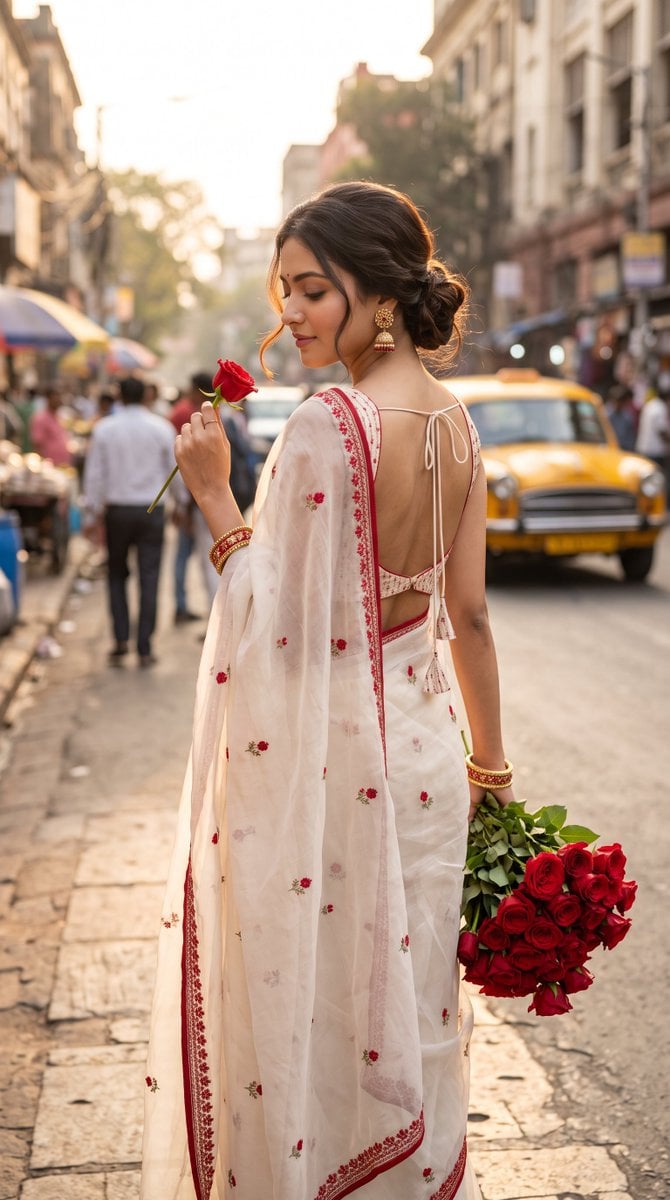
Ultra-Photorealistic Indian Woman with Roses

Nano Banana Pro Photoreal Playful Couple

Found Photograph: Us, 1970

80s Couple Studio Portrait

80s Bollywood Star
Make it yours
Curly Hair Rose Selfie Portrait works as-is. These are the safest ways to change it without losing the look.
Change one field
Copy a single group, rewrite it, and generate again so you can see what that field is doing.
Keep the frame, change the subject
Hold the composition and light of Curly Hair Rose Selfie Portrait, then swap wardrobe, props or the person for a new take.
| If the result… | Why | Fix |
|---|---|---|
| The result drifts from the preview | Too many fields changed at once. | Reuse Curly Hair Rose Selfie Portrait as-is first, then change one group — subject, light, or setting. |
| The model over-stylizes the scene | The prose prompt leaves finish and camera underspecified. | Add one camera or lighting sentence and stay on Gemini 3 Pro Image Preview. |
More Gemini 3 Pro Image Preview templates
Other prompts made for Gemini 3 Pro Image Preview.

Monochrome Studio Portrait with Colored Lens

Ultra-Realistic Yacht Sunset Portrait

Mushroom Still Life Composition

Whimsical Anthropomorphic Friendly Insect

Cinematic Urban Night Billboard Portrait

Pop Art Summer Fruit Fashion Illustration

Ultra-Realistic iPhone Selfie with Motion Blur

Cinematic Mirror Reflection Portrait

Elegant Men's Twilight Editorial

Coastal Freedom Sunset Portrait
More image prompts
Fresh picks from across the catalog.
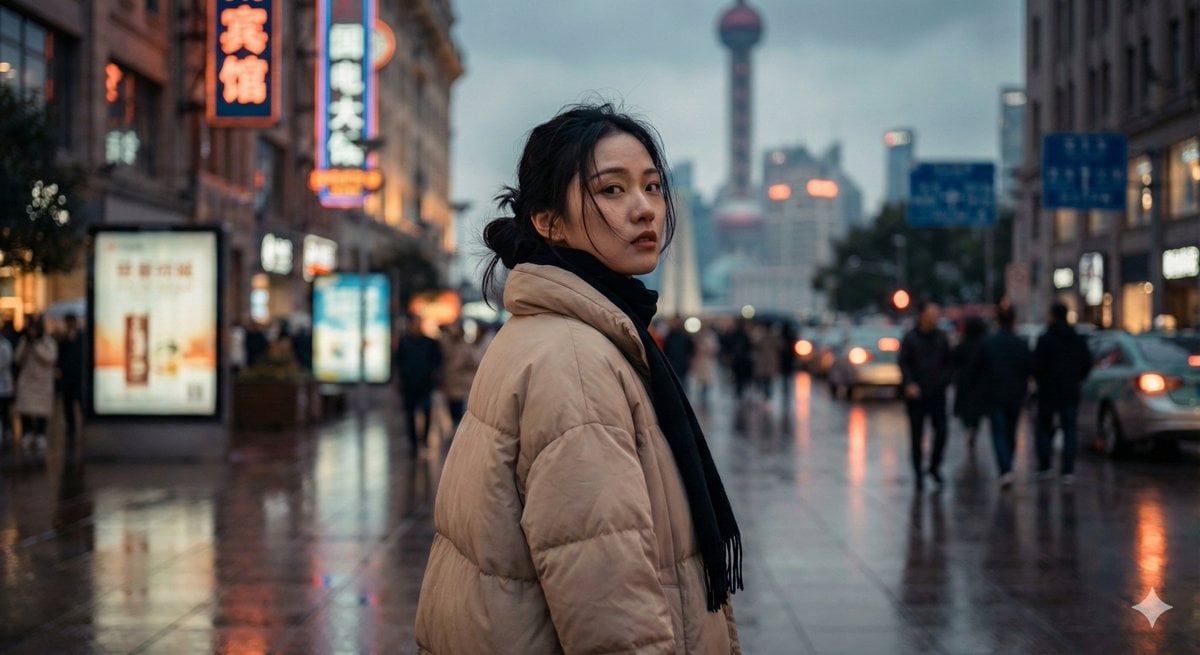
Cinematic Urban Portrait of a Young Woman in Shanghai
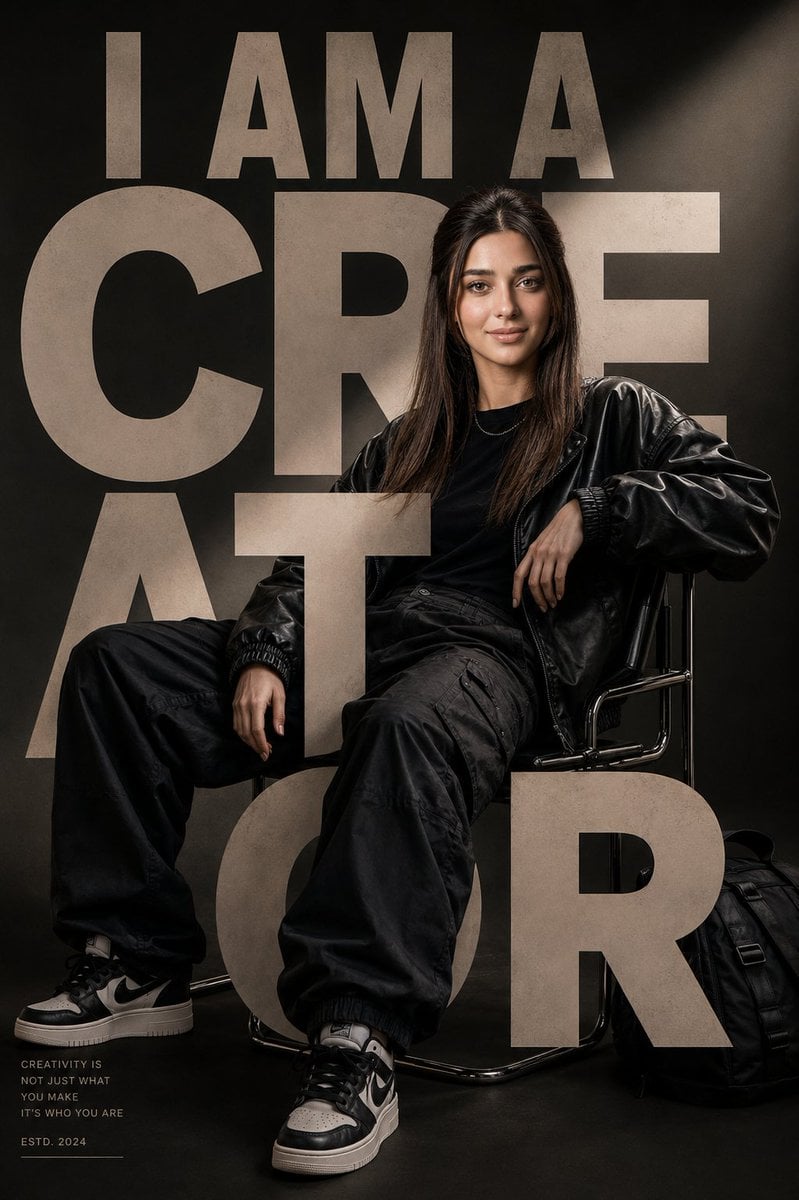
Luxury Streetwear Editorial Poster
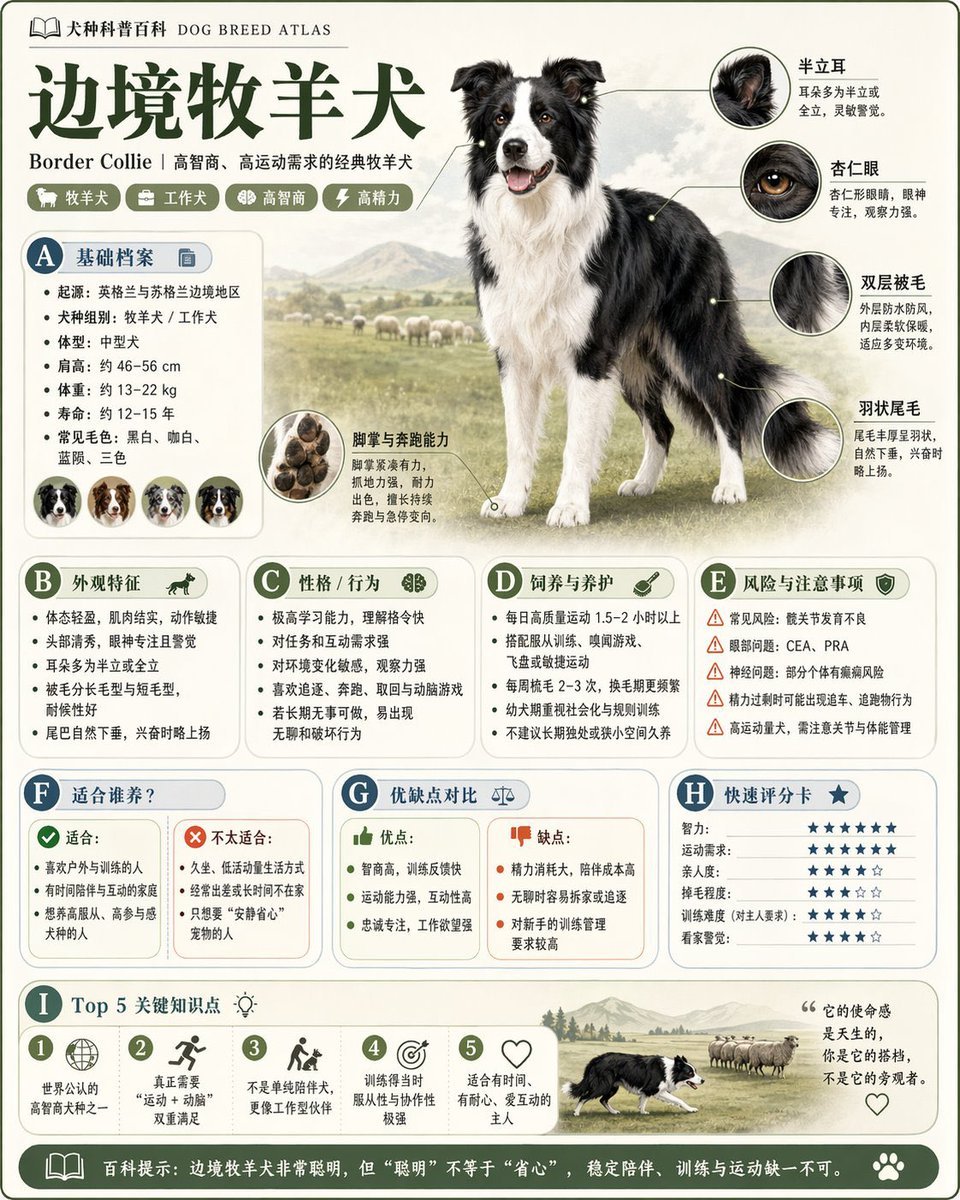
Encyclopedia Style Infographic Generator
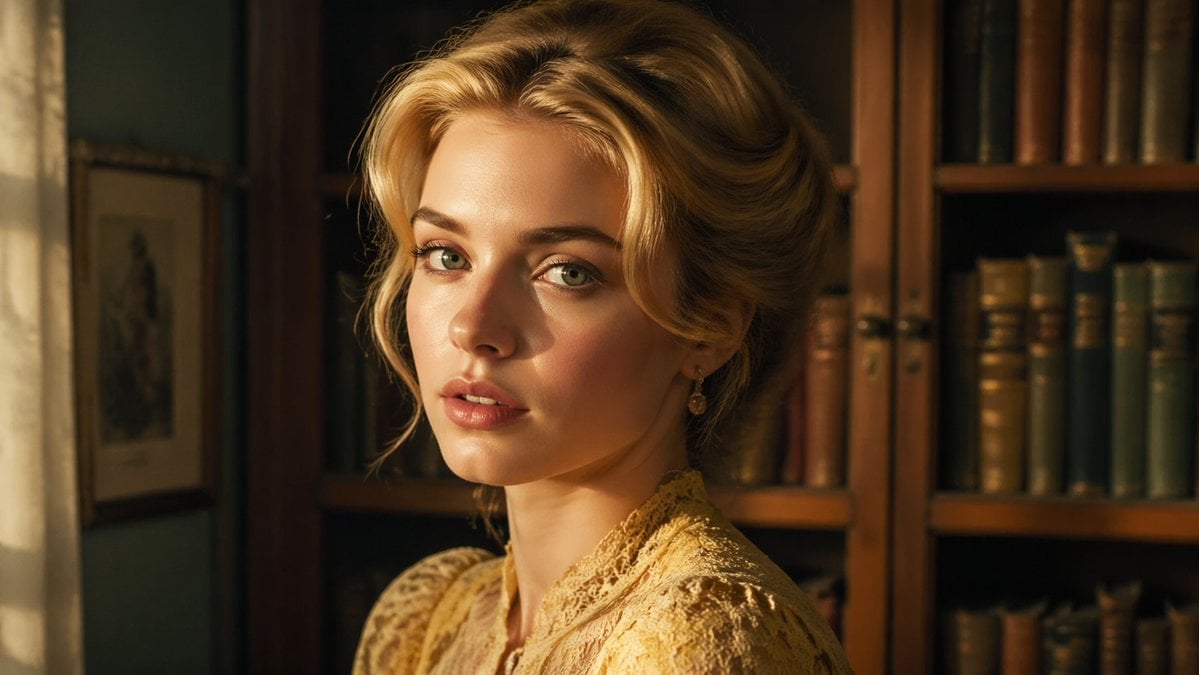
Cinematic Woman in Vintage Library
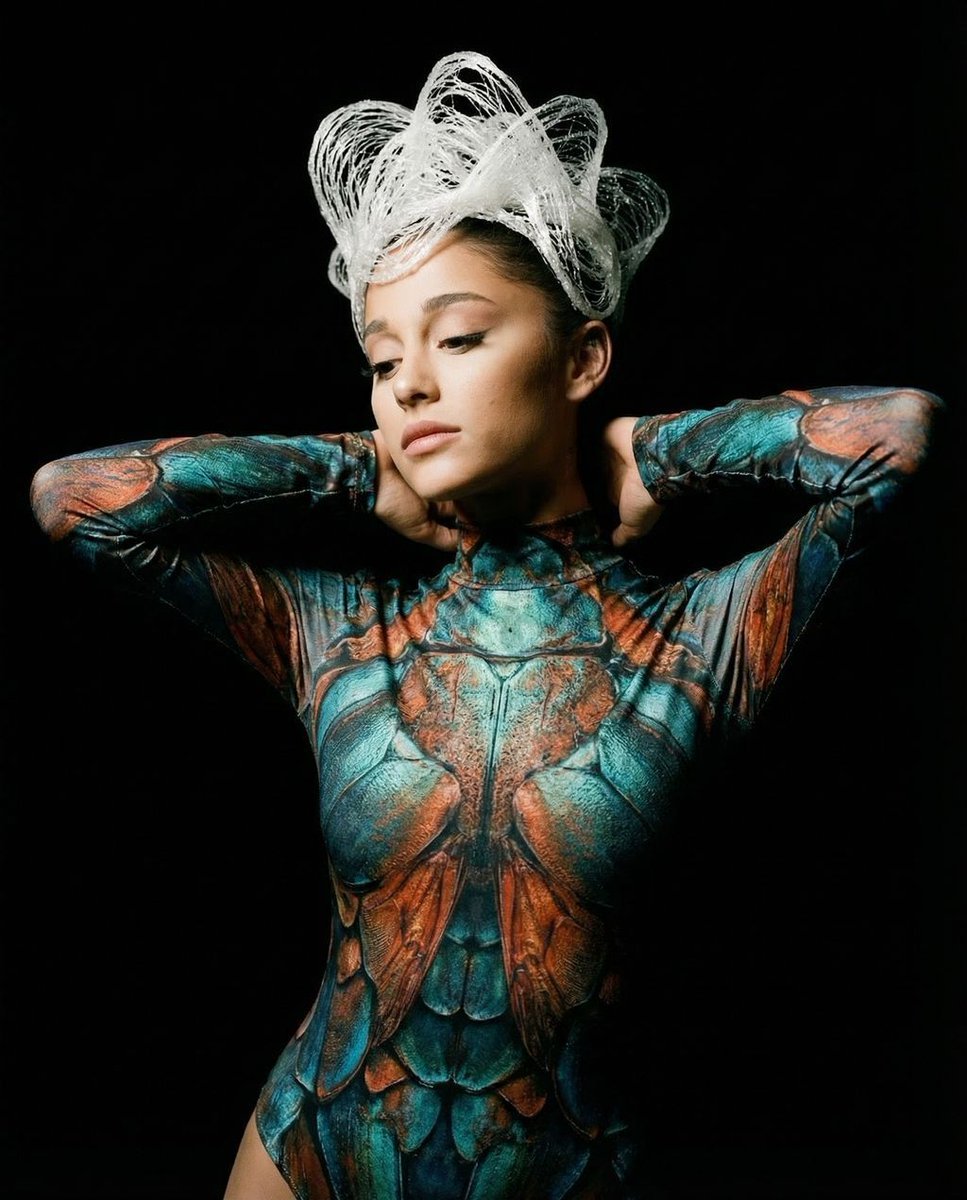
Hyper-Realistic Avant-Garde Fashion Portrait: Cellular Elegance
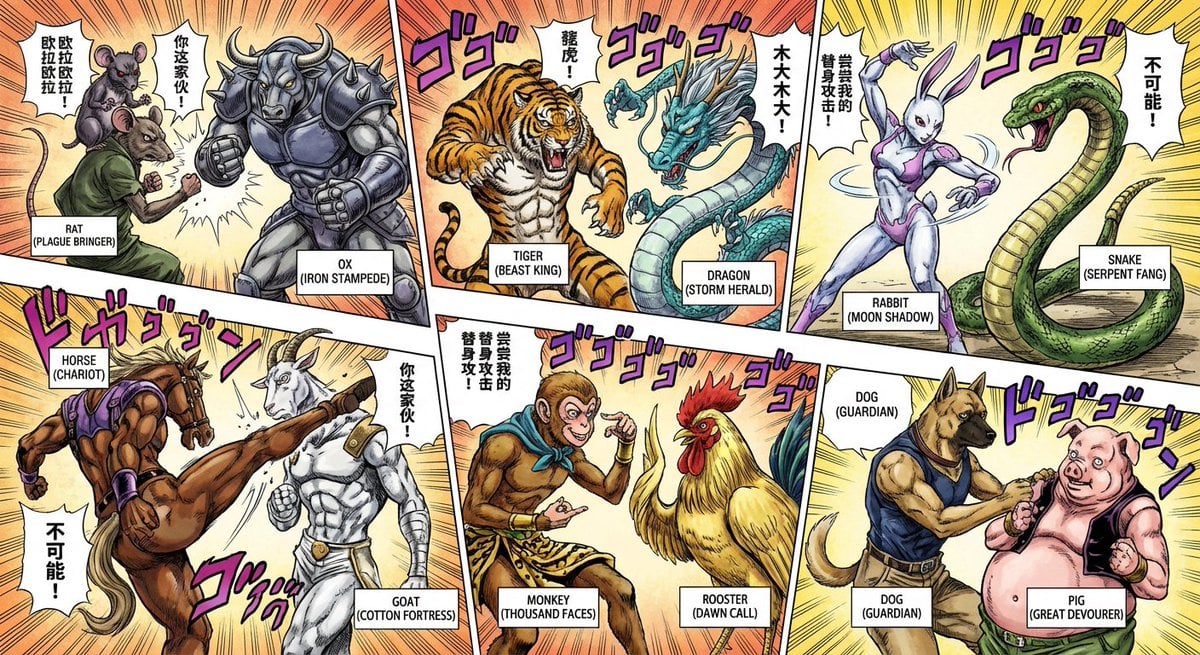
Nano Banana Pro brand hero image (variant tweet)
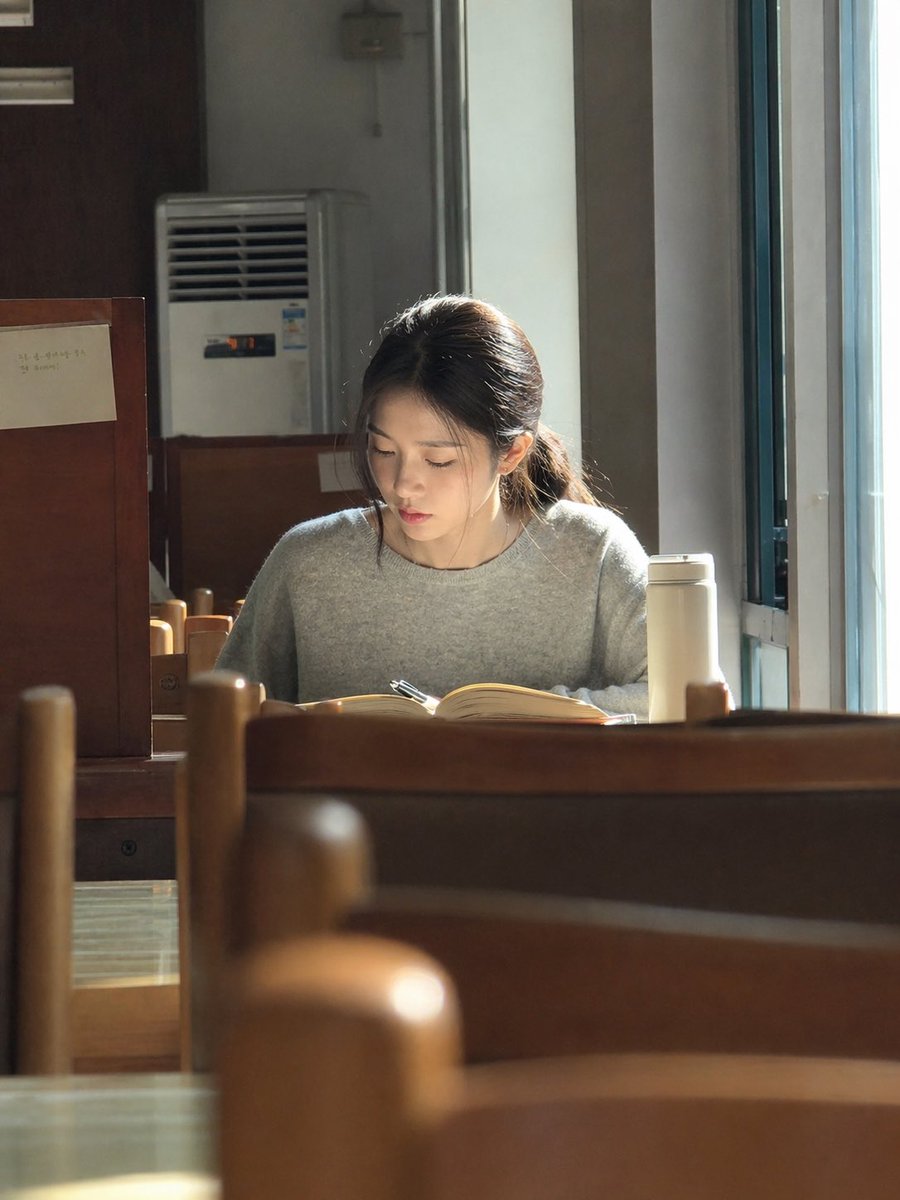
Sunlit Library Study Portrait
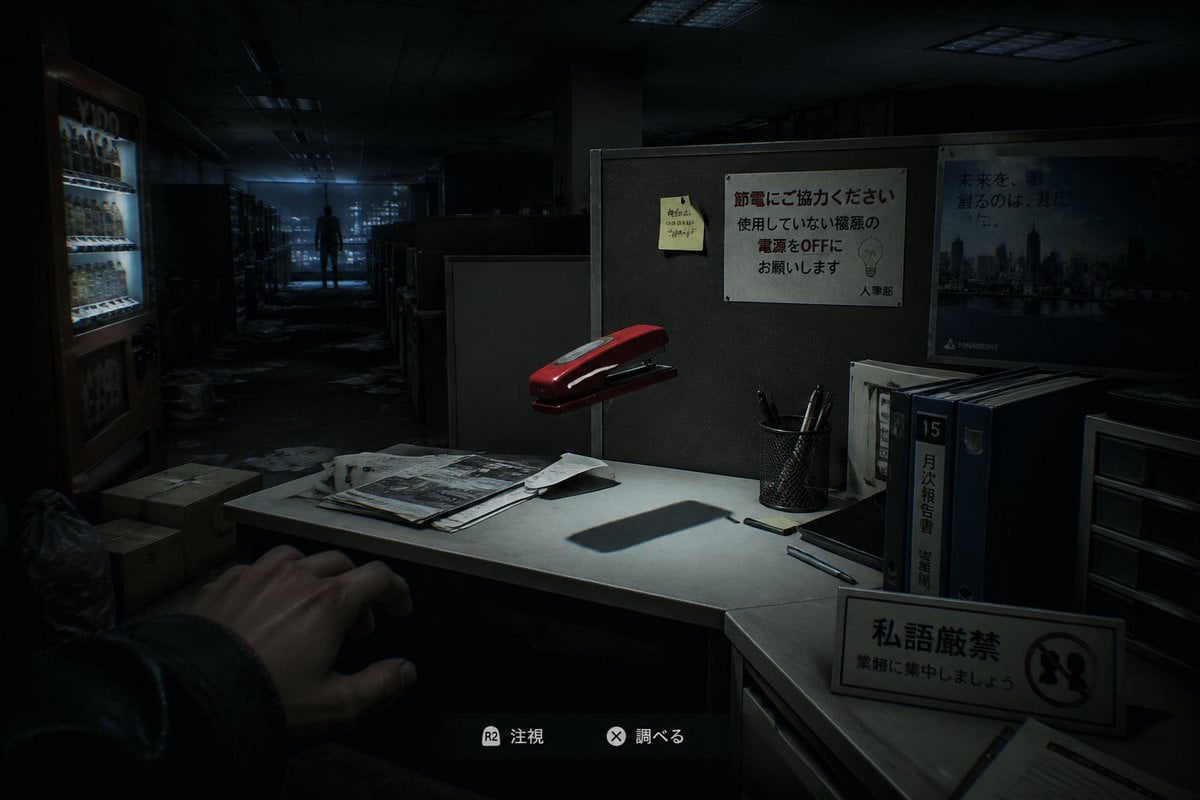
Japanese Office Horror Game Screenshot
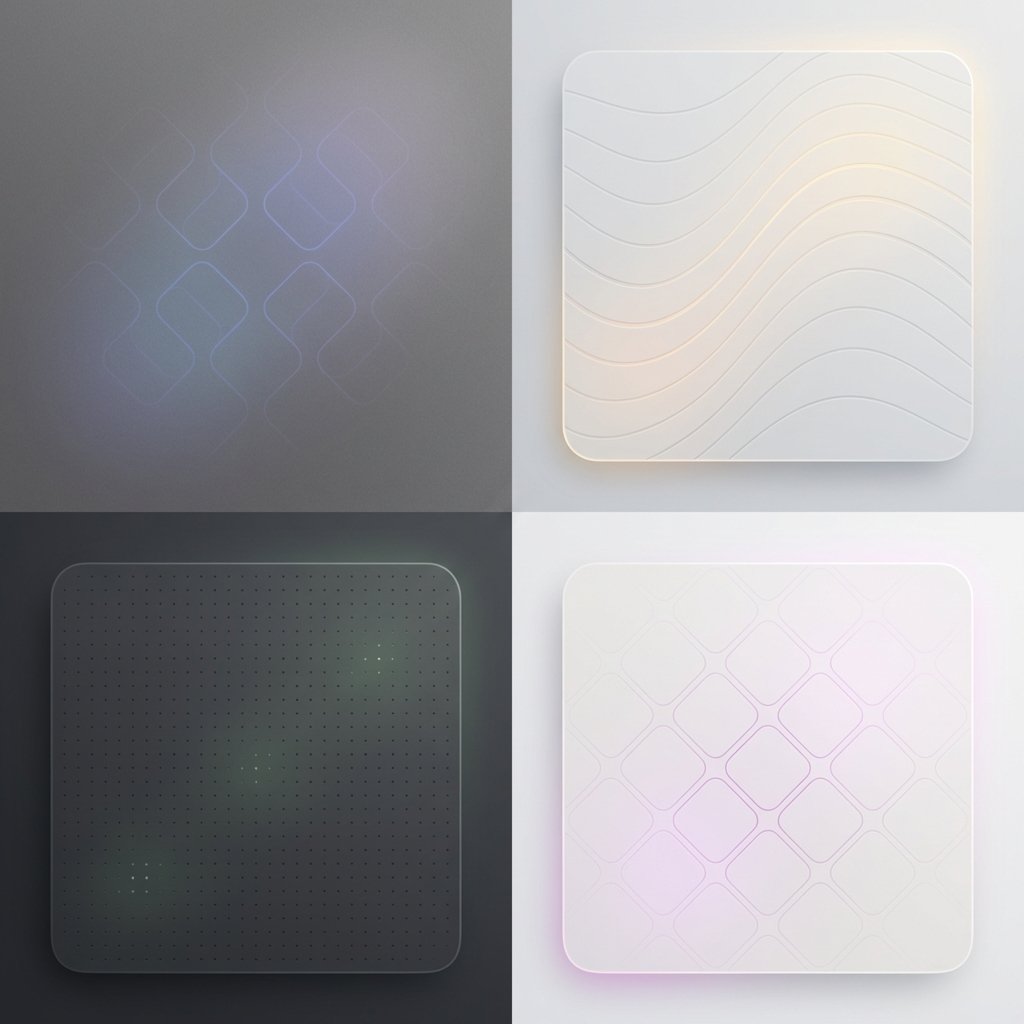
Subtle Brand Texture Visual Prompt

Tokyo Tilt-Shift Miniature Diorama
Browse template categories
Curly Hair Rose Selfie Portrait questions
How do I use the Curly Hair Rose Selfie Portrait template?
Add your photo if the template asks for one, edit the prompt if you like — the template's model and format are already selected — and press Generate. Your version opens in PicX Studio.
Can I customize the Curly Hair Rose Selfie Portrait template?
Yes. You can change the subject, setting, lighting, mood, format, and available model controls before creating your image.
Is the Curly Hair Rose Selfie Portrait template free?
Opening and editing this template is free. Generating uses credits, shown on the Generate button when you are signed in.
Which AI model should I use?
Start with Gemini 3 Pro Image Preview, which is the model associated with this template. You can compare another compatible model for a different finish.
Looking for something else? Browse all templates.

Your photo, any look
Thousands of ready templates for every top image and video model, from one credit balance.