
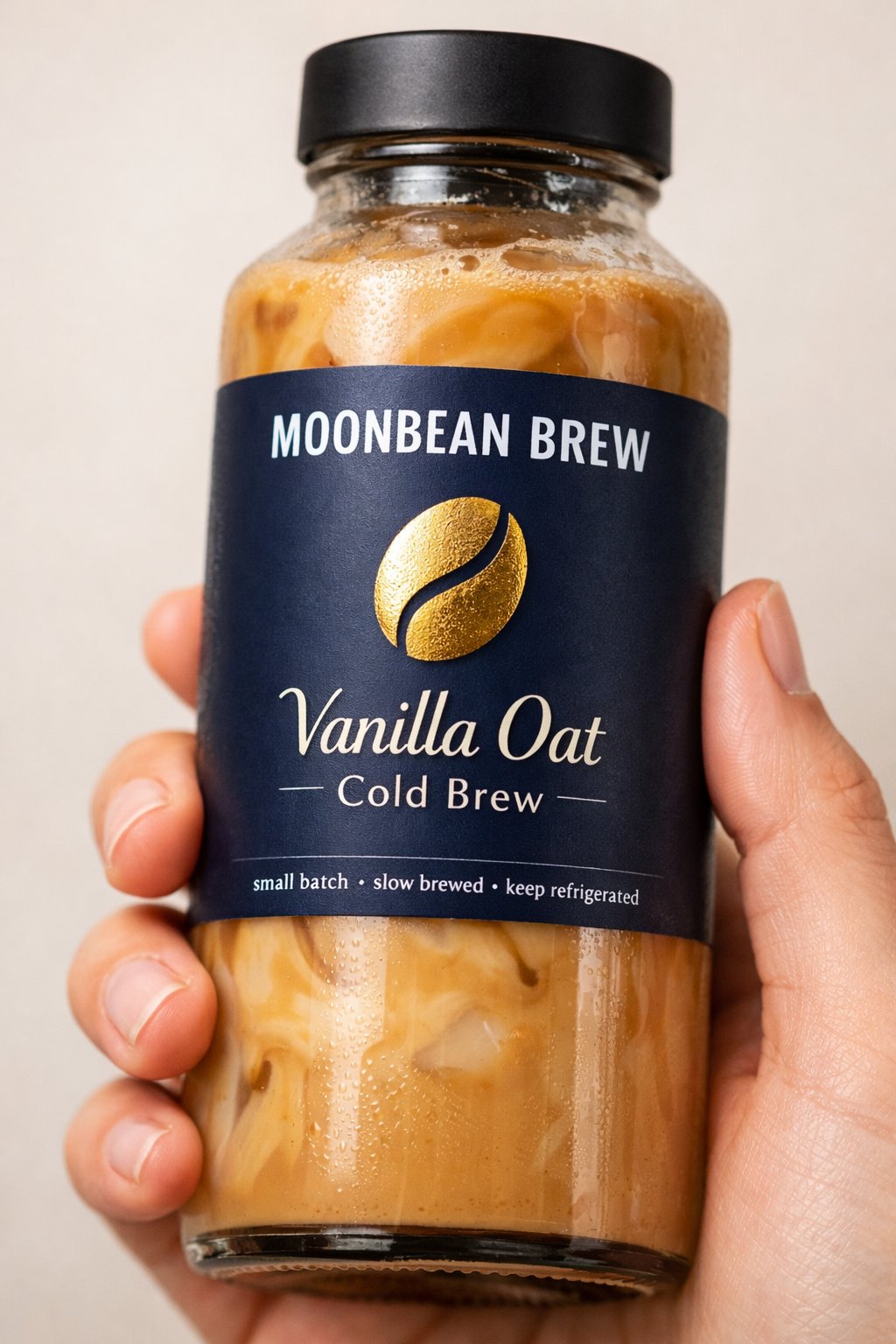
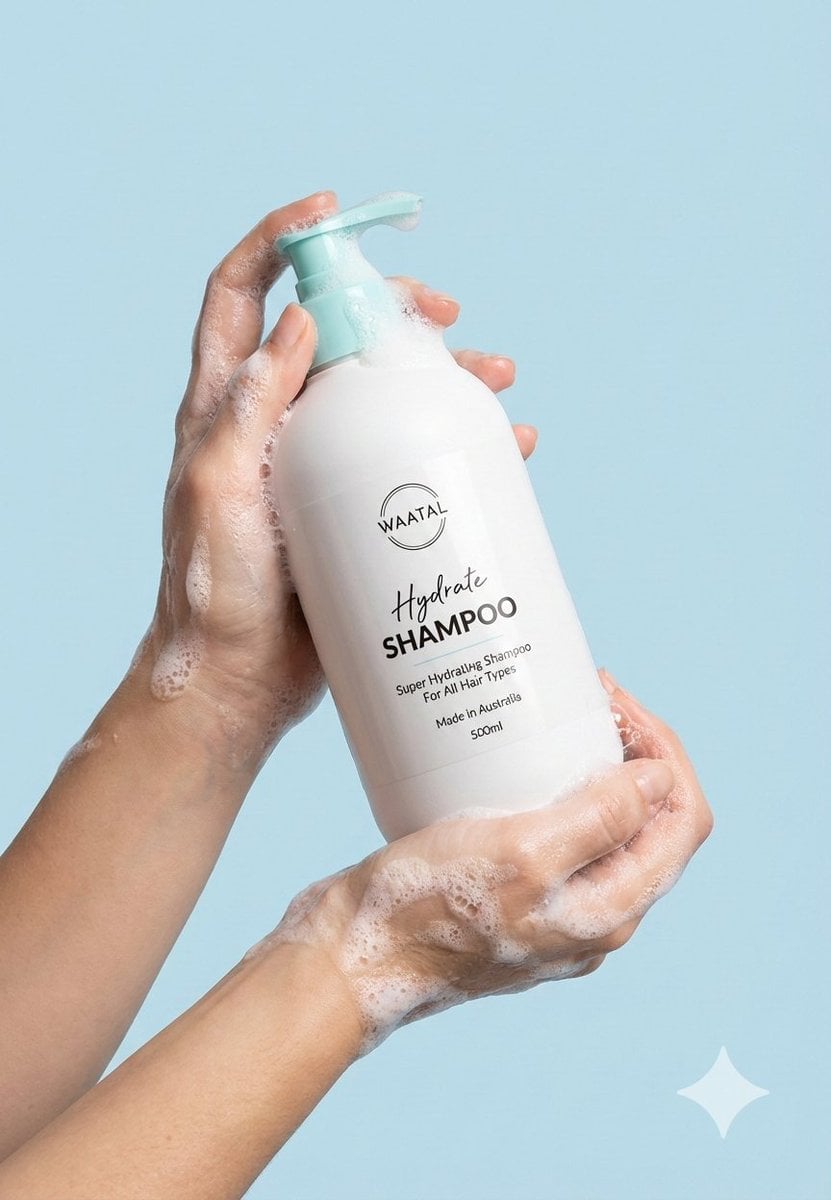
A tight close-up commercial product photo of a premium labeled
A tight close-up commercial product photo of a premium [PRODUCT TYPE] labeled “[BRAND NAME]”.
- Prompt included
- Model and format preset
- Free template
The prompt behind this image
Copy the exact prompt behind A tight close-up commercial product photo of a premium labeled, or open it in the studio and make it yours.
A tight close-up commercial product photo of a premium [PRODUCT TYPE] labeled “[BRAND NAME]”. The product is [SHAPE / FORM FACTOR], made of [MATERIAL], containing [LIQUID / CONTENT COLOR + TEXTURE DETAILS] with visible [TEXTURE EFFECTS: bubbles / swirls / pulp / condensation / thickness]. It has a [CAP / LID TYPE + COLOR + FINISH]. The main label is [PRIMARY LABEL COLOR] with a smooth matte finish. At the top of the label, the brand name “[BRAND NAME]” is printed in clean bold [TEXT COLOR] uppercase sans-serif typography. Below the brand name is a minimalist illustration of [ICON DESCRIPTION], in [FOIL / PRINT STYLE: gold foil / holographic foil / embossed ink], giving it a premium look. Under the icon, the product name reads “[PRODUCT NAME / VARIANT]” in a modern mixed-font layout (thin serif + sans-serif combination). Smaller text includes phrases like “[MICRO TEXT 1]”, “[MICRO TEXT 2]”, and “[MICRO TEXT 3]” in tiny [MICRO TEXT COLOR] print. Optional fine detail accents such as [PATTERN / LINEWORK / MICROGRAPHIC ELEMENTS] enhance the modern premium branding. A human hand holds the [BOTTLE/CAN/JAR/TUBE] from the side, fingers wrapped around the middle with clean short nails visible. No face or clothing is visible. The background is a soft neutral [BACKGROUND COLOR TONE], studio-style, clean and minimal. Lighting is soft diffused studio lighting, with gentle highlights along the [MATERIAL] edges and very smooth natural shadows. The photo is sharply focused on the label and [CONTENT TEXTURE], with a slightly blurred background. The overall aesthetic is premium, minimal, modern [CATEGORY] branding, high-end commercial product photography.
How to use A tight close-up commercial product photo of a premium labeled in 3 steps
- 1Upload ImagePNG, JPG or paste
Add your photo
Upload the photo the template builds on. The prompt, model and format are already set.
- 2…a portrait of your subject in softgolden-hour light, 85mm…
Personalize
Edit the subject and creative details for your destination.
- 3Generate
Generate
Press Generate — your image is created in PicX Studio, so you can compare it with the original and refine one variable at a time.
More like this
Templates with the same subject, style or setup. Open one to see its prompt.
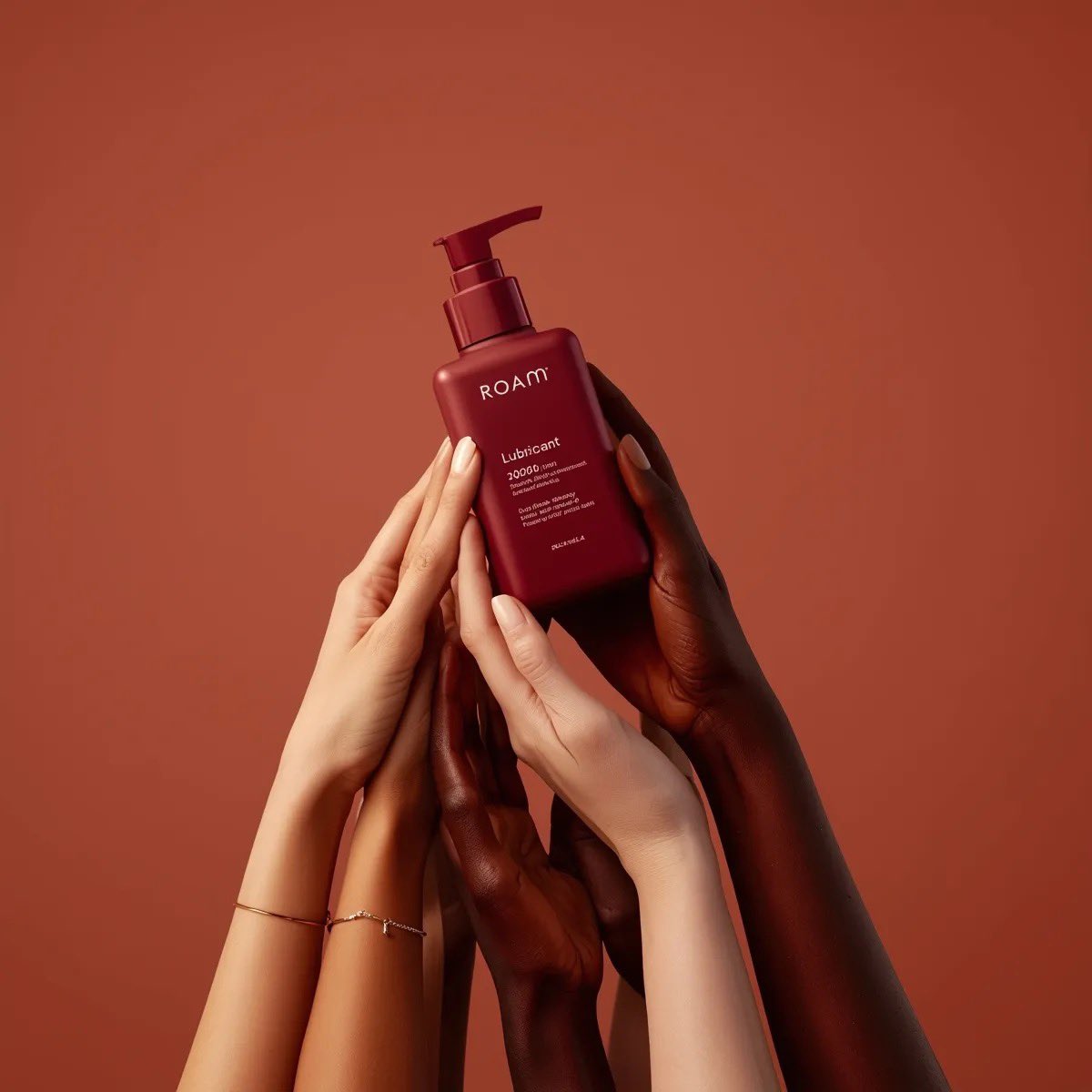
Minimalist product photography of a matte red pump bottle labeled ROAM
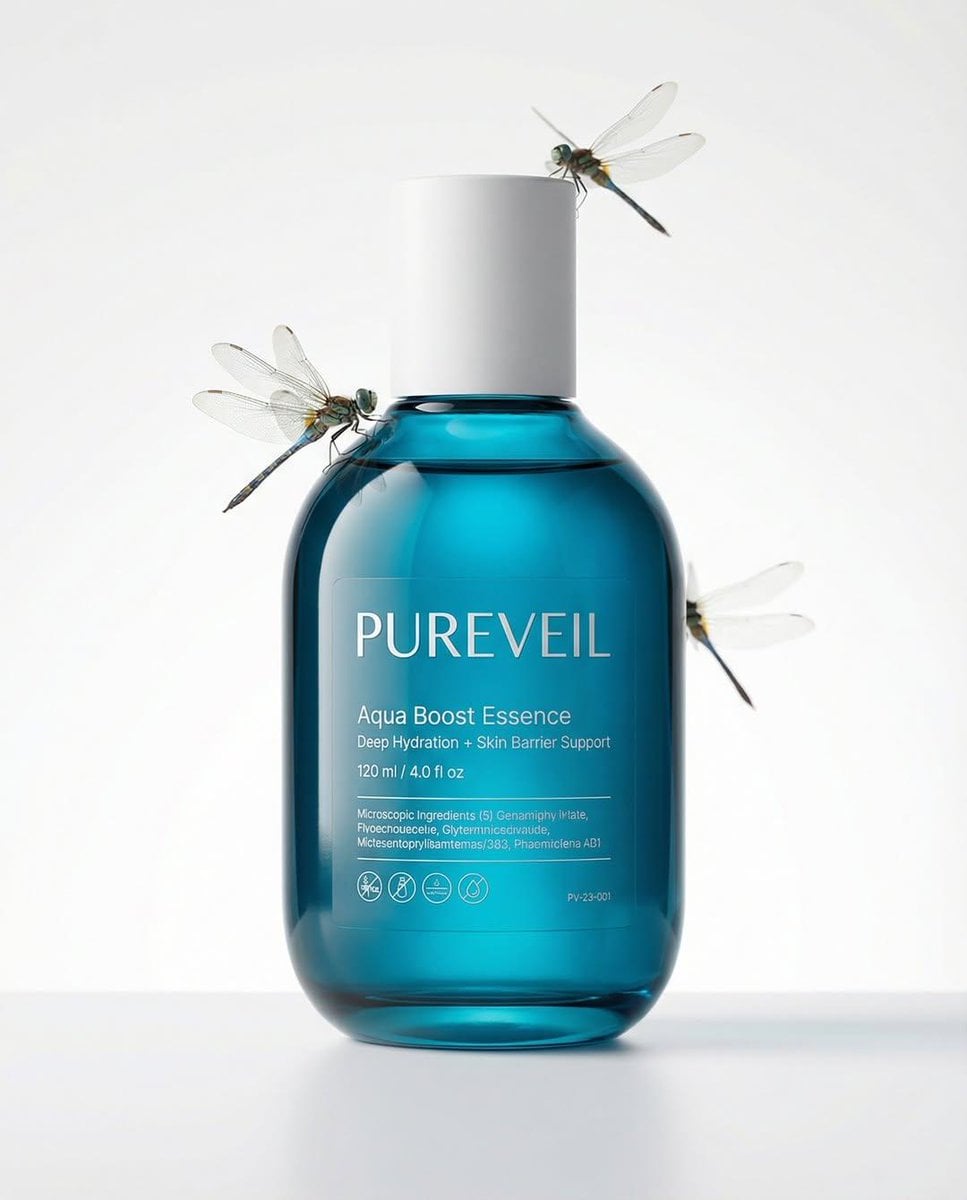
A professional skincare shot of a labeled

A hyper-realistic beauty product photograph of a pink jar placed
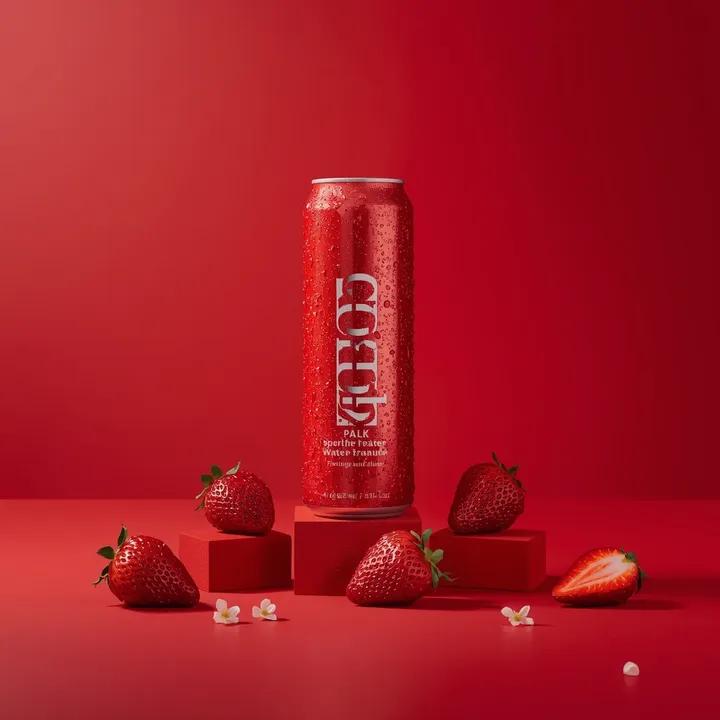
A premium studio product photograph of a tall, slim red aluminum
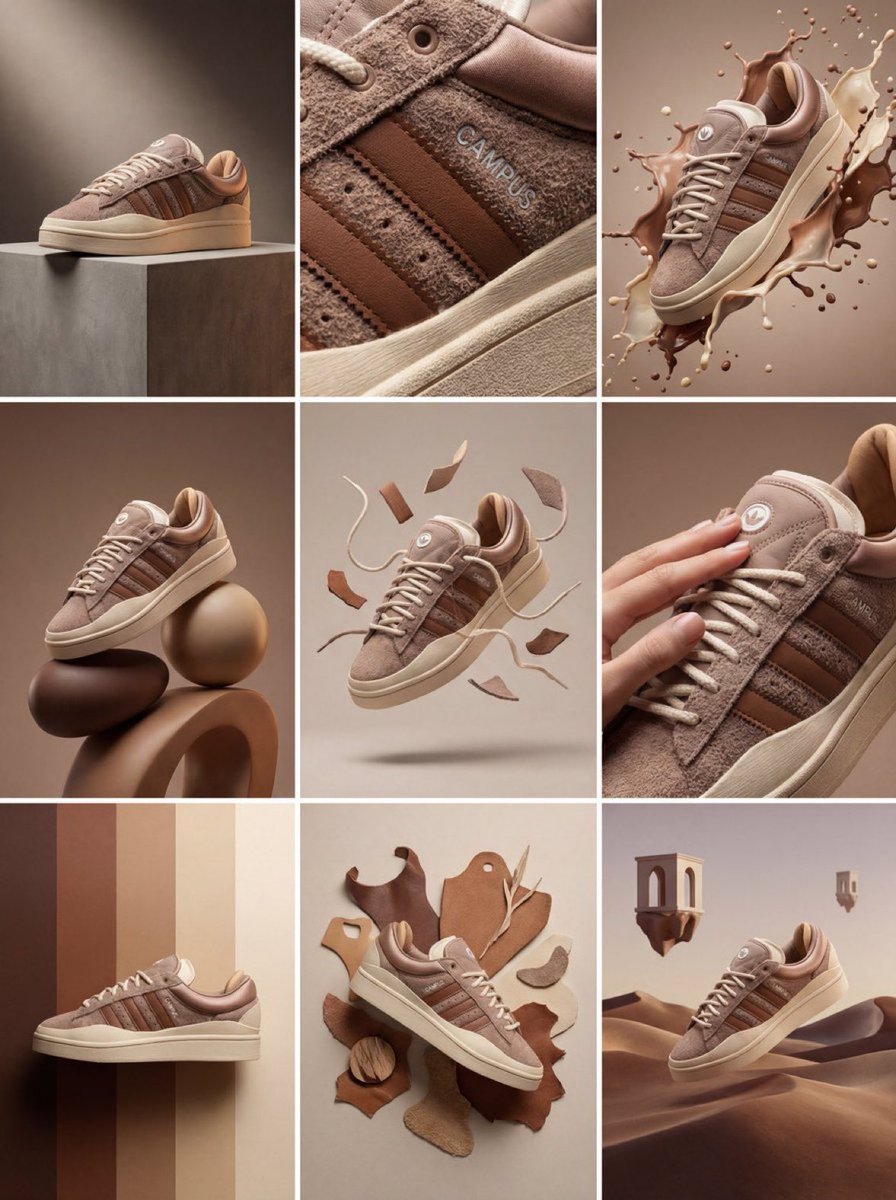
Product & Brand Prompt #1444
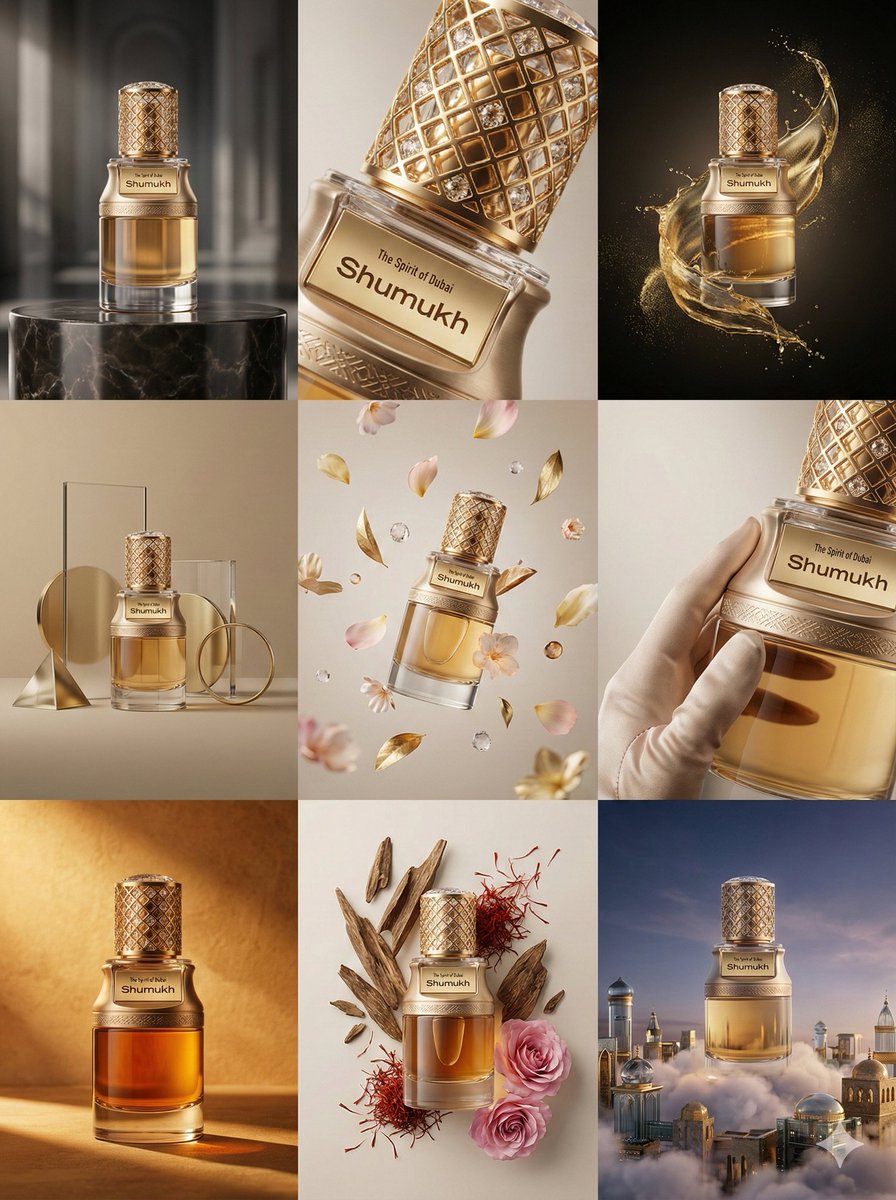
Product & Brand Prompt #569
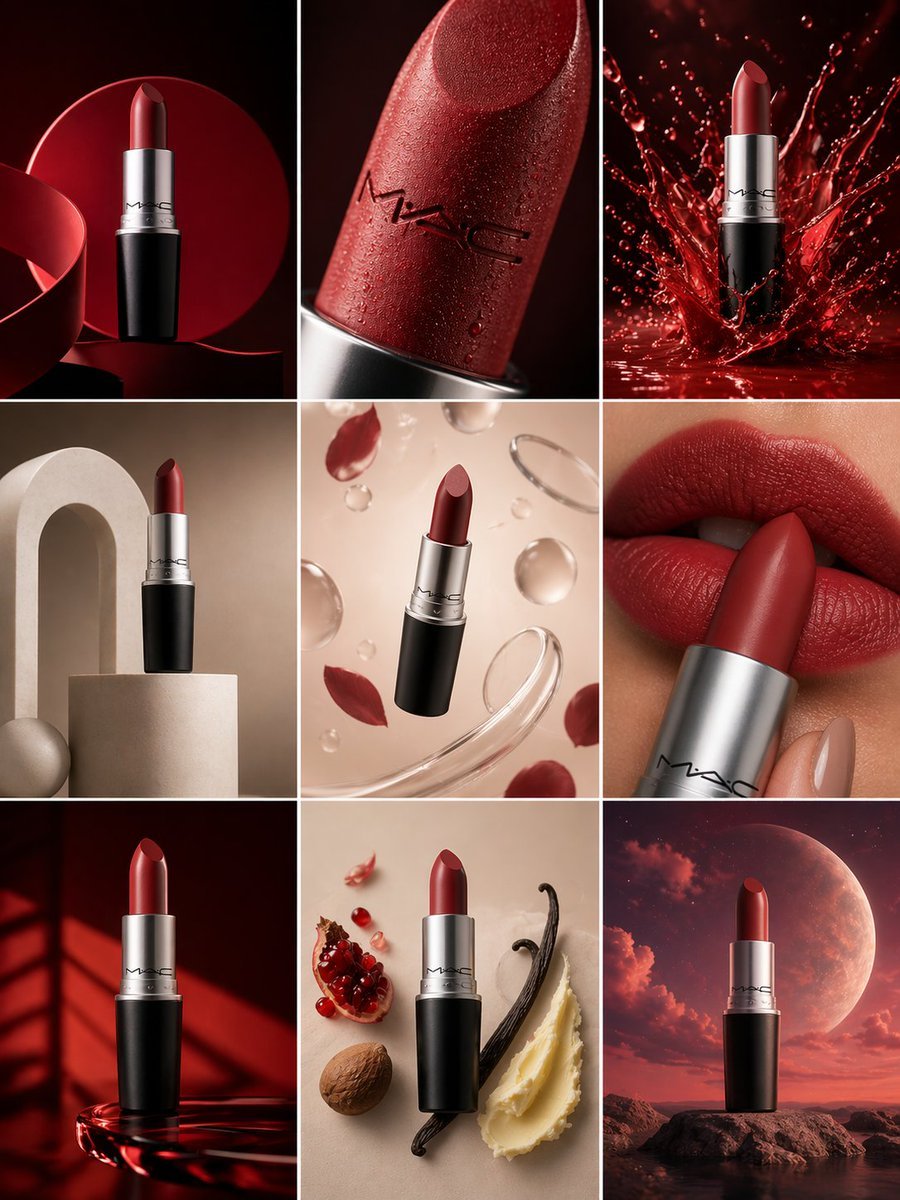
Product & Brand Prompt #285
Product & Brand Prompt #953
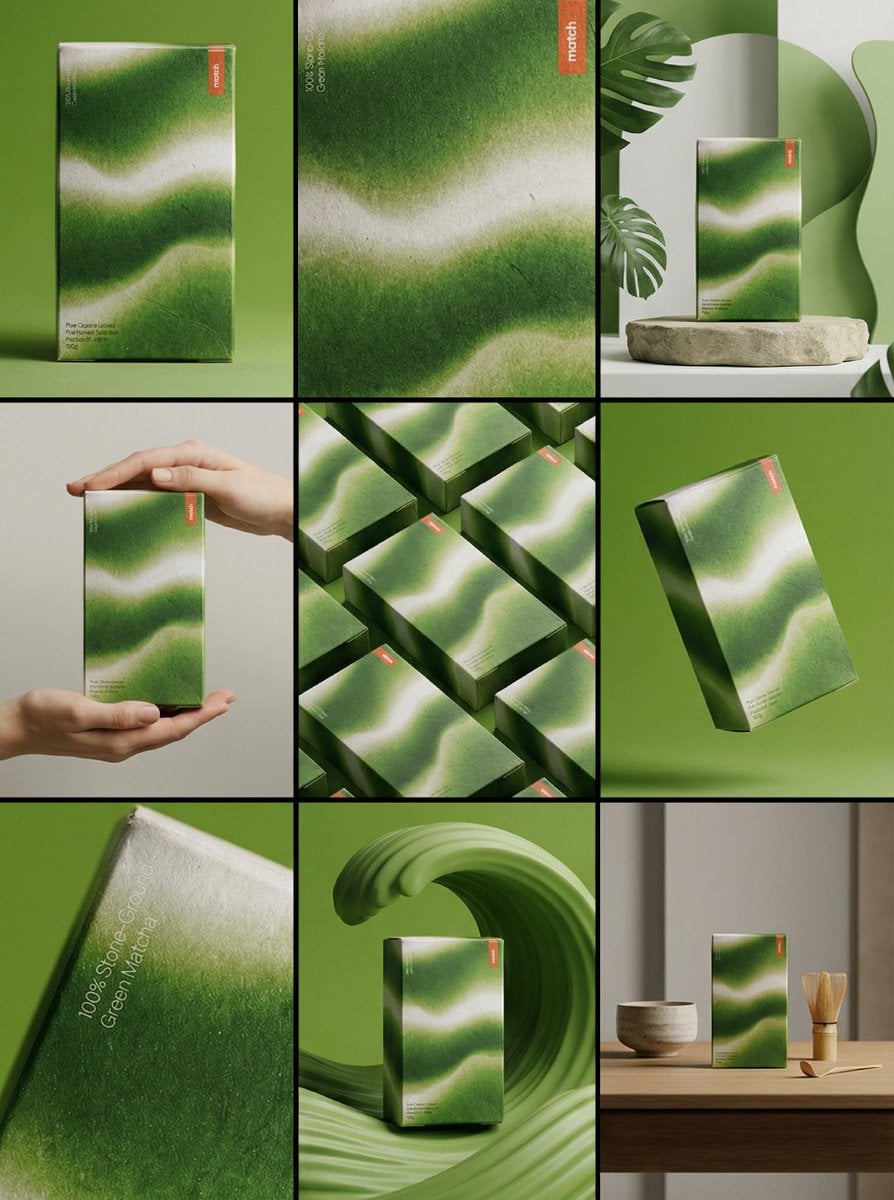
Product & Brand Prompt #341
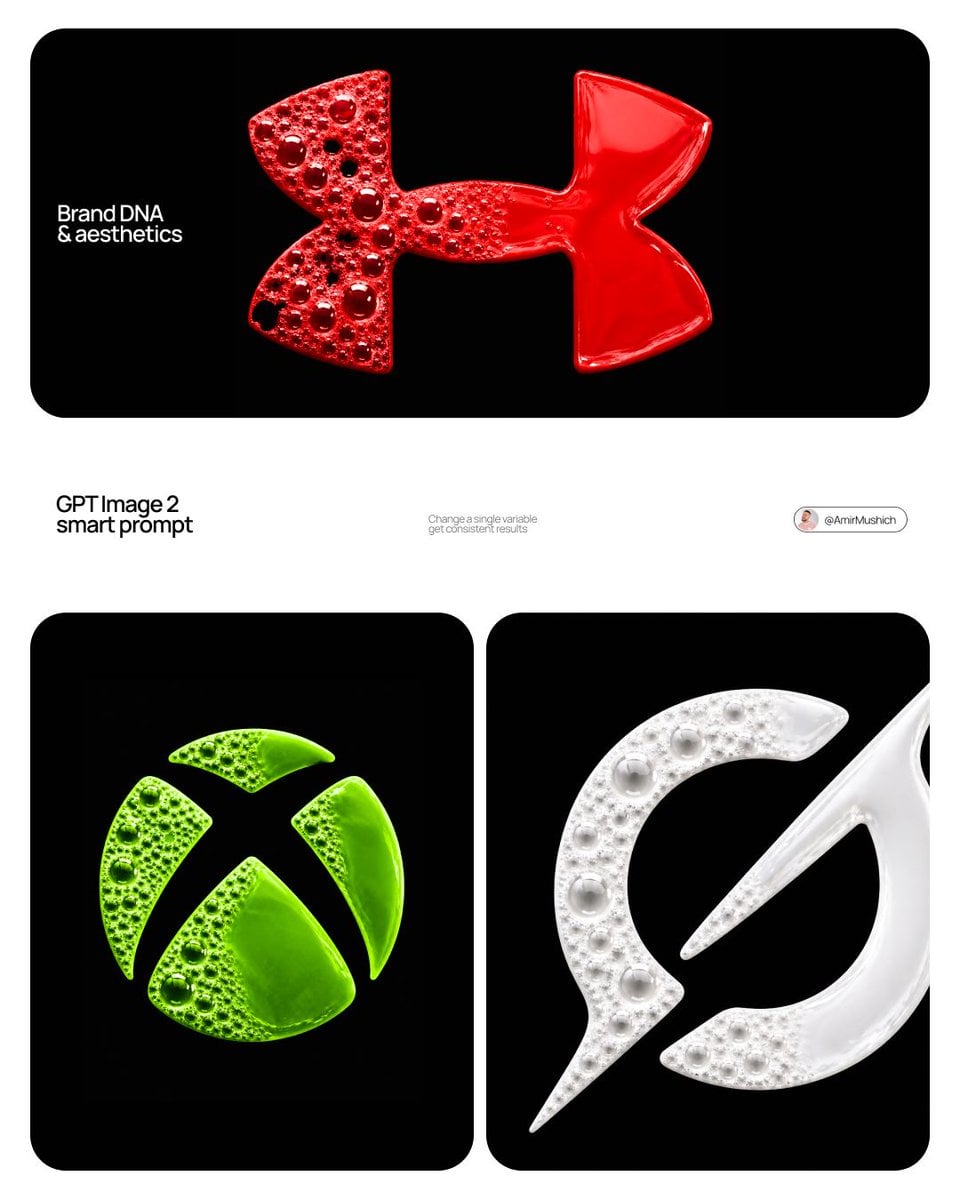
Product & Brand Prompt #230
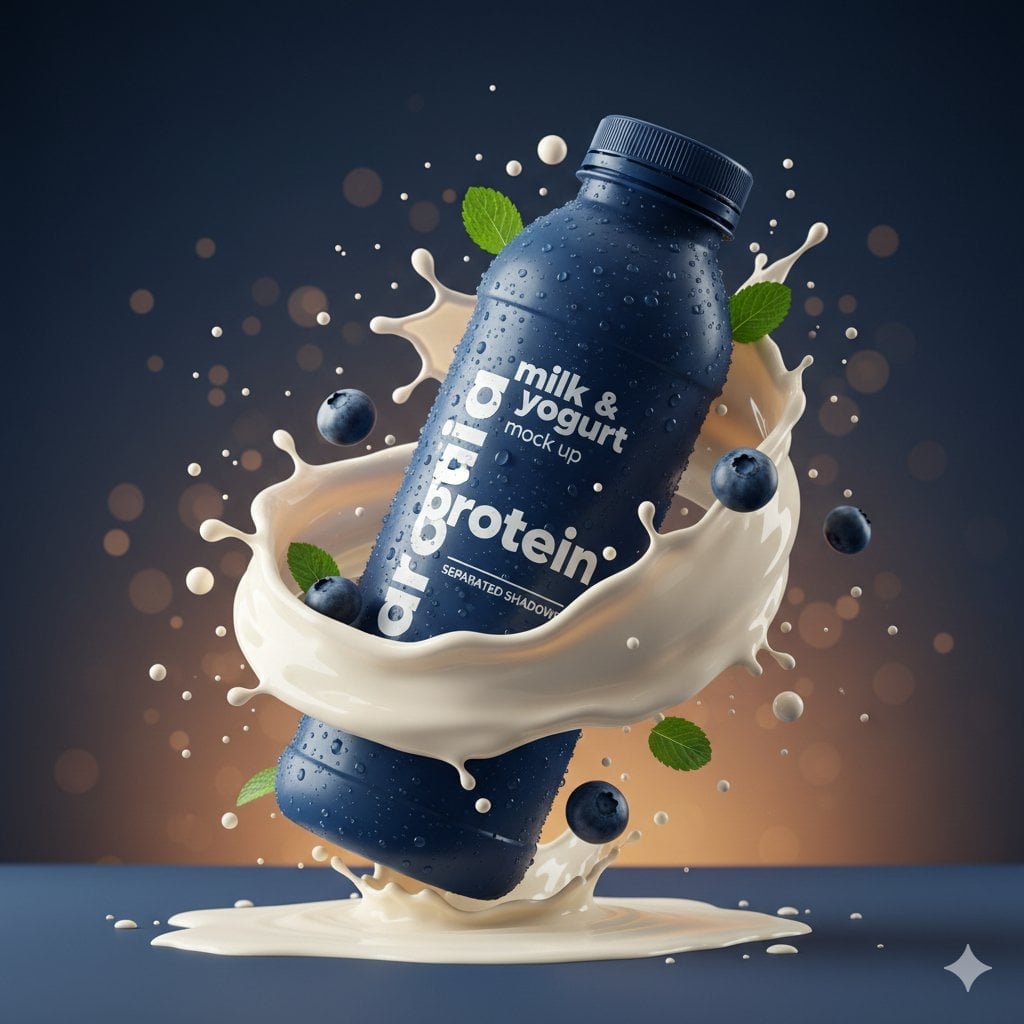
Commercial Product Splash Photography

ChatGPT Image 1 5 Google Veo 3 1
Make it yours
A tight close-up commercial product photo of a premium labeled works as-is. These are the safest ways to change it without losing the look.
Change one field
Copy a single group, rewrite it, and generate again so you can see what that field is doing.
Keep the frame, change the subject
Hold the composition and light of A tight close-up commercial product photo of a premium labeled, then swap wardrobe, props or the person for a new take.
| If the result… | Why | Fix |
|---|---|---|
| The result drifts from the preview | Too many fields changed at once. | Reuse A tight close-up commercial product photo of a premium labeled as-is first, then change one group — subject, light, or setting. |
| The model over-stylizes the scene | The prose prompt leaves finish and camera underspecified. | Add one camera or lighting sentence and stay on Nano Banana 2. |
More Nano Banana 2 templates
Other prompts made for Nano Banana 2.

Photorealistic Leaf Shaped Like a Dragon

K-Pop Idol Portrait Grid for Rapid Selection

Poetic Rain Forest Portrait During Golden Hour

Urban Street Portrait with Cartoon Inner Self Duo

Candid Nighttime Photo with Cat Prompt

High-Concept 3D Diorama Generation Prompt

Cinematic Futuristic Studio Portrait Template

Skincare Editorial Photography Collage Prompt

Hyper-Realistic Commercial Product Photography (Splash Effect)

Hyper-Realistic Nightclub Portrait Prompt
More image prompts
Fresh picks from across the catalog.
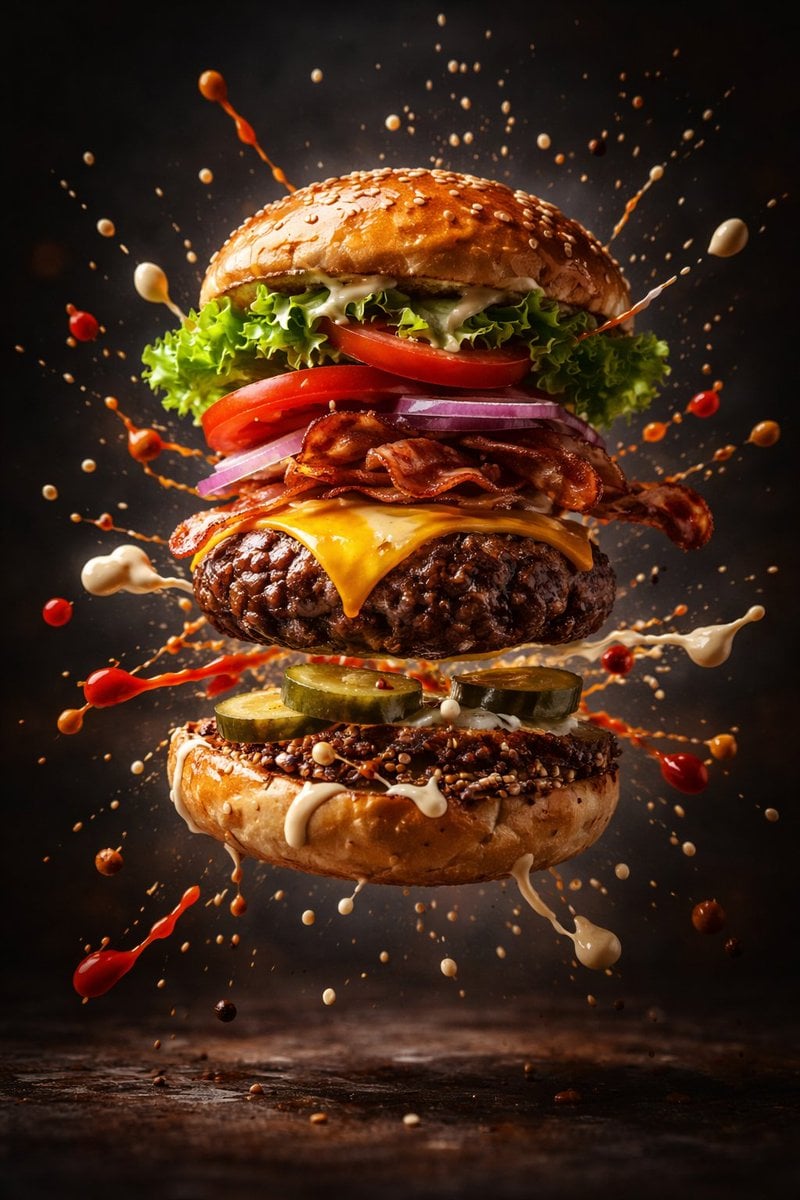
Cinematic Gourmet Burger Explosion Prompt (Code Style)
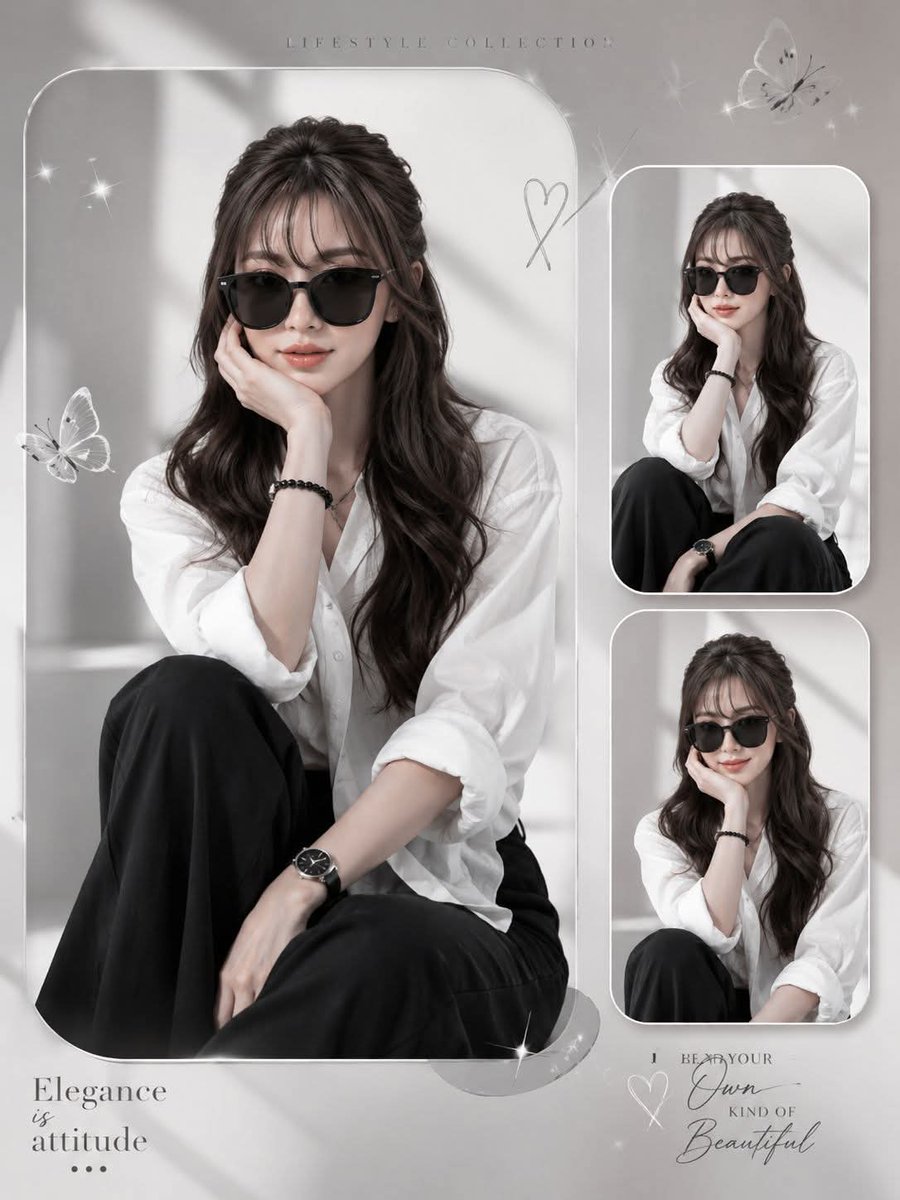
Elegant Anonymous Lifestyle Collage
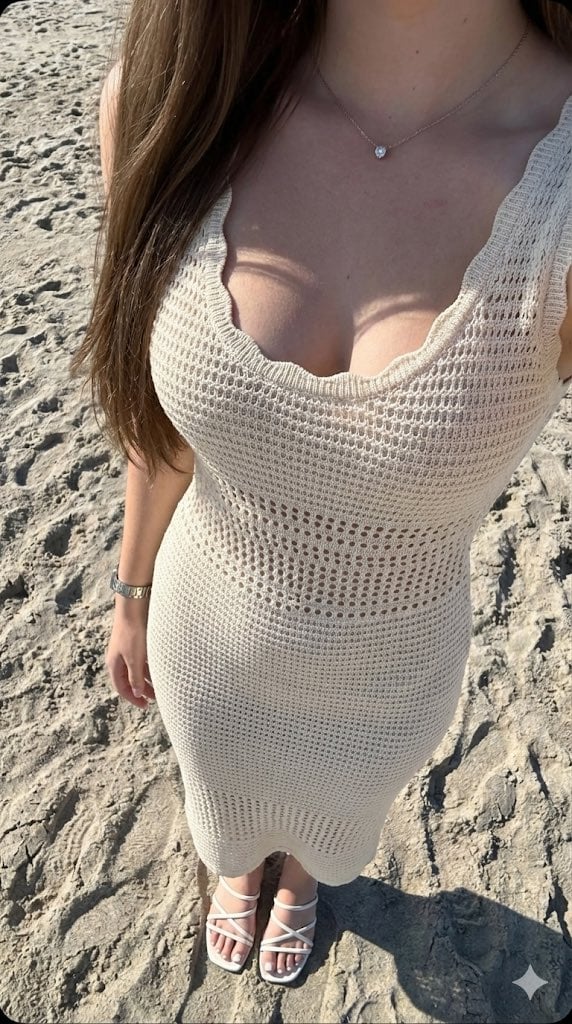
High-Contrast Beach Snapshot with Strict Identity and Sharp Focus
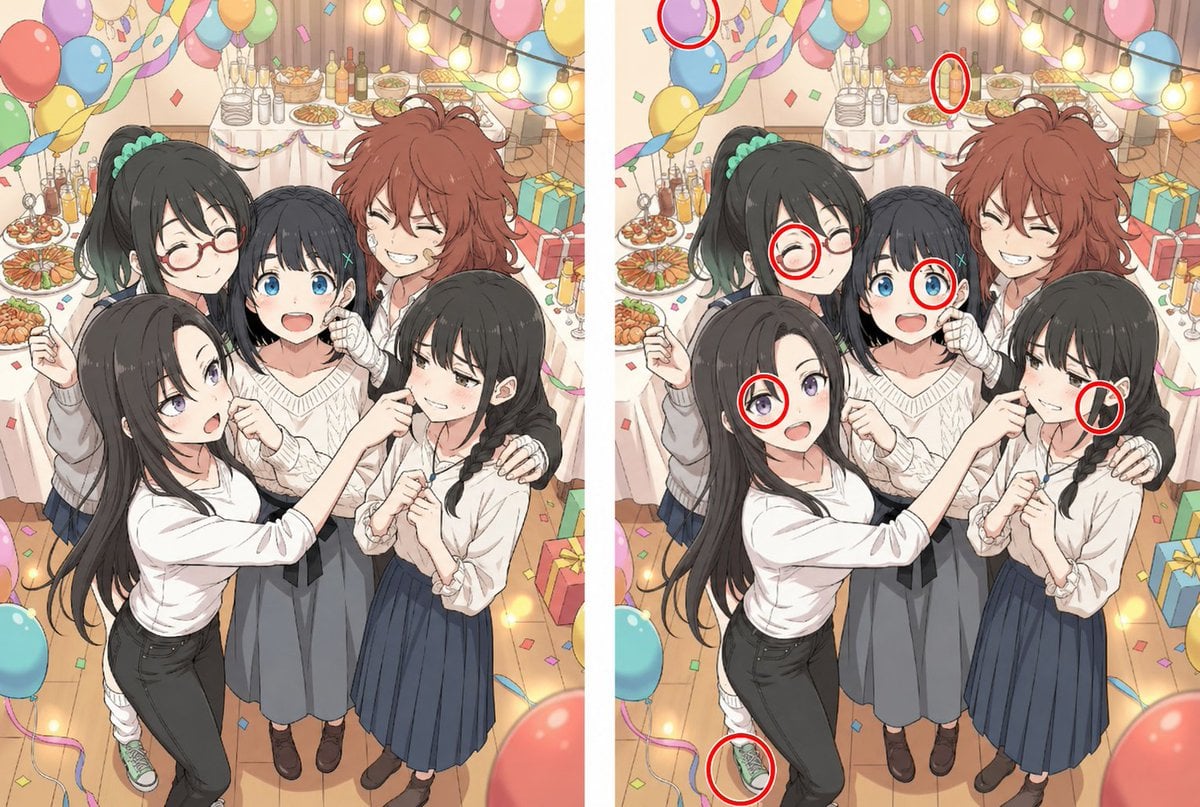
Anime Party Spot the Difference
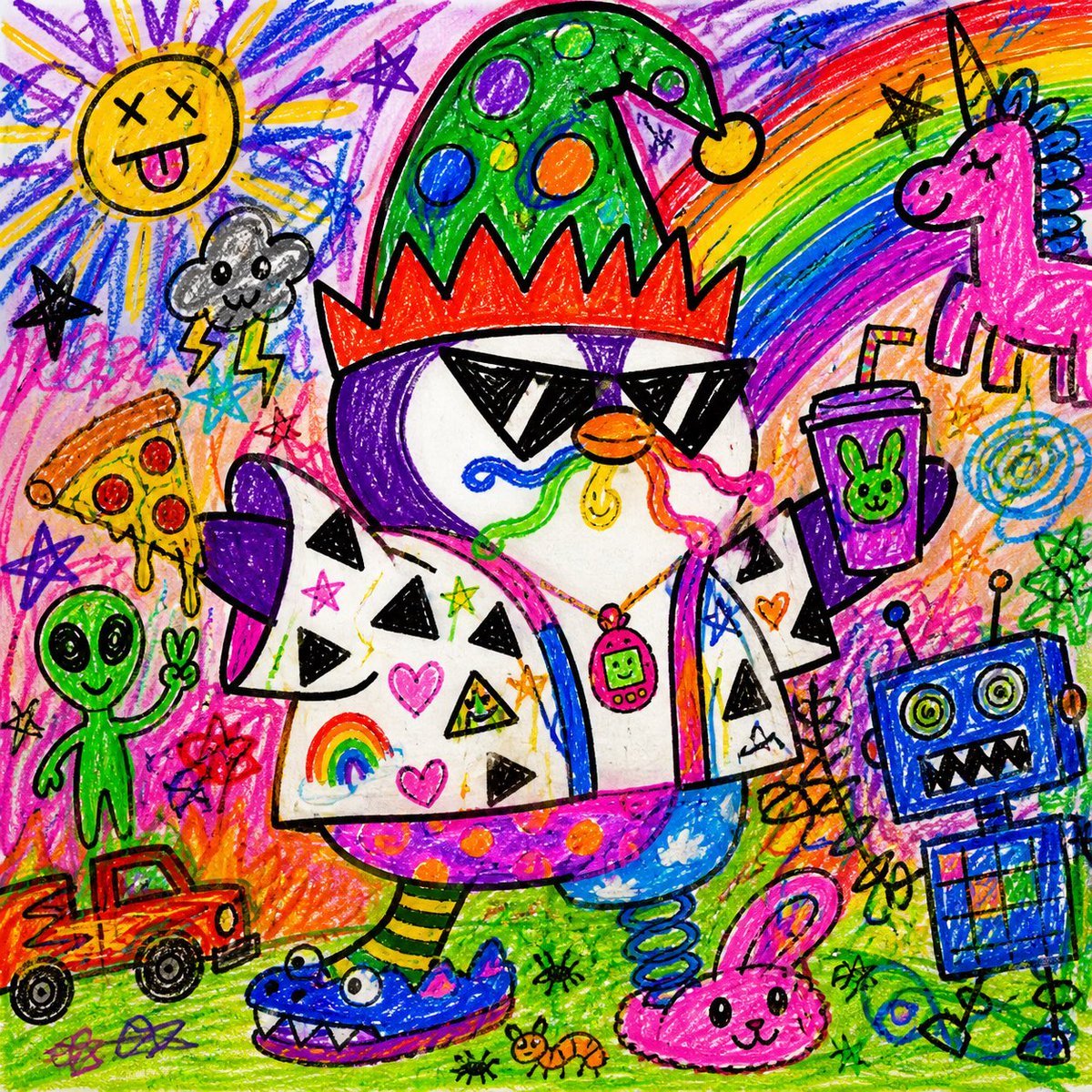
Chaotic Child Style Drawing
Nano Banana Pro Eyes in Shadow
Culinary Pop-Up Book Diorama of Swedish Meatballs

Dreamlike Double Exposure Montage
E-commerce product listing photo prompt for lifestyle setting
Isometric Office Worker Asset Sheet
Browse template categories
A tight close-up commercial product photo of a premium labeled questions
How do I use the A tight close-up commercial product photo of a premium labeled template?
Add your photo if the template asks for one, edit the prompt if you like — the template's model and format are already selected — and press Generate. Your version opens in PicX Studio.
Can I customize the A tight close-up commercial product photo of a premium labeled template?
Yes. You can change the subject, setting, lighting, mood, format, and available model controls before creating your image.
Is the A tight close-up commercial product photo of a premium labeled template free?
Opening and editing this template is free. Generating uses credits, shown on the Generate button when you are signed in.
Which AI model should I use?
Start with Nano Banana 2, which is the model associated with this template. You can compare another compatible model for a different finish.
Looking for something else? Browse all templates.

Your photo, any look
Thousands of ready templates for every top image and video model, from one credit balance.