How do I use the Multi-Scenario Fashion Editorial Prompts template?
Choose the primary action to open PicX Studio with the available template settings. Review the model and format, personalize the creative direction, and generate when ready.
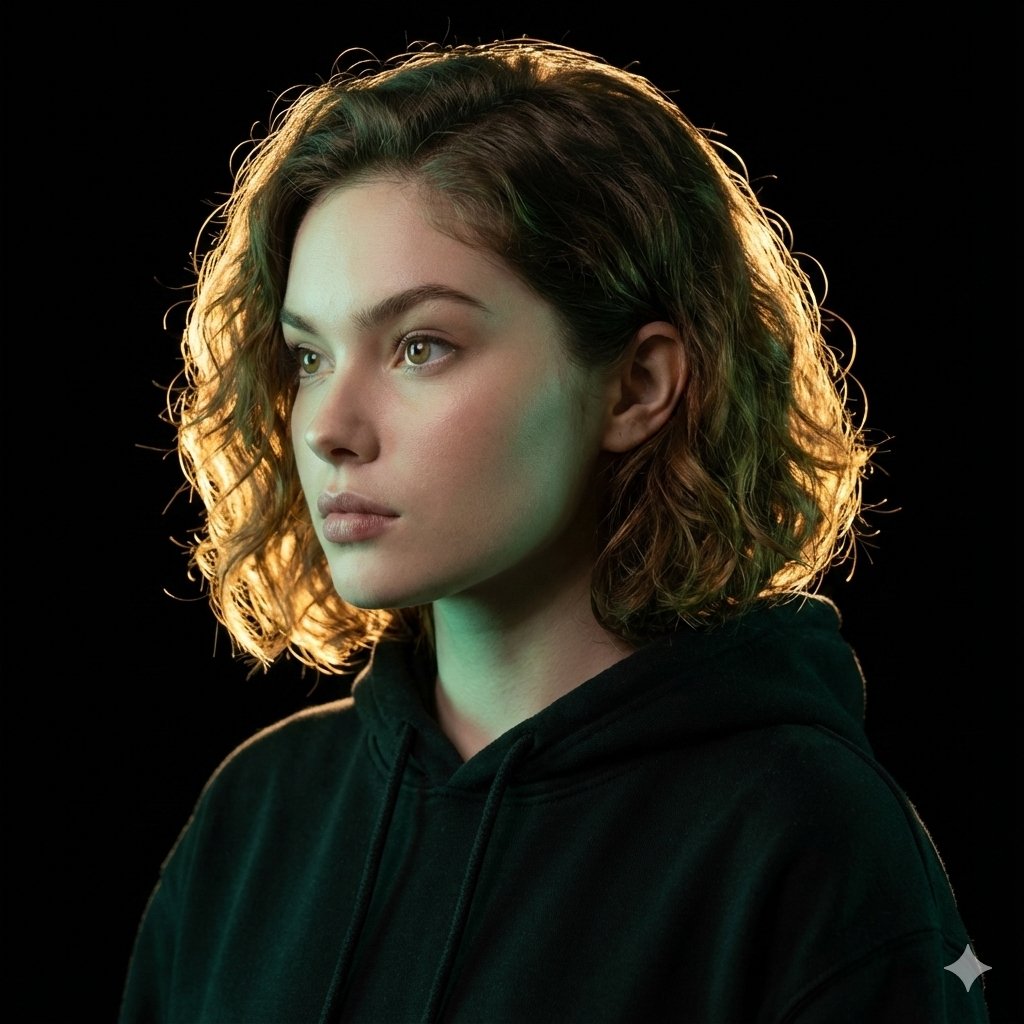
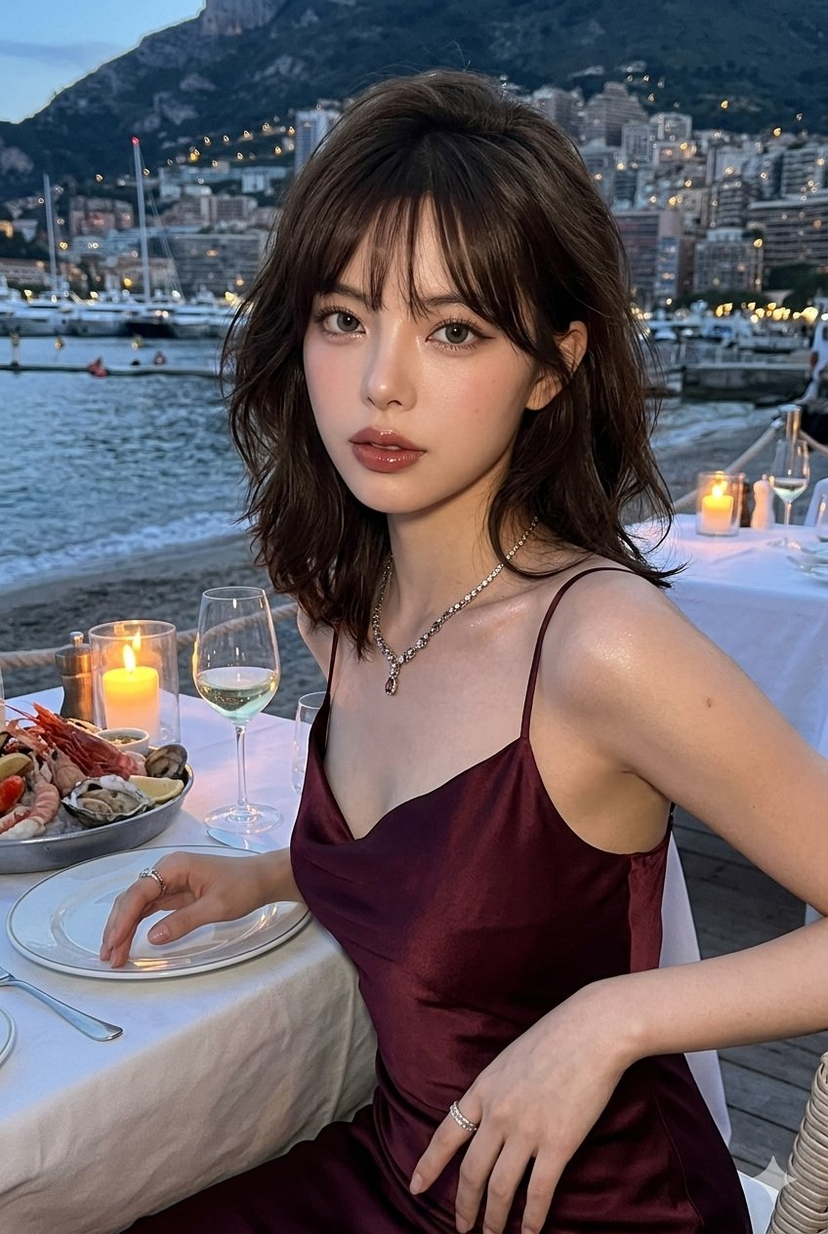
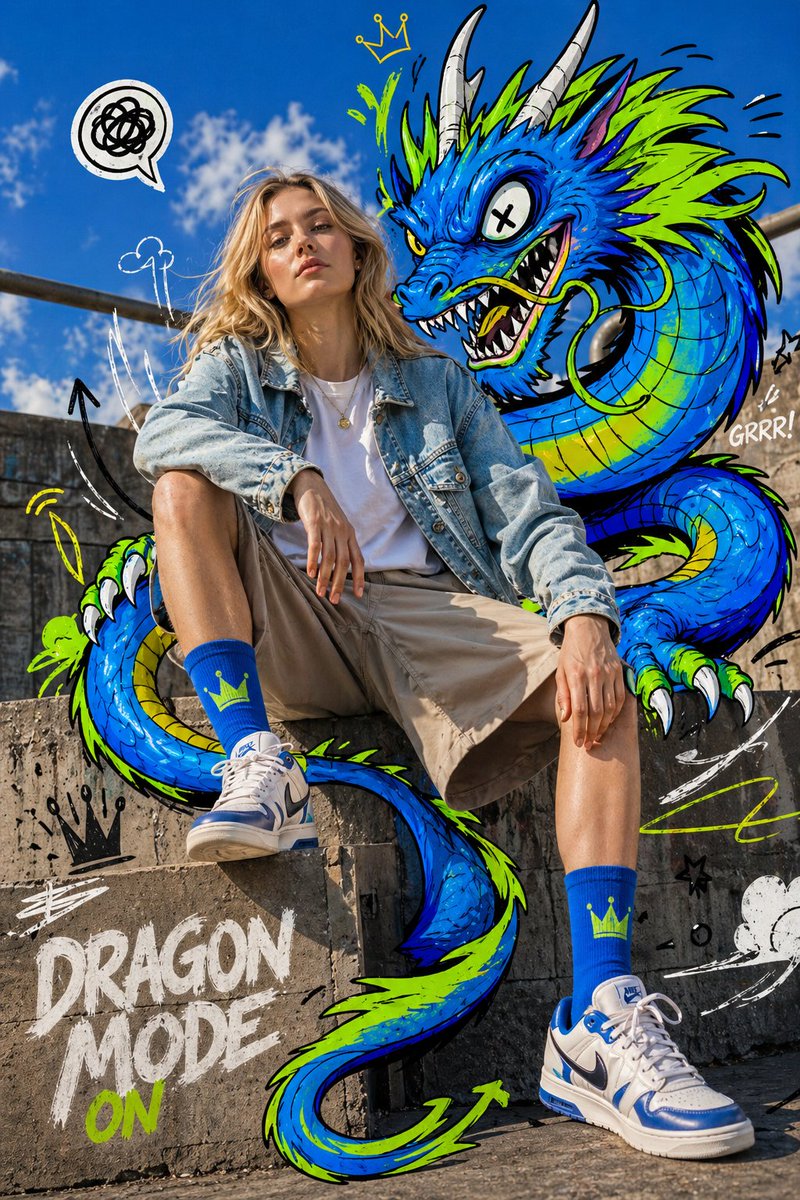
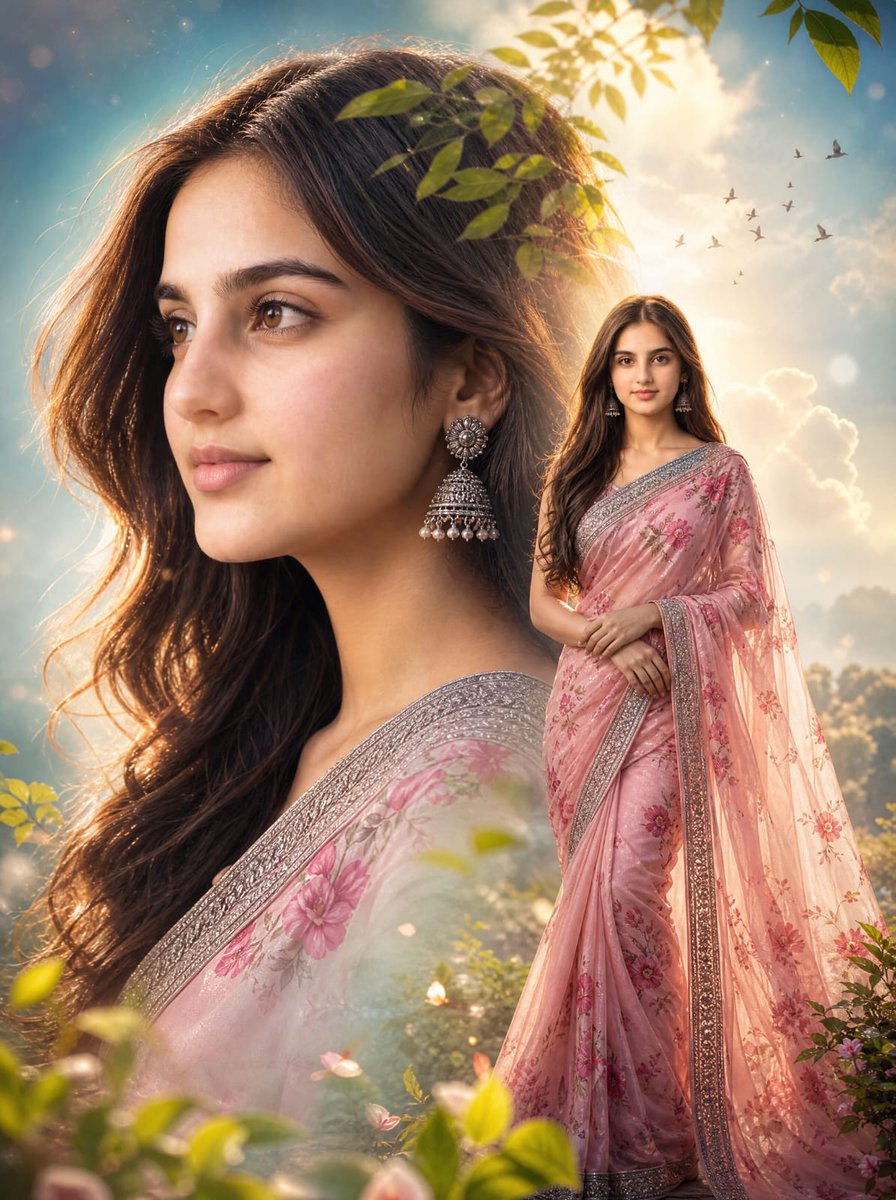
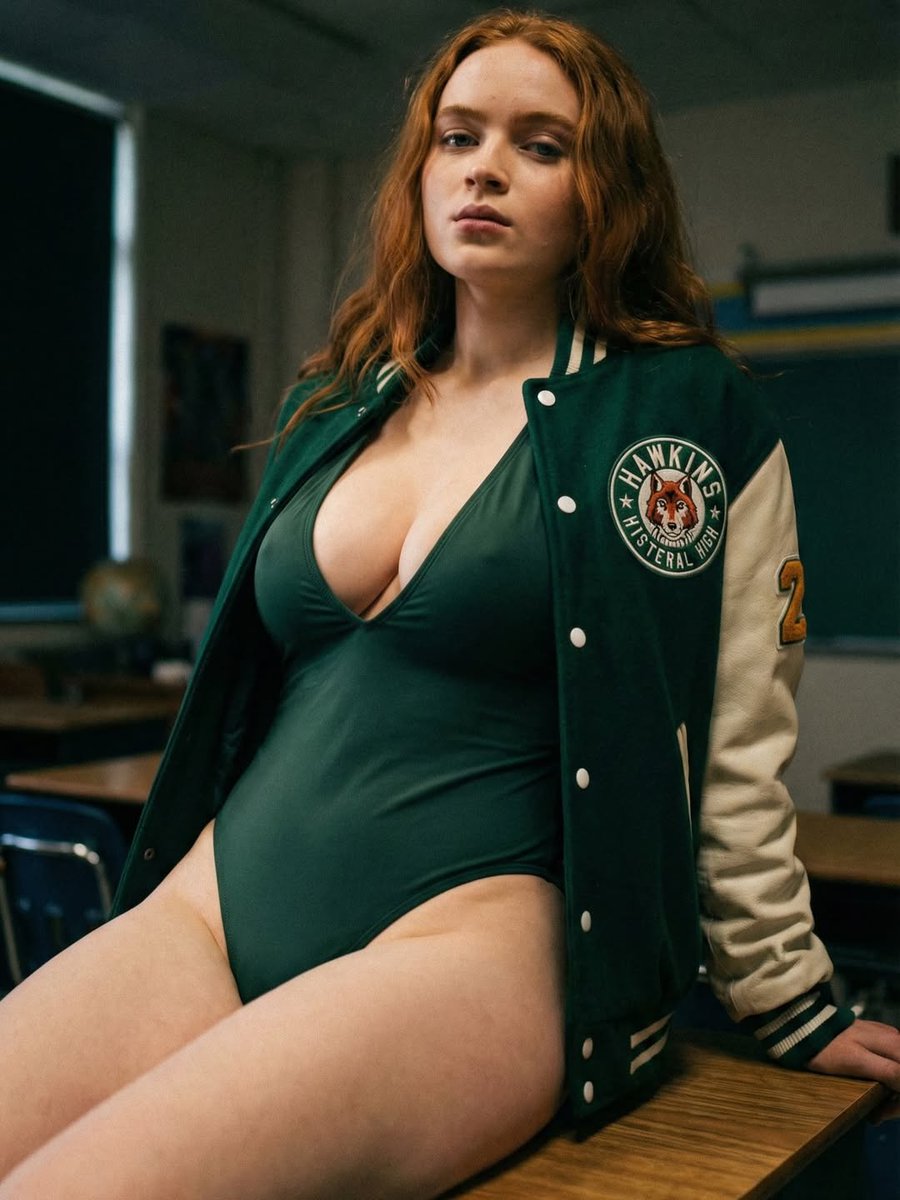
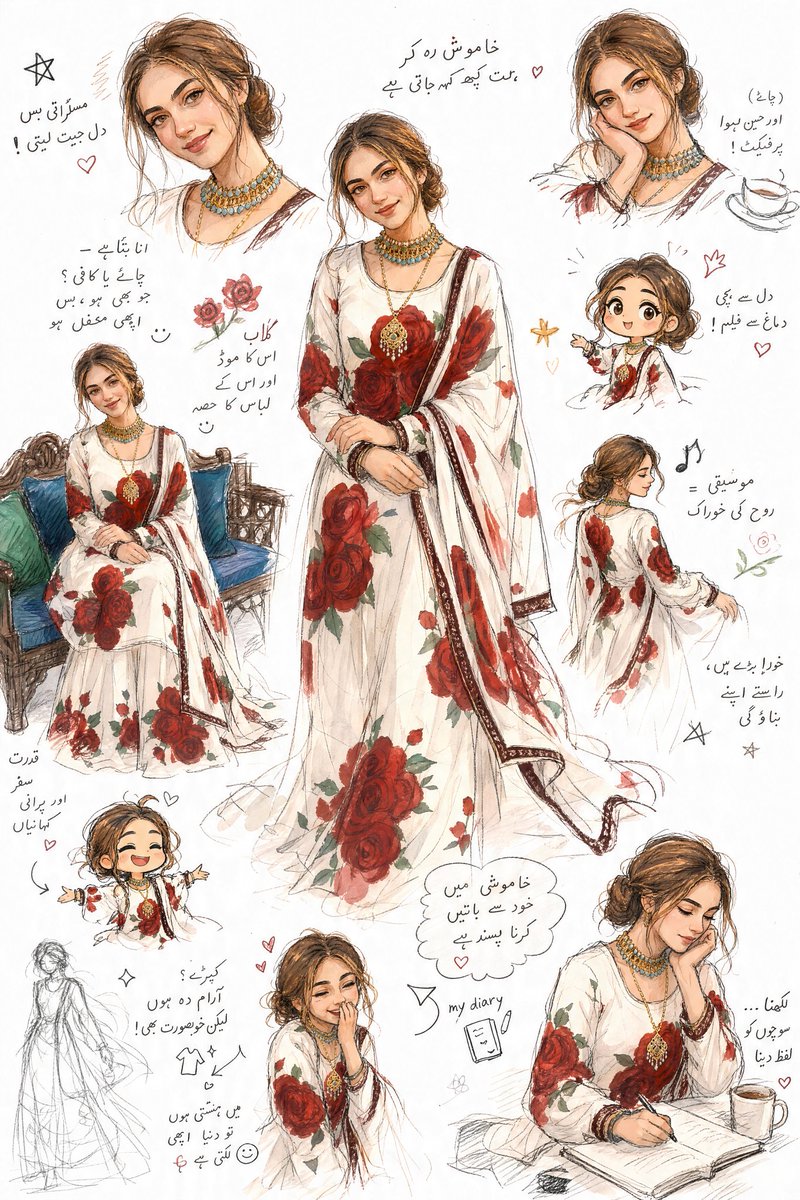
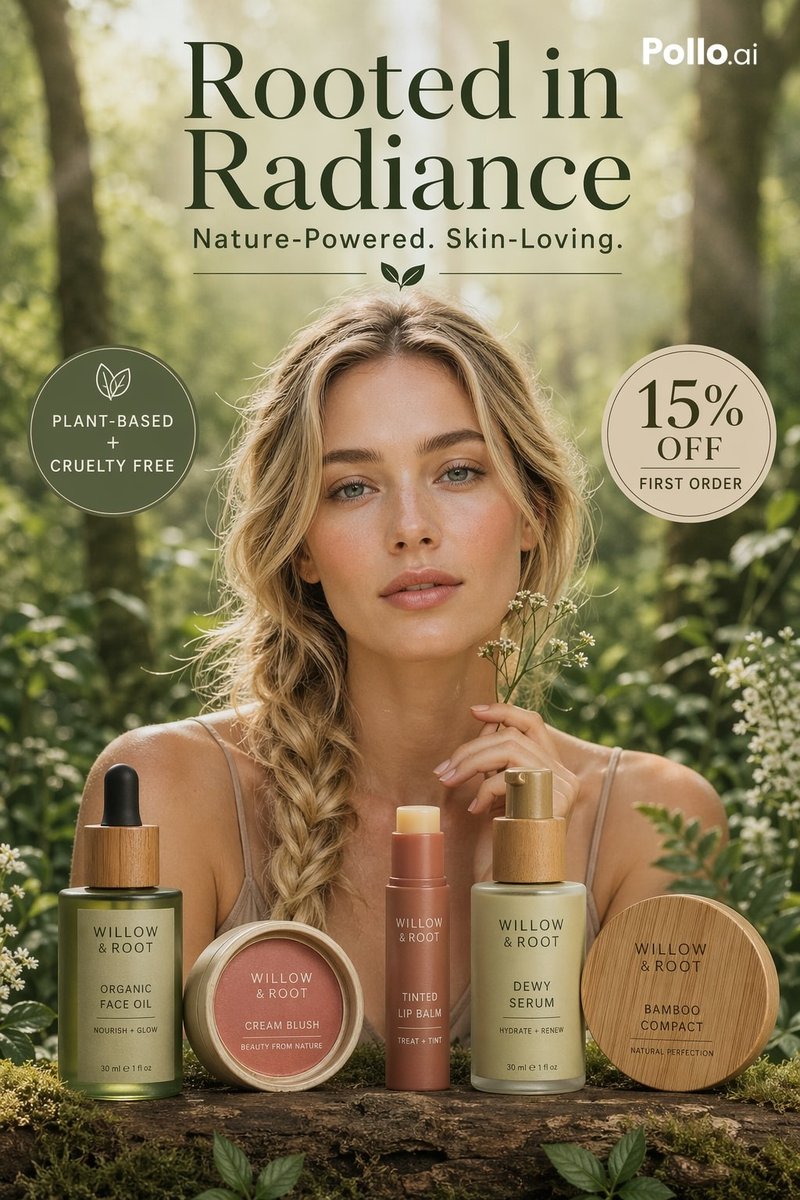
A structured JSON prompt containing three distinct scenarios for generating fashion editorial portraits of celebrities (Sadie Sink and Kendall Jenner). Change the subject, setting, or lighting one variable at a time.

{ "prompts": [ { "prompt_details": { "subject": { "identity": "{argument name="celebrity 1" default="Sadie Sink"}", "appearance": "brunette hair, warm brown eyes, natural dewy makeup", "pose": "relaxed elegant pose, soft confident gaze", "clothing": "champagne-toned silk gown" }, "environment": { "setting": "luxury indoor studio", "color_palette": "warm gold and dark neutral tones" }, "lighting_and_mood": { "lighting_style": "soft cinematic lighting with rim light", "mood": "intimate, sophisticated editorial" }, "quality_tags": [ "4k resolution", "photorealistic", "sharp focus", "fashion editorial", "portrait ratio 3:4" ] } }, { "prompt_details": { "subject": { "identity": "Sadie Sink", "appearance": "red hair updo, fair skin with freckles, blue eyes", "pose": "upright elegant posture, direct gaze", "clothing": "black lace evening dress" }, "environment": { "setting": "classic studio backdrop", "color_palette": "black with soft highlights" }, "lighting_and_mood": { "lighting_style": "soft dramatic studio lighting", "mood": "timeless fashion portrait" }, "quality_tags": [ "4k resolution", "high detail", "cinematic look", "portrait ratio 3:4" ] } }, { "prompt_details": { "subject": { "identity": "{argument name="celebrity 2" default="Kendall Jenner"}", "appearance": "long dark hair, minimal makeup, sun-kissed skin", "pose": "seated relaxed pose, confident gaze", "clothing": "minimal neutral lounge outfit" }, "environment": { "setting": "luxury resort-style interior", "color_palette": "warm beige and earth tones" }, "lighting_and_mood": { "lighting_style": "natural window light", "mood": "modern lifestyle editorial" }, "quality_tags": [ "4k resolution", "photorealistic", "clean aesthetic", "portrait ratio 3:4" ] } } ] }
Choose the primary action to open PicX Studio with the available template settings. Review the model and format, personalize the creative direction, and generate when ready.
Yes. You can change the subject, setting, lighting, mood, format, and available model controls before creating your image.
This template is free to open and customize. Generation usage is shown in PicX Studio before you create.
Start with Nano Banana 2, which is the model associated with this template. You can compare another compatible model for a different finish.
Follow a topic to a crawlable collection of related PicX Studio templates.
43,474 public templates available. Verified via the PicX Studio public templates API; refreshed hourly.






![Naive doodle-style subject illustration — A doodle-style {argument name="subject" default="[subject]"}, naive lines, humorous shape exaggeration](https://pbs.twimg.com/media/G6Wl2YxbsAARB2b.jpg)












![Macro Food Photography Prompt with Dripping Liquid — a stack of three {argument name="food item" default="[FOOD ITEM]"} with {argument name="liquid" default="[L](https://pbs.twimg.com/media/G-t0mfzbQAMbE4W.jpg)

![Instrument Genealogy and Exploded View Diagram — A luthier's legacy board for {argument name="instrument" default="[INSTRUMENT]"} — {argument name="m…](https://pbs.twimg.com/media/G95yaTxbcAE6giq.jpg)