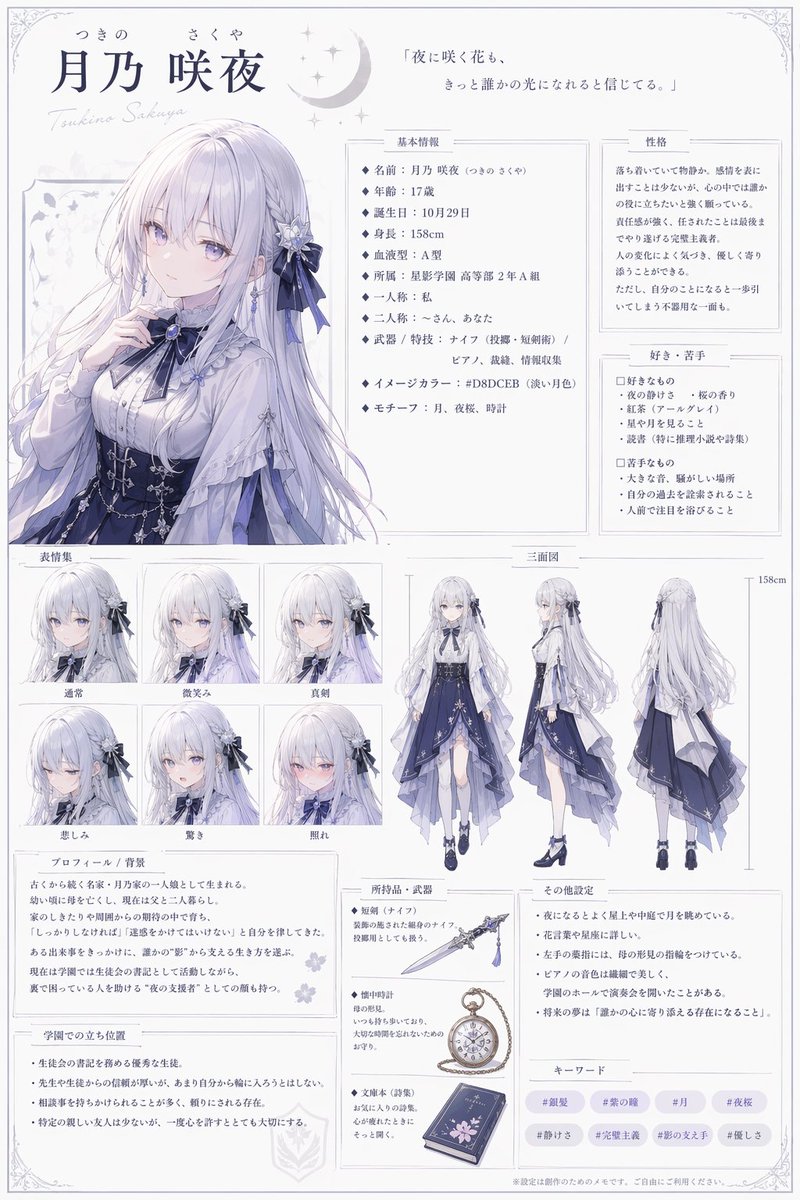
How do I use the Two‑step Nano Banana Pro image refinement prompt template?
Choose the primary action to open PicX Studio with the available template settings. Review the model and format, personalize the creative direction, and generate when ready.
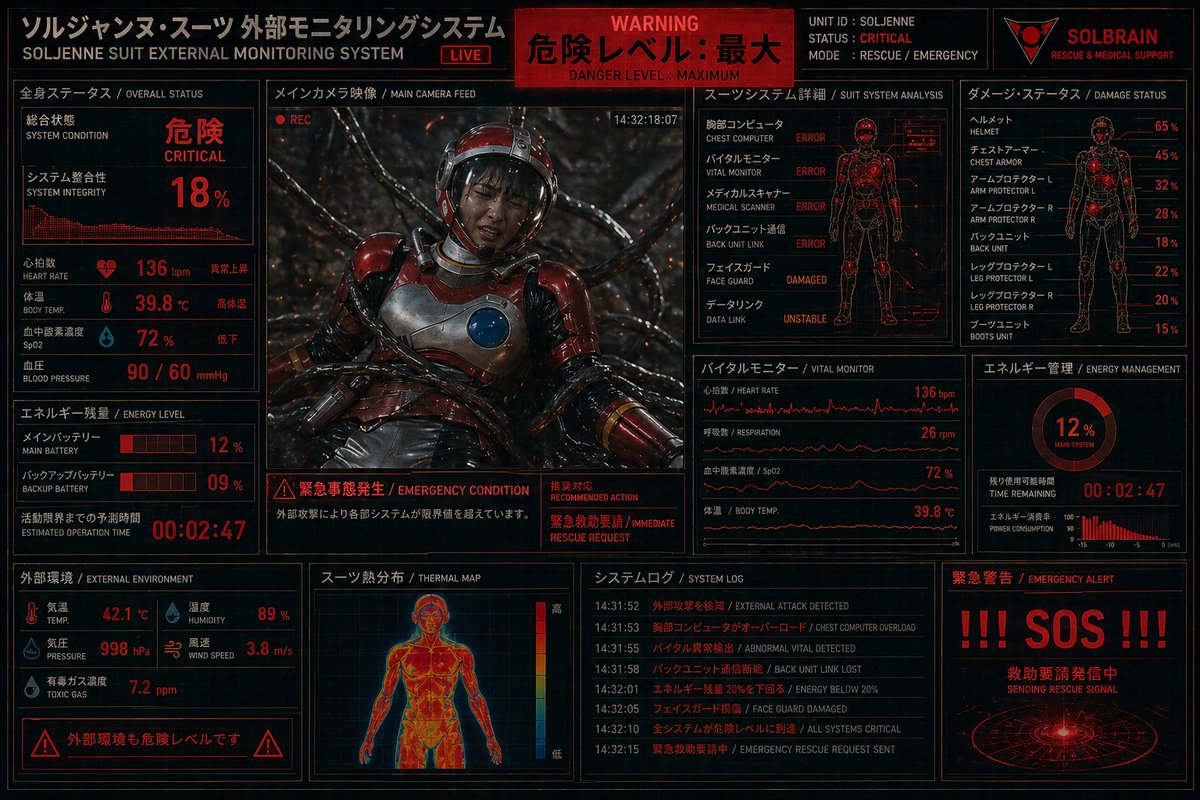
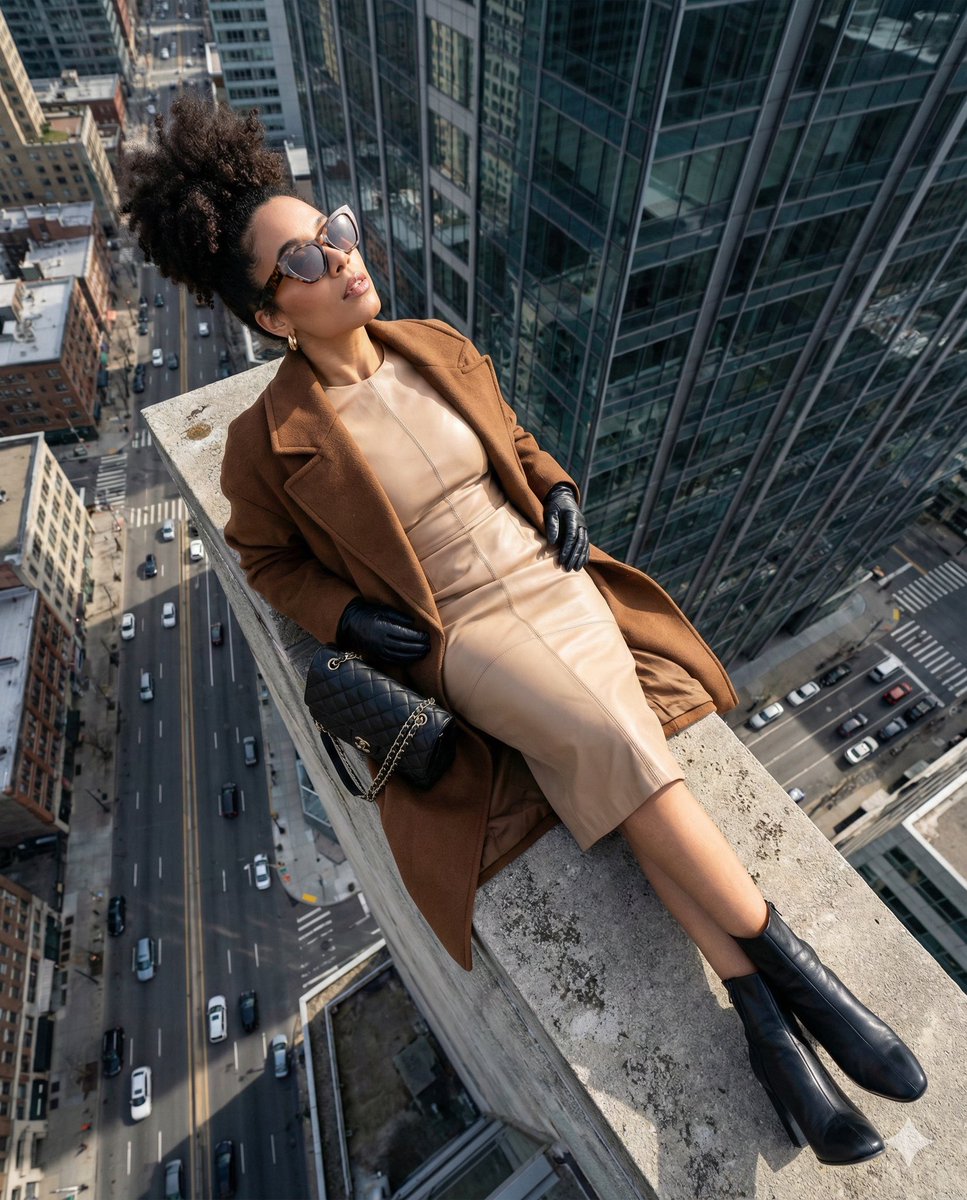
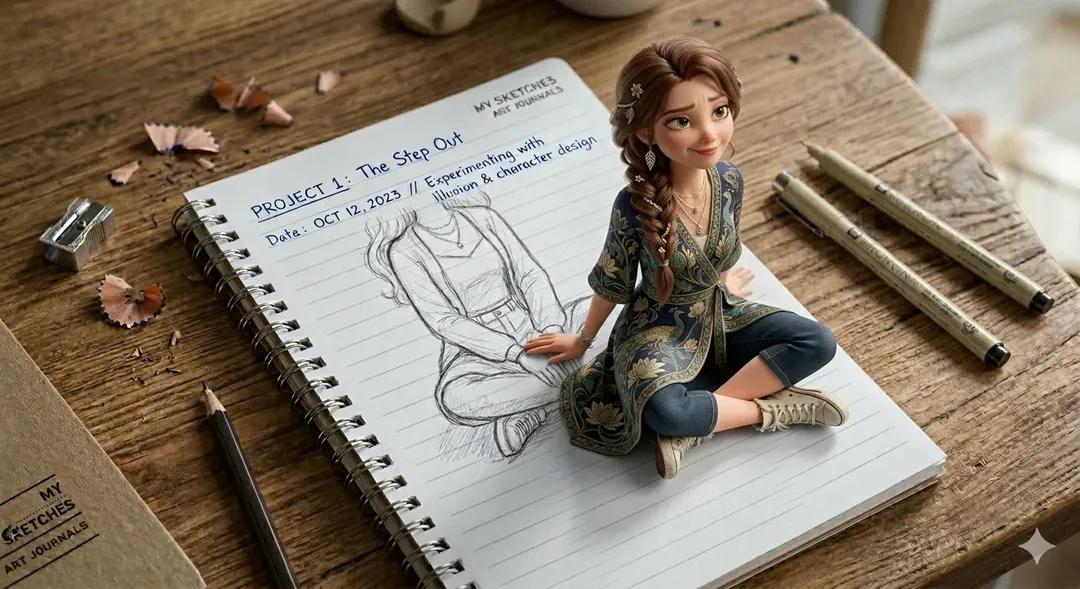
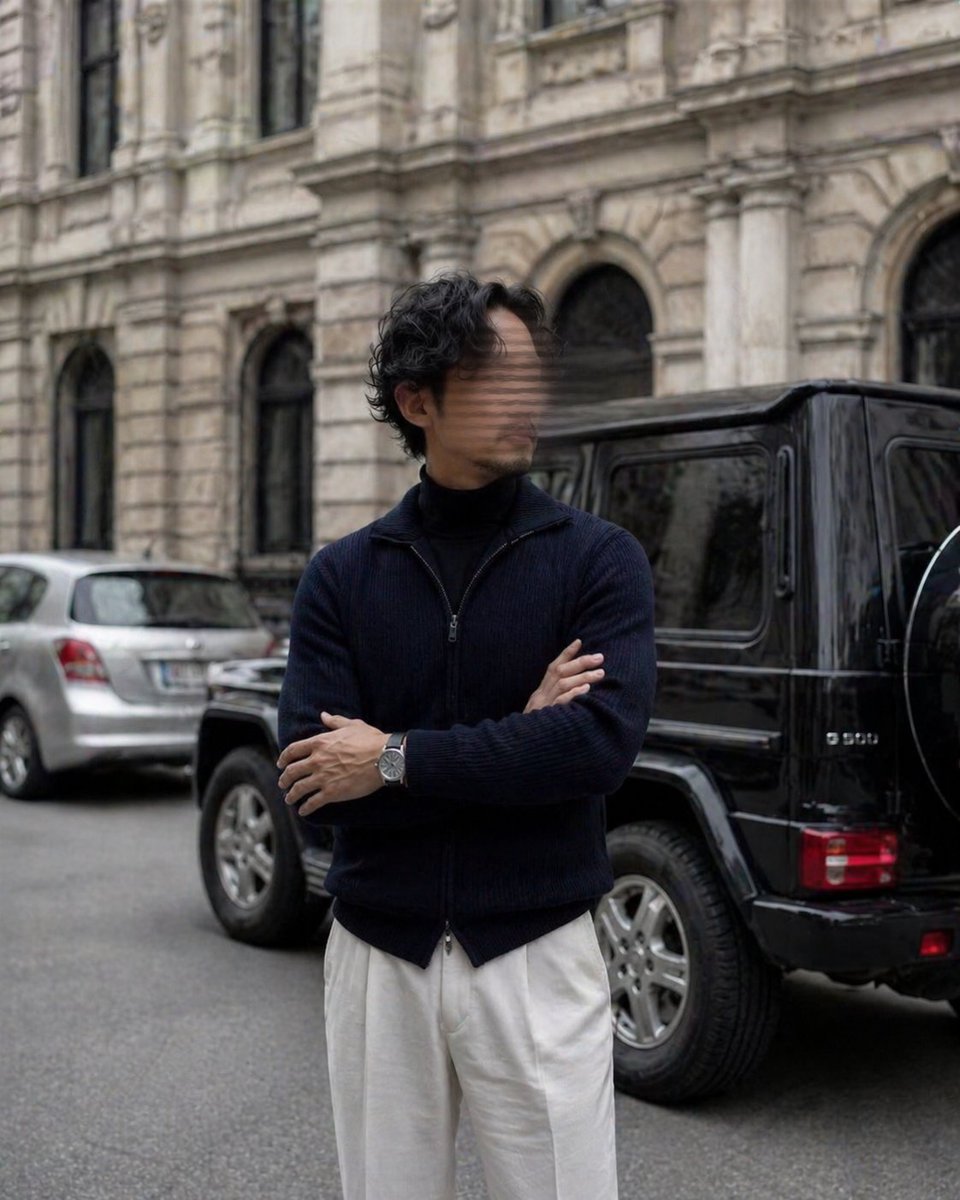
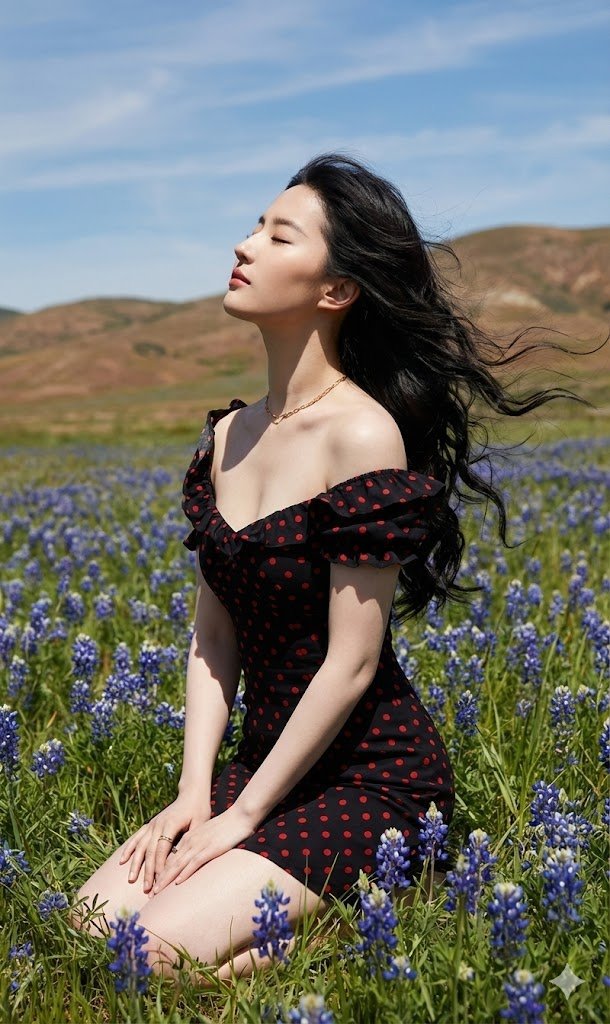
A simple two‑step workflow prompt for Nano Banana Pro: first generate a person image with detailed skin, then zoom into the face in a close‑up. Change the subject, setting, or lighting one variable at a time.

1ro: crea una imagen de una persona agregando la indicación: "{argument name="detalle de la piel" default="Su piel tiene poros y detalles"}". 2do: luego introduce el siguiente prompt al resultado generado "{argument name="acercar rostro" default="Acerca al rostro en primer plano."}".
Choose the primary action to open PicX Studio with the available template settings. Review the model and format, personalize the creative direction, and generate when ready.
Yes. You can change the subject, setting, lighting, mood, format, and available model controls before creating your image.
This template is free to open and customize. Generation usage is shown in PicX Studio before you create.
Start with Nano Banana 2, which is the model associated with this template. You can compare another compatible model for a different finish.
Follow a topic to a crawlable collection of related PicX Studio templates.
43,474 public templates available. Verified via the PicX Studio public templates API; refreshed hourly.



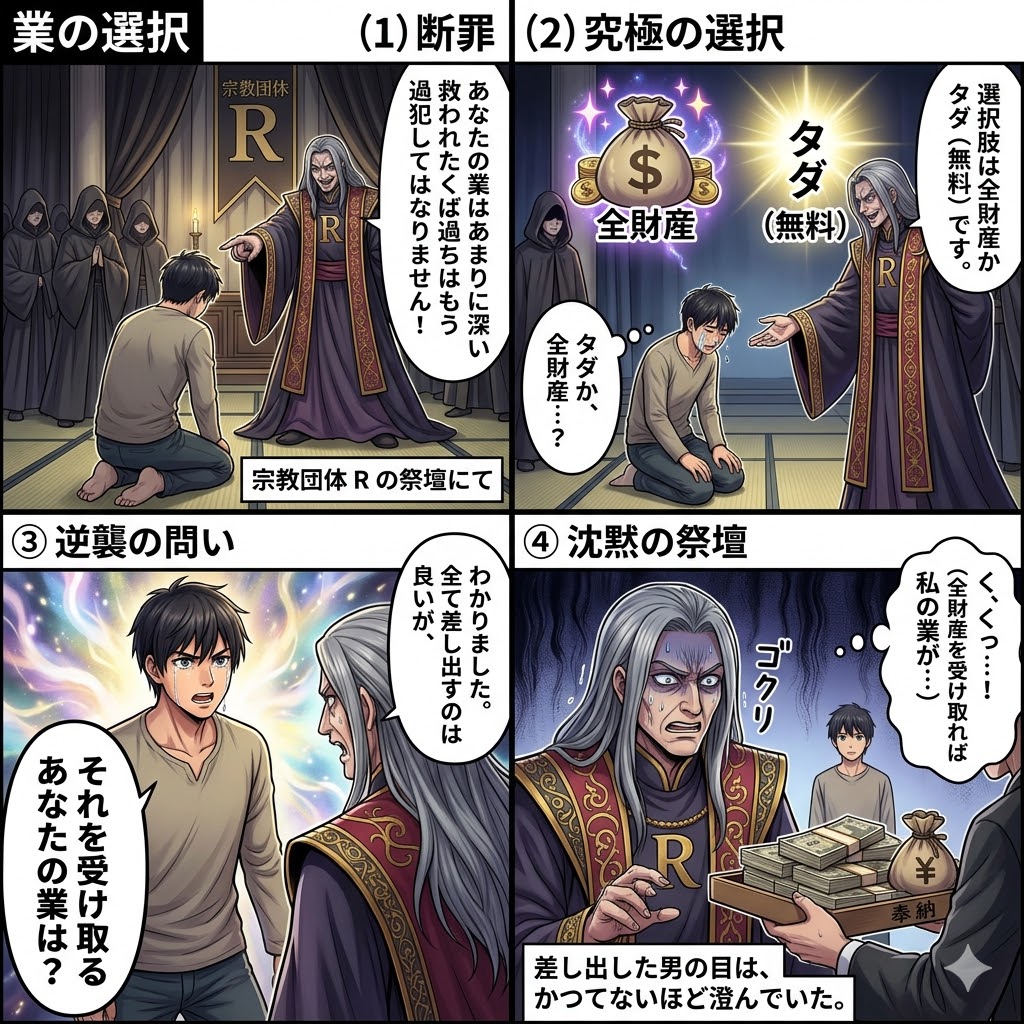






![118-google-nano-banana-pro-skincare-product- — A professional skincare shot of a [product container] with [cap/lid], labeled [brand, product, descriptor, volume](/_next/image?url=https%3A%2F%2Fcdn.picxstudio.com%2Fuploads%2Fpost118_img0_332898b8-29ea-42a9-87ab-9ed746a3f944.jpg&w=828&q=100)







![Nano Banana — One Day In [CITY] Travel Route — A hyper-realistic 3D daily travel route infographic poster generated from a single input: [CITY]=(Buraya şehir ad](/_next/image?url=https%3A%2F%2Fcdn.picxstudio.com%2Fuploads%2Fai_gezgini_travel_d9a86f2e-c1f5-41a8-a4ef-5d96a8a7a023.jpg&w=828&q=100)
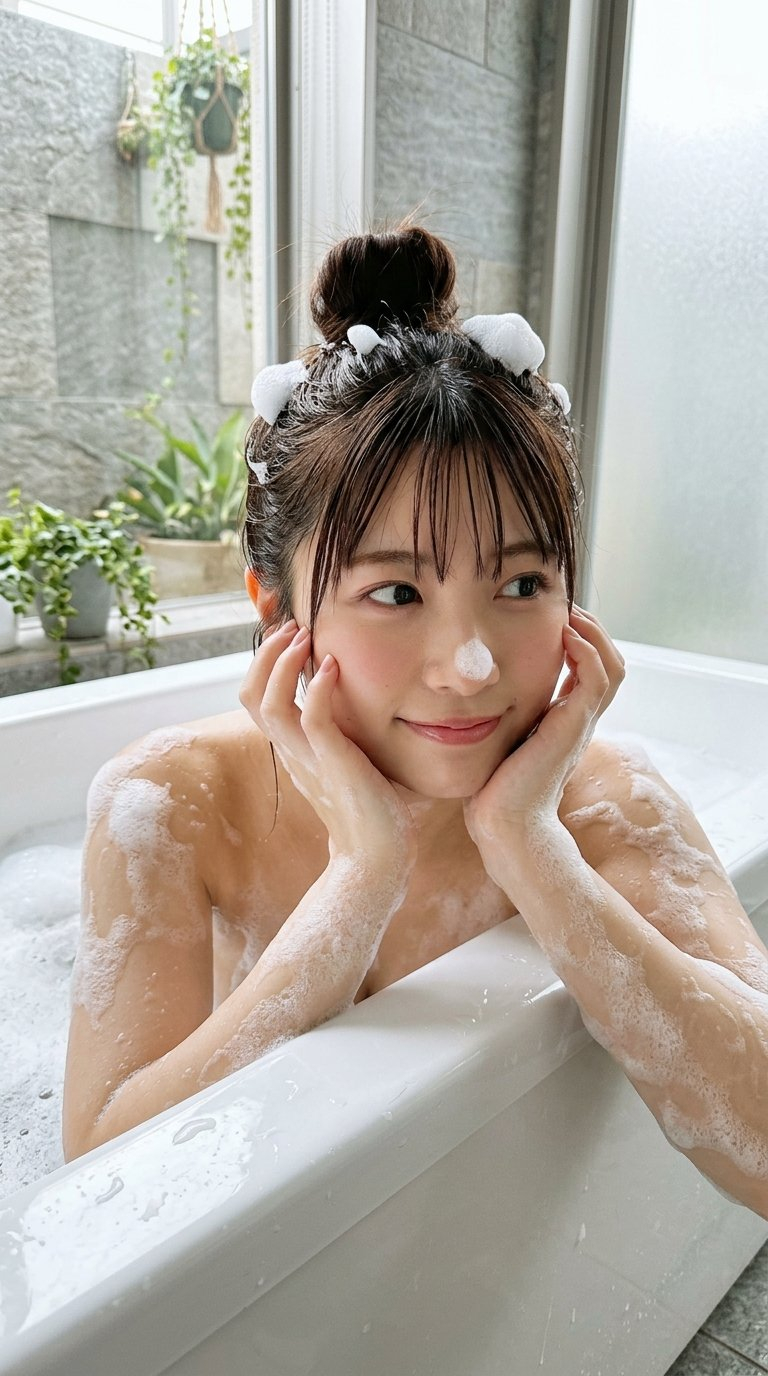


![Naive doodle-style subject illustration — A doodle-style {argument name="subject" default="[subject]"}, naive lines, humorous shape exaggeration](https://pbs.twimg.com/media/G6Wl2YxbsAARB2b.jpg)








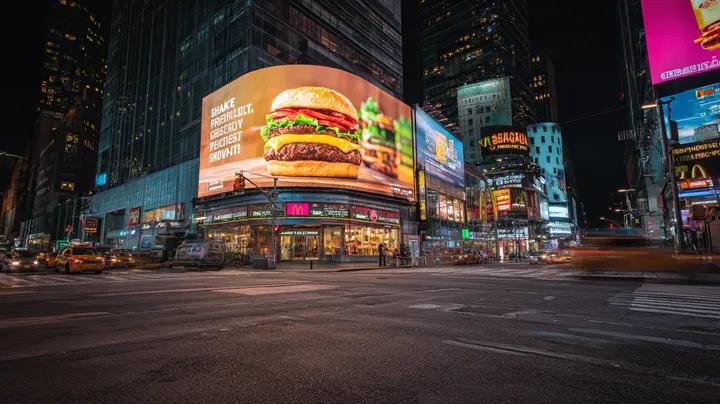






![Giant Hugging Tokyo Tower Photo Prompt — [写真の人物]が巨大化し東京の近代的な都市景観の上にしゃがんで、東京タワーをやさしく抱きしめている、カメラ目線、昼間の明るい空、柔らかな自然光、下に広がる詳細な建物、リアルさとファンタジーが調和した雰囲気、鮮明なフォーカス、鮮やかな色彩](https://pbs.twimg.com/media/G7vRj8Pa0AAIrmZ.jpg)