How do I use the Raw Candid Close-Up Selfie Prompt (High Grain) template?
Choose the primary action to open PicX Studio with the available template settings. Review the model and format, personalize the creative direction, and generate when ready.
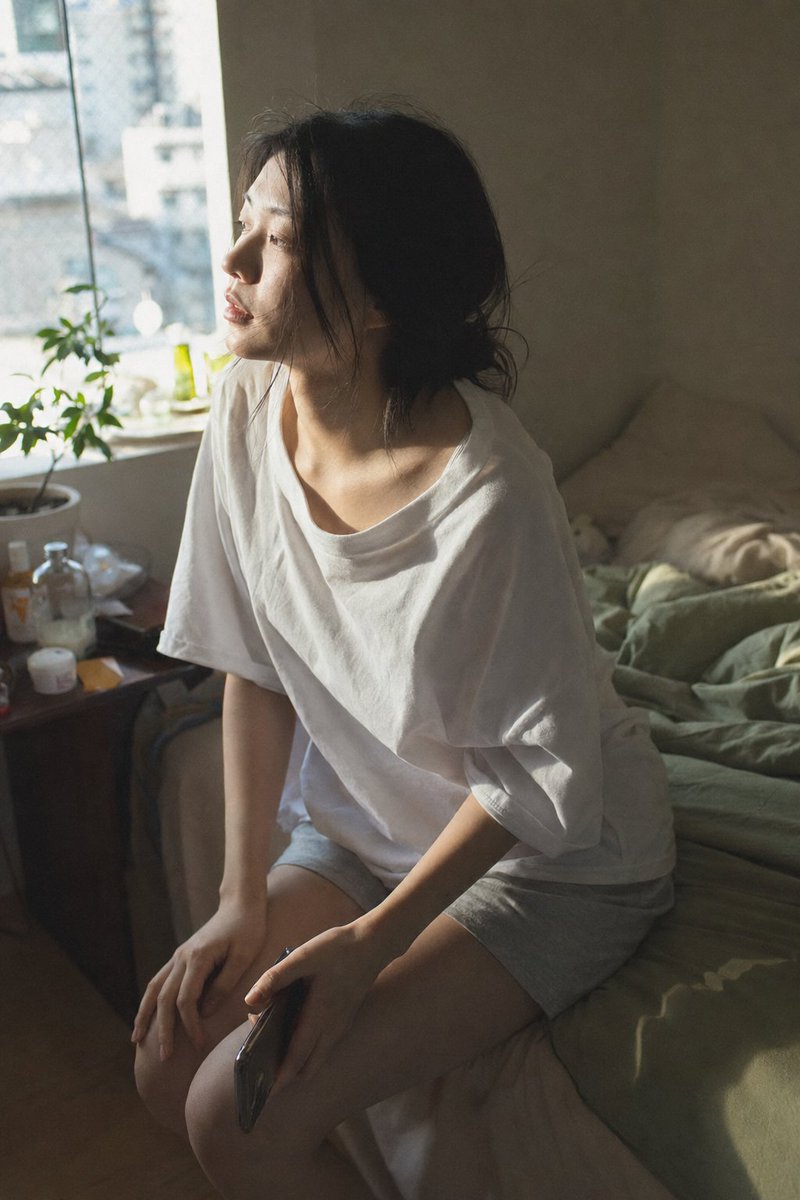
A prompt designed to generate a raw, unedited, extreme close-up selfie portrait with high digital noise and heavy visible grain, mimicking a casual, personal, low-light aesthetic with visible skin texture and natural features. (free to use) — Free AI image template on PicX Studio.
{ "subject": { "type": "human", "gender": "female", "age_range": "young adult", "pose": "close-up selfie, face filling frame", "expression": "soft, calm, slightly playful", "gaze": "looking directly at camera" }, "face": { "skin_tone": "fair with natural pink flush on cheeks and nose", "skin_texture": "visible pores, natural grain, slight uneven tone", "eyes": { "color": "blue green", "shape": "round", "detail": "clear catchlight, soft focus edges" }, "nose": "small with natural redness at tip", "lips": { "color": "natural pink", "texture": "slightly dry, realistic" } }, "hair": { "color": "dark brown", "style": "loose, straight to slightly wavy", "details": "hair partially covering left side of face" }, "hands": { "gesture": "finger held near lips", "nails": { "length": "short", "polish": "clear or nude", "decoration": "small silver heart shaped gem on nail" } }, "accessories": { "jewelry": "none visible", "makeup": "minimal or no makeup" }, "environment": { "location": "indoor", "background": "dark and blurred, no clear objects", "setting_feel": "intimate, personal" }, "lighting": { "type": "low light indoor", "direction": "front and slightly above", "quality": "soft, uneven", "shadows": "mild shadows around nose and hair" }, "camera": { "shot_type": "extreme close-up portrait", "angle": "eye level", "focus": "sharp on eyes, slightly soft on edges", "depth_of_field": "shallow" }, "image_quality": { "grain": "heavy visible grain", "noise": "high digital noise", "sharpness": "moderate", "contrast": "low to medium", "color_tone": "cool with muted colors" }, "style": { "look": "raw, candid, unedited", "aesthetic": "real life, casual selfie", "no_ai_traits": "no plastic skin, no perfect symmetry, no studio lighting" }, "aspect_ratio": "portrait 3:4", "mood": "soft, quiet, personal" }
Use Raw Candid Close-Up Selfie Prompt (High Grain) to plan an AI image around nano-banana-2 generation. Match the preview's composition first, then personalize the subject, setting, and mood for your own project.
Use the primary action to load the template settings in PicX Studio.
Adjust the subject and creative details for your destination.
Create the image, compare the result with the preview, and refine one variable at a time.
A continuous mix — similar concepts first, woven with same-model prompts and fresh picks from the catalog.
Choose the primary action to open PicX Studio with the available template settings. Review the model and format, personalize the creative direction, and generate when ready.
Yes. You can change the subject, setting, lighting, mood, format, and available model controls before creating your image.
This template is free to open and customize. Generation usage is shown in PicX Studio before you create.
Start with nano-banana-2, which is the model associated with this template. You can compare another compatible model for a different finish.
Follow a topic to a crawlable collection of related PicX Studio templates.
39,155 public templates available. Verified via the PicX Studio public templates API; refreshed hourly.
A continuous mix — similar concepts first, woven with same-model prompts and fresh picks from the catalog.