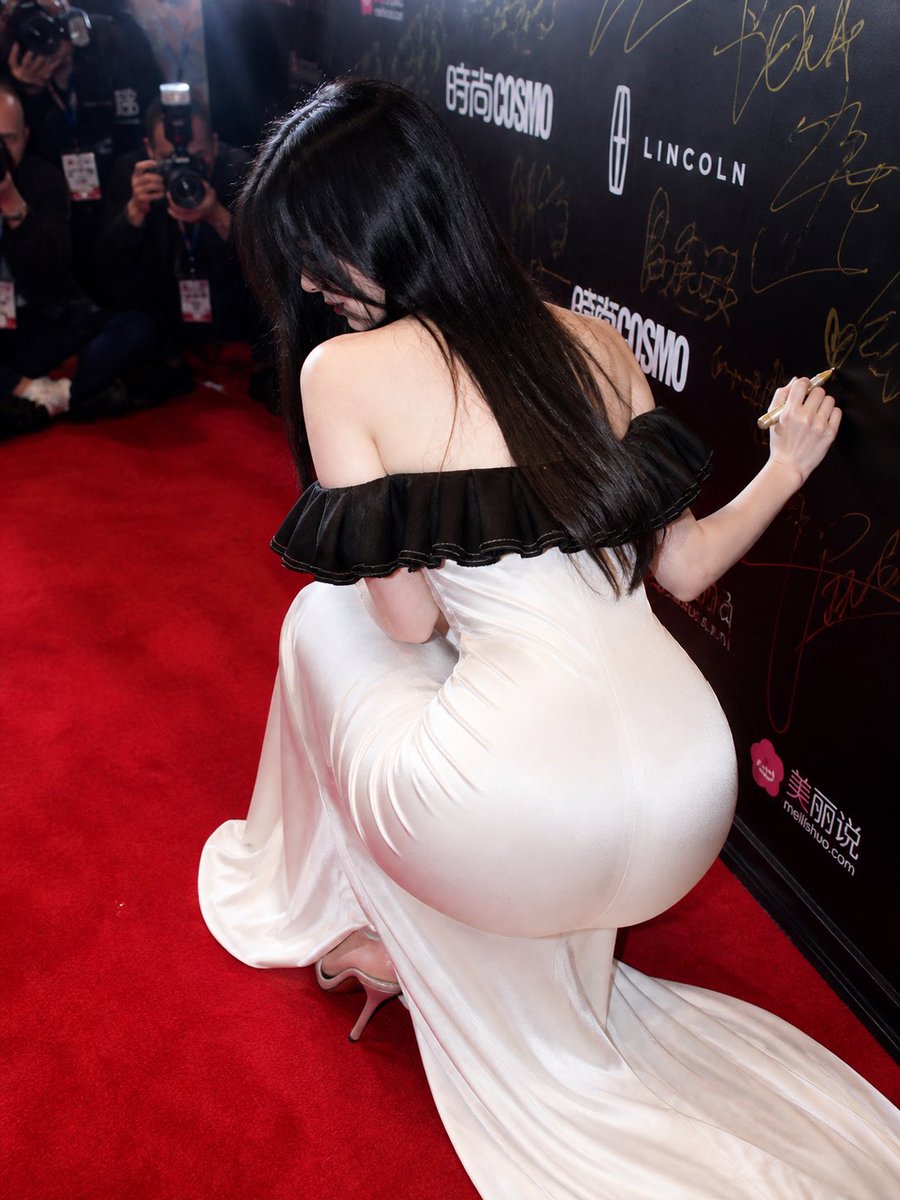
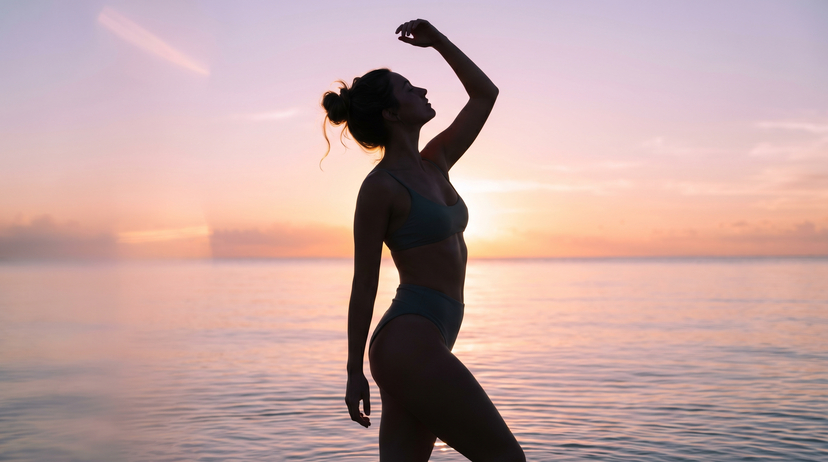
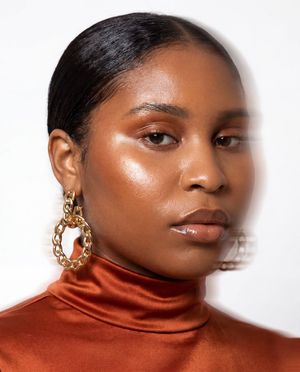
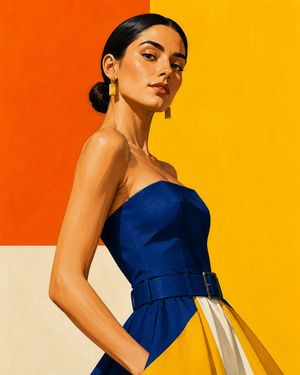
How do I use the Minimalist Color-Blocked High-Fashion Portrait template?
Choose the primary action to open PicX Studio with the available template settings. Review the model and format, personalize the creative direction, and generate when ready.
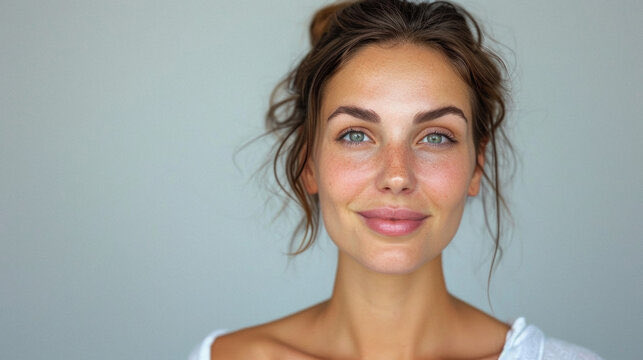
A concise prompt structure for generating a high-fashion, minimal portrait of a woman standing between contrasting color panels in a graphic studio setup, emphasizing clean color-blocked attire and a strong, subtle presence. Change the subject, setting, or lighting one variable at a time.

{ "render_goal": "High-fashion minimal portrait", "subject": { "pose": "female standing between contrasting panels", "expression": "subtle smile, strong presence" }, "wardrobe": "{argument name="wardrobe colors" default="clean color-blocked outfit in two bold tones"}", "environment": { "location": "graphic studio setup", "props": "flat color walls, even lighting" } }
Choose the primary action to open PicX Studio with the available template settings. Review the model and format, personalize the creative direction, and generate when ready.
Yes. You can change the subject, setting, lighting, mood, format, and available model controls before creating your image.
This template is free to open and customize. Generation usage is shown in PicX Studio before you create.
Start with Nano Banana 2, which is the model associated with this template. You can compare another compatible model for a different finish.
Follow a topic to a crawlable collection of related PicX Studio templates.
43,474 public templates available. Verified via the PicX Studio public templates API; refreshed hourly.








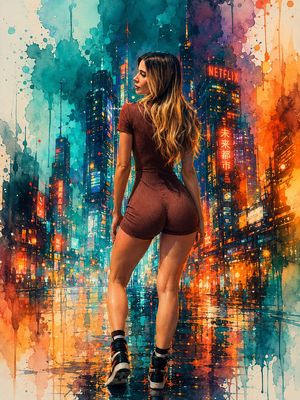
![69-untitled — FORMAT: 15s / 145 BPM / 14 SHOTS
SUBJECT: @[image1]
WARDROBE: Clean modern outfit
ENVIRONMENT: Street / indoor transitions
MOOD: Discovery → contr](/_next/image?url=https%3A%2F%2Fcdn.picxstudio.com%2Fuploads%2Fpost69_img0_d45faecf-38c3-4bcb-81a4-f6eb1cf42bb2.jpg&w=828&q=100)






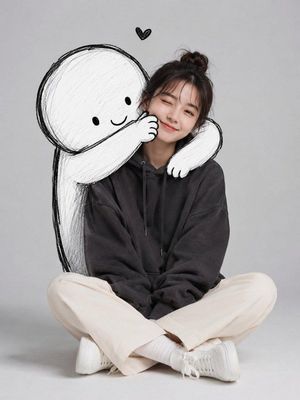
![Naive doodle-style subject illustration — A doodle-style {argument name="subject" default="[subject]"}, naive lines, humorous shape exaggeration](https://pbs.twimg.com/media/G6Wl2YxbsAARB2b.jpg)











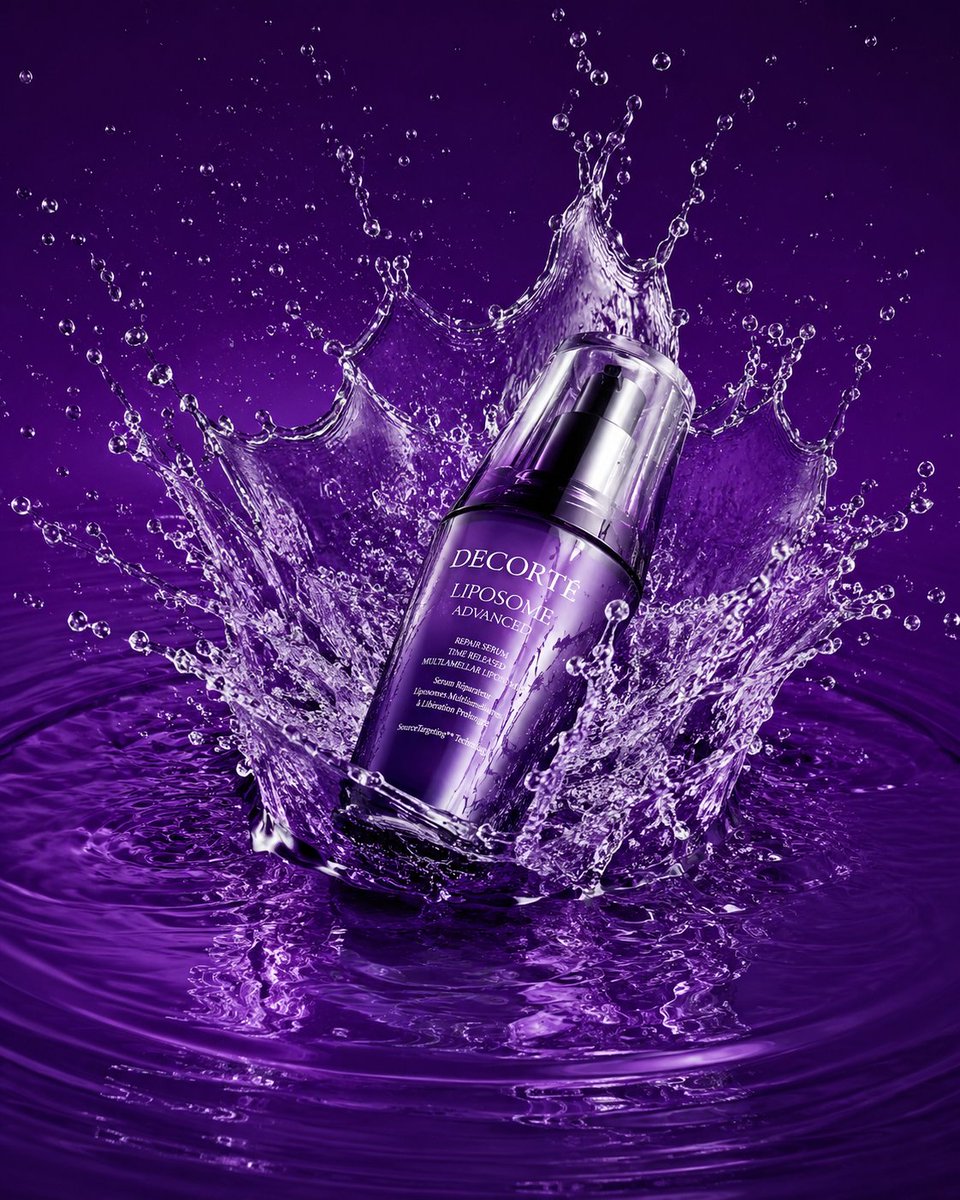

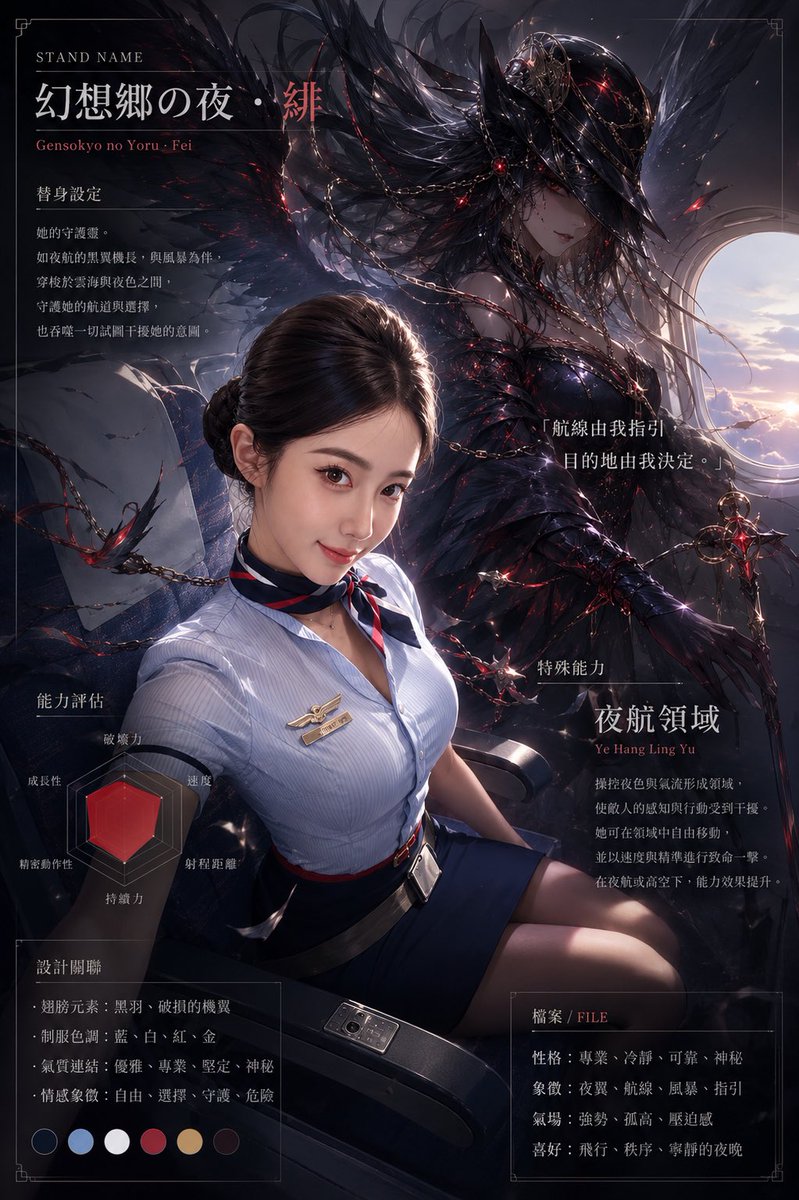



![3D Rendered Dance Sequence Guide — Dance Sequence Instruction Sheet
[VISUAL STYLE]
A composition featuring a highly detailed 3D-rendered female dancer. Designed](https://cms-assets.youmind.com/media/1777711032160_zbduj3_HHNa43JbAAA8RHM.jpg)