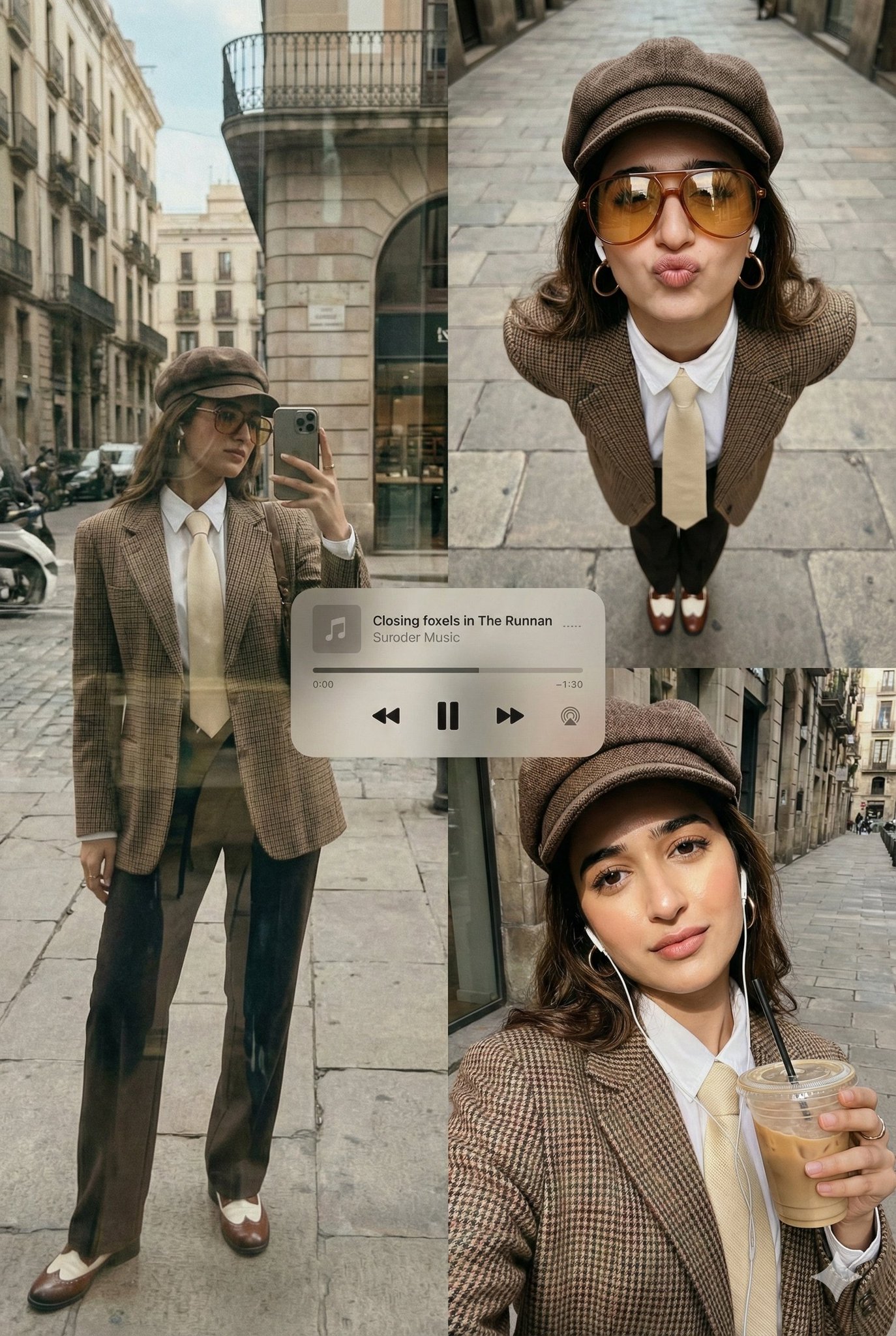
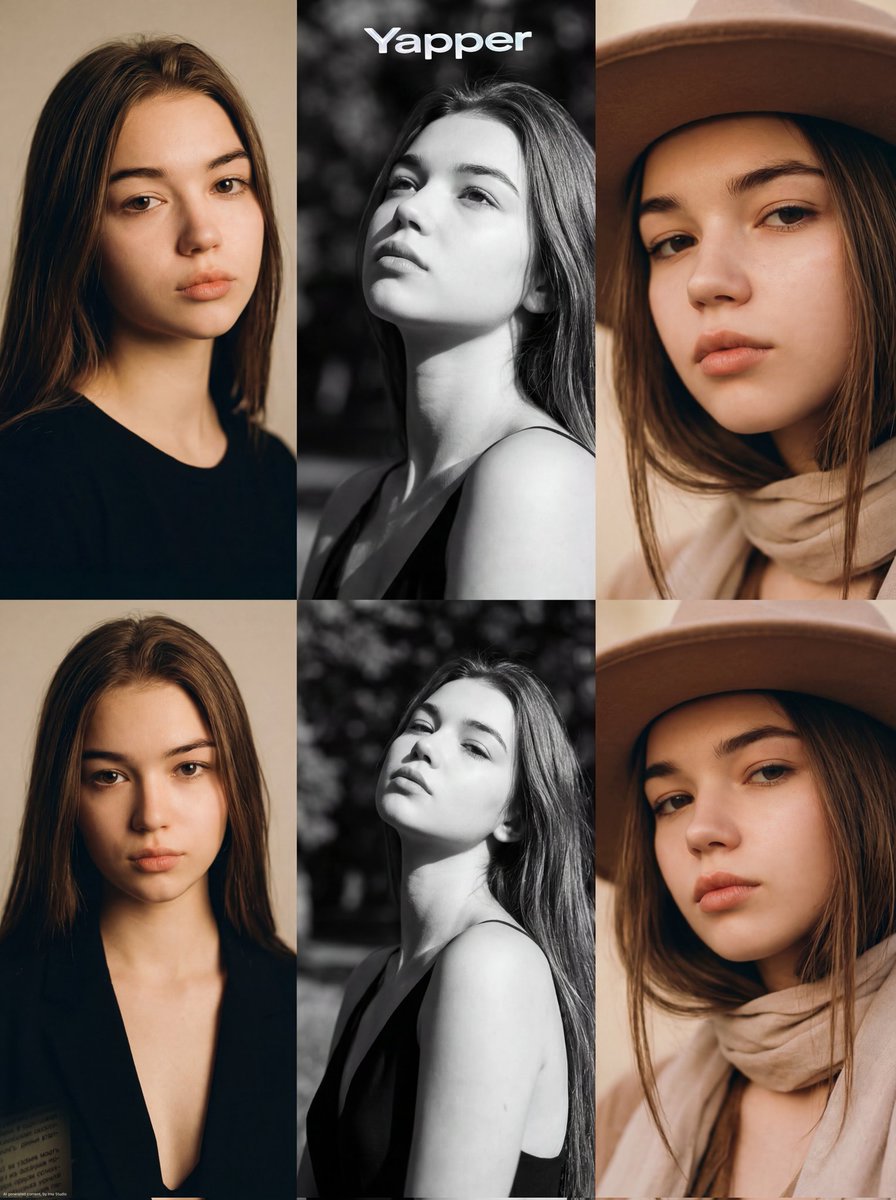
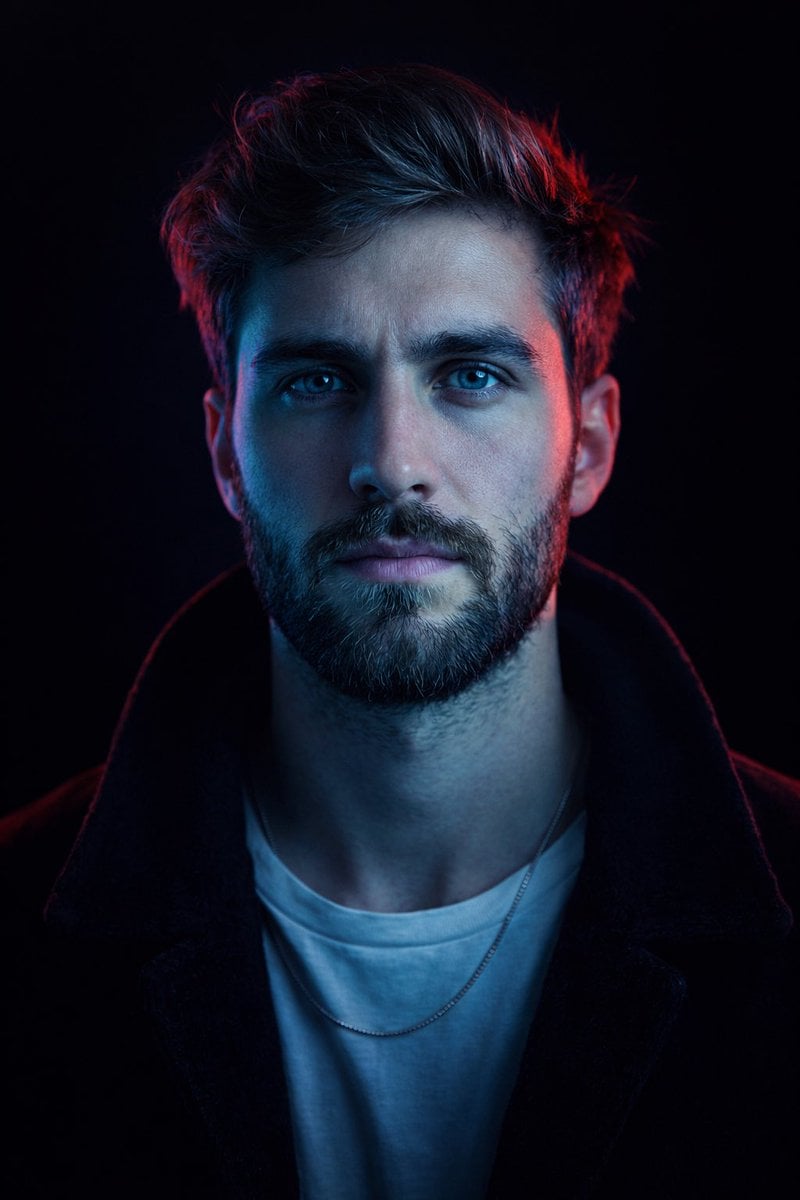
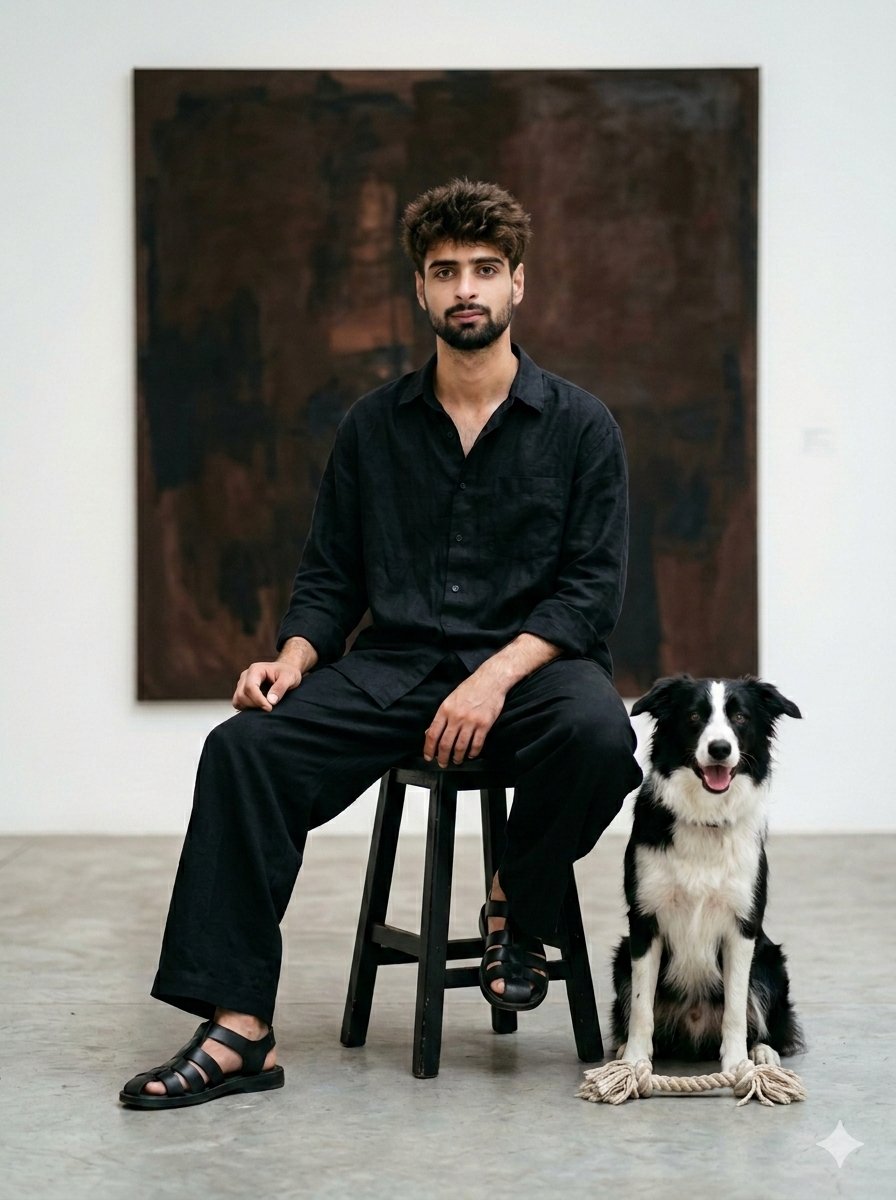
How do I use the Minimalist Fashion Gallery Photography template?
Edit the prompt in the box under the preview — the template's model and format are already selected — and press Generate. Your version appears right on this page.
A clean, minimalist fashion photoshoot set in a modern art gallery, featuring Scandinavian and Japanese aesthetic influences and Swiss graphic design elements.

A minimalist editorial fashion photoshoot featuring a young woman with a {argument name="haircut" default="short black bob"} haircut and soft wispy bangs, wearing a sleeveless {argument name="dress color" default="navy blue"} midi dress with a clean silhouette and black strappy sandals. She is holding a {argument name="accessory" default="compact white premium camera"} with a bright lime-green wrist strap. Modern art gallery interior with a wall covered in large black-and-white Swiss typography posters inspired by Helvetica and Bauhaus graphic design. Soft natural indoor lighting, muted neutral color palette, clean composition, Scandinavian/Japanese minimalism, luxury lifestyle photography, candid yet elegant pose, calm expression, high-end fashion magazine aesthetic, cinematic color grading, shallow depth of field, ultra-sharp details, realistic skin texture, premium mirrorless camera look, 35mm lens, f/2, full-body editorial, contemporary museum atmosphere. Minimalist, Editorial fashion, Muji / Japanese aesthetic, Scandinavian interior, Swiss graphic design, Soft natural light, Neutral tones, Clean composition, Luxury lifestyle, Cinematic, Photorealistic, High detail, 8K
A minimalist editorial fashion photoshoot featuring a young woman with a {argument name="haircut" default="short black bob"} haircut and soft wispy bangs, wearing a sleeveless {argument name="dress color" default="navy blue"} midi dress with a clean silhouette and black strappy sandals. She is holding a {argument name="accessory" default="compact white premium camera"} with a bright lime-green wrist strap. Modern art gallery interior with a wall covered in large black-and-white Swiss typography posters inspired by Helvetica and Bauhaus graphic design. Soft natural indoor lighting, muted neutral color palette, clean composition, Scandinavian/Japanese minimalism, luxury lifestyle photography, candid yet elegant pose, calm expression, high-end fashion magazine aesthetic, cinematic color grading, shallow depth of field, ultra-sharp details, realistic skin texture, premium mirrorless camera look, 35mm lens, f/2, full-body editorial, contemporary museum atmosphere. Minimalist, Editorial fashion, Muji / Japanese aesthetic, Scandinavian interior, Swiss graphic design, Soft natural light, Neutral tones, Clean composition, Luxury lifestyle, Cinematic, Photorealistic, High detail, 8K
Edit the prompt in the box under the preview — the template's model and format are already selected — and press Generate. Your version appears right on this page.
Yes. You can change the subject, setting, lighting, mood, format, and available model controls before creating your image.
Opening and editing this template is free. Generating uses credits, shown on the Generate button when you are signed in.
Start with GPT Image 2, which is the model associated with this template. You can compare another compatible model for a different finish.
Follow a topic to a crawlable collection of related PicX Studio templates.