How do I use the Nostalgic Vintage Collage Portrait template?
Choose the primary action to open PicX Studio with the available template settings. Review the model and format, personalize the creative direction, and generate when ready.
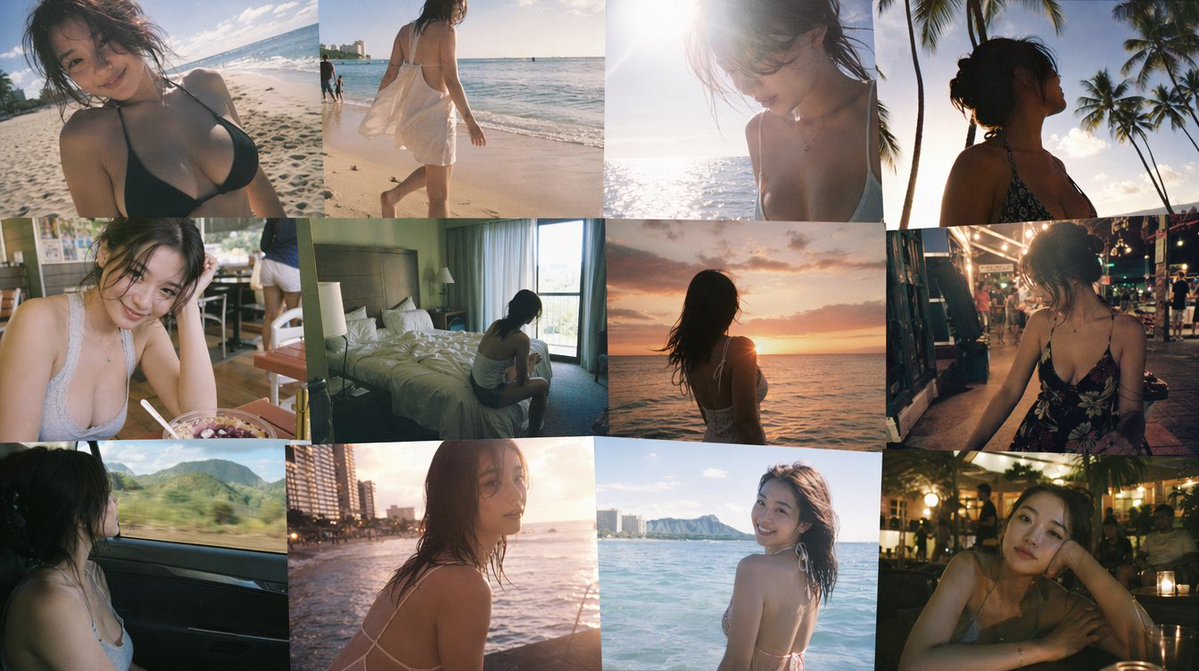
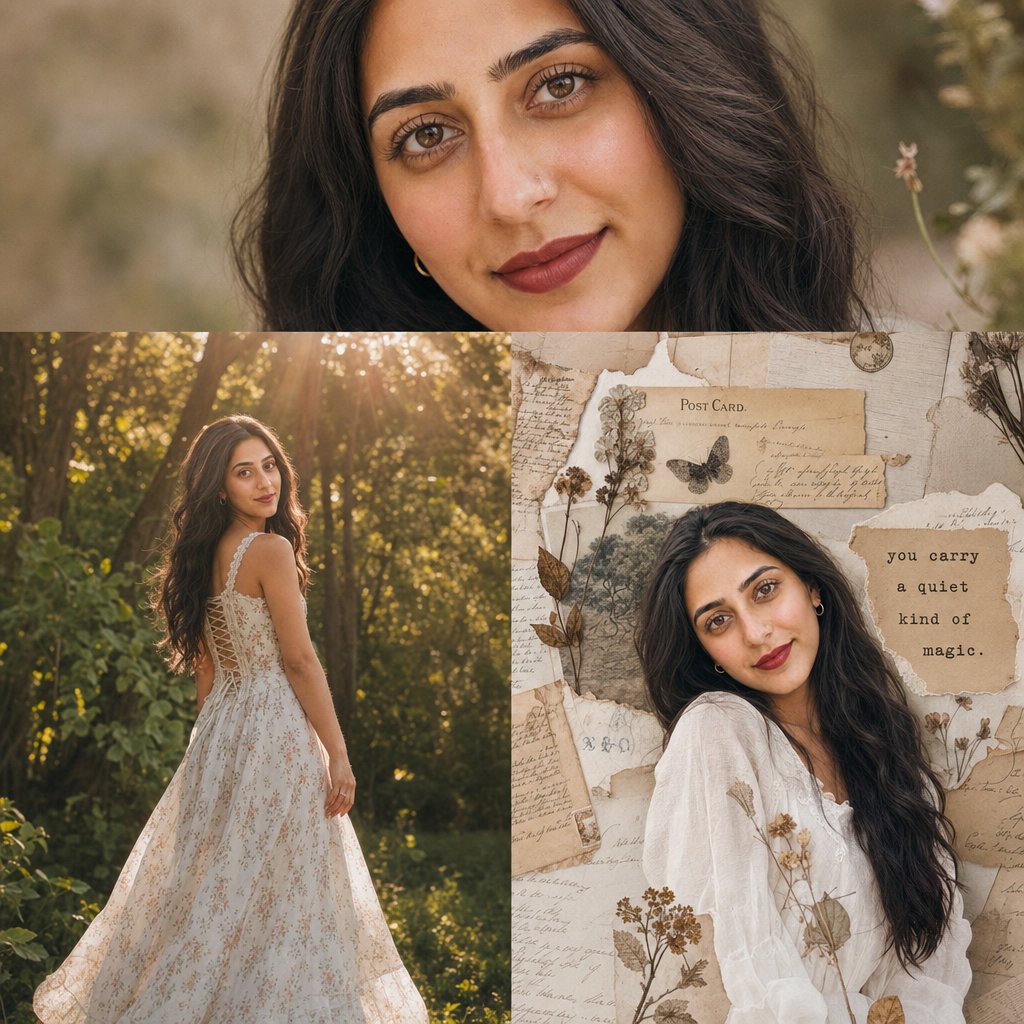
A multi-scene prompt generating an editorial collage with forest photography, vintage textures, and handwritten typography. (free to use) — Free AI image template on PicX Studio.
Extreme close-up of a woman with soft rosy blush, dewy skin texture, and matte deep red lips, wavy dark hair gently framing her face. Middle: Full-body shot of the woman wearing a {argument name="outfit" default="white floral corset-back dress"}, standing in a {argument name="setting" default="sun-drenched forest"} with warm golden-hour light rays breaking through the trees and soft lens flares enhancing the dreamy atmosphere. Bottom: The woman resting against a {argument name="background texture" default="collage of vintage postcards and handwritten letters"}. Scrimshaw-style paper textures, torn paper edges, pressed dried flowers, and subtle typewriter typography overlays reading “you carry a quiet kind of magic.” Muted earthy color palette, nostalgic aesthetic, soft cinematic depth of field, 85mm portrait lens look, ultra-detailed, 8K resolution, film photography style, gentle film grain.
Use Nostalgic Vintage Collage Portrait to plan an AI image around gpt-image-2 generation, themes such as en and gpt-image-2. Match the preview's composition first, then personalize the subject, setting, and mood for your own project.
Use the primary action to load the template settings in PicX Studio.
Adjust the subject and creative details for your destination.
Create the image, compare the result with the preview, and refine one variable at a time.
A continuous mix — similar concepts first, woven with same-model prompts and fresh picks from the catalog.
Choose the primary action to open PicX Studio with the available template settings. Review the model and format, personalize the creative direction, and generate when ready.
Yes. You can change the subject, setting, lighting, mood, format, and available model controls before creating your image.
This template is free to open and customize. Generation usage is shown in PicX Studio before you create.
Start with gpt-image-2, which is the model associated with this template. You can compare another compatible model for a different finish.
Follow a topic to a crawlable collection of related PicX Studio templates.
39,157 public templates available. Verified via the PicX Studio public templates API; refreshed hourly.
A continuous mix — similar concepts first, woven with same-model prompts and fresh picks from the catalog.