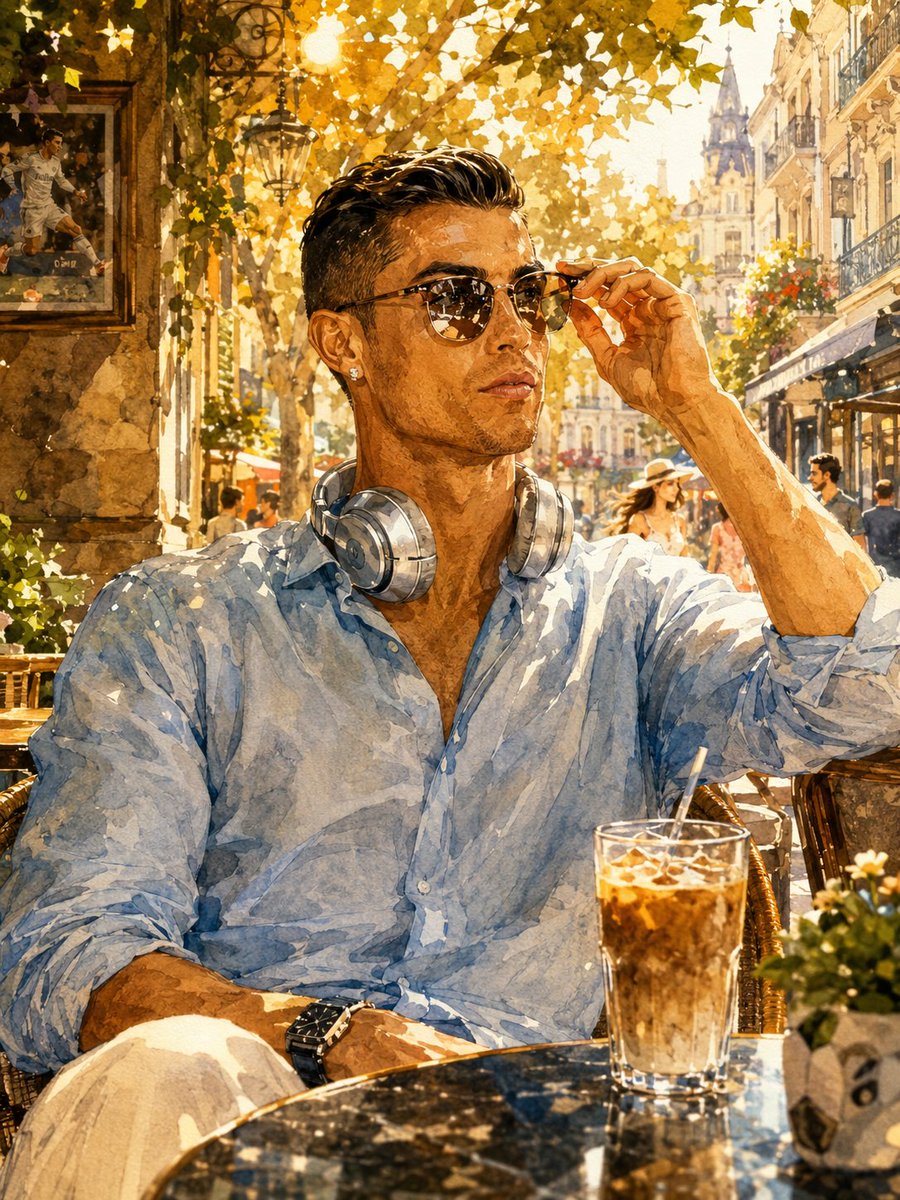
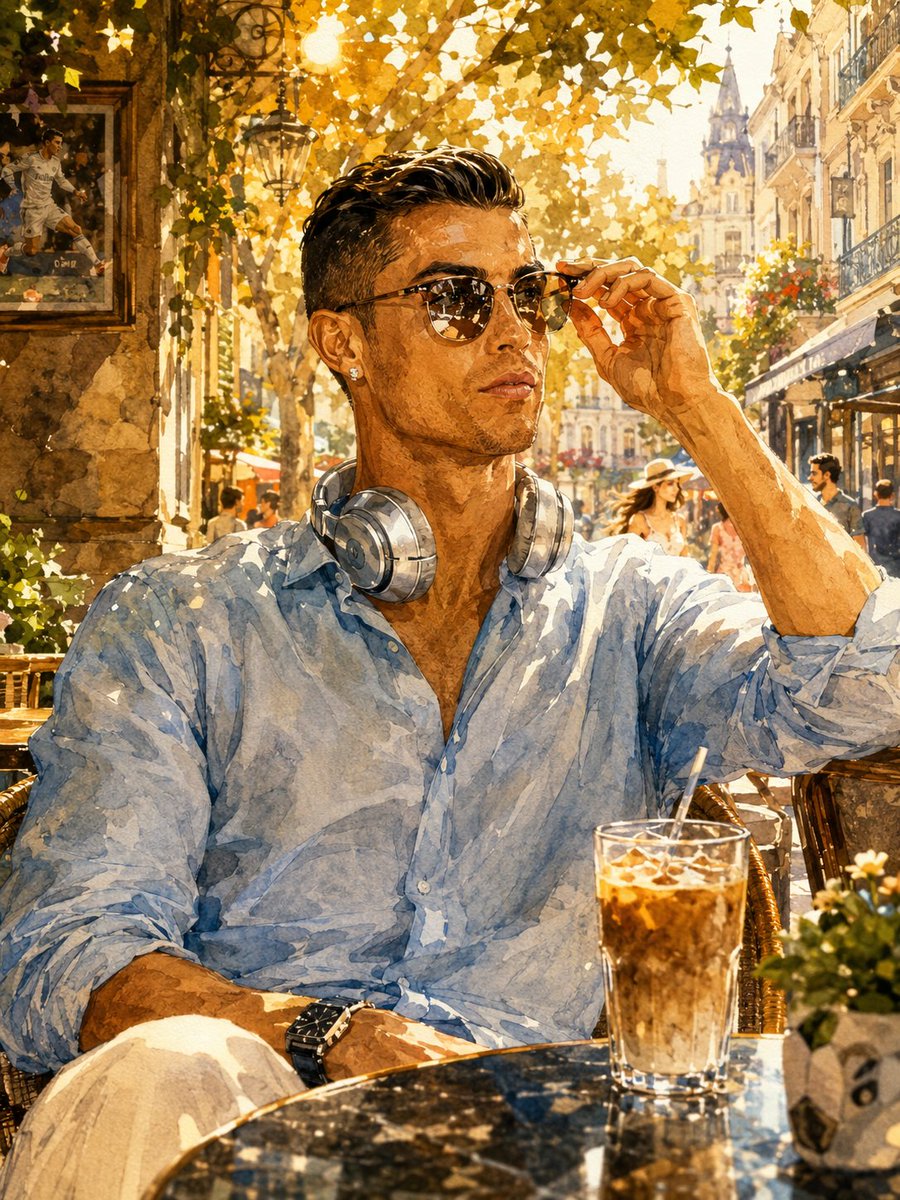
How do I use the Cristiano Ronaldo Watercolor Portrait template?
Choose the primary action to open PicX Studio with the available template settings. Review the model and format, personalize the creative direction, and generate when ready.
A vibrant watercolor painting of Cristiano Ronaldo at a European cafe during golden hour, characterized by warm lighting and sophisticated style. (free to use) — Free AI image template on PicX Studio.
A stunning watercolor painting of {argument name="subject" default="Cristiano Ronaldo"} sitting at an {argument name="setting" default="outdoor cafe table"} in a sunny European city street during golden hour, warm vibrant lighting. He is wearing a light blue patterned button-up shirt with rolled sleeves, white pants, a black luxury watch, and a diamond stud earring. Silver over-ear headphones rest around his neck. He is holding his aviator sunglasses with his right hand, slightly lifting them while looking confidently to the side. On the marble table in front of him is a tall glass of iced coffee with a straw and a small potted flower. The background features beautiful European architecture, a tall historic building with a spire, trees with golden autumn leaves, street lamps, cafe awnings, and blurred pedestrians. A framed picture of {argument name="subject" default="Ronaldo"} playing football hangs on the stone wall to the left. Artistic watercolor style with visible brush strokes, vibrant colors, warm golden sunlight, cinematic composition, highly detailed, elegant and sophisticated atmosphere.
Use Cristiano Ronaldo Watercolor Portrait to plan an AI image around gpt-image-2 generation, themes such as en and gpt-image-2. Match the preview's composition first, then personalize the subject, setting, and mood for your own project.
Use the primary action to load the template settings in PicX Studio.
Adjust the subject and creative details for your destination.
Create the image, compare the result with the preview, and refine one variable at a time.
A continuous mix — similar concepts first, woven with same-model prompts and fresh picks from the catalog.
Choose the primary action to open PicX Studio with the available template settings. Review the model and format, personalize the creative direction, and generate when ready.
Yes. You can change the subject, setting, lighting, mood, format, and available model controls before creating your image.
This template is free to open and customize. Generation usage is shown in PicX Studio before you create.
Start with gpt-image-2, which is the model associated with this template. You can compare another compatible model for a different finish.
Follow a topic to a crawlable collection of related PicX Studio templates.
39,157 public templates available. Verified via the PicX Studio public templates API; refreshed hourly.
A continuous mix — similar concepts first, woven with same-model prompts and fresh picks from the catalog.