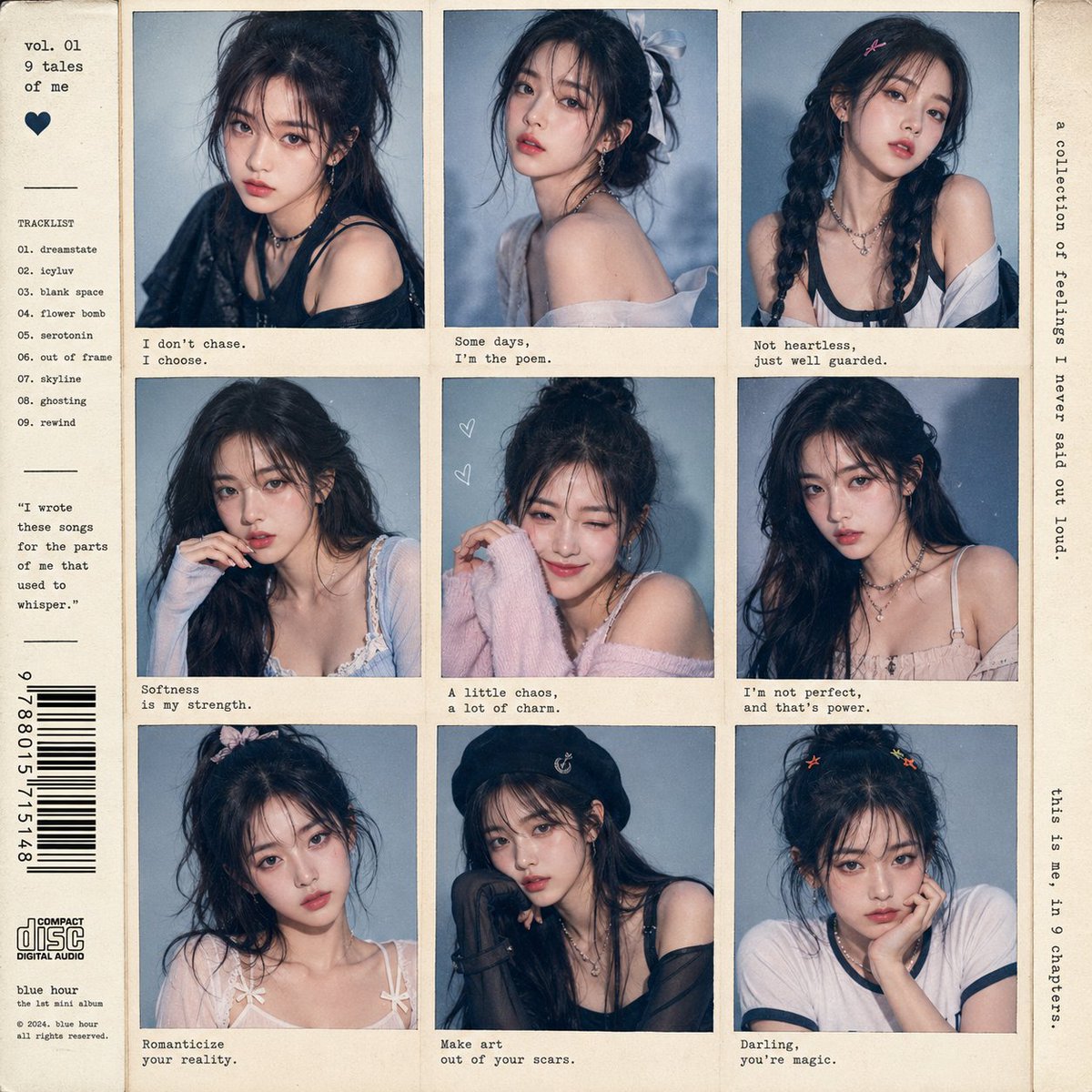
How do I use the Pet Studio Portrait Photography template?
Choose the primary action to open PicX Studio with the available template settings. Review the model and format, personalize the creative direction, and generate when ready.
A detailed prompt for generating a series of high-end studio pet portraits based on an uploaded reference image, emphasizing consistent features and varied expressions. Change the subject, setting, or lighting one variable at a time.

请基于我上传的清晰宠物照片,生成一组 6 张单独成片的宠物潮流棚拍写真。 要求: - 每张都是 3:4 竖构图 - 每张独立输出,不要拼图,不要九宫格,不要海报排版 - 6 张都必须明显是同一只宠物 - 严格保留宠物真实特征:品种、体型、脸型、眼睛、鼻子、嘴巴、耳朵、毛色、花纹、毛发质感、神态气质 - 不能换脸,不能换毛色,不能变成陌生宠物,不能过度拟人化,不能画错动物结构 主题: 宠物潮流棚拍写真。 整体风格: 高级宠物摄影棚,深蓝色或蓝灰色复古纹理背景,时尚杂志感,潮流、可爱、有点拽,像明星宠物写真。 重点要求: 不要生成 6 张差不多的标准棚拍照。 这组图最重要的是表情、动作、角度都要明显不同,更生动,更像抓拍到的有趣瞬间。 6 张图必须拉开这些差异: - 表情不同:冷脸、吐舌、微张嘴、歪头、抬下巴、斜眼看镜头、好奇、搞笑、回头一瞥等 - 动作不同:坐着、站着、侧身、半转身、一只爪子抬起、身体前倾、抬头、探头、像正在动的一瞬间 - 镜头不同:正面、近景特写、侧面、3/4 侧面、低机位、高机位、半身、全身 - 至少 3 张要有明显抓拍感,不要都拍得很端正 服装与配饰: 搭配自然、真实、适合宠物体型的潮流穿搭和轻量配饰,可使用: - 黑白拼色抓绒外套 - 白色高领拉链外套 - 黑色小墨镜 - 复古运动耳机 - 小帽子、围巾、领结 注意: 服装和配饰只是辅助,重点仍然是宠物本身的神态、动作和时尚感。 穿搭必须自然,符合真实宠物穿着逻辑,四肢、脖子、耳朵、尾巴的位置都要自然。 6 张画面分别为: 1. 正面半身照,戴黑色小墨镜,表情冷酷,像潮牌封面 2. 近景大头照,墨镜推到头顶,吐舌或微张嘴,表情搞笑可爱 3. 侧身或 3/4 侧身照,穿黑白拼色抓绒外套,一只爪子自然抬起,像在摆 pose 4. 正面端坐照,穿白色高领拉链外套,戴小墨镜,眼神有点拽 5. 略低机位拍摄,抬下巴看镜头,戴耳机或轻量配饰,像宠物 DJ 6. 特写肖像,微微歪头或回头看镜头,服装简洁,突出五官和毛发细节 质量要求: 写实宠物摄影,高清细节,棚拍质感,真实毛发,真实服装材质,画面自然生动,可爱但高级,有小红书爆款宠物写真感。 避免出现: 不要多只宠物,不要文字水印,不要卡通化,不要玩偶感,不要塑料毛发,不要僵硬摆拍,不要多余爪子,不要畸形耳朵,不要背景杂乱,不要低清,不要过度磨皮。
Choose the primary action to open PicX Studio with the available template settings. Review the model and format, personalize the creative direction, and generate when ready.
Yes. You can change the subject, setting, lighting, mood, format, and available model controls before creating your image.
This template is free to open and customize. Generation usage is shown in PicX Studio before you create.
Start with GPT Image 2, which is the model associated with this template. You can compare another compatible model for a different finish.
© 2026 PicX Studio. All rights reserved.

Follow a topic to a crawlable collection of related PicX Studio templates.
43,474 public templates available. Verified via the PicX Studio public templates API; refreshed hourly.















![Minimalist Flat Vector Travel Poster — Premium minimalist flat-vector travel poster for {argument name="city name" default="[CITY_NAME]"}, 3:4 vertical format.](https://cms-assets.youmind.com/media/1787917359711_3ug846_HQX205cbMAA6F6S-300x400.jpg)



















![Neon-Lit Mirror Reflection Portrait Prompt — [1] SUBJECT:
beautiful young woman, standing sideways, facing right, soft expression,
wearing a tight teal off-shou](https://pbs.twimg.com/media/G7osrN4boAEObeI.jpg)











![Surreal Agricultural Civilization Inside a Fruit Prompt — A single {argument name="fruit or vegetable" default="[FRUIT/VEGETABLE]"} suspended in space, sliced o](https://pbs.twimg.com/media/HA5SbUDXYAAzFlZ.jpg)