
Anime Chalkboard Character Formula
Generates a cheerful anime classroom illustration where a fashionable girl presents an official-style chalkboard breakdown of her charm.
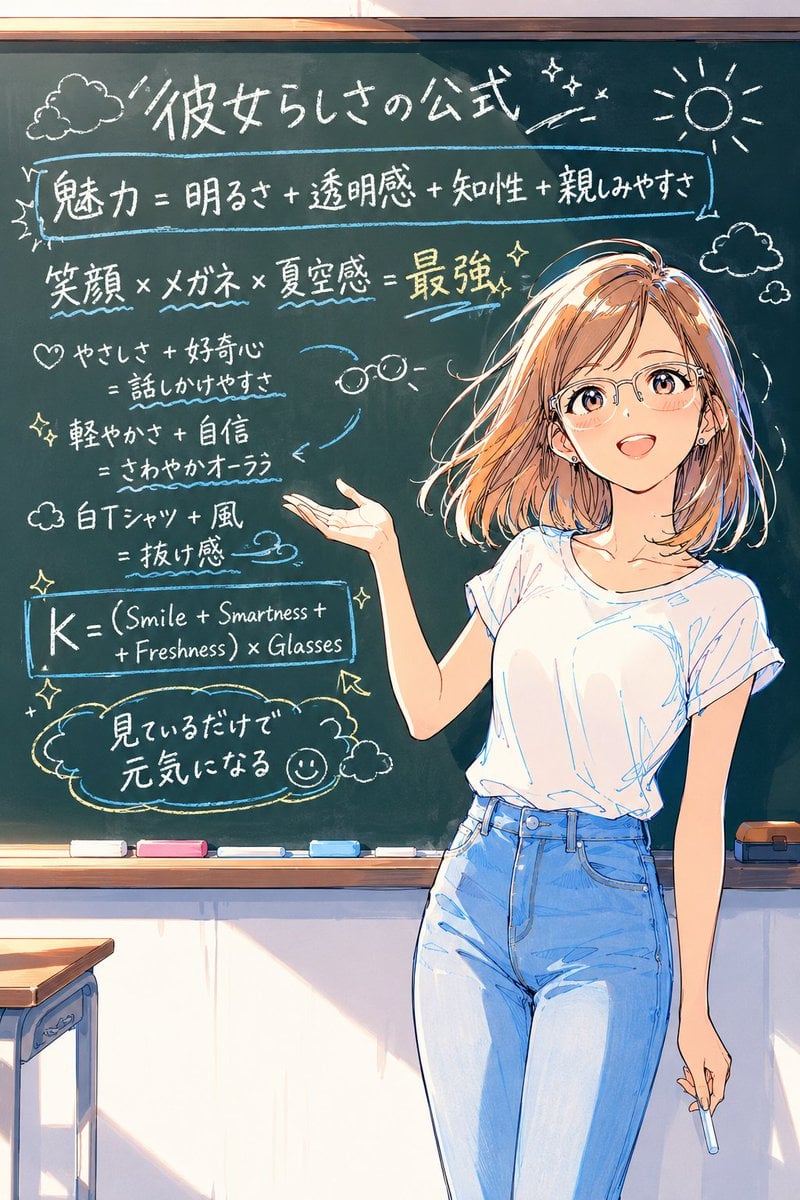
- Prompt included
- Model and format preset
- Free template
The prompt behind this image
Copy the exact prompt behind Anime Chalkboard Character Formula, or open it in the studio and make it yours.
- Type
- single-page anime illustration with an information-dense classroom chalkboard
- Style
- bright polished Japanese anime key visual, clean line art, soft watercolor-like shading, warm sunlight from the left, high detail, cheerful official-character-analysis parody
- Main Subject › Character
- a friendly young woman teacher/presenter standing on the right side in front of a large green chalkboard
- Main Subject › Appearance › Hair
- {argument name="hair color and style" default="shoulder-length peach-blonde bob with airy bangs and loose wind-swept strands"}
- Main Subject › Appearance › Face
- covered by a plain centered beige square censor block, hiding all facial features
- Main Subject › Appearance › Pose
- relaxed standing pose, torso angled slightly left, left hand open and gesturing toward the chalkboard, right hand lowered holding a short piece of blue chalk
- Main Subject › Appearance › Outfit Count
- 2
- Main Subject › Appearance › Outfit Pieces
- loose white short-sleeve T-shirt, high-waisted light blue jeans
- Setting › Location
- sunlit classroom
- Setting › Background
- large dark green chalkboard with wooden frame, chalk tray, desk edge visible at lower left
- Setting › Chalk Tray Items Count
- 6
- Setting › Chalk Tray Items
- white eraser, pink chalk, white chalk, blue chalk, white chalk, orange-and-black eraser at far right
- Chalkboard Layout › Overall
- handwritten white, blue, and yellow chalk text with doodles, underlines, boxed formulas, arrows, sparkles, clouds, glasses icon, sun icon, and a smiley face
- Chalkboard Layout › Visible Text Sections Count
- 7
- Chalkboard Layout › Sections › 0 › Position
- top center
- Chalkboard Layout › Sections › 0 › Role
- large title
- Chalkboard Layout › Sections › 0 › Text
- {argument name="chalkboard title" default="彼女らしさの公式"}
- Chalkboard Layout › Sections › 0 › Decorations
- cloud doodle on the left, sparkles near the title, sun doodle on the right
- Chalkboard Layout › Sections › 1 › Position
- upper left to upper center inside a blue rectangular underline box
- Chalkboard Layout › Sections › 1 › Role
- main formula
- Chalkboard Layout › Sections › 1 › Text
- {argument name="main formula" default="魅力=明るさ+透明感+知性+親しみやすさ"}
- Chalkboard Layout › Sections › 2 › Position
- mid upper left
- Chalkboard Layout › Sections › 2 › Role
- strongest combination formula
- Chalkboard Layout › Sections › 2 › Text
- 笑顔 × メガネ × 夏空感 = 最強
Raw JSON
{
  "type": "single-page anime illustration with an information-dense classroom chalkboard",
  "style": "bright polished Japanese anime key visual, clean line art, soft watercolor-like shading, warm sunlight from the left, high detail, cheerful official-character-analysis parody",
  "main subject": {
    "character": "a friendly young woman teacher/presenter standing on the right side in front of a large green chalkboard",
    "appearance": {
      "hair": "{argument name=\"hair color and style\" default=\"shoulder-length peach-blonde bob with airy bangs and loose wind-swept strands\"}",
      "face": "covered by a plain centered beige square censor block, hiding all facial features",
      "pose": "relaxed standing pose, torso angled slightly left, left hand open and gesturing toward the chalkboard, right hand lowered holding a short piece of blue chalk",
      "outfit count": 2,
      "outfit pieces": ["loose white short-sleeve T-shirt", "high-waisted light blue jeans"]
    }
  },
  "setting": {
    "location": "sunlit classroom",
    "background": "large dark green chalkboard with wooden frame, chalk tray, desk edge visible at lower left",
    "chalk tray items count": 6,
    "chalk tray items": ["white eraser", "pink chalk", "white chalk", "blue chalk", "white chalk", "orange-and-black eraser at far right"]
  },
  "chalkboard layout": {
    "overall": "handwritten white, blue, and yellow chalk text with doodles, underlines, boxed formulas, arrows, sparkles, clouds, glasses icon, sun icon, and a smiley face",
    "visible text sections count": 7,
    "sections": [
      {
        "position": "top center",
        "role": "large title",
        "text": "{argument name=\"chalkboard title\" default=\"彼女らしさの公式\"}",
        "decorations": "cloud doodle on the left, sparkles near the title, sun doodle on the right"
      },
      {
        "position": "upper left to upper center inside a blue rectangular underline box",
        "role": "main formula",
        "text": "{argument name=\"main formula\" default=\"魅力=明るさ+透明感+知性+親しみやすさ\"}"
      },
      {
        "position": "mid upper left",
        "role": "strongest combination formula",
        "text": "笑顔 × メガネ × 夏空感 = 最強",
        "decorations": "blue wavy underlines beneath key words and yellow emphasis on 最強"
      },
      {
        "position": "middle left",
        "role": "personality note 1",
        "text": "♡ やさしさ+好奇心 = 話しかけやすさ"
      },
      {
        "position": "mid lower left",
        "role": "personality note 2",
        "text": "軽やかさ+自信 = さわやかオーラ"
      },
      {
        "position": "lower left",
        "role": "fashion note",
        "text": "白Tシャツ+風 = 抜け感"
      },
      {
        "position": "bottom left inside a blue chalk rectangle and speech-bubble area",
        "role": "English equation and concluding quote",
        "text": "K = (Smile + Smartness + Freshness) × Glasses / 見ているだけで元気になれる",
        "decorations": "boxed equation, arrow, sparkles, cloud bubble, small smiley face"
      }
    ],
    "doodles count": 9,
    "doodles": ["cloud at top left", "sparkles near title", "sun at top right", "small cloud at right", "heart at middle left", "glasses icon near center", "wind swirl near fashion note", "arrow pointing to equation box", "smiley face in bottom speech bubble"]
  },
  "composition": "vertical 2:3 portrait framing, chalkboard fills the background, character occupies the right half from head to thighs, writing fills the left half, warm classroom sunlight and gentle shadows",
  "rendering instructions": "make the chalk writing look hand-drawn and slightly imperfect but legible, use white chalk as the primary color with blue underlines and yellow highlights, keep the illustration wholesome and stylish"
}How to use Anime Chalkboard Character Formula in 3 steps
- 1Upload ImagePNG, JPG or paste
Add your photo
Upload the photo the template builds on. The prompt, model and format are already set.
- 2…a portrait of your subject in softgolden-hour light, 85mm…
Personalize
Edit the subject and creative details for your destination.
- 3Generate
Generate
Press Generate — your image is created in PicX Studio, so you can compare it with the original and refine one variable at a time.
More like this
Templates with the same subject, style or setup. Open one to see its prompt.












Make it yours
Anime Chalkboard Character Formula works as-is. These are the safest ways to change it without losing the look.
Swap the setting
Keep the rest of the prompt and replace the location block. The current setting is “sunlit classroom”.
Change one field
Copy a single group, rewrite it, and generate again so you can see what that field is doing.
Keep the frame, change the subject
Hold the composition and light of Anime Chalkboard Character Formula, then swap wardrobe, props or the person for a new take.
| If the result… | Why | Fix |
|---|---|---|
| The result drifts from the preview | Too many fields changed at once. | Reuse Anime Chalkboard Character Formula as-is first, then change one group — subject, light, or setting. |
| GPT Image 2 ignores part of the JSON | Some models flatten or skip nested keys. | Keep the same values and paste them as a short paragraph instead. |
More GPT Image 2 templates
Other prompts made for GPT Image 2.

Six VTuber Japanese Logo Sheet

Realistic Portrait of Woman and Deer

The Vista Modular Condo Poster

AI Model Routing Comparison Infographic

2.5D Anime Art Board

Isometric Productivity Desk Scene

New York Double Exposure Poster

Four-Panel AI Landscape Comparison

Japanese Tatami Lifestyle Magazine Cover

NESCAFÉ Coffee Map Poster
More image prompts
Fresh picks from across the catalog.
Surreal Conspiracy History Sketch Concept
3D Pixar-Style Sticker Pack Generation from Reference Image
K-Pop Star Rosé High-Fashion Editorial Prompt
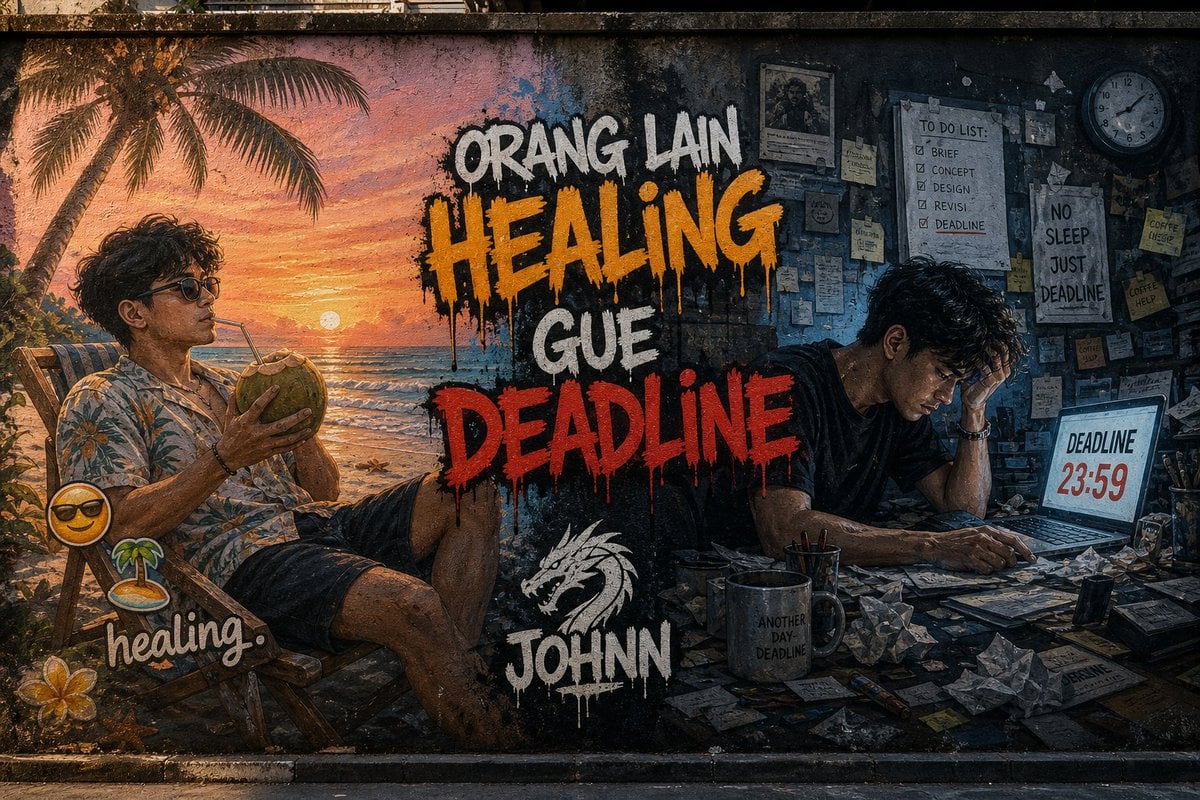
Contrast Street Art Mural
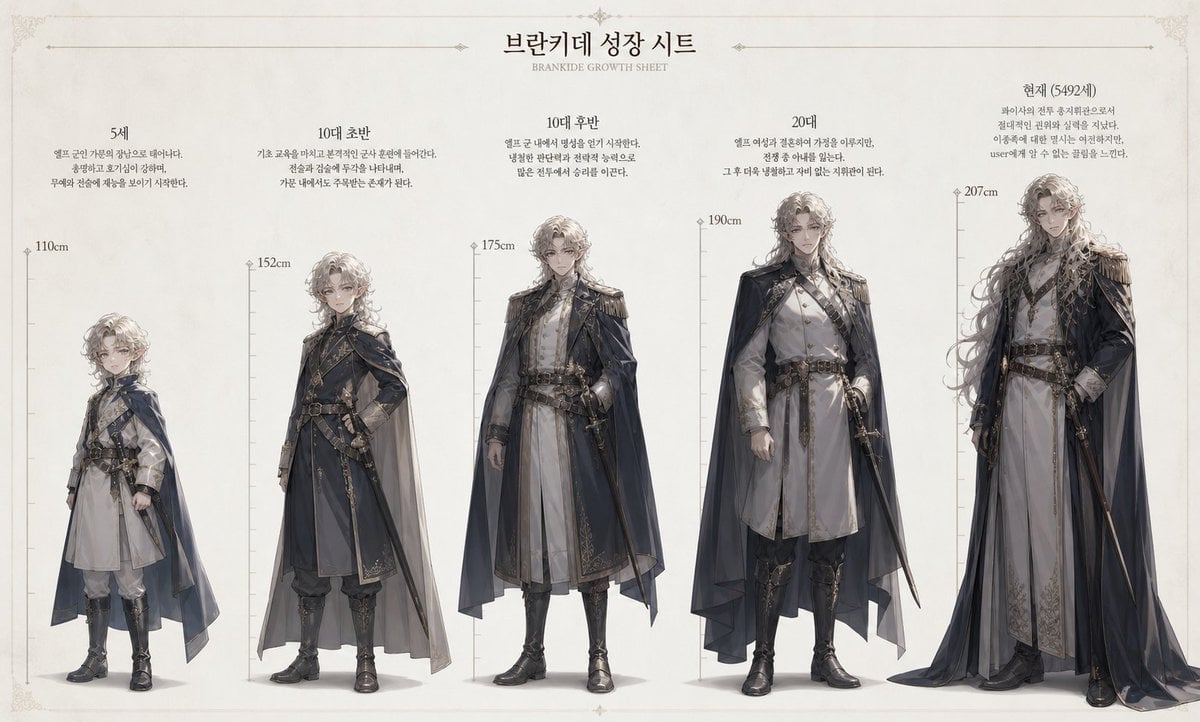
Character Growth Sheet Generator
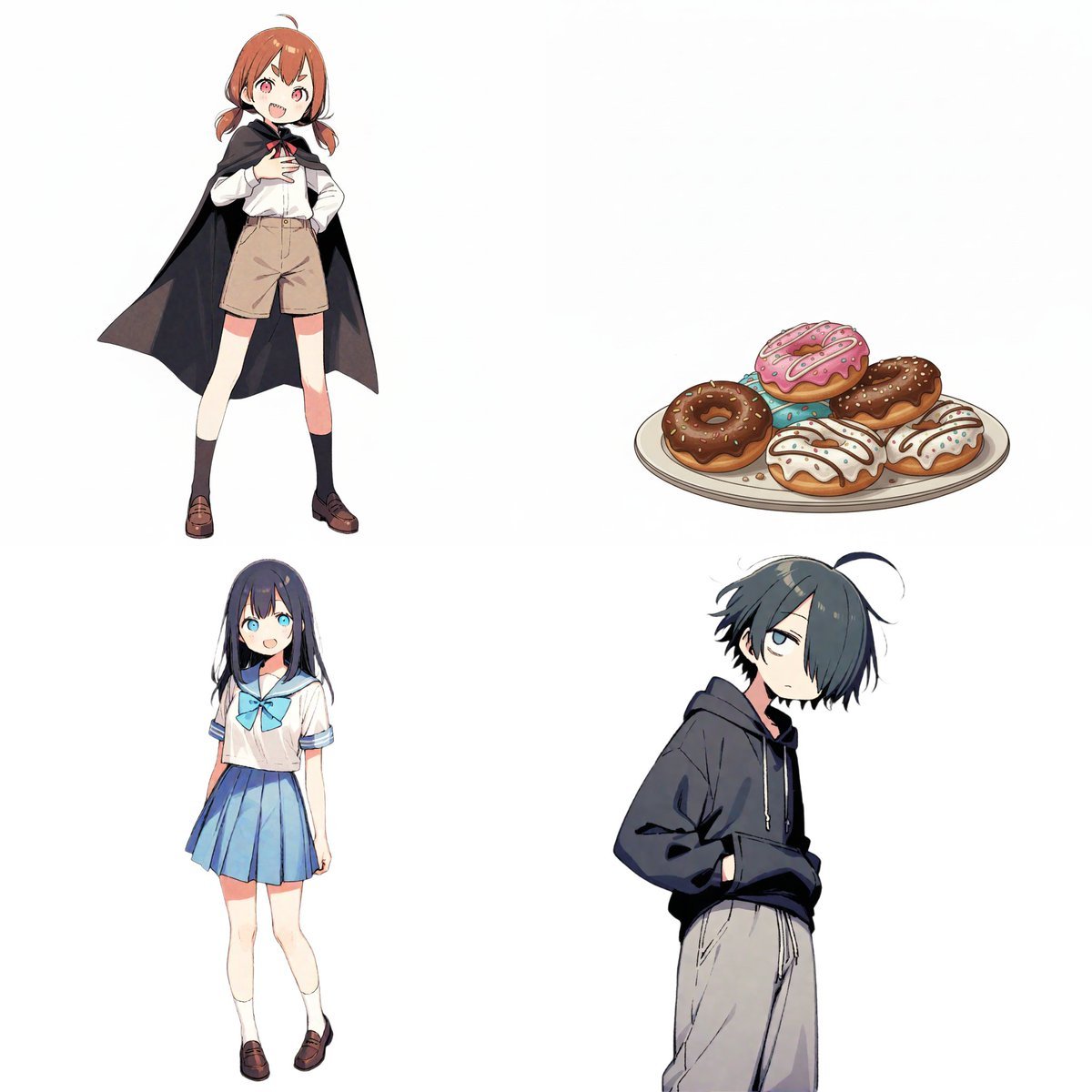
Character Relationship Chart Infographic
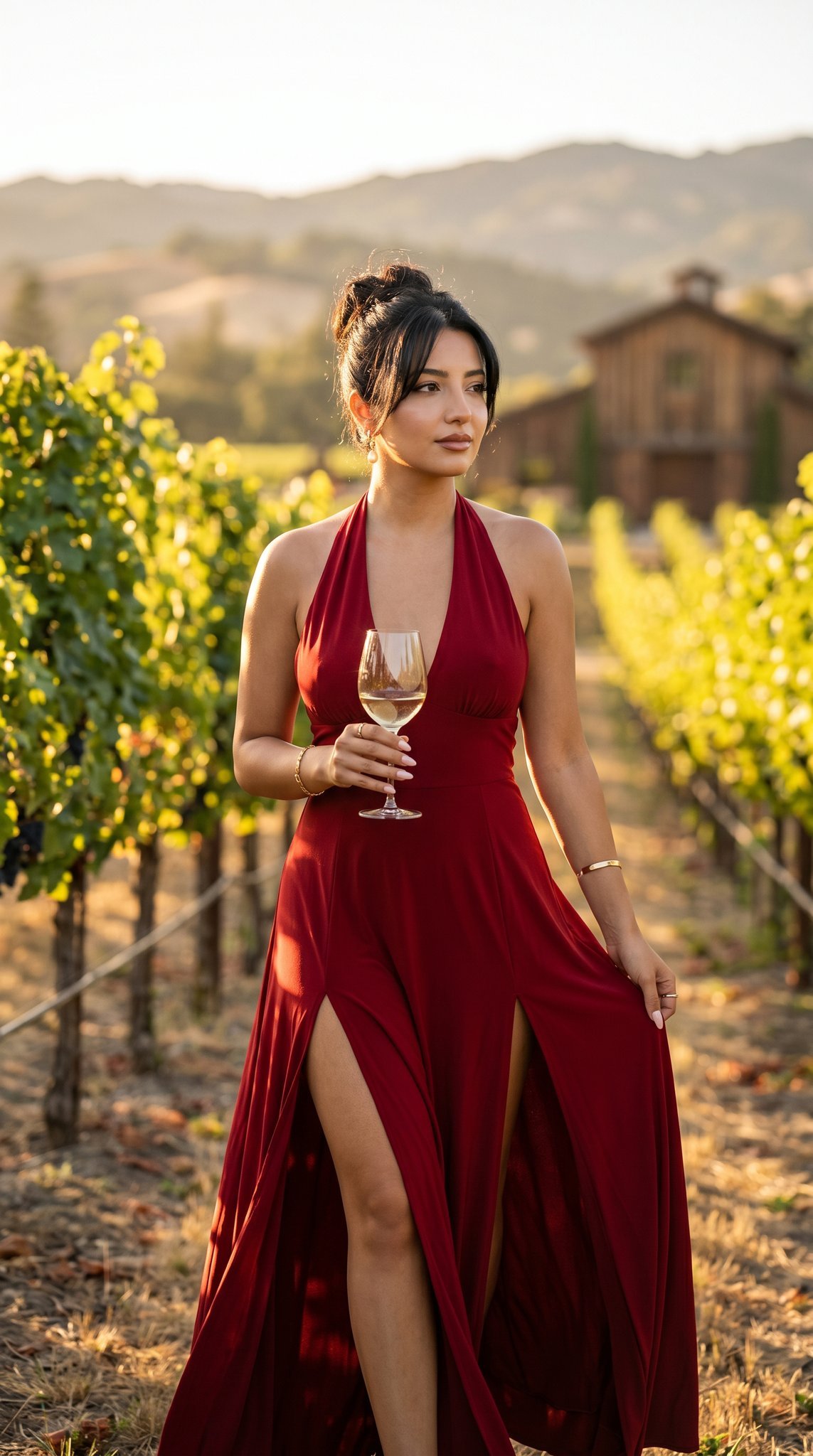
14 Napa Valley Vineyard — California Series
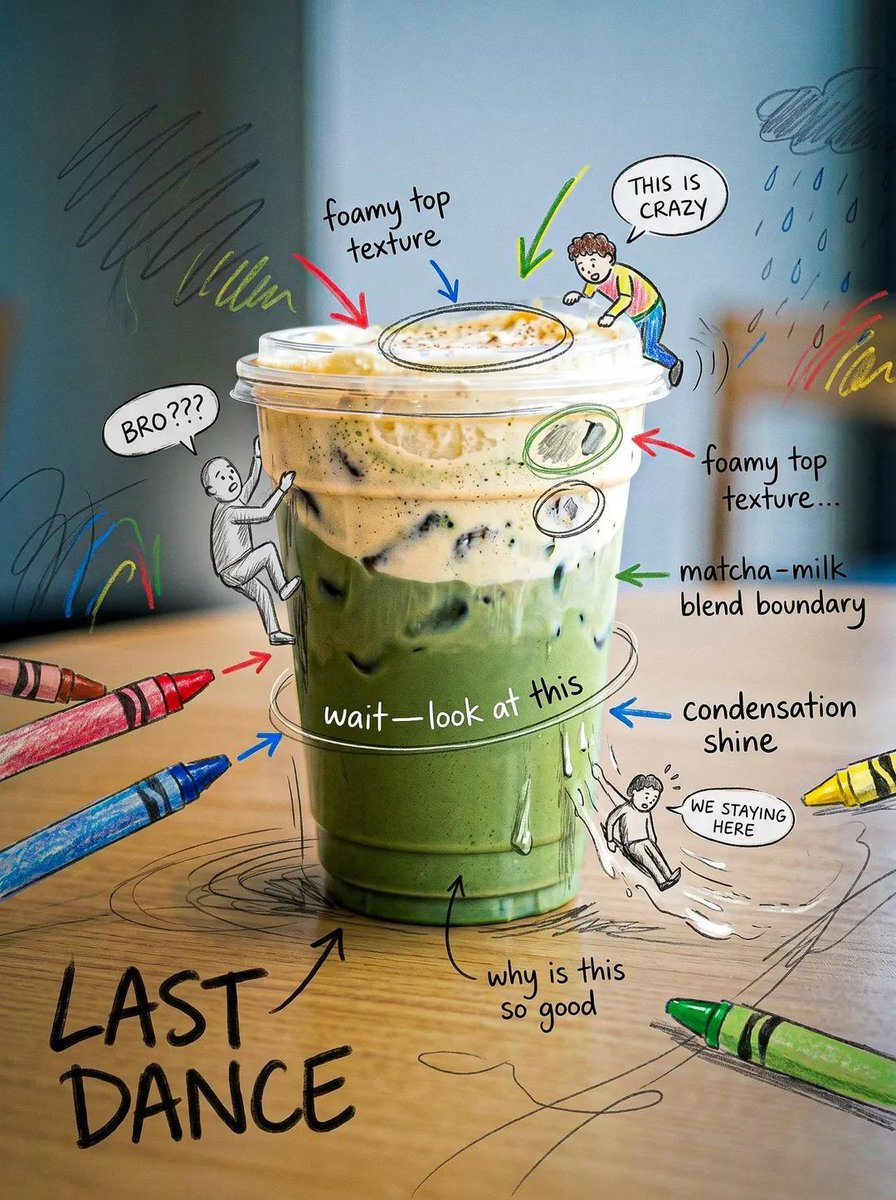
Creative Doodled Image Overlay
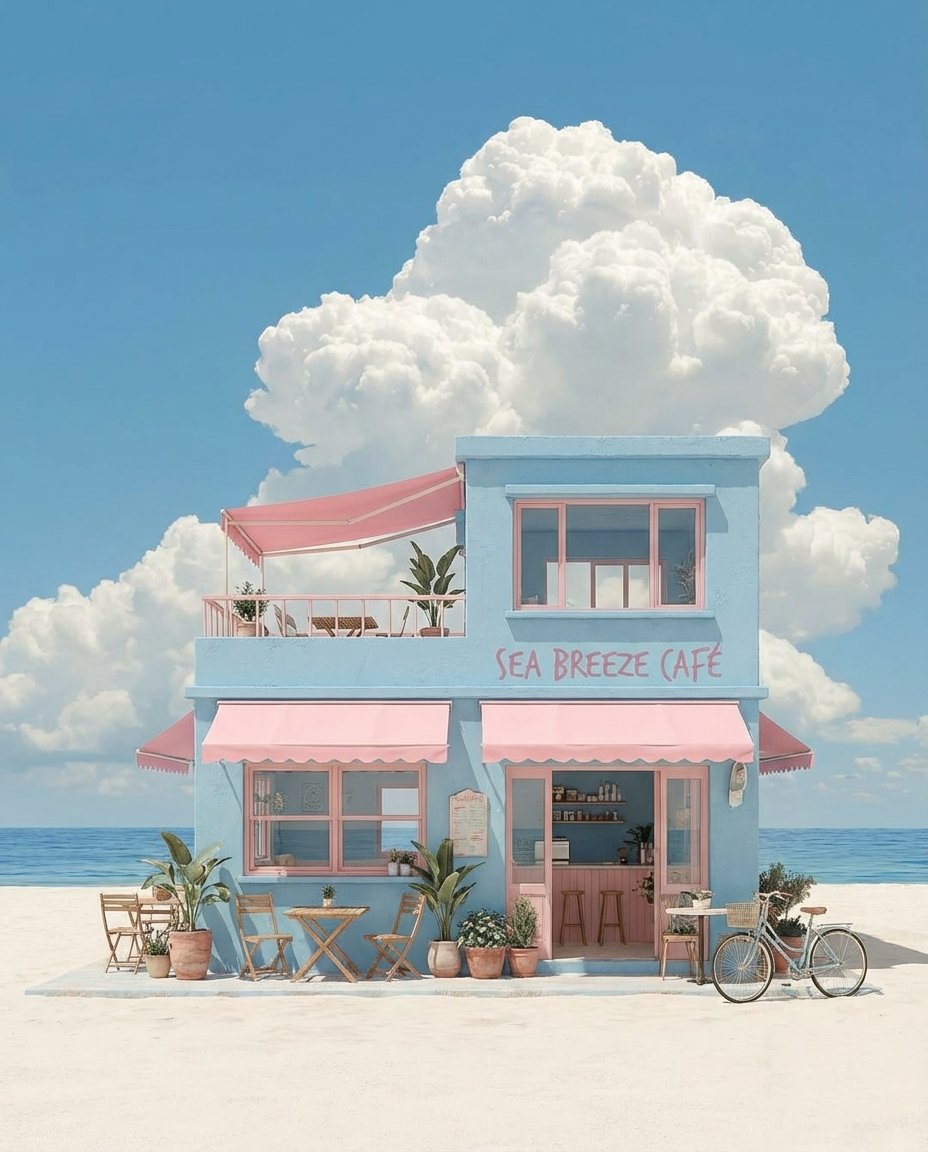
Pastel Coastal Building with Dramatic Cumulus Cloud Prompt
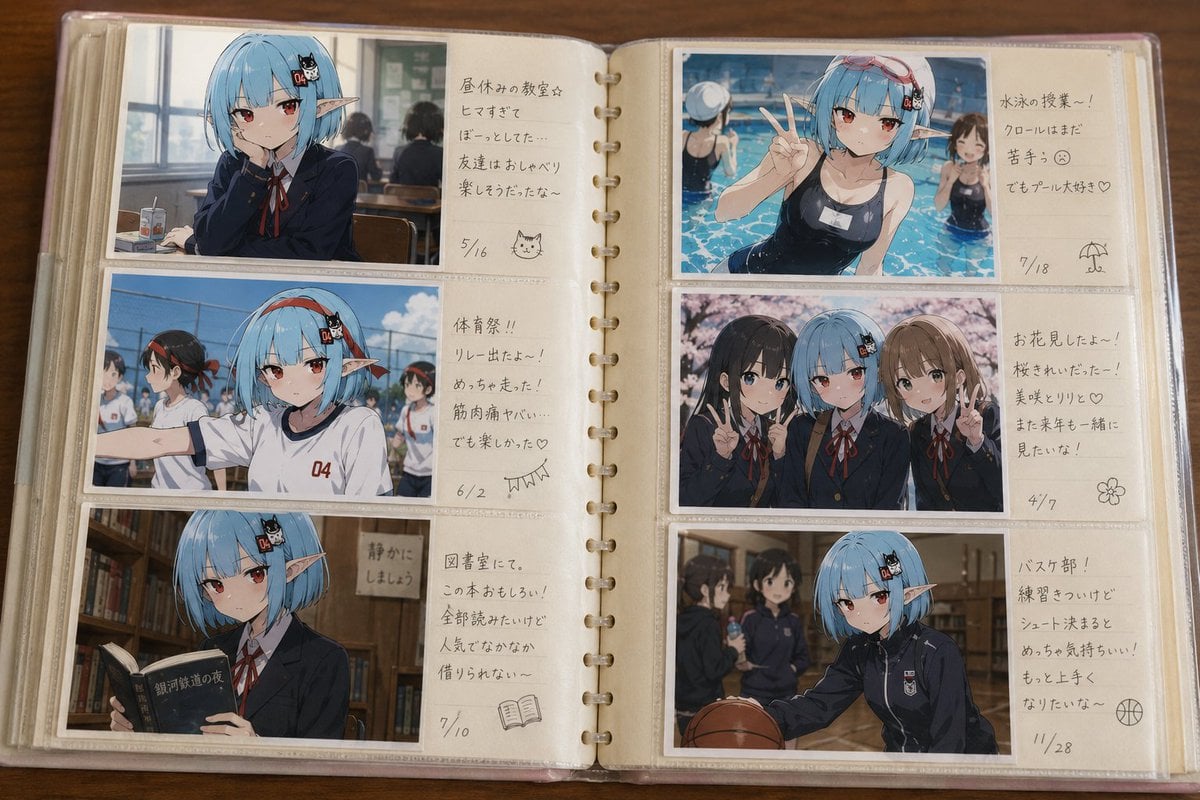
Character Memory Photo Album
Browse template categories
Anime Chalkboard Character Formula questions
How do I use the Anime Chalkboard Character Formula template?
Add your photo if the template asks for one, edit the prompt if you like — the template's model and format are already selected — and press Generate. Your version opens in PicX Studio.
Can I customize the Anime Chalkboard Character Formula template?
Yes. You can change the subject, setting, lighting, mood, format, and available model controls before creating your image.
Is the Anime Chalkboard Character Formula template free?
Opening and editing this template is free. Generating uses credits, shown on the Generate button when you are signed in.
Which AI model should I use?
Start with GPT Image 2, which is the model associated with this template. You can compare another compatible model for a different finish.
Looking for something else? Browse all templates.

Your photo, any look
Thousands of ready templates for every top image and video model, from one credit balance.