How do I use the Anime Character Sheet Multi-Angle Generator template?
Choose the primary action to open PicX Studio with the available template settings. Review the model and format, personalize the creative direction, and generate when ready.
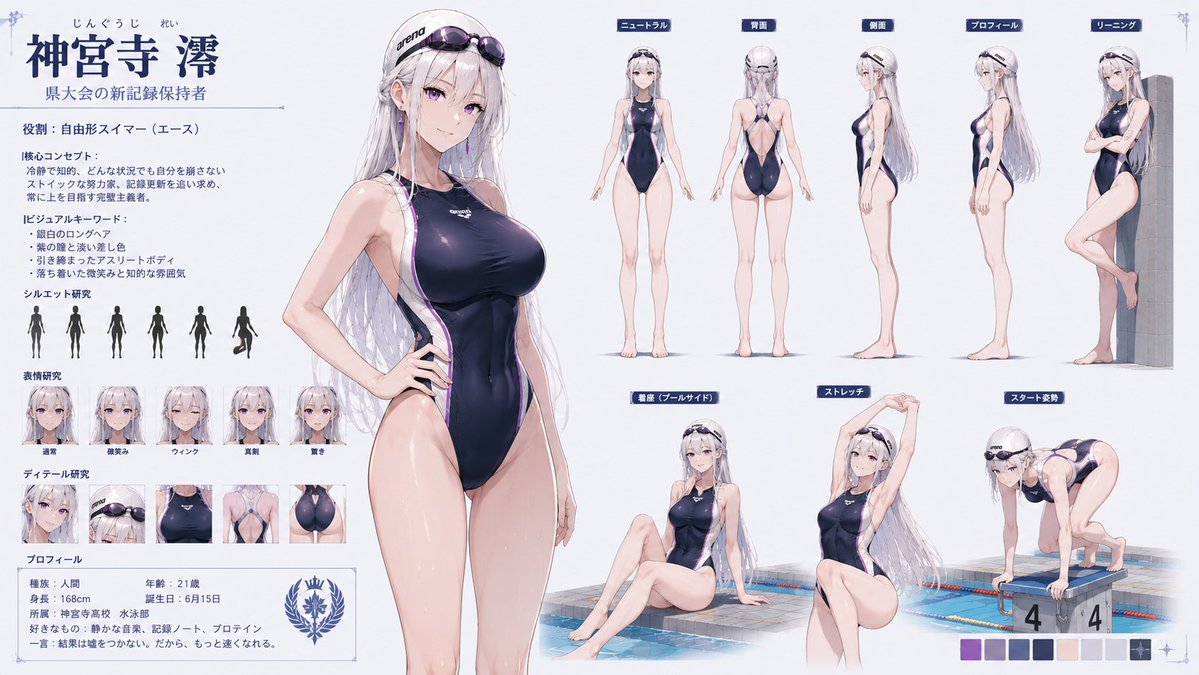
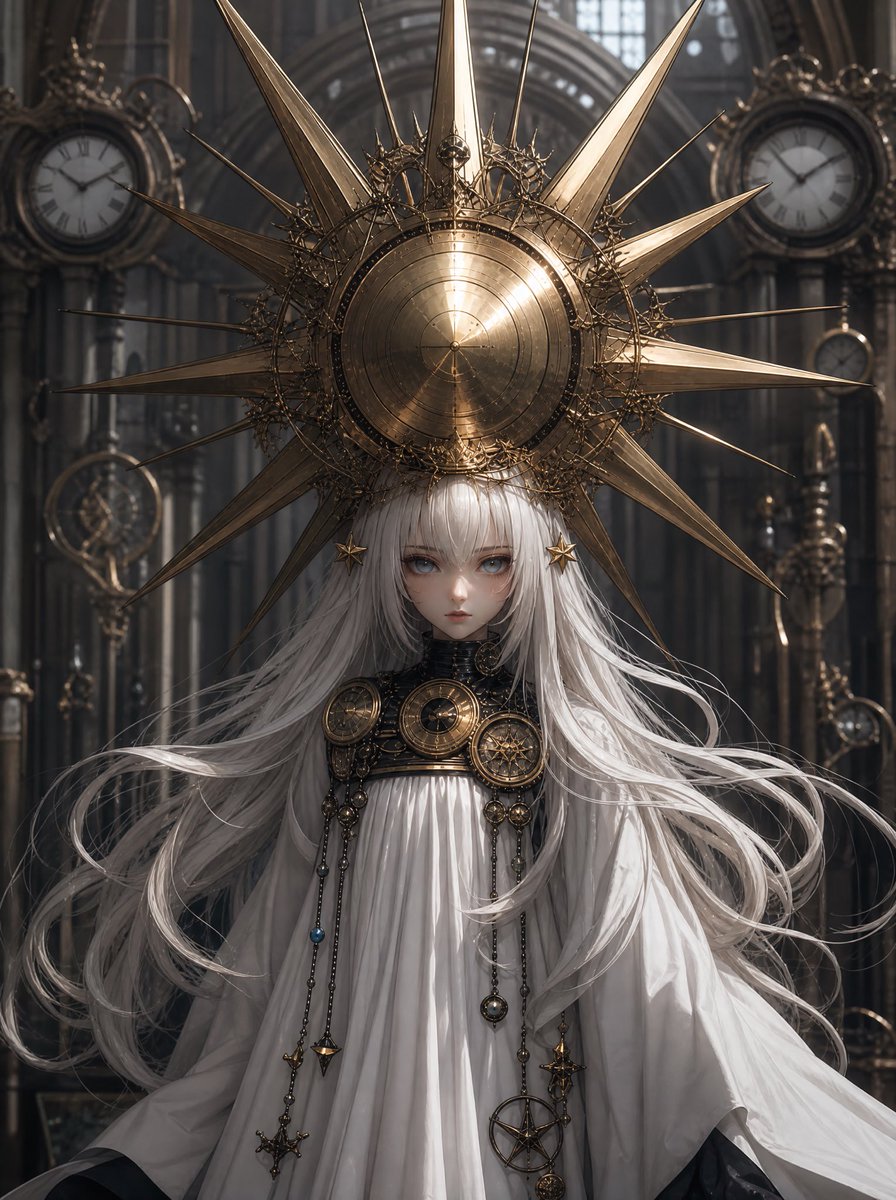
A highly versatile template for generating multiple poses and angles of a character based on a character sheet, styled as a high-budget Japanese anime. Change the subject, setting, or lighting one variable at a time.

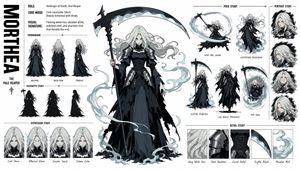
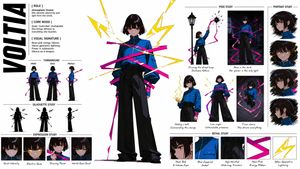
{argument name="キャラクター" default="(三面図キャラシート)"}のキャラクターが{argument name="背景" default="(背景画像)"}の場所で{argument name="アクション" default="~している"}シーンをそれぞれ異なるアングル・ポーズで8枚生成してください、最高品質、製作費数億円の日本のアニメーション風作画
Choose the primary action to open PicX Studio with the available template settings. Review the model and format, personalize the creative direction, and generate when ready.
Yes. You can change the subject, setting, lighting, mood, format, and available model controls before creating your image.
This template is free to open and customize. Generation usage is shown in PicX Studio before you create.
Start with GPT Image 2, which is the model associated with this template. You can compare another compatible model for a different finish.
© 2026 PicX Studio. All rights reserved.

Follow a topic to a crawlable collection of related PicX Studio templates.
43,474 public templates available. Verified via the PicX Studio public templates API; refreshed hourly.















![Minimalist Flat Vector Travel Poster — Premium minimalist flat-vector travel poster for {argument name="city name" default="[CITY_NAME]"}, 3:4 vertical format.](https://cms-assets.youmind.com/media/1787917359711_3ug846_HQX205cbMAA6F6S-300x400.jpg)