
90s Anime Prop Setting Sheet
A comprehensive prompt for generating professional anime prop design sheets, specifically for creative inventions in a nostalgic 1990s television art style.
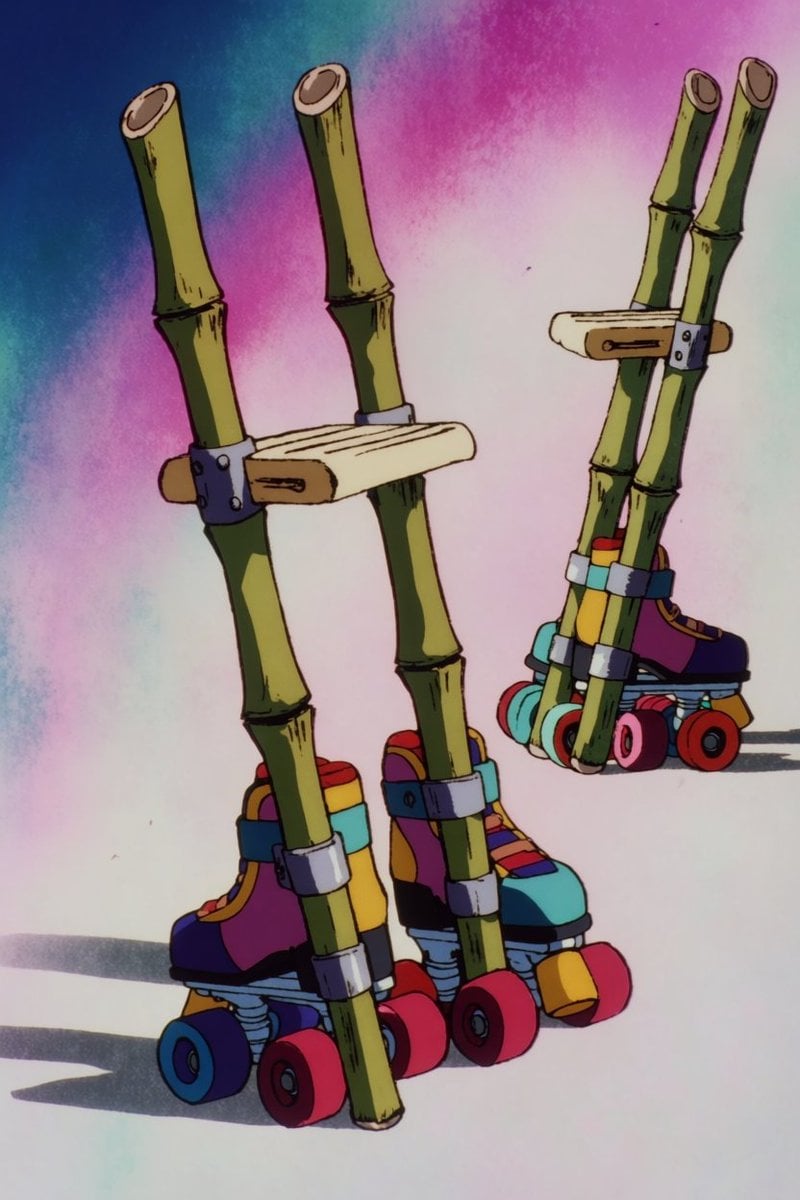
- Prompt included
- Model and format preset
- Free template
The prompt behind this image
Copy the exact prompt behind 90s Anime Prop Setting Sheet, or open it in the studio and make it yours.
あなたはアニメの小道具設定画を作るAIです。以下の小道具を、無地の背景に1点クリーンに描いてください。 【小道具】{argument name="道具" default="ローラースケート付きの竹馬"}(主人公が生成ボタンで生み出した、間に合わせの乗り物) - 構成:節のある青竹を2本そろえた竹馬。足を乗せる横木のステップが各竹の中ほどに付く。上端は手で握れる長さまで伸びている - 改造点:各竹の下端(地面に着く側)に、4輪のローラースケート(クアッドスケート)が無理やり取り付けられている。素人が後付けしたような、ちぐはぐで間に合わせの工作感 - 雰囲気:チープで安っぽいが愛嬌がある(しょぼかわ)。平成のおもちゃのような質感。乗ったら絶対フラフラして転びそうな不安定さが見た目から伝わる - 配色:竹はみずみずしいグリーンからベージュ。ローラーとビス留め金具はポップな原色(赤・黄・青)でアクセント 【画風】{argument name="アートスタイル" default="1990年代の日本のテレビアニメのセル画"}(セルシェーディング、太めの主線、ベタ塗りの影とハイライト、ビビッドな発色)。明るくポップなトーン 【構図】斜め前から見た全体像を主役として大きく1点。画面の隅に、側面から見た小さな図を1つ添える設定画レイアウト。背景は無地 【文字】画面内に文字・ラベル・型番・ロゴは描かない 【その他】実在ブランドのロゴや商品に似せない。オリジナルの意匠にする。明るい配色を保つ
How to use 90s Anime Prop Setting Sheet in 3 steps
- 1
Open
The prompt is already in the box next to the preview, with the template's model and format selected.
- 2…a portrait of your subject in softgolden-hour light, 85mm…
Personalize
Edit the subject and creative details for your destination.
- 3Generate
Generate
Press Generate — your image is created in PicX Studio, so you can compare it with the original and refine one variable at a time.
More like this
Templates with the same subject, style or setup. Open one to see its prompt.

Anime Character Charm Analysis Sheet
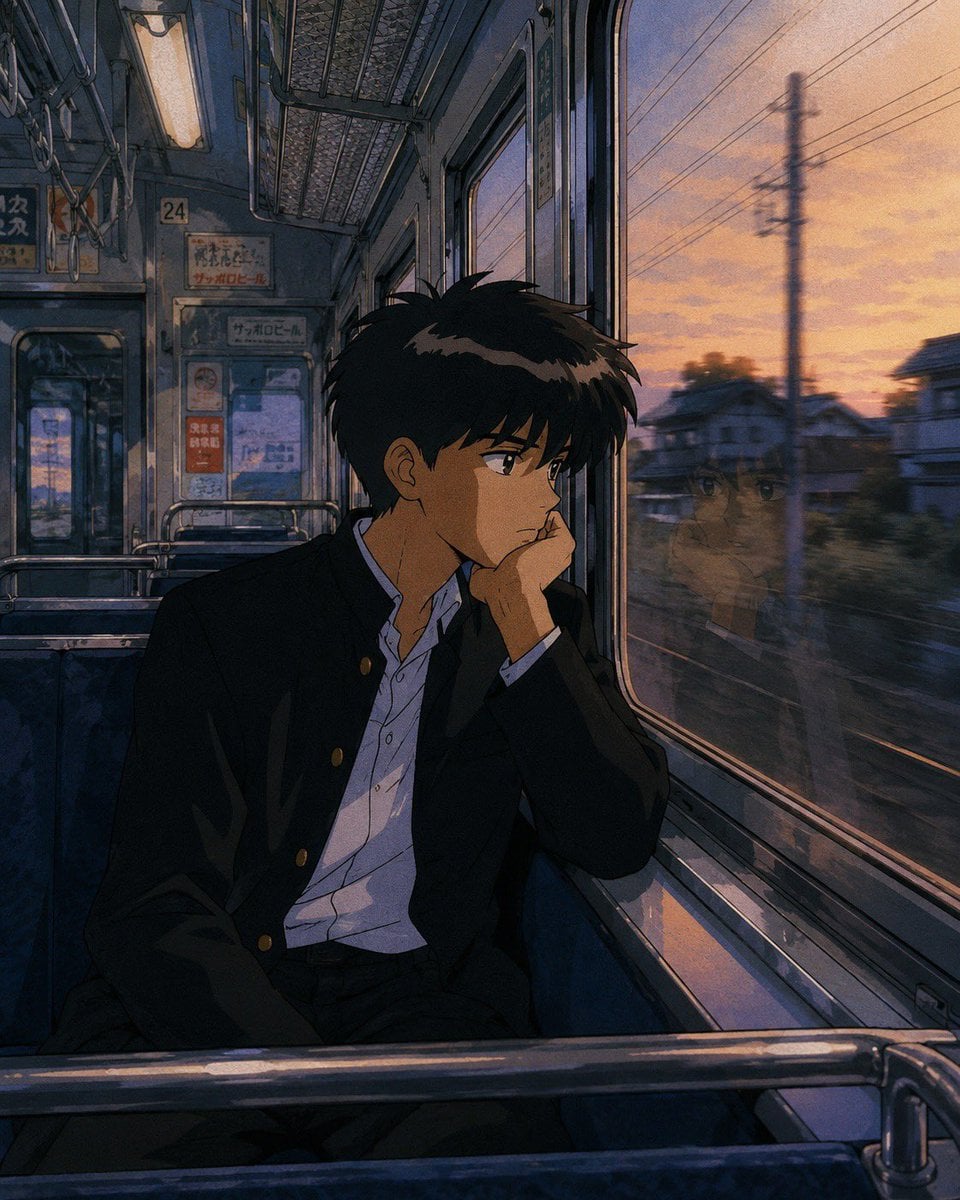
Retro 90s Japanese Anime Scenes

Anime Lantern Girl Character Sheet

Anime Character Sheet Reference Prompt

Cel 2D Finale Fireworks

Cel 2D Garden Maze

Cel 2D Rooftop Concert

Cel 2D Bicycle Coast

Cel 2D Castle Gate

Cel 2D Kitchen Chaos

Cel 2D Carnival Ride

Cel 2D Rainy Bus Stop
Make it yours
90s Anime Prop Setting Sheet works as-is. These are the safest ways to change it without losing the look.
Change one field
Copy a single group, rewrite it, and generate again so you can see what that field is doing.
Keep the frame, change the subject
Hold the composition and light of 90s Anime Prop Setting Sheet, then swap wardrobe, props or the person for a new take.
| If the result… | Why | Fix |
|---|---|---|
| The result drifts from the preview | Too many fields changed at once. | Reuse 90s Anime Prop Setting Sheet as-is first, then change one group — subject, light, or setting. |
| The model over-stylizes the scene | The prose prompt leaves finish and camera underspecified. | Add one camera or lighting sentence and stay on GPT Image 2. |
More GPT Image 2 templates
Other prompts made for GPT Image 2.

Six VTuber Japanese Logo Sheet

Realistic Portrait of Woman and Deer

The Vista Modular Condo Poster

AI Model Routing Comparison Infographic

2.5D Anime Art Board

Isometric Productivity Desk Scene

New York Double Exposure Poster

Four-Panel AI Landscape Comparison

Japanese Tatami Lifestyle Magazine Cover

NESCAFÉ Coffee Map Poster
More image prompts
Fresh picks from across the catalog.
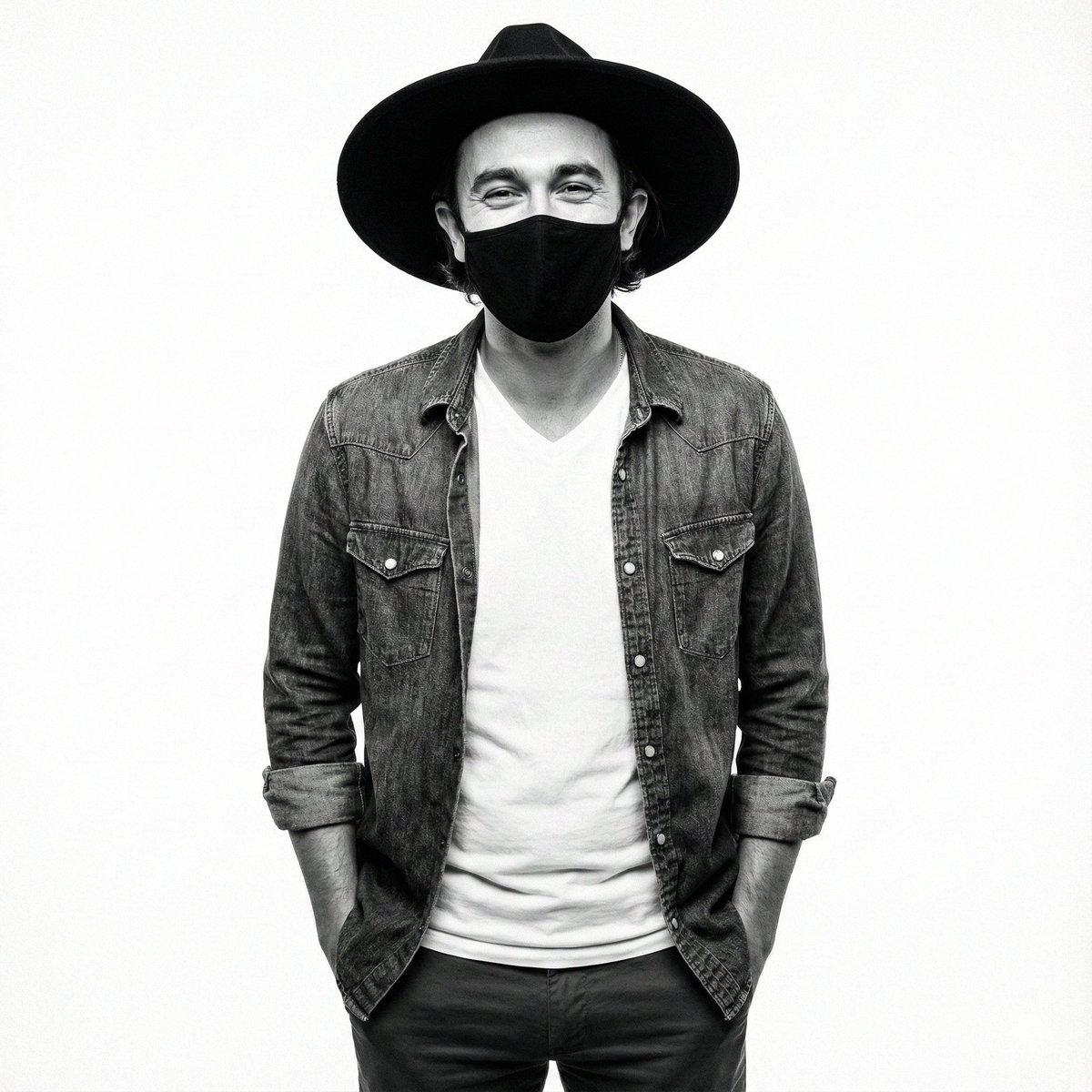
High-Contrast Monochrome Studio Portrait Prompt
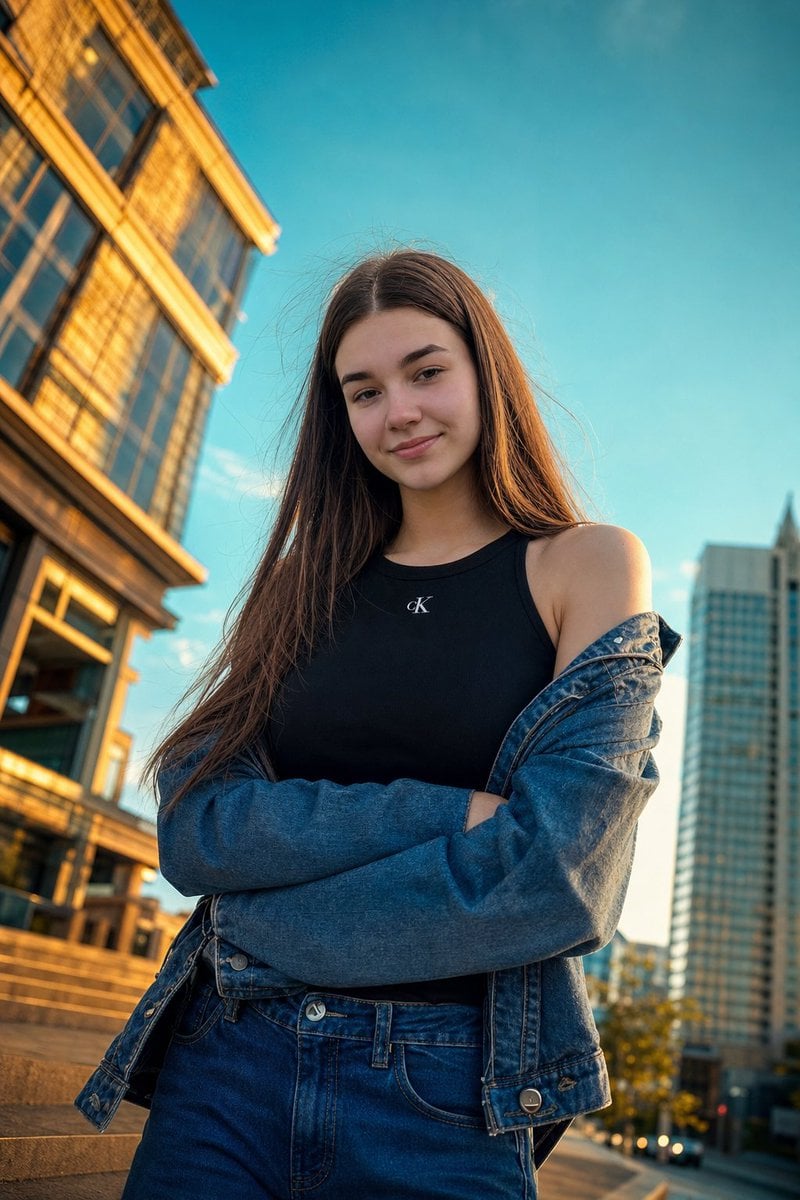
Golden Hour Urban Street Portrait
Japanese Supermarket Spring Flyer
Four-panel anime manga with panda-girl character
Cinematic Post-Apocalyptic Bunker Portrait
3D Chibi Vinyl Toy Aesthetic Portrait
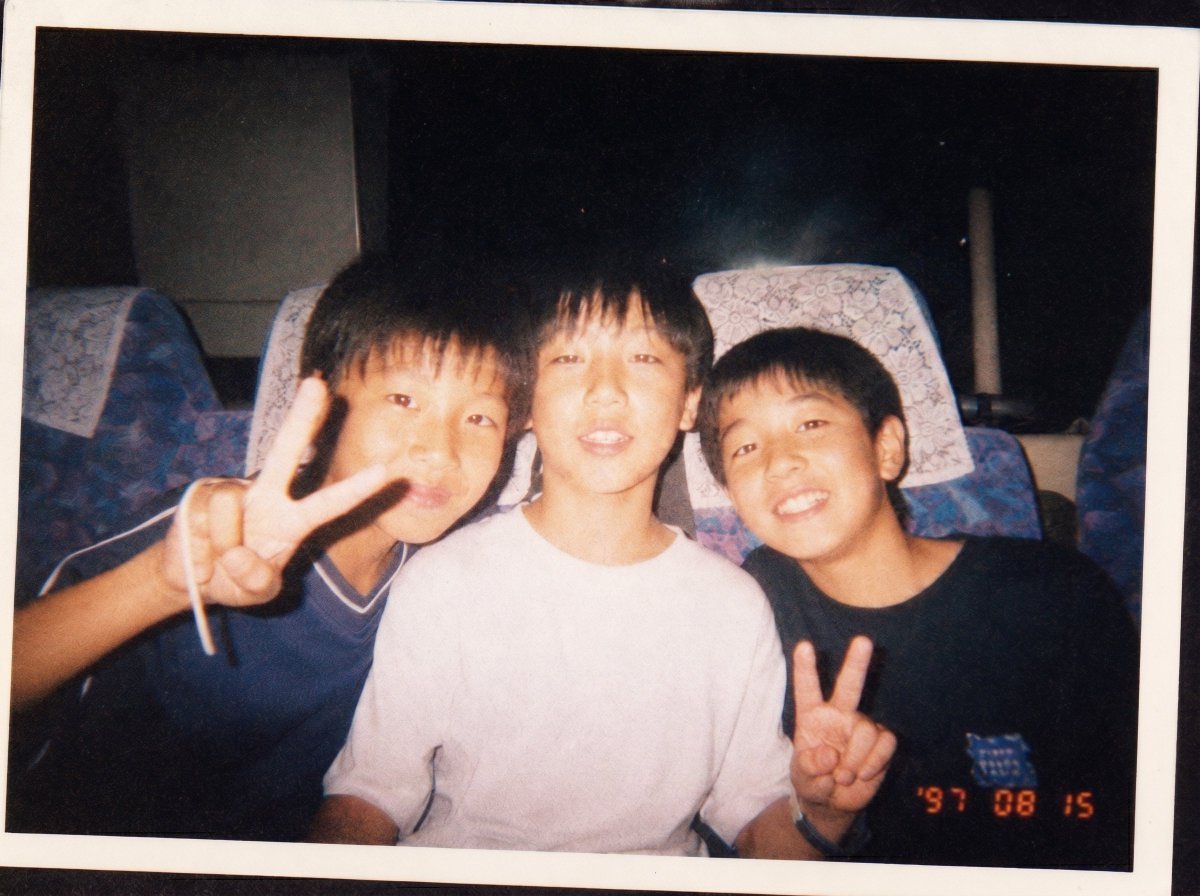
90s Disposable Camera Photo Simulation
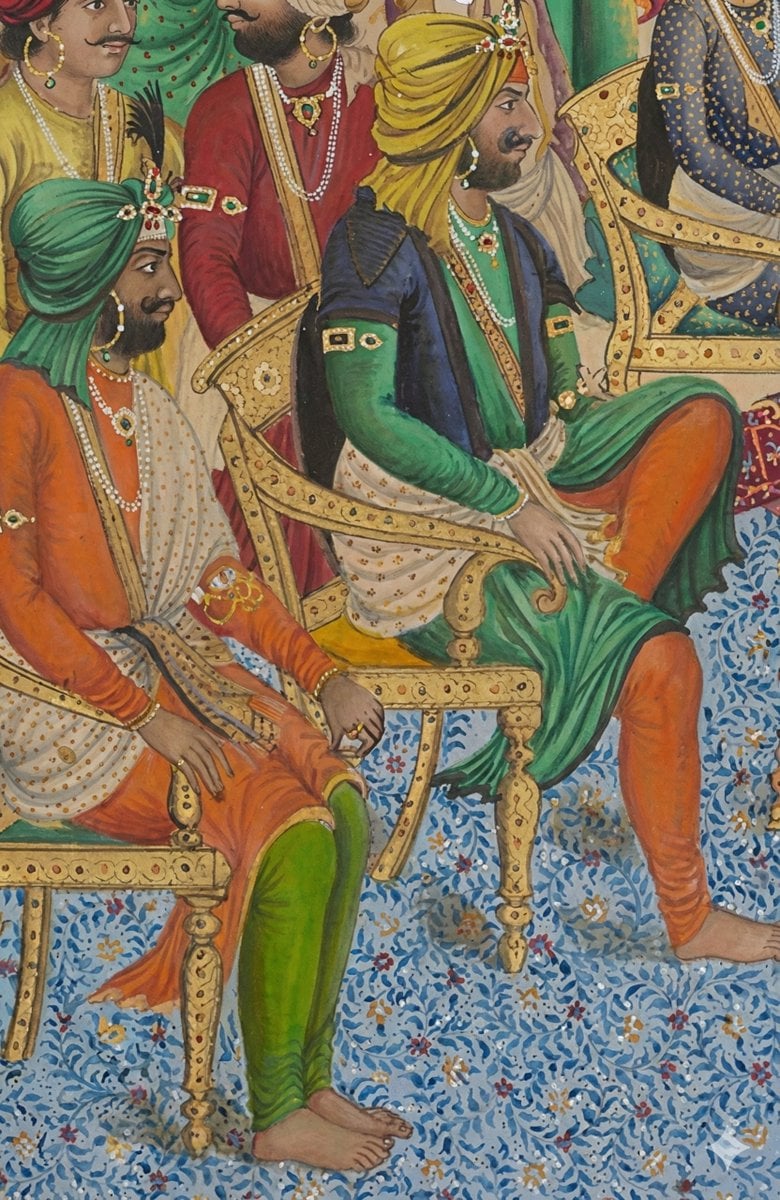
Image Sharpening and Resolution Improvement Prompt for Google Gemini A.I.
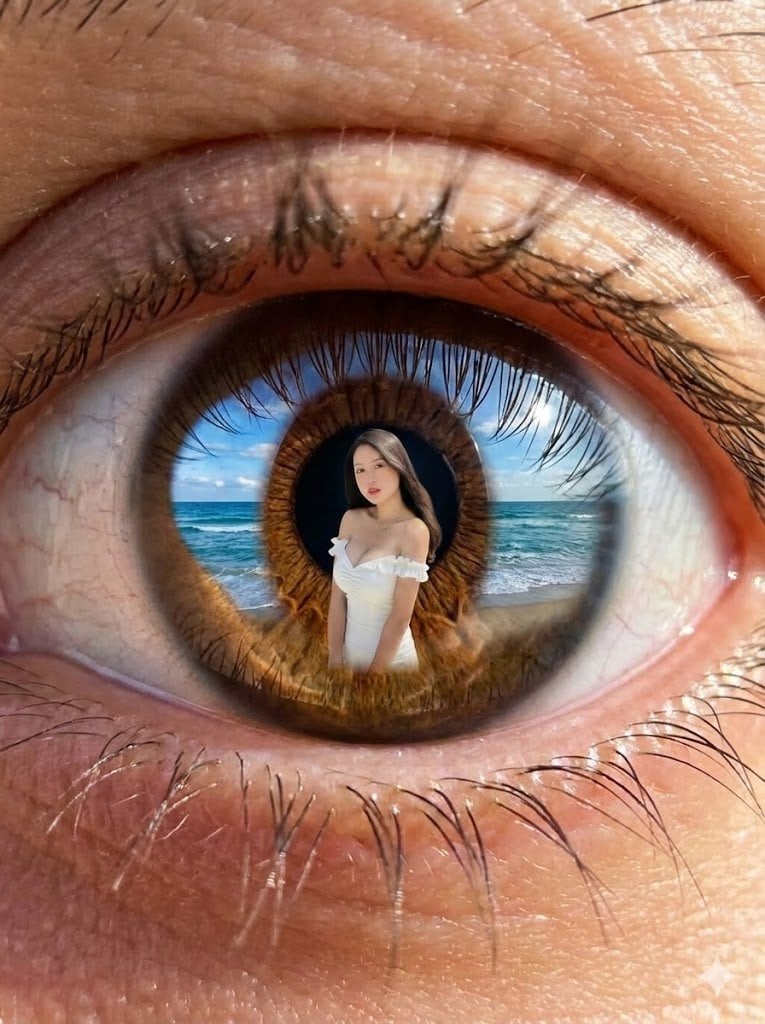
Reflection in Pupil Image Generation Prompt
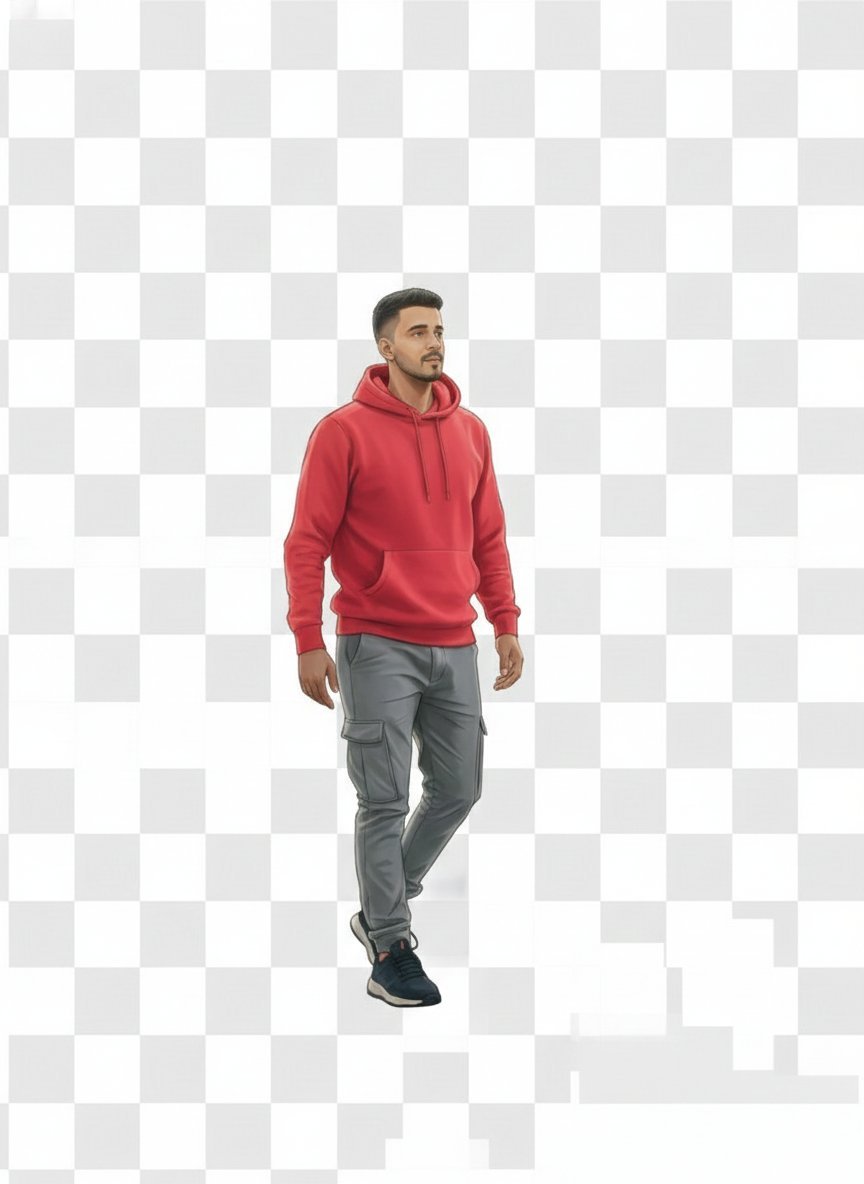
2D Vector Character Illustration from Reference Image
Browse template categories
90s Anime Prop Setting Sheet questions
How do I use the 90s Anime Prop Setting Sheet template?
Add your photo if the template asks for one, edit the prompt if you like — the template's model and format are already selected — and press Generate. Your version opens in PicX Studio.
Can I customize the 90s Anime Prop Setting Sheet template?
Yes. You can change the subject, setting, lighting, mood, format, and available model controls before creating your image.
Is the 90s Anime Prop Setting Sheet template free?
Opening and editing this template is free. Generating uses credits, shown on the Generate button when you are signed in.
Which AI model should I use?
Start with GPT Image 2, which is the model associated with this template. You can compare another compatible model for a different finish.
Looking for something else? Browse all templates.

Your photo, any look
Thousands of ready templates for every top image and video model, from one credit balance.