
Dark Kushina Chakra Chain Poster
Generates a moody vertical anime poster of a red-haired kunoichi surrounded by glowing sealing chains and talismans for stylized character art.
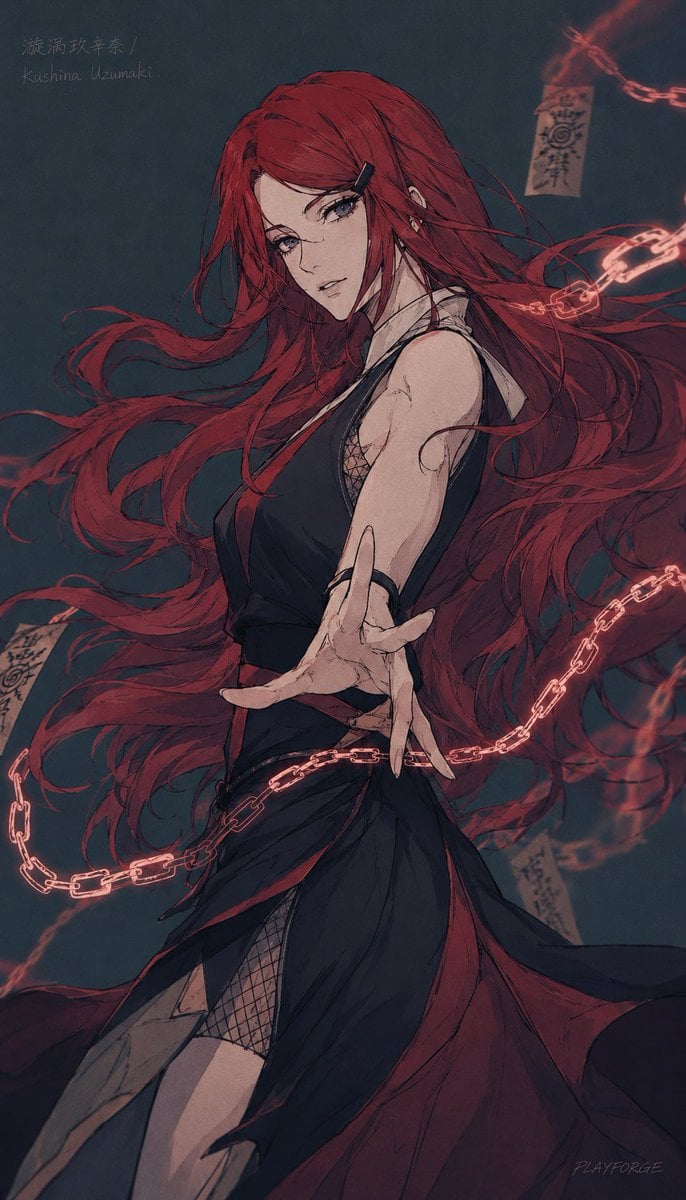
- Prompt included
- Model and format preset
- Free template
The prompt behind this image
Copy the exact prompt behind Dark Kushina Chakra Chain Poster, or open it in the studio and make it yours.
Create a vertical dark anime character poster of {argument name="character name" default="Kushina Uzumaki"}, a powerful red-haired kunoichi woman in a dramatic three-quarter pose, shown from thighs up against a deep blue-black smoky background. She has extremely long, flowing {argument name="hair color" default="crimson red"} hair whipping across the entire composition in thick ribbon-like strands, partially covering her face, with a large muted square blur censoring the central face area. Her expression is mostly hidden, but the pose feels intense and commanding: torso turned sideways, one bare arm extended toward the viewer with long fingers splayed in forced perspective. She wears a dark sleeveless shinobi-inspired dress with a high pale collar, fitted black bodice, layered black and dark red skirt panels, side slits, and visible black fishnet mesh at the chest and thigh. Surround her with one continuous glowing red chakra chain looping diagonally around her body, with bright segmented links and smoky red energy trails; add three floating paper talismans with handwritten sealing symbols, including one tag near the upper right, one at lower left, and one near the lower right. In the upper left corner, add faint handwritten text reading “漩涡玖辛奈 / Kushina Uzumaki”. Use a moody desaturated color palette, rough ink linework, painterly anime shading, dynamic hair motion, subtle grain, cinematic lighting, and a dark occult ninja atmosphere, with a small artist-signature-like mark in the lower right.
How to use Dark Kushina Chakra Chain Poster in 3 steps
- 1Upload ImagePNG, JPG or paste
Add your photo
Upload the photo the template builds on. The prompt, model and format are already set.
- 2…a portrait of your subject in softgolden-hour light, 85mm…
Personalize
Edit the subject and creative details for your destination.
- 3Generate
Generate
Press Generate — your image is created in PicX Studio, so you can compare it with the original and refine one variable at a time.
More like this
Templates with the same subject, style or setup. Open one to see its prompt.

Selective Color Monochrome Football Poster

Japan Travel Brochure Poster

Cartoon TV Show Poster Pack

Trendy Cafe Drink Promo Poster

Urban Fashion Editorial Collage Streetwear Poster

Premium Fashion Editorial Cover Layout System

Polo Ralph Lauren Luxury American Heritage Fashion Campaign

Monochrome Halftone Editorial Fashion Poster

Retro Mirror Luxury Fashion Campaign Poster

Luxury Fashion Campaign Typography Poster System

Premium Fashion Editorial Campaign Poster System

Ultra-Stylized High-Fashion Streetwear Poster
Make it yours
Dark Kushina Chakra Chain Poster works as-is. These are the safest ways to change it without losing the look.
Change one field
Copy a single group, rewrite it, and generate again so you can see what that field is doing.
Keep the frame, change the subject
Hold the composition and light of Dark Kushina Chakra Chain Poster, then swap wardrobe, props or the person for a new take.
| If the result… | Why | Fix |
|---|---|---|
| The result drifts from the preview | Too many fields changed at once. | Reuse Dark Kushina Chakra Chain Poster as-is first, then change one group — subject, light, or setting. |
| The model over-stylizes the scene | The prose prompt leaves finish and camera underspecified. | Add one camera or lighting sentence and stay on GPT Image 2. |
More GPT Image 2 templates
Other prompts made for GPT Image 2.

Six VTuber Japanese Logo Sheet

Realistic Portrait of Woman and Deer

The Vista Modular Condo Poster

AI Model Routing Comparison Infographic

2.5D Anime Art Board

Isometric Productivity Desk Scene

New York Double Exposure Poster

Four-Panel AI Landscape Comparison

Japanese Tatami Lifestyle Magazine Cover

NESCAFÉ Coffee Map Poster
More image prompts
Fresh picks from across the catalog.
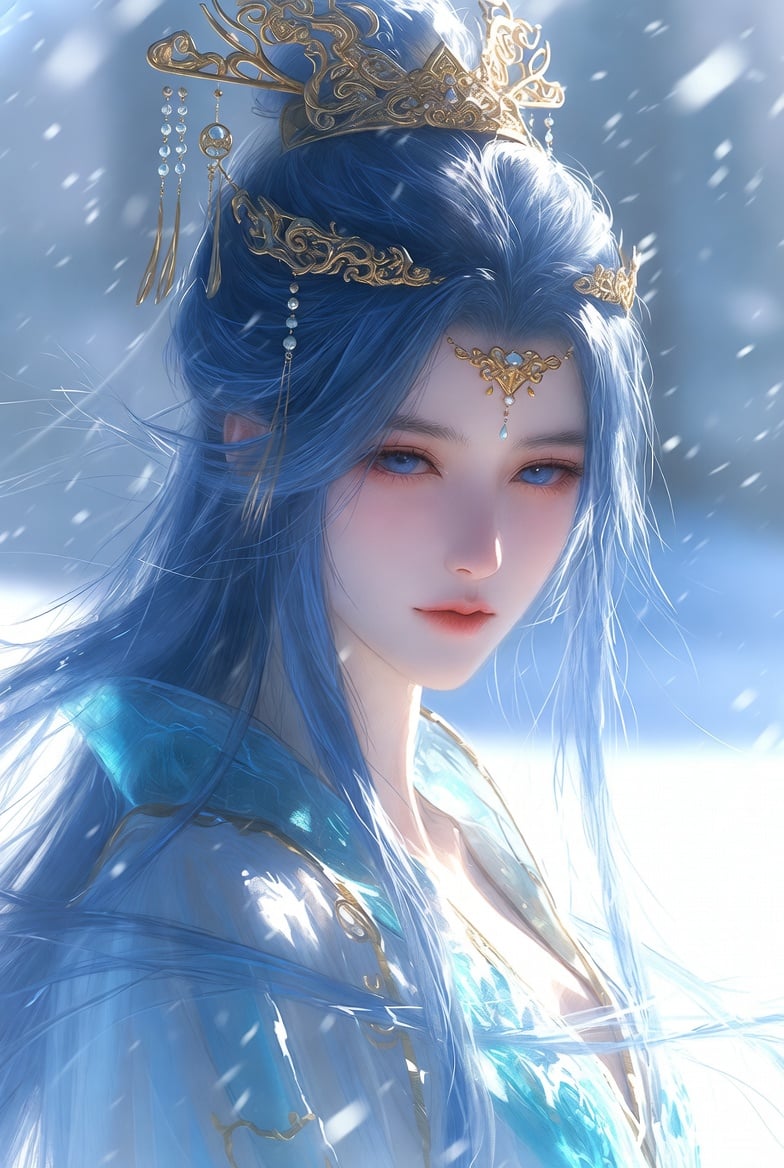
Detailed Cinematic Wuxia Scene Prompt: Dark Raven vs. Azure Frost
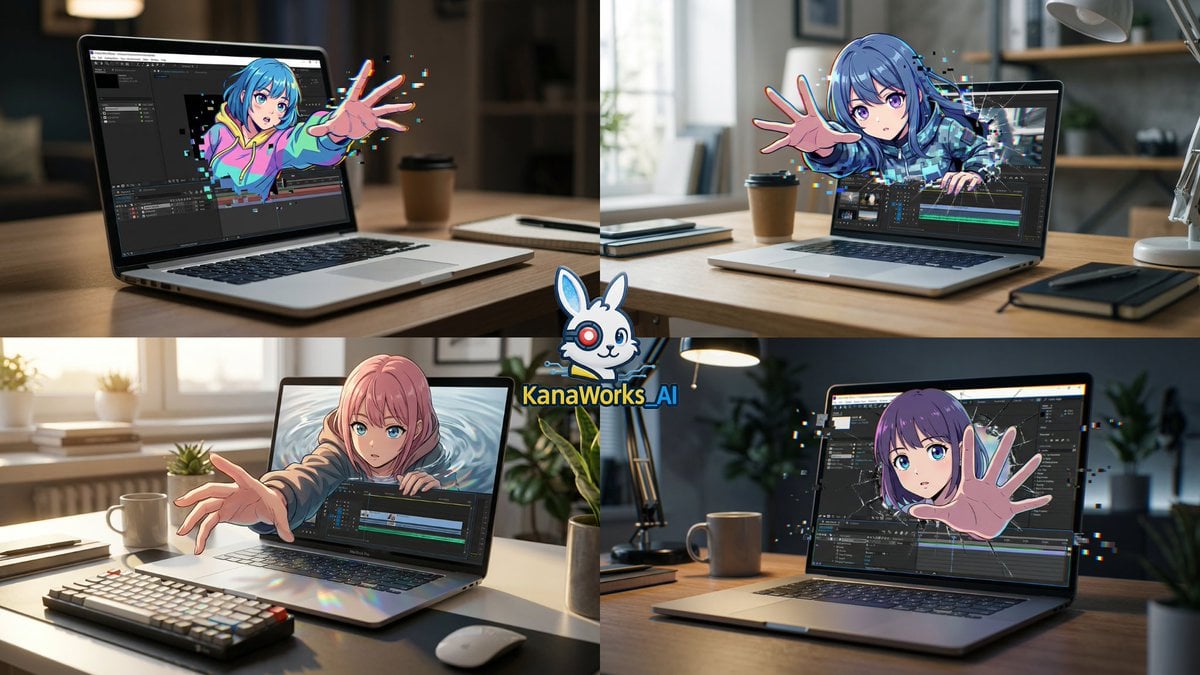
Nano Banana Pro prompt for Cross Dimensions style
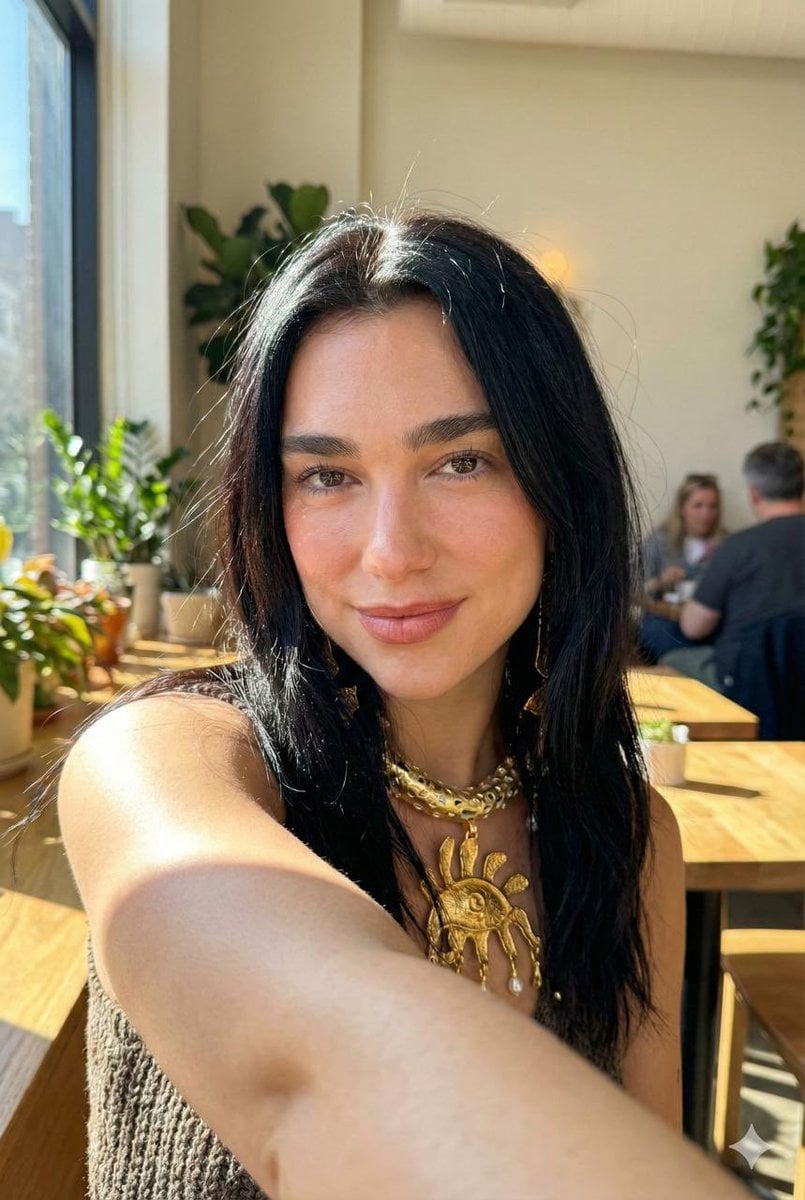
Hyper-Realistic iPhone 17 Pro Selfie Simulation Prompt
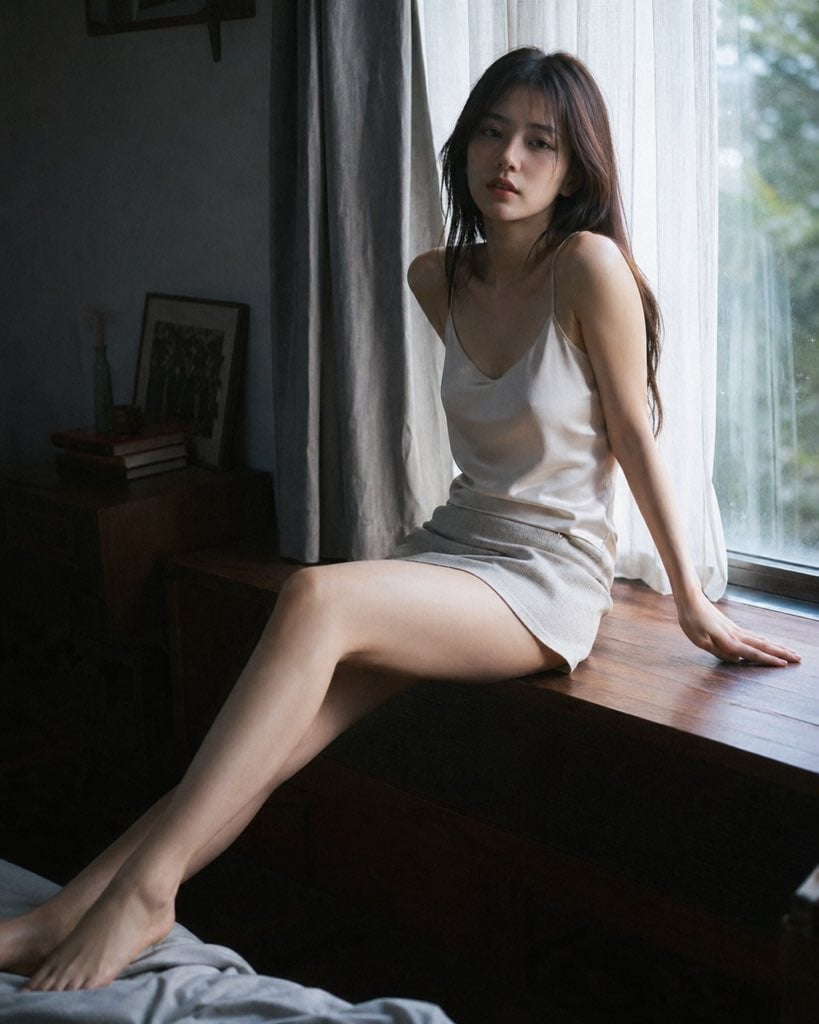
Cinematic Morning Interior Scene
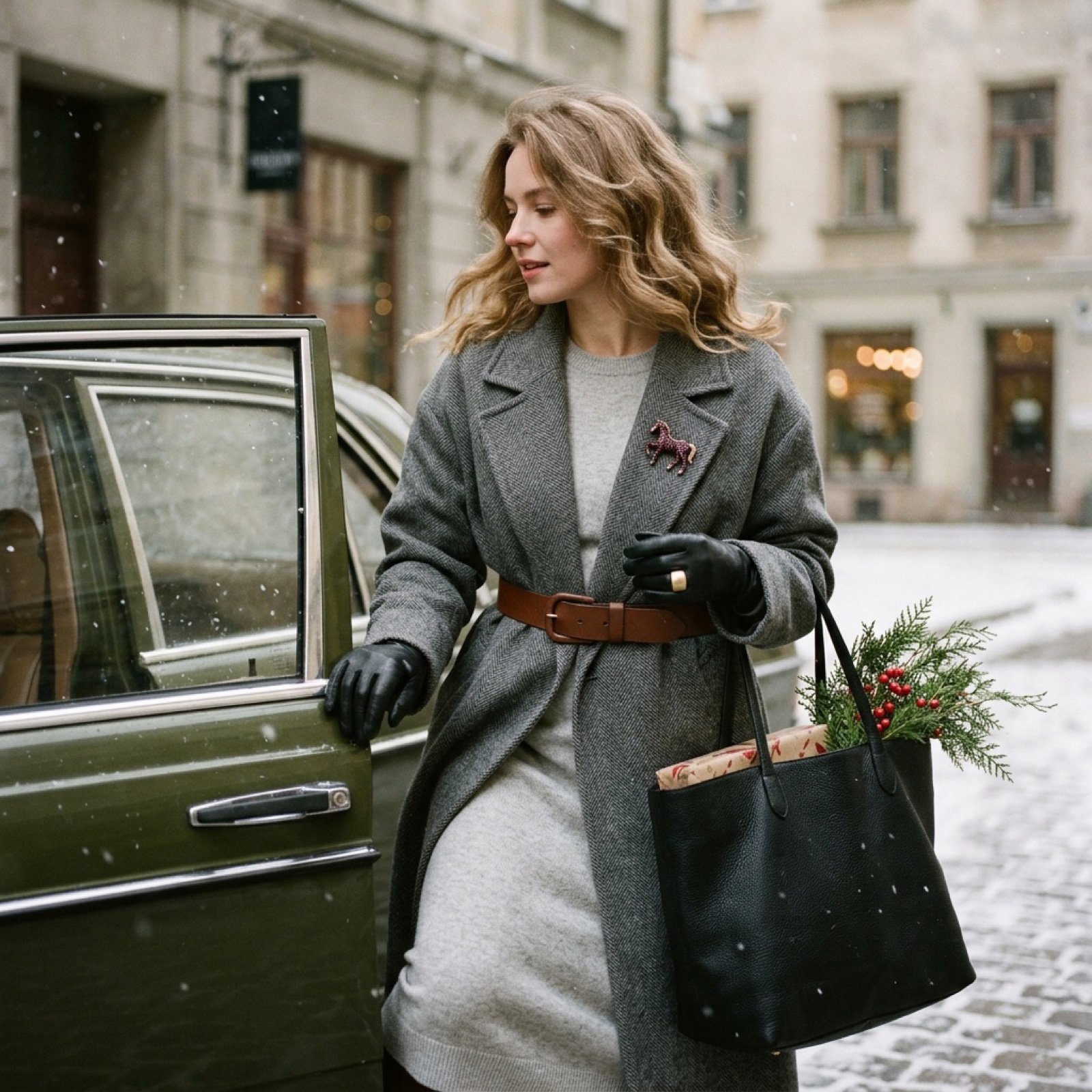
Nostalgic Winter Street Fashion Editorial Prompt
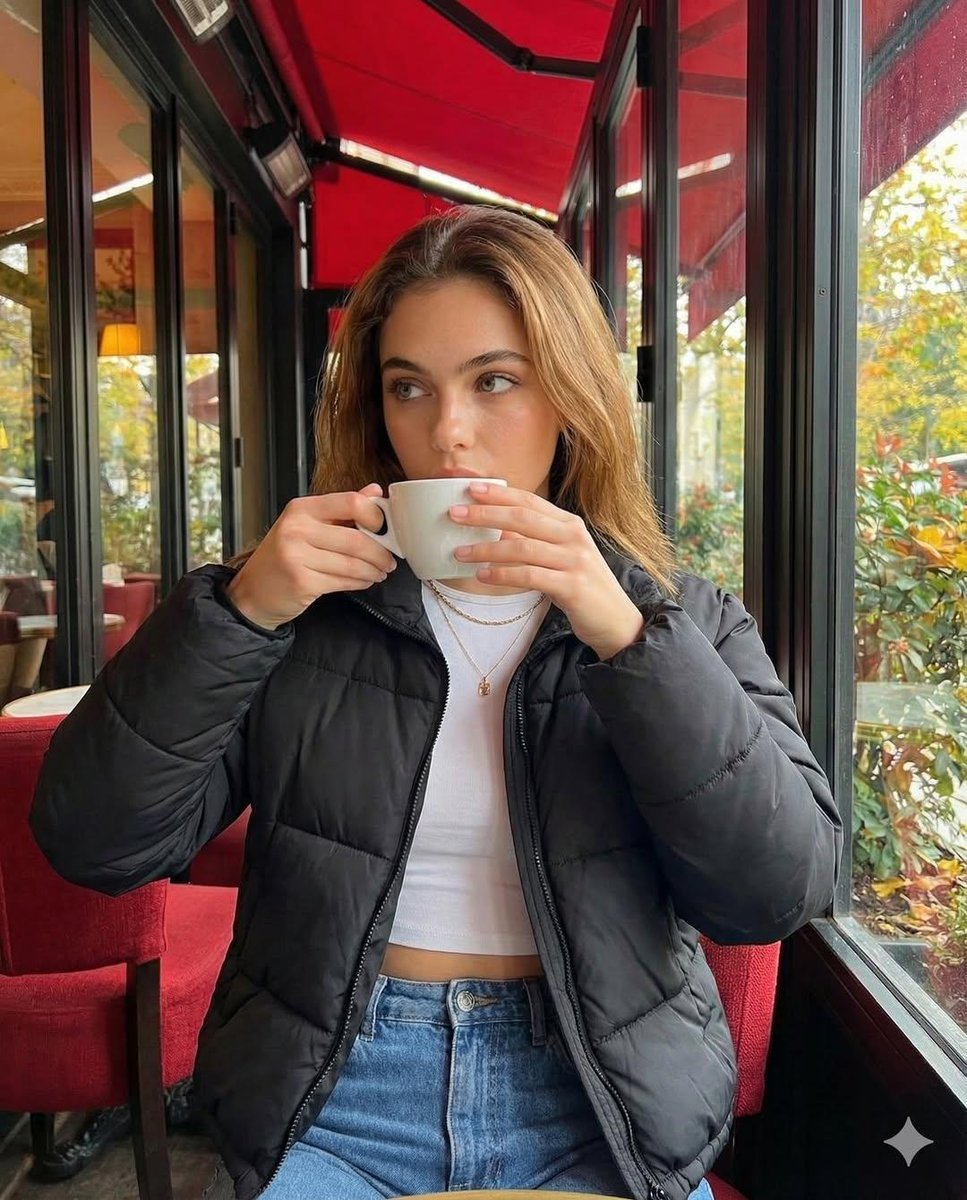
Introspective Cinematic Café Portrait
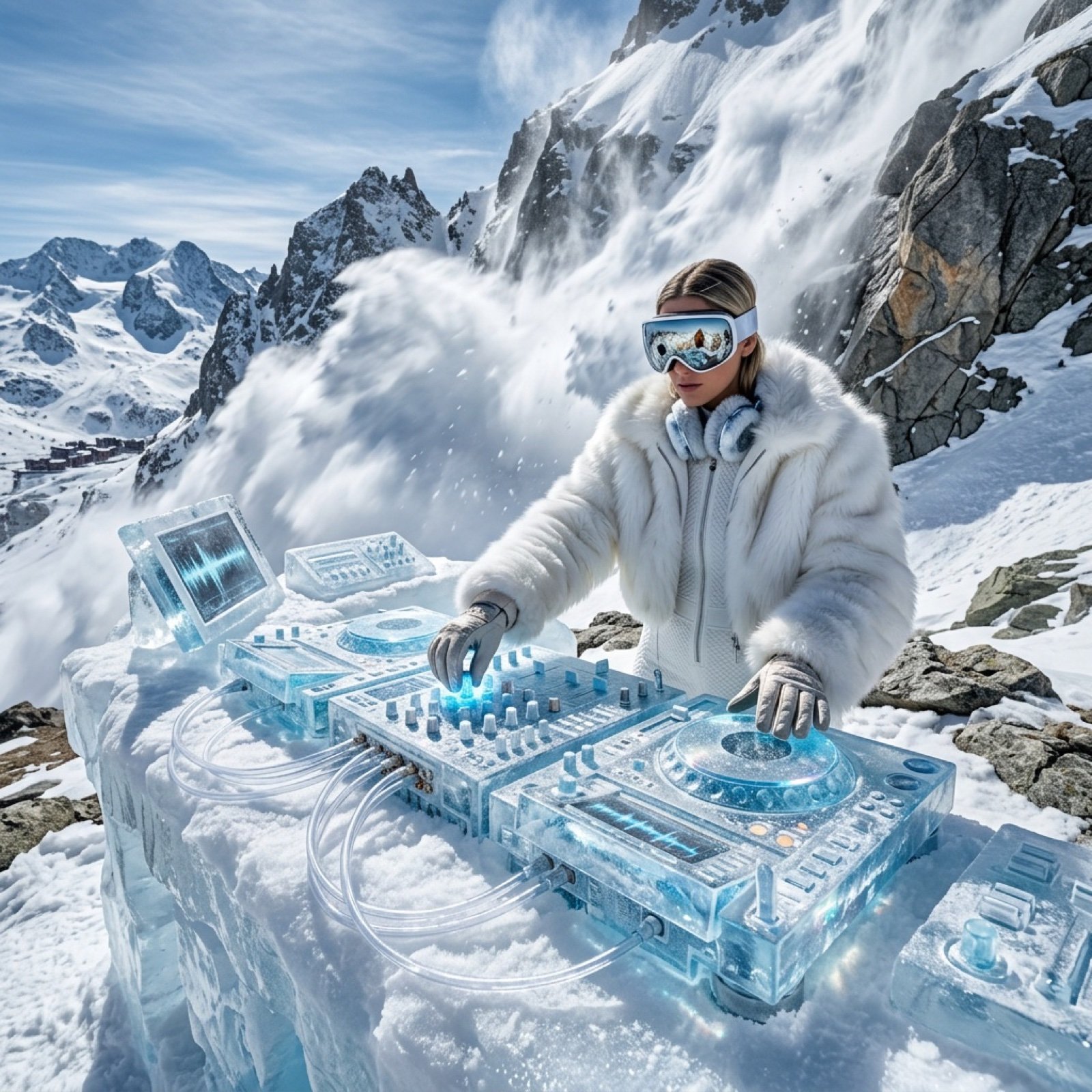
Futuristic Ice DJ Setup Prompt
Fashion Editorial Photography Prompt
Cat Peeking Image Prompt
Ultra-Realistic Cinematic Close-up Portrait
Browse template categories
Dark Kushina Chakra Chain Poster questions
How do I use the Dark Kushina Chakra Chain Poster template?
Add your photo if the template asks for one, edit the prompt if you like — the template's model and format are already selected — and press Generate. Your version opens in PicX Studio.
Can I customize the Dark Kushina Chakra Chain Poster template?
Yes. You can change the subject, setting, lighting, mood, format, and available model controls before creating your image.
Is the Dark Kushina Chakra Chain Poster template free?
Opening and editing this template is free. Generating uses credits, shown on the Generate button when you are signed in.
Which AI model should I use?
Start with GPT Image 2, which is the model associated with this template. You can compare another compatible model for a different finish.
Looking for something else? Browse all templates.

Your photo, any look
Thousands of ready templates for every top image and video model, from one credit balance.