
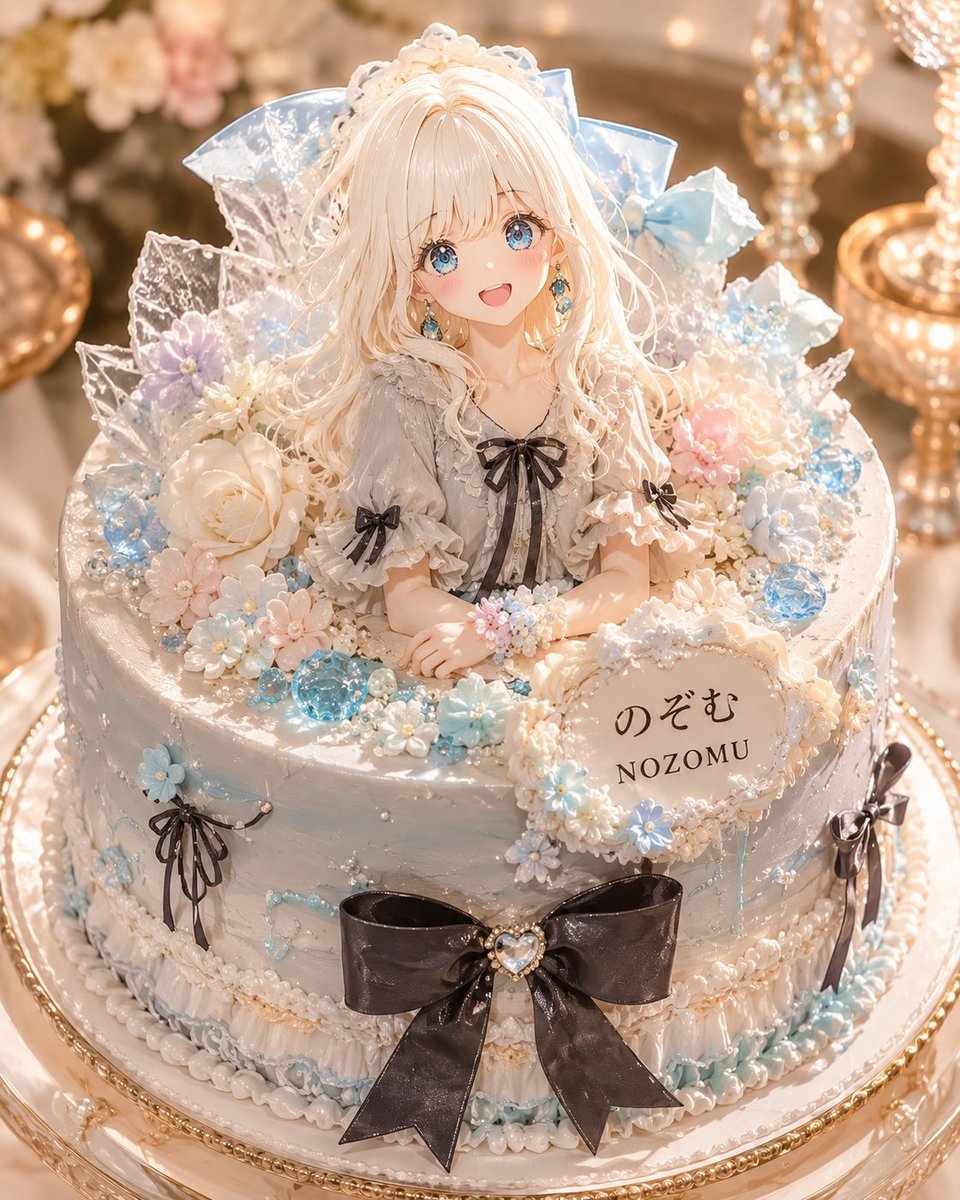
Luxury Character-Themed Whole Cake
A premium patisserie-style prompt for turning an original character into a realistic official-looking decorated whole cake.
- Prompt included
- Model and format preset
- Free template
The prompt behind this image
Copy the exact prompt behind Luxury Character-Themed Whole Cake, or open it in the studio and make it yours.
Create a luxurious, photorealistic official character-themed whole cake product shot based on {argument name="character name" default="Nozomu"}. The cake is a tall round celebration cake on an ornate gold-rimmed glass cake stand, photographed in warm soft-focus lighting with sparkling gold candleholders and pastel flowers blurred in the background. The cake should feel like a real premium bakery item, not a flat printed cake. Turn the character into a handcrafted edible 3D doll emerging from the top center of the cake: a delicate anime-style girl with {argument name="hair color" default="long wavy platinum-blonde hair"}, pale skin, large blue jewel-like eyes, a grey frilly dress with puff sleeves, black ribbon bows at the collar and sleeves, and a dreamy elegant expression; obscure or avoid detailed facial identity if needed, but keep the doll-like luxury aesthetic. Surround her with translucent ice-crystal sugar shards, large pale blue ribbon shapes, white and pastel flowers, pearl sprinkles, blue sugar gems, and glossy edible beads. The frosting is pearly white with subtle silver-blue marbling and tiny piped pearls, with pastel blue drip accents and ornate cream piping around the top and bottom edges. Add exactly four visible black ribbon bow decorations: one large black bow with a heart-shaped jewel at the front center of the cake, one small black bow on the left side, one small black bow on the right side, and one small bow on the character's bodice. Add exactly two readable text areas: a cream oval plaque on the front-right side reading {argument name="Japanese plaque text" default="のぞむ"} above {argument name="English plaque text" default="NOZOMU"}, and no other prominent lettering. Use a color palette of {argument name="color palette" default="pearl white, icy blue, champagne gold, soft pink, lavender, and glossy black"}. Composition: vertical 4:5 close-up product photography, cake centered and filling most of the frame, shallow depth of field, high-end patisserie styling, intricate edible details, sparkling highlights, realistic frosting texture, no watermark, no logo, no extra characters, no flat printed character image.
How to use Luxury Character-Themed Whole Cake in 3 steps
- 1Upload ImagePNG, JPG or paste
Add your photo
Upload the photo the template builds on. The prompt, model and format are already set.
- 2…a portrait of your subject in softgolden-hour light, 85mm…
Personalize
Edit the subject and creative details for your destination.
- 3Generate
Generate
Press Generate — your image is created in PicX Studio, so you can compare it with the original and refine one variable at a time.
More like this
Templates with the same subject, style or setup. Open one to see its prompt.











Make it yours
Luxury Character-Themed Whole Cake works as-is. These are the safest ways to change it without losing the look.
Change one field
Copy a single group, rewrite it, and generate again so you can see what that field is doing.
Keep the frame, change the subject
Hold the composition and light of Luxury Character-Themed Whole Cake, then swap wardrobe, props or the person for a new take.
| If the result… | Why | Fix |
|---|---|---|
| The result drifts from the preview | Too many fields changed at once. | Reuse Luxury Character-Themed Whole Cake as-is first, then change one group — subject, light, or setting. |
| The model over-stylizes the scene | The prose prompt leaves finish and camera underspecified. | Add one camera or lighting sentence and stay on GPT Image 2. |
More GPT Image 2 templates
Other prompts made for GPT Image 2.

Six VTuber Japanese Logo Sheet

Realistic Portrait of Woman and Deer

The Vista Modular Condo Poster

AI Model Routing Comparison Infographic

2.5D Anime Art Board

Isometric Productivity Desk Scene

New York Double Exposure Poster

Four-Panel AI Landscape Comparison

Japanese Tatami Lifestyle Magazine Cover

NESCAFÉ Coffee Map Poster
More image prompts
Fresh picks from across the catalog.
Fire and Ice Elemental Man Portrait
T-Shirt Text Customization Prompt
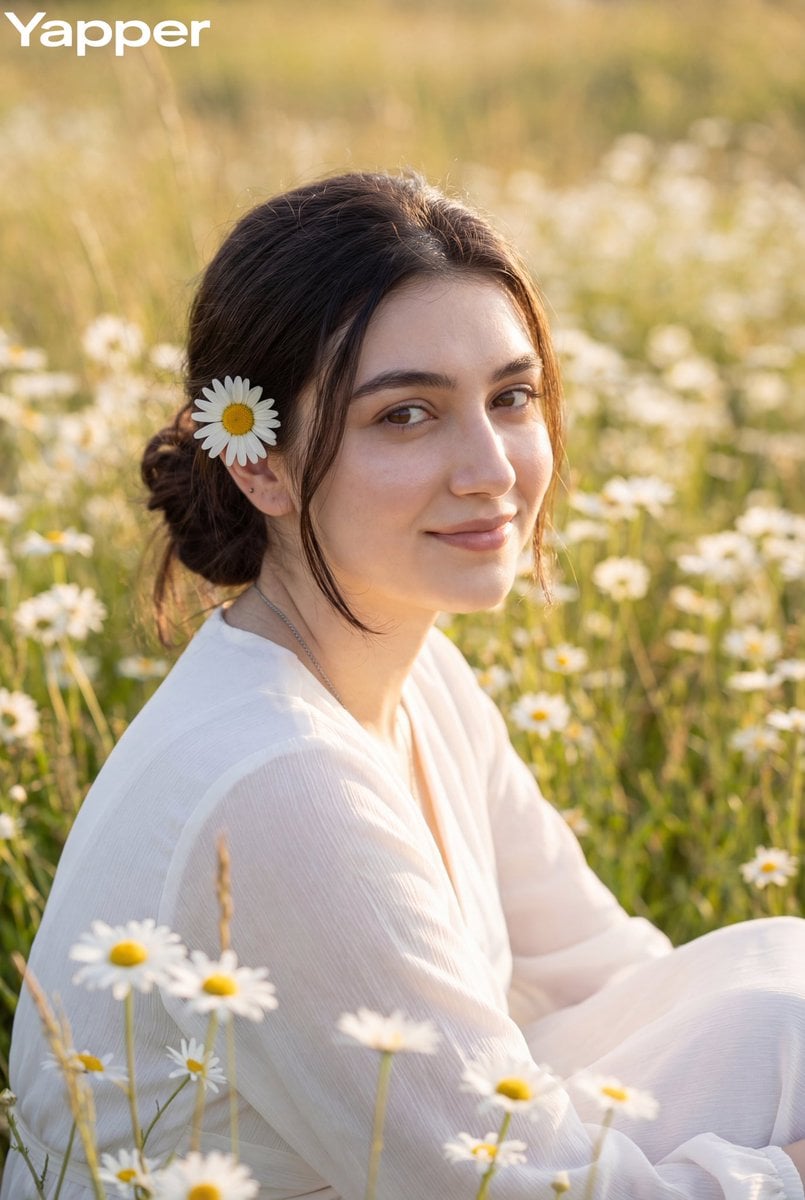
Dreamy Meadow Portrait at Golden Hour
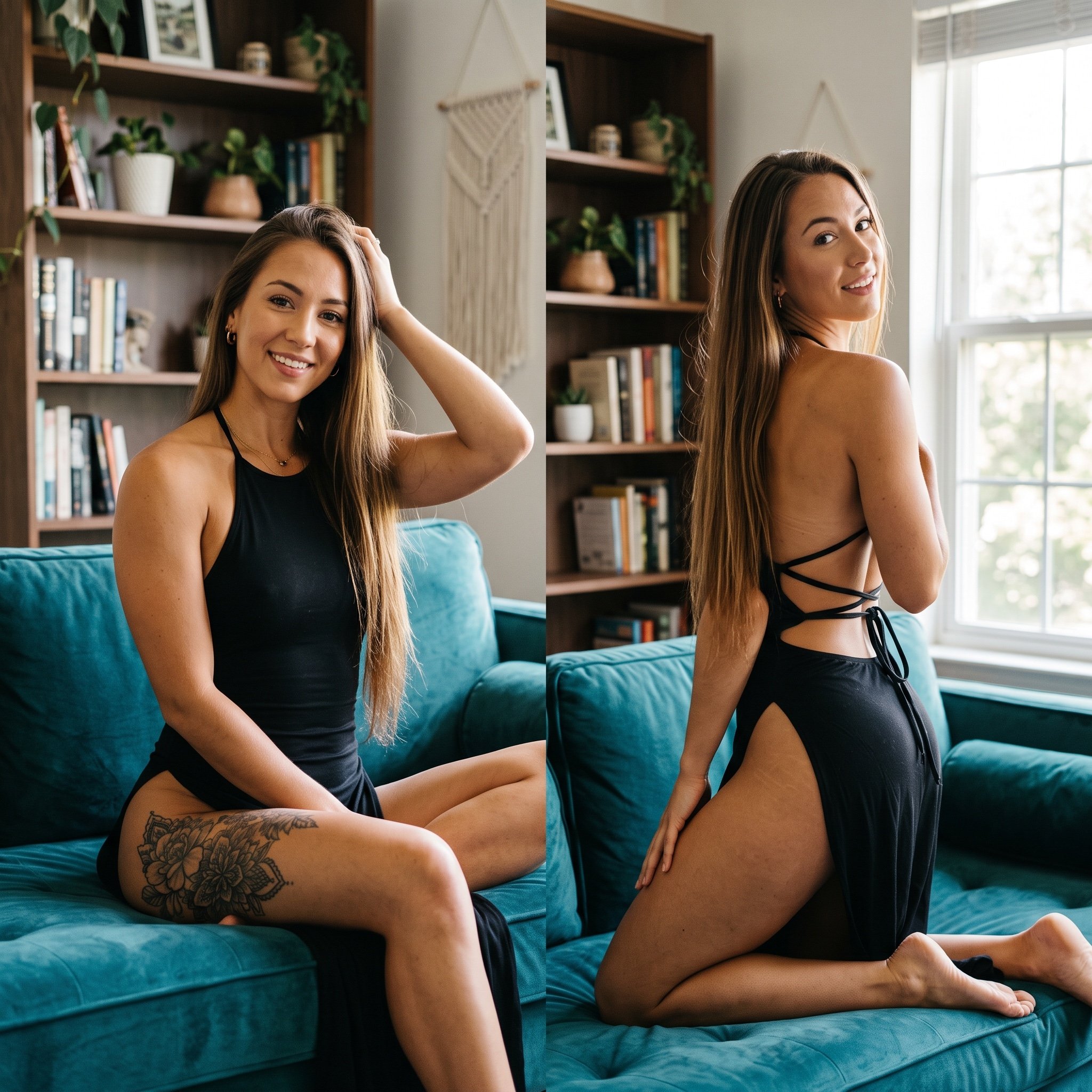
Photorealistic Split-Screen Collage Prompt
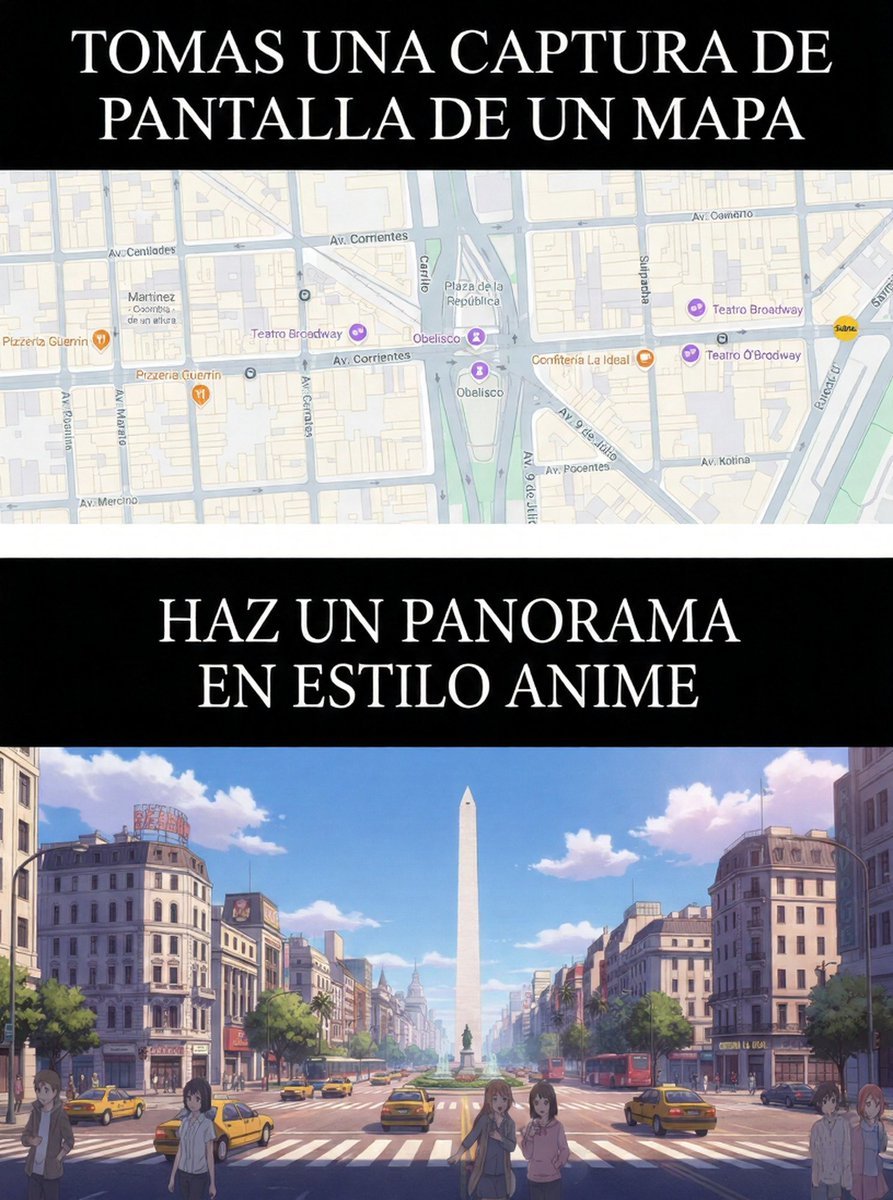
Map to Anime Panorama Conversion
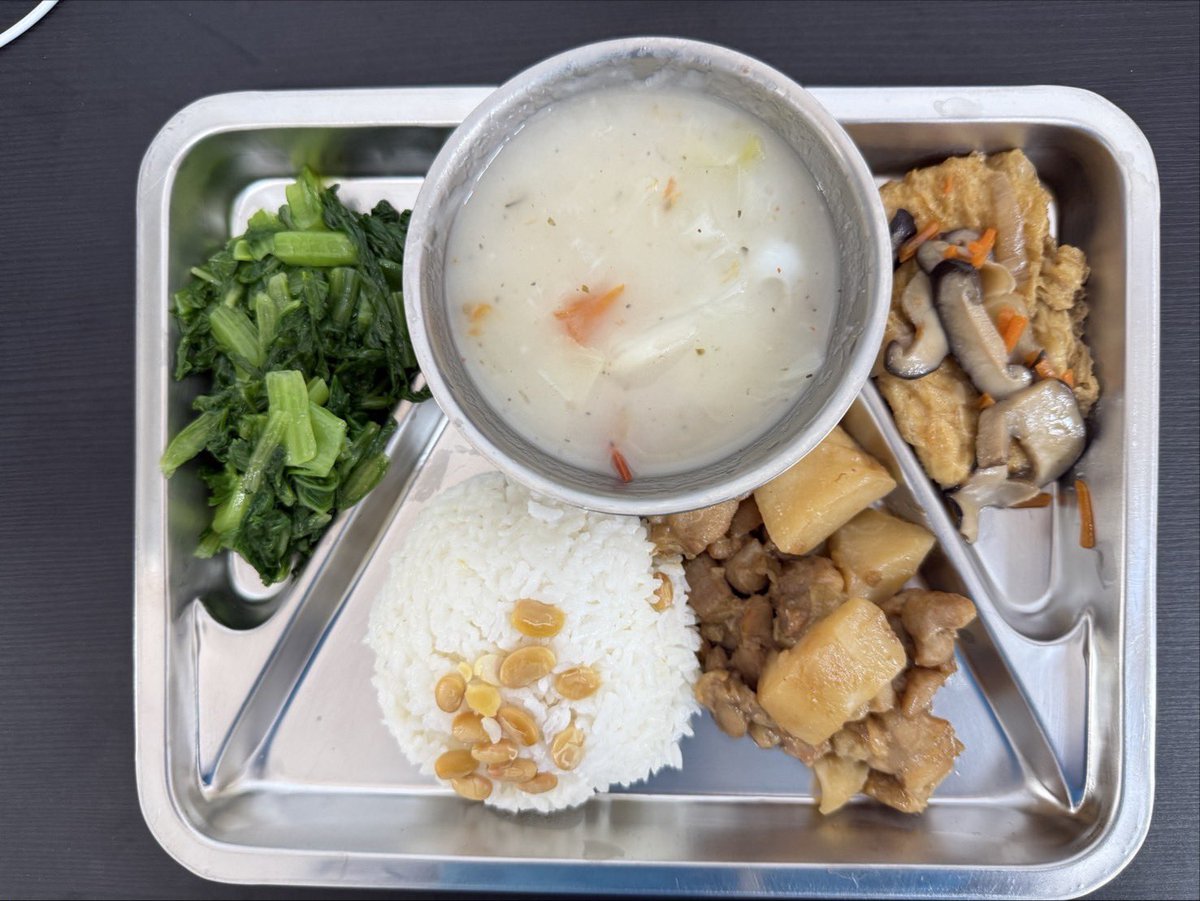
Prompt for Exploding or Static Food Photography
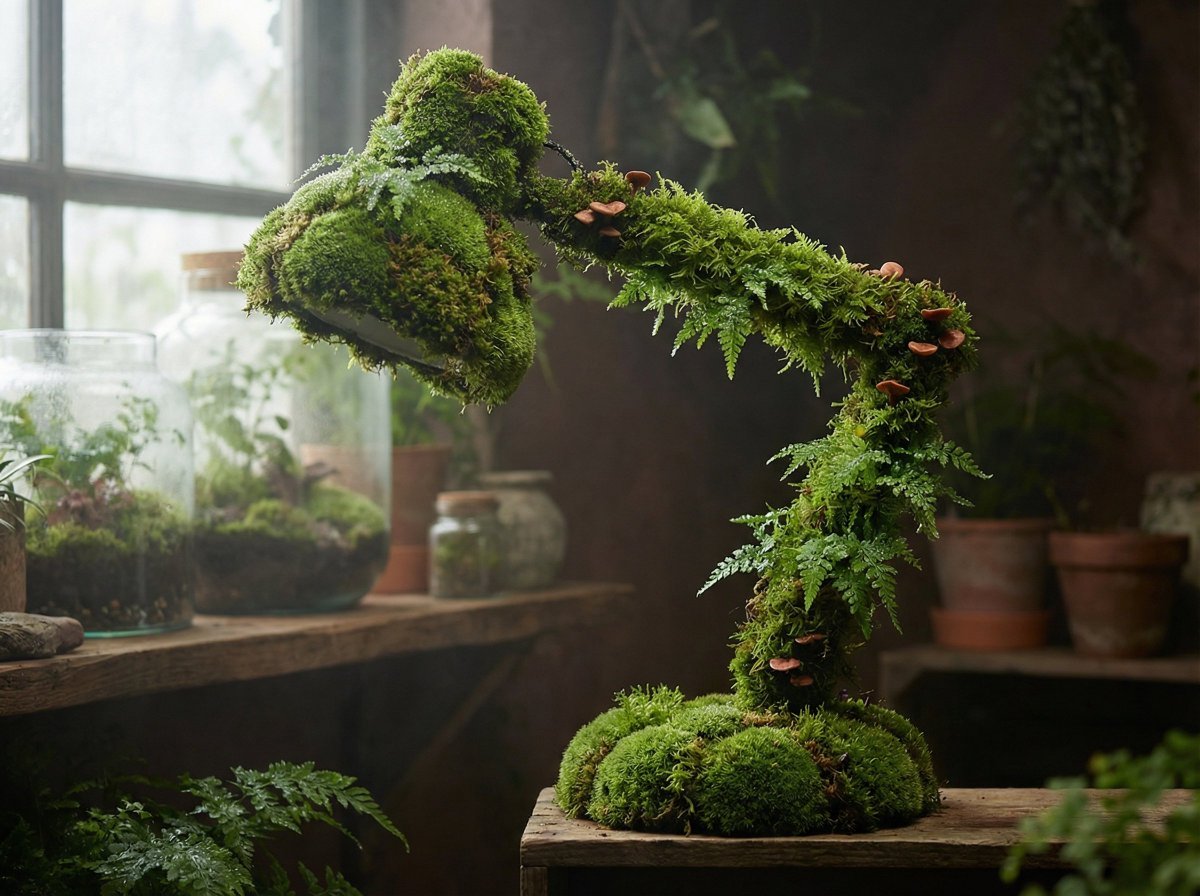
Moss Living Product Rendering Prompt
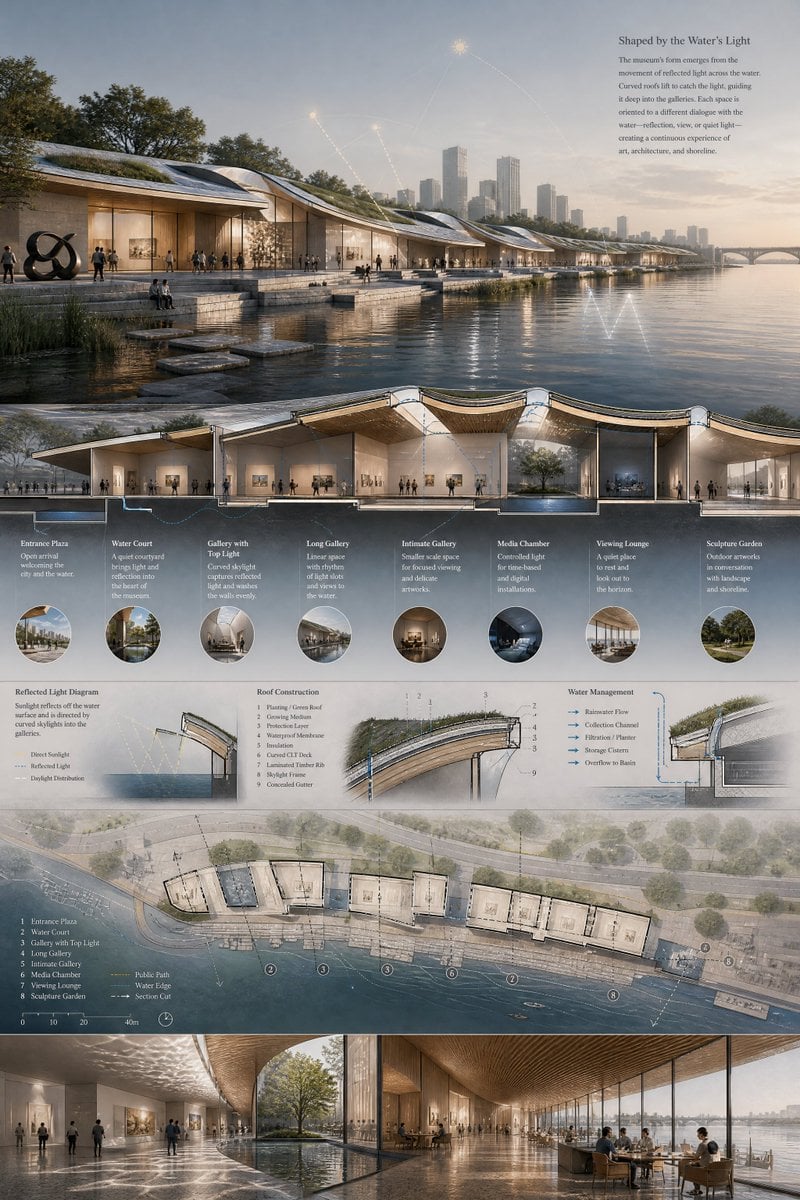
Waterfront Museum Architecture Board
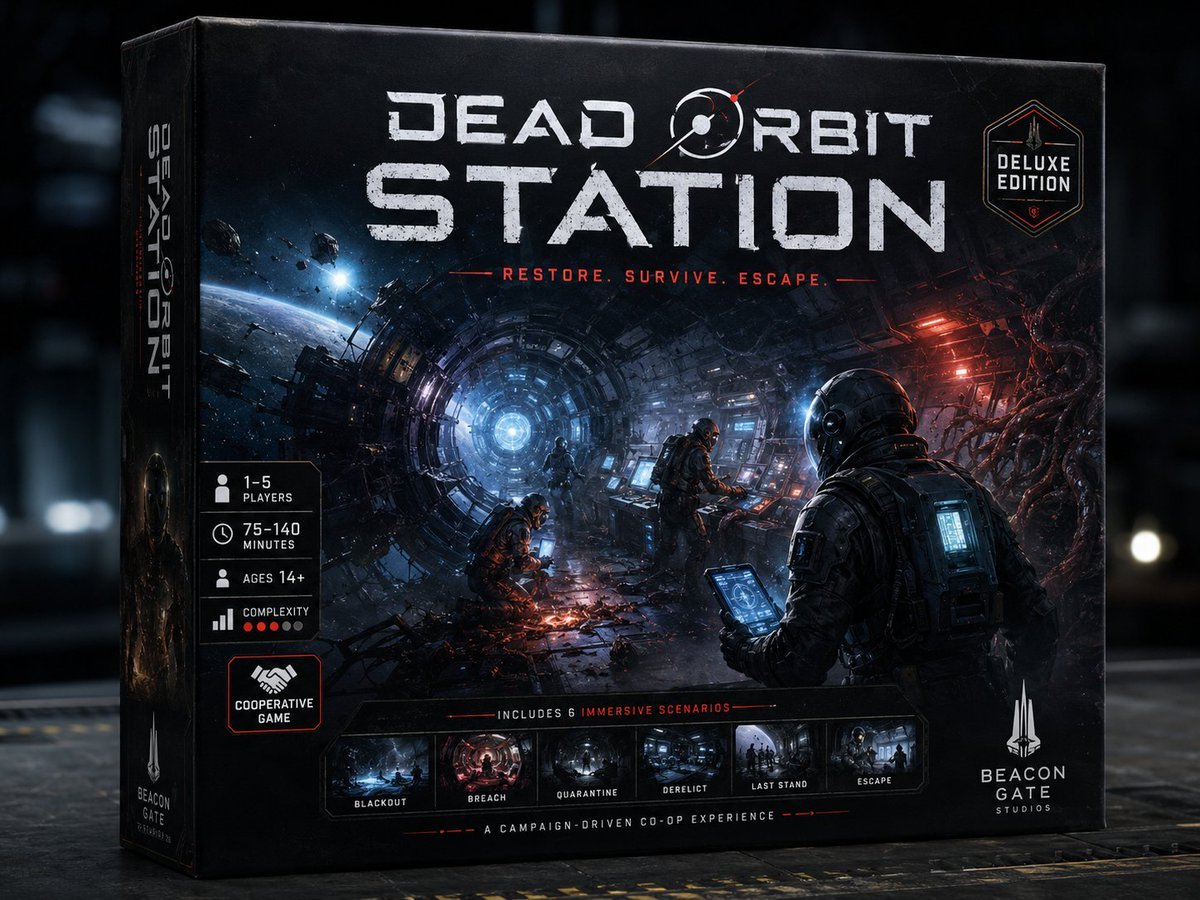
Dead Orbit Station Board Game Box
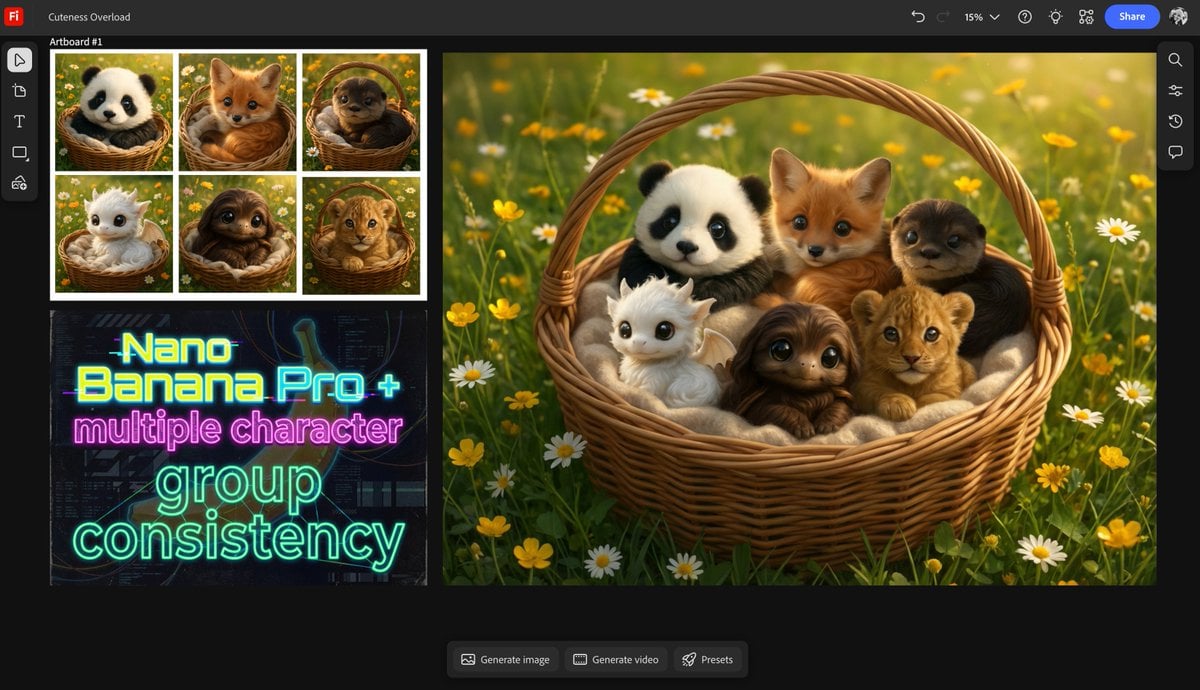
Multiple characters in one basket
Browse template categories
Luxury Character-Themed Whole Cake questions
How do I use the Luxury Character-Themed Whole Cake template?
Add your photo if the template asks for one, edit the prompt if you like — the template's model and format are already selected — and press Generate. Your version opens in PicX Studio.
Can I customize the Luxury Character-Themed Whole Cake template?
Yes. You can change the subject, setting, lighting, mood, format, and available model controls before creating your image.
Is the Luxury Character-Themed Whole Cake template free?
Opening and editing this template is free. Generating uses credits, shown on the Generate button when you are signed in.
Which AI model should I use?
Start with GPT Image 2, which is the model associated with this template. You can compare another compatible model for a different finish.
Looking for something else? Browse all templates.

Your photo, any look
Thousands of ready templates for every top image and video model, from one credit balance.