
Luxury Rabbit Suit Fashion
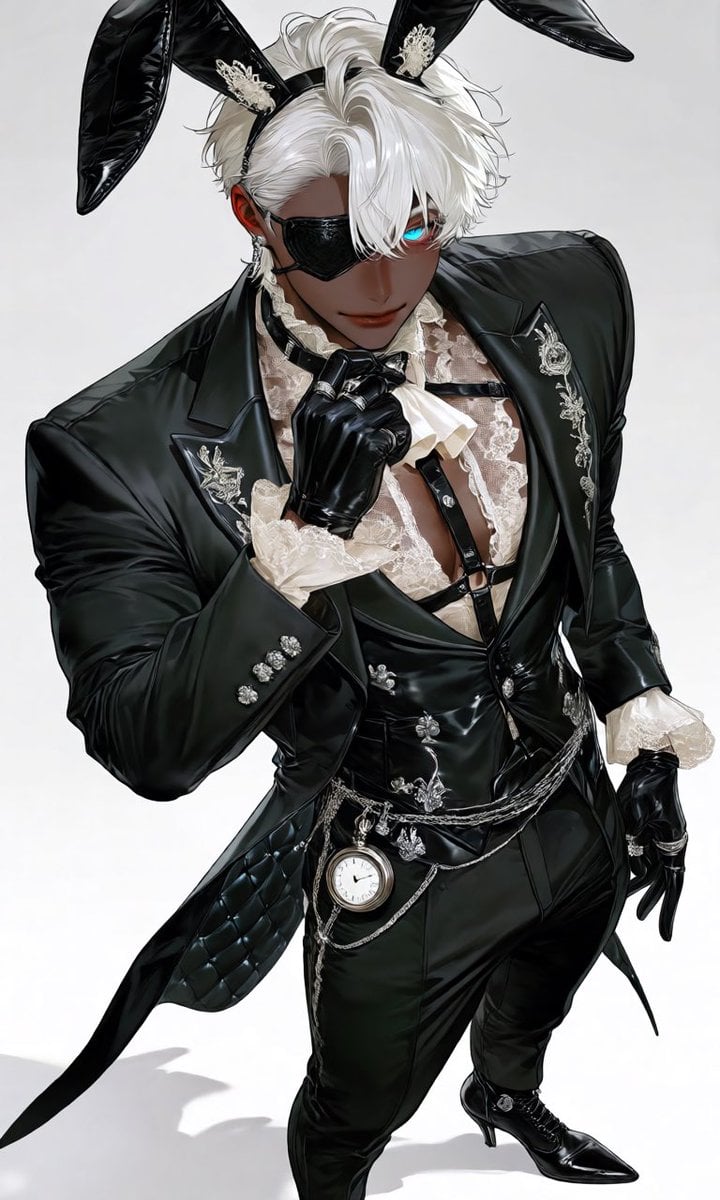
A detailed fashion prompt for a luxurious black leather and ivory lace suit with a rabbit ear headpiece and intricate silver accessories.
- Prompt included
- Model and format preset
- Premium template
The prompt behind this image
Copy the exact prompt behind Luxury Rabbit Suit Fashion, or open it in the studio and make it yours.
black tailored suit jacket, fitted silhouette, cropped front, long split swallowtail back, elongated peak lapels, glossy black leather panels, delicate ivory lace inserts, sheer ivory lace shirt with a partially open chest, black leather waistcoat, integrated leather harness, high-waisted slim tailored trousers, asymmetrical layered tails, satin piping, quilted leather details, silver filigree embroidery, moon motif embroidery, clover motif embroidery, crystal buttons, ornate silver buttons, {argument name="headpiece" default="luxurious black leather rabbit ear headpiece with ivory lace lining"}, black leather choker with lace trim, silver chain ear accessories, layered silver waist chains, antique pocket watch chain, rabbit emblem brooch, lace jabot, lace cuffs, multiple silver rings on fingers, (wearing black leather gloves on both hands:1.4), (full body shot:1.3), standing pose, body angled about 30 degrees, shoulders squared, chest slightly forward, chin slightly lowered while looking up at the viewer, one gloved hand lightly touching the black leather choker, the other hand resting gracefully behind the lower back, one leg naturally placed forward with the weight shifted onto the back leg, {argument name="posture" default="elegant aristocratic posture"}, refined luxury fashion model pose, calm and confident demeanor, (wearing black pointed-toe ankle boots on both feet:1.5), stiletto heels, lace-up front, polished silver buckles, {argument name="palette" default="black, ivory, and silver"} color palette, premium tailoring, luxurious fabrics
How to use Luxury Rabbit Suit Fashion in 3 steps
- 1
Open
The prompt is already in the box next to the preview, with the template's model and format selected.
- 2…a portrait of your subject in softgolden-hour light, 85mm…
Personalize
Edit the subject and creative details for your destination.
- 3Generate
Generate
Press Generate — your image is created in PicX Studio, so you can compare it with the original and refine one variable at a time.
More like this
Templates with the same subject, style or setup. Open one to see its prompt.

19 Luxury Helicopter Travel — California Series

08 Rodeo Drive Luxury Exit — California Series

80s College Gate

1988 Mall Style

80s Polka Dot Saree
Power Suit Luxury Editorial

Luxury Fashion Editorial Portrait
Luxury Fashion Editorial Scrapbook
Luxury Spring Peony Fashion Poster
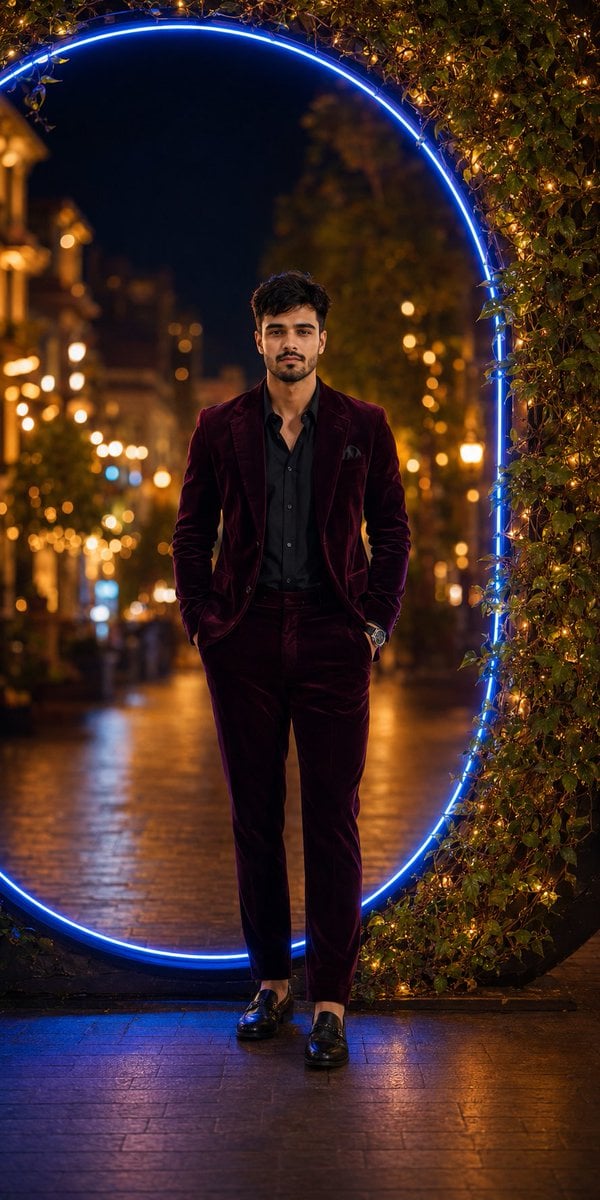
Luxury Velvet Suit Neon Portrait

Vintage Camera Leather Case

Hedge Maze Aerial Dawn
Make it yours
Luxury Rabbit Suit Fashion works as-is. These are the safest ways to change it without losing the look.
Change one field
Copy a single group, rewrite it, and generate again so you can see what that field is doing.
Keep the frame, change the subject
Hold the composition and light of Luxury Rabbit Suit Fashion, then swap wardrobe, props or the person for a new take.
| If the result… | Why | Fix |
|---|---|---|
| The result drifts from the preview | Too many fields changed at once. | Reuse Luxury Rabbit Suit Fashion as-is first, then change one group — subject, light, or setting. |
| The model over-stylizes the scene | The prose prompt leaves finish and camera underspecified. | Add one camera or lighting sentence and stay on GPT Image 2. |
More GPT Image 2 templates
Other prompts made for GPT Image 2.

Six VTuber Japanese Logo Sheet

Realistic Portrait of Woman and Deer

The Vista Modular Condo Poster

AI Model Routing Comparison Infographic

2.5D Anime Art Board

Isometric Productivity Desk Scene

New York Double Exposure Poster

Four-Panel AI Landscape Comparison

Japanese Tatami Lifestyle Magazine Cover

NESCAFÉ Coffee Map Poster
More image prompts
Fresh picks from across the catalog.
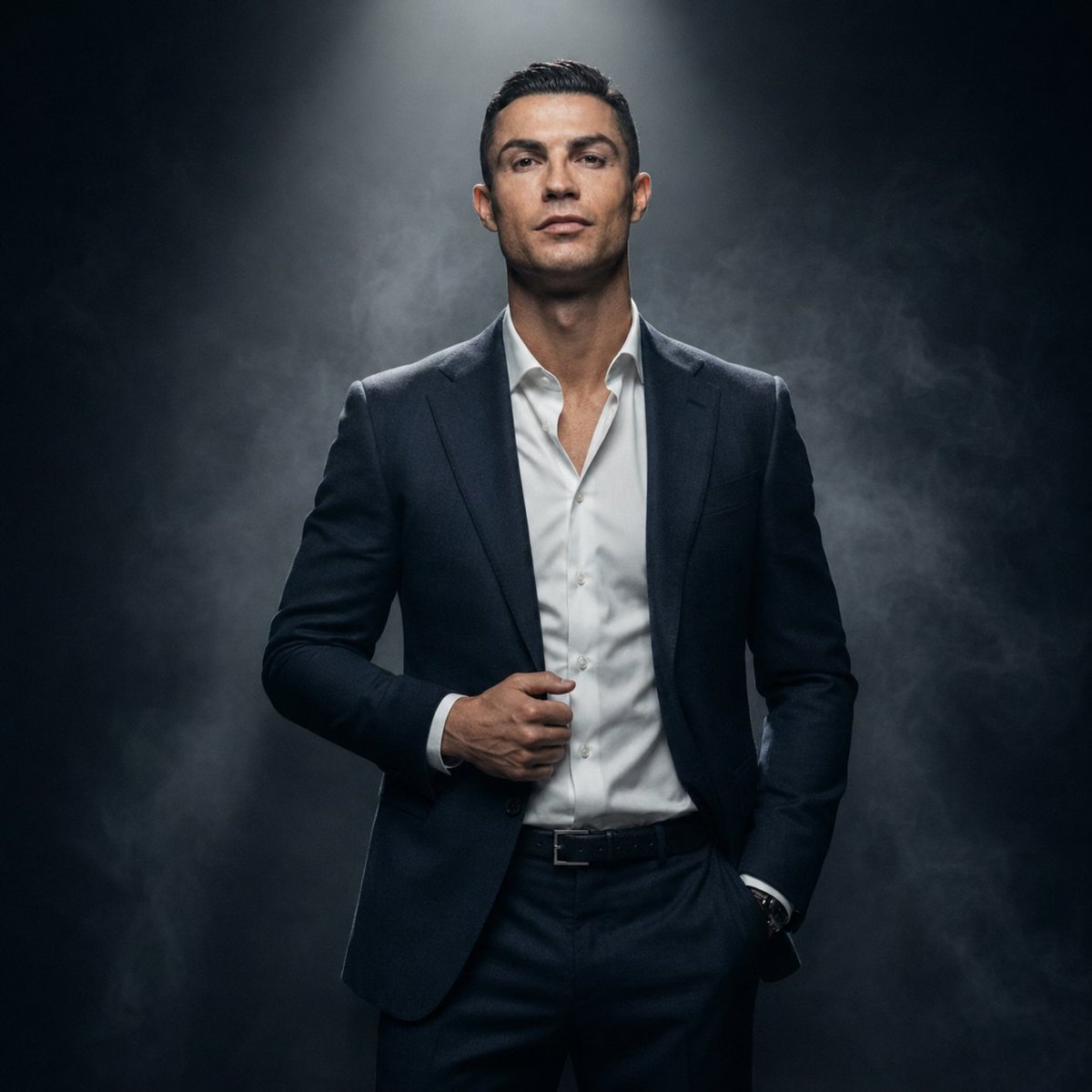
Luxury Fashion Executive Portrait
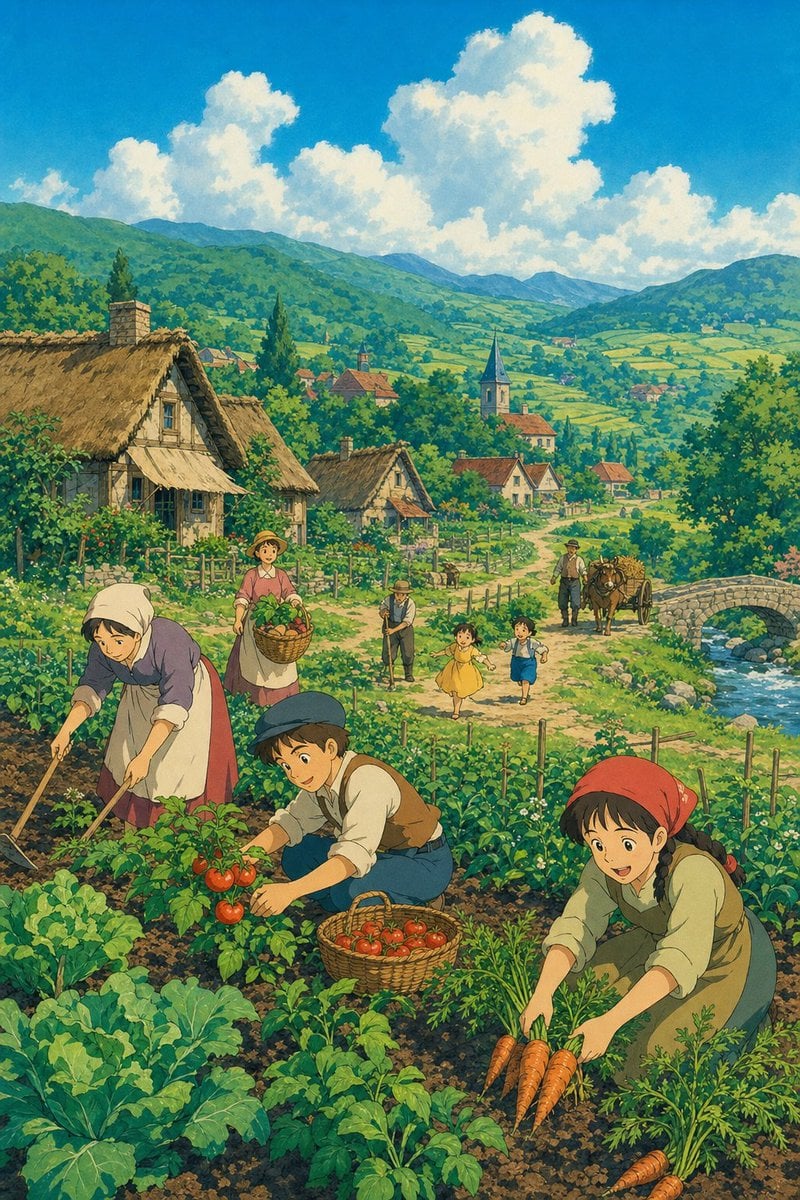
Ghibli Style Pastoral Village
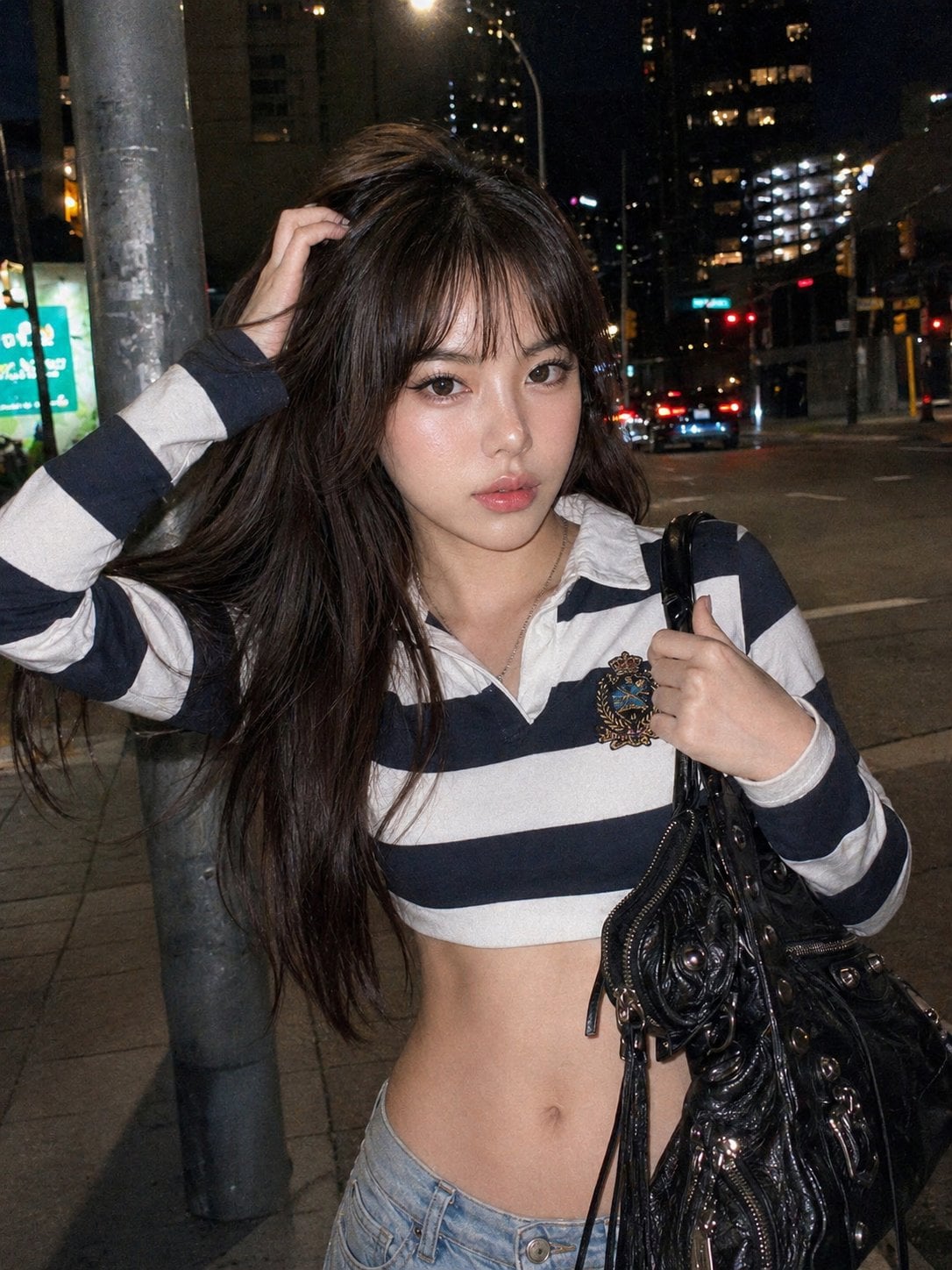
Y2k Nano Banana Chryzleen
Ultra-realistic Studio Photography of Man and Cartoon Doll
Meta-Commentary Prompt
Overhead Smartphone Selfie with Black Cat
Elderly Man Dissolving Into Birds
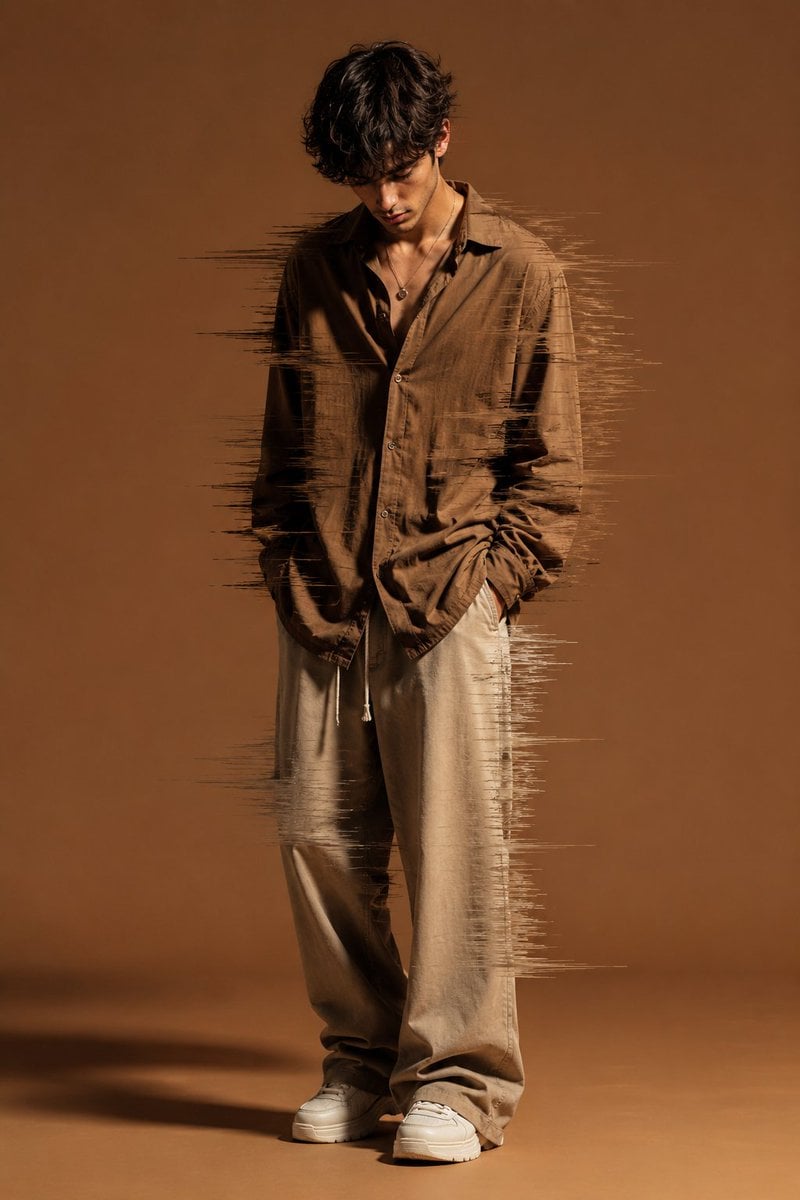
Editorial Fashion Glitch Portrait
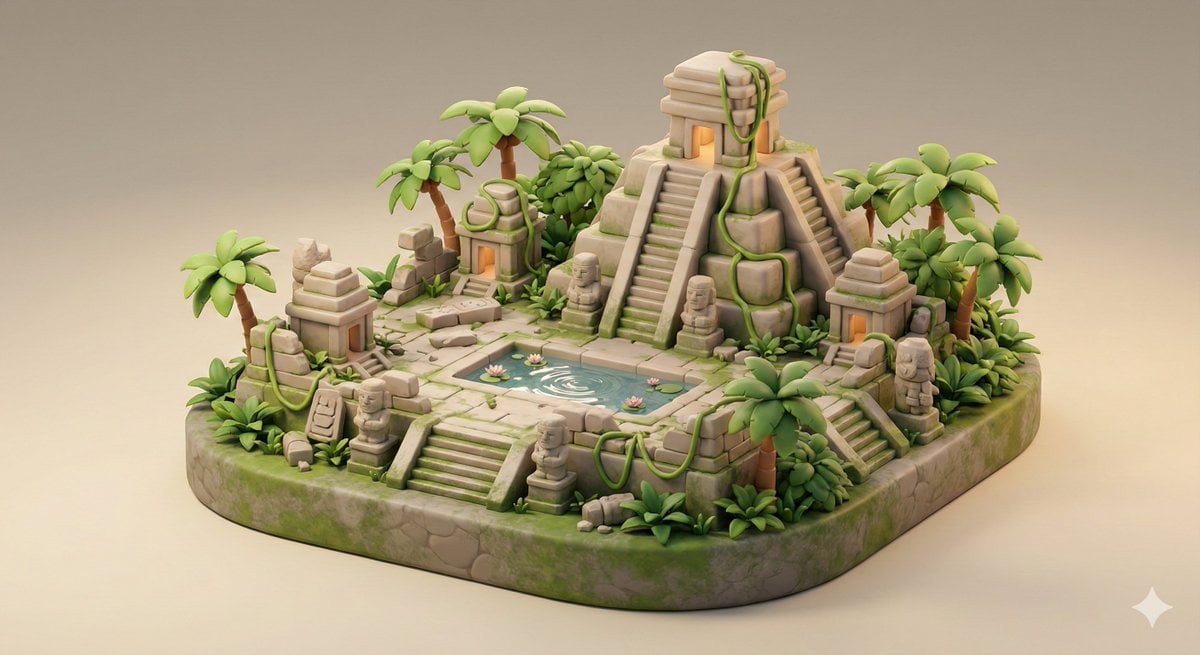
Ancient Jungle Temple Diorama Collectible Prompt
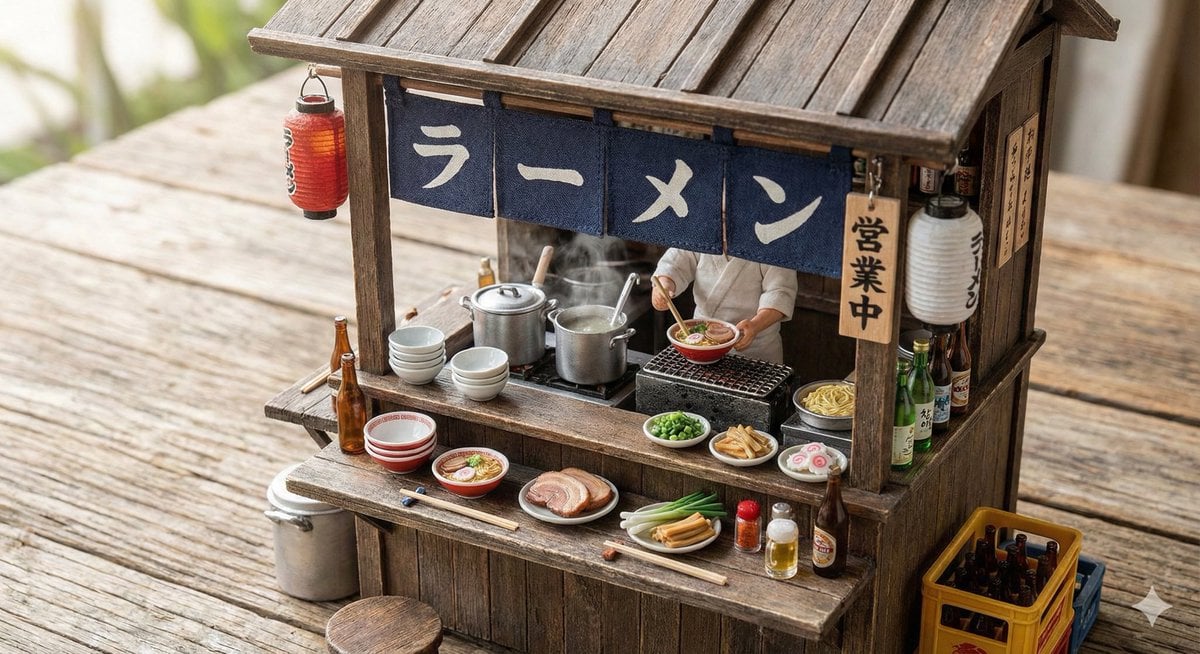
Generating Various Everyday Scenes
Browse template categories
Luxury Rabbit Suit Fashion questions
How do I use the Luxury Rabbit Suit Fashion template?
Add your photo if the template asks for one, edit the prompt if you like — the template's model and format are already selected — and press Generate. Your version opens in PicX Studio.
Can I customize the Luxury Rabbit Suit Fashion template?
Yes. You can change the subject, setting, lighting, mood, format, and available model controls before creating your image.
Is the Luxury Rabbit Suit Fashion template free?
Opening and editing this template is free. Generating uses credits, shown on the Generate button when you are signed in.
Which AI model should I use?
Start with GPT Image 2, which is the model associated with this template. You can compare another compatible model for a different finish.
Looking for something else? Browse all templates.

Your photo, any look
Thousands of ready templates for every top image and video model, from one credit balance.