
Pose and Lighting Analysis Sheet Transformer
A highly detailed structural prompt for transforming any input image into a white-line mannequin pose and lighting analysis sheet.
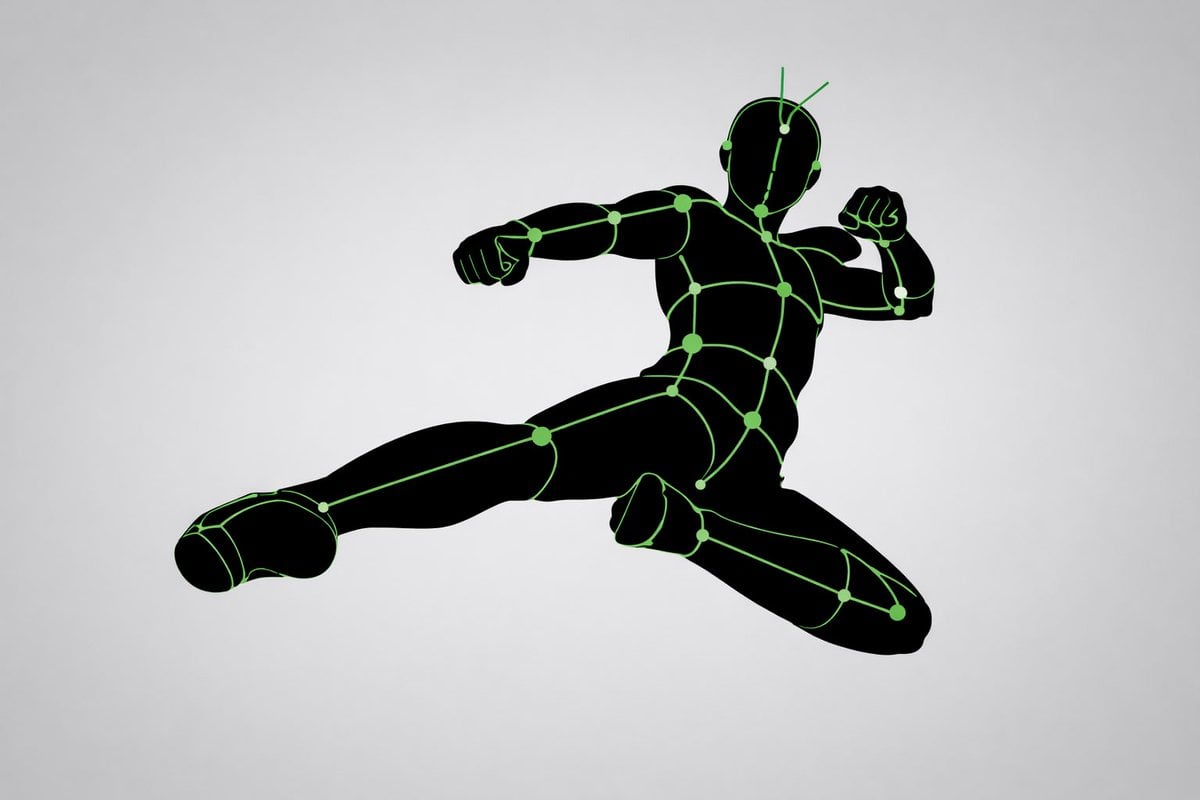
- Prompt included
- Model and format preset
- Free template
The prompt behind this image
Copy the exact prompt behind Pose and Lighting Analysis Sheet Transformer, or open it in the studio and make it yours.
[CORE TASK] Transform the provided input image into a pose-and-light analysis sheet. This is NOT a finished character illustration. This is NOT a clothing sheet. This is NOT a beauty-preserving redraw. This is a white-line rough mannequin conversion. [PRIMARY GOAL] Extract and visualize only: - pose structure - body balance - camera angle - body line flow - inferred light source placement - illuminated areas and light intensity [INPUT ROLE] Use the provided image as the strict anchor for: - pose - camera angle - body tilt - weight distribution - approximate lighting situation Do NOT preserve: - face rendering - hairstyle rendering - clothing detail - accessories - weapon detail - background architecture - character identity - emotional expression [FIGURE CONVERSION] single rough mannequin-like human figure white body contour lines white internal construction lines simple mannequin head no face no eyes no mouth no eyelashes no personality no individual identity human figure should look like: - rough pose mannequin - anatomy proxy - line-based body guide - structural sketch - white-line rough dummy keep: - pose readability - silhouette flow - head tilt - torso direction - pelvis direction - limb placement [BACKGROUND] pure black background negative-style dark field no scenery no props no architecture no environmental storytelling [LINE STYLE] rough white line drawing clean but sketch-like construction-line feeling anatomy guide lines visible joint flow visible body contour emphasized no polished illustration finish [LIGHT ESTIMATION] predict the likely light source positions from the input image visualize the light sources and illuminated areas using green glow only use green light intensity with variation: - strongest green where the light directly hits - medium green for wrap light - soft green for reflected or fading light mark the estimated light sources with labels and arrows such as: - Main Light - Rim Light - Fill Light - Floor Bounce - Back Light only if appropriate IMPORTANT: do not invent random lights infer lighting from the original input image if the lighting is ambiguous, keep the annotations simple and plausible [GREEN LIGHT VISUALIZATION] show green glow on: - head / skull plane - neck - shoulders - chest plane - ribcage direction - pelvis edge - thigh planes - knee contact points - floor contact bounce if applicable use green light not as decoration, but as lighting analysis information [POSE PRIORITY] 1. preserve pose structure 2. preserve camera angle 3. preserve body balance 4. preserve head-torso relationship 5. visualize likely light direction 6. show illuminated areas with readable green intensity variation [NEGATIVE] finished person, cute girl, detailed face, hair rendering, clothing rendering, weapon emphasis, beautiful anatomy
Reference images included
Pose and Lighting Analysis Sheet Transformer needs input media to work. They load alongside the prompt when you open it in the studio.
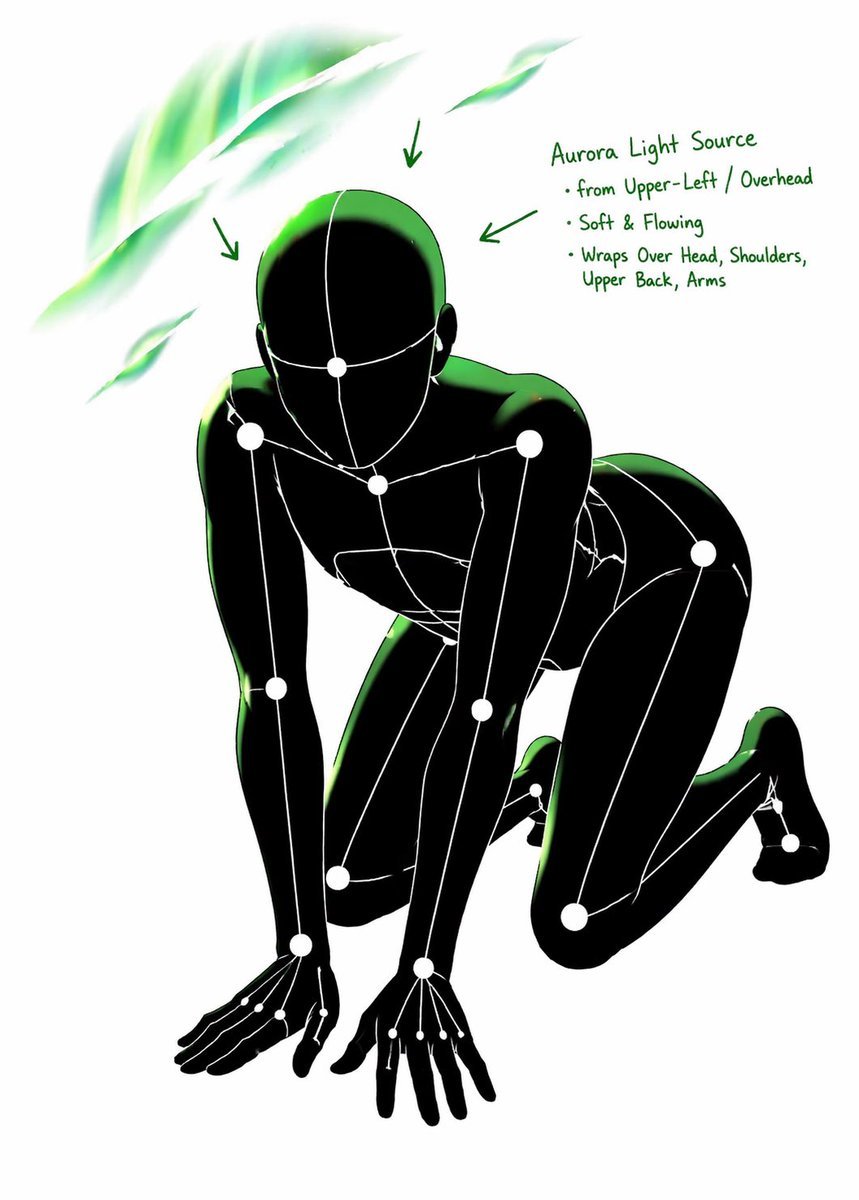
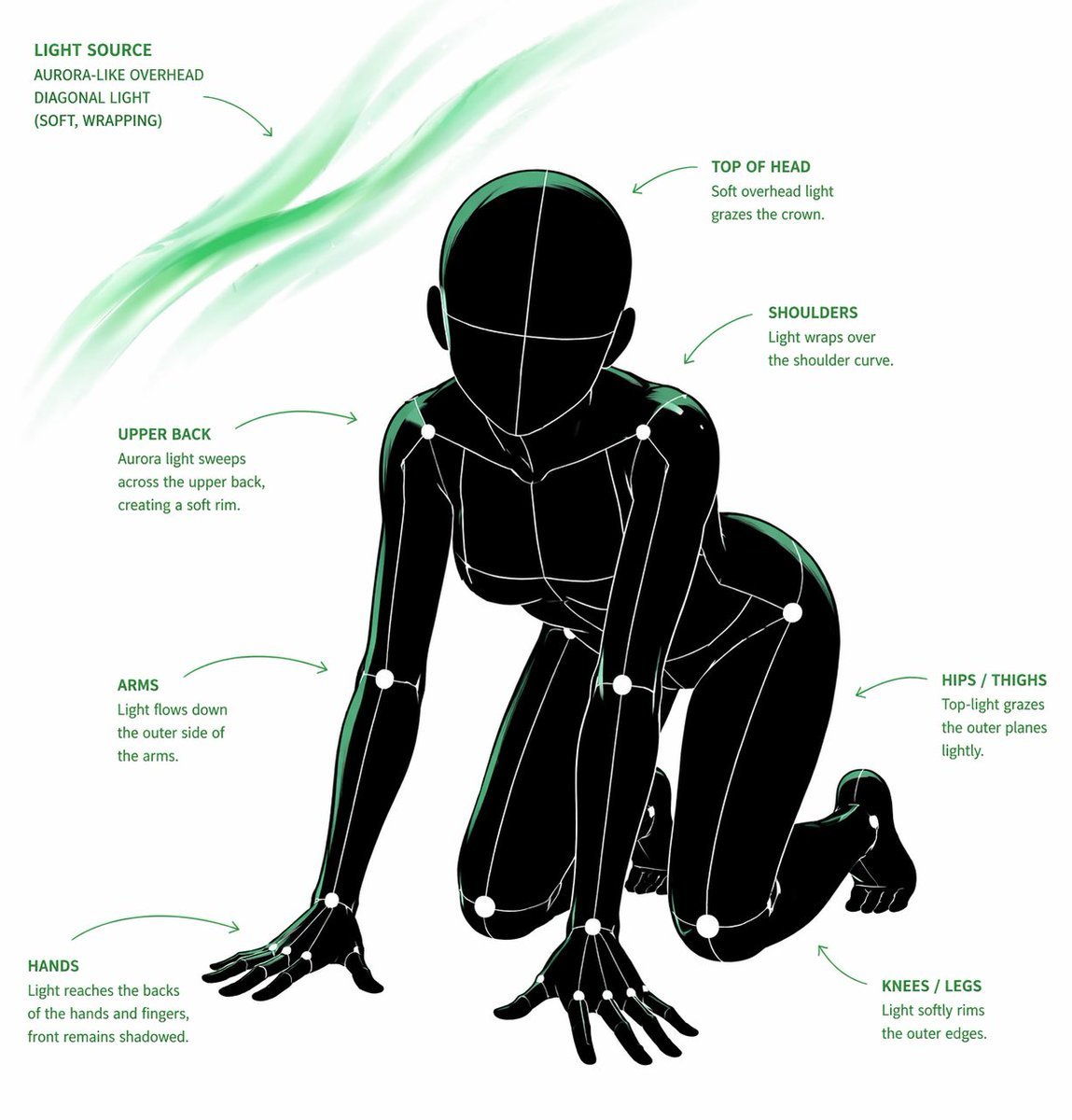
How to use Pose and Lighting Analysis Sheet Transformer in 3 steps
- 1Upload ImagePNG, JPG or paste
Add your photo
Upload the photo the template builds on. The prompt, model and format are already set.
- 2…a portrait of your subject in softgolden-hour light, 85mm…
Personalize
Edit the subject and creative details for your destination.
- 3Generate
Generate
Press Generate — your image is created in PicX Studio, so you can compare it with the original and refine one variable at a time.
More like this
Templates with the same subject, style or setup. Open one to see its prompt.

Anime Character Charm Analysis Sheet
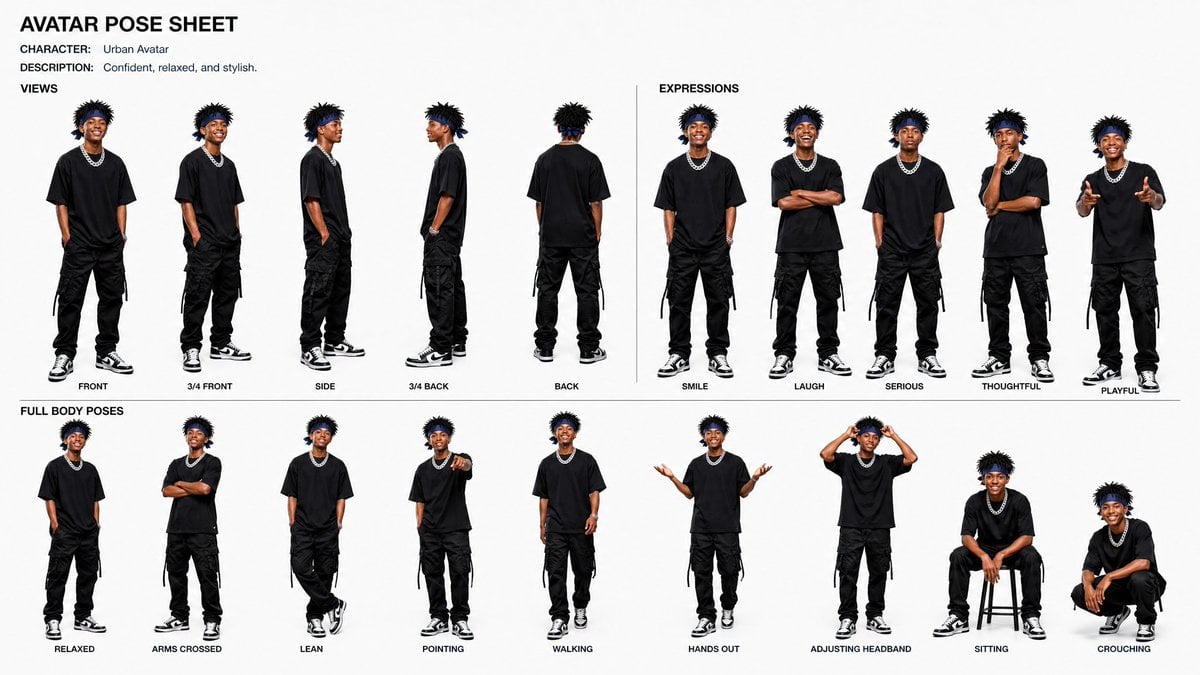
Avatar Character Pose Sheet
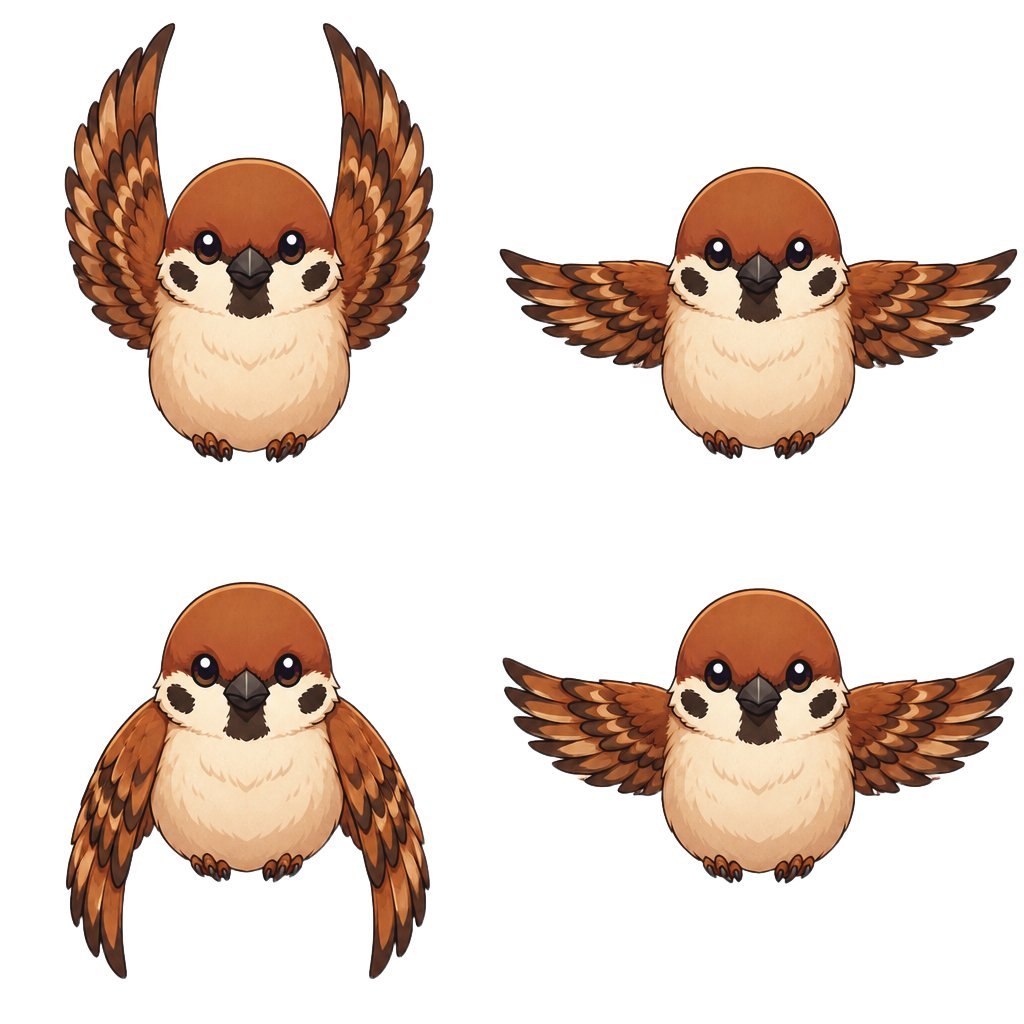
Chibi Sparrow Four-Pose Sheet
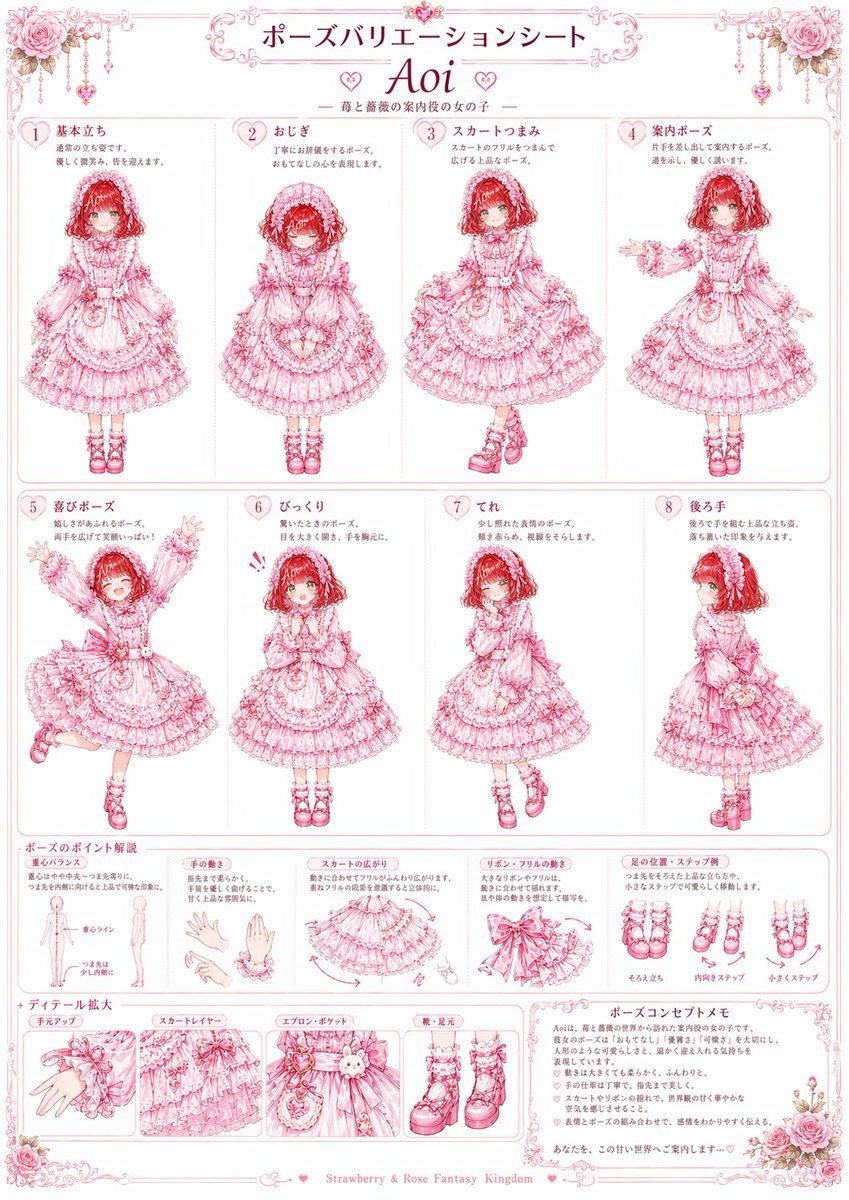
Pink Lolita Pose Variation Sheet
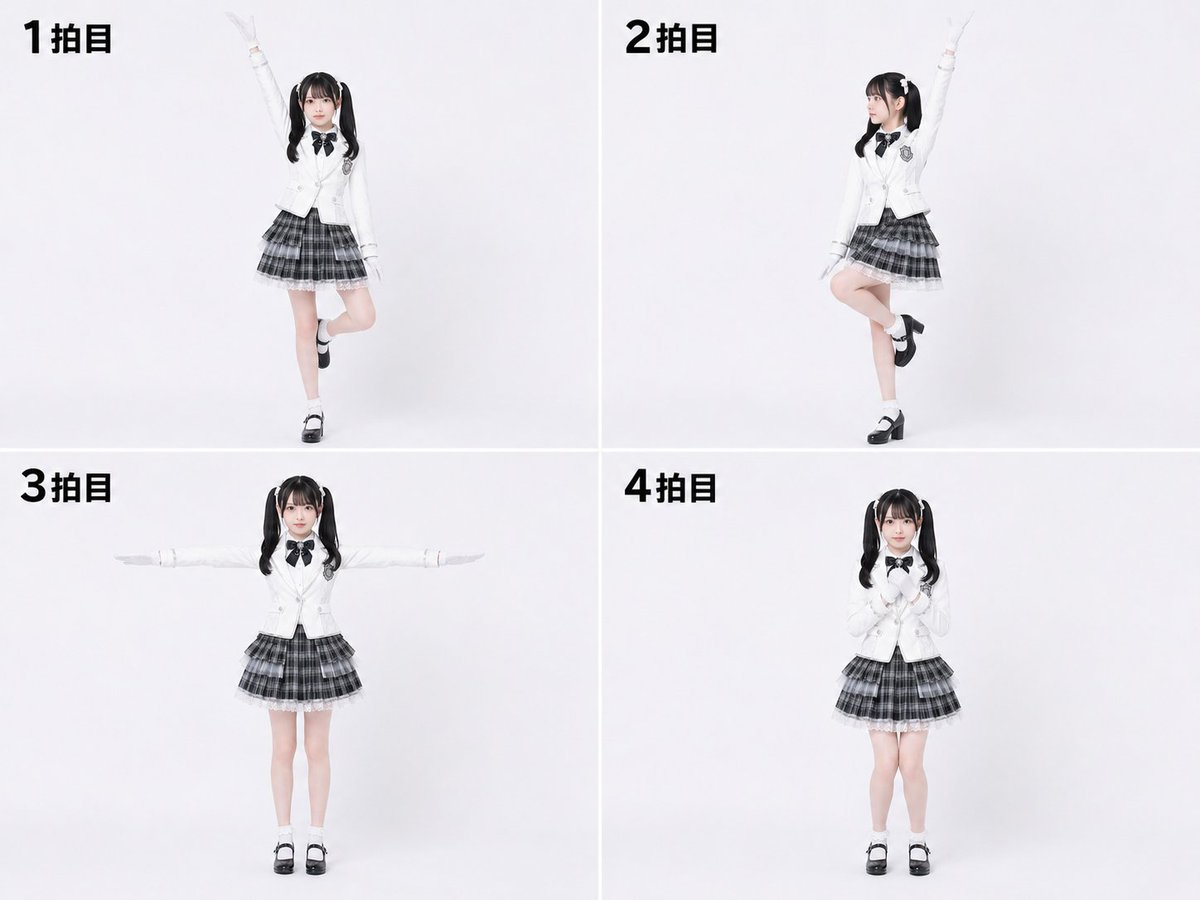
Labanotation to 4-Beat Pose Sheet
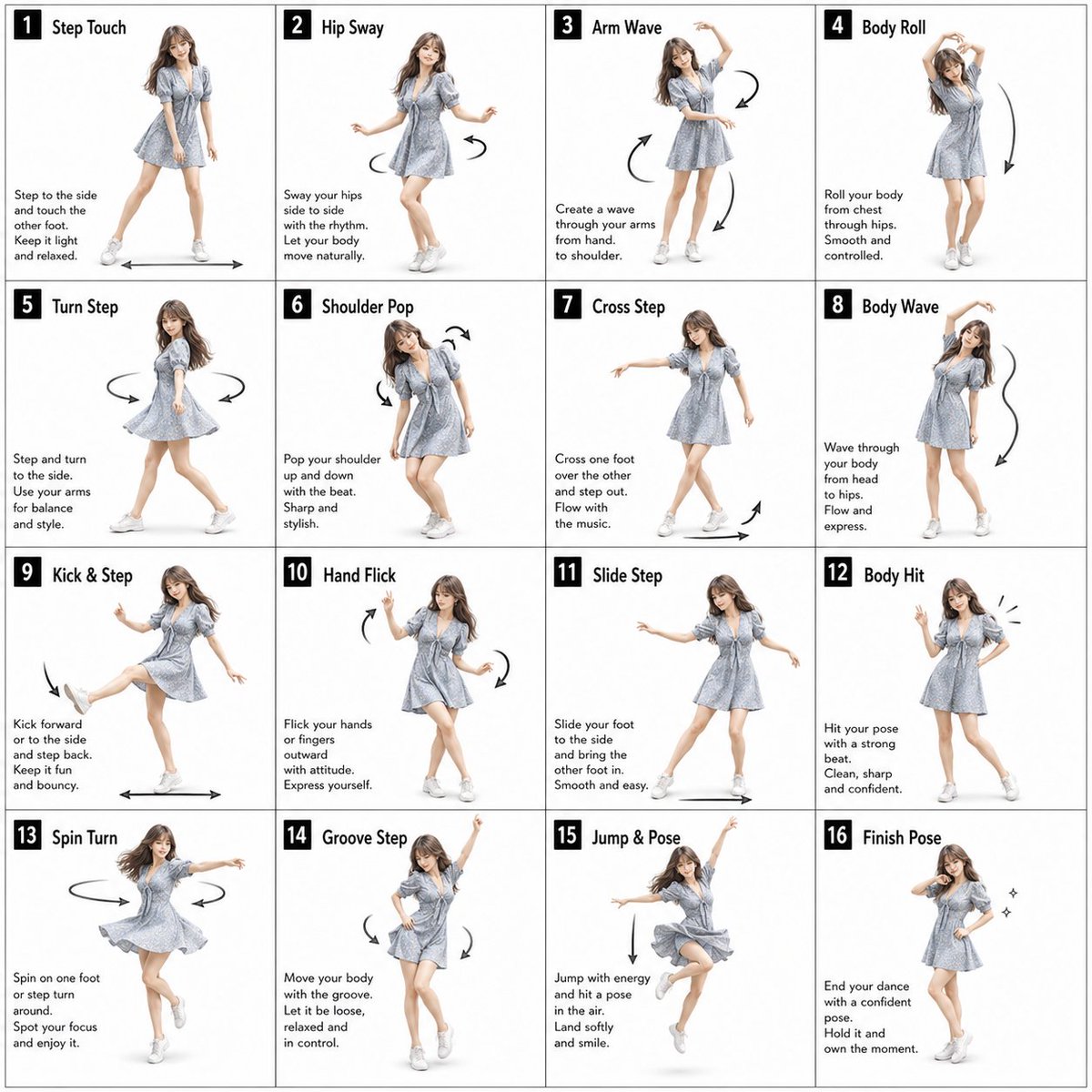
Pose Dance Instruction Sheet
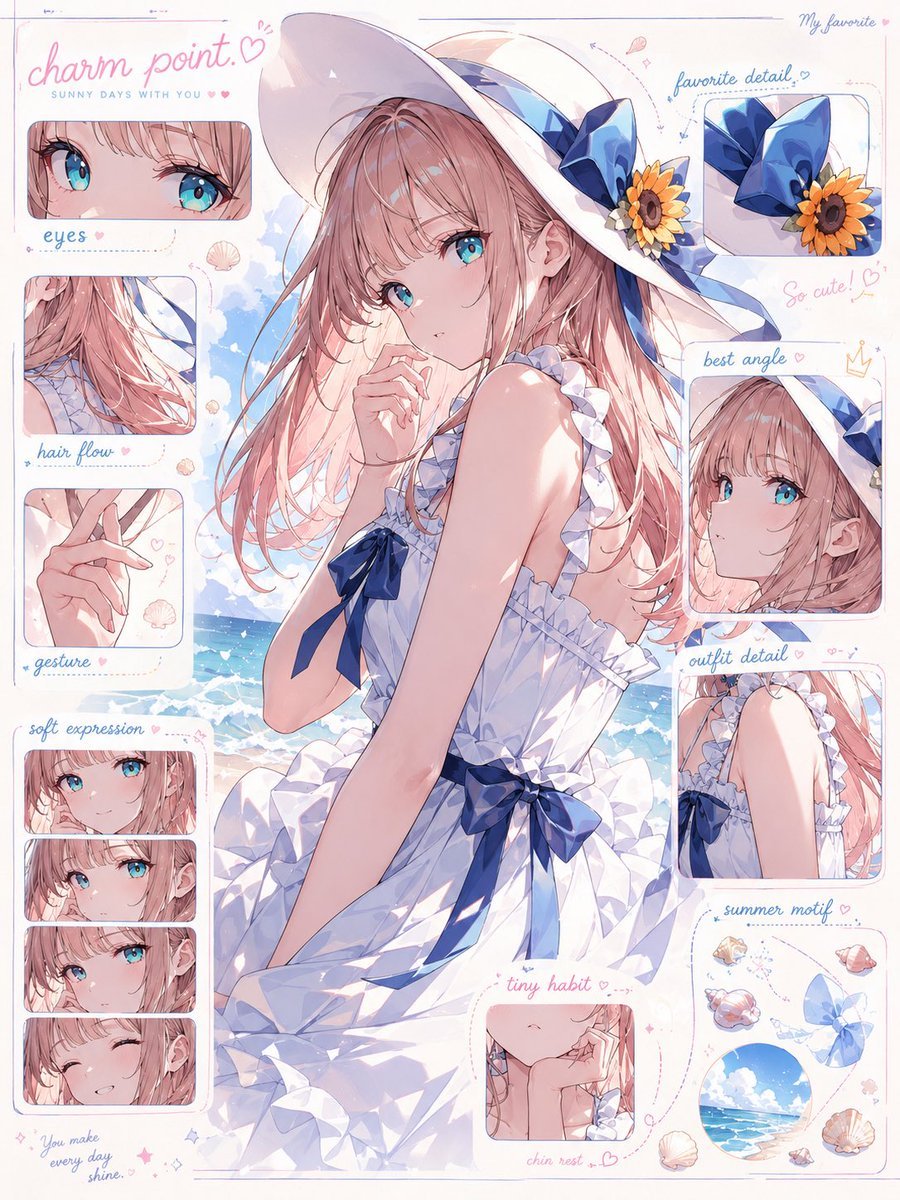
Anime Charm Point Analysis Sheet

Dancer Character - Four View Reference Sheet

Movement Sheet - Dance Reference (Seedance 2.0)
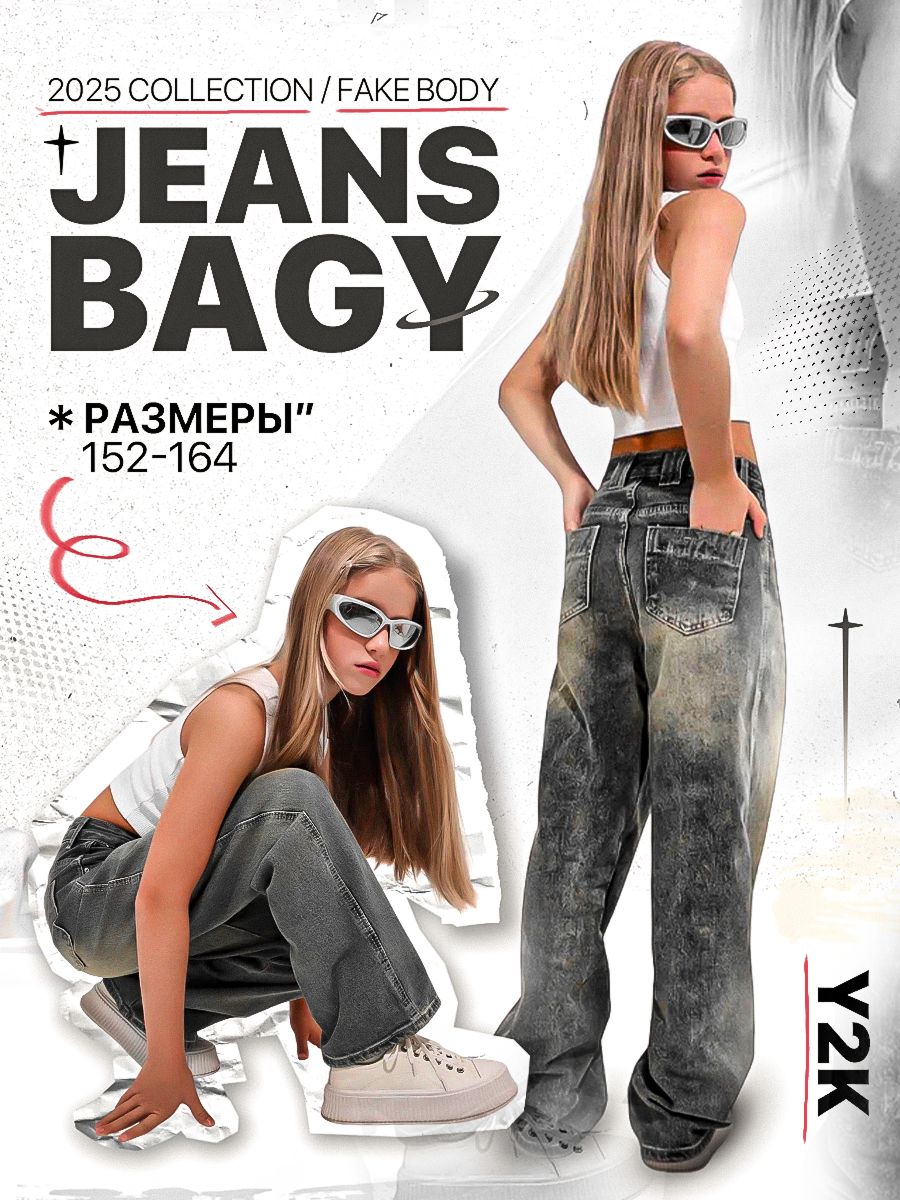
Y2K Streetwear Fashion Flyer
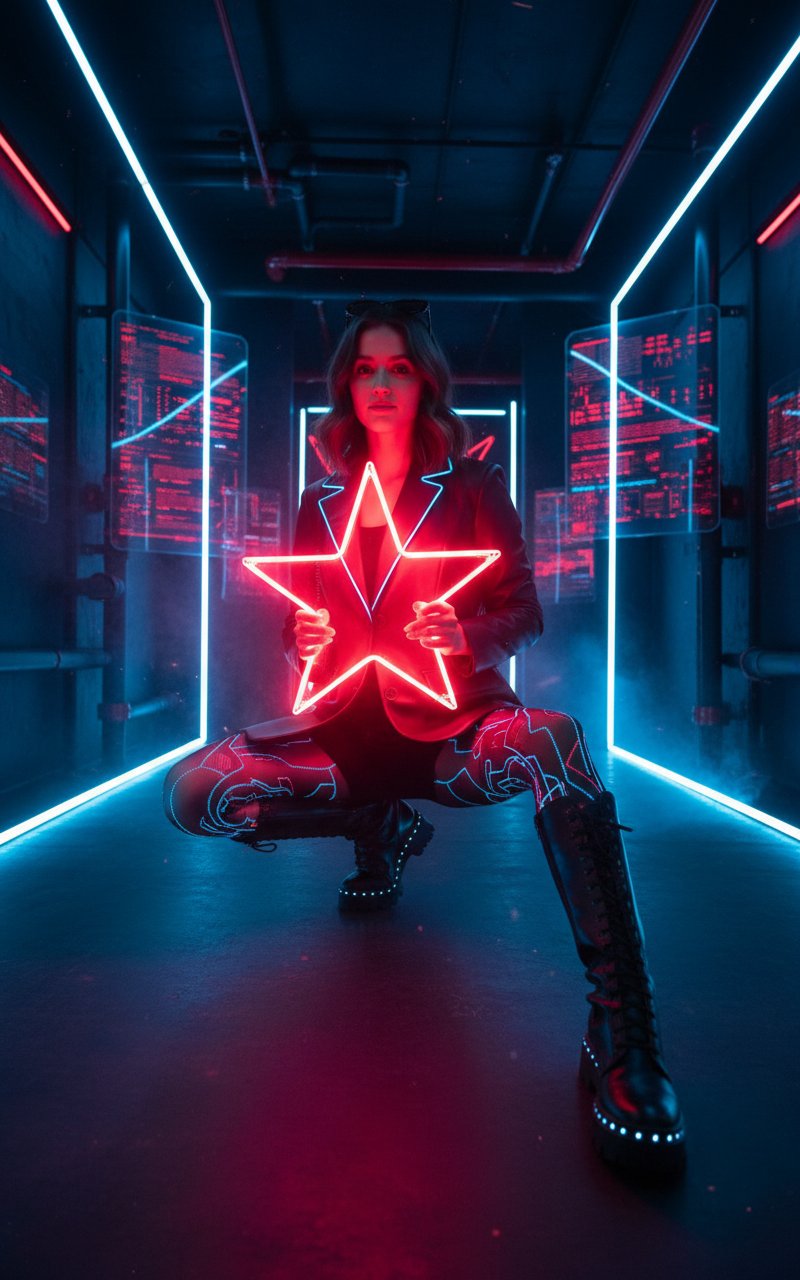
Music Video Photoshoot
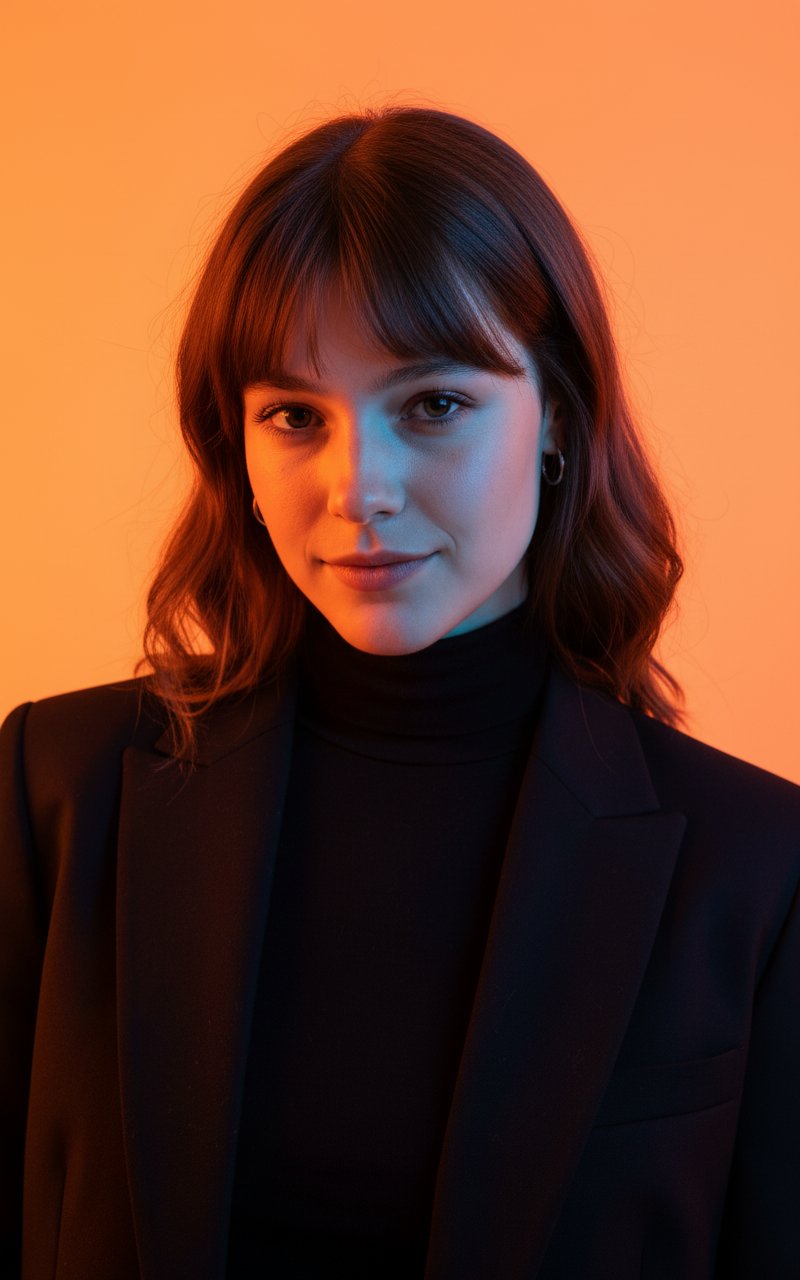
Colour Professional Photoshoot
Make it yours
Pose and Lighting Analysis Sheet Transformer works as-is. These are the safest ways to change it without losing the look.
Change one field
Copy a single group, rewrite it, and generate again so you can see what that field is doing.
Keep the frame, change the subject
Hold the composition and light of Pose and Lighting Analysis Sheet Transformer, then swap wardrobe, props or the person for a new take.
| If the result… | Why | Fix |
|---|---|---|
| The result drifts from the preview | Too many fields changed at once. | Reuse Pose and Lighting Analysis Sheet Transformer as-is first, then change one group — subject, light, or setting. |
| The model over-stylizes the scene | The prose prompt leaves finish and camera underspecified. | Add one camera or lighting sentence and stay on GPT Image 2. |
More GPT Image 2 templates
Other prompts made for GPT Image 2.

Realistic Portrait of Woman and Deer

The Vista Modular Condo Poster

AI Model Routing Comparison Infographic

2.5D Anime Art Board

Isometric Productivity Desk Scene

New York Double Exposure Poster

Four-Panel AI Landscape Comparison

Japanese Tatami Lifestyle Magazine Cover

NESCAFÉ Coffee Map Poster

Brutalist Cogito Chinese Typography Poster
More image prompts
Fresh picks from across the catalog.
Image Synthesis/Composition Prompt
Abstract Art Inspired by Music Prompt
Smoke Memory Portrait
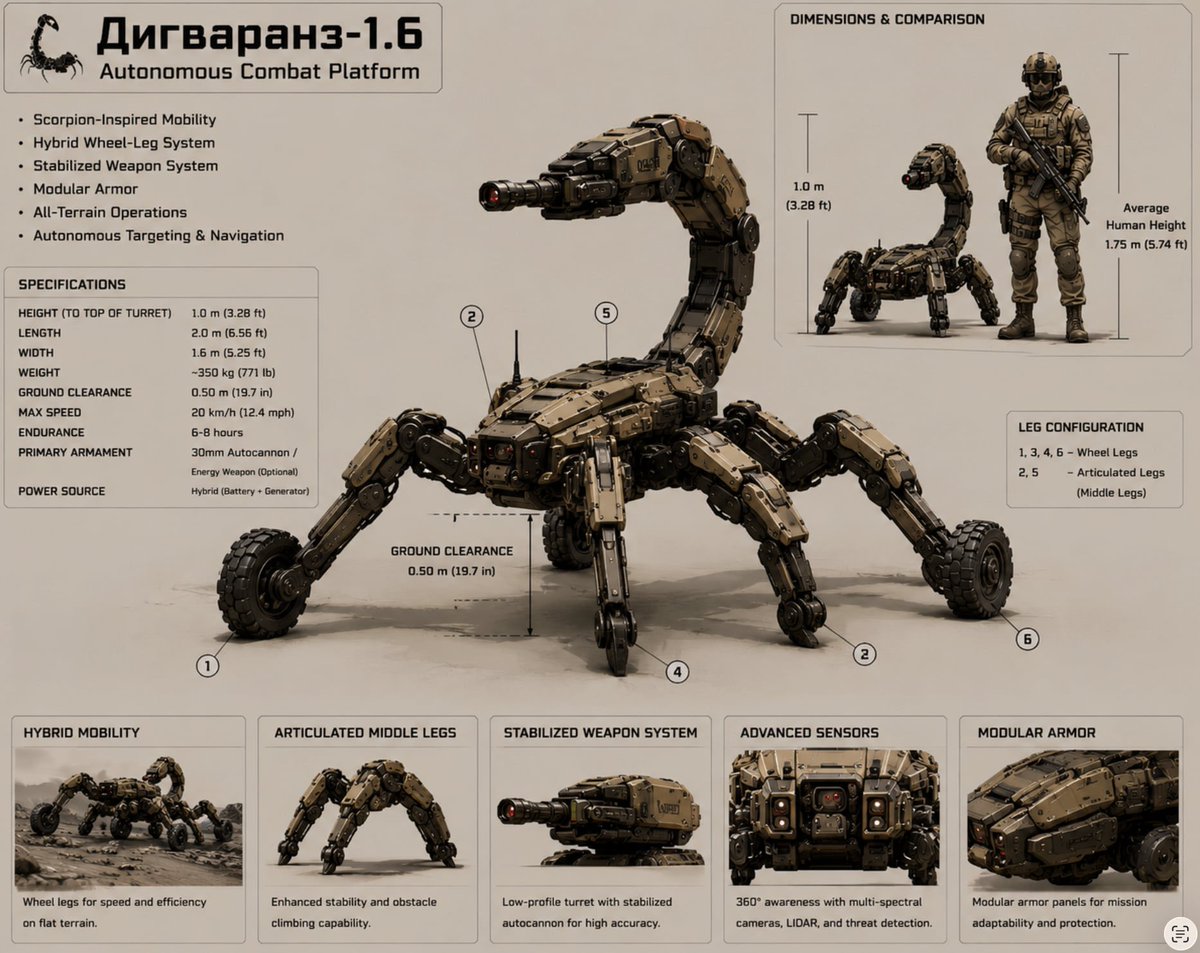
Scorpion Combat Robot Spec Sheet
Neon Energy Drink Sports Poster

Crayon Cartoon Artist Studio
Photo-to-Canvas Artwork Transformation Prompt
Group Portrait with Strict Identity Lock
Hyper-realistic Futuristic Noir Portrait Prompt
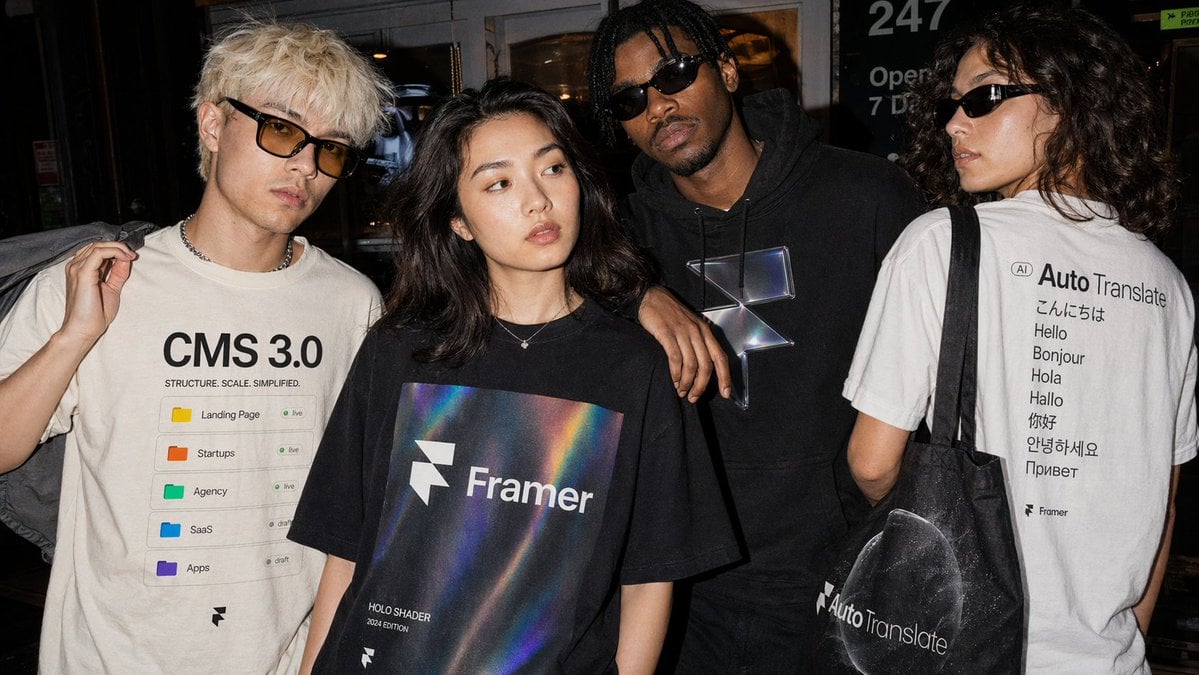
Editorial Streetwear Lifestyle Merch
Browse template categories
Pose and Lighting Analysis Sheet Transformer questions
How do I use the Pose and Lighting Analysis Sheet Transformer template?
Add your photo if the template asks for one, edit the prompt if you like — the template's model and format are already selected — and press Generate. Your version opens in PicX Studio.
Can I customize the Pose and Lighting Analysis Sheet Transformer template?
Yes. You can change the subject, setting, lighting, mood, format, and available model controls before creating your image.
Is the Pose and Lighting Analysis Sheet Transformer template free?
Opening and editing this template is free. Generating uses credits, shown on the Generate button when you are signed in.
Which AI model should I use?
Start with GPT Image 2, which is the model associated with this template. You can compare another compatible model for a different finish.
Looking for something else? Browse all templates.

Your photo, any look
Thousands of ready templates for every top image and video model, from one credit balance.