How do I use the Ultra-Realistic Smartphone Flash Portrait template?
Choose the primary action to open PicX Studio with the available template settings. Review the model and format, personalize the creative direction, and generate when ready.
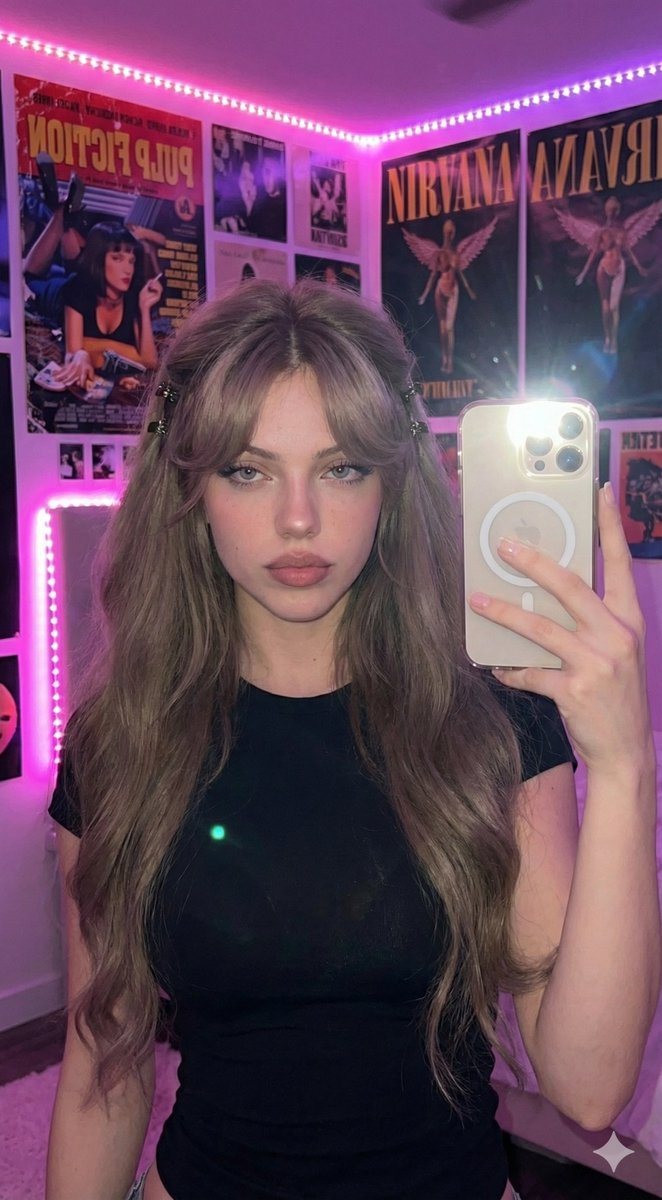
A prompt mimicking high-end smartphone flash photography for a flirtatious lifestyle portrait in a luxury lounge setting.
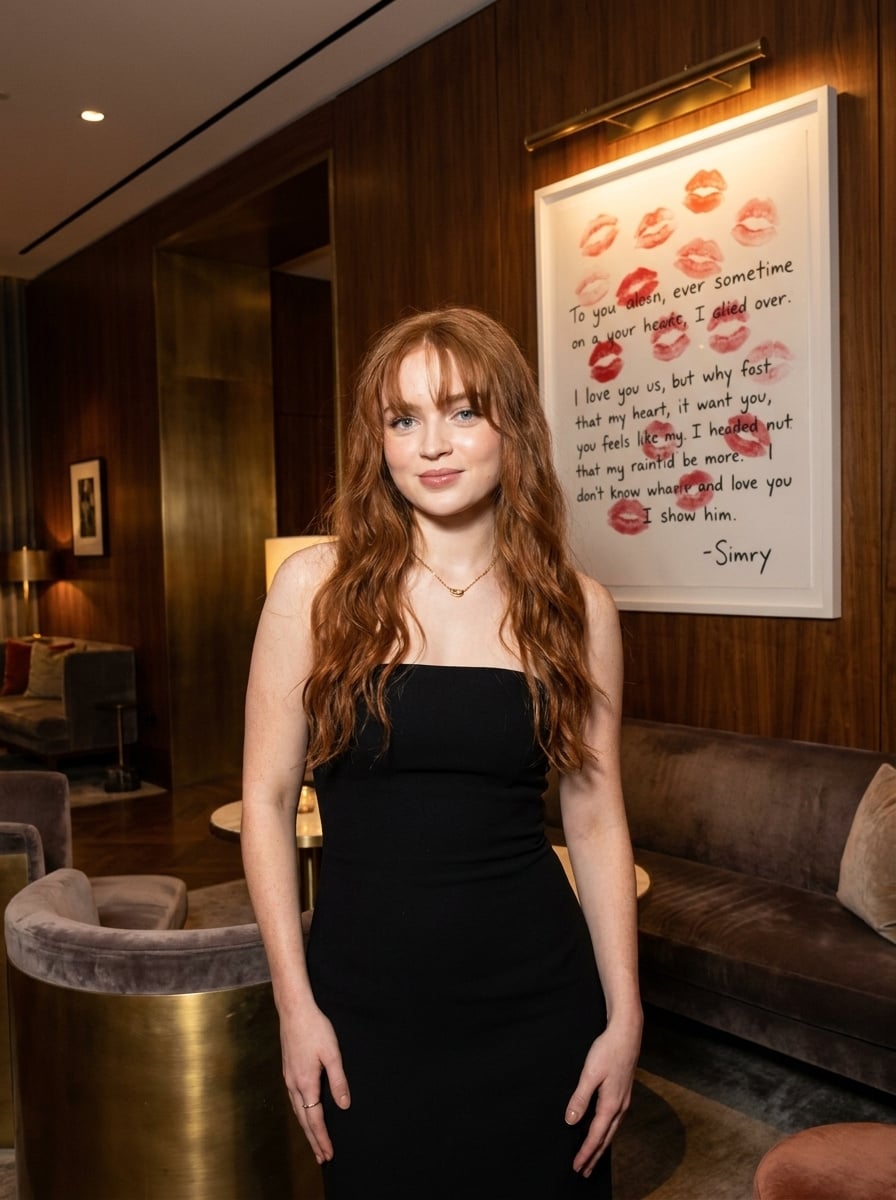
{ "prompt": "Ultra-realistic lifestyle portrait of a {argument name="subject" default="young woman with long straight copper-red hair and soft bangs"}, standing in an {argument name="setting" default="elegant luxury lounge with rich dark walnut wood-paneled walls"}. She wears a {argument name="outfit" default="form-fitting strapless black evening dress"} and delicate gold jewelry. The subject is leaning slightly forward while blowing a kiss toward the camera with eyes gently closed, creating a playful, flirtatious, and confident expression. Warm ambient hotel lighting combined with direct smartphone flash photography creates crisp shadows, natural skin highlights, and a high-end social media aesthetic. Behind her is a framed artwork featuring lipstick kiss prints and romantic typography. Plush velvet chairs, polished dark furniture, and sophisticated interior décor enhance the upscale atmosphere. Shot at eye level with a 35mm lens, shallow depth of field, sharp focus on the subject, realistic skin texture, natural makeup, glossy hair, editorial fashion photography, luxury lifestyle aesthetic, photorealistic, HDR, ultra-detailed, 8K.", "negative_prompt": "blurry, low resolution, distorted anatomy, extra fingers, extra limbs, bad hands, crossed eyes, overexposed skin, underexposed image, unrealistic proportions, cartoon, anime, CGI, painting, watermark, logo, text artifacts, duplicate features, unnatural pose, motion blur, noise, compression artifacts", "style": "photorealistic", "camera": { "lens": "35mm", "aperture": "f/2.8", "lighting": "smartphone flash with warm ambient interior lighting", "angle": "eye level portrait" }, "composition": { "framing": "vertical portrait", "subject_position": "centered", "depth_of_field": "shallow" }, "quality": { "resolution": "8K", "detail": "ultra detailed", "hdr": true } }
Choose the primary action to open PicX Studio with the available template settings. Review the model and format, personalize the creative direction, and generate when ready.
Yes. You can change the subject, setting, lighting, mood, format, and available model controls before creating your image.
This template is free to open and customize. Generation usage is shown in PicX Studio before you create.
Start with Nano Banana 2, which is the model associated with this template. You can compare another compatible model for a different finish.
Follow a topic to a crawlable collection of related PicX Studio templates.