
Rakuten Happy Bag Banner Comparison
Generates a three-panel quality comparison of Japanese modern skincare Happy Bag sale banners for a Rakuten-exclusive promotion.
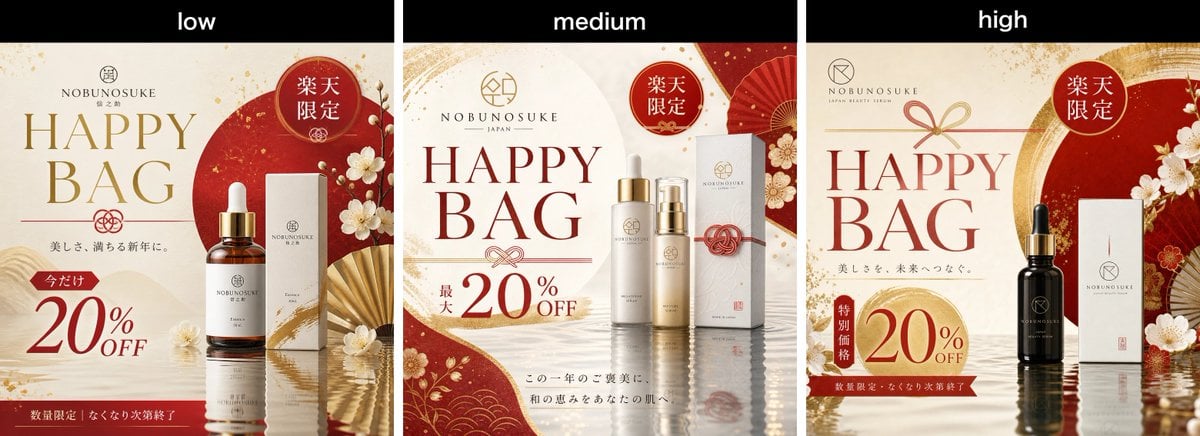
- Prompt included
- Model and format preset
- Premium template
The prompt behind this image
Copy the exact prompt behind Rakuten Happy Bag Banner Comparison, or open it in the studio and make it yours.
Goal: Create a wide comparison image showing three side-by-side Japanese beauty serum promotional banner variants for the modern Japanese skincare brand {argument name="brand name" default="NOBUNOSUKE"}, advertising a Rakuten Happy Bag sale. Canvas: Horizontal 3-panel comparison layout, approximately 1200×500 px. Add a black header strip across the top with three white lowercase labels centered over each panel: exactly 3 labels, left to right: “low”, “medium”, “high”. Below the header, divide the image into exactly 3 equal vertical banner panels separated by thin dark gaps. Overall visual style: Luxurious Japanese modern cosmetics advertising for women in their 30s–40s. Use an elegant palette of ivory, deep vermilion red, muted gold, warm beige, and subtle black accents. Backgrounds should feel like premium washi paper with gold flecks, wave patterns, red circular motifs, folding fans, plum blossoms, mizuhiki cord ornaments, and glossy water reflections at the bottom. Typography should mix large elegant serif English lettering with small refined Japanese copy. Required repeated elements in every panel: exactly 1 brand logo near the top, exactly 1 large “HAPPY BAG” headline, exactly 1 red circular Rakuten-limited badge reading “楽天限定”, exactly 1 discount offer showing {argument name="discount text" default="20%OFF"}, and exactly 1 main product display with skincare serum packaging. Panel 1, labeled low: Compose a cream-and-red banner with a large red sun circle behind the product on the right. Place the brand logo and small Japanese brand text at top center, a large gold “HAPPY BAG” headline on the left, a red “楽天限定” badge near the upper right, and a product set consisting of exactly 2 items: one amber glass dropper serum bottle with gold cap and white label, and one tall white product box beside it. Add white plum blossoms and a partially open gold folding fan around the product. Add Japanese copy under the headline, then a small red tag reading “今だけ” above a large red “20% OFF”. Put a red footer strip along the bottom with small white Japanese text indicating limited quantity and sale ending when sold out. Panel 2, labeled medium: Compose a cleaner ivory banner with red curved paper shapes at the left bottom and right side, gold flecks, floral motifs, and a red folding fan in the upper right. Place the brand logo at top center, large dark red “HAPPY BAG” headline centered-left, and a red “楽天限定” badge at the upper right. Show exactly 4 product items centered-right: two tall cylindrical bottles with gold caps, one shorter serum bottle with pump/dropper styling, and one white rectangular box behind them with a red mizuhiki cord decoration. Add a discount block at lower left reading small vertical Japanese text “最大” and large “20% OFF”. Add two lines of small Japanese seasonal beauty copy near the bottom center. Panel 3, labeled high: Compose a deeper luxury banner with cream background, red-and-gold arch brushstroke behind the product, red fan and plum blossoms on the right, and reflective water at the bottom. Place the brand logo at upper left, a small gold bow/mizuhiki motif above the headline, and a large red “HAPPY BAG” headline on the left. Add a red circular “楽天限定” badge at upper right. Show exactly 2 product items on the right-center: one black glass dropper serum bottle with gold cap and dark label, and one tall white product box beside it. Add small Japanese copy under the headline, a vertical red tag reading “特別価格” next to a large gold-red circular discount area showing “20% OFF”, and a dark red footer strip with small white Japanese text about limited quantity and sale ending when sold out. Constraints: Keep all three panels visually similar but not identical, as if comparing low, medium, and high quality outputs of the same prompt. Maintain crisp premium product-ad composition, readable main English text, realistic cosmetic packaging, refined Japanese ornamentation, and no extra panels or watermarks.
How to use Rakuten Happy Bag Banner Comparison in 3 steps
- 1Upload ImagePNG, JPG or paste
Add your photo
Upload the photo the template builds on. The prompt, model and format are already set.
- 2…a portrait of your subject in softgolden-hour light, 85mm…
Personalize
Edit the subject and creative details for your destination.
- 3Generate
Generate
Press Generate — your image is created in PicX Studio, so you can compare it with the original and refine one variable at a time.
More like this
Templates with the same subject, style or setup. Open one to see its prompt.

Skin Comparison Portrait — Nano Banana Pro

Coffee Boba Product Poster
3D avatar of a man, with a happy face on a white background, no necks
Happy Toddler in Daisy Meadow
Anime Soccer Snack Bag Ad

AI Model Routing Comparison Infographic

Four-Panel AI Landscape Comparison
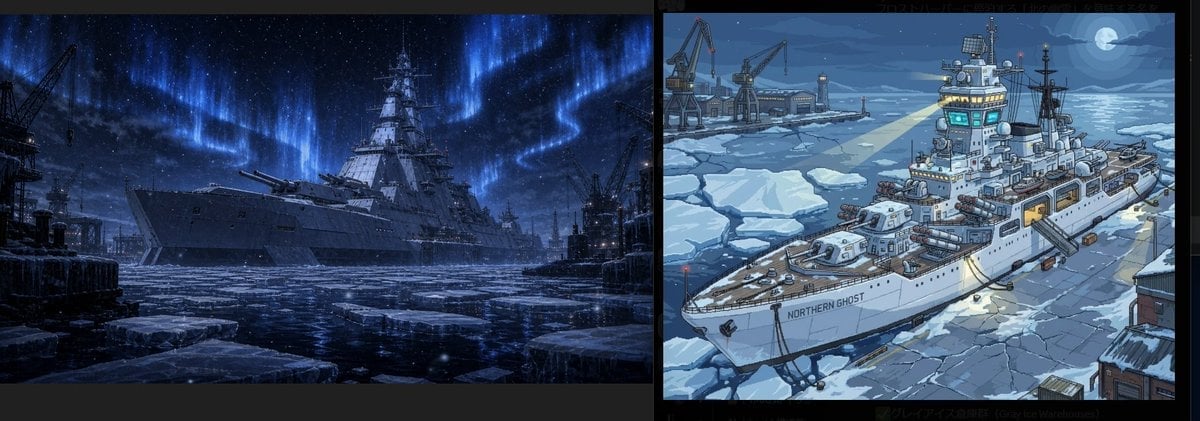
Arctic Warship Style Comparison

Four-Panel Anime Face Comparison
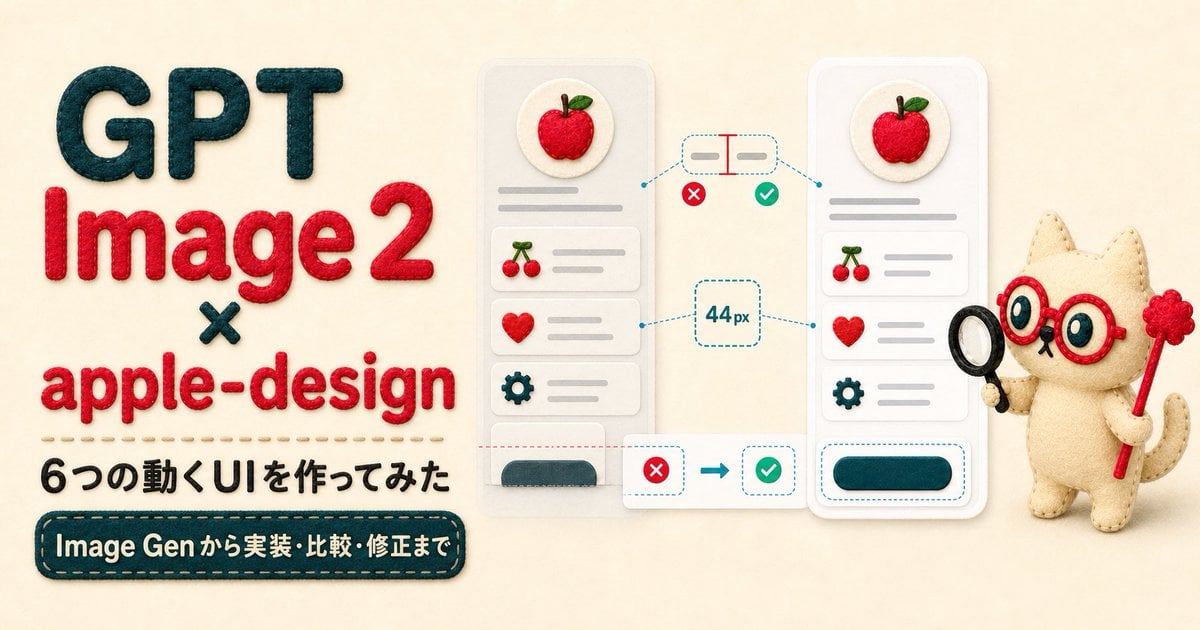
Felt GPT Image 2 Apple Design Banner
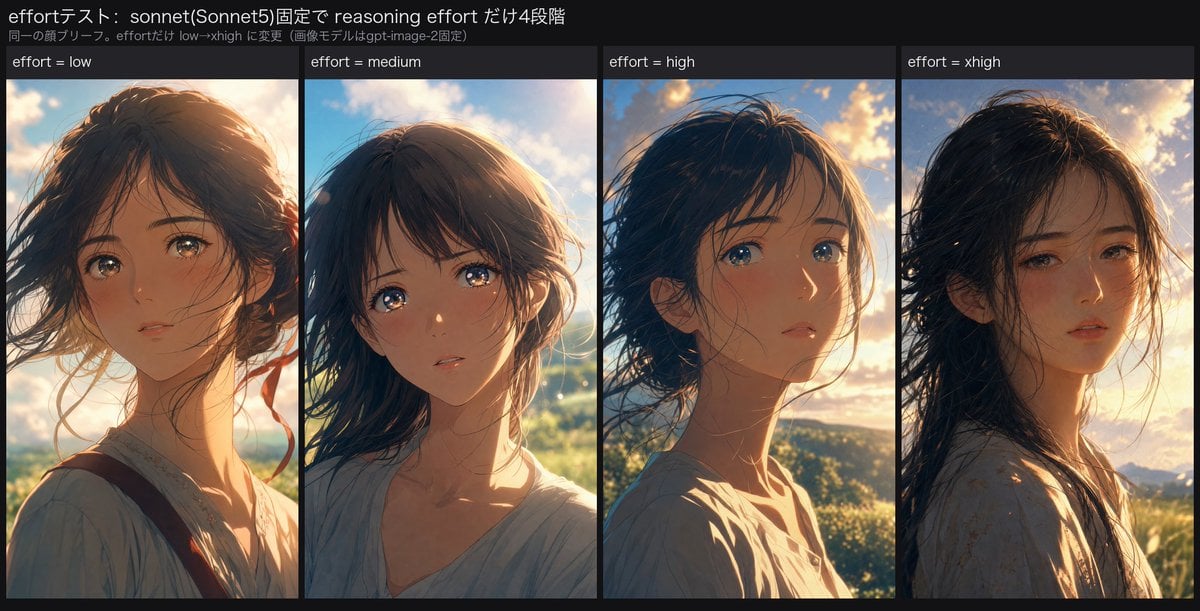
Reasoning Effort Anime Comparison
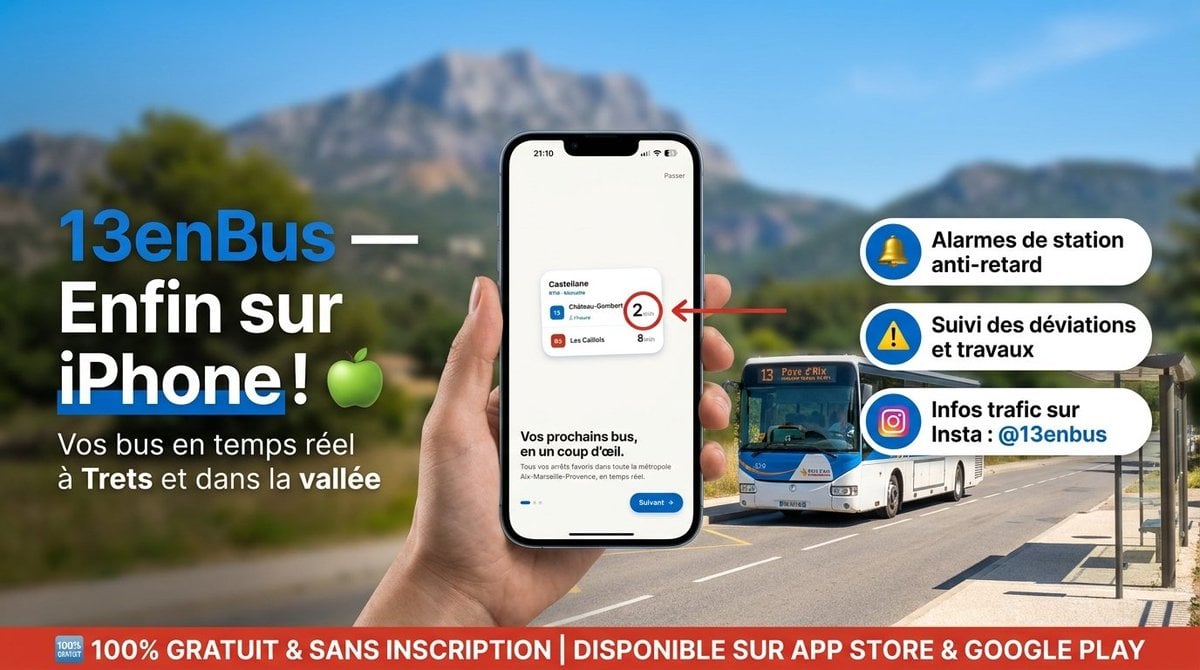
13enBus iPhone Launch Banner
Make it yours
Rakuten Happy Bag Banner Comparison works as-is. These are the safest ways to change it without losing the look.
Change one field
Copy a single group, rewrite it, and generate again so you can see what that field is doing.
Keep the frame, change the subject
Hold the composition and light of Rakuten Happy Bag Banner Comparison, then swap wardrobe, props or the person for a new take.
| If the result… | Why | Fix |
|---|---|---|
| The result drifts from the preview | Too many fields changed at once. | Reuse Rakuten Happy Bag Banner Comparison as-is first, then change one group — subject, light, or setting. |
| The model over-stylizes the scene | The prose prompt leaves finish and camera underspecified. | Add one camera or lighting sentence and stay on GPT Image 2. |
More GPT Image 2 templates
Other prompts made for GPT Image 2.

Six VTuber Japanese Logo Sheet

Realistic Portrait of Woman and Deer

The Vista Modular Condo Poster

2.5D Anime Art Board

Isometric Productivity Desk Scene

New York Double Exposure Poster

Japanese Tatami Lifestyle Magazine Cover

NESCAFÉ Coffee Map Poster

Brutalist Cogito Chinese Typography Poster

Cinematic Luxury Terrace Portrait
More image prompts
Fresh picks from across the catalog.

Futuristic Holographic Data Portrait
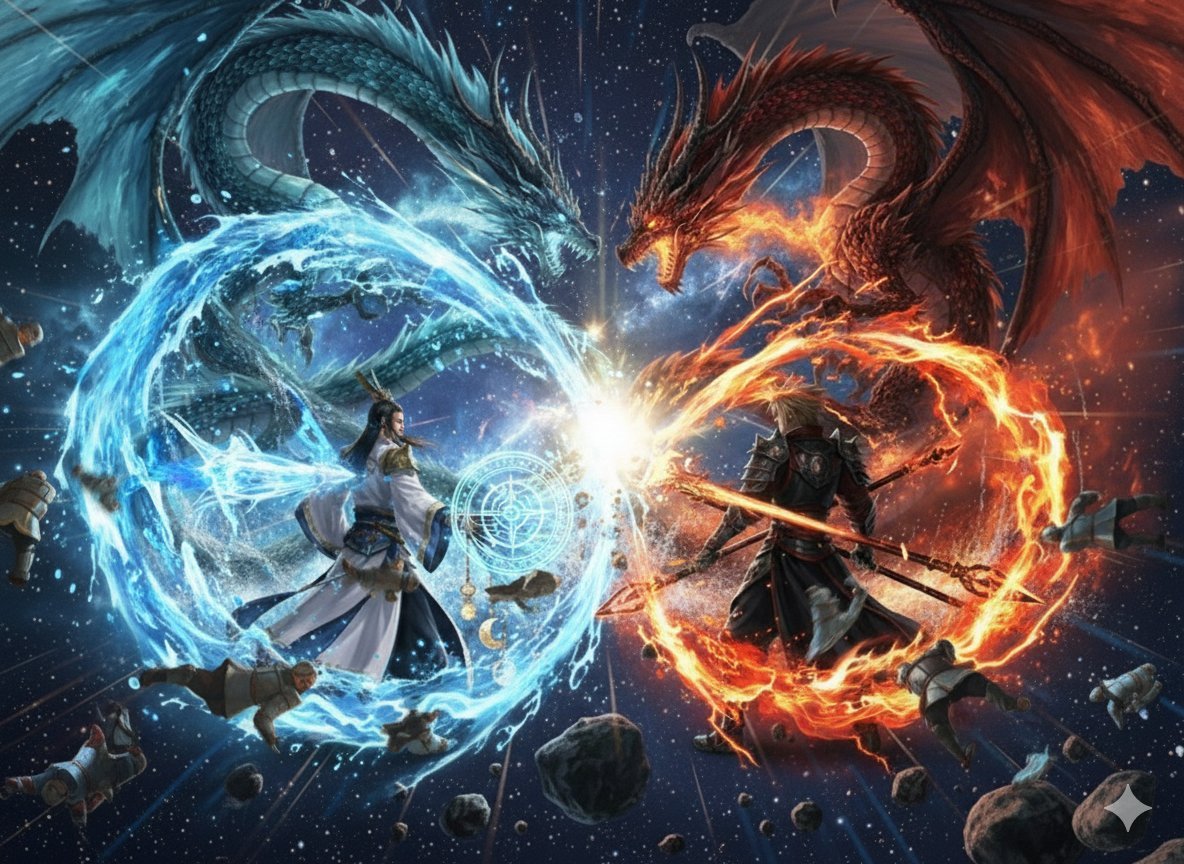
Nano Banana Pro Dynasty Warriors/Final Fantasy Prompt (Full Screen)
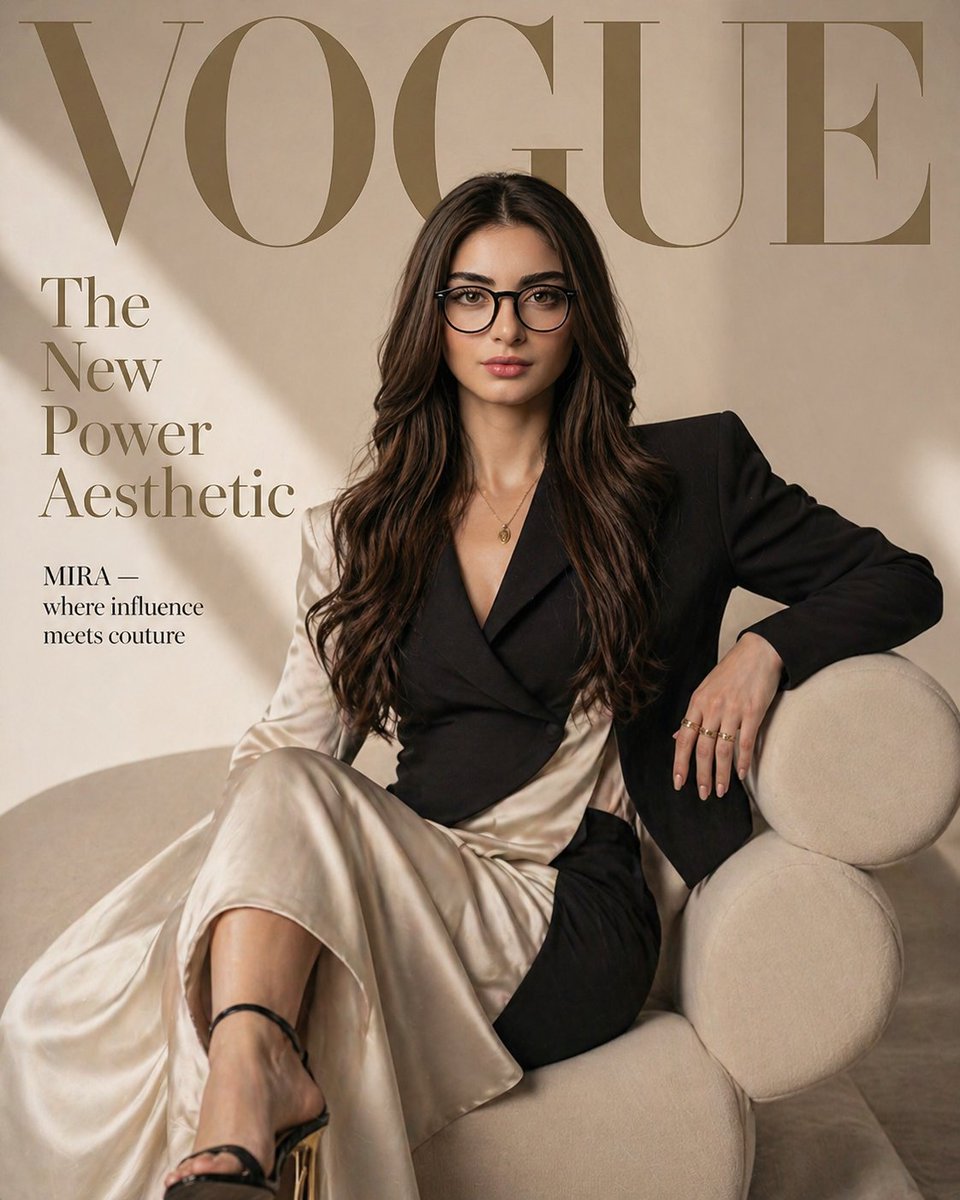
Vogue Fashion Magazine Cover
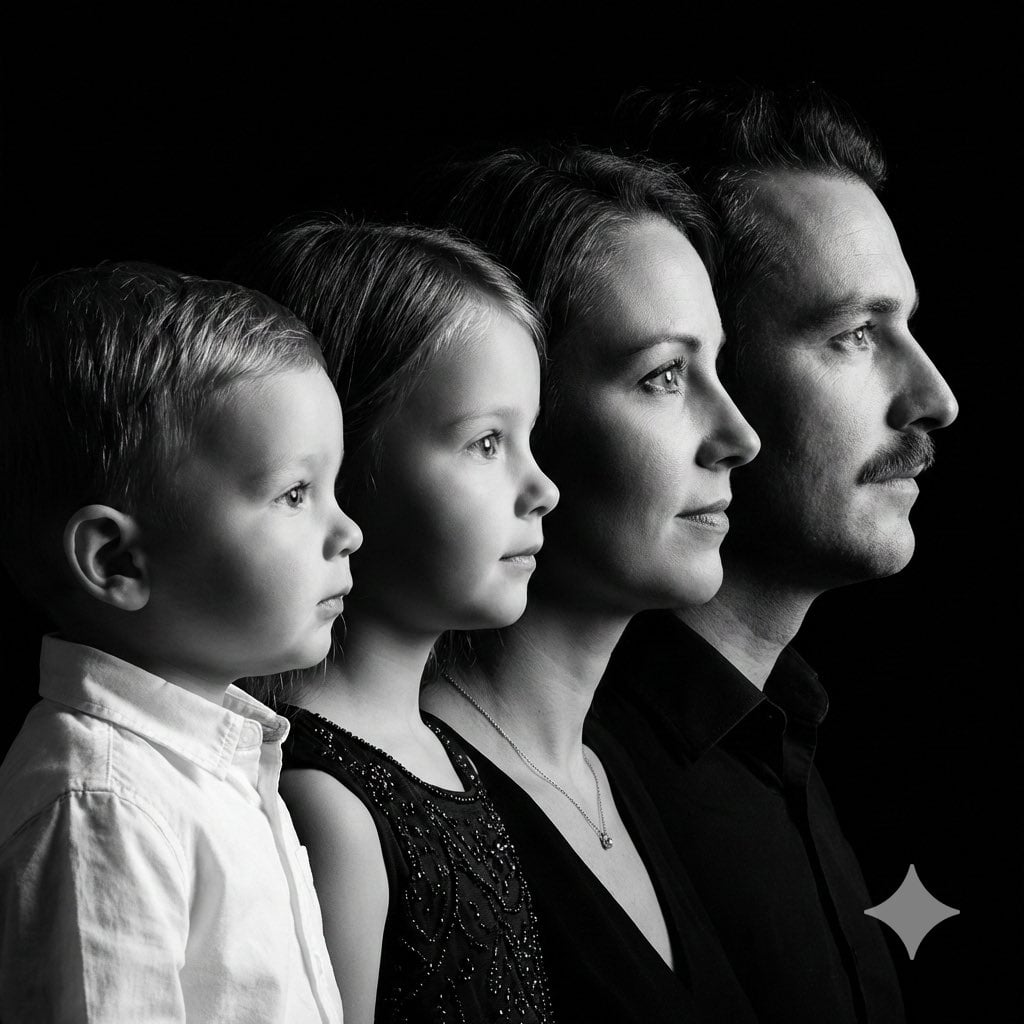
High-Contrast Black and White Family Studio Portrait
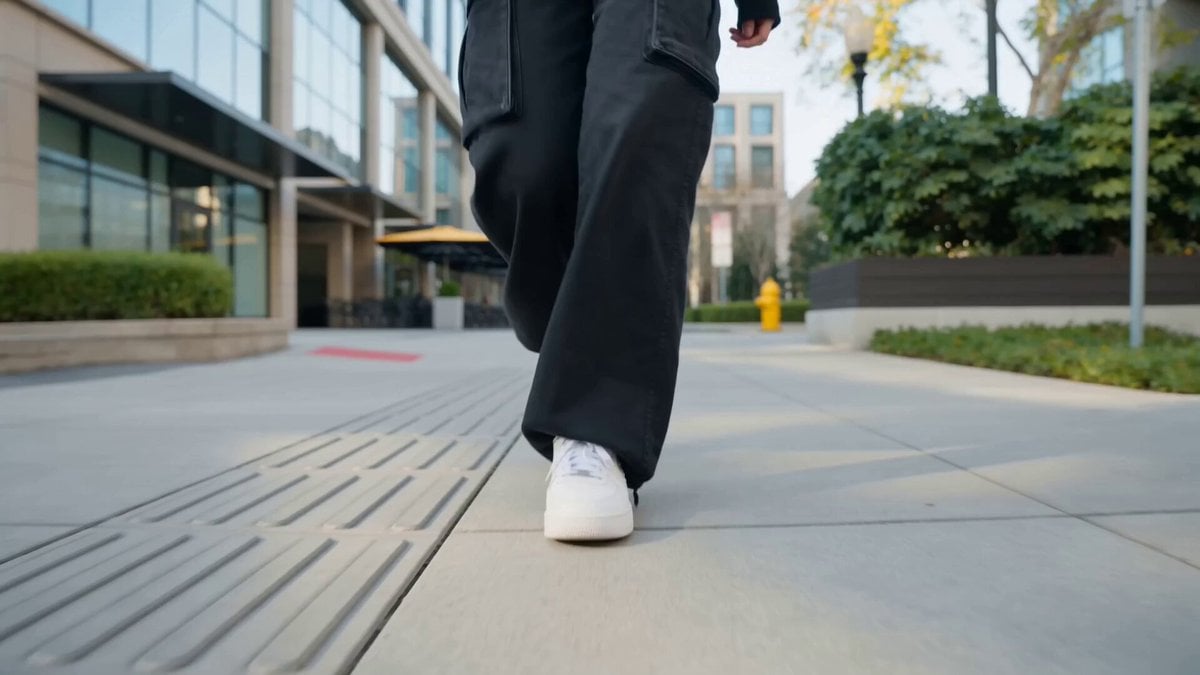
Nano Banana Seedance Cinematic Walk
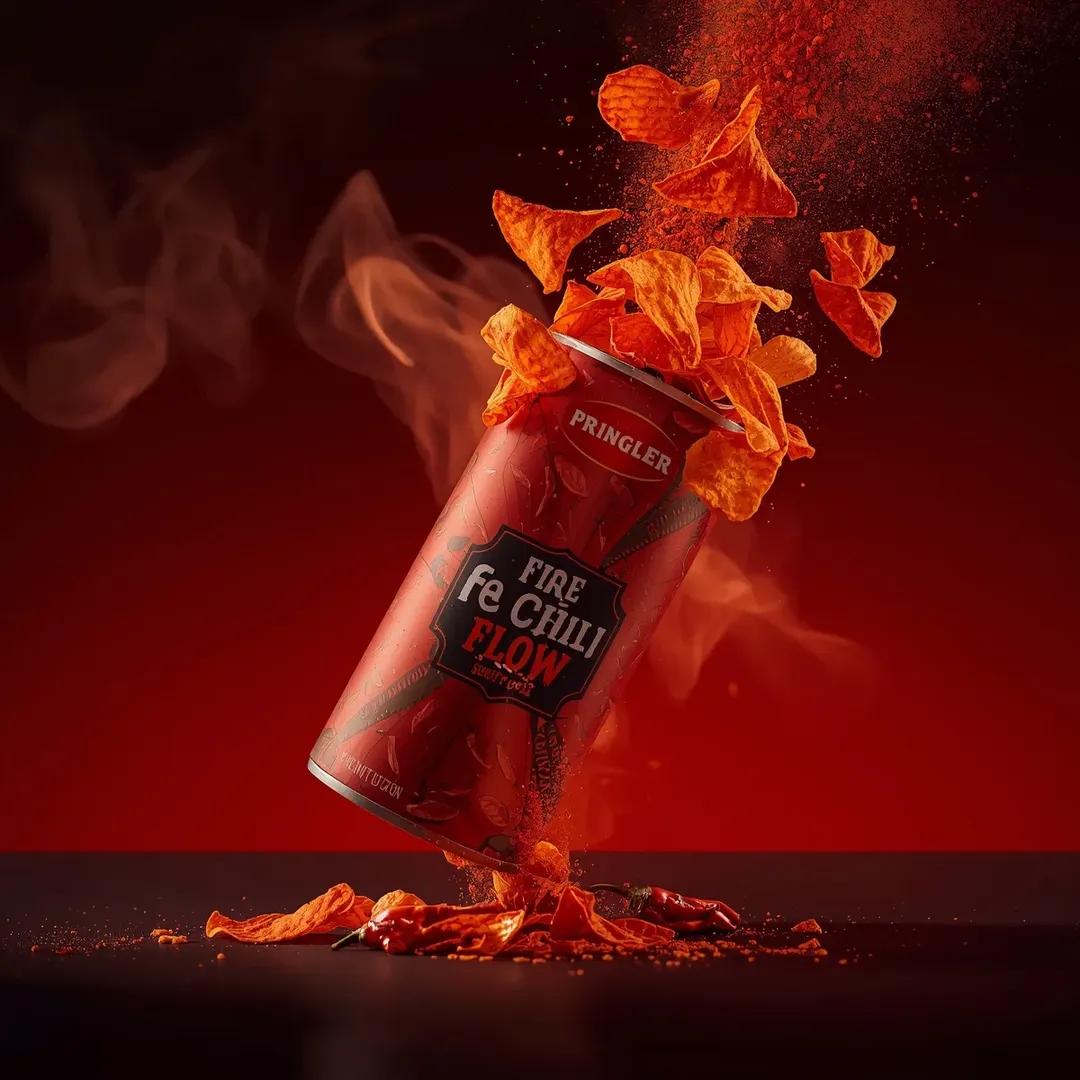
Exploding Pringles Can Advertising Prompt
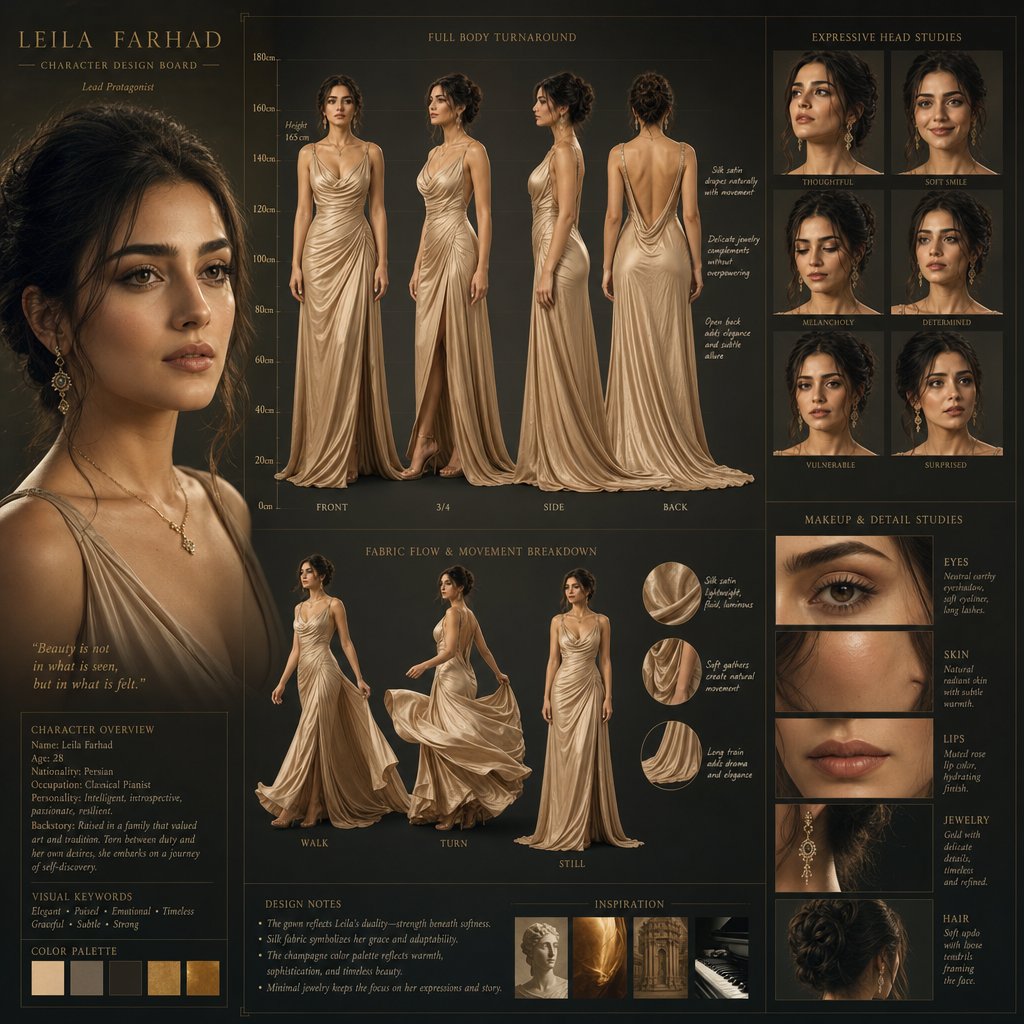
Cinematic Character Design Board
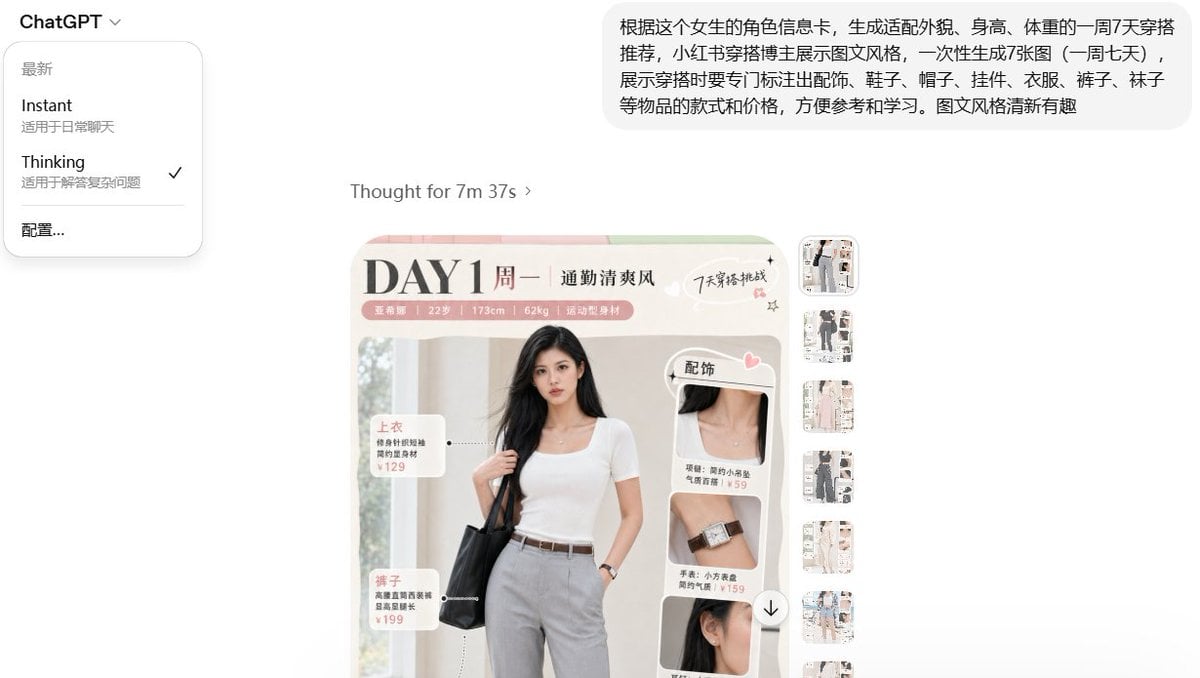
Social Media Fashion Outfit Generation
Abstract Iridescent Swirling Color Mixture
X Ayzalnooor24521 a Cinematic High Resolution Portrait of
Browse template categories
Rakuten Happy Bag Banner Comparison questions
How do I use the Rakuten Happy Bag Banner Comparison template?
Add your photo if the template asks for one, edit the prompt if you like — the template's model and format are already selected — and press Generate. Your version opens in PicX Studio.
Can I customize the Rakuten Happy Bag Banner Comparison template?
Yes. You can change the subject, setting, lighting, mood, format, and available model controls before creating your image.
Is the Rakuten Happy Bag Banner Comparison template free?
Opening and editing this template is free. Generating uses credits, shown on the Generate button when you are signed in.
Which AI model should I use?
Start with GPT Image 2, which is the model associated with this template. You can compare another compatible model for a different finish.
Looking for something else? Browse all templates.

Your photo, any look
Thousands of ready templates for every top image and video model, from one credit balance.