
Photo to Watercolor Illustration of Couple
A highly structured prompt for converting a reference photo of a couple into a charming watercolor illustration, preserving their identity and pose, with a large soft watercolor heart shape serving as the background…
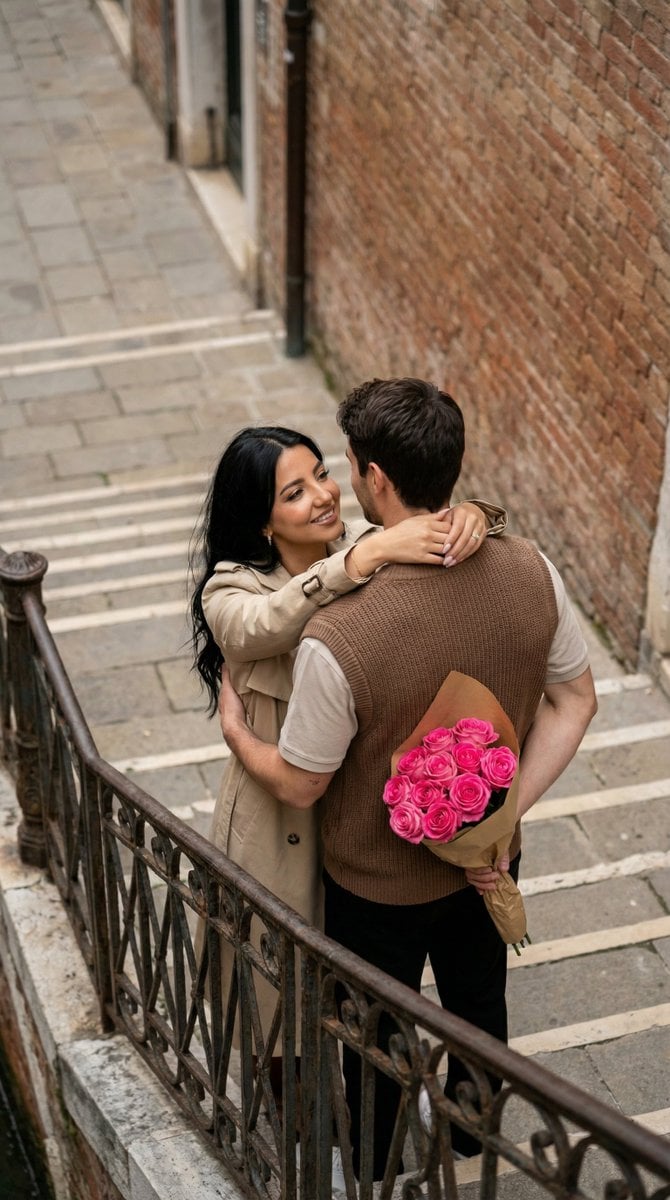
- Prompt included
- Model and format preset
- Premium template
The prompt behind this image
Copy the exact prompt behind Photo to Watercolor Illustration of Couple, or open it in the studio and make it yours.
{ "generation_request": { "meta_data": { "task_type": "photo_to_watercolor_illustration_couple", "language": "en", "priority": "highest", "version": "v1.0_WATERCOLOR_HEART_COUPLE_HUG" }, "input": { "mode": "image_to_image", "reference_image_usage": "very_high", "preserve_identity": true, "preserve_facial_features": true, "notes": "Transform the uploaded couple photo into a charming watercolor illustration. Keep the same couple identity, pose relationship, and overall gesture. Convert to hand-painted watercolor with visible paper texture and soft pigment blooms." }, "output": { "aspect_ratio": "4:5", "resolution": "ultra_high", "num_images": 1, "sharpness": "illustration_crisp", "grain": "paper_texture_subtle" }, "style": { "medium": "watercolor", "linework": "soft_ink_outline_minimal", "palette": "warm_pastel_with_rose_red_accents", "texture": "cold_press_paper", "finish": "clean_white_margins" }, "scene": { "background": "large soft watercolor heart shape behind the couple, pink-to-rose wash, slightly uneven edges, subtle paint splatters", "environment": "white background, no detailed scenery, illustration focus" }, "subject": { "people_count": 2, "pose": "romantic hug, the man kisses the woman's cheek/temple, the woman smiles with eyes gently closed, one leg slightly lifted in a playful way", "identity_rules": "match the uploaded couple's faces and hair as closely as possible while converting to illustration", "wardrobe_translation": "translate original clothing into illustrated equivalents; keep key colors and patterns recognizable", "props": { "bouquet": "{argument name="bouquet type" default="red flowers bouquet"} in the man's hand, painted with loose watercolor petals" }, "details": { "skin_render": "soft watercolor skin tones, gentle blush on cheeks", "hair_render": "watercolor hair with minimal ink detail", "hands": "clean anatomy, natural finger proportions, no extra fingers" } }, "composition": { "framing": "full body or 3/4 body centered", "spacing": "ample white space around, illustration floating on page", "focus": "couple faces + bouquet, heart backdrop as secondary" }, "lighting": { "type": "illustrated_soft_light", "contrast": "low", "shadows": "minimal watercolor shading" }, "negative_prompt": [ "photorealistic", "3D render", "anime", "oil painting heavy impasto", "hard outlines everywhere", "messy background scenery", "text, watermark, logo, signature", "blurry faces", "extra fingers, deformed hands, bad anatomy", "duplicate people", "over-saturated neon colors" ], "quality_rules": { "must": [ "keep the couple identity r
How to use Photo to Watercolor Illustration of Couple in 3 steps
- 1Upload ImagePNG, JPG or paste
Add your photo
Upload the photo the template builds on. The prompt, model and format are already set.
- 2…a portrait of your subject in softgolden-hour light, 85mm…
Personalize
Edit the subject and creative details for your destination.
- 3Generate
Generate
Press Generate — your image is created in PicX Studio, so you can compare it with the original and refine one variable at a time.
More like this
Templates with the same subject, style or setup. Open one to see its prompt.

Watercolor Café Cheesecake Editorial Illustration

Japanese Café Sketch Duo Illustration

Delicate Japanese Café Lifestyle Illustration
Japanese Café Sketch Duo Illustration
Delicate Japanese Café Lifestyle Illustration

Sunday Afternoon, 1988

Two Tickets, One Night

If We Met in 1985

Found Photograph: Us, 1970

One Dance Before Midnight

Before We said Goodbye

Our Song was on a Cassette
Make it yours
Photo to Watercolor Illustration of Couple works as-is. These are the safest ways to change it without losing the look.
Change one field
Copy a single group, rewrite it, and generate again so you can see what that field is doing.
Keep the frame, change the subject
Hold the composition and light of Photo to Watercolor Illustration of Couple, then swap wardrobe, props or the person for a new take.
| If the result… | Why | Fix |
|---|---|---|
| The result drifts from the preview | Too many fields changed at once. | Reuse Photo to Watercolor Illustration of Couple as-is first, then change one group — subject, light, or setting. |
| The model over-stylizes the scene | The prose prompt leaves finish and camera underspecified. | Add one camera or lighting sentence and stay on Nano Banana 2. |
More Nano Banana 2 templates
Other prompts made for Nano Banana 2.

Photorealistic Leaf Shaped Like a Dragon

K-Pop Idol Portrait Grid for Rapid Selection

Poetic Rain Forest Portrait During Golden Hour

Urban Street Portrait with Cartoon Inner Self Duo

Candid Nighttime Photo with Cat Prompt

High-Concept 3D Diorama Generation Prompt

Cinematic Futuristic Studio Portrait Template

Skincare Editorial Photography Collage Prompt

Hyper-Realistic Commercial Product Photography (Splash Effect)

Hyper-Realistic Nightclub Portrait Prompt
More image prompts
Fresh picks from across the catalog.
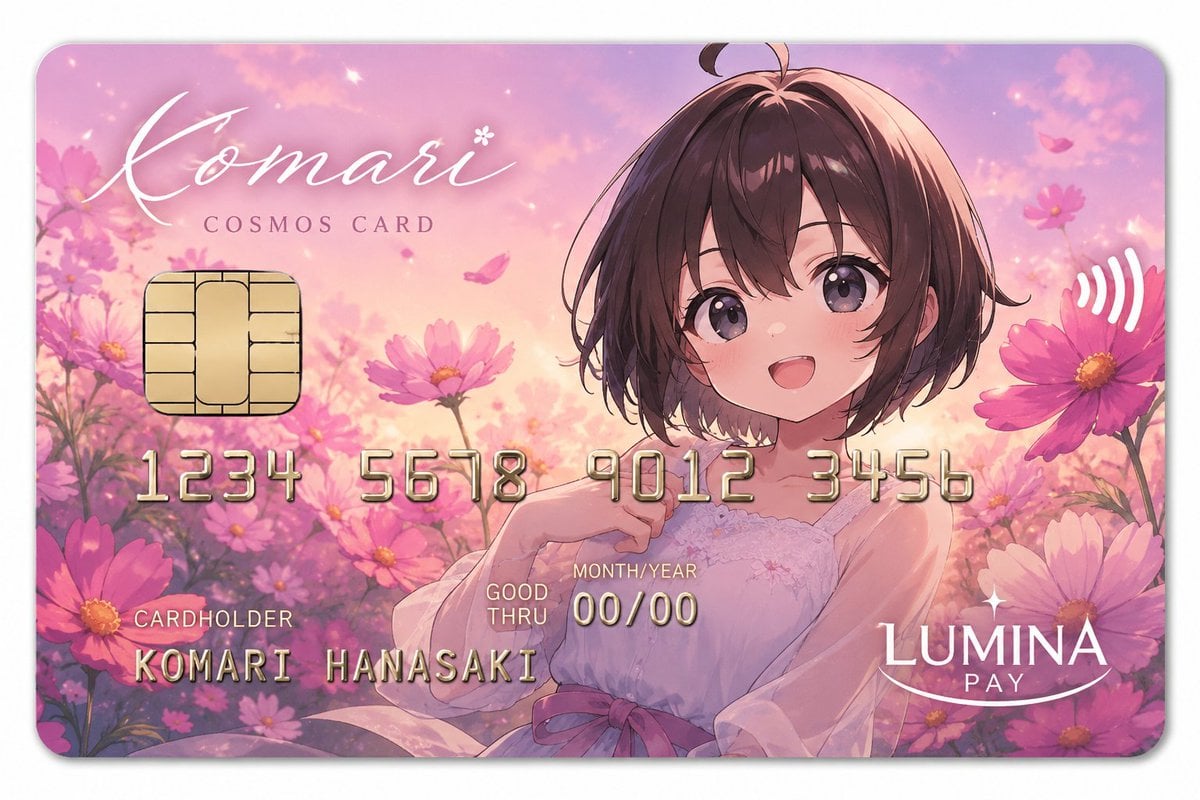
Anime Cosmos Payment Card
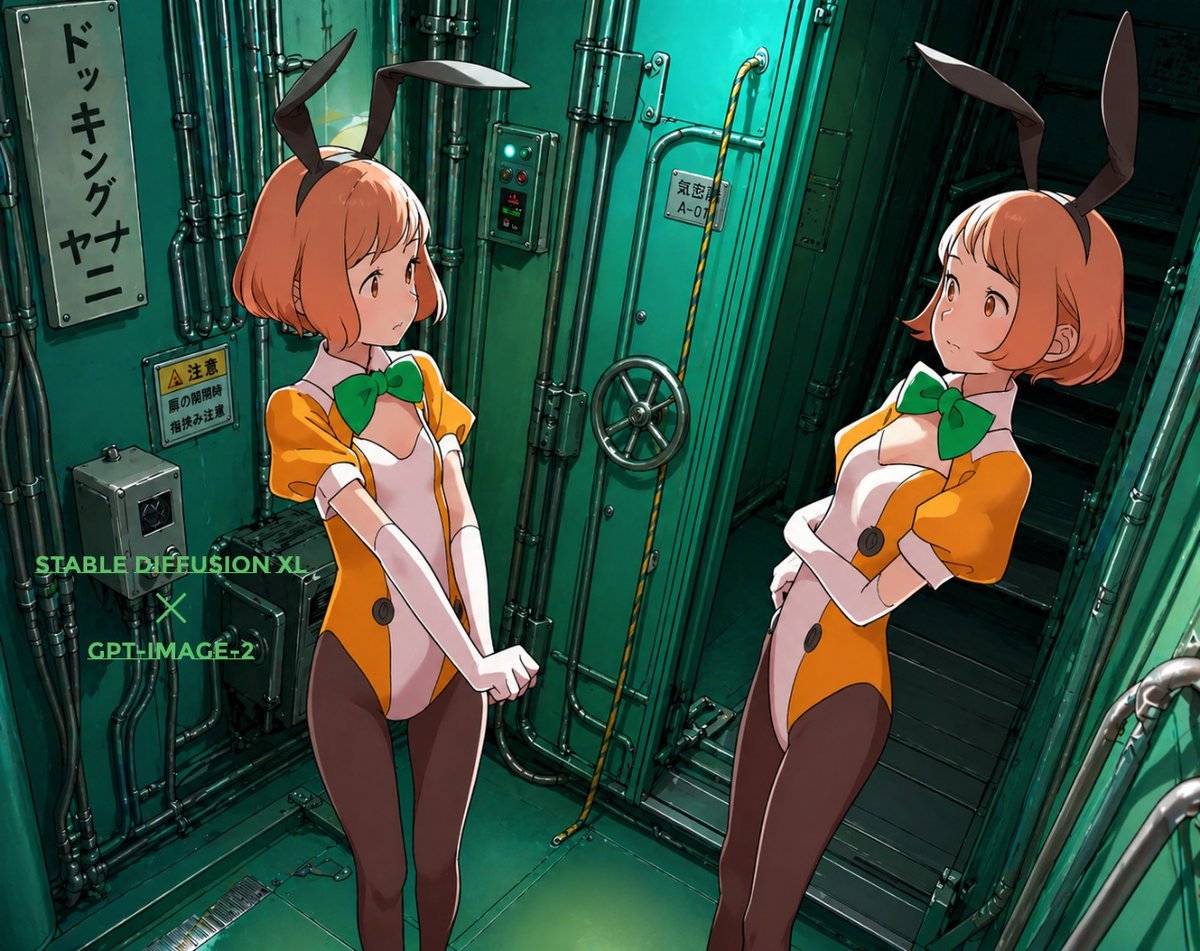
Background Realism Enhancement Prompt
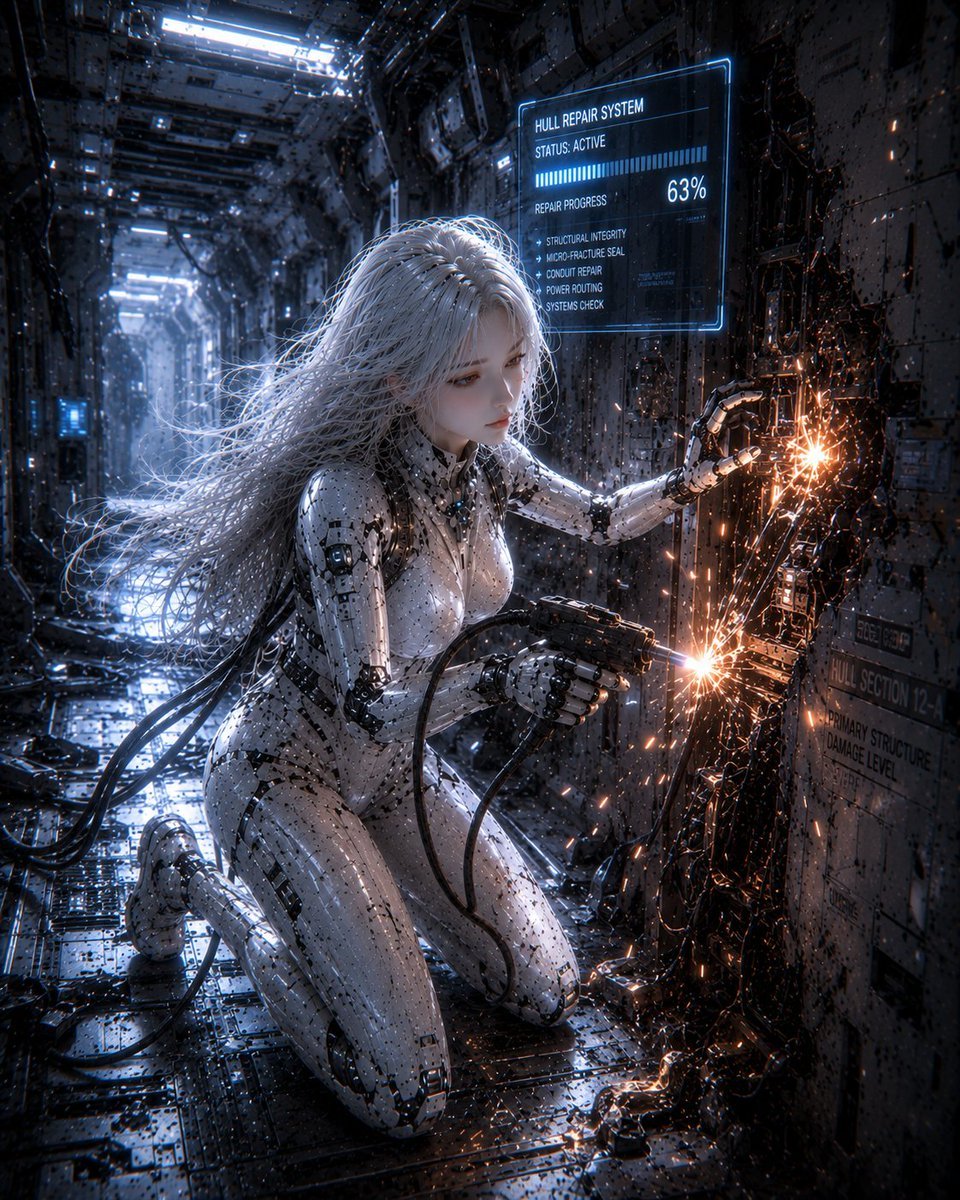
Female Android Repairing Spaceship Hull

AI-Generated Web Page Summary and Message
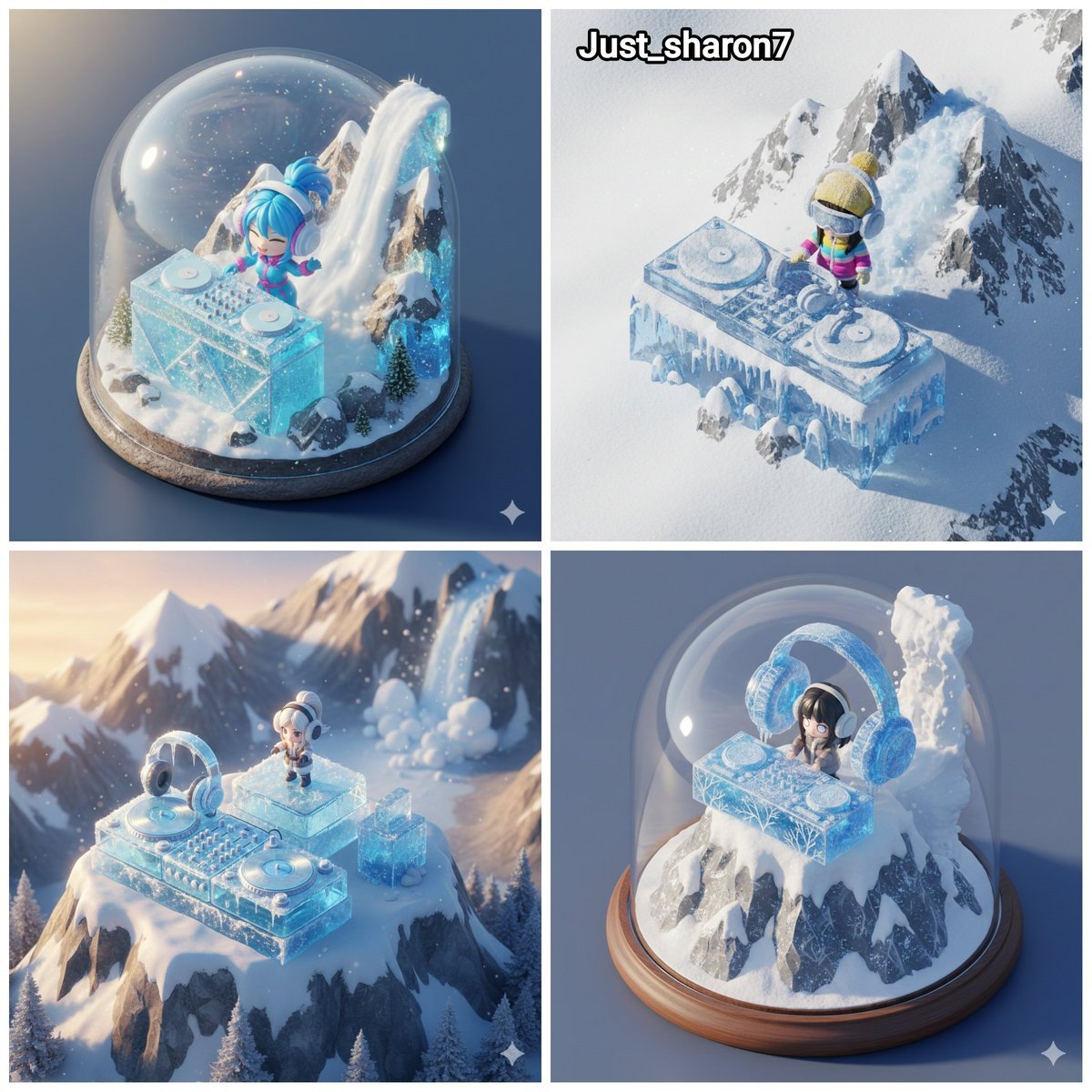
Isometric Miniature DJ Setup Scene
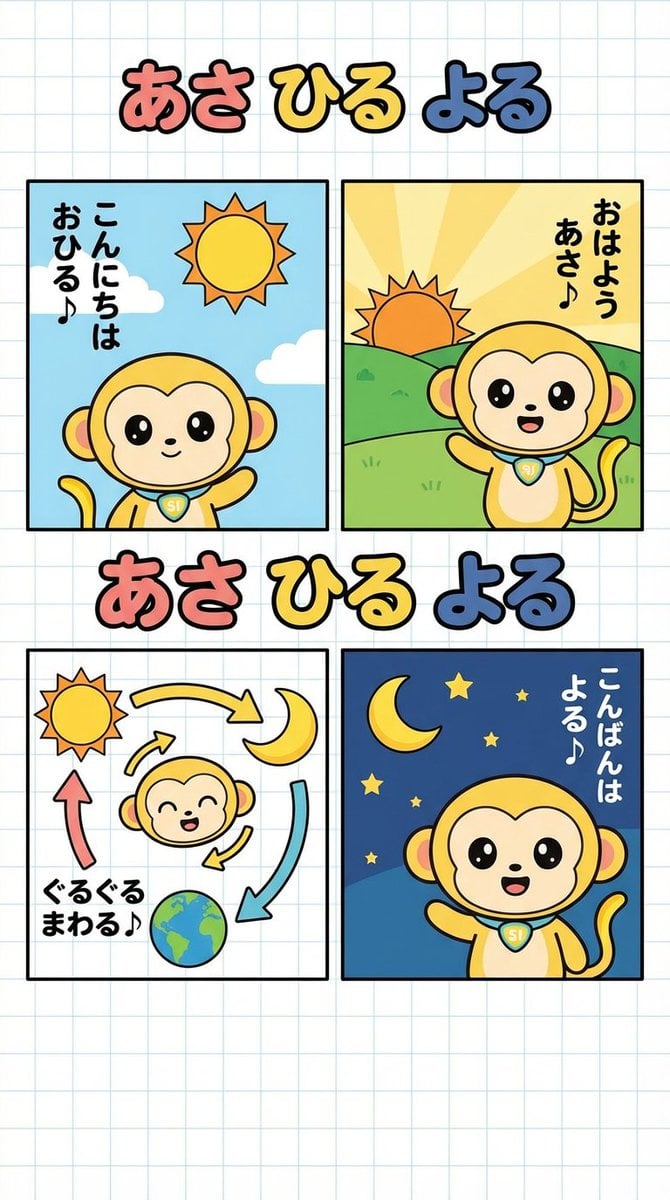
Four-Panel Comic: Morning, Noon, Night, Mandarin Orange Theme

Creative Pink Office Portrait with Chibi Characters
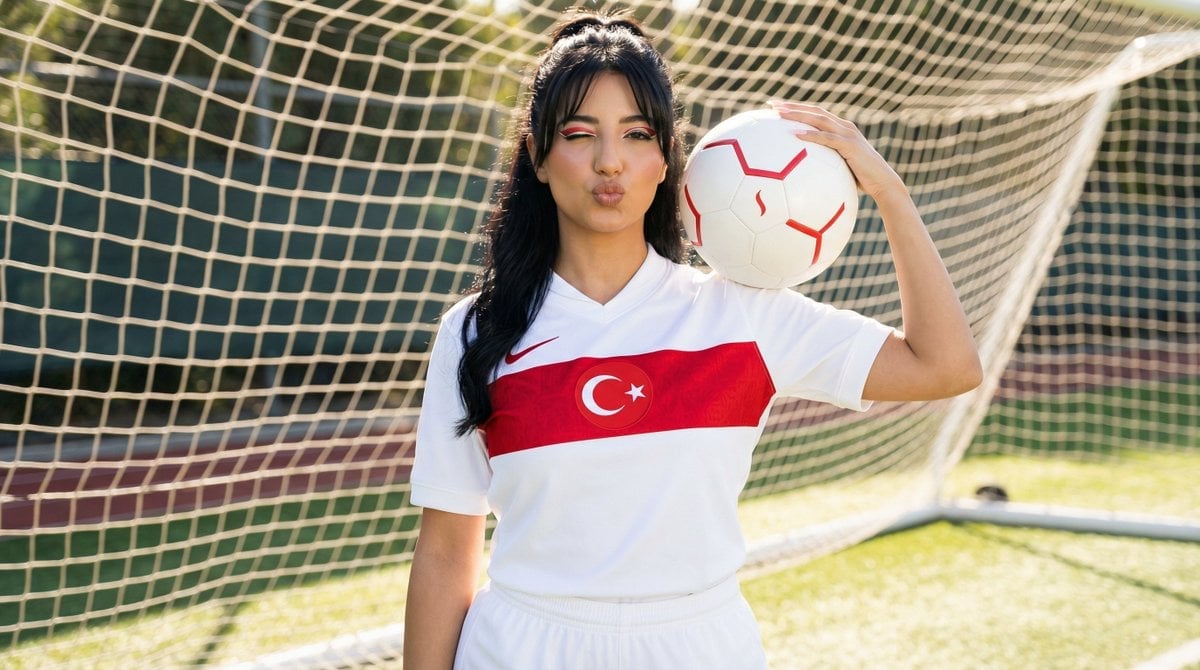
Sporty Outdoor Portrait with Turkey Soccer Kit
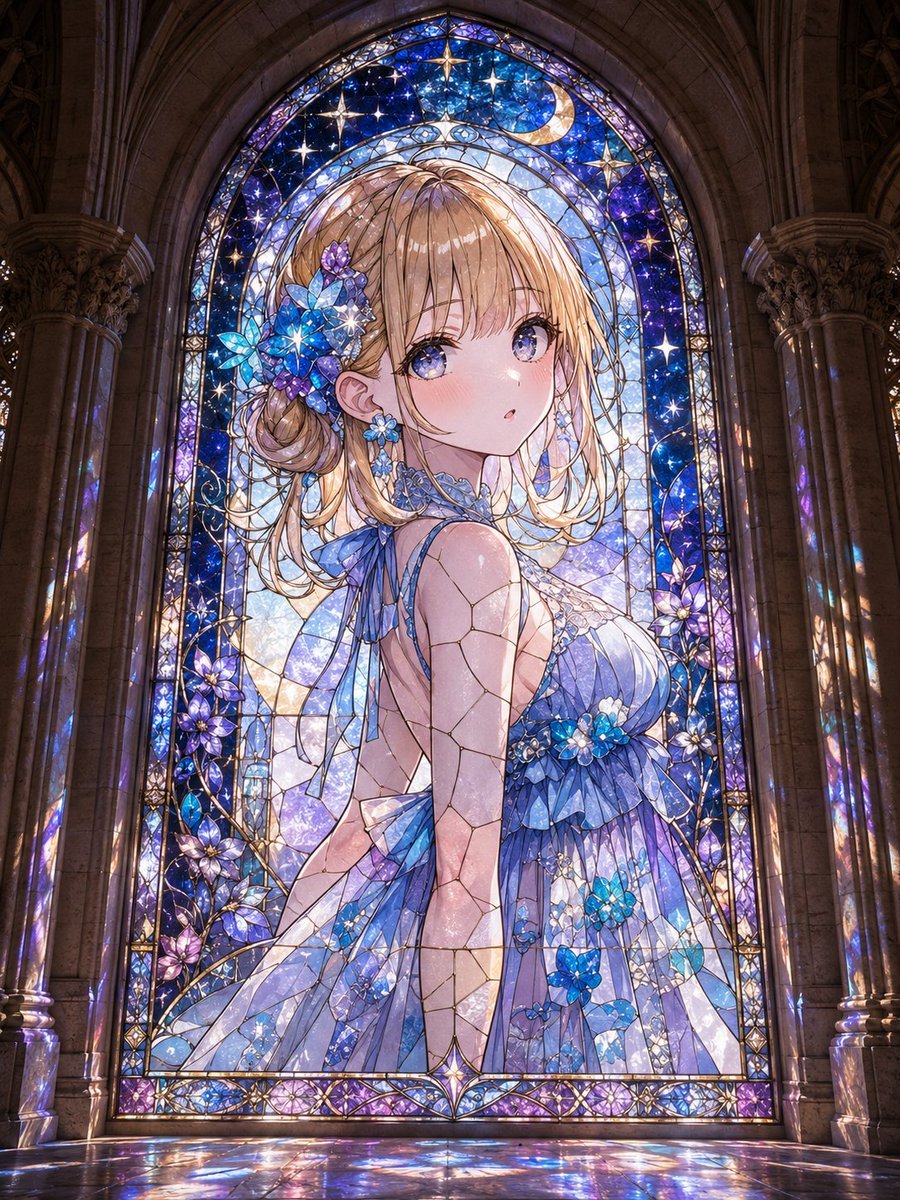
Anime Girl Stained Glass Chapel

ValueWalk Formal and Casual Shoe Campaign
Browse template categories
Photo to Watercolor Illustration of Couple questions
How do I use the Photo to Watercolor Illustration of Couple template?
Add your photo if the template asks for one, edit the prompt if you like — the template's model and format are already selected — and press Generate. Your version opens in PicX Studio.
Can I customize the Photo to Watercolor Illustration of Couple template?
Yes. You can change the subject, setting, lighting, mood, format, and available model controls before creating your image.
Is the Photo to Watercolor Illustration of Couple template free?
Opening and editing this template is free. Generating uses credits, shown on the Generate button when you are signed in.
Which AI model should I use?
Start with Nano Banana 2, which is the model associated with this template. You can compare another compatible model for a different finish.
Looking for something else? Browse all templates.

Your photo, any look
Thousands of ready templates for every top image and video model, from one credit balance.