
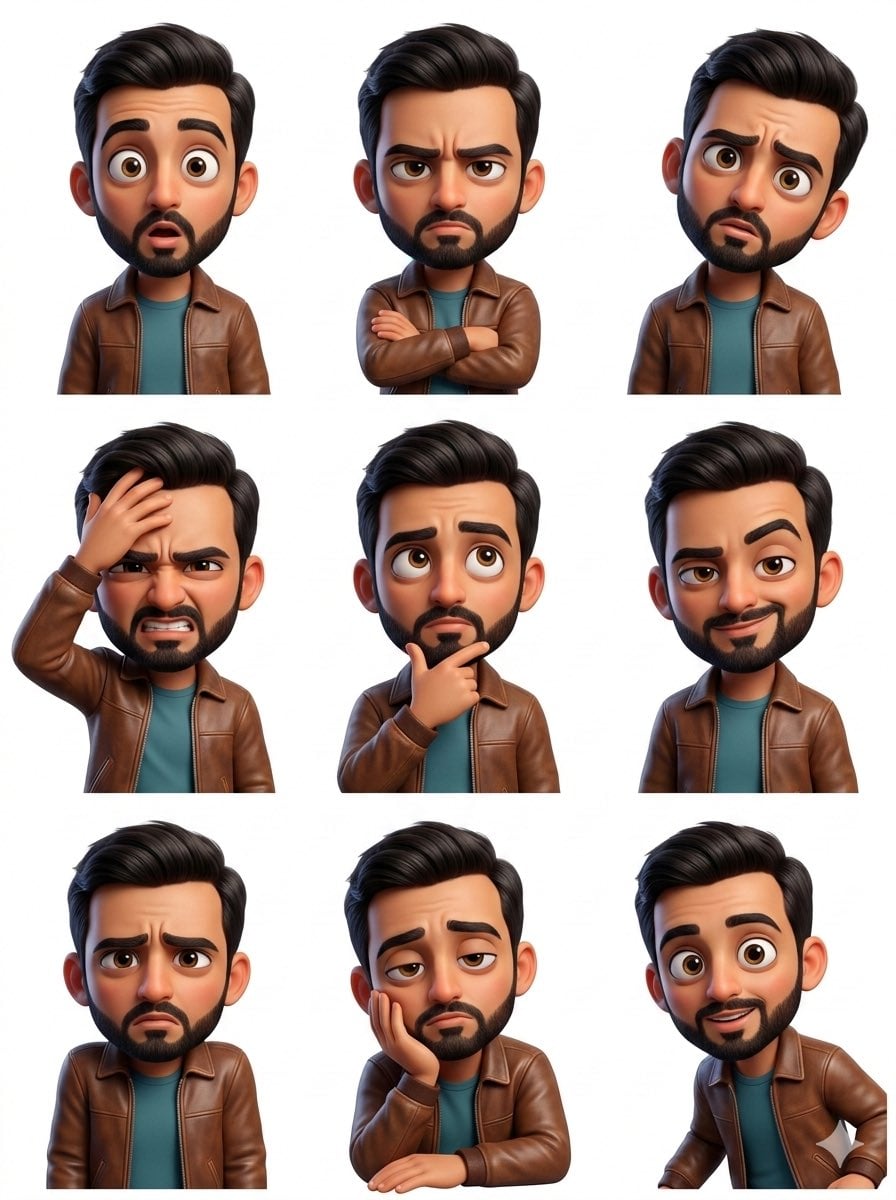
3x3 Grid Collage of Emotions in 3D Cartoon Style
A structured JSON prompt for generating a 3x3 grid collage of portraits, all based on a single uploaded reference face with strict identity preservation.

- Prompt included
- Model and format preset
- Free template
The prompt behind this image
Copy the exact prompt behind 3x3 Grid Collage of Emotions in 3D Cartoon Style, or open it in the studio and make it yours.
- Image Prompt › Format
- 3x3 grid collage
- Image Prompt › Subject › Face Reference
- uploaded_photo
- Image Prompt › Subject › Identity Preservation
- strict
- Image Prompt › Subject › Face Match Accuracy
- 100%
- Image Prompt › Subject › Style
- high-end smooth 3D cartoon realism
- Image Prompt › Subject › Skin Texture
- soft, clean, semi-realistic cartoon finish
- Image Prompt › Subject › Facial Proportions
- unchanged from reference
- Image Prompt › Panels › 0 › Emotion
- joyful
- Image Prompt › Panels › 0 › Pose
- bright smile, relaxed shoulders
- Image Prompt › Panels › 0 › Hair
- high ponytail with soft flyaways
- Image Prompt › Panels › 0 › Outfit
- pastel hoodie
- Image Prompt › Panels › 0 › Background
- sky blue gradient
- Image Prompt › Panels › 1 › Emotion
- surprised
- Image Prompt › Panels › 1 › Pose
- hands close to face, wide eyes
- Image Prompt › Panels › 1 › Hair
- loose wavy hair
- Image Prompt › Panels › 1 › Outfit
- minimal casual t-shirt
- Image Prompt › Panels › 1 › Background
- peach pastel
- Image Prompt › Panels › 2 › Emotion
- sad
- Image Prompt › Panels › 2 › Pose
- head lowered, gentle eyes
- Image Prompt › Panels › 2 › Hair
- low bun
- Image Prompt › Panels › 2 › Outfit
- oversized knit sweater
- Image Prompt › Panels › 2 › Background
- soft lavender
- Image Prompt › Panels › 3 › Emotion
- tender
- Image Prompt › Panels › 3 › Pose
- subtle smile, head tilt
Raw JSON
{
  "image_prompt": {
    "format": "3x3 grid collage",
    "subject": {
      "face_reference": "uploaded_photo",
      "identity_preservation": "strict",
      "face_match_accuracy": "100%",
      "style": "high-end smooth 3D cartoon realism",
      "skin_texture": "soft, clean, semi-realistic cartoon finish",
      "facial_proportions": "unchanged from reference"
    },

    "panels": [
      {
        "emotion": "joyful",
        "pose": "bright smile, relaxed shoulders",
        "hair": "high ponytail with soft flyaways",
        "outfit": "pastel hoodie",
        "background": "sky blue gradient"
      },
      {
        "emotion": "surprised",
        "pose": "hands close to face, wide eyes",
        "hair": "loose wavy hair",
        "outfit": "minimal casual t-shirt",
        "background": "peach pastel"
      },
      {
        "emotion": "sad",
        "pose": "head lowered, gentle eyes",
        "hair": "low bun",
        "outfit": "oversized knit sweater",
        "background": "soft lavender"
      },
      {
        "emotion": "tender",
        "pose": "subtle smile, head tilt",
        "hair": "half-up hairstyle",
        "outfit": "neutral soft knit top",
        "background": "warm beige"
      },
      {
        "emotion": "confident",
        "pose": "direct gaze, chin slightly raised",
        "hair": "slicked-back hairstyle",
        "outfit": "modern tailored jacket",
        "background": "deep teal"
      },
      {
        "emotion": "playful pout",
        "pose": "puffed cheeks, curious eyes",
        "hair": "short bob cut",
        "outfit": "striped casual shirt",
        "background": "mint green"
      },
      {
        "emotion": "playful",
        "pose": "wink with finger near cheek",
        "hair": "space buns",
        "outfit": "graphic top",
        "background": "soft pink"
      },
      {
        "emotion": "shocked",
        "pose": "open mouth, raised brows",
        "hair": "messy loose hair",
        "outfit": "simple blouse",
        "background": "light yellow"
      },
      {
        "emotion": "angry",
        "pose": "arms crossed, intense stare",
        "hair": "tight high bun",
        "outfit": "dark fitted top",
        "background": "deep red"
      }
    ],

    "rendering": {
      "lighting": "soft studio light, evenly diffused",
      "shading": "smooth gradients with subtle highlights",
      "resolution": "ultra-high",
      "detail_level": "premium cinematic polish"
    },

    "composition": {
      "alignment": "perfect 3x3 grid",
      "spacing": "uniform margins",
      "border": "clean neutral frame"
    }
  }
}How to use 3x3 Grid Collage of Emotions in 3D Cartoon Style in 3 steps
- 1
Open
The prompt is already in the box next to the preview, with the template's model and format selected.
- 2…a portrait of your subject in softgolden-hour light, 85mm…
Personalize
Edit the subject and creative details for your destination.
- 3Generate
Generate
Press Generate — your image is created in PicX Studio, so you can compare it with the original and refine one variable at a time.
More like this
Templates with the same subject, style or setup. Open one to see its prompt.
Pixar Sticker Set 3x3 Grid of Emotions

A 3x3 grid storyboard contact sheet comprised of nine candid, cinematic
3x3 Instagram-style grid of low-quality smartphone photos featuring

Toon Cartoon Finale Fireworks

Toon Cartoon Garden Maze

Toon Cartoon Rooftop Concert

Toon Cartoon Kitchen Chaos

Toon Cartoon Carnival Ride
Toon Cartoon Rainy Bus Stop

Toon Cartoon Space Dock

Toon Cartoon Cafe Morning

Toon Cartoon Street Festival
Make it yours
3x3 Grid Collage of Emotions in 3D Cartoon Style works as-is. These are the safest ways to change it without losing the look.
Swap the setting
Keep the rest of the prompt and replace the location block. The current setting is “sky blue gradient”.
Swap the light
One lighting change is enough to compare takes. Current light: “soft studio light, evenly diffused”.
Change one field
Copy a single group, rewrite it, and generate again so you can see what that field is doing.
| If the result… | Why | Fix |
|---|---|---|
| The result drifts from the preview | Too many fields changed at once. | Reuse 3x3 Grid Collage of Emotions in 3D Cartoon Style as-is first, then change one group — subject, light, or setting. |
| Nano Banana 2 ignores part of the JSON | Some models flatten or skip nested keys. | Keep the same values and paste them as a short paragraph instead. |
More Nano Banana 2 templates
Other prompts made for Nano Banana 2.

Photorealistic Leaf Shaped Like a Dragon

K-Pop Idol Portrait Grid for Rapid Selection

Poetic Rain Forest Portrait During Golden Hour

Urban Street Portrait with Cartoon Inner Self Duo

Candid Nighttime Photo with Cat Prompt

High-Concept 3D Diorama Generation Prompt

Cinematic Futuristic Studio Portrait Template

Skincare Editorial Photography Collage Prompt

Hyper-Realistic Commercial Product Photography (Splash Effect)

Hyper-Realistic Nightclub Portrait Prompt
More image prompts
Fresh picks from across the catalog.
1980s Analog New Year's Eve Portrait Prompt
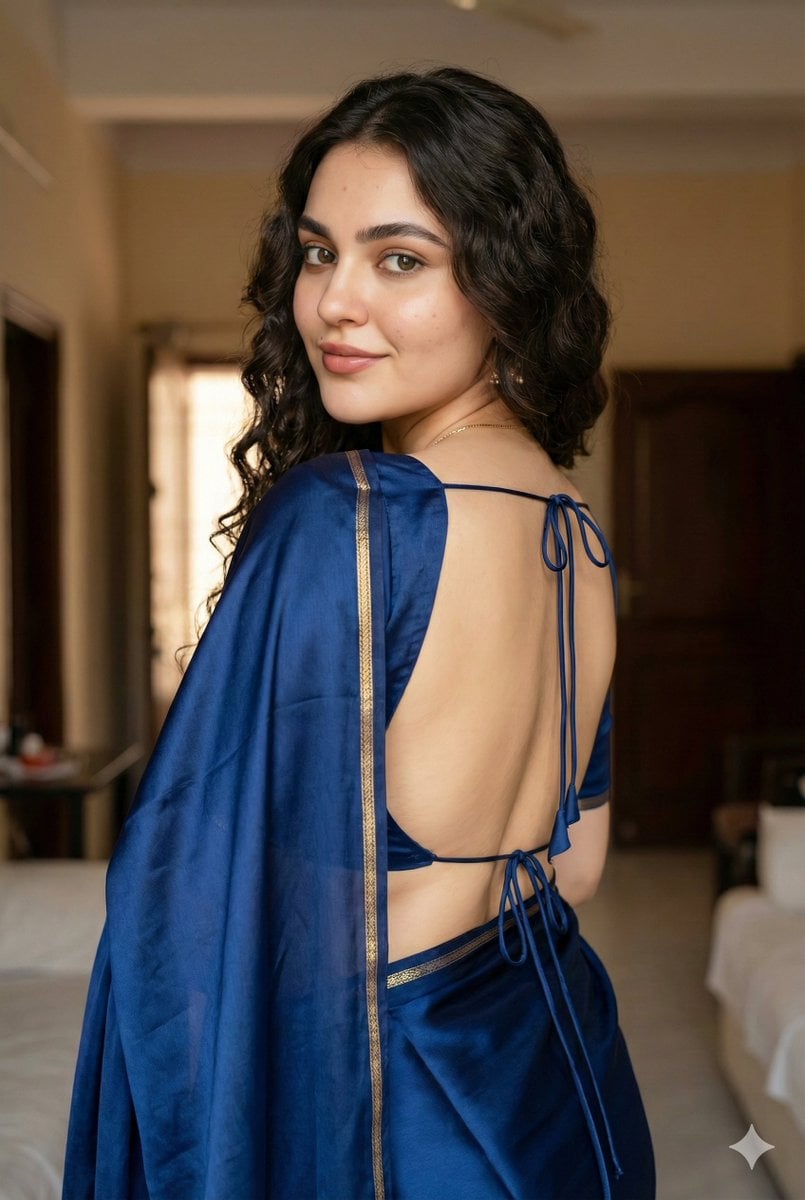
Ultra-Realistic South Asian Woman in Saree Portrait
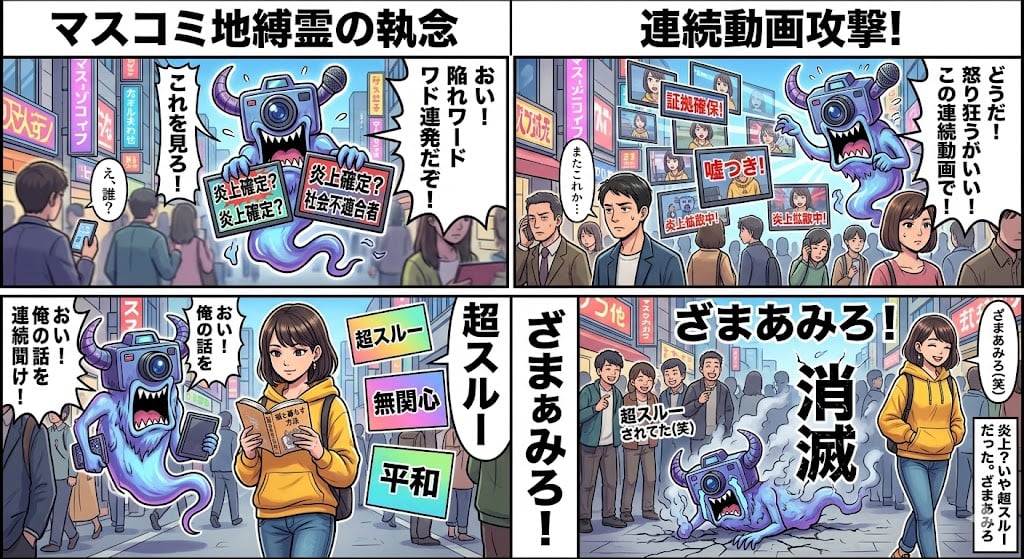
Nano Banana Pro 4-Panel Manga Prompt: Absolute Zero Ignore
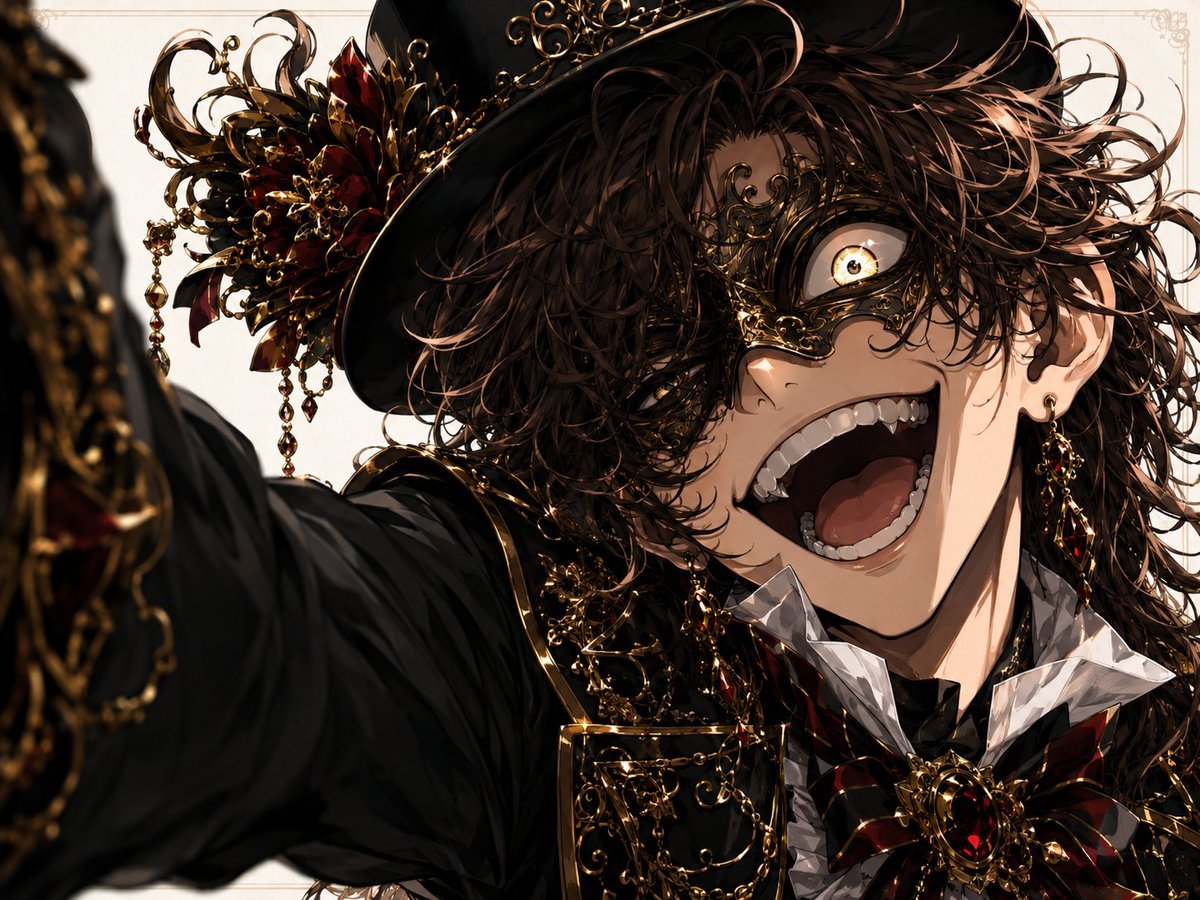
Wide-Angle Dramatic Facial Close-up
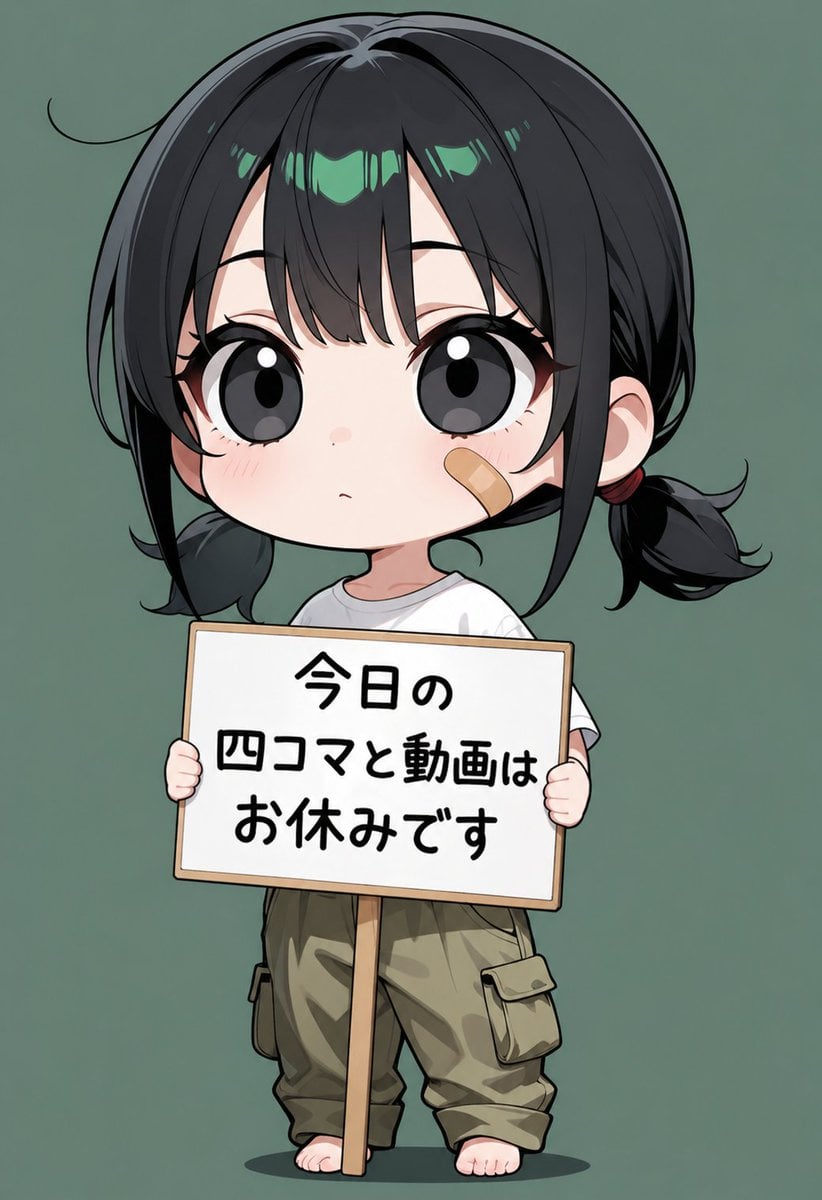
Chibi Girl Holding Japanese Notice Sign

Stylized 3d Clay Character Transformatio

Dark, High-Contrast Poster Design Prompt with Amber Lenses
Rome Skyline Sunset Cinematic Portrait
Hyper-Realistic Survival Cinematic Still Prompt
Cyber Vocaloid Concert Idol
Browse template categories
3x3 Grid Collage of Emotions in 3D Cartoon Style questions
How do I use the 3x3 Grid Collage of Emotions in 3D Cartoon Style template?
Add your photo if the template asks for one, edit the prompt if you like — the template's model and format are already selected — and press Generate. Your version opens in PicX Studio.
Can I customize the 3x3 Grid Collage of Emotions in 3D Cartoon Style template?
Yes. You can change the subject, setting, lighting, mood, format, and available model controls before creating your image.
Is the 3x3 Grid Collage of Emotions in 3D Cartoon Style template free?
Opening and editing this template is free. Generating uses credits, shown on the Generate button when you are signed in.
Which AI model should I use?
Start with Nano Banana 2, which is the model associated with this template. You can compare another compatible model for a different finish.
Looking for something else? Browse all templates.

Your photo, any look
Thousands of ready templates for every top image and video model, from one credit balance.