
Coastal Motorcycle Anime Girl
A detailed anime illustration prompt for creating a blue-haired angel elf girl beside a motorcycle on a sunny seaside road.
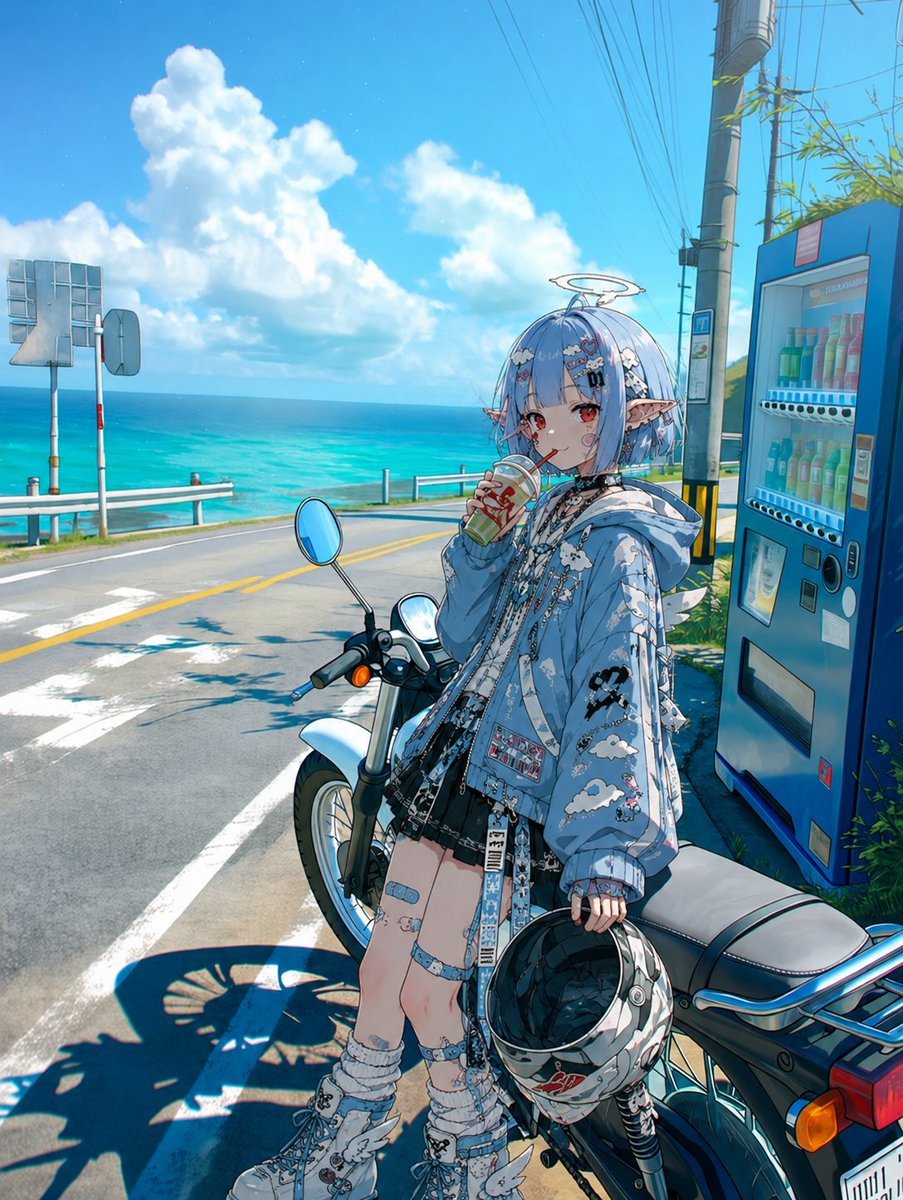
- Prompt included
- Model and format preset
- Free template
The prompt behind this image
Copy the exact prompt behind Coastal Motorcycle Anime Girl, or open it in the studio and make it yours.
Create a vibrant anime-style illustration from a driver/rider POV composition at a sunny coastal roadside. The scene shows {argument name="character name" default="a cute blue-haired angelic elf girl"} standing beside a parked white-and-black motorcycle near the ocean, looking toward the viewer while sipping a boxed drink through a straw. She has short bobbed {argument name="hair color" default="pale sky-blue"} hair with hair clips, red eyes, pointed elf ears, a small glowing halo above her head, and a soft slightly shy expression. Her outfit is highly detailed: an oversized light-blue hooded jacket covered in white cloud patterns, black graphic patches, dangling straps, pins, chains, lace trim, a black short skirt or shorts, thigh accessories and bandage-like decorative straps, loose scrunched socks, chunky decorated sneakers, and small white wing motifs on the outfit. She holds one motorcycle helmet in her lowered hand, glossy black with white and red decals. The motorcycle is partially cropped in the foreground, with visible handlebar, round mirror, headlight, seat, rear rack, wheel, turn signal, and strong shadow on the pavement, emphasizing the POV roadside stop feeling. The background is a bright turquoise sea on the left with a horizon line, white guardrails, asphalt road with yellow center lines and white lane markings, roadside signs, utility poles and many overhead wires, and a blue vending machine on the right filled with visible colorful bottled drinks. Use a clear summer sky with large fluffy cumulus clouds, intense tropical sunlight, crisp shadows, saturated cyan and aqua colors, fine anime line art, rich micro-details, glossy highlights, cinematic wide-angle perspective, vertical composition, and a polished gpt-image-2 / Niji-inspired character illustration aesthetic. Avoid text overlays, watermarks, extra characters, or distorted anatomy.
How to use Coastal Motorcycle Anime Girl in 3 steps
- 1Upload ImagePNG, JPG or paste
Add your photo
Upload the photo the template builds on. The prompt, model and format are already set.
- 2…a portrait of your subject in softgolden-hour light, 85mm…
Personalize
Edit the subject and creative details for your destination.
- 3Generate
Generate
Press Generate — your image is created in PicX Studio, so you can compare it with the original and refine one variable at a time.
More like this
Templates with the same subject, style or setup. Open one to see its prompt.

Teen Girl Alpine Lake Mountain View

Framed Quilling Anime Girl

Anime Lantern Girl Character Sheet

Anime Girl Generation Grid

Chaotic Anime Schoolgirl Fan Collage
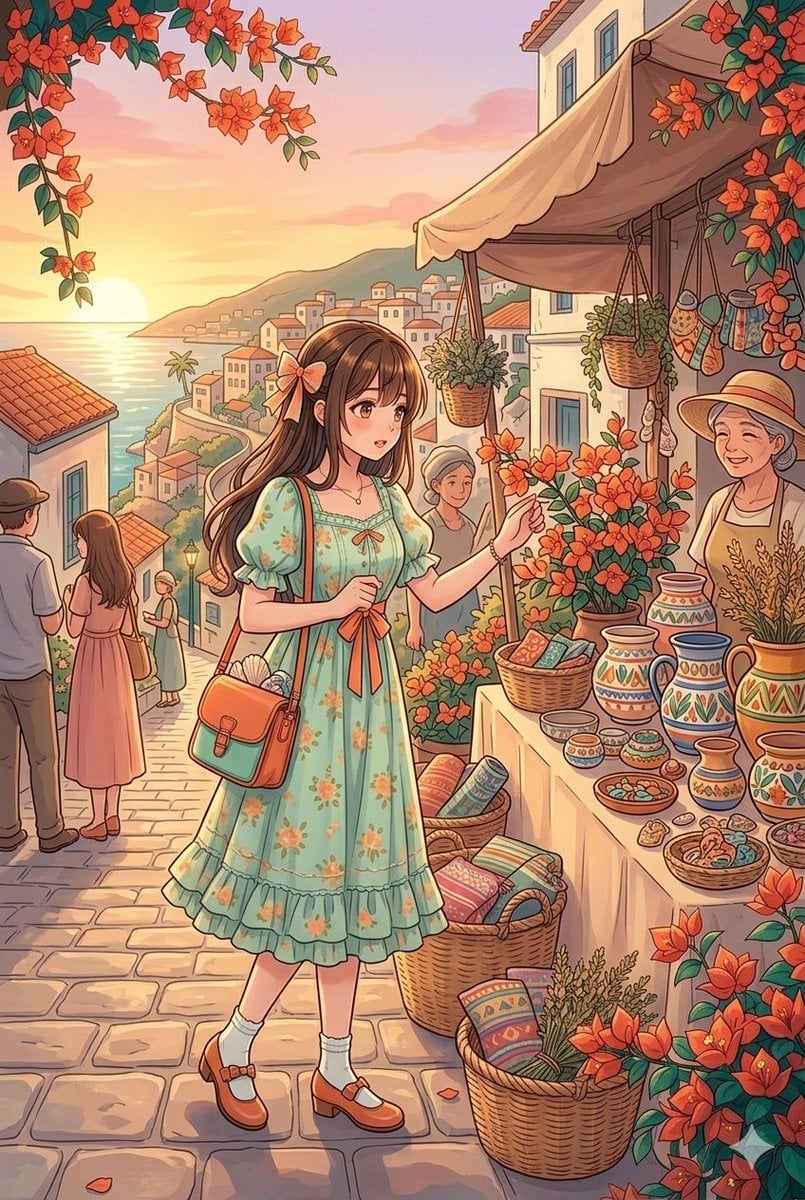
Anime Style Coastal Village Stroll
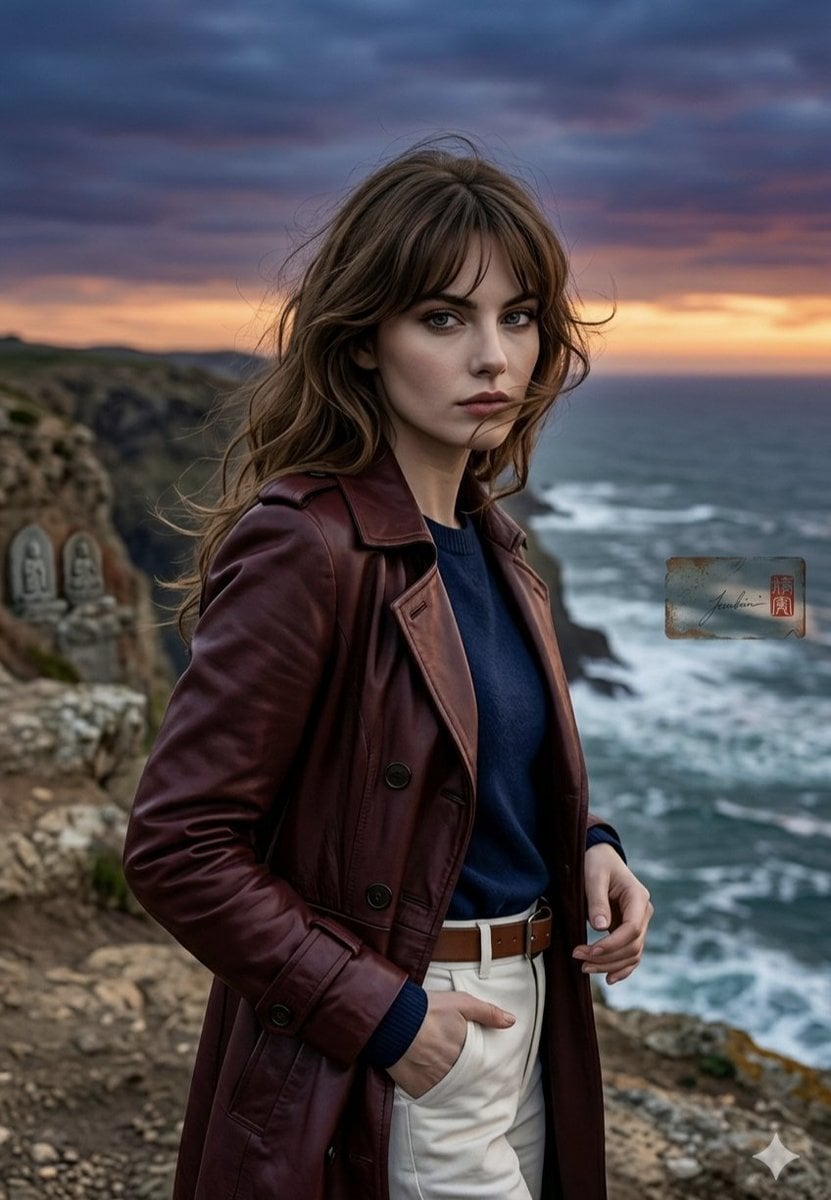
Anime Style Coastal Sunset Portrait

Cel 2D Finale Fireworks

Cel 2D Garden Maze

Cel 2D Rooftop Concert

Cel 2D Bicycle Coast

Cel 2D Castle Gate
Make it yours
Coastal Motorcycle Anime Girl works as-is. These are the safest ways to change it without losing the look.
Change one field
Copy a single group, rewrite it, and generate again so you can see what that field is doing.
Keep the frame, change the subject
Hold the composition and light of Coastal Motorcycle Anime Girl, then swap wardrobe, props or the person for a new take.
| If the result… | Why | Fix |
|---|---|---|
| The result drifts from the preview | Too many fields changed at once. | Reuse Coastal Motorcycle Anime Girl as-is first, then change one group — subject, light, or setting. |
| The model over-stylizes the scene | The prose prompt leaves finish and camera underspecified. | Add one camera or lighting sentence and stay on GPT Image 2. |
More GPT Image 2 templates
Other prompts made for GPT Image 2.

Six VTuber Japanese Logo Sheet

Realistic Portrait of Woman and Deer

The Vista Modular Condo Poster

AI Model Routing Comparison Infographic

2.5D Anime Art Board

Isometric Productivity Desk Scene

New York Double Exposure Poster

Four-Panel AI Landscape Comparison

Japanese Tatami Lifestyle Magazine Cover

NESCAFÉ Coffee Map Poster
More image prompts
Fresh picks from across the catalog.
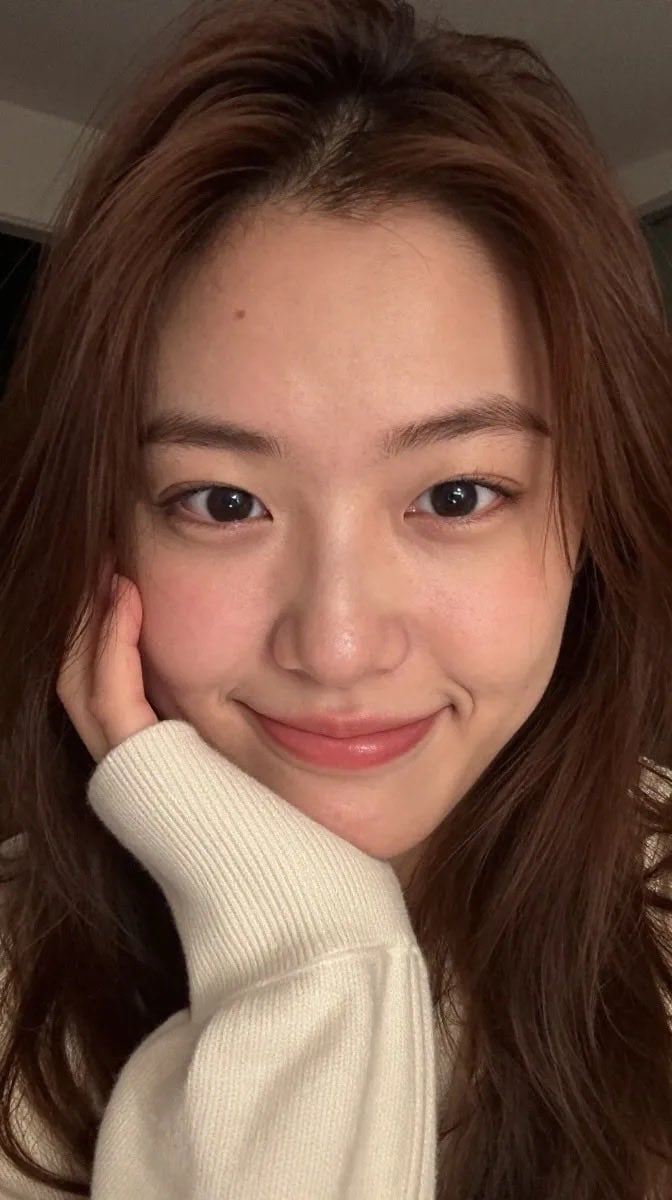
Realistic East Asian Portrait
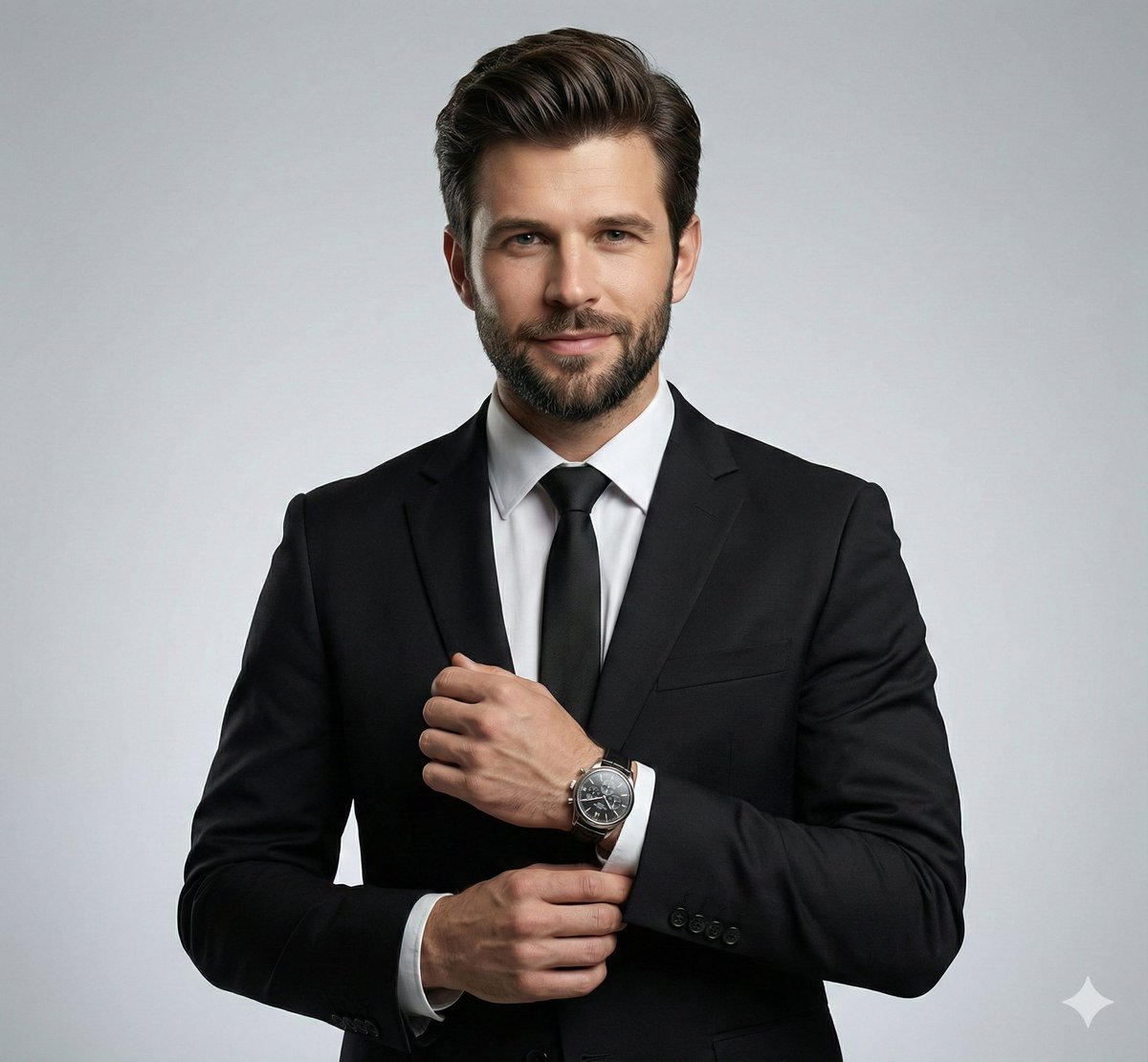
Ultra-Realistic Corporate Headshot of Businessman
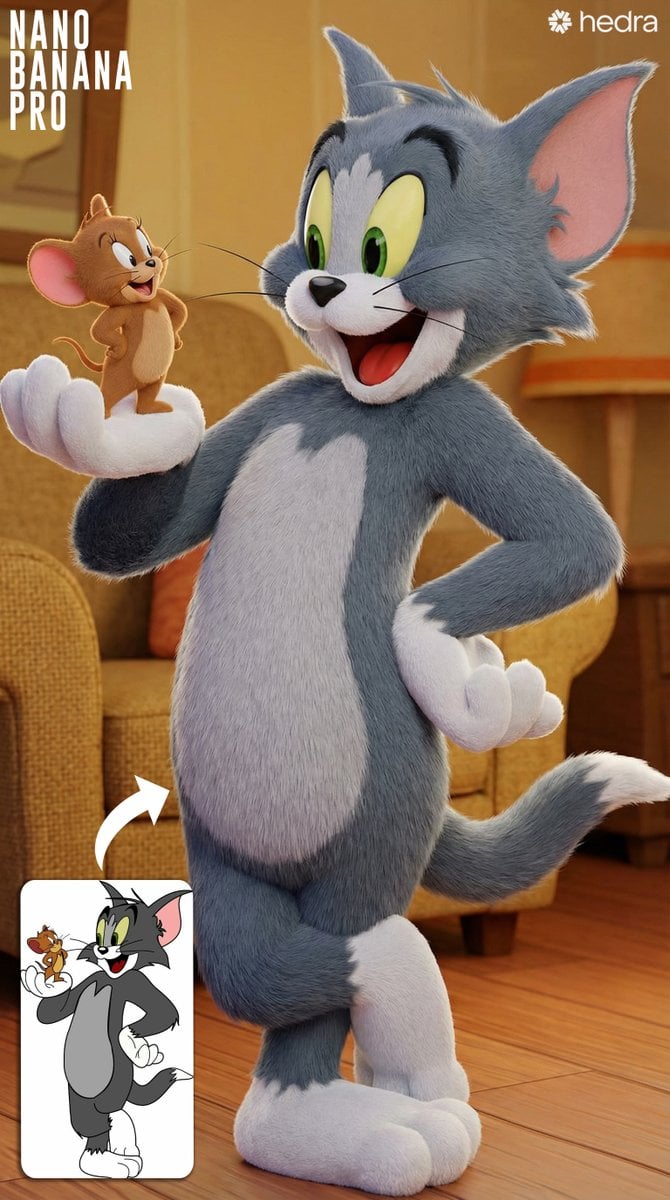
Convert 2D Sketch to 3D Animated Style
Japanese Google Homepage Screenshot
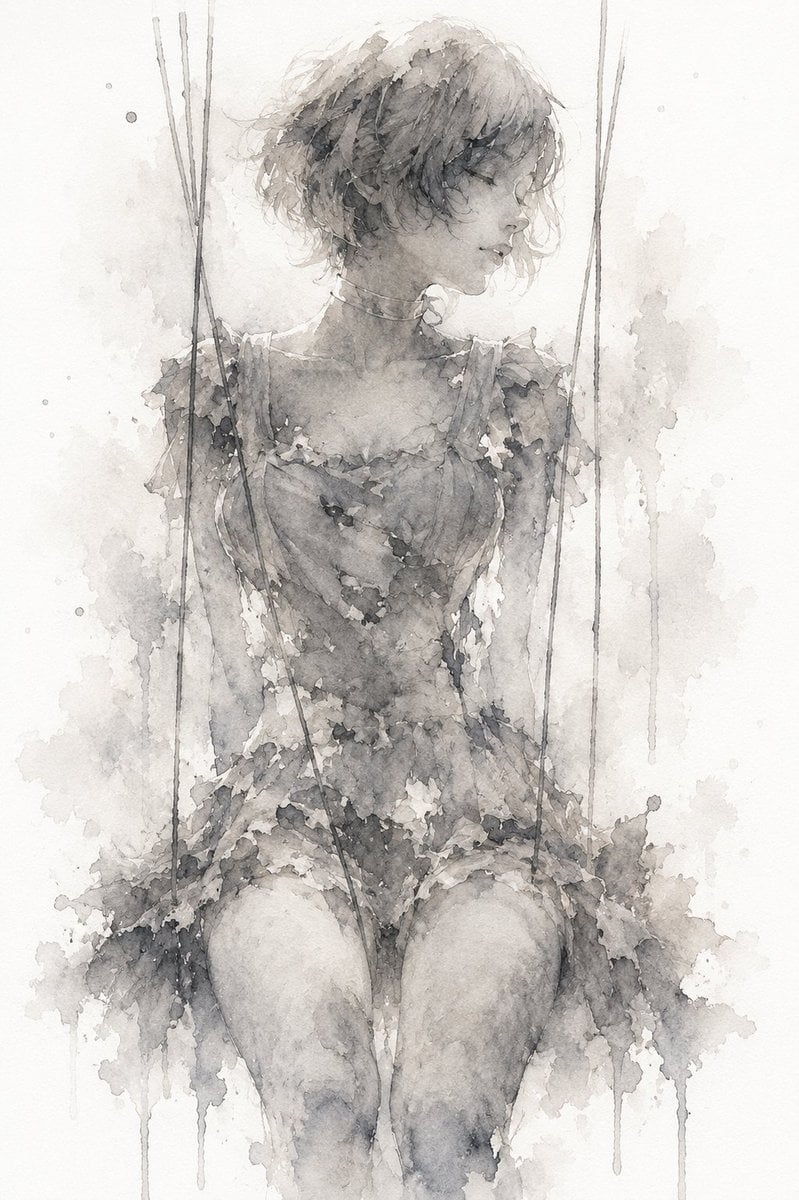
Melancholic Marionette Watercolor
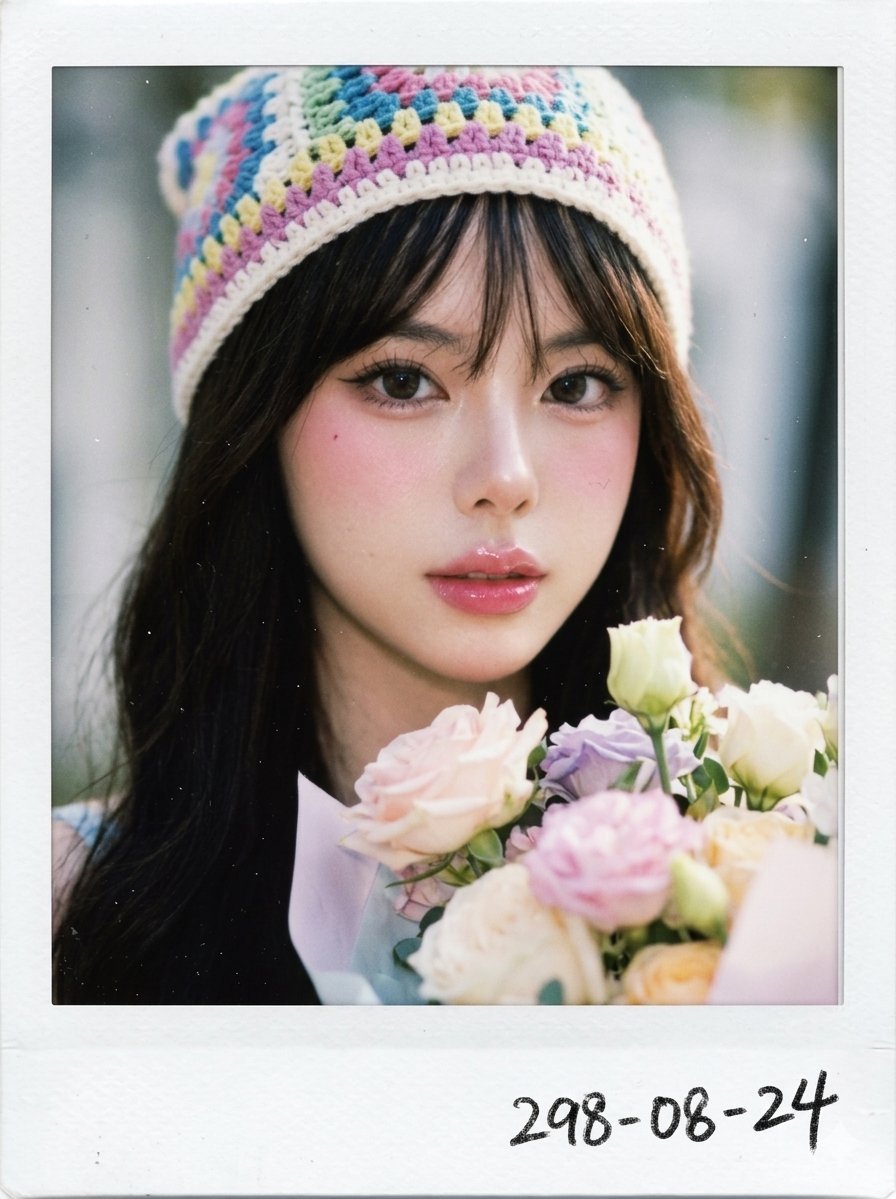
X Chryzleenprompt Create Image a Hyper Photorealistic Polaroid
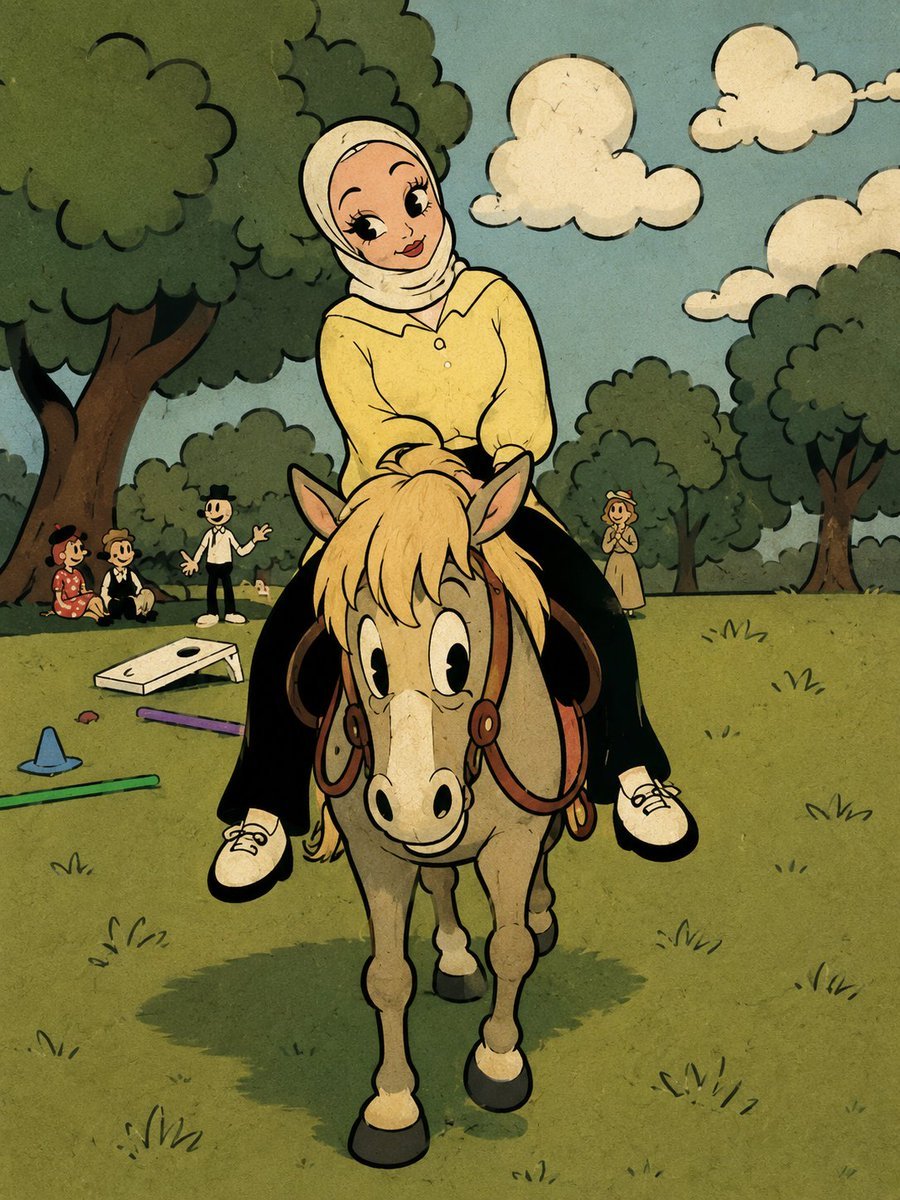
Fleischer-Style Pony Ride
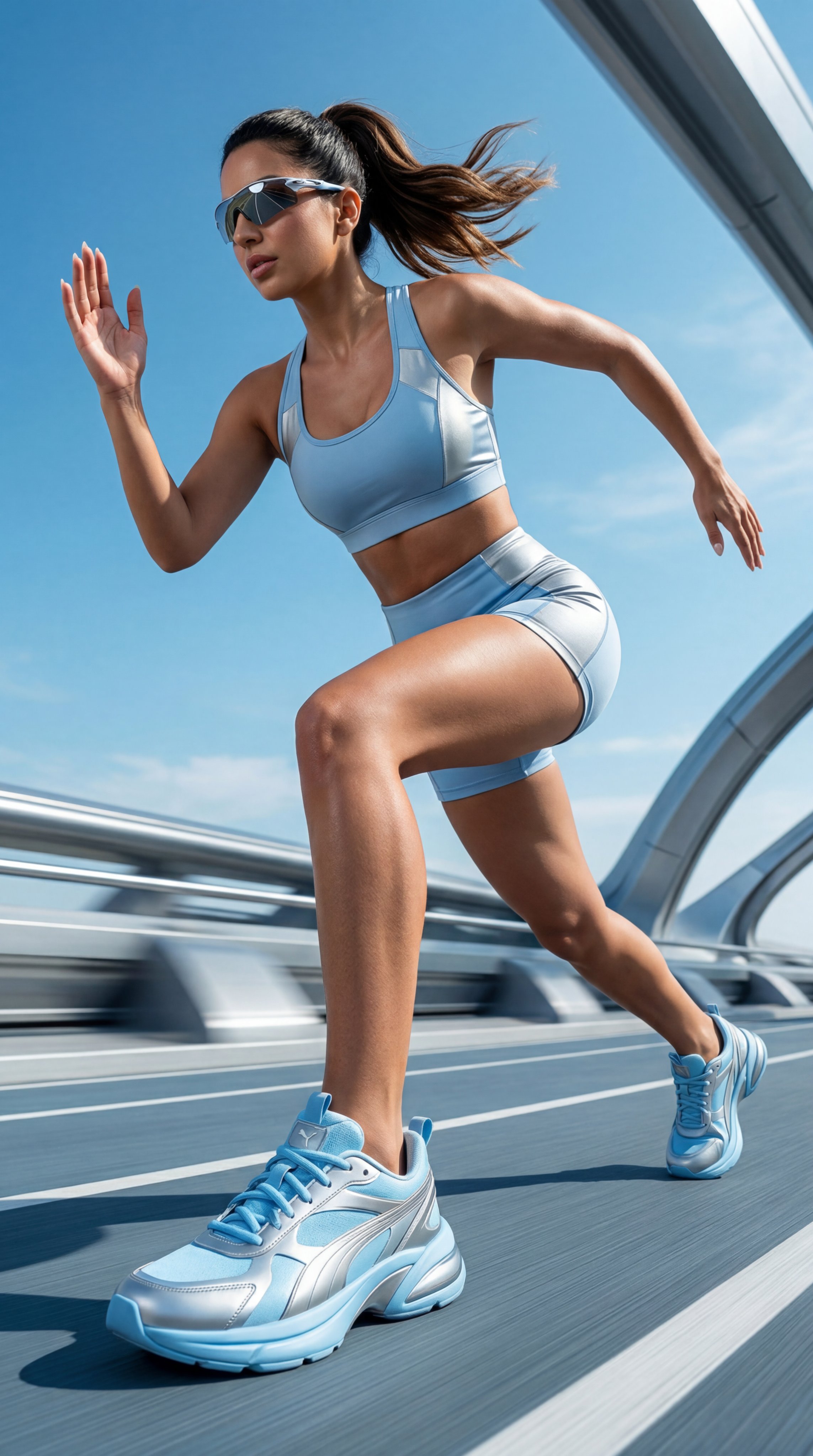
Gemini Nano Banana Realistic Portrait Re
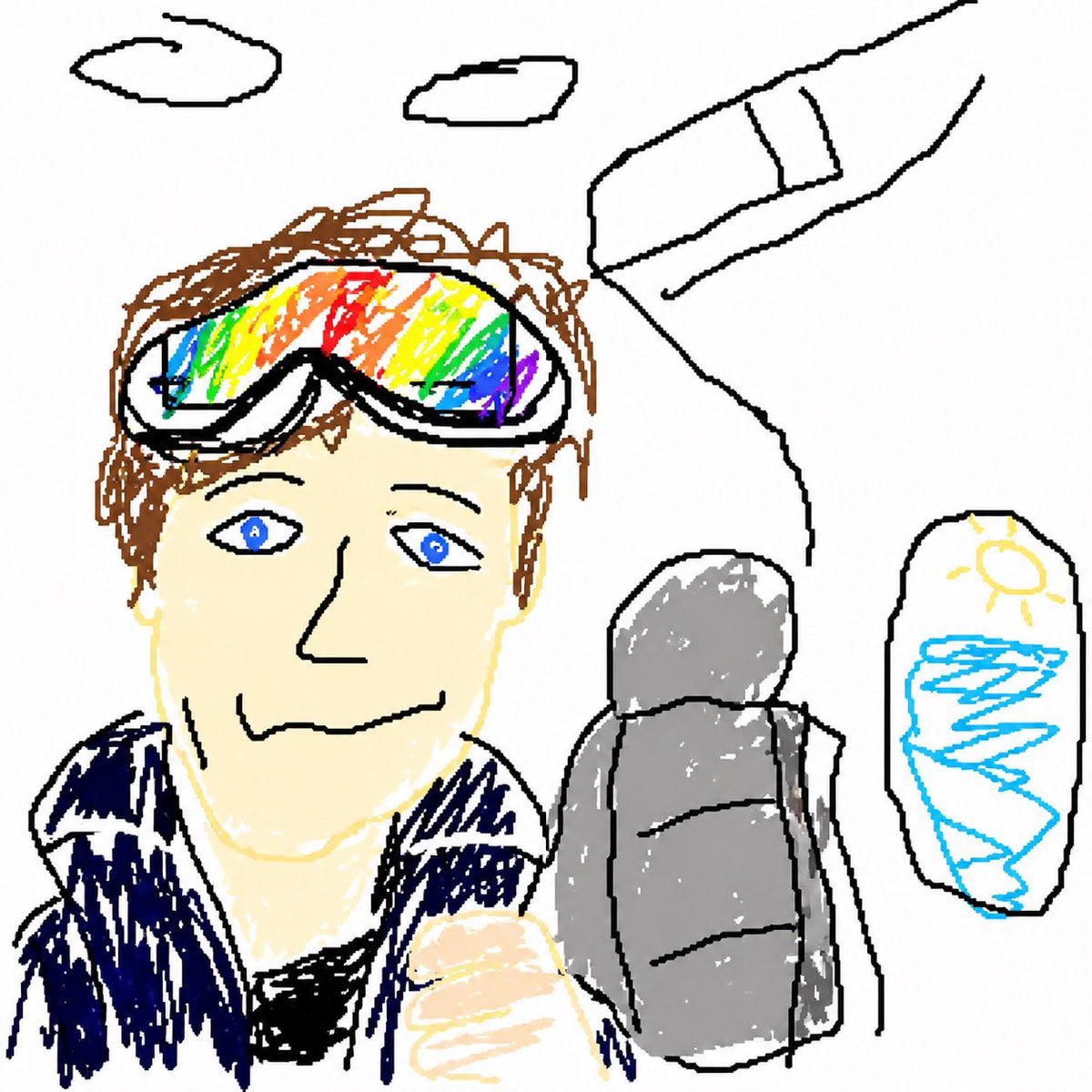
GPT Image 2 MS Paint Drawing Prompt
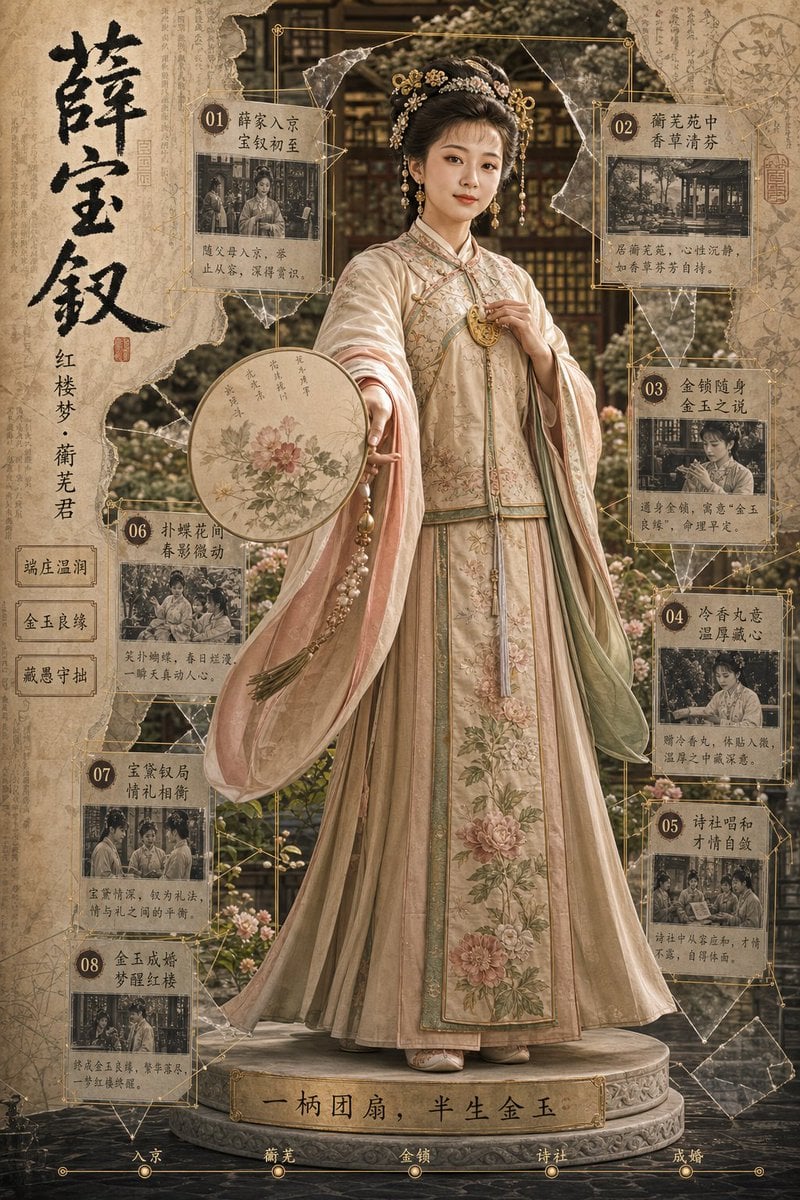
Antique Chinese Noblewoman Poster
Browse template categories
Coastal Motorcycle Anime Girl questions
How do I use the Coastal Motorcycle Anime Girl template?
Add your photo if the template asks for one, edit the prompt if you like — the template's model and format are already selected — and press Generate. Your version opens in PicX Studio.
Can I customize the Coastal Motorcycle Anime Girl template?
Yes. You can change the subject, setting, lighting, mood, format, and available model controls before creating your image.
Is the Coastal Motorcycle Anime Girl template free?
Opening and editing this template is free. Generating uses credits, shown on the Generate button when you are signed in.
Which AI model should I use?
Start with GPT Image 2, which is the model associated with this template. You can compare another compatible model for a different finish.
Looking for something else? Browse all templates.

Your photo, any look
Thousands of ready templates for every top image and video model, from one credit balance.