
Lavender Wall Flower Portrait Prompt
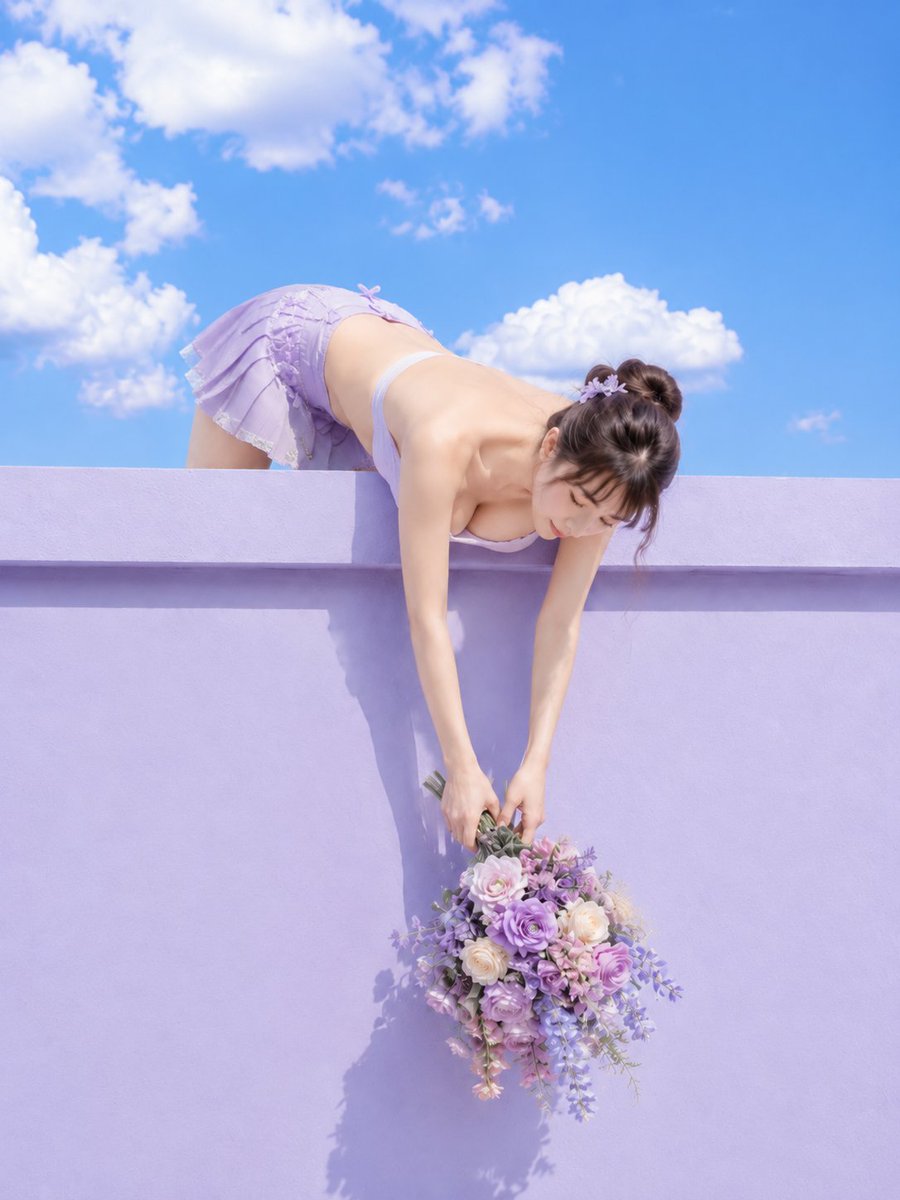
A creative prompt for a high-contrast, sunlit fashion photo featuring a woman leaning over a lavender wall with a bouquet of flowers.
- Prompt included
- Model and format preset
- Free template
The prompt behind this image
Copy the exact prompt behind Lavender Wall Flower Portrait Prompt, or open it in the studio and make it yours.
主題: 紫壁へ垂らす花束 主体: 淡いラベンダー色の高い壁から画面中央へ身を乗り出し、両手で大きな花束を壁面へ垂らす{argument name="主体" default="20代女性"}。上半分に青空、下半分に紫壁を置き、長く伸びた両腕と紫系の花束を中心に描く。 人物・表情: 小さな卵形の顔、伏せた茶色い瞳、細い眉、小ぶりな鼻、淡いピンクの唇。顔を真下へ向け、花束に視線を落とした静かな表情。濃い茶髪を二つの丸いお団子にまとめ、薄い前髪と頬脇の後れ毛、紫の花飾りを付ける。 服装・ポーズ: {argument name="服装" default="淡い紫の細肩紐トップ"}と、同色の短いプリーツスカート。スカートは小さなリボン、フリル、白いレース縁付き。壁の向こうから腰を深く折って上体を乗り出し、両腕を壁面に沿って真下へ伸ばし、両手で花束の茎を持つ。 背景・光: 背景上部は鮮やかな青空と大きな白い積雲、下部は横桟のある淡い紫の漆喰壁。花束は{argument name="花の種類" default="紫、薄桃、白のバラ"}と小花、垂れる葉で構成する。画面左上から明るい直射日光を当て、腕、壁、花束の影を硬く長く落と落とす。 構図・カメラ: 縦3:4。壁の正面から少し見上げるカメラで全身の一部を大きく収め、人物の腰と脚は上端近く、顔は中央上、花束は中央下に配置する。両腕を縦方向へ長く見せ、花束の先まで画面内に収める。人物と花束にピントを合わせ、空まで明瞭な深い被写界深度。 質感・スタイル: 明るいファッション写真風のフォトリアルな実写写真。滑らかな紫壁、薄い布のプリーツ、花弁と葉の細部を精細に描き、青空とラベンダーの高彩度な配色にする。 ネガティブ: 壁から身を乗り出す上下構図の変更;花束の縮小
How to use Lavender Wall Flower Portrait Prompt in 3 steps
- 1
Open
The prompt is already in the box next to the preview, with the template's model and format selected.
- 2…a portrait of your subject in softgolden-hour light, 85mm…
Personalize
Edit the subject and creative details for your destination.
- 3Generate
Generate
Press Generate — your image is created in PicX Studio, so you can compare it with the original and refine one variable at a time.
More like this
Templates with the same subject, style or setup. Open one to see its prompt.

Lavender Couture Magazine Cover Fashion Portrait

Found Photograph: Us, 1970

80s Couple Studio Portrait

80s Bollywood Star

80s Golden Hour Cinema

Me in 1985

1985 Studio Portrait

Hyper-Realistic Minecraft POV Portrait

Rooftop Fisheye — Cat-Ear Balaclava at Golden Hour

Rainy Café Window Moody Portrait

untitled

2025 Aesthetic Photography
Make it yours
Lavender Wall Flower Portrait Prompt works as-is. These are the safest ways to change it without losing the look.
Change one field
Copy a single group, rewrite it, and generate again so you can see what that field is doing.
Keep the frame, change the subject
Hold the composition and light of Lavender Wall Flower Portrait Prompt, then swap wardrobe, props or the person for a new take.
| If the result… | Why | Fix |
|---|---|---|
| The result drifts from the preview | Too many fields changed at once. | Reuse Lavender Wall Flower Portrait Prompt as-is first, then change one group — subject, light, or setting. |
| The model over-stylizes the scene | The prose prompt leaves finish and camera underspecified. | Add one camera or lighting sentence and stay on GPT Image 2. |
More GPT Image 2 templates
Other prompts made for GPT Image 2.

Six VTuber Japanese Logo Sheet

Realistic Portrait of Woman and Deer

The Vista Modular Condo Poster

AI Model Routing Comparison Infographic

2.5D Anime Art Board

Isometric Productivity Desk Scene

New York Double Exposure Poster

Four-Panel AI Landscape Comparison

Japanese Tatami Lifestyle Magazine Cover

NESCAFÉ Coffee Map Poster
More image prompts
Fresh picks from across the catalog.

Luxury Car Portrait with Doberman
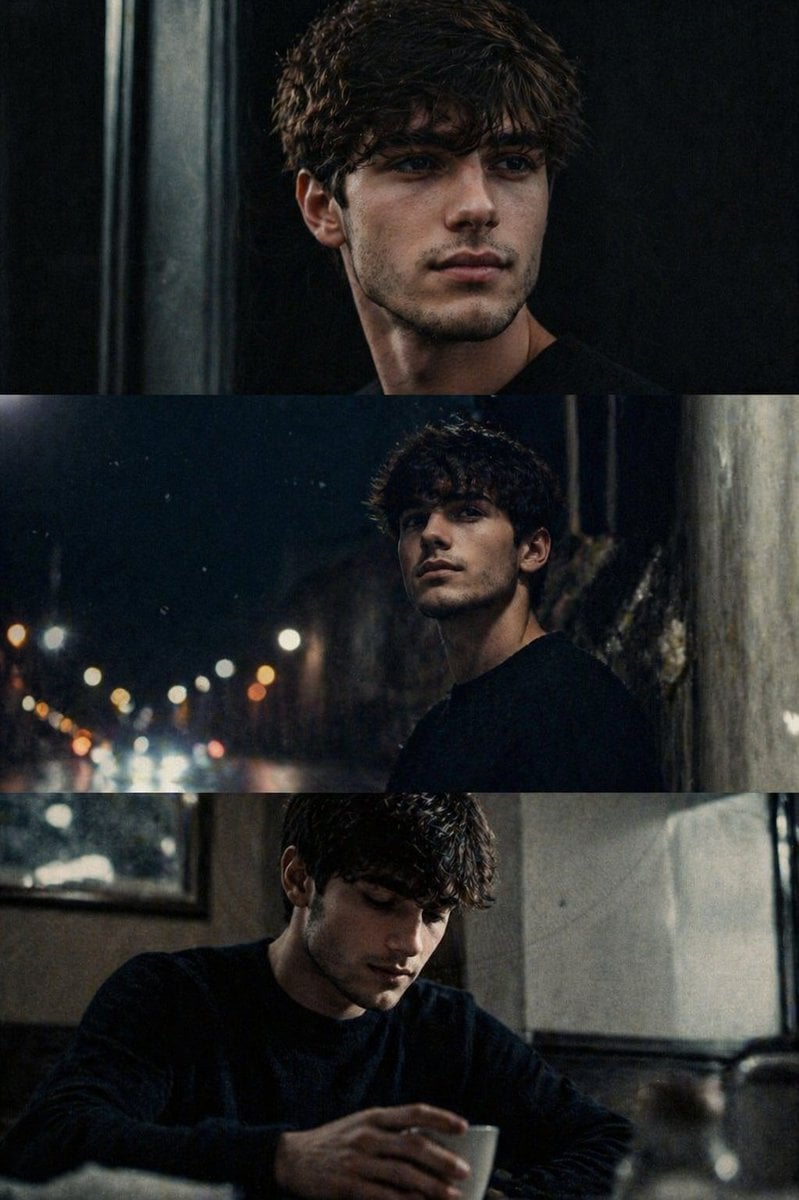
Cinematic film stills transformation prompt
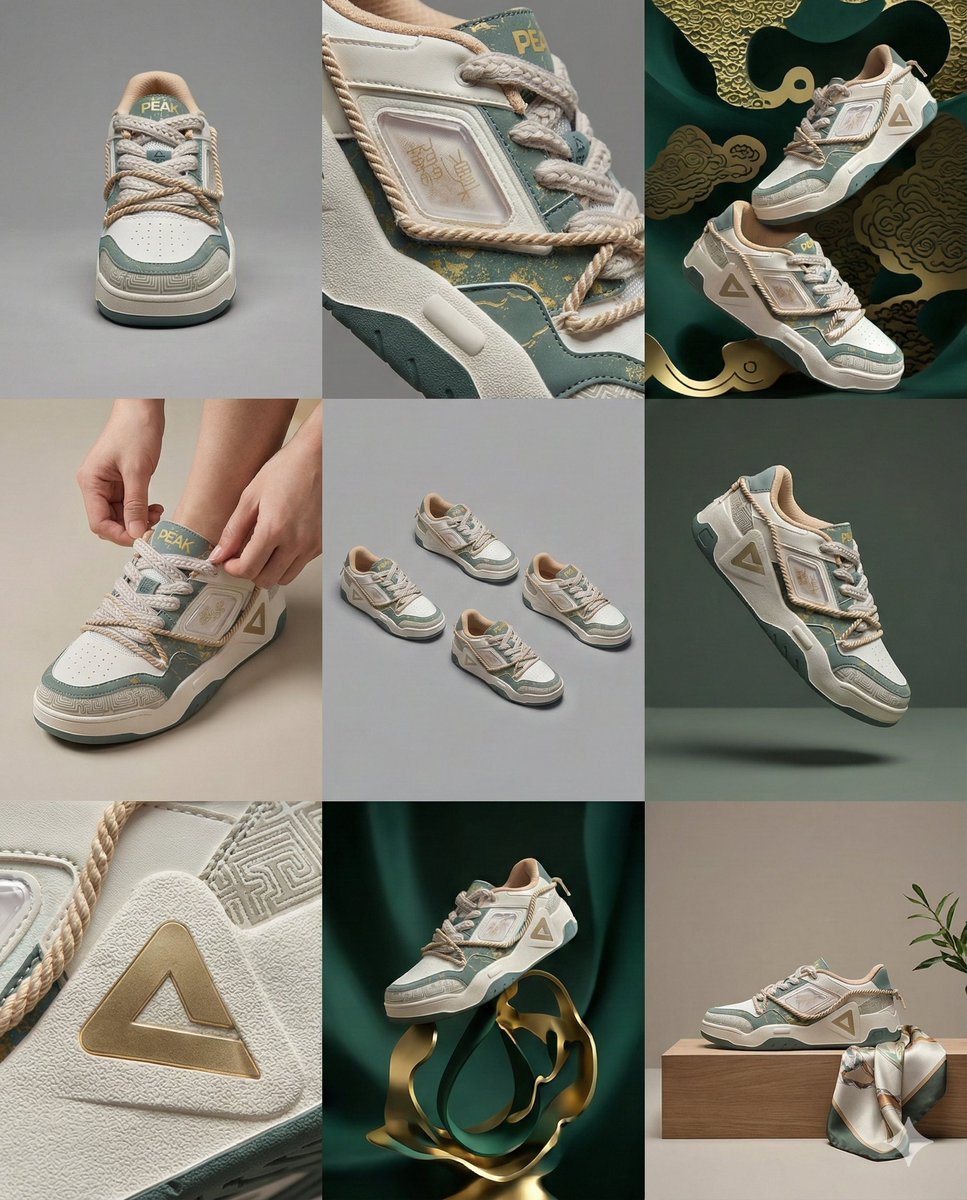
3x3 Visual Storyboard for Product Branding

Pastel Anime Kimono by Lotus Pond
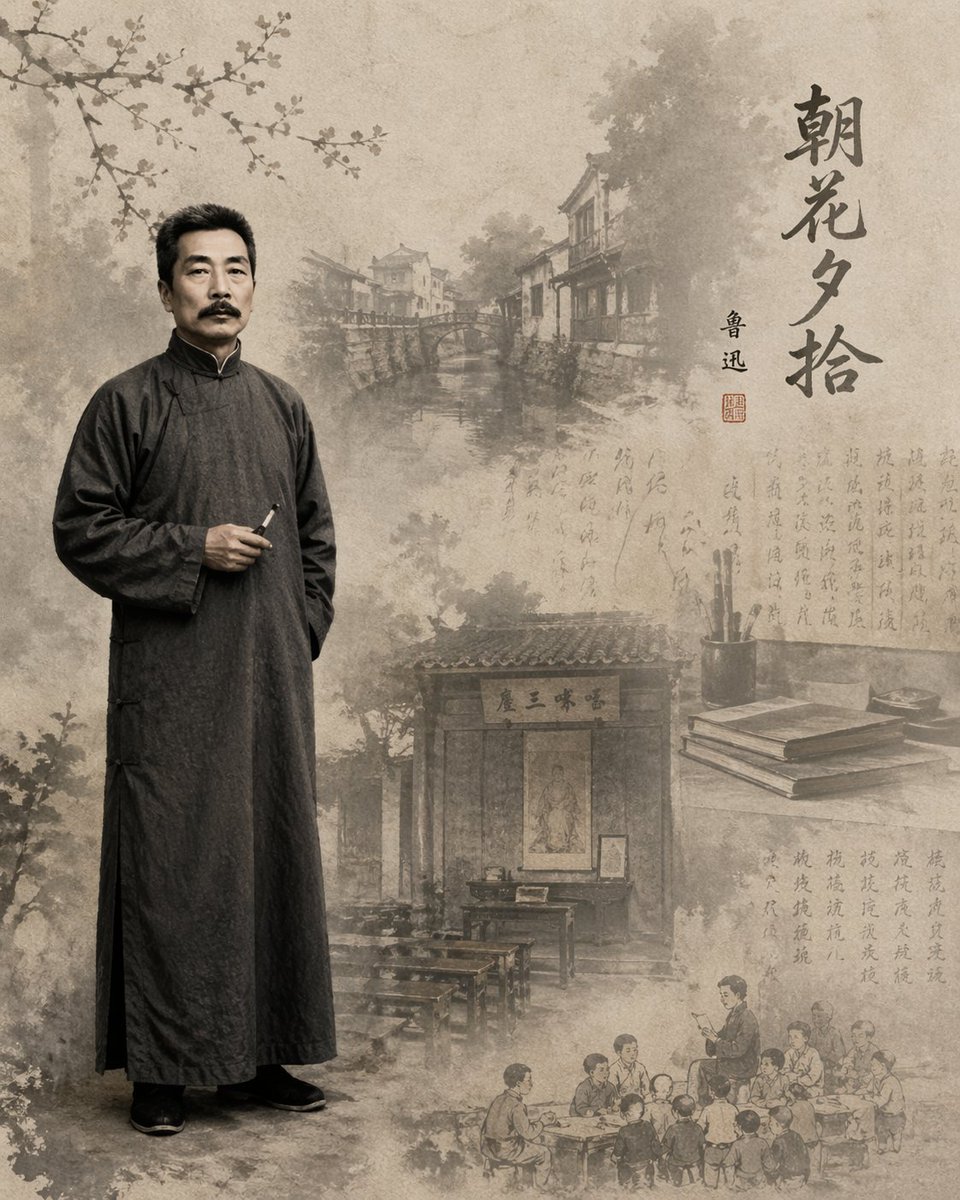
Literary Illustration Portrait
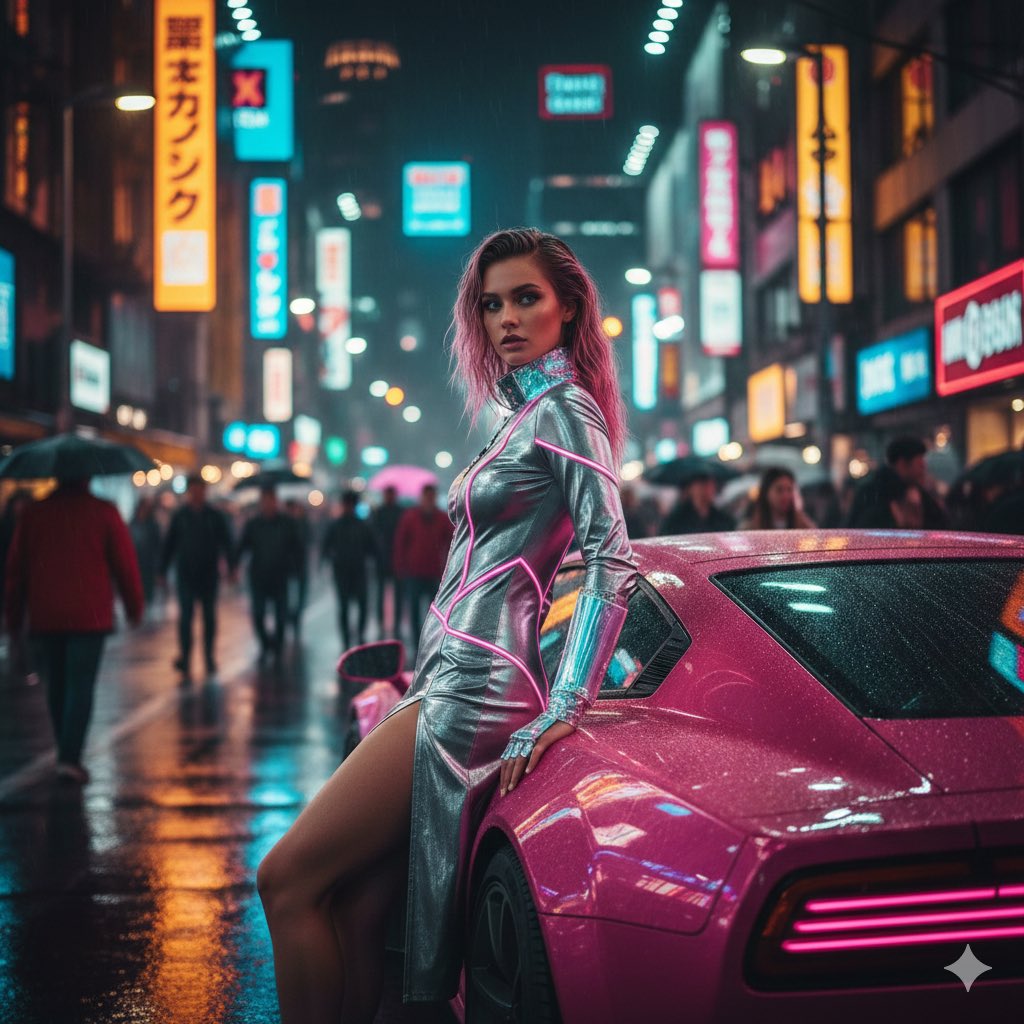
Cyberpunk Neon Fashion Editorial Prompt (9:16 Vertical)
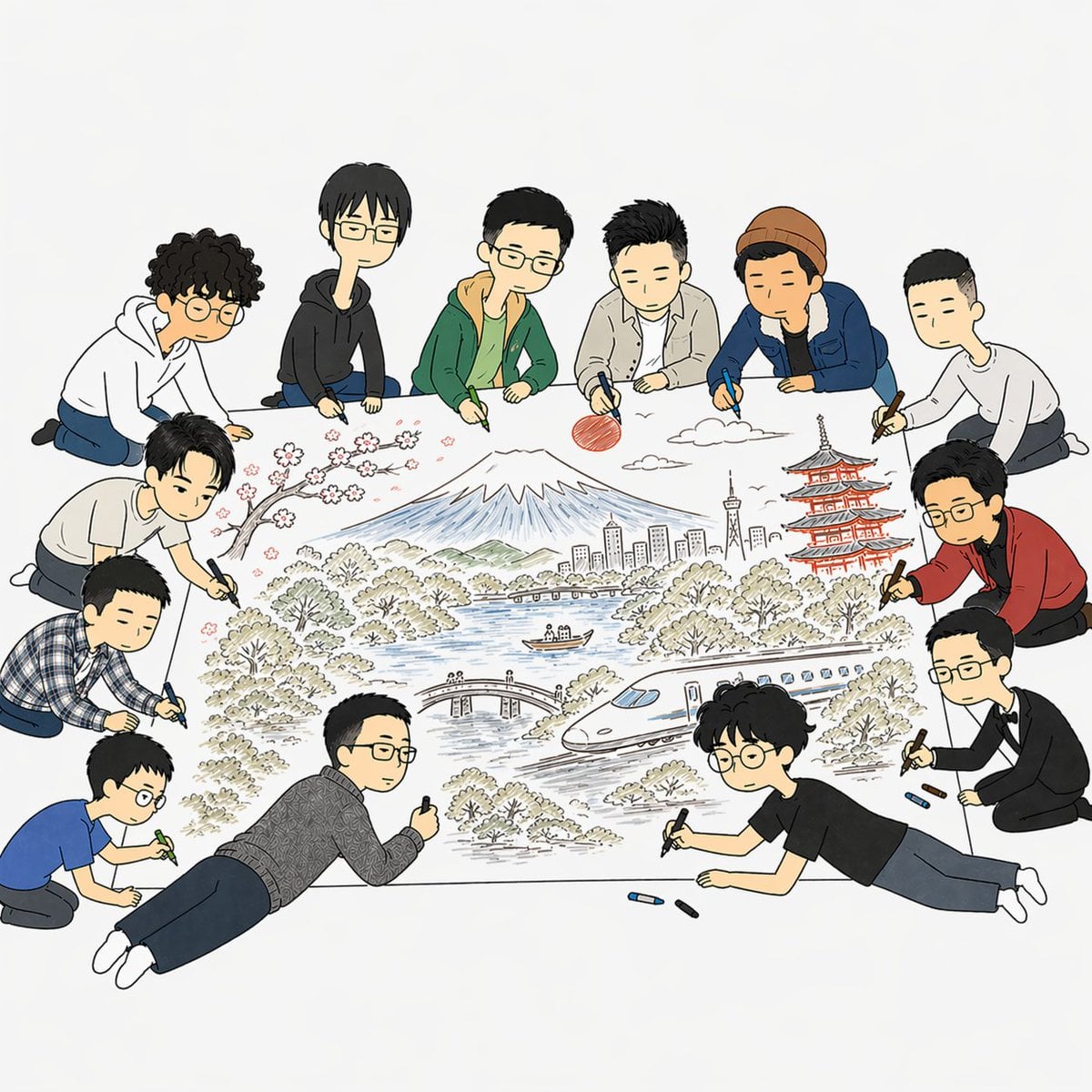
Team Drawing Japan Illustration

Minimalist Typography Travel Poster
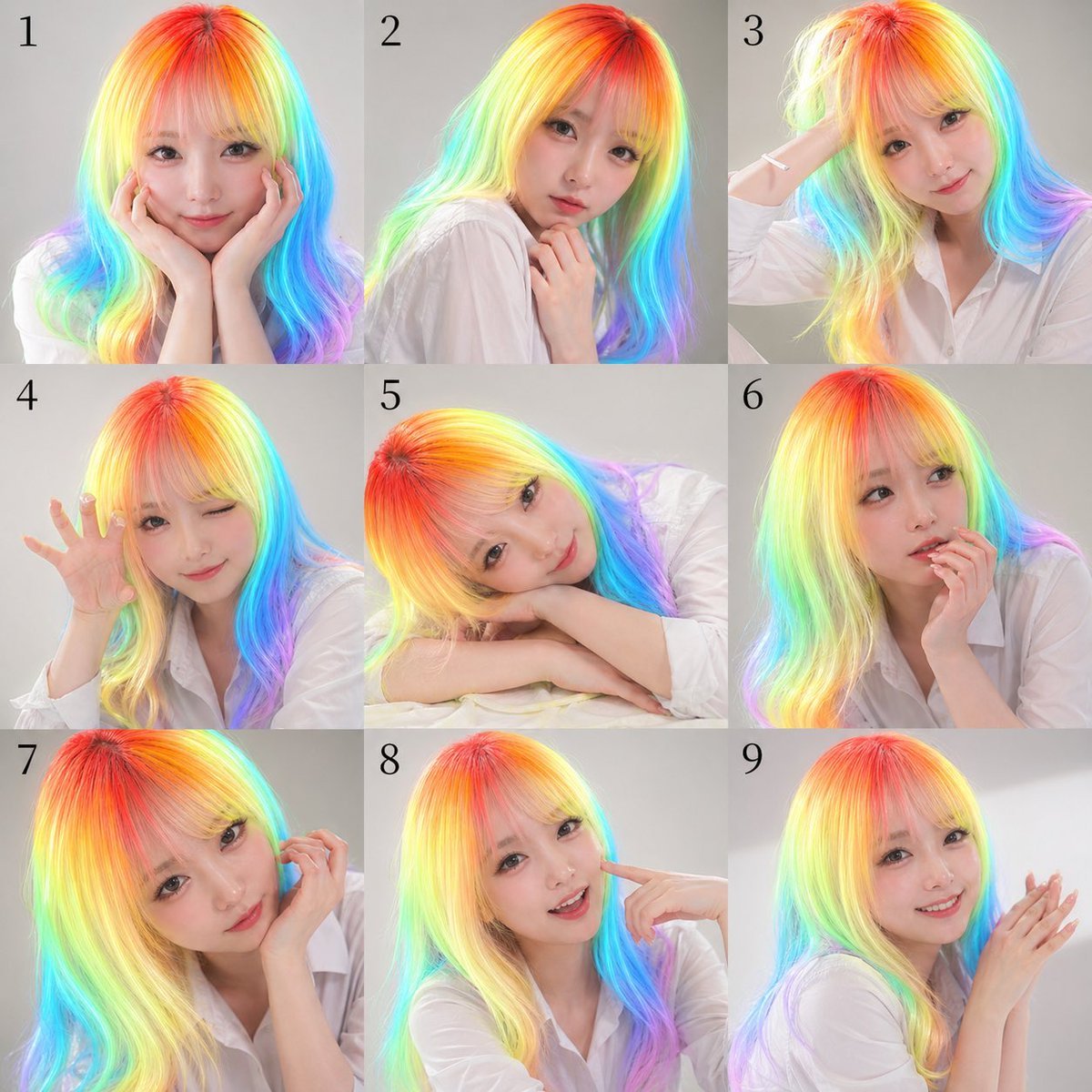
Nine-Panel Rainbow Hair Portrait Sheet
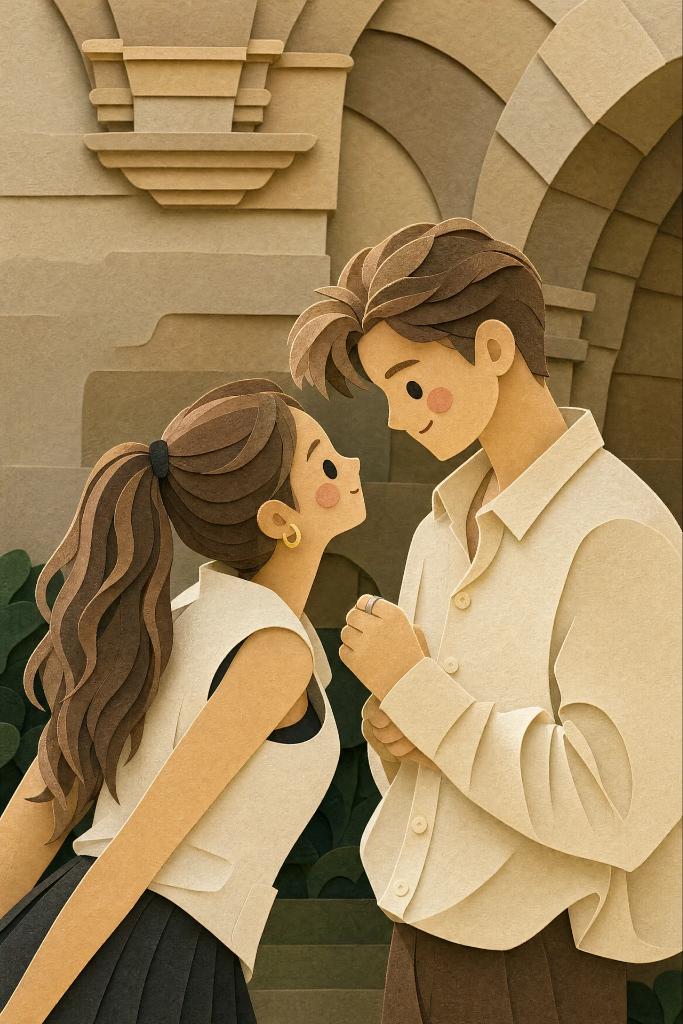
Layered Paper-Cut Style Illustration
Browse template categories
Lavender Wall Flower Portrait Prompt questions
How do I use the Lavender Wall Flower Portrait Prompt template?
Add your photo if the template asks for one, edit the prompt if you like — the template's model and format are already selected — and press Generate. Your version opens in PicX Studio.
Can I customize the Lavender Wall Flower Portrait Prompt template?
Yes. You can change the subject, setting, lighting, mood, format, and available model controls before creating your image.
Is the Lavender Wall Flower Portrait Prompt template free?
Opening and editing this template is free. Generating uses credits, shown on the Generate button when you are signed in.
Which AI model should I use?
Start with GPT Image 2, which is the model associated with this template. You can compare another compatible model for a different finish.
Looking for something else? Browse all templates.

Your photo, any look
Thousands of ready templates for every top image and video model, from one credit balance.