
Neo Alice Video Wonderland Anime Poster
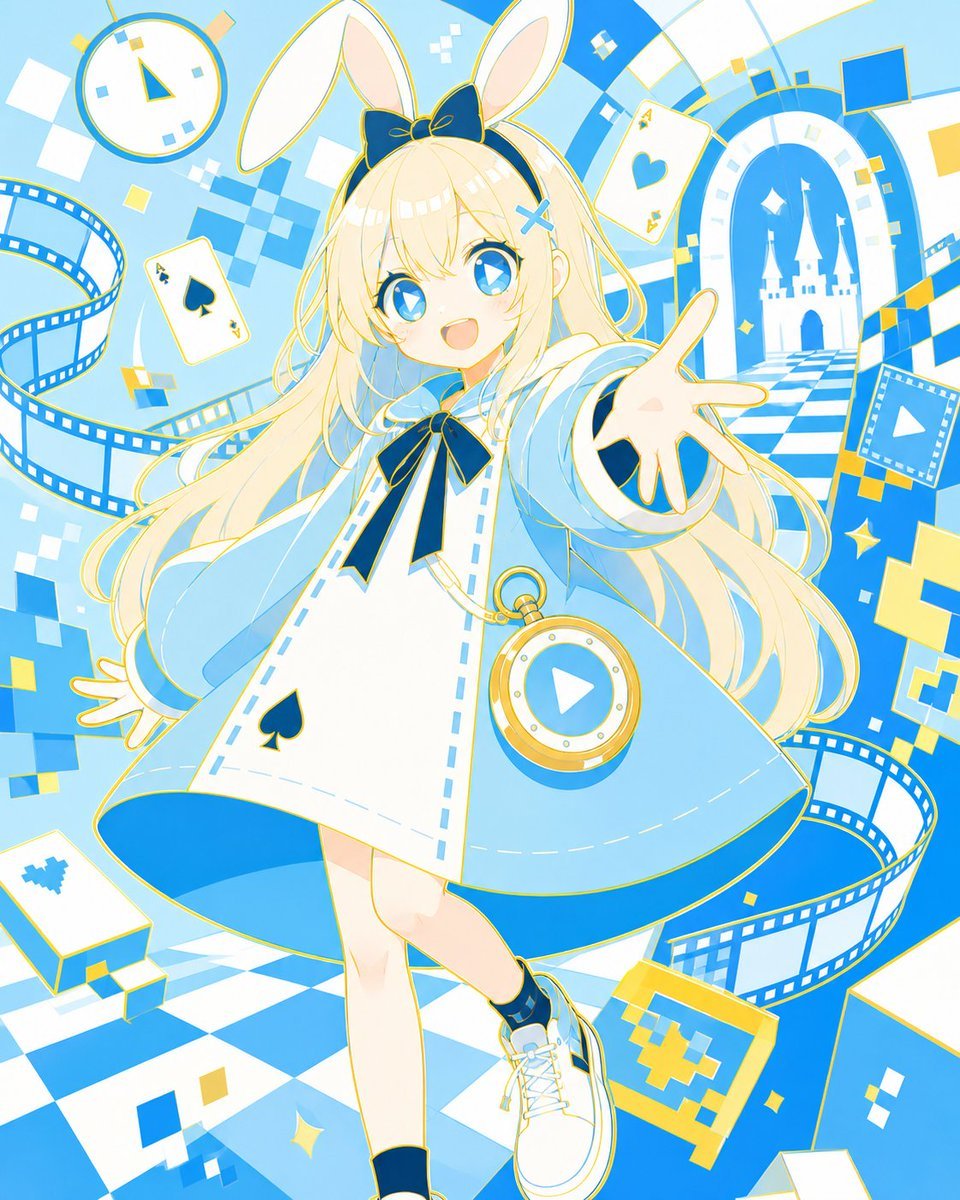
Generates a bright full-body anime poster of a rabbit-eared Alice character in a digital Wonderland setting for character art or social media illustration.
- Prompt included
- Model and format preset
- Free template
The prompt behind this image
Copy the exact prompt behind Neo Alice Video Wonderland Anime Poster, or open it in the studio and make it yours.
Create a vibrant full-body anime character illustration of {argument name="character name" default="Neo Alice"}, a cheerful Alice-in-wonderland-inspired video-world girl in a bright cyan, white, and gold palette. She is a young blonde girl with very long flowing hair, sparkling blue eyes with star highlights, a wide open smile, a large navy bow on her head, tall white rabbit ears, and a small blue X hair clip. She reaches one hand toward the viewer in an inviting pose while stepping forward, wearing a white dress with pale blue trim, a black spade emblem on the skirt, a pale blue flared cape-like coat, dark navy ribbon bow at the collar, navy cuffs, white lace-up sneakers, and a gold pocket-watch pendant containing a blue play-button icon. Surround her with a whimsical digital Wonderland background: count 3 visible playing cards, including an ace of spades on the left, an ace of hearts near the upper right, and a card with a blue pixel/tree symbol near the lower left; count 1 large round clock at the upper left; count 3 curling blue film strips winding around the scene; count 1 arched portal on the right showing a white castle silhouette and checkerboard path; count many floating square pixels and sparkle shapes in blue, white, and yellow. The floor is a dynamic blue-and-white checkerboard perspective, with abstract video-frame motifs, pixel blocks, and geometric shapes. Use clean glossy anime line art, soft cel shading, energetic composition, high-key lighting, crisp details, playful magical atmosphere, and a vertical poster format with the character centered and slightly tilted for motion. Use dominant colors {argument name="main color palette" default="sky blue, white, navy, and gold"}, with the mood {argument name="mood" default="bright, whimsical, and energetic"}.
How to use Neo Alice Video Wonderland Anime Poster in 3 steps
- 1Upload ImagePNG, JPG or paste
Add your photo
Upload the photo the template builds on. The prompt, model and format are already set.
- 2…a portrait of your subject in softgolden-hour light, 85mm…
Personalize
Edit the subject and creative details for your destination.
- 3Generate
Generate
Press Generate — your image is created in PicX Studio, so you can compare it with the original and refine one variable at a time.
More like this
Templates with the same subject, style or setup. Open one to see its prompt.

Captain Tsubasa Anime World Cup Poster
Anime Alice Wonderland Tea Party

Gpt2 Youtube Thumbnail Anime Music Bootcamp Promo Poster
Neo-Noir Typographic Avatar Poster

Japan Travel Brochure Poster
Panicked Alice in Wonderland Chase
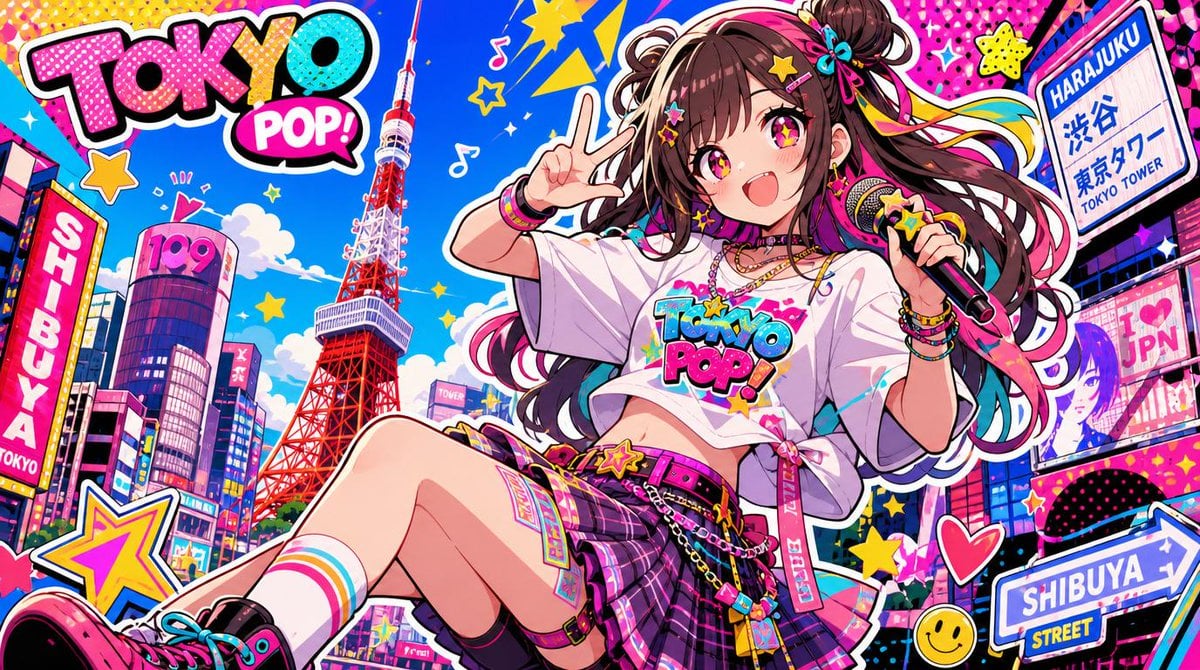
Neo Pop Tokyo Idol Poster

Nice Day Anime Poster
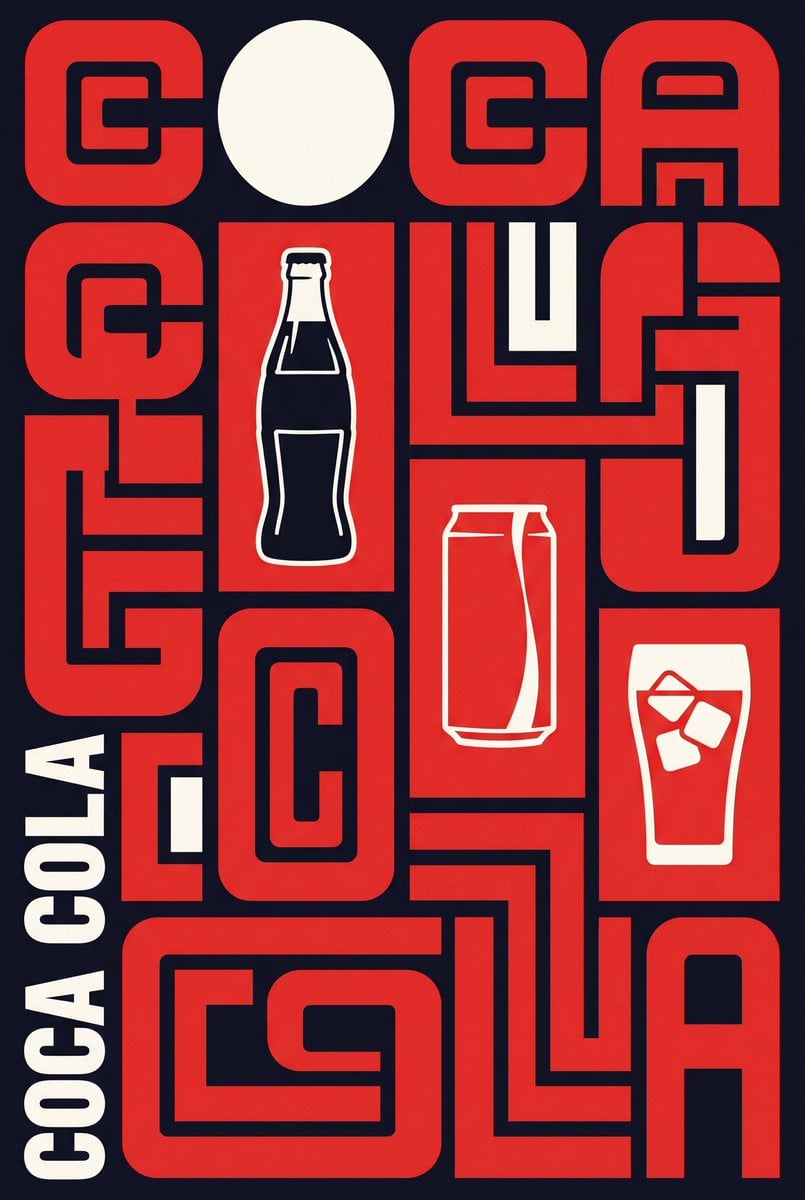
Neo-Constructivist Typographic Brand Poster
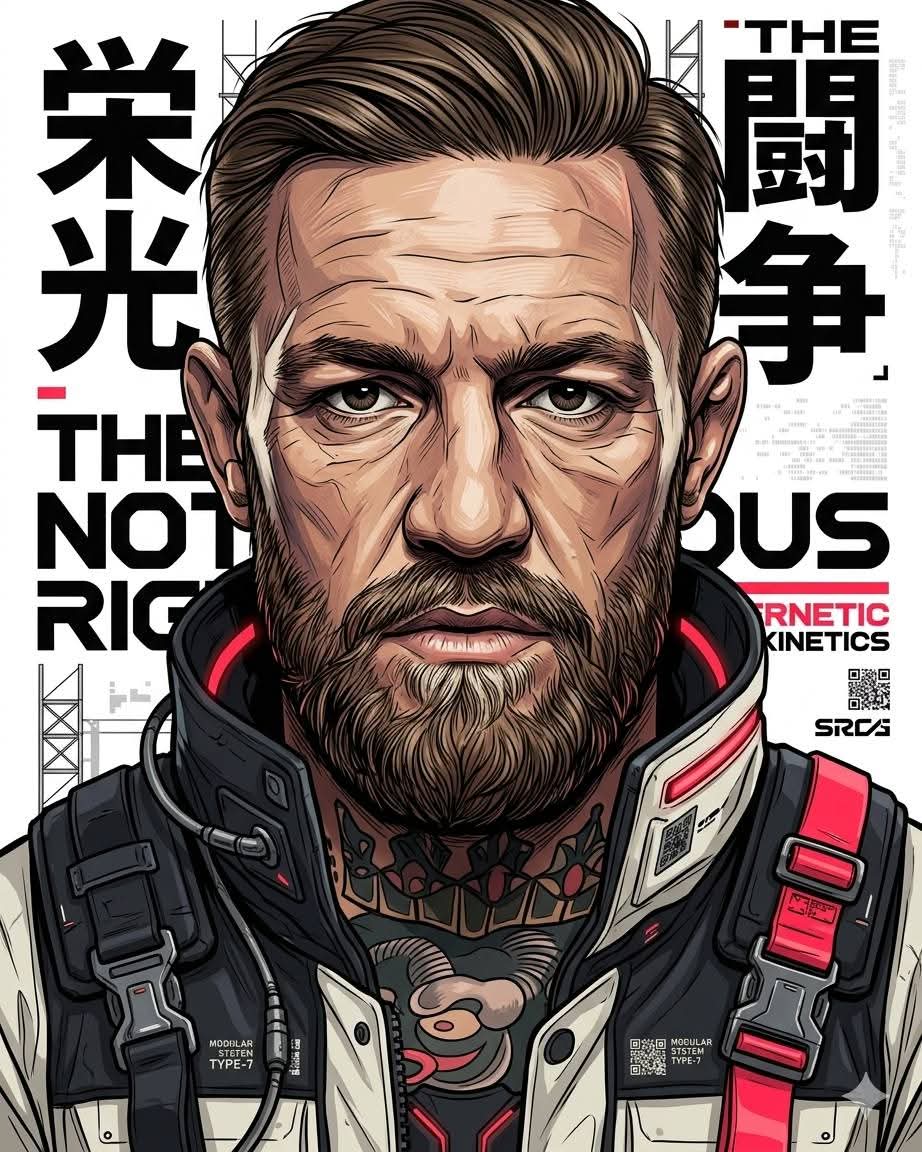
Futuristic Neo-Illustration Poster

Cel 2D Finale Fireworks

Cel 2D Garden Maze
Make it yours
Neo Alice Video Wonderland Anime Poster works as-is. These are the safest ways to change it without losing the look.
Change one field
Copy a single group, rewrite it, and generate again so you can see what that field is doing.
Keep the frame, change the subject
Hold the composition and light of Neo Alice Video Wonderland Anime Poster, then swap wardrobe, props or the person for a new take.
| If the result… | Why | Fix |
|---|---|---|
| The result drifts from the preview | Too many fields changed at once. | Reuse Neo Alice Video Wonderland Anime Poster as-is first, then change one group — subject, light, or setting. |
| The model over-stylizes the scene | The prose prompt leaves finish and camera underspecified. | Add one camera or lighting sentence and stay on GPT Image 2. |
More GPT Image 2 templates
Other prompts made for GPT Image 2.

Six VTuber Japanese Logo Sheet

Realistic Portrait of Woman and Deer

The Vista Modular Condo Poster

AI Model Routing Comparison Infographic

2.5D Anime Art Board

Isometric Productivity Desk Scene

New York Double Exposure Poster

Four-Panel AI Landscape Comparison

Japanese Tatami Lifestyle Magazine Cover

NESCAFÉ Coffee Map Poster
More image prompts
Fresh picks from across the catalog.
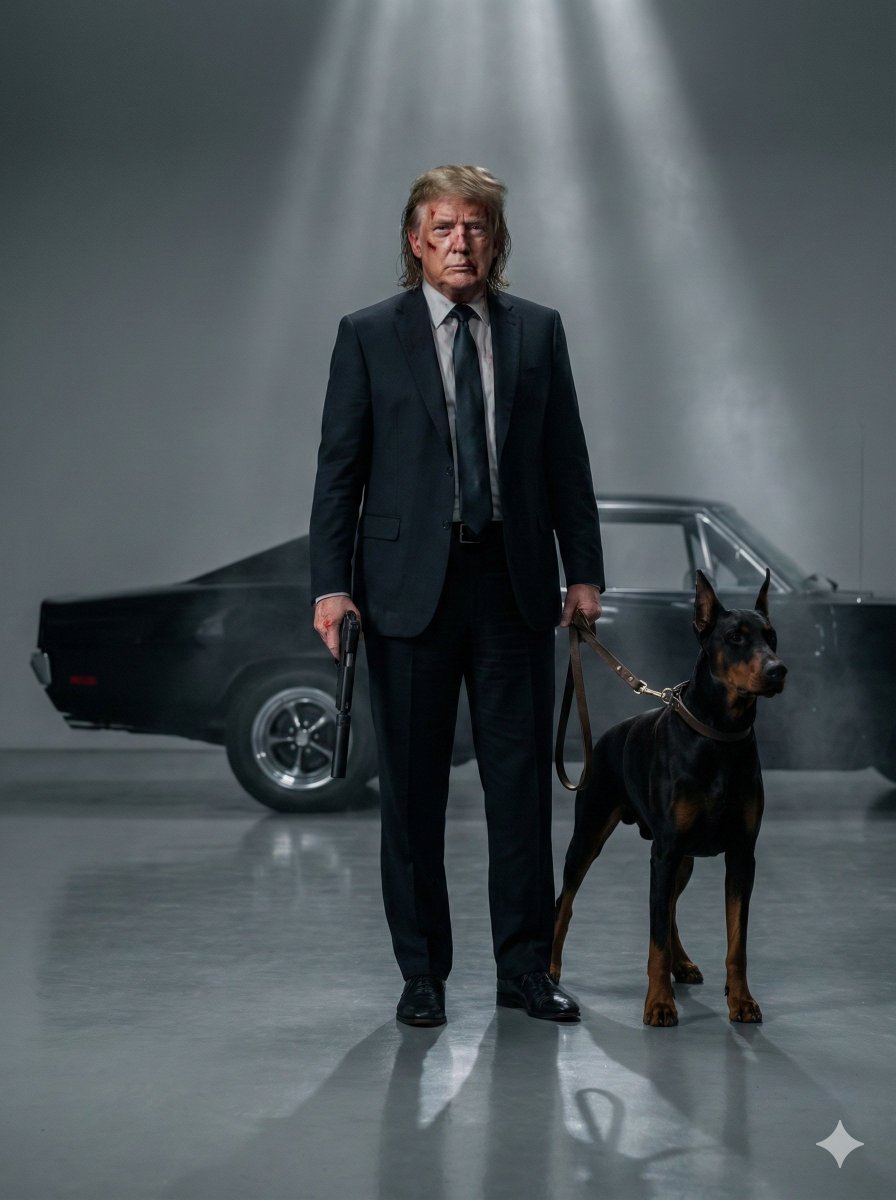
Neo-Noir Hitman Film Still
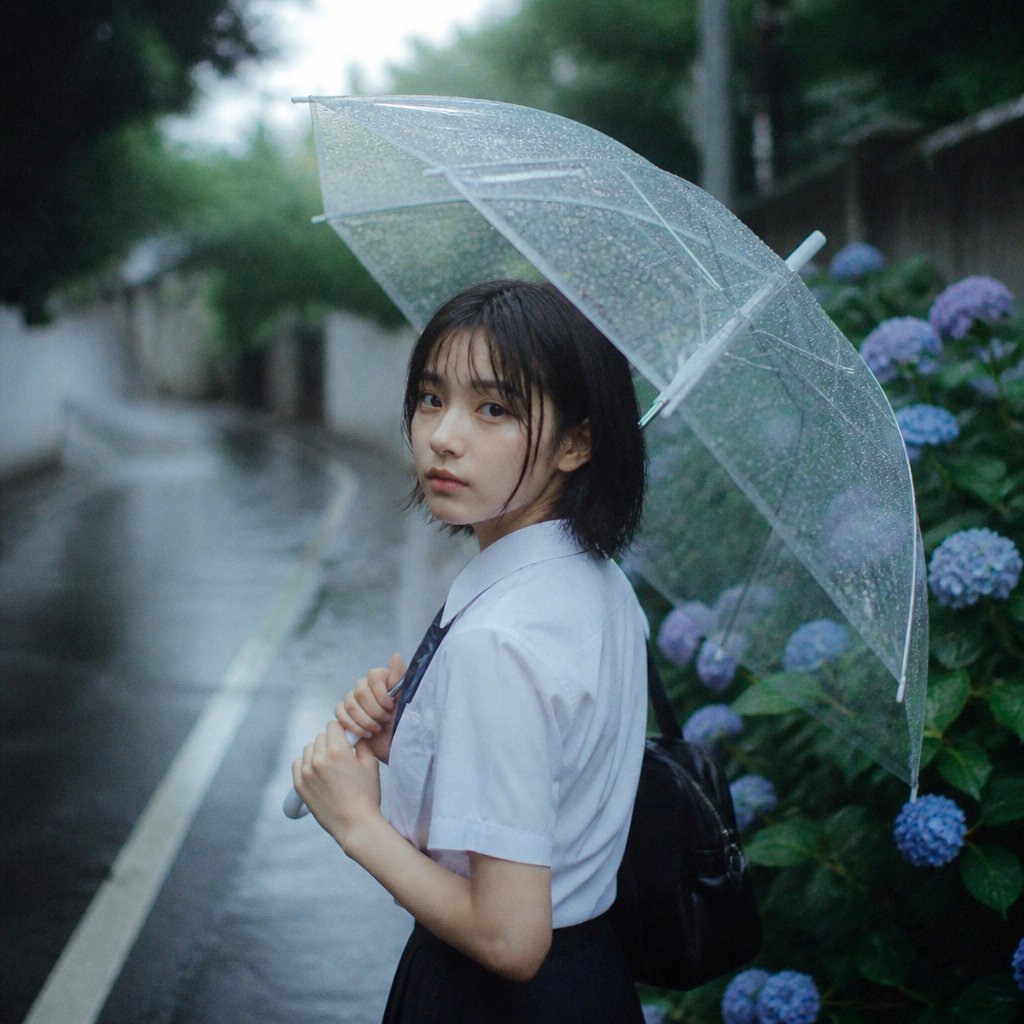
Rainy Schoolgirl With Transparent Umbrella
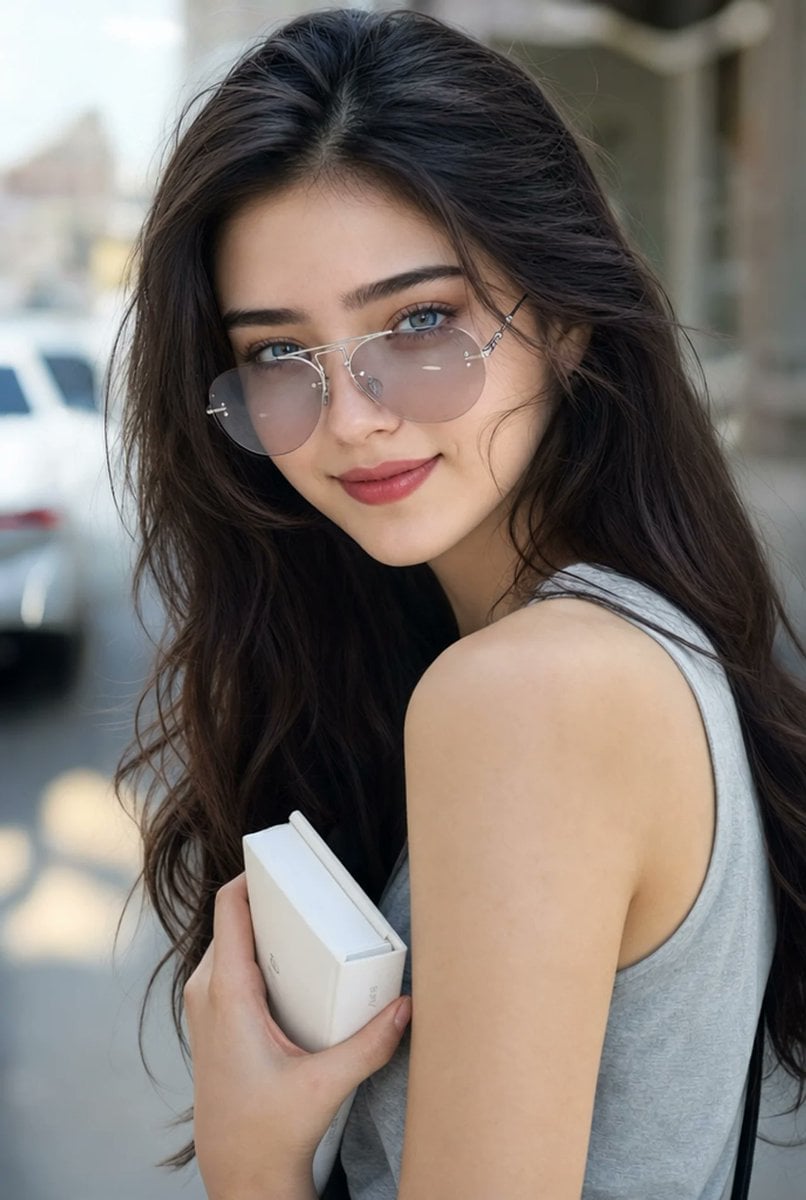
Hyperrealistic Aviator Portrait
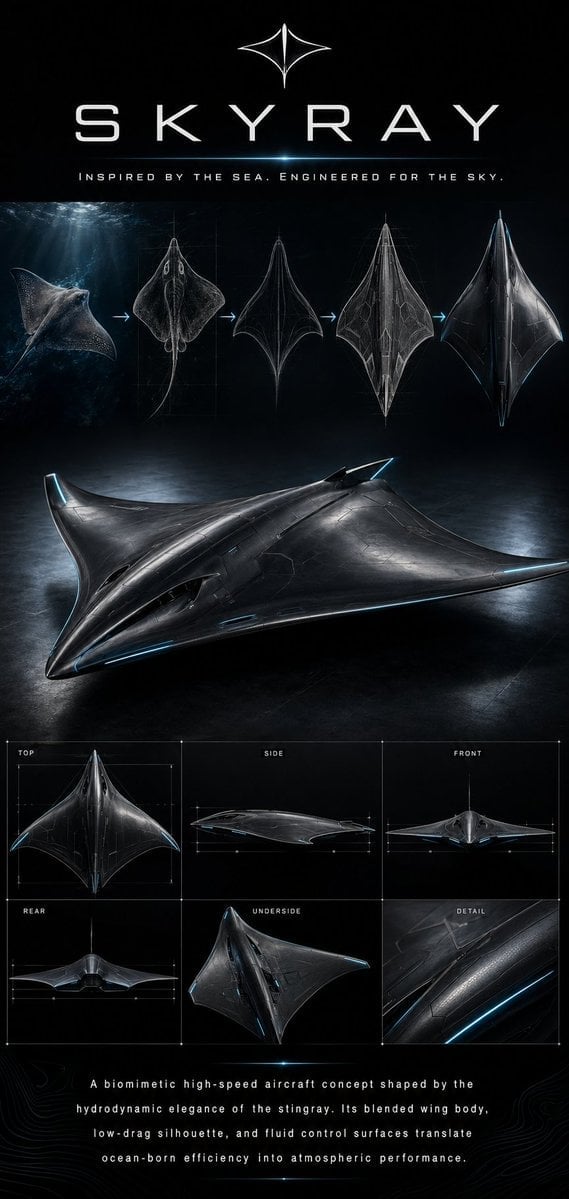
Biomimetic Skyray Aircraft Poster
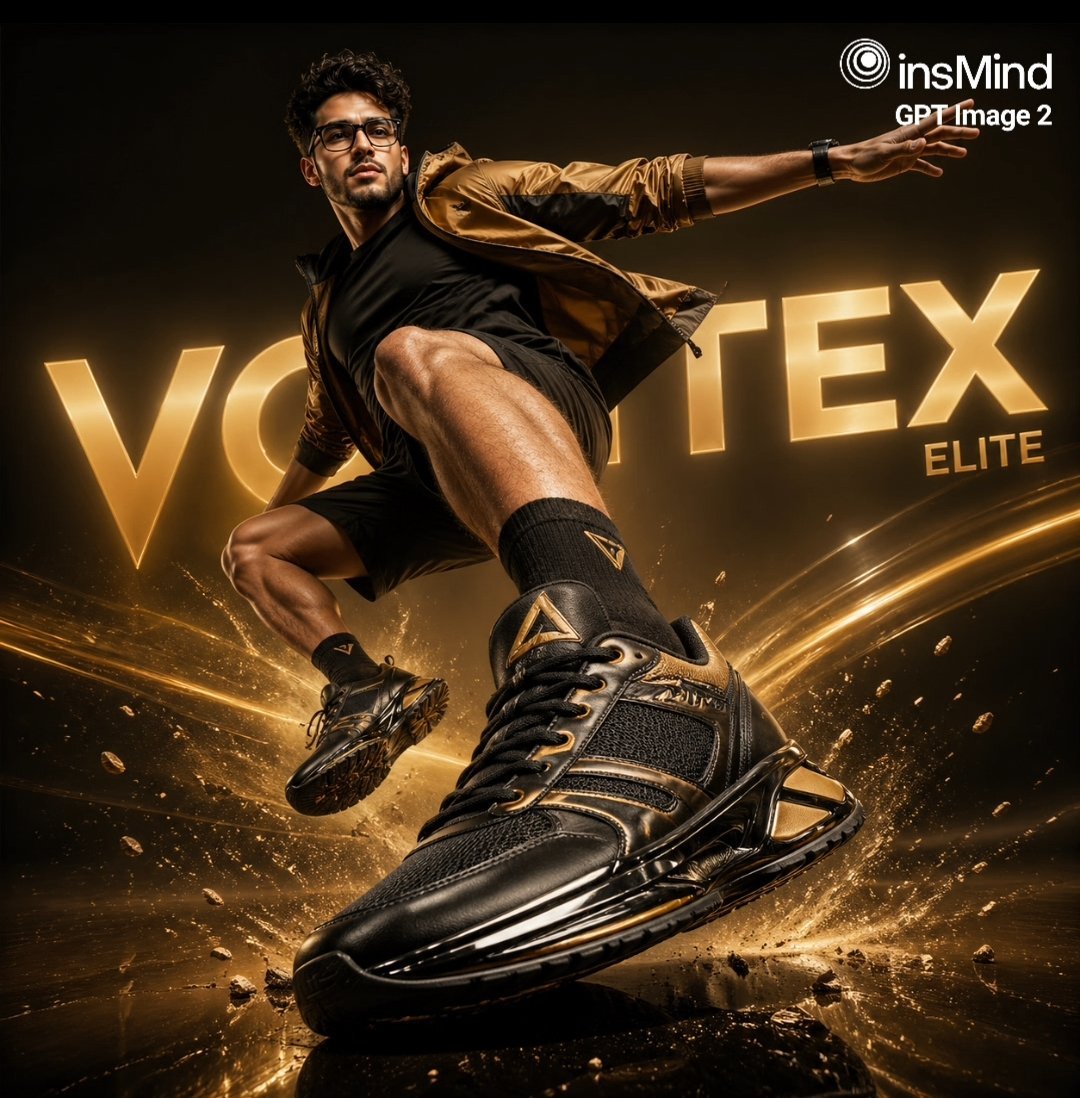
Luxury Black and Gold Sneaker Ad
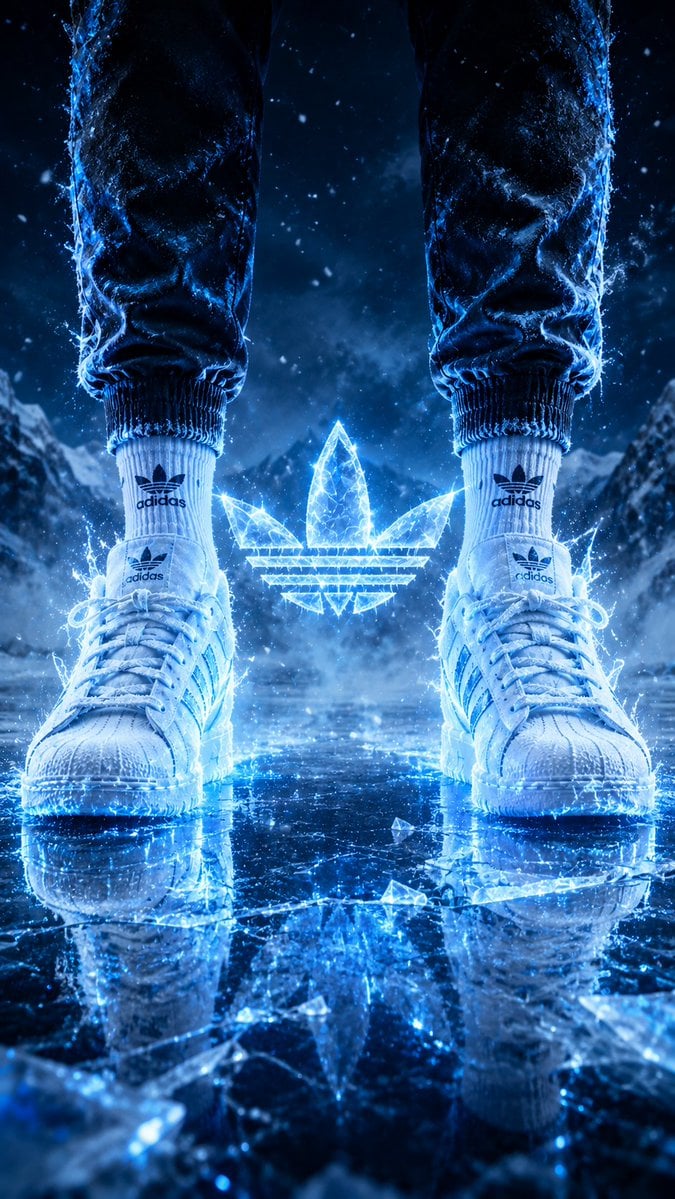
Hyper-Realistic Fire Sneaker Advertisement
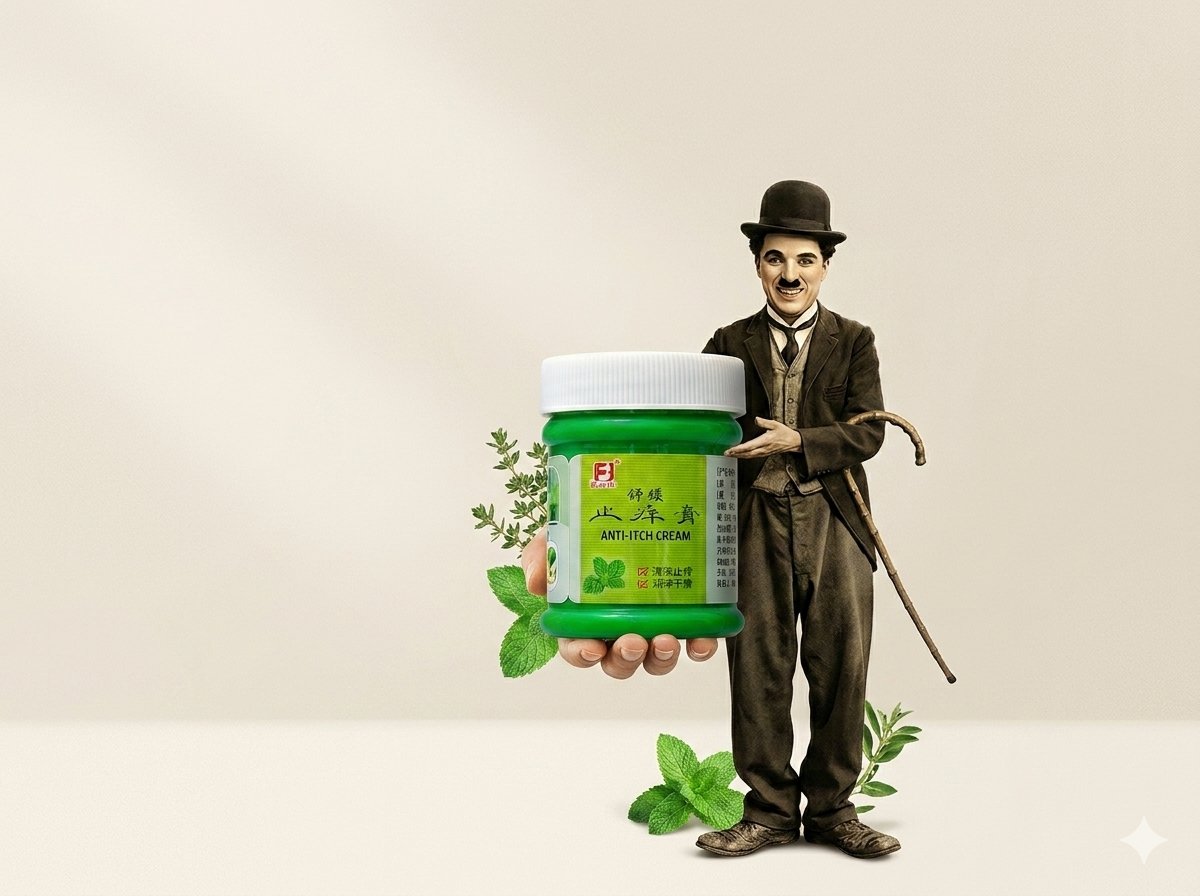
Minimal Anti-Itch Cream Poster
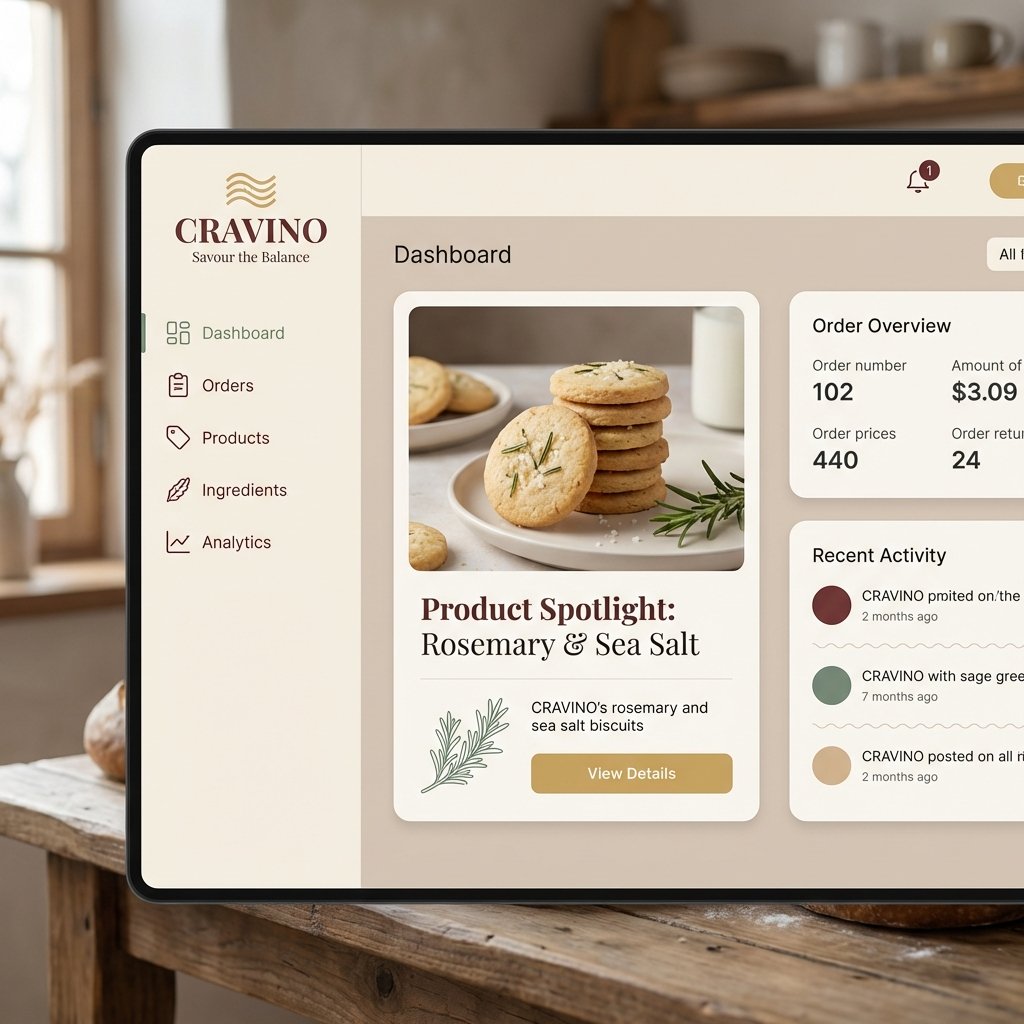
Atmospheric Product Interface Visual Prompt for SaaS UI
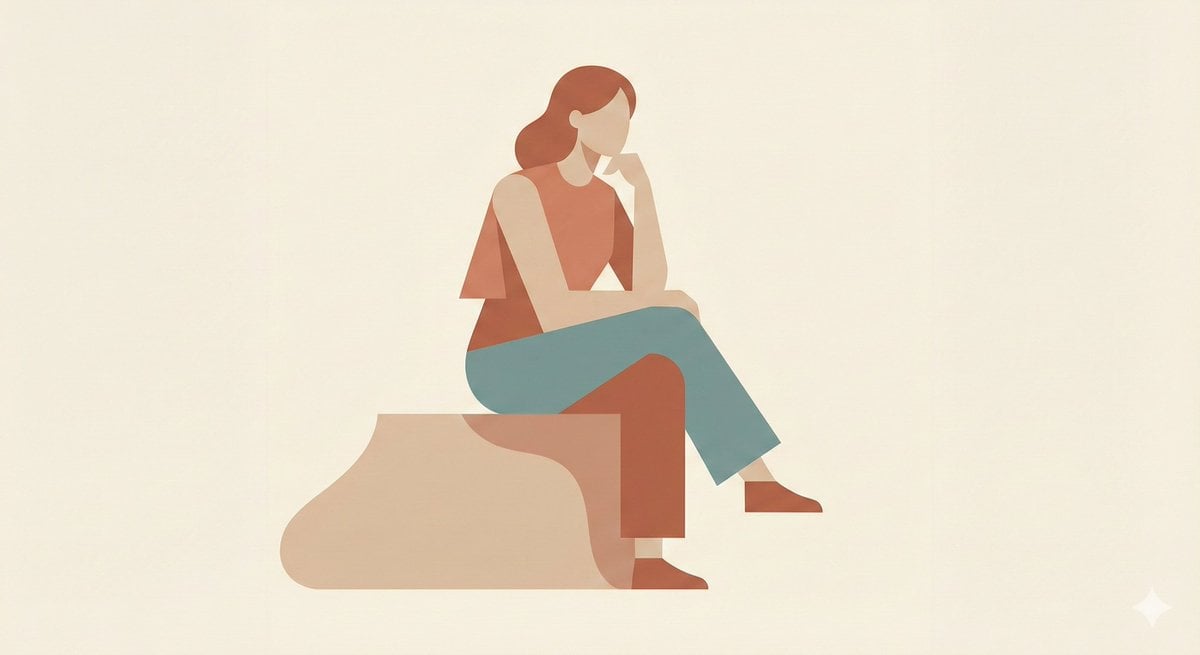
Minimalist Single-Pose Character Illustration Prompt
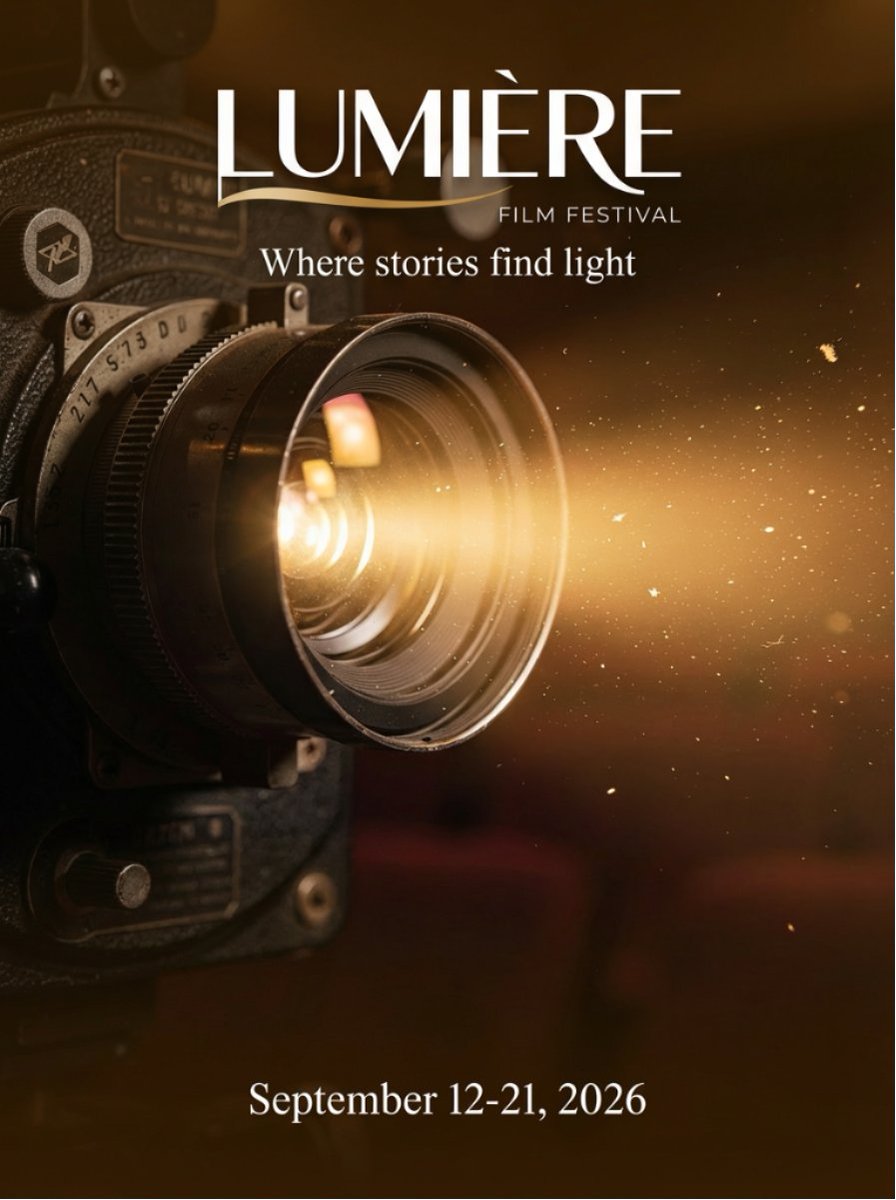
Film Festival Poster Generation
Browse template categories
Neo Alice Video Wonderland Anime Poster questions
How do I use the Neo Alice Video Wonderland Anime Poster template?
Add your photo if the template asks for one, edit the prompt if you like — the template's model and format are already selected — and press Generate. Your version opens in PicX Studio.
Can I customize the Neo Alice Video Wonderland Anime Poster template?
Yes. You can change the subject, setting, lighting, mood, format, and available model controls before creating your image.
Is the Neo Alice Video Wonderland Anime Poster template free?
Opening and editing this template is free. Generating uses credits, shown on the Generate button when you are signed in.
Which AI model should I use?
Start with GPT Image 2, which is the model associated with this template. You can compare another compatible model for a different finish.
Looking for something else? Browse all templates.

Your photo, any look
Thousands of ready templates for every top image and video model, from one credit balance.