
Neo Pop Tokyo Idol Poster
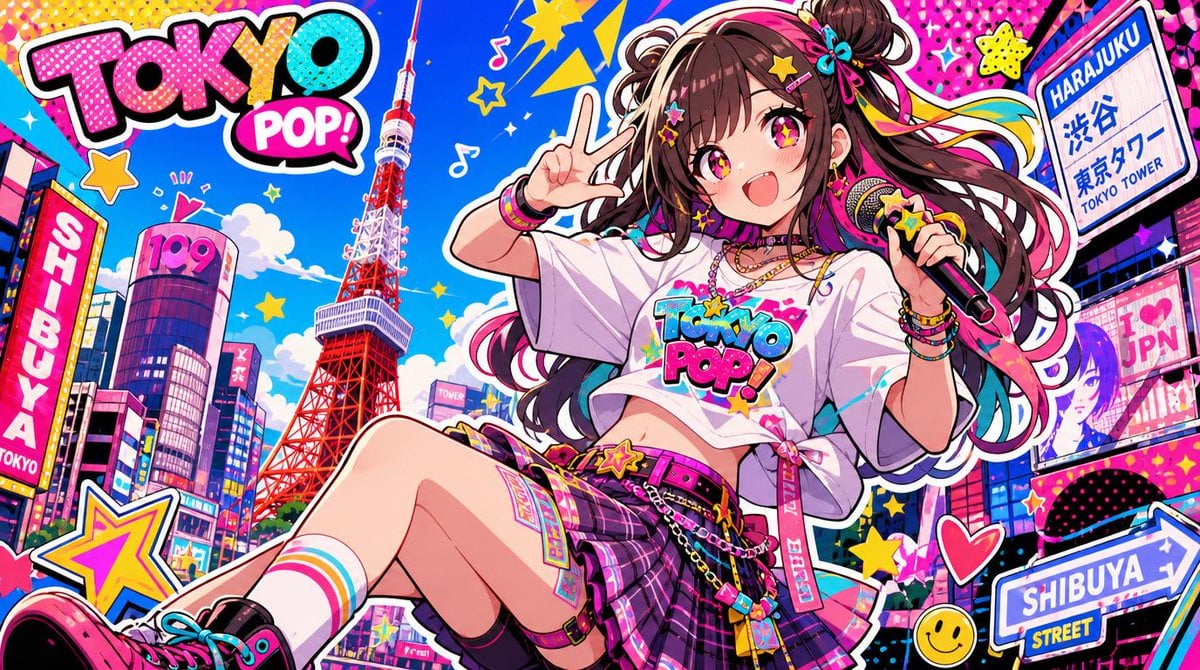
A wide retro-pop anime poster of a cheerful idol in a neon Tokyo cityscape with Tokyo Tower, Shibuya and Harajuku signage.
- Prompt included
- Model and format preset
- Premium template
The prompt behind this image
Copy the exact prompt behind Neo Pop Tokyo Idol Poster, or open it in the studio and make it yours.
Create a wide horizontal 16:9 neo-pop anime illustration of {argument name="character name" default="a cheerful Tokyo pop idol girl"} in a hyper-saturated retro-pop Tokyo street scene. The composition is a dynamic poster-like collage with thick white sticker outlines, bold black comic outlines, halftone dot textures, star stickers, hearts, music notes, lightning shapes, and glossy neon colors. In the center-right foreground, show the girl sitting diagonally with one leg extended toward the viewer, smiling with an open mouth and sparkling pink-yellow starry eyes; she has long dark brown twin-tail hair with colorful ribbons, bows, star hair clips, bracelets, choker, layered necklaces, and a handheld microphone decorated with a star. Her pose is energetic: one hand holds the microphone near her shoulder and the other makes a peace sign beside her face. Her outfit is a cropped oversized white T-shirt printed with {argument name="shirt logo text" default="TOKYO POP!"}, a purple-pink plaid pleated mini skirt with belts, chains, charms, straps, colorful socks, and chunky pink-black sneakers. The background is a dense futuristic Shibuya/Harajuku cityscape under a vivid blue sky with Tokyo Tower prominently rising slightly left of center instead of Tokyo Skytree, surrounded by colorful high-rise buildings and billboard screens. Include exactly 7 prominent readable text elements: 1) a giant graffiti bubble logo in the upper left reading {argument name="main logo text" default="TOKYO POP"}, 2) the same logo on the T-shirt reading "TOKYO POP!", 3) a right-side street sign reading "HARAJUKU" with Japanese text and "TOKYO TOWER", 4) a bottom-right road sign reading "SHIBUYA" and "STREET", 5) a left vertical sign reading "SHIBUYA" and "TOKYO", 6) a rounded building sign reading "109", and 7) a right billboard reading "JPN". Use bright cyan, hot pink, yellow, red, purple, and black with a warm retro-pop mood, crisp anime rendering, highly detailed accessories, exaggerated perspective, and clean high-resolution line art. Avoid photorealism, muted colors, empty areas, or extra major text beyond the listed signs.
How to use Neo Pop Tokyo Idol Poster in 3 steps
- 1Upload ImagePNG, JPG or paste
Add your photo
Upload the photo the template builds on. The prompt, model and format are already set.
- 2…a portrait of your subject in softgolden-hour light, 85mm…
Personalize
Edit the subject and creative details for your destination.
- 3Generate
Generate
Press Generate — your image is created in PicX Studio, so you can compare it with the original and refine one variable at a time.
More like this
Templates with the same subject, style or setup. Open one to see its prompt.

Neon Glitch Cyber Symbiote Music Poster
Victory Aura Superhero Neon Poster
Pop Art Superhero Explosion Poster
Japan Neon Speed City Racing Poster
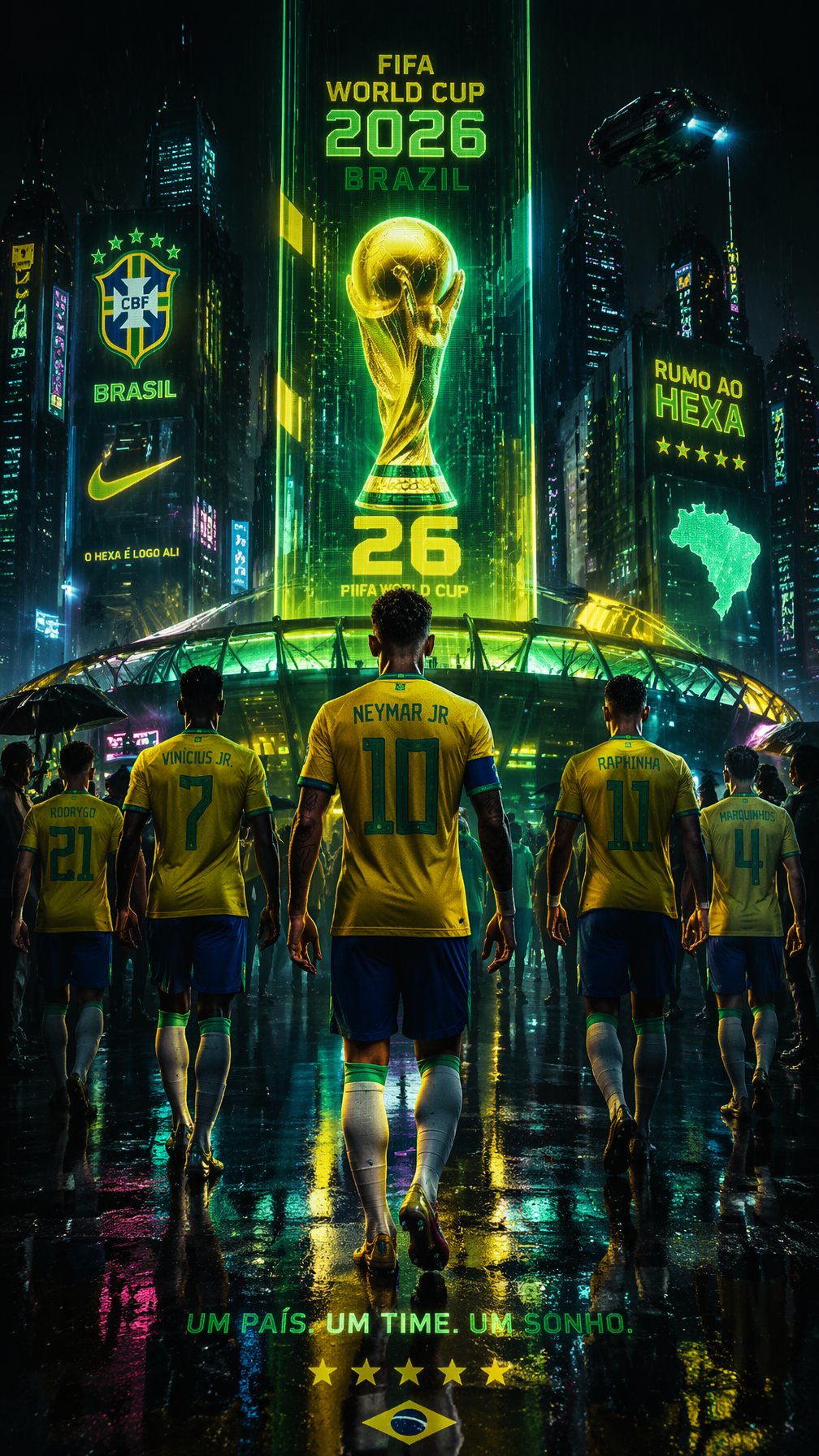
Cyberpunk Neon Brazil World Cup Poster

Neo-Noir Typographic Avatar Poster

Japan Travel Brochure Poster
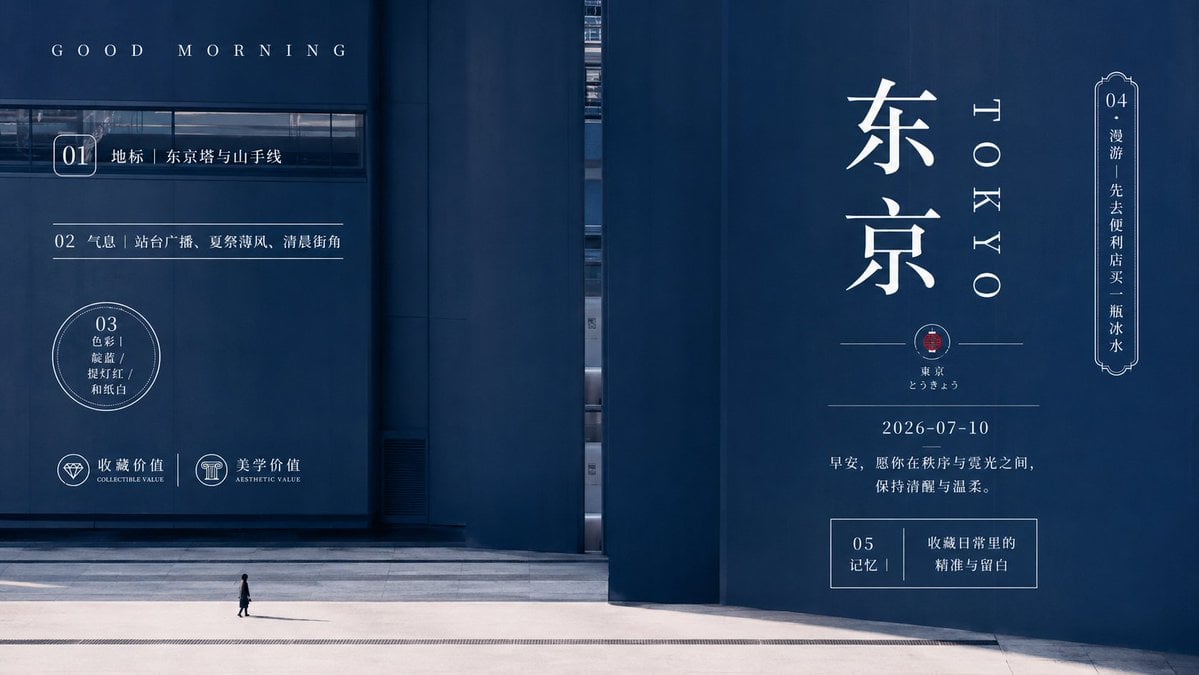
Minimal Tokyo Morning Poster
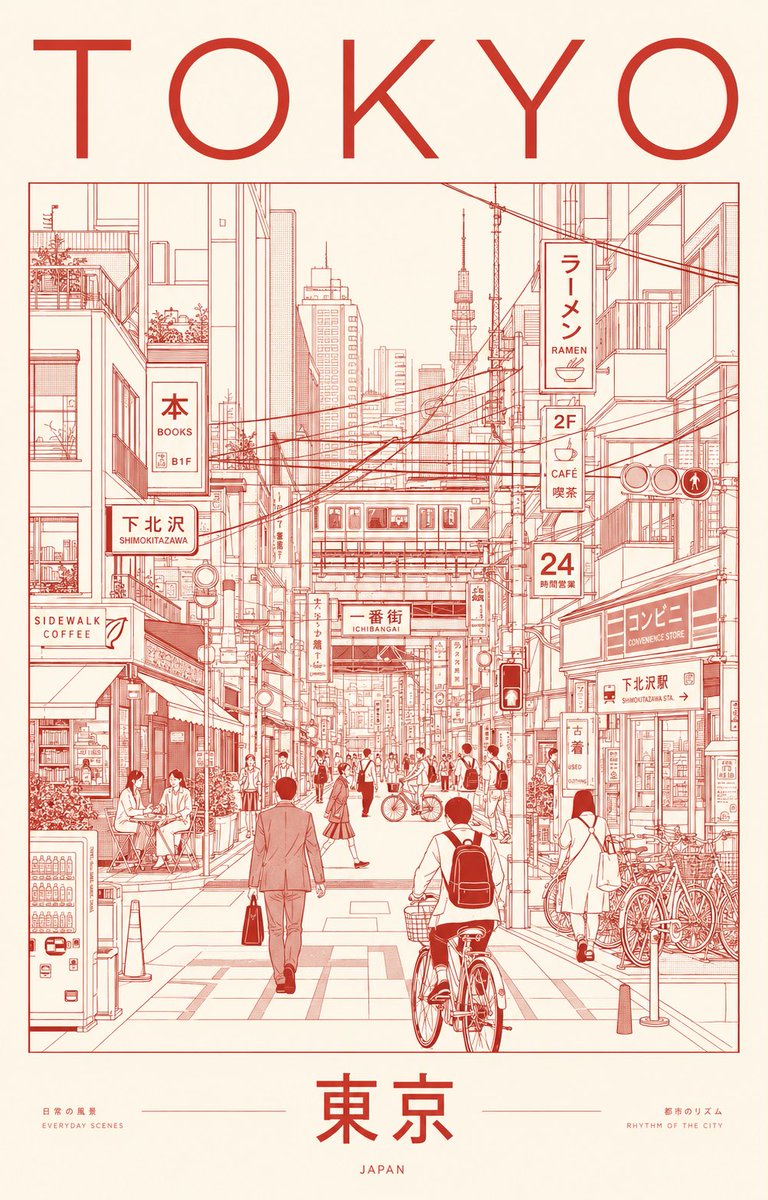
Minimalist Tokyo City Line-Art Poster
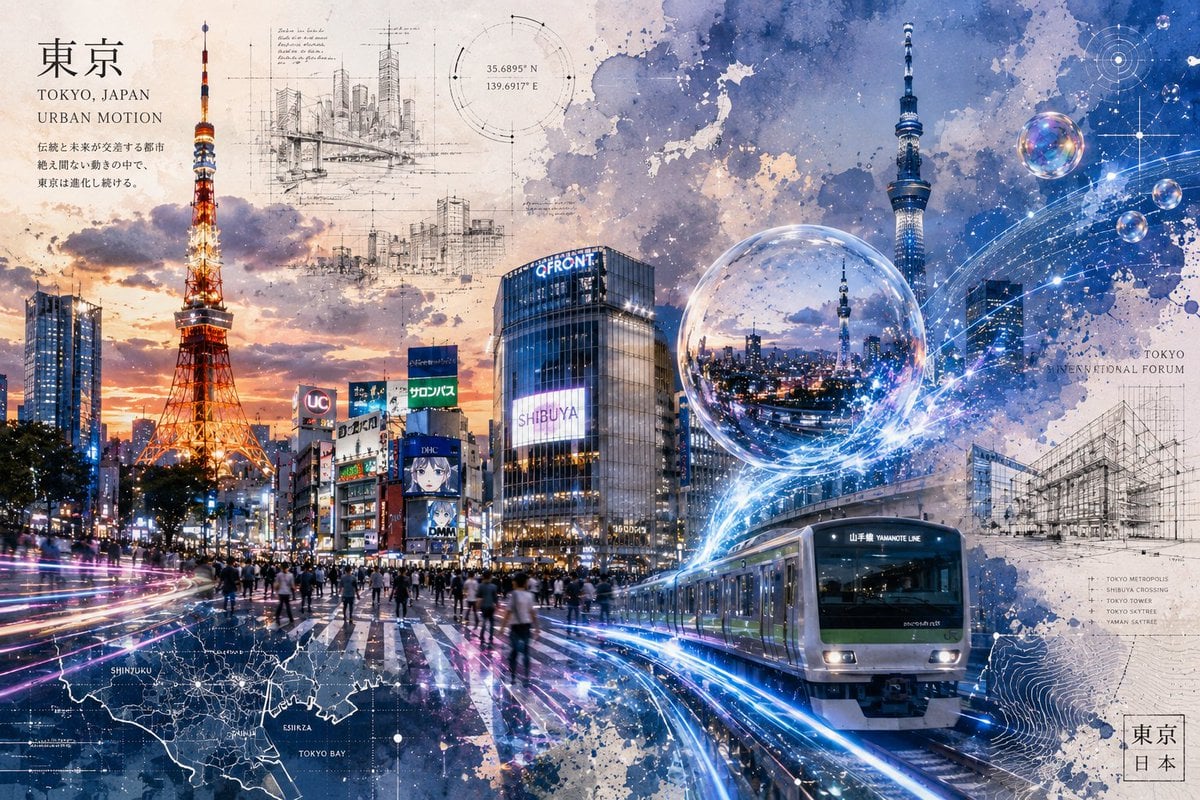
Tokyo Urban Motion Poster

A k.pop idol on the stage with mic

Neo-Constructivist Typographic Brand Poster
Make it yours
Neo Pop Tokyo Idol Poster works as-is. These are the safest ways to change it without losing the look.
Change one field
Copy a single group, rewrite it, and generate again so you can see what that field is doing.
Keep the frame, change the subject
Hold the composition and light of Neo Pop Tokyo Idol Poster, then swap wardrobe, props or the person for a new take.
| If the result… | Why | Fix |
|---|---|---|
| The result drifts from the preview | Too many fields changed at once. | Reuse Neo Pop Tokyo Idol Poster as-is first, then change one group — subject, light, or setting. |
| The model over-stylizes the scene | The prose prompt leaves finish and camera underspecified. | Add one camera or lighting sentence and stay on GPT Image 2. |
More GPT Image 2 templates
Other prompts made for GPT Image 2.

Six VTuber Japanese Logo Sheet

Realistic Portrait of Woman and Deer

The Vista Modular Condo Poster

AI Model Routing Comparison Infographic

2.5D Anime Art Board

Isometric Productivity Desk Scene

New York Double Exposure Poster

Four-Panel AI Landscape Comparison

Japanese Tatami Lifestyle Magazine Cover

NESCAFÉ Coffee Map Poster
More image prompts
Fresh picks from across the catalog.
Seedance - Romantic Comedy Scene
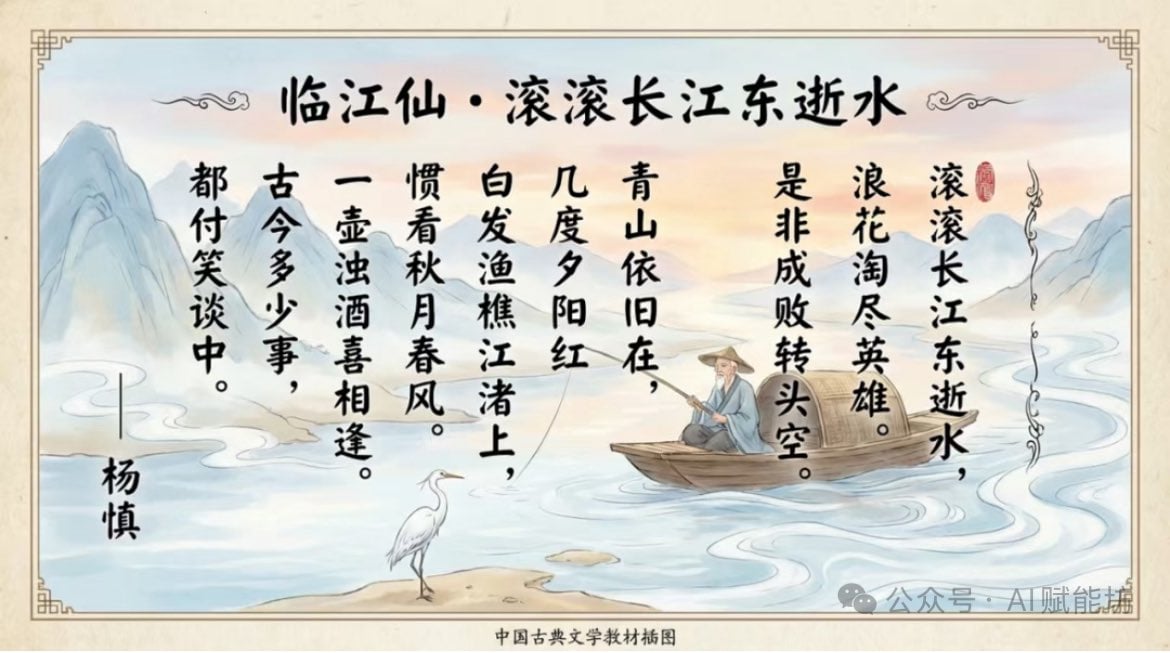
Textbook-style illustration for the poem “Linjiangxian”

Pure Morning Beauty Lifestyle Portrait Prompt
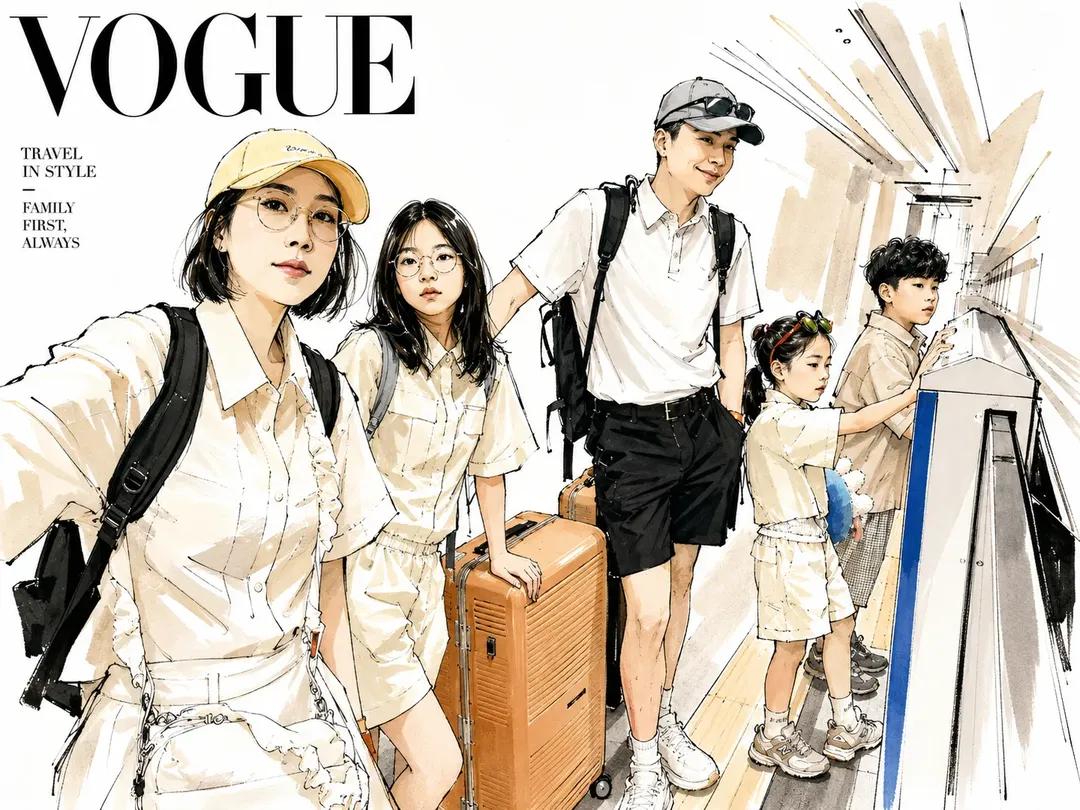
Vogue Style Watercolor Travel Illustration
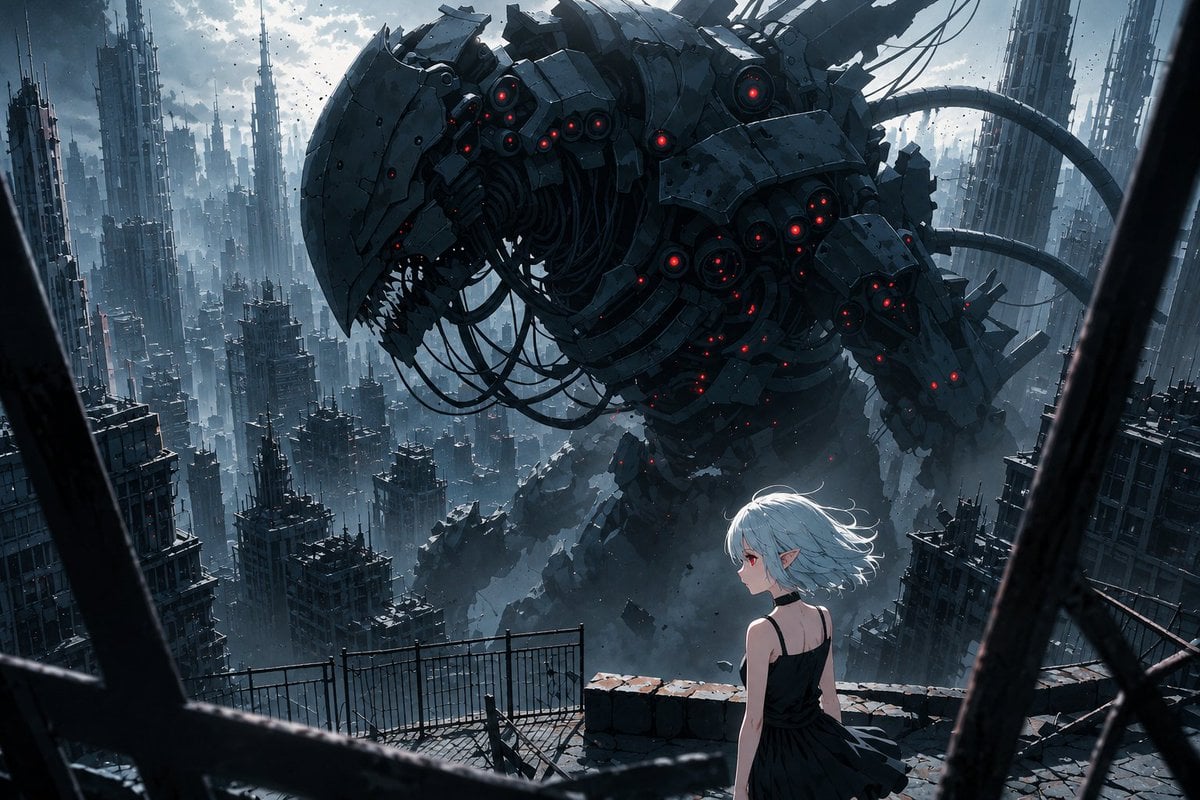
AI Illustration Quality Upscaler
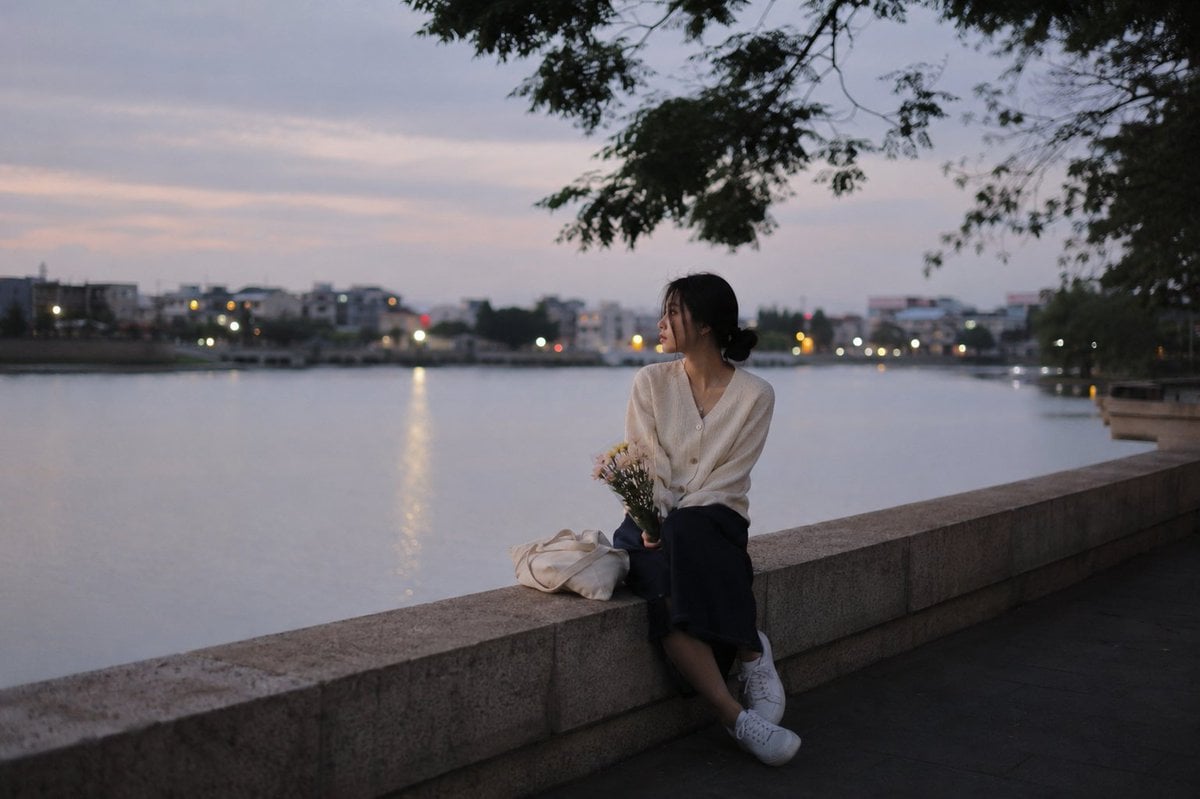
Peaceful Summer Riverside Evening
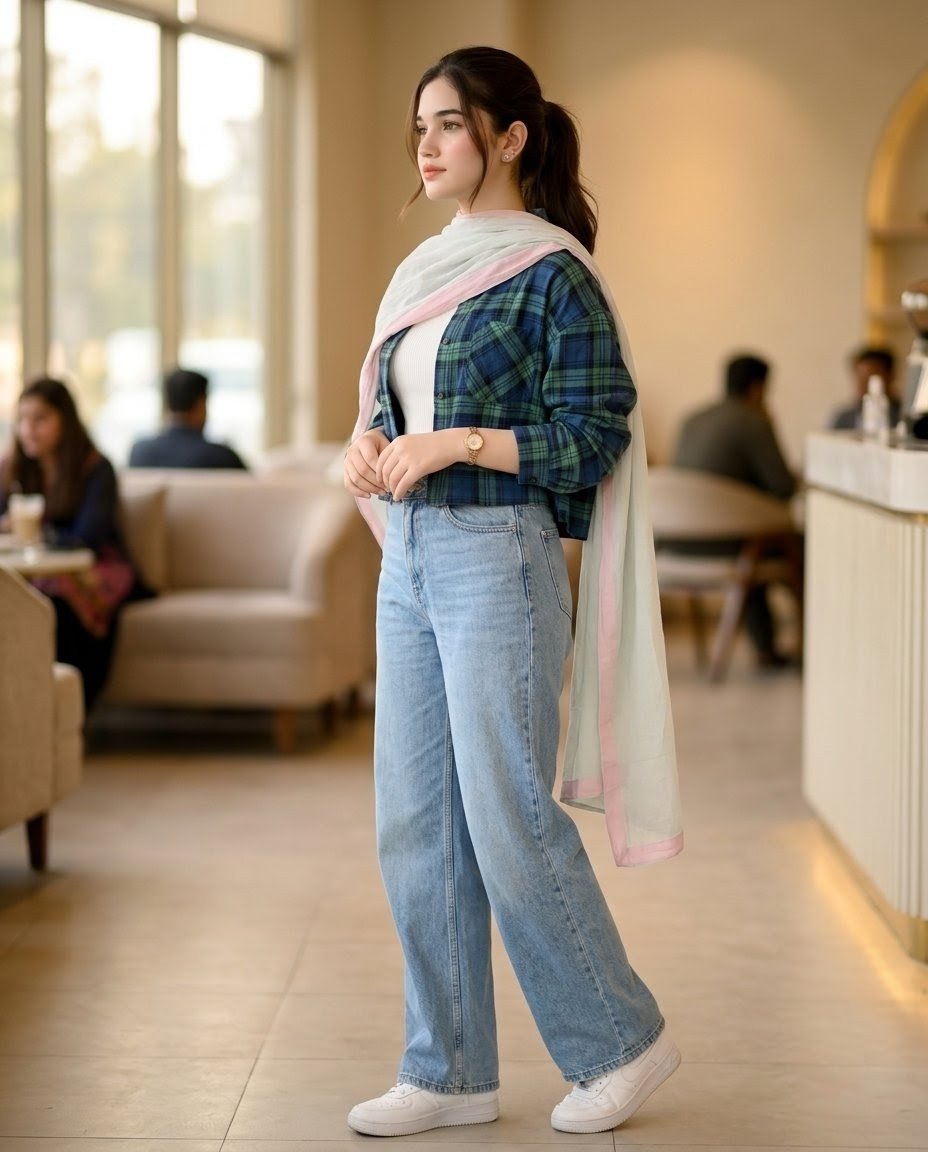
Pakistani Café Fashion Portrait
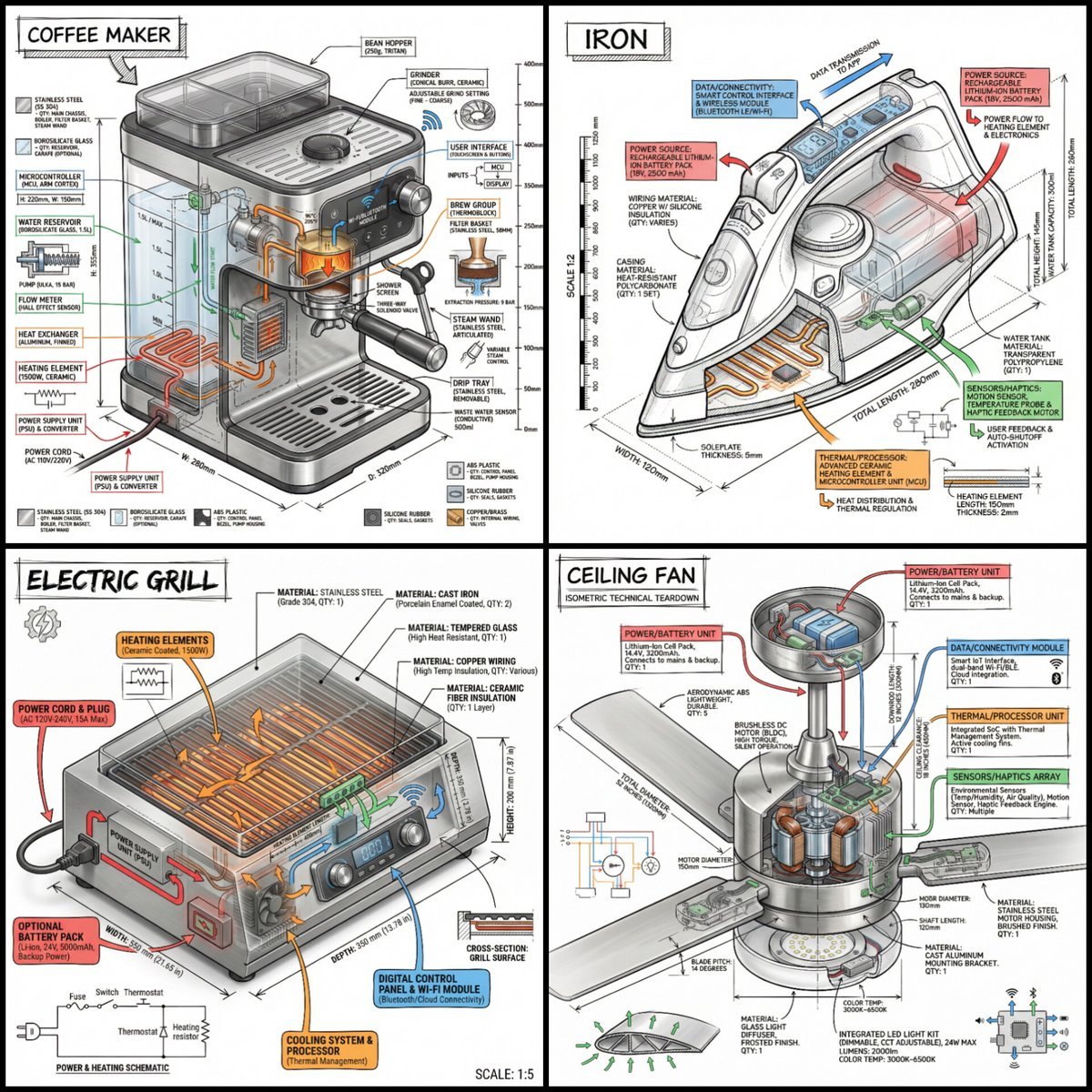
Technical Infographic of an Object with Isometric 3D View
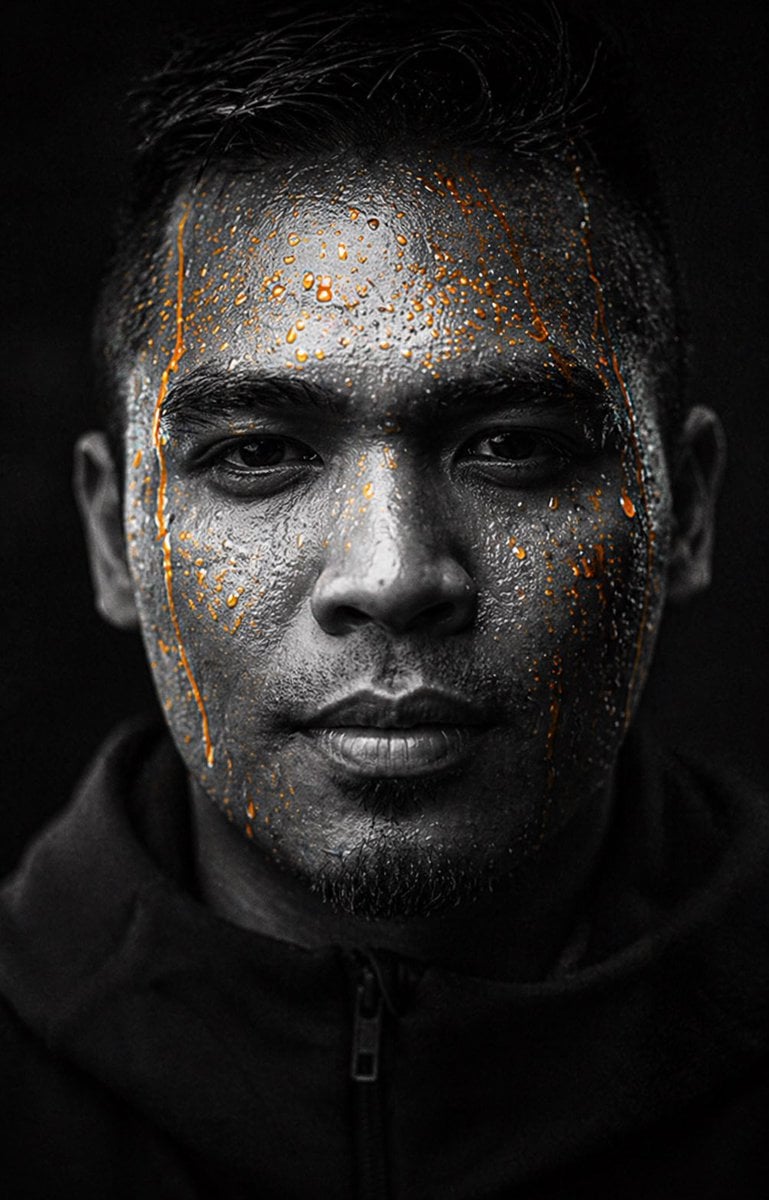
Gpt2 Profile Avatar Dark Gatorade Style Portrait
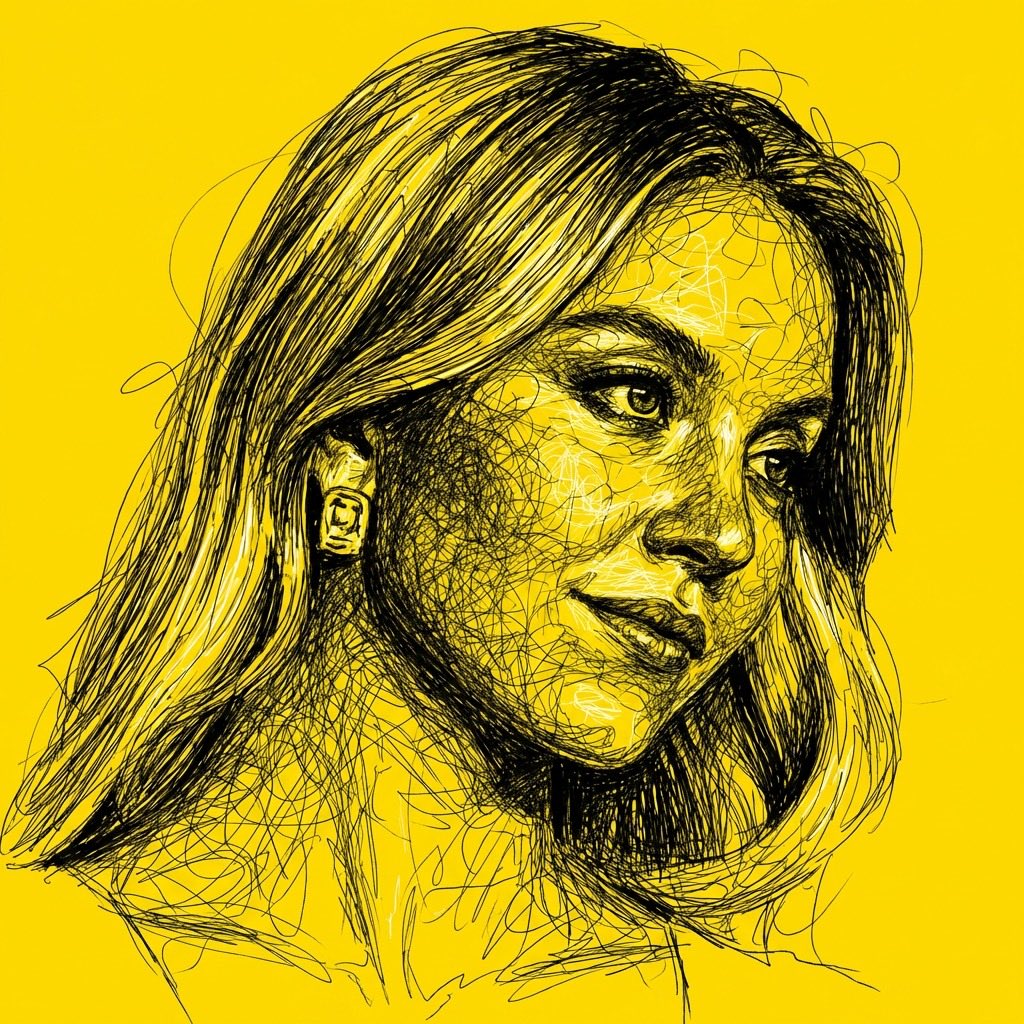
High Contrast Scribble Art Portrait
Browse template categories
Neo Pop Tokyo Idol Poster questions
How do I use the Neo Pop Tokyo Idol Poster template?
Add your photo if the template asks for one, edit the prompt if you like — the template's model and format are already selected — and press Generate. Your version opens in PicX Studio.
Can I customize the Neo Pop Tokyo Idol Poster template?
Yes. You can change the subject, setting, lighting, mood, format, and available model controls before creating your image.
Is the Neo Pop Tokyo Idol Poster template free?
Opening and editing this template is free. Generating uses credits, shown on the Generate button when you are signed in.
Which AI model should I use?
Start with GPT Image 2, which is the model associated with this template. You can compare another compatible model for a different finish.
Looking for something else? Browse all templates.

Your photo, any look
Thousands of ready templates for every top image and video model, from one credit balance.