
Tokyo Urban Motion Poster
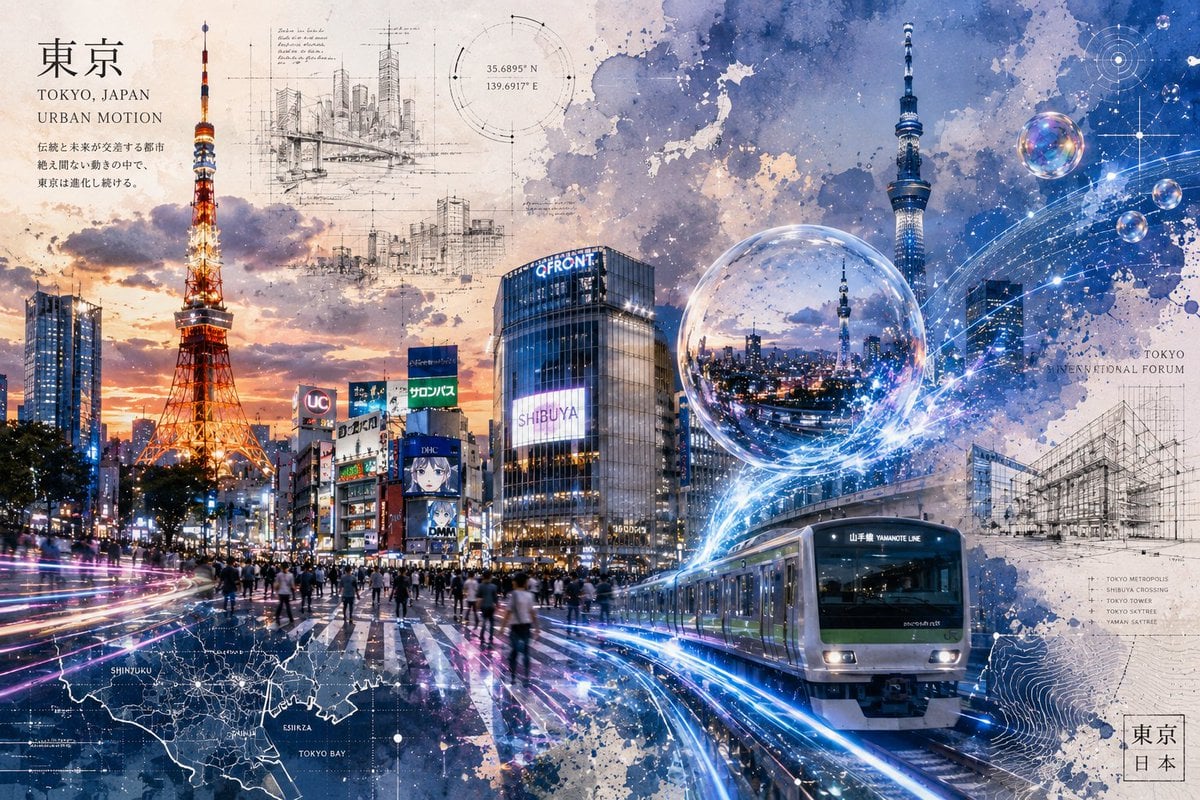
A wide mixed-media Tokyo city poster blending watercolor, architecture sketches, neon motion trails, landmarks, and futuristic transit for editorial or travel artwork.
- Prompt included
- Model and format preset
- Premium template
The prompt behind this image
Copy the exact prompt behind Tokyo Urban Motion Poster, or open it in the studio and make it yours.
Goal: Create a cinematic mixed-media poster of {argument name="city" default="Tokyo, Japan"} as an urban motion future-city collage, combining watercolor art, architectural sketching, realistic city photography, and glowing digital technology. Canvas: Wide horizontal 16:9 poster, high resolution, edge-to-edge composition on a warm off-white paper texture with blue and sepia watercolor stains, ink splatter, blueprint marks, and layered transparency. Layout: Split the image into a warm sunset city scene on the left and a cool futuristic blue technology scene on the right. Use Tokyo Tower as the dominant vertical landmark on the left, Tokyo Skytree as the dominant vertical landmark on the right, Shibuya-style city buildings and crowds through the center, and a Yamanote Line train entering from the lower right foreground. Add sweeping neon light trails that flow from the lower left street across the train tracks toward the right sky, implying motion through the city. Main visible elements, counted exactly: Include 2 major towers: Tokyo Tower glowing orange-red on the left and Tokyo Skytree glowing blue on the right. Include 1 train in the foreground, a modern silver commuter train with a green stripe and a front sign reading “YAMANOTE LINE”. Include 1 central Shibuya intersection crowd scene with many small pedestrian silhouettes and wet reflective pavement. Include 1 prominent glass building in the center with a bright sign reading “SHIBUYA”. Include 3 translucent floating bubbles: one large bubble near the center-right containing a miniature night skyline reflection, and two smaller bubbles in the upper-right sky. Include 4 architectural sketch overlays: a skyline construction sketch near the top center-left, a small city block sketch below it, a large Tokyo International Forum-style building sketch on the right, and a faint technical elevation/grid sketch near the upper center. Include 3 map/diagram overlays: a dark map strip along the lower left labeled with Tokyo districts, a circular coordinate/navigation diagram near the upper center, and a topographic contour map area along the lower right. Text content: Add a clean editorial title block in the upper left with large Japanese text “東京”, followed by “TOKYO, JAPAN” and “URBAN MOTION”, then a short vertical-feeling Japanese description beneath it. Add a small coordinate label near the upper middle: “35.6895° N” and “139.6917° E”. Add small map labels such as “SHINJUKU”, “EBISU”, and “TOKYO BAY” in the lower-left map overlay. Add small right-side annotation text “TOKYO INTERNATIONAL FORUM” near the architectural sketch, plus a tiny list mentioning Tokyo Metropolis, Shibuya Crossing, Tokyo Tower, Tokyo Skytree, and Yamanote Line. Add a small stamp-like box in the bottom right containing “東京” and “日本”. Keep all text subtle, integrated into the design, and not overly dominant. Visual style: Watercolor wash plus architectural blueprint linework plus realistic urban montage; twilight sunset oranges and purples on the left, deep cobalt and electric blue on the right; crisp glowing rails and light trails; high-detail city lights; layered paper texture; white ink splashes, dotted constellations, circular HUD graphics, and luminous digital arcs. The mood should feel poetic, futuristic, technological, and urban rather than purely photographic. Lighting and color: Use {argument name="color mood" default="warm orange sunset blending into cool electric blue night"}. Make Tokyo Tower warm and fiery, Skytree cool and luminous, and the train tracks intensely glowing with blue-white energy. Emphasize reflections on wet streets and train windows. Constraints: No people in close-up, no single portrait subject, no plain photo look, no empty sky, no minimalism. Keep the composition dense but balanced, with the feeling of motion, layered city memory, architecture, and future technology.
How to use Tokyo Urban Motion Poster in 3 steps
- 1Upload ImagePNG, JPG or paste
Add your photo
Upload the photo the template builds on. The prompt, model and format are already set.
- 2…a portrait of your subject in softgolden-hour light, 85mm…
Personalize
Edit the subject and creative details for your destination.
- 3Generate
Generate
Press Generate — your image is created in PicX Studio, so you can compare it with the original and refine one variable at a time.
More like this
Templates with the same subject, style or setup. Open one to see its prompt.
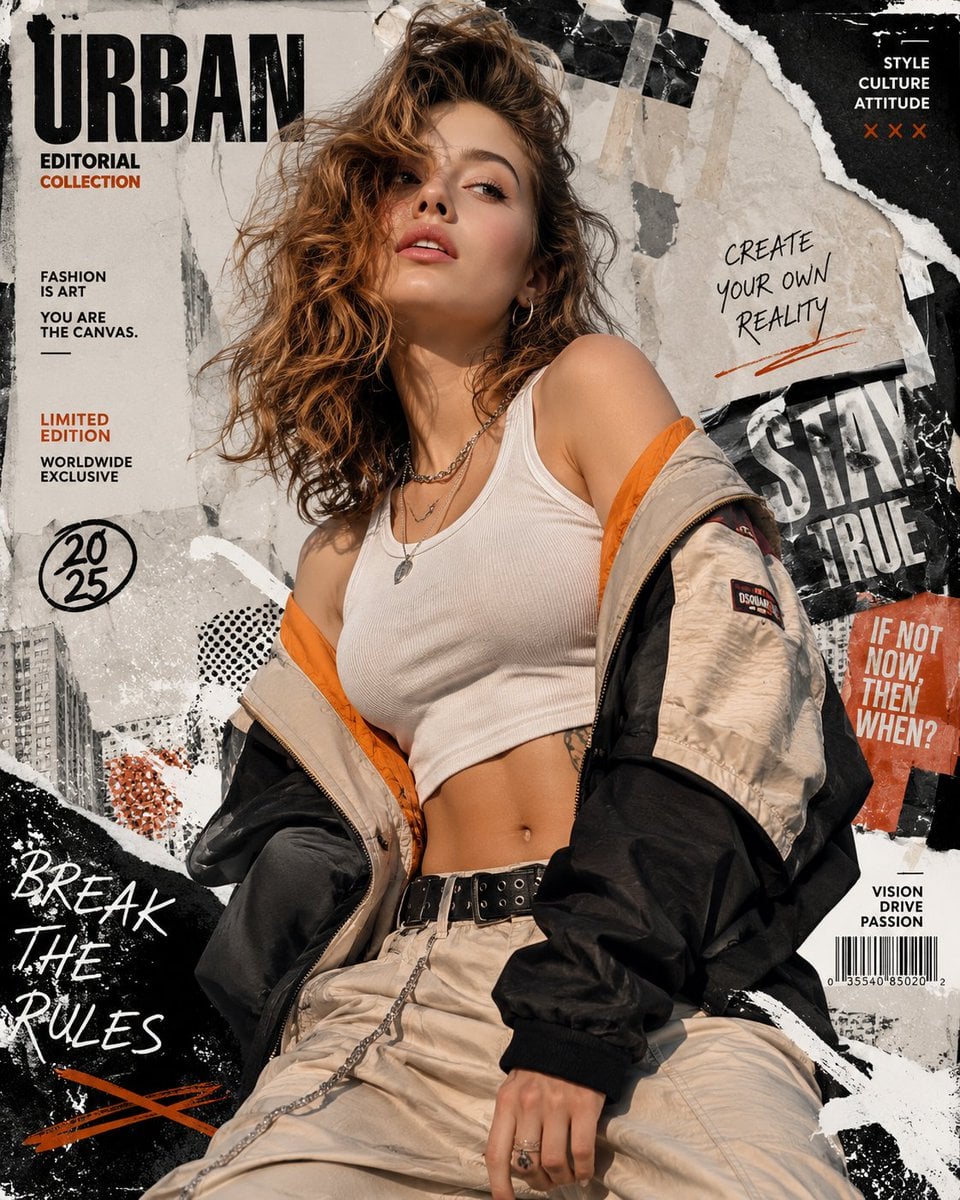
Urban Fashion Editorial Collage Streetwear Poster
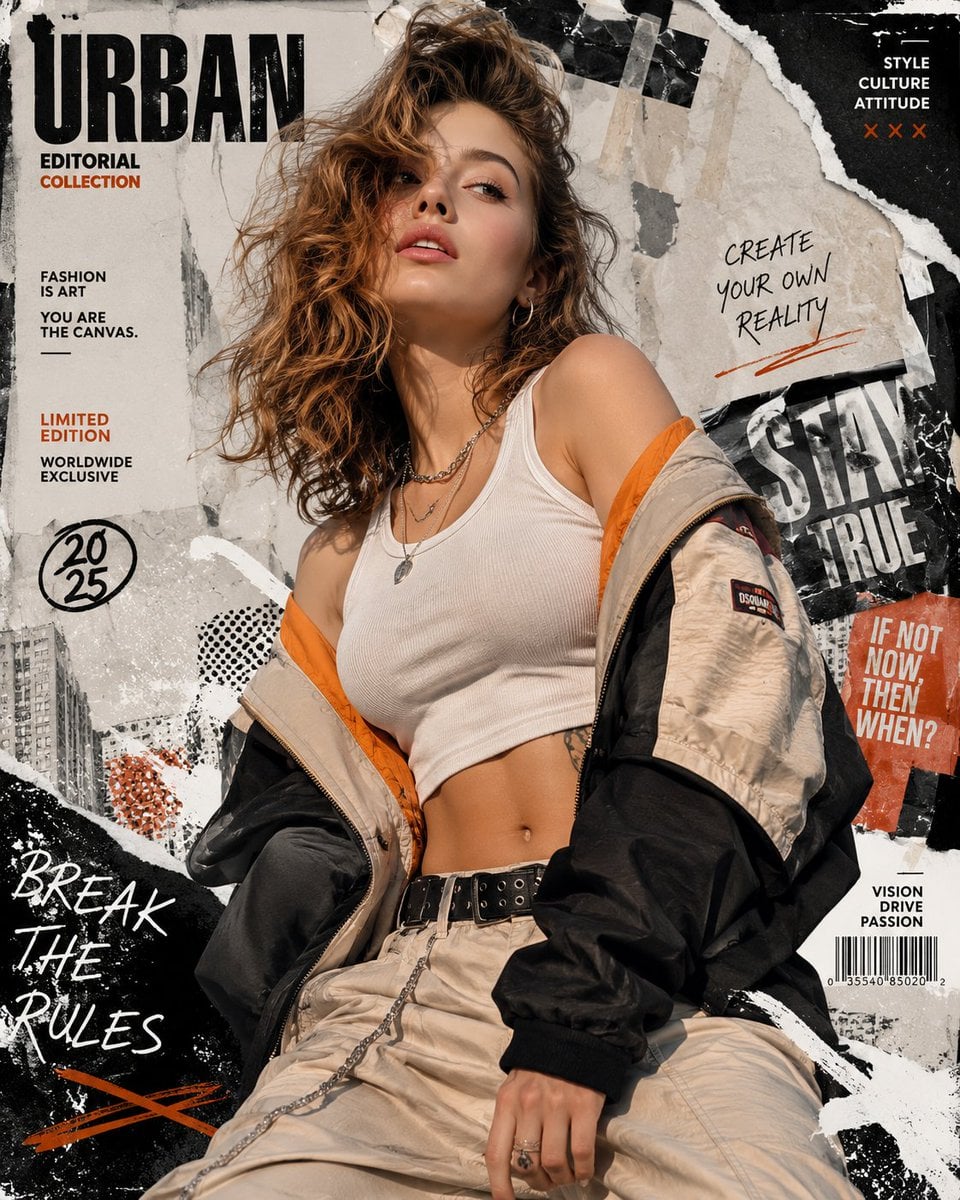
Urban Fashion Editorial Collage Poster
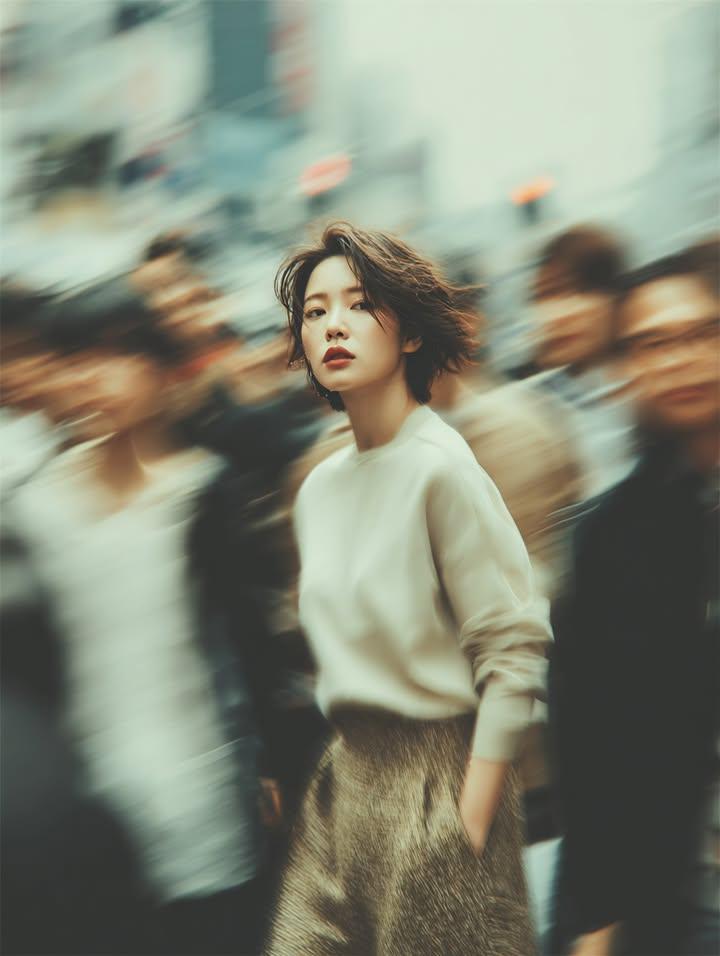
Cinematic Street Fashion Portrait Motion Blur Crowd
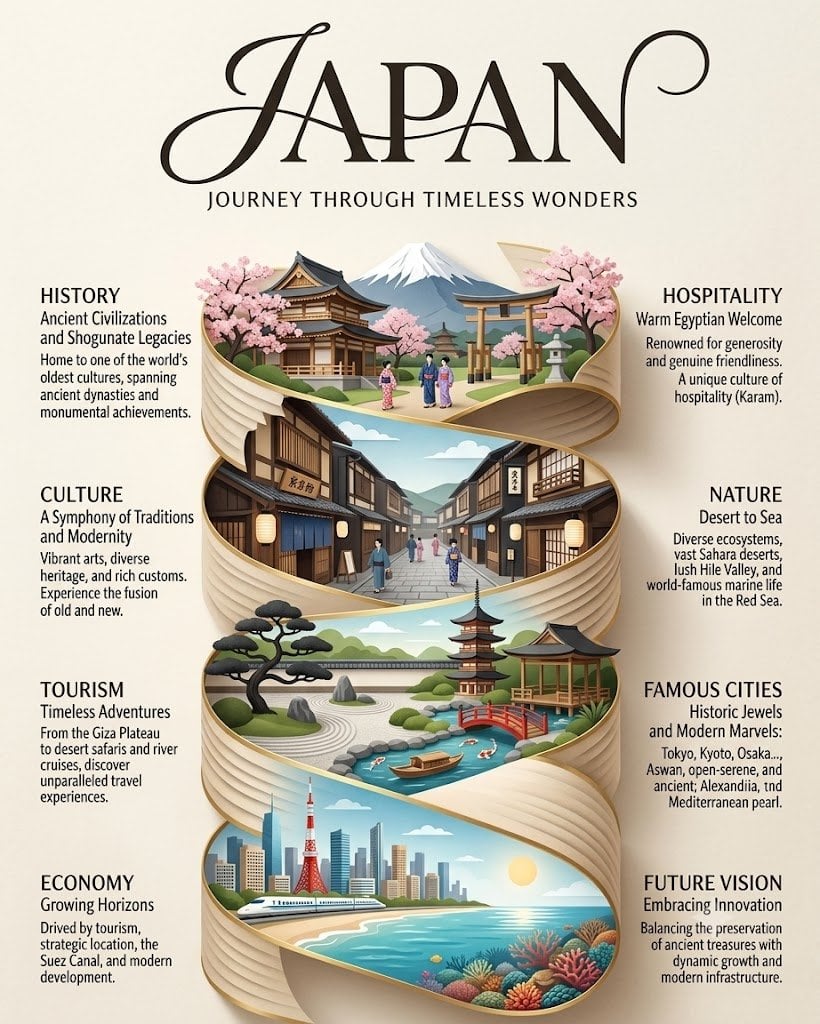
Japan Travel Brochure Poster
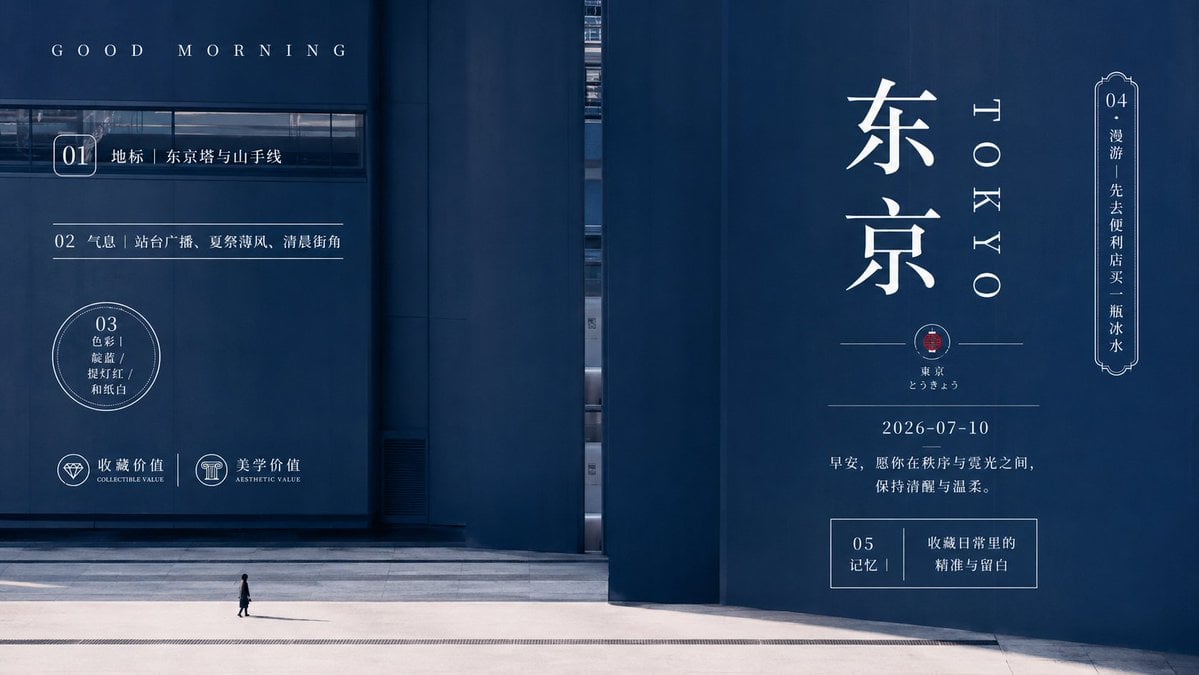
Minimal Tokyo Morning Poster
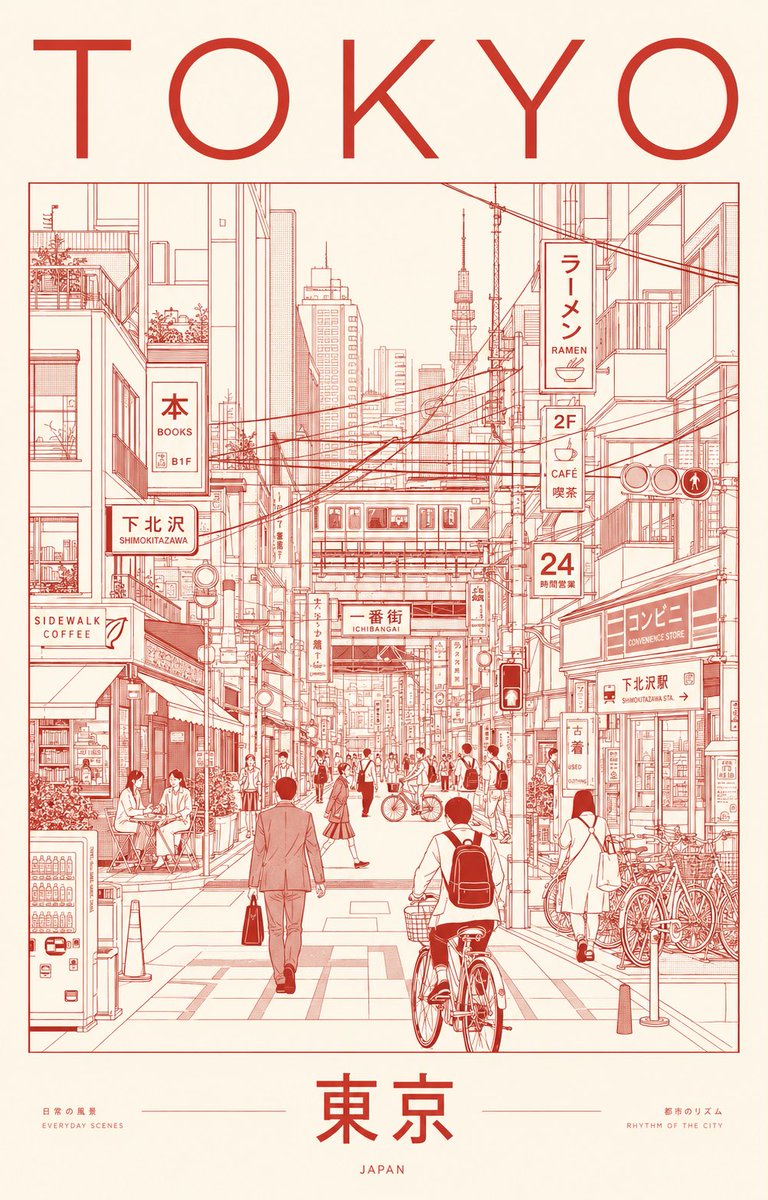
Minimalist Tokyo City Line-Art Poster
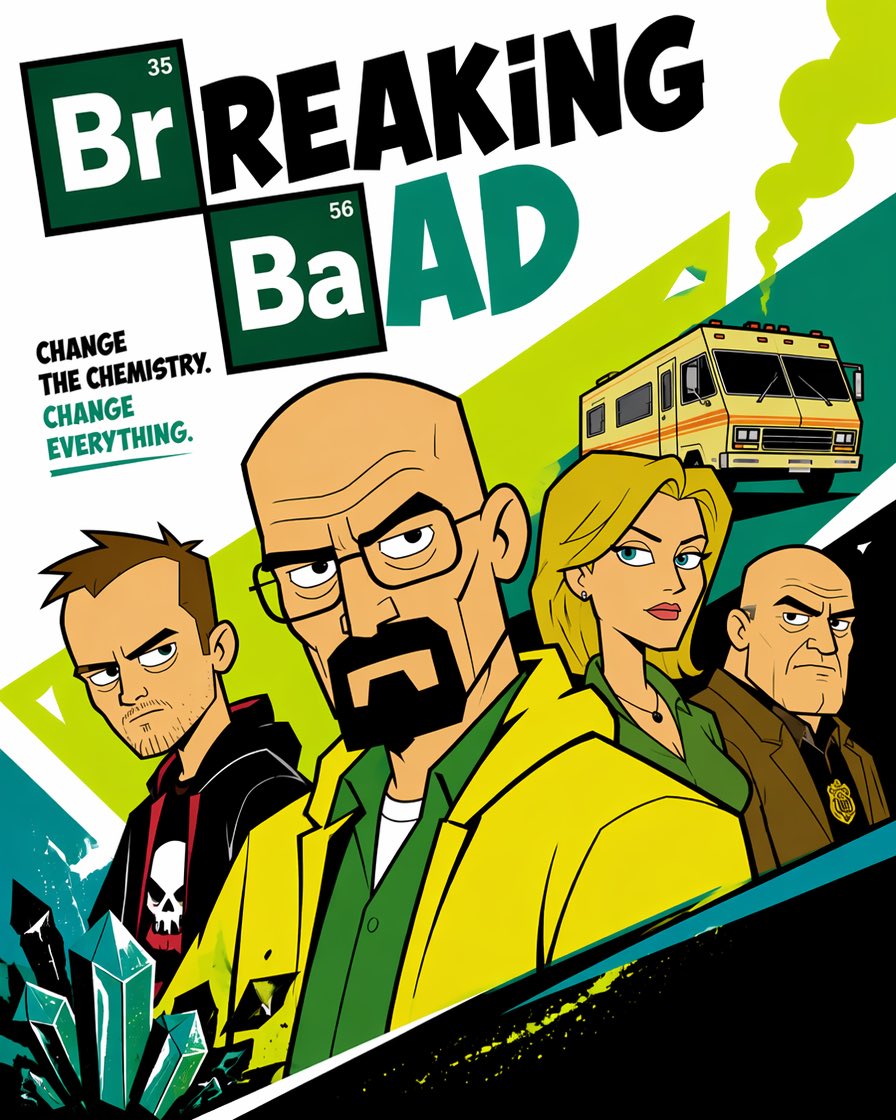
Cartoon TV Show Poster Pack

Trendy Cafe Drink Promo Poster
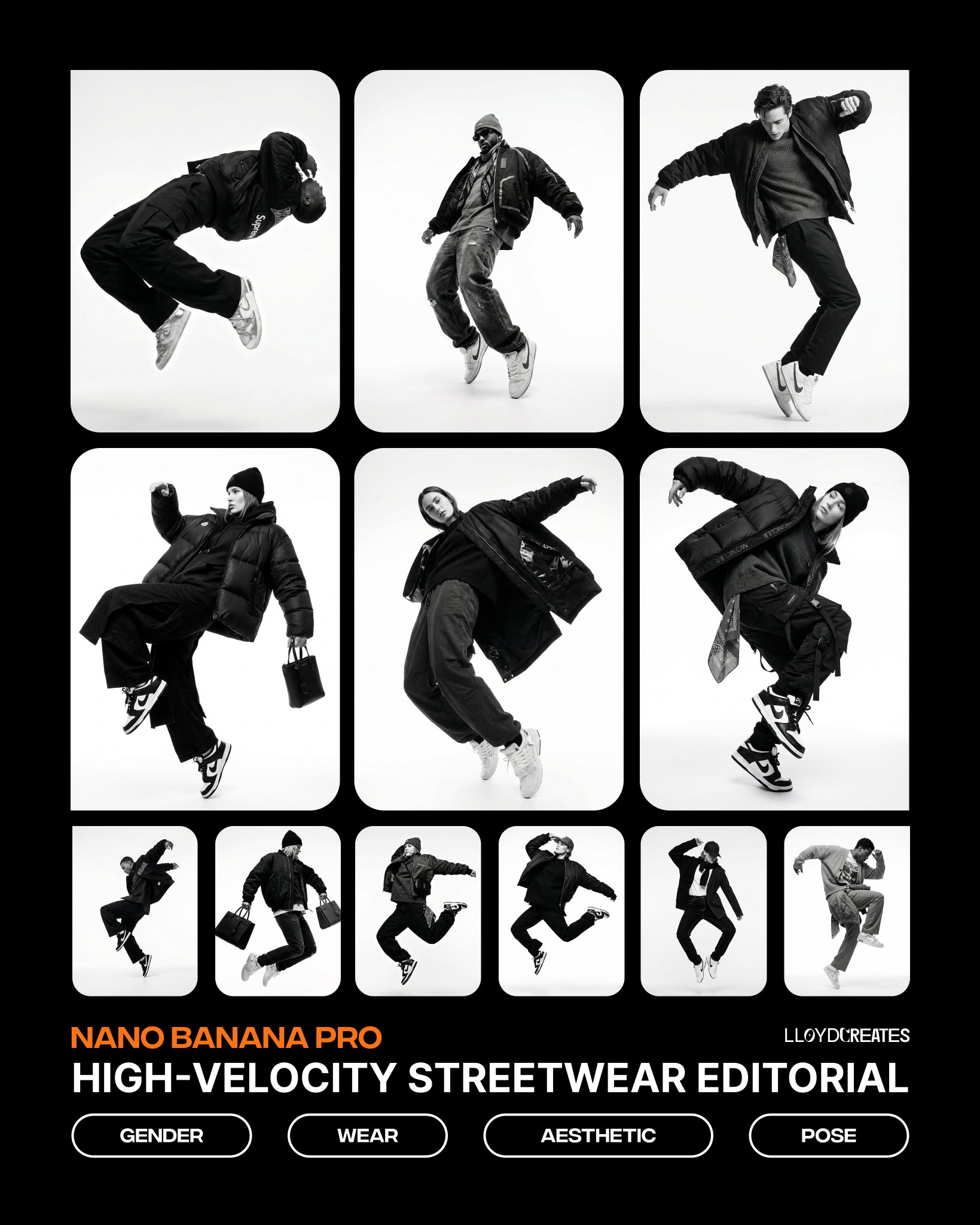
Monochrome Hypebeast Street Fashion Editorial Motion
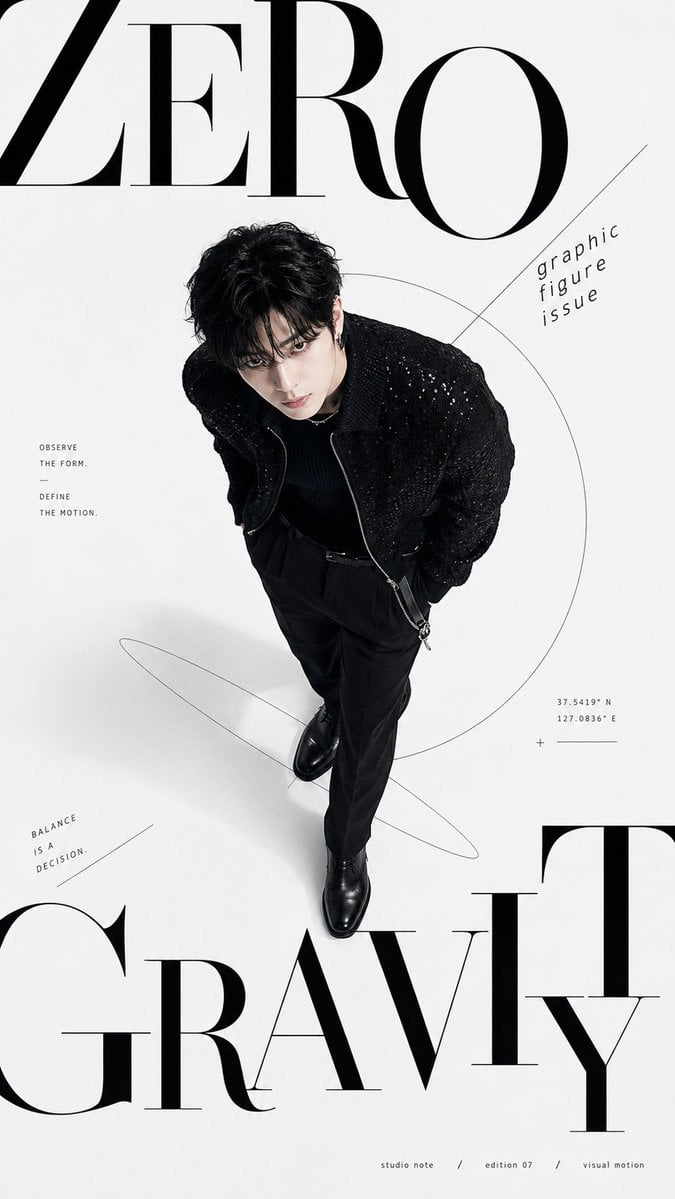
Premium Fashion Editorial Cover Layout System

Polo Ralph Lauren Luxury American Heritage Fashion Campaign
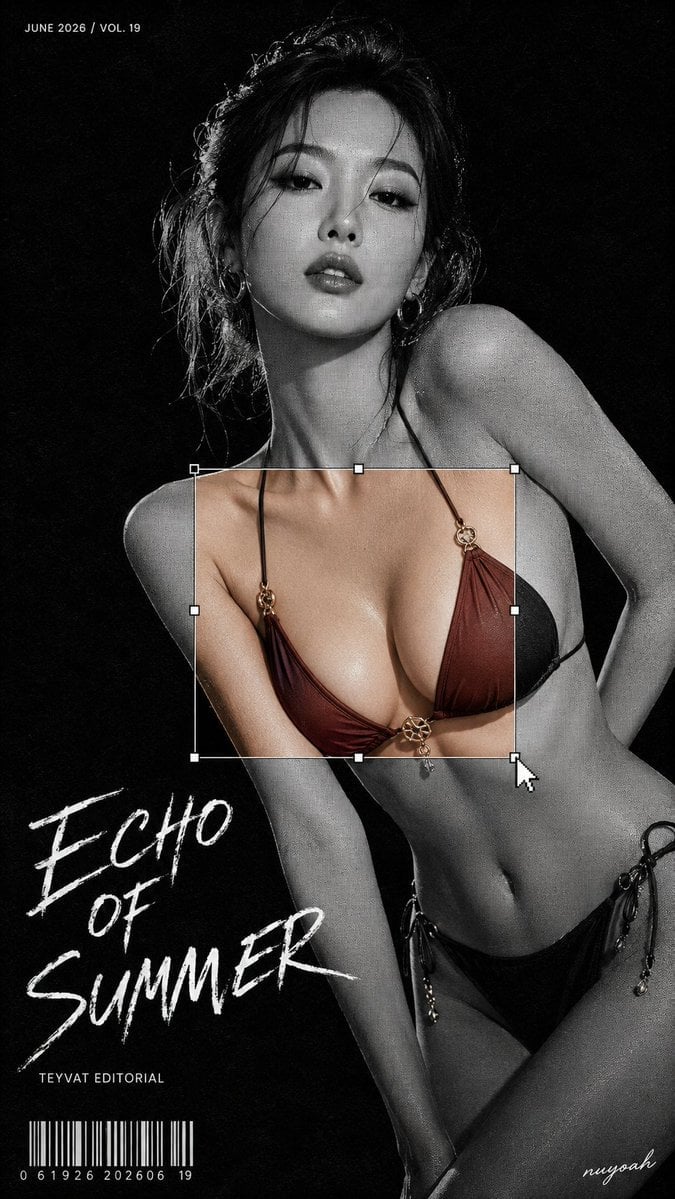
Monochrome Halftone Editorial Fashion Poster
Make it yours
Tokyo Urban Motion Poster works as-is. These are the safest ways to change it without losing the look.
Change one field
Copy a single group, rewrite it, and generate again so you can see what that field is doing.
Keep the frame, change the subject
Hold the composition and light of Tokyo Urban Motion Poster, then swap wardrobe, props or the person for a new take.
| If the result… | Why | Fix |
|---|---|---|
| The result drifts from the preview | Too many fields changed at once. | Reuse Tokyo Urban Motion Poster as-is first, then change one group — subject, light, or setting. |
| The model over-stylizes the scene | The prose prompt leaves finish and camera underspecified. | Add one camera or lighting sentence and stay on GPT Image 2. |
More GPT Image 2 templates
Other prompts made for GPT Image 2.
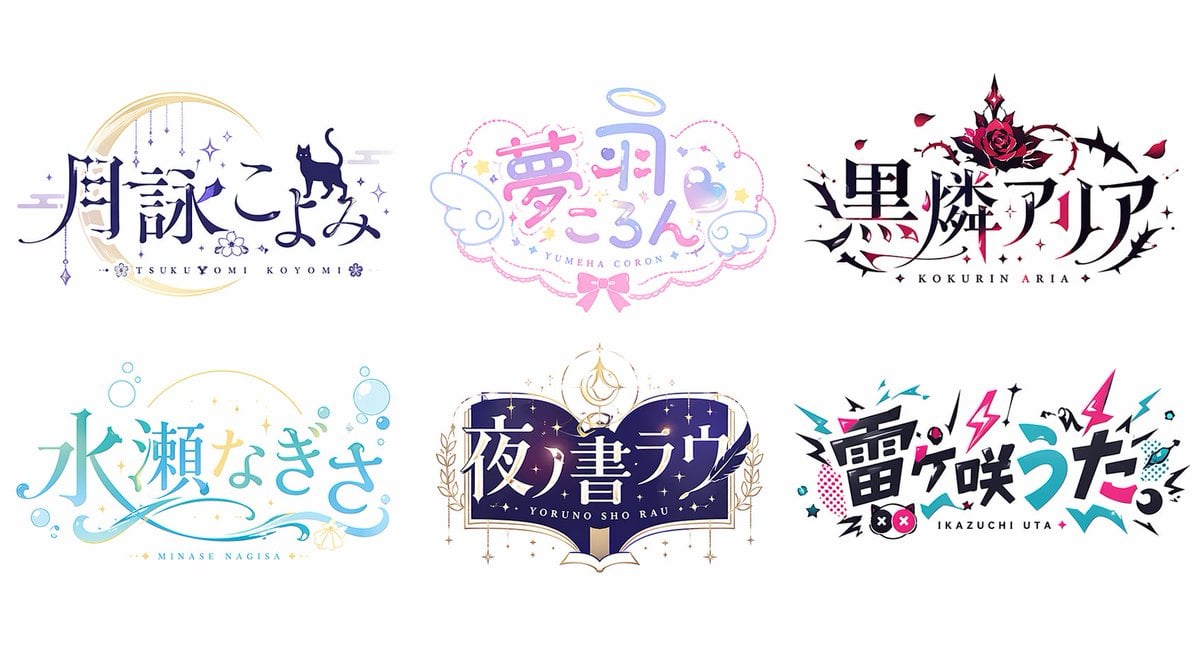
Six VTuber Japanese Logo Sheet
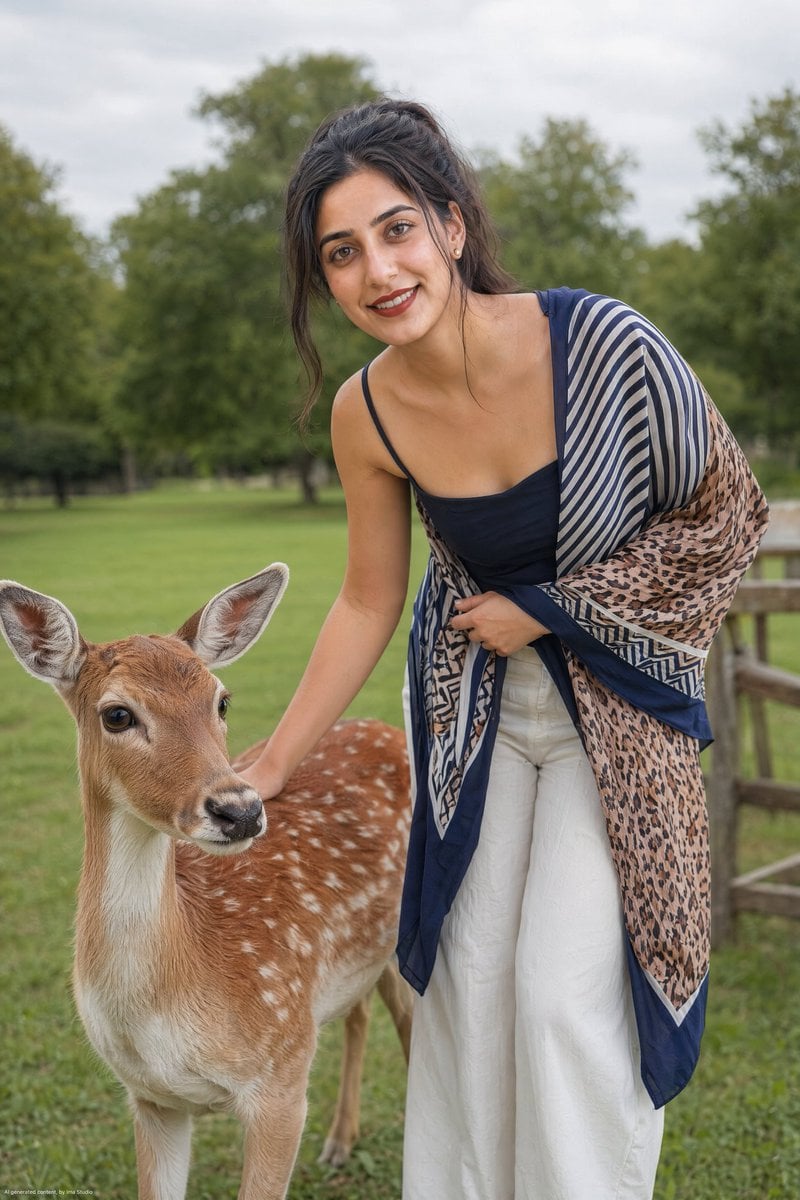
Realistic Portrait of Woman and Deer
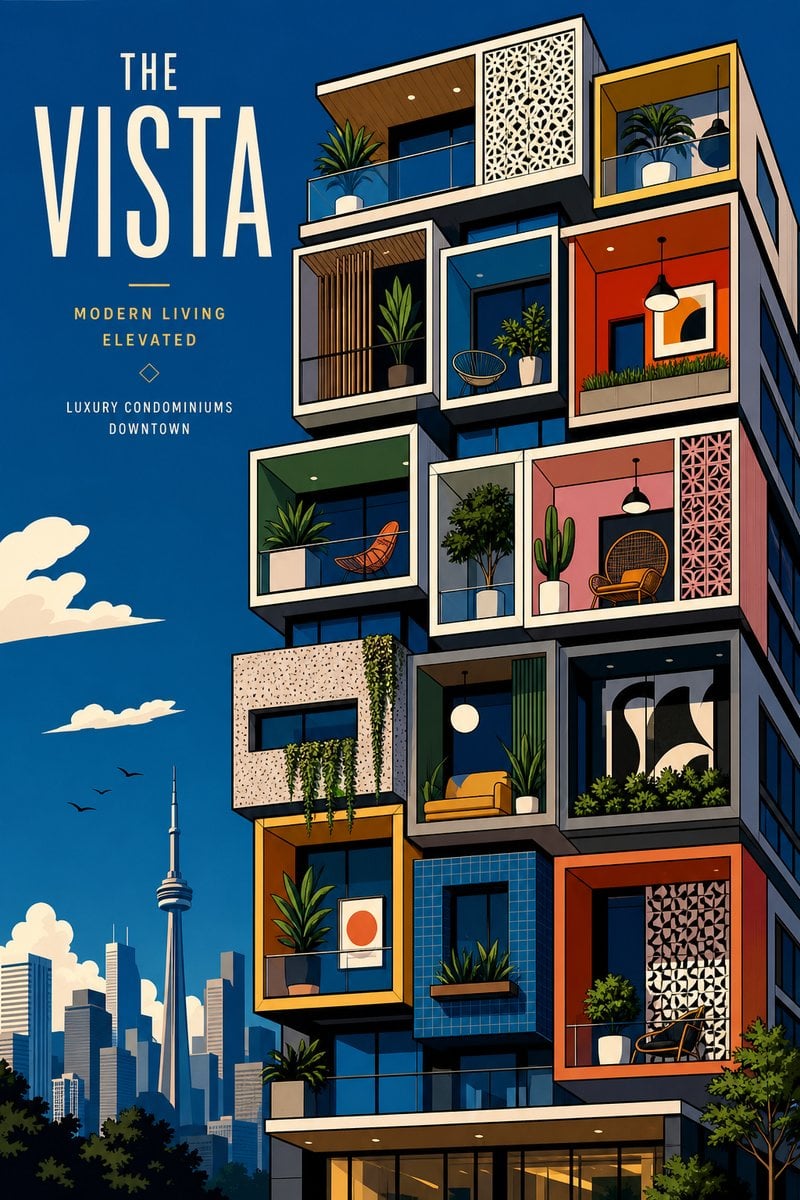
The Vista Modular Condo Poster

AI Model Routing Comparison Infographic
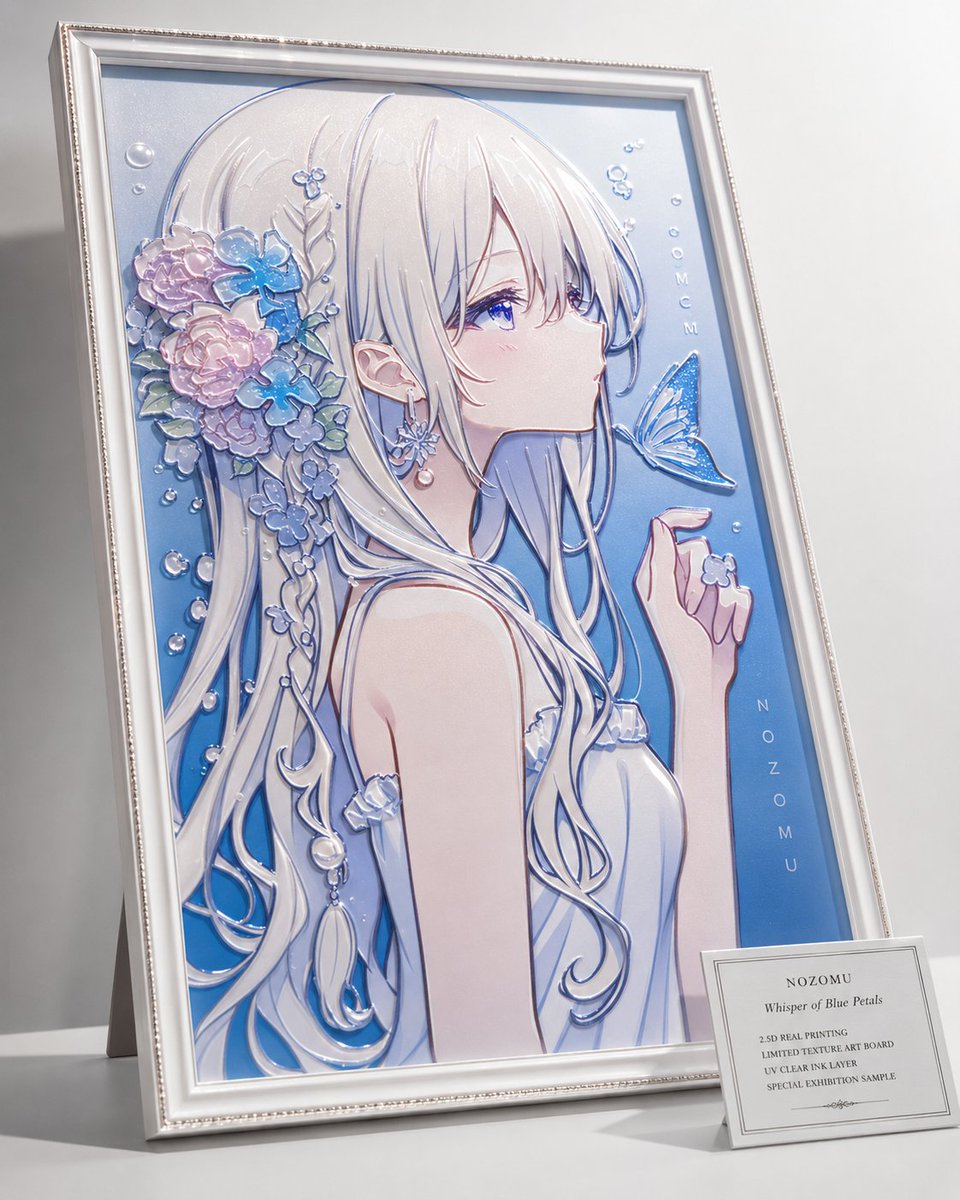
2.5D Anime Art Board

Isometric Productivity Desk Scene
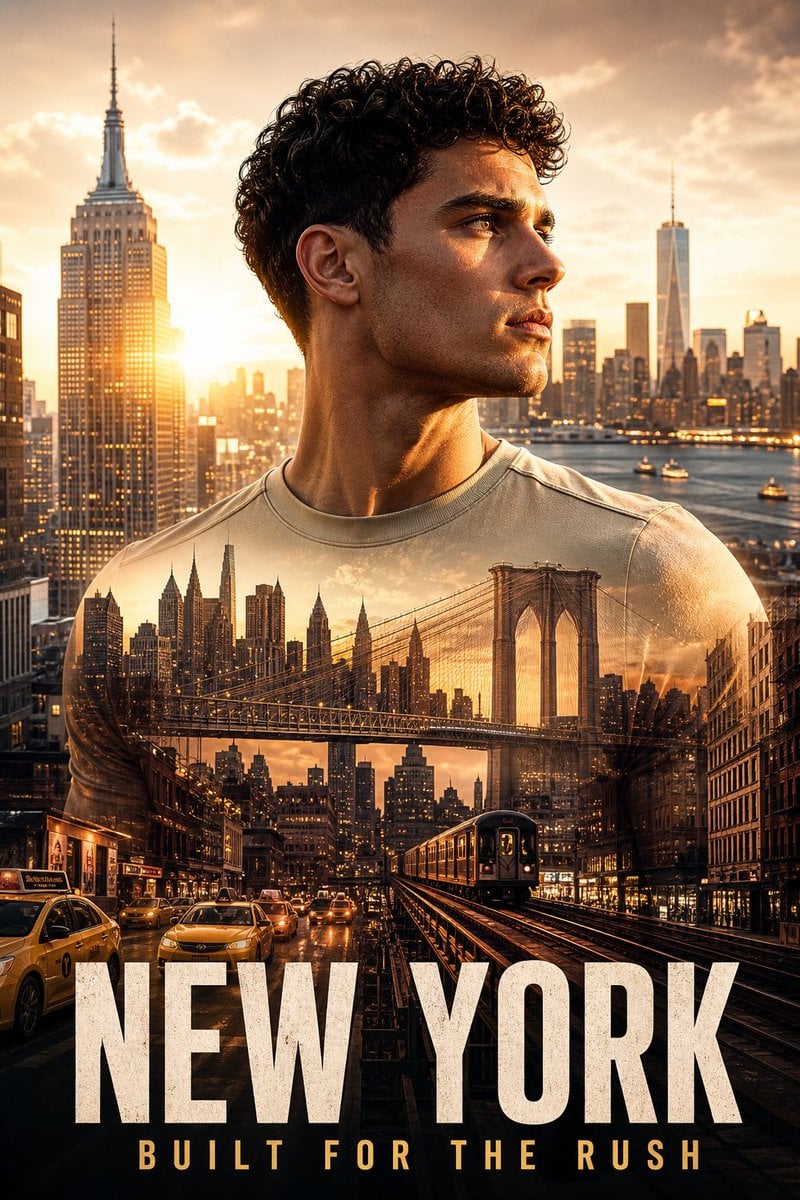
New York Double Exposure Poster
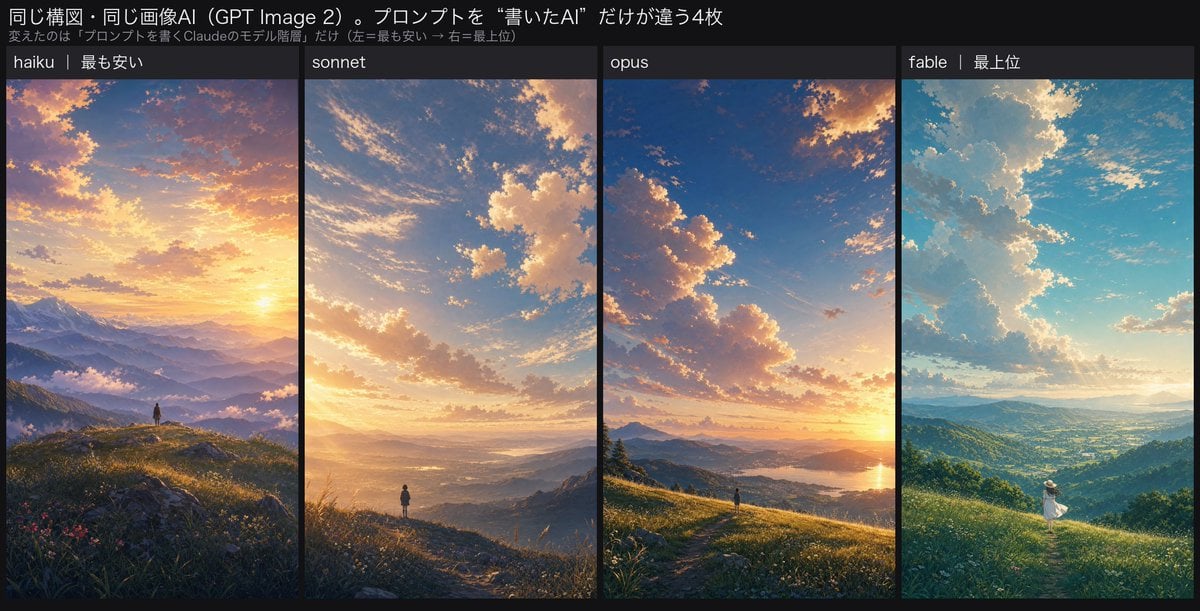
Four-Panel AI Landscape Comparison
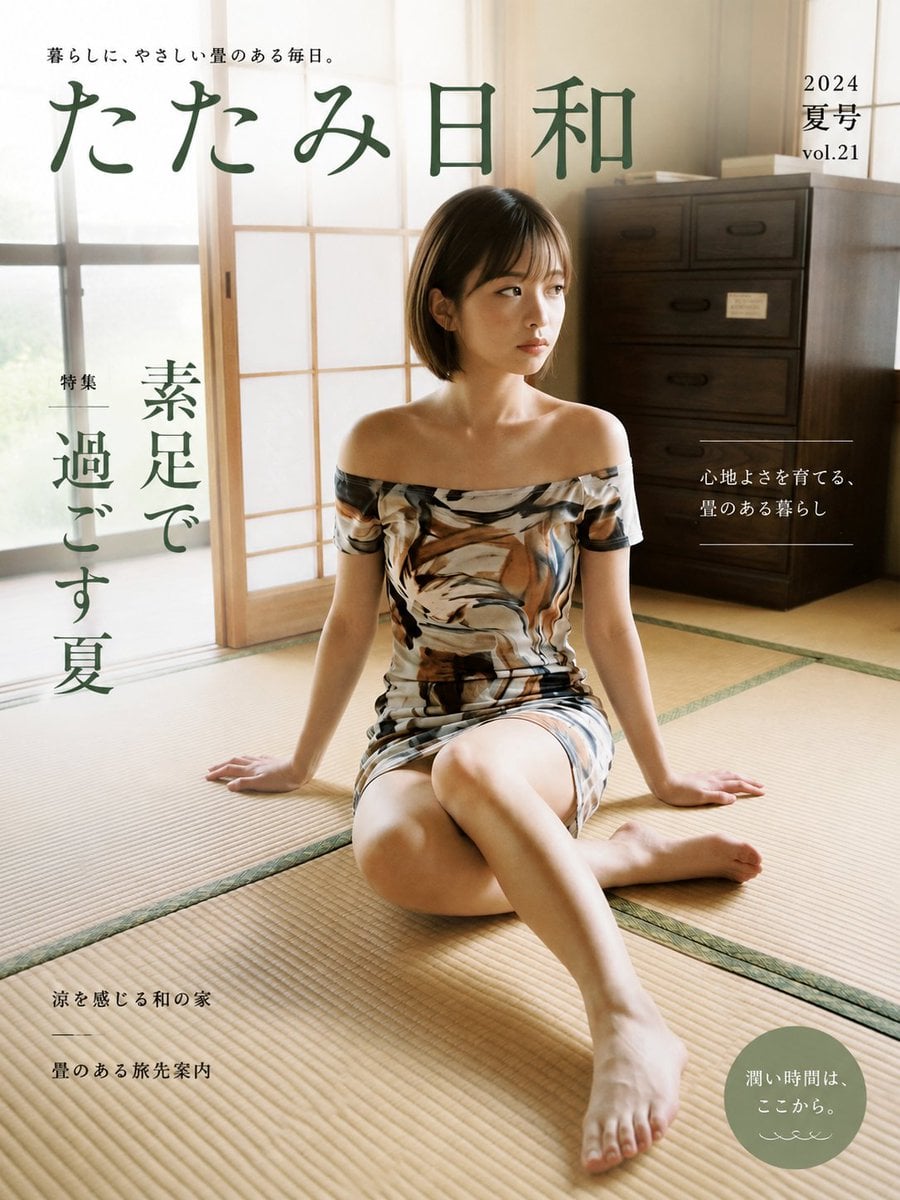
Japanese Tatami Lifestyle Magazine Cover

NESCAFÉ Coffee Map Poster
More image prompts
Fresh picks from across the catalog.
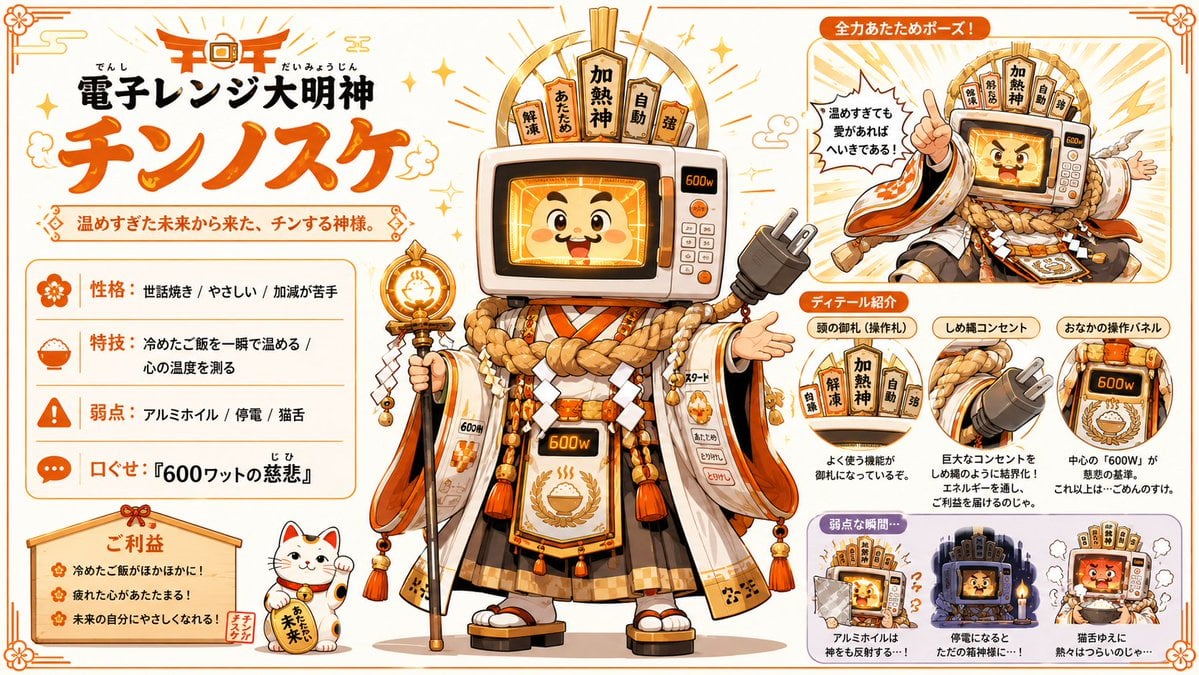
Microwave Deity Mascot Sheet
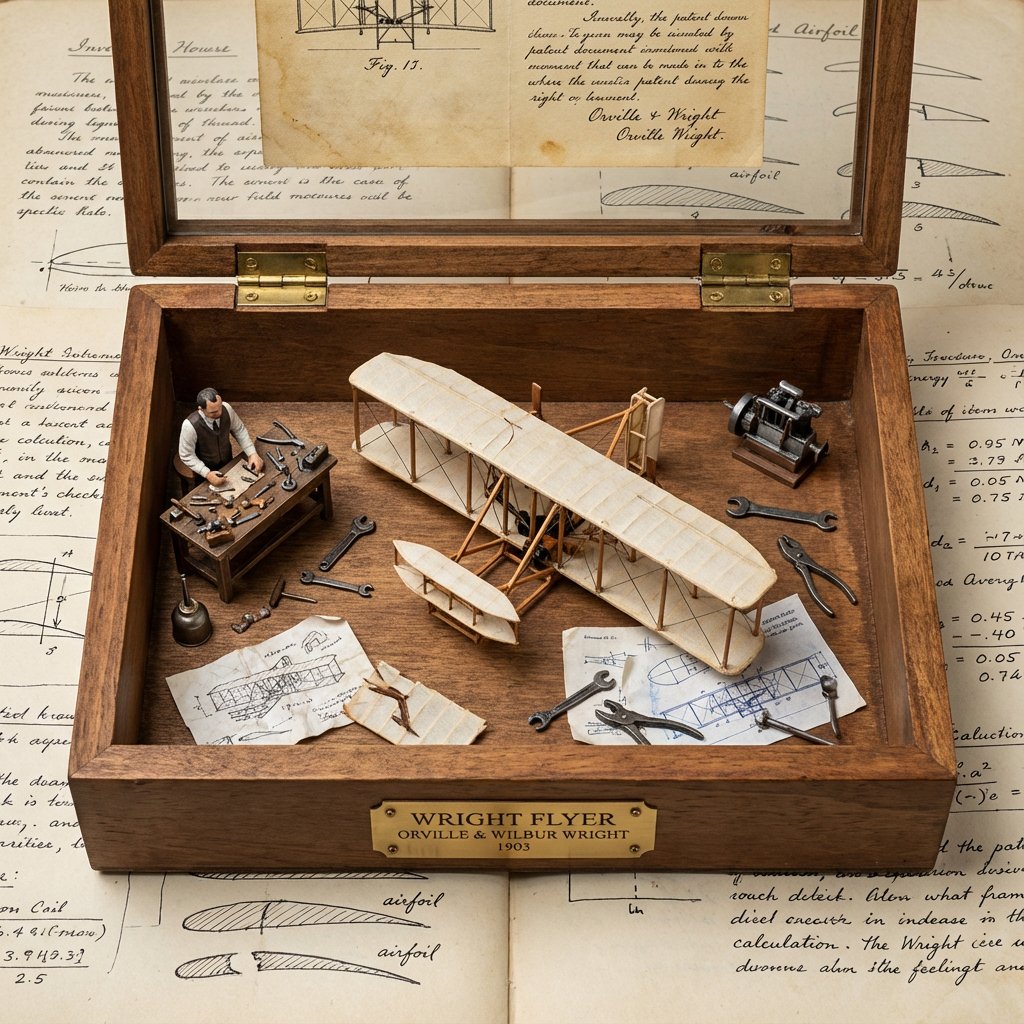
Invention Prototype Display Box Prompt
Twin Idols Under Sakura Stars
Gothic Stand Guardian Poster
Scientific Process Infographic
Low-Quality Disposable Camera Aesthetic for Daily Life Photos

3x3 Photorealistic Beauty Photoshoot Grid with Identity Lock
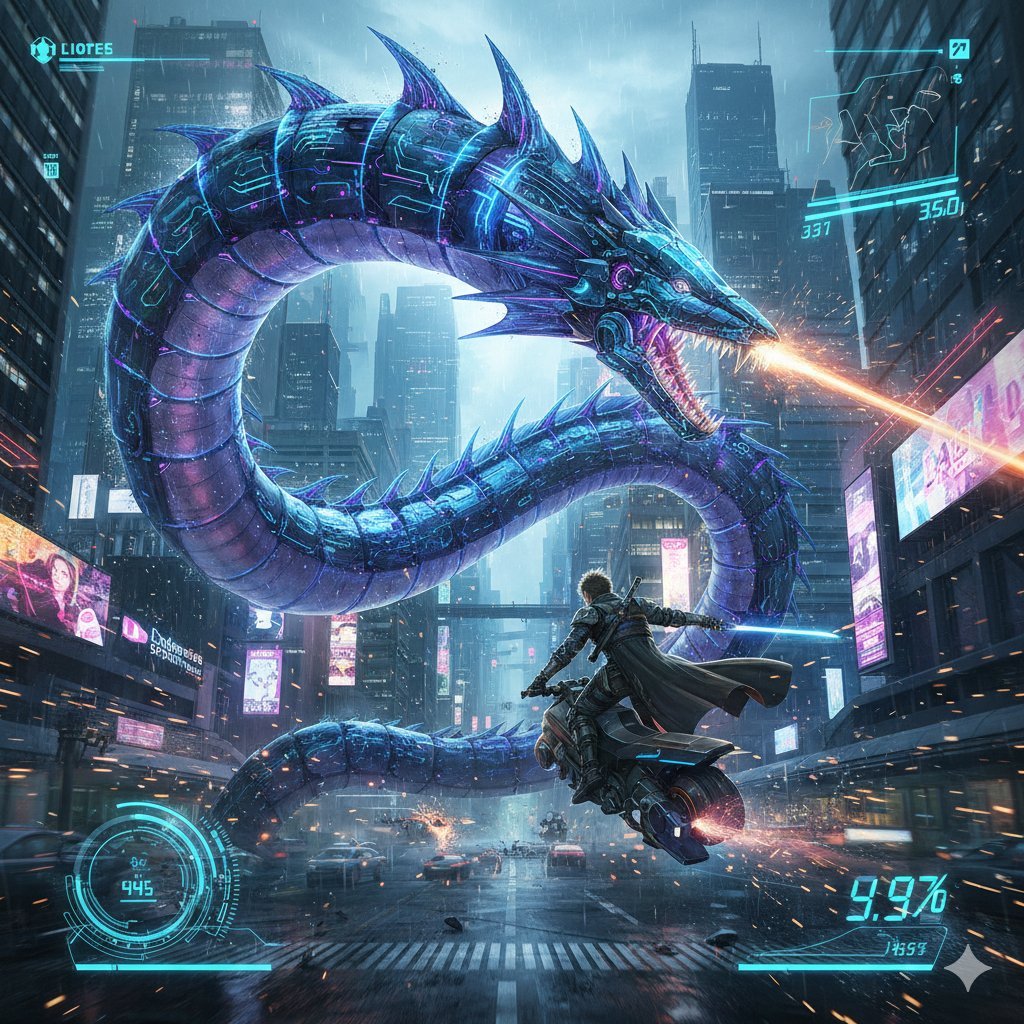
Nano Banana Pro Prompt: Final Fantasy Leviathan vs Player (Cyberpunk)
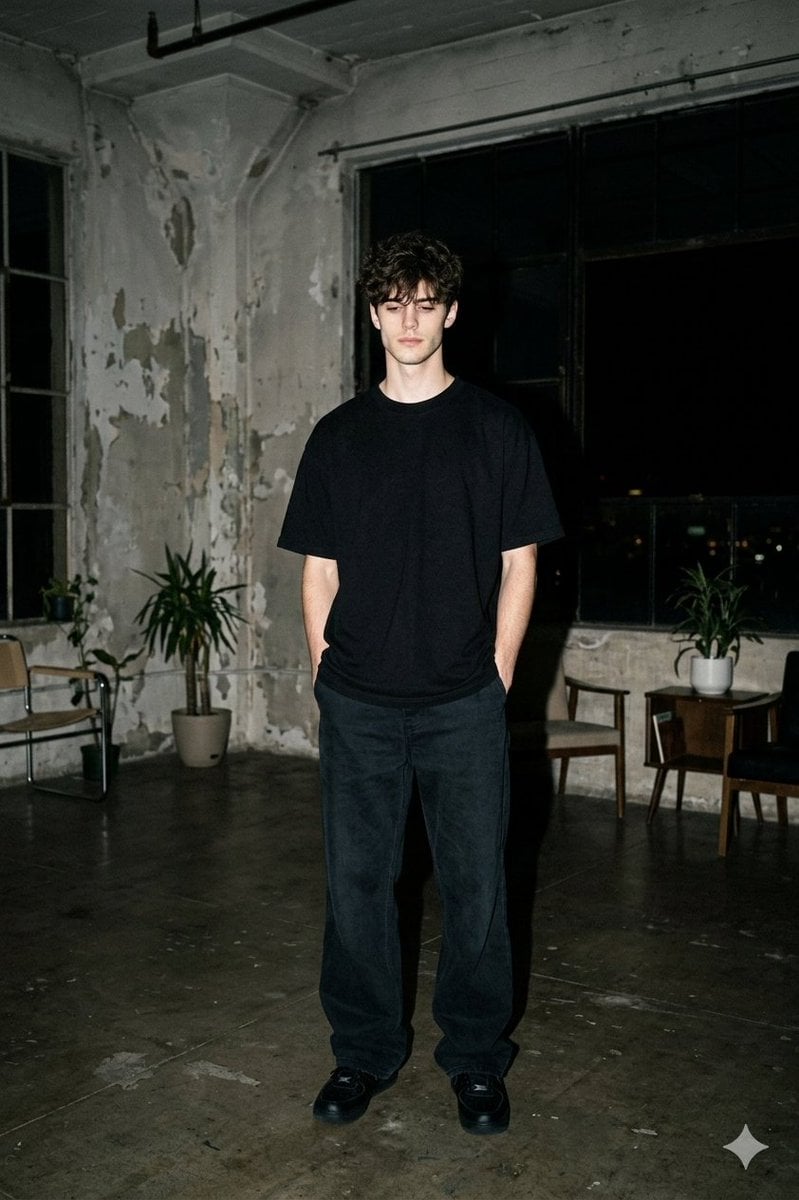
Nighttime Industrial Loft Fashion Shot (35mm Film Aesthetic)
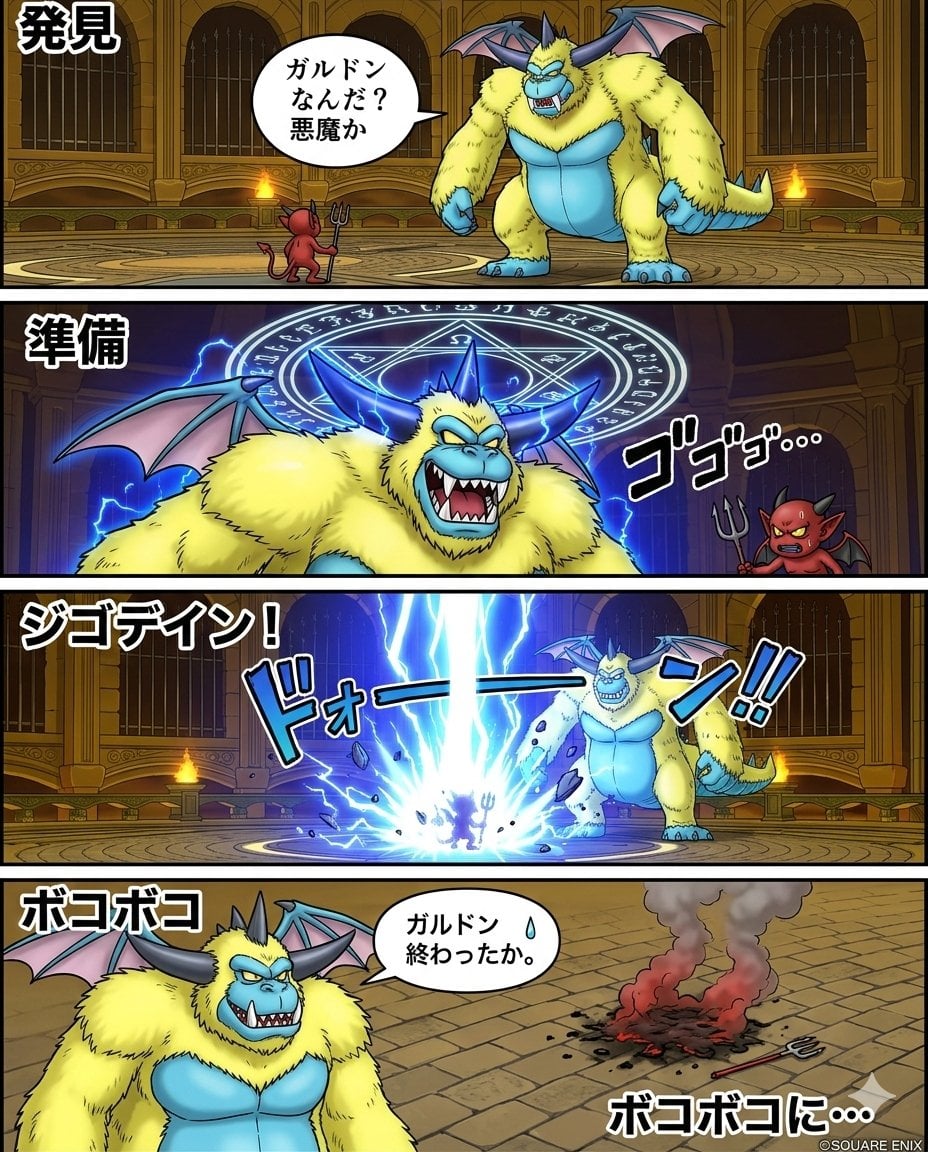
Galdodon Comic Strip Prompt
Browse template categories
Tokyo Urban Motion Poster questions
How do I use the Tokyo Urban Motion Poster template?
Add your photo if the template asks for one, edit the prompt if you like — the template's model and format are already selected — and press Generate. Your version opens in PicX Studio.
Can I customize the Tokyo Urban Motion Poster template?
Yes. You can change the subject, setting, lighting, mood, format, and available model controls before creating your image.
Is the Tokyo Urban Motion Poster template free?
Opening and editing this template is free. Generating uses credits, shown on the Generate button when you are signed in.
Which AI model should I use?
Start with GPT Image 2, which is the model associated with this template. You can compare another compatible model for a different finish.
Looking for something else? Browse all templates.

Your photo, any look
Thousands of ready templates for every top image and video model, from one credit balance.