
Giant Hamster Bakery Chase
A humorous cinematic bakery action scene featuring a giant hamster stealing strawberry cake while a pastry chef chases it.
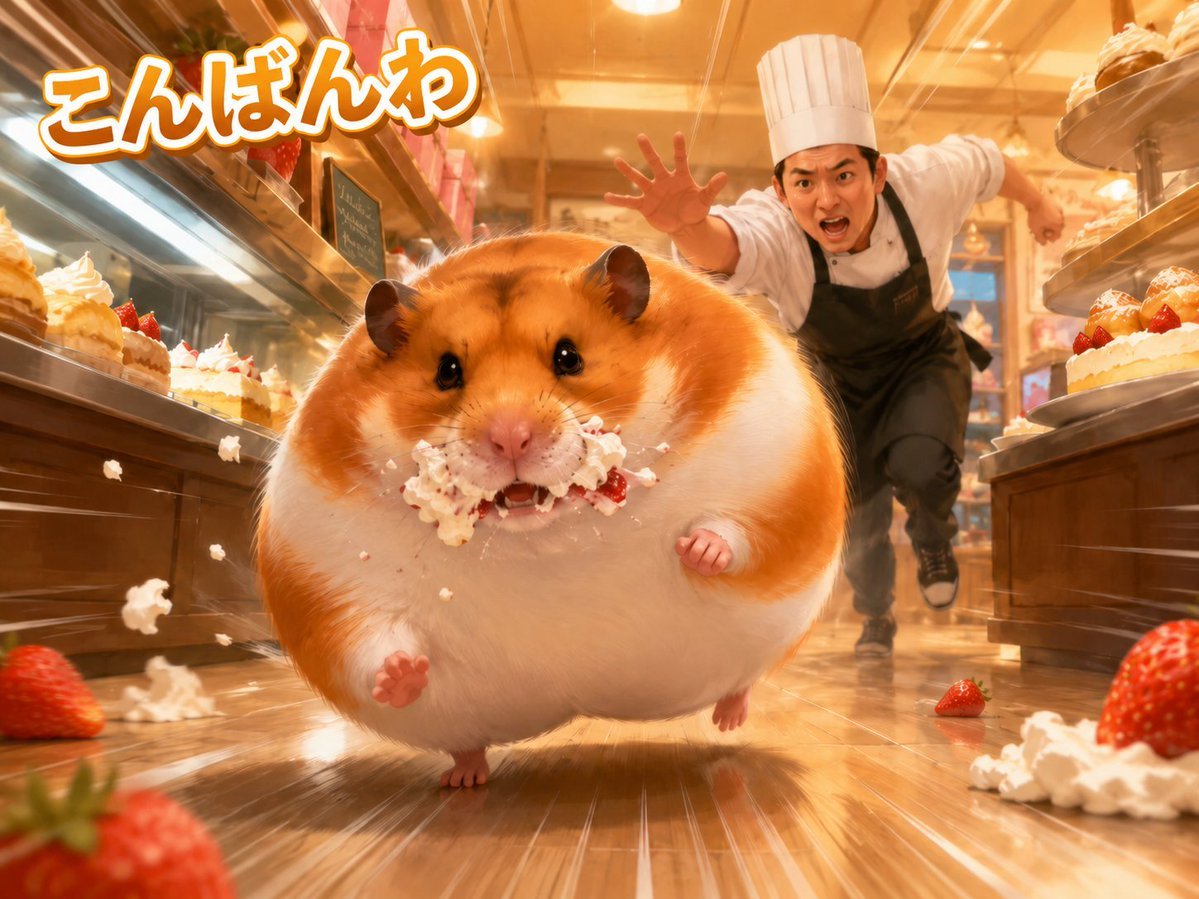
- Prompt included
- Model and format preset
- Free template
The prompt behind this image
Copy the exact prompt behind Giant Hamster Bakery Chase, or open it in the studio and make it yours.
Create a dynamic cinematic AI-art scene inside a warm, golden-lit cake shop at floor level, with an exaggerated sense of speed and motion. In the foreground, show 1 enormous round golden-and-white hamster sprinting directly toward the viewer, cheeks stuffed with whipped cream and strawberry cake, crumbs and cream flying from its mouth, glossy black eyes, tiny paws raised, fluffy fur, cute but chaotic expression. Behind it, show 1 human pastry chef in a tall white chef hat, white chef coat, black apron, and dark pants, running after the hamster with one hand reaching forward and an angry surprised shouting face. The setting contains exactly 2 long wooden-and-glass pastry display cases forming a corridor on the left and right, filled with exactly 8 visible strawberry cream cakes total, 4 on the left and 4 on the right. Add exactly 3 large loose strawberries visible outside the cases: 1 blurred oversized strawberry in the bottom-left foreground, 1 small strawberry on the floor near the right-center background, and 1 oversized strawberry in the bottom-right foreground. Add splashes of whipped cream and cake crumbs across the polished wooden floor, with motion streaks radiating toward the viewer, reflections on the floor, shallow depth of field, and warm bakery lighting. Place large playful Japanese greeting text in the upper left reading {argument name="headline text" default="こんばんは"}, thick rounded lettering, white fill with orange outline and soft shadow. Overall style: hyper-detailed cute photorealistic fantasy, dramatic wide-angle perspective, humorous action scene, saturated warm colors, high energy, no watermark, no extra text. Main character may be customized as {argument name="animal" default="giant golden hamster"}; bakery worker may be customized as {argument name="chaser" default="angry pastry chef"}; dessert theme may be customized as {argument name="dessert" default="strawberry shortcake with whipped cream"}; lighting may be customized as {argument name="lighting style" default="warm golden bakery lighting"}.
How to use Giant Hamster Bakery Chase in 3 steps
- 1Upload ImagePNG, JPG or paste
Add your photo
Upload the photo the template builds on. The prompt, model and format are already set.
- 2…a portrait of your subject in softgolden-hour light, 85mm…
Personalize
Edit the subject and creative details for your destination.
- 3Generate
Generate
Press Generate — your image is created in PicX Studio, so you can compare it with the original and refine one variable at a time.
More like this
Templates with the same subject, style or setup. Open one to see its prompt.
Cozy Bakery Giant Coffee Scene
Office Hamster Manga Diary
Mitarashi Calico Cat and Hamster
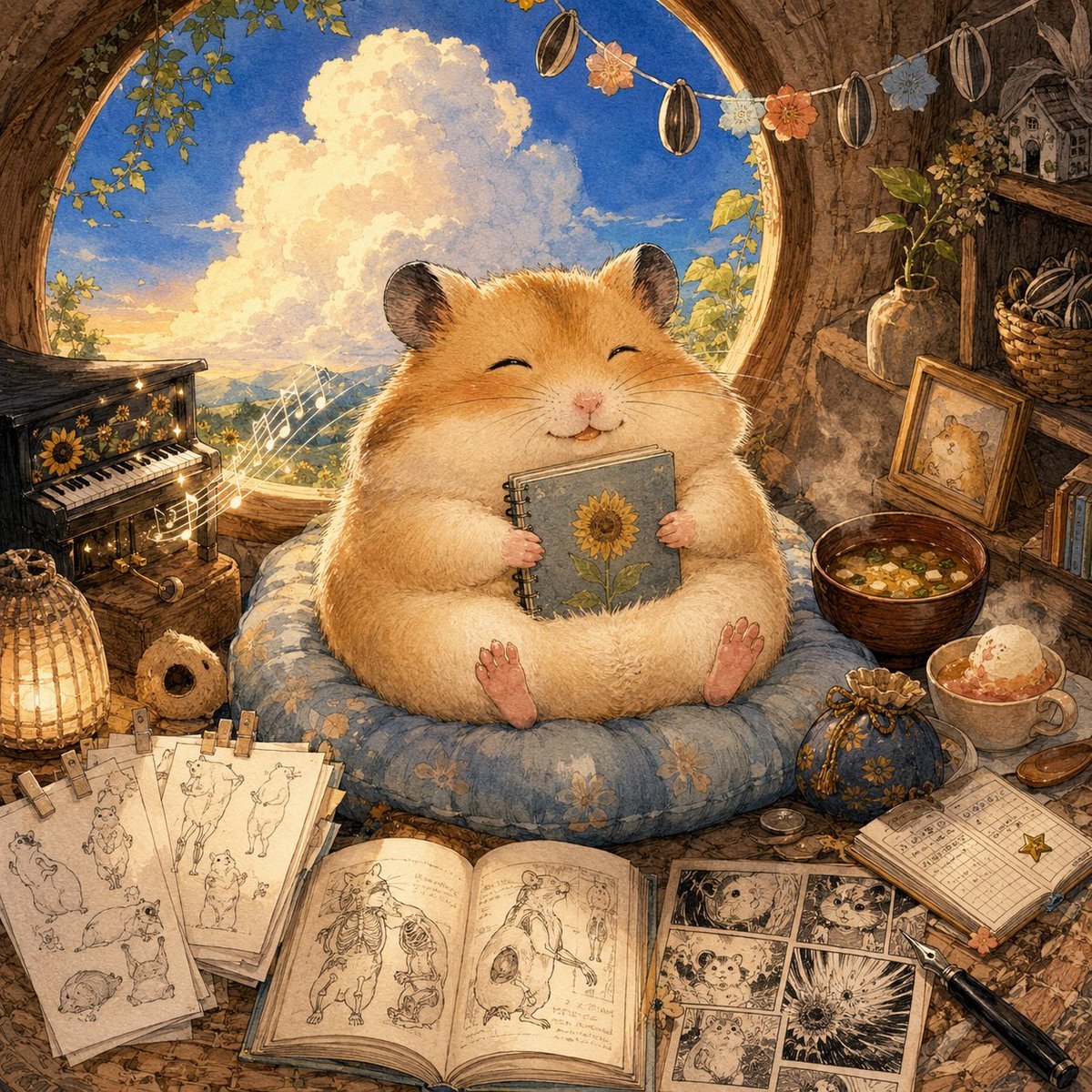
Happiest Hamster Portrait
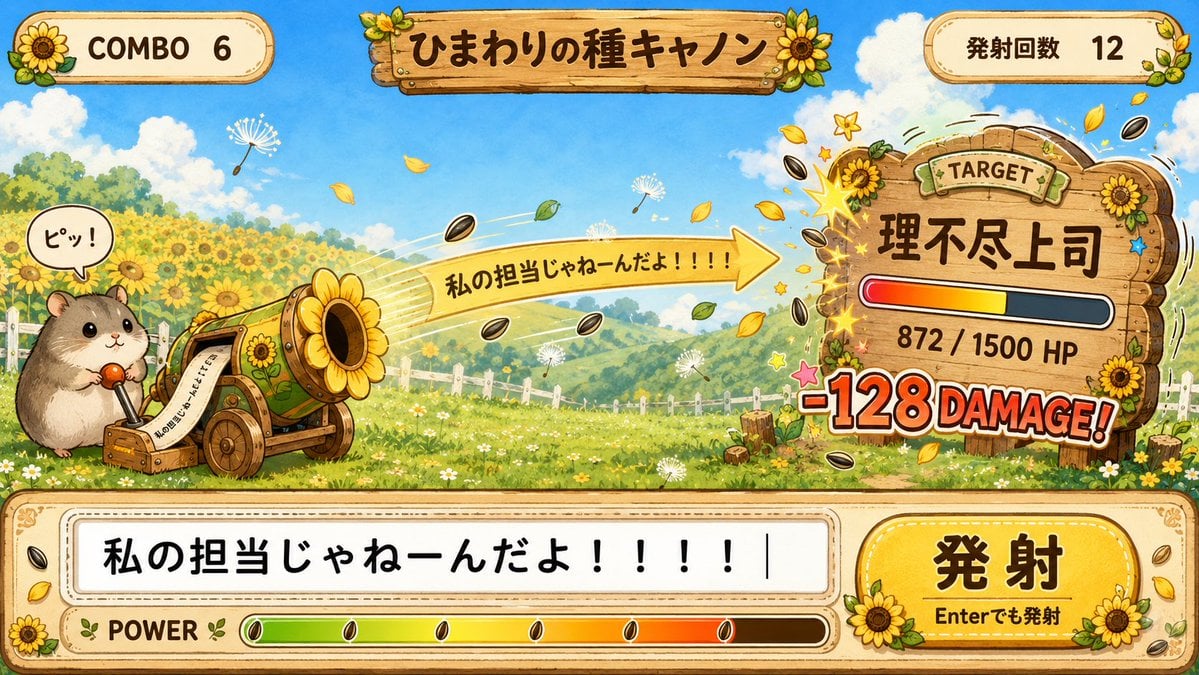
Hamster Sunflower Cannon Game UI

Quiet Hamster Manga Page
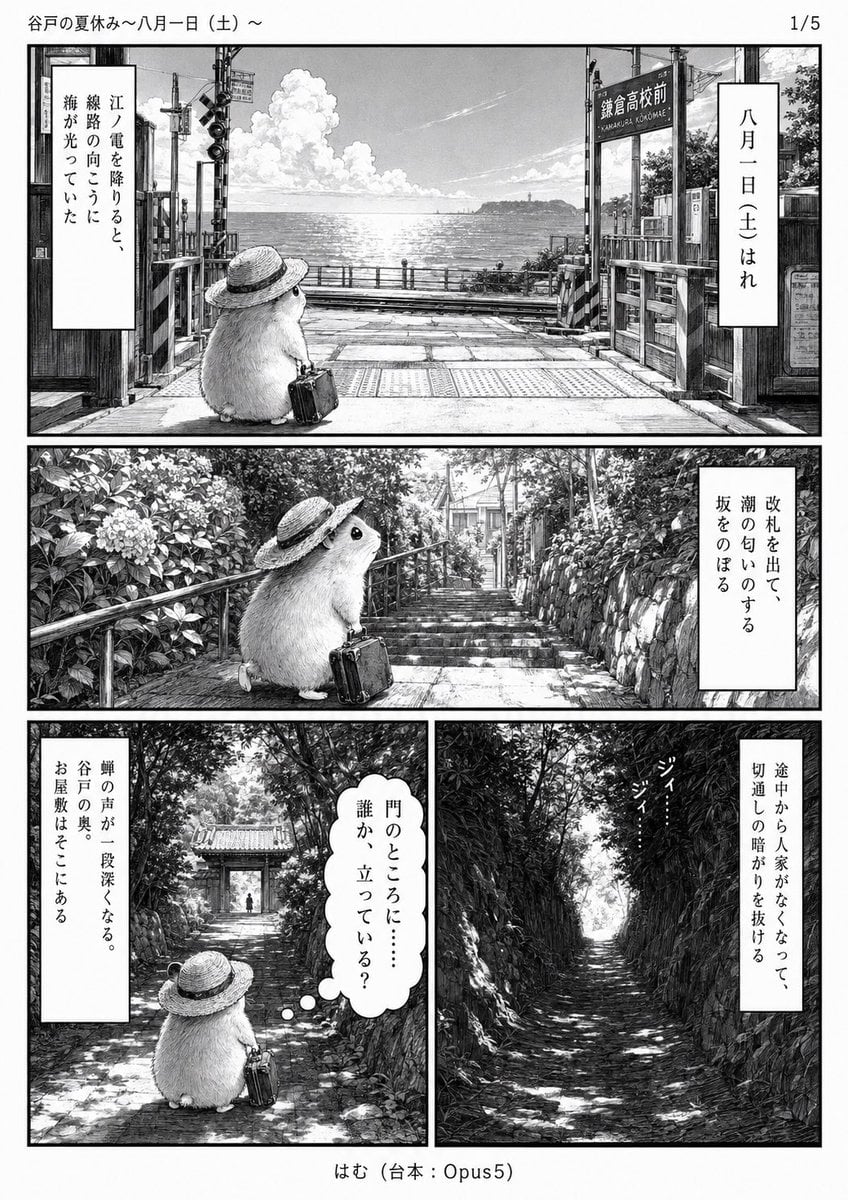
Monochrome Summer Hamster Manga Page
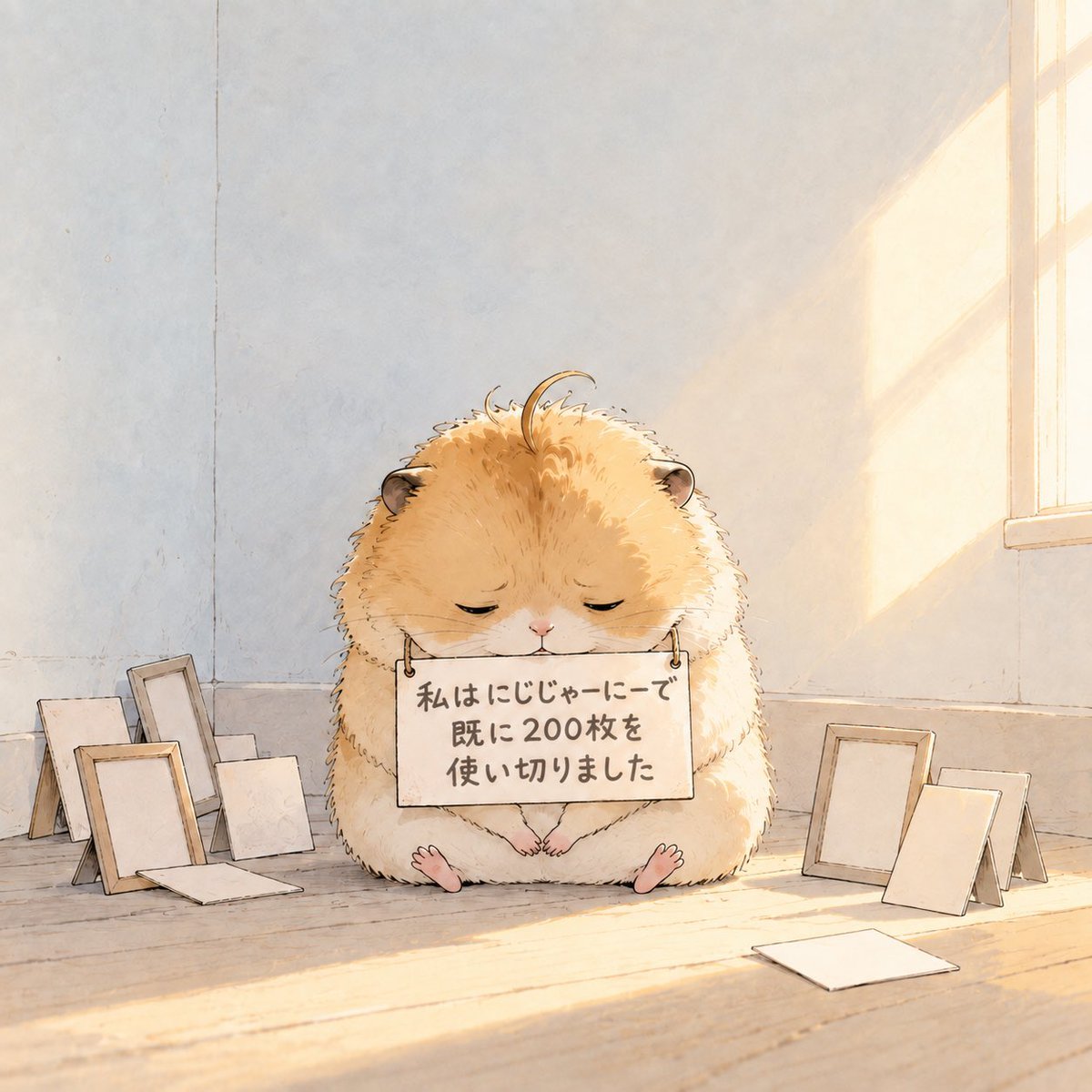
Fluffy Hamster Holding Japanese Sign
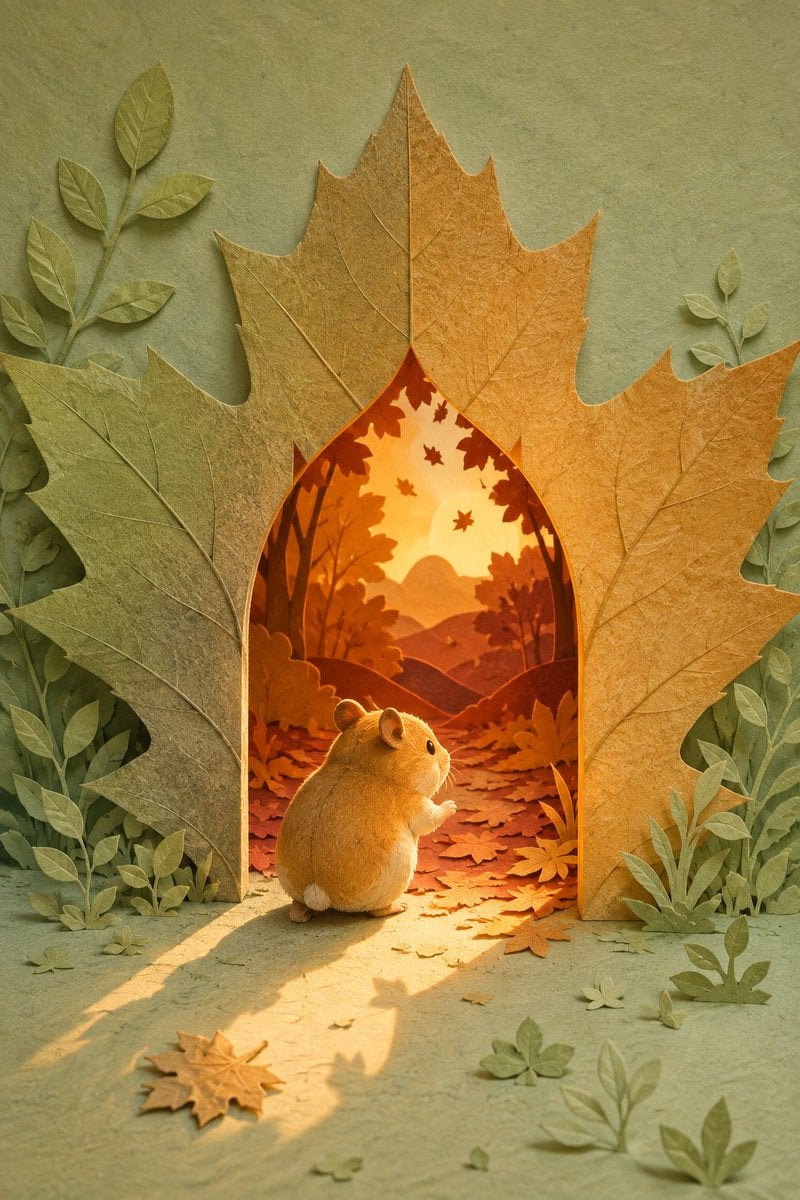
Hamster Autumn Leaf Doorway

Hamster Taiko Festival Manga Scene
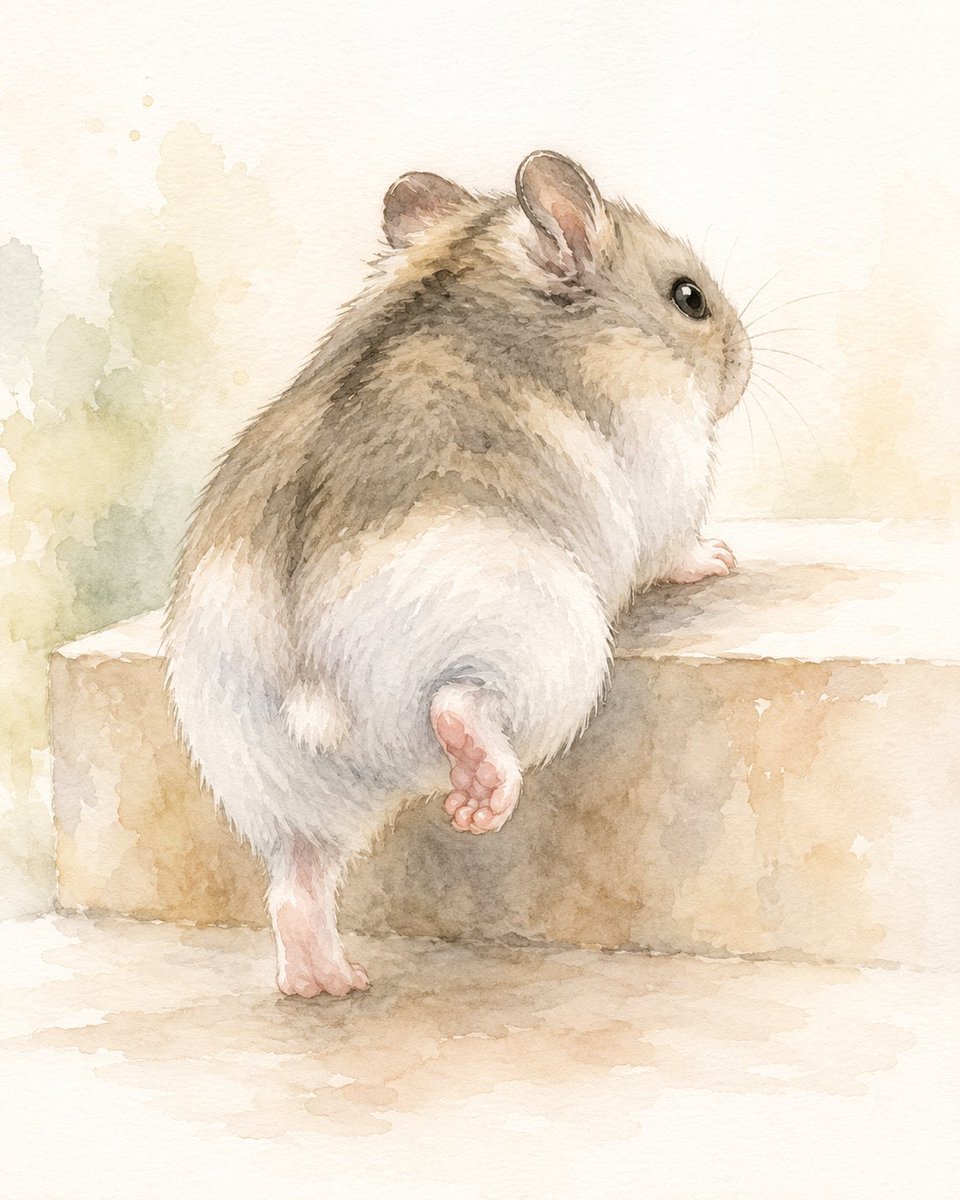
Watercolor Hamster Climbing Step

Giant Lotus Pond Portrait
Make it yours
Giant Hamster Bakery Chase works as-is. These are the safest ways to change it without losing the look.
Change one field
Copy a single group, rewrite it, and generate again so you can see what that field is doing.
Keep the frame, change the subject
Hold the composition and light of Giant Hamster Bakery Chase, then swap wardrobe, props or the person for a new take.
| If the result… | Why | Fix |
|---|---|---|
| The result drifts from the preview | Too many fields changed at once. | Reuse Giant Hamster Bakery Chase as-is first, then change one group — subject, light, or setting. |
| The model over-stylizes the scene | The prose prompt leaves finish and camera underspecified. | Add one camera or lighting sentence and stay on GPT Image 2. |
More GPT Image 2 templates
Other prompts made for GPT Image 2.

Six VTuber Japanese Logo Sheet

Realistic Portrait of Woman and Deer

The Vista Modular Condo Poster

AI Model Routing Comparison Infographic

2.5D Anime Art Board

Isometric Productivity Desk Scene

New York Double Exposure Poster

Four-Panel AI Landscape Comparison

Japanese Tatami Lifestyle Magazine Cover

NESCAFÉ Coffee Map Poster
More image prompts
Fresh picks from across the catalog.
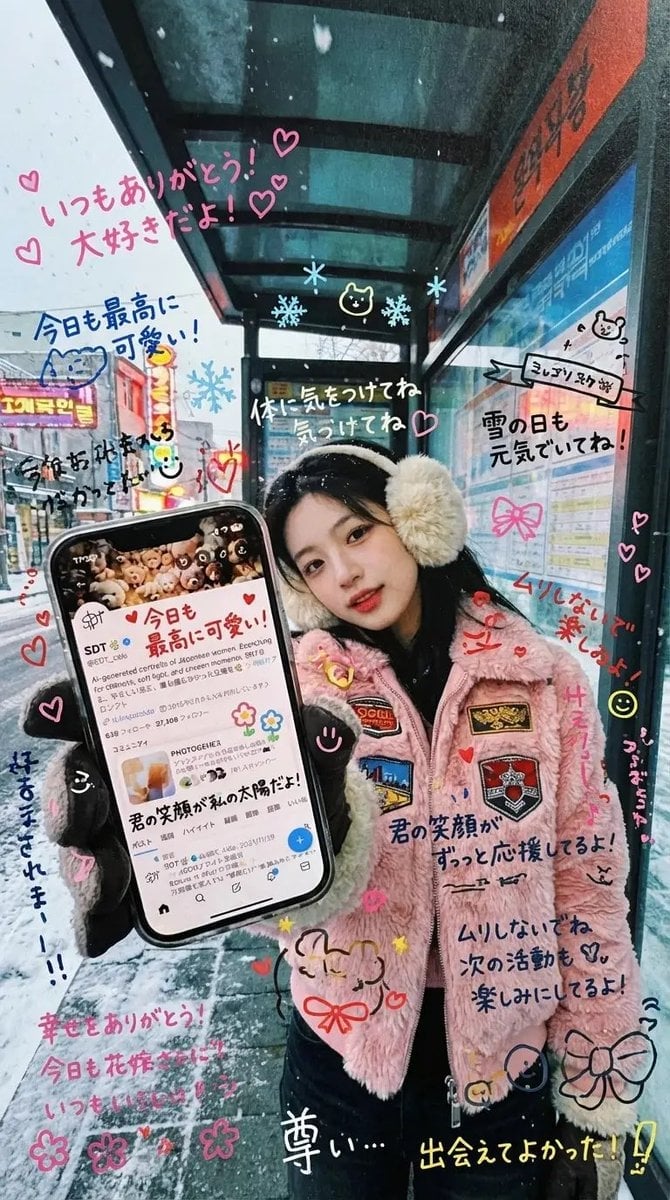
Handwritten Graffiti Message for Favorite Idol
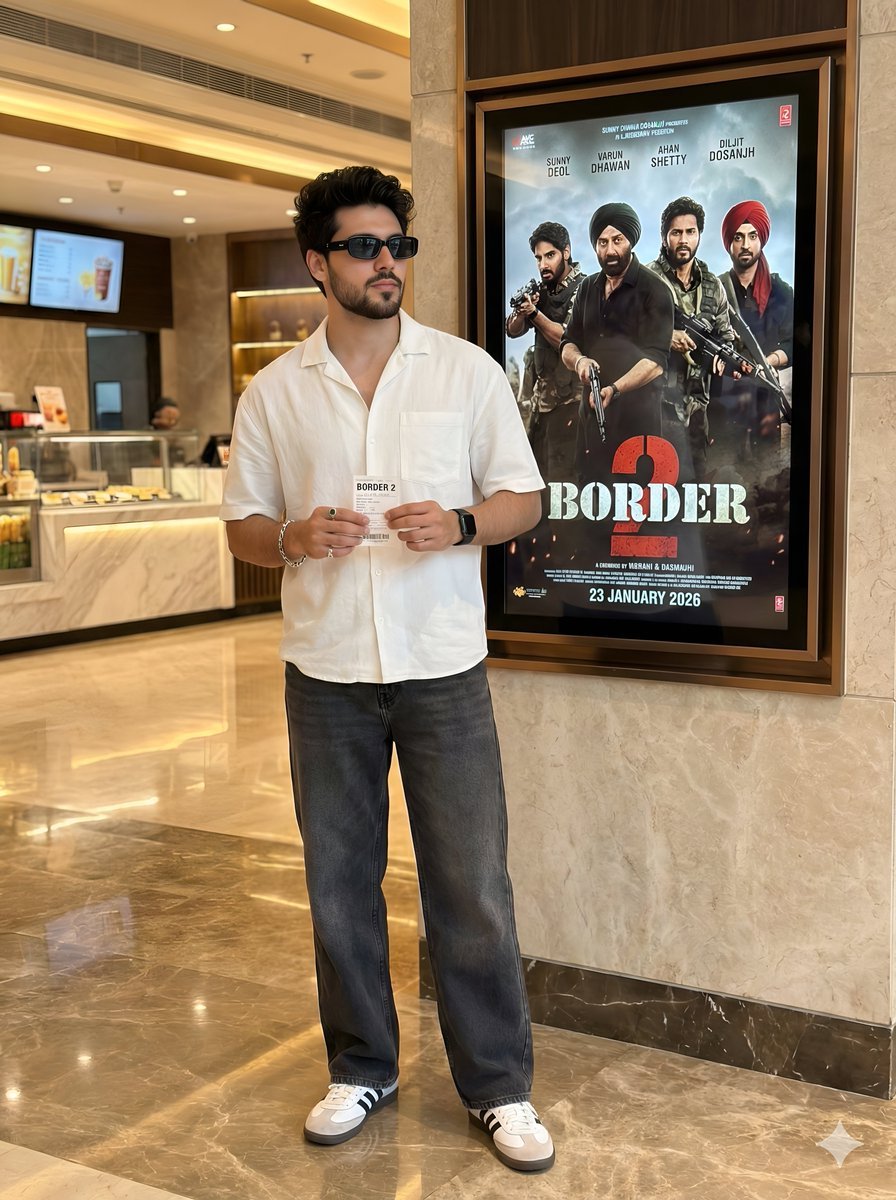
Cinematic Portrait in a Luxury Cinema Lobby
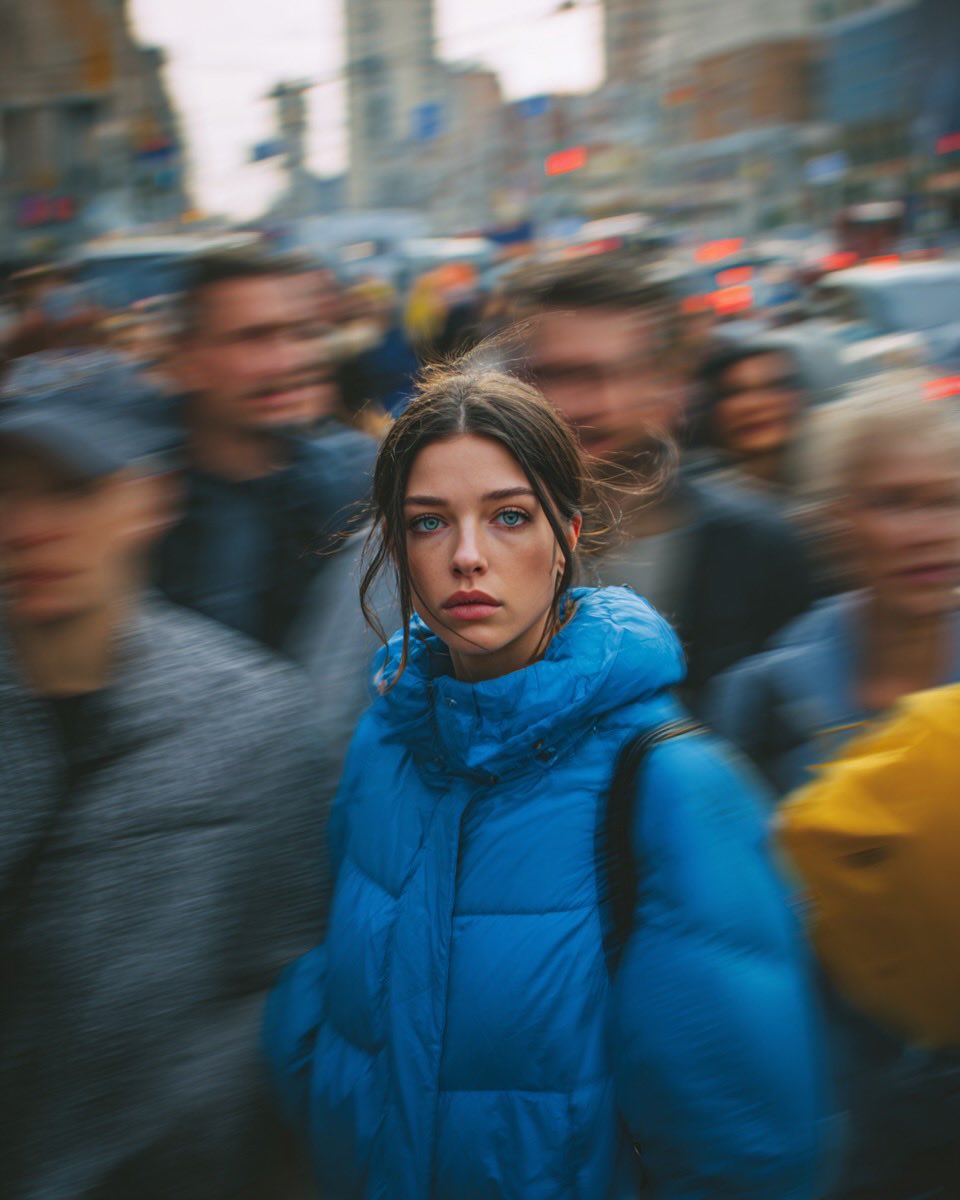
Cinematic Street Portrait of Woman in Puffer Jacket (3 Variations)

Nano Banana 2 Tulip Field
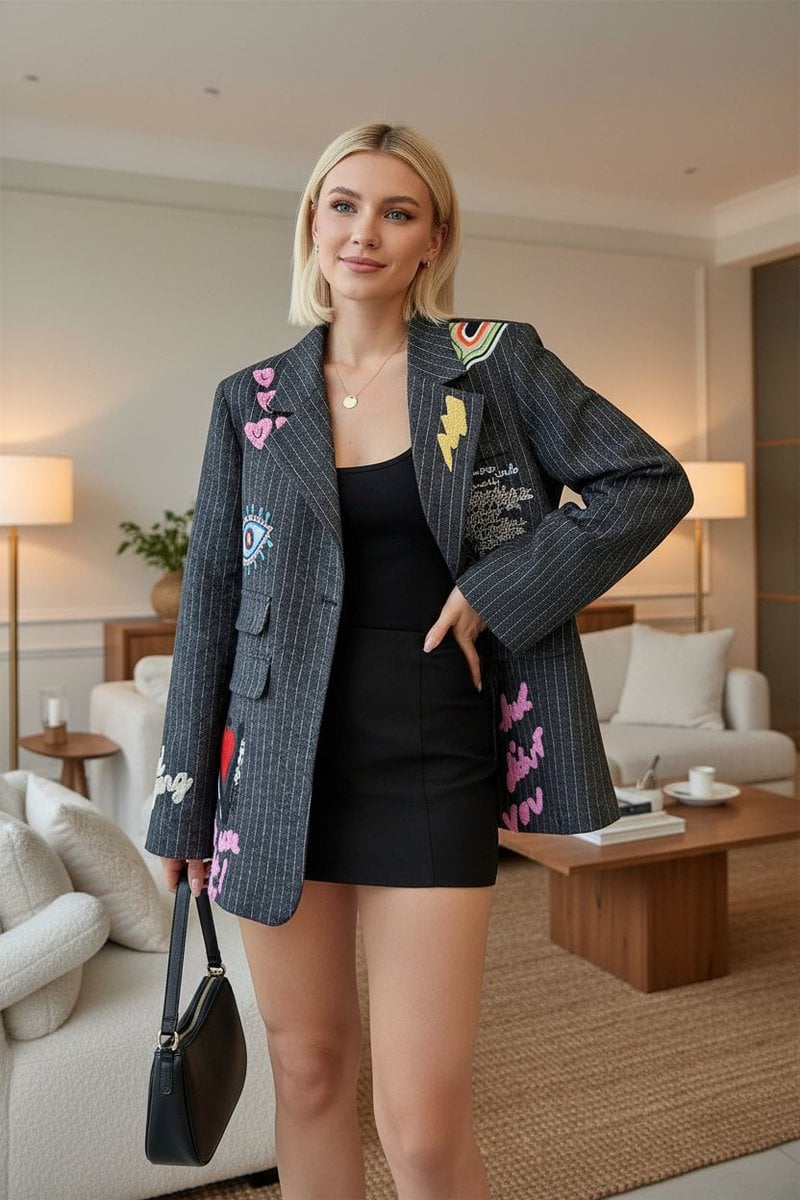
E-commerce Product Listing: Embroidered Pinstripe Blazer
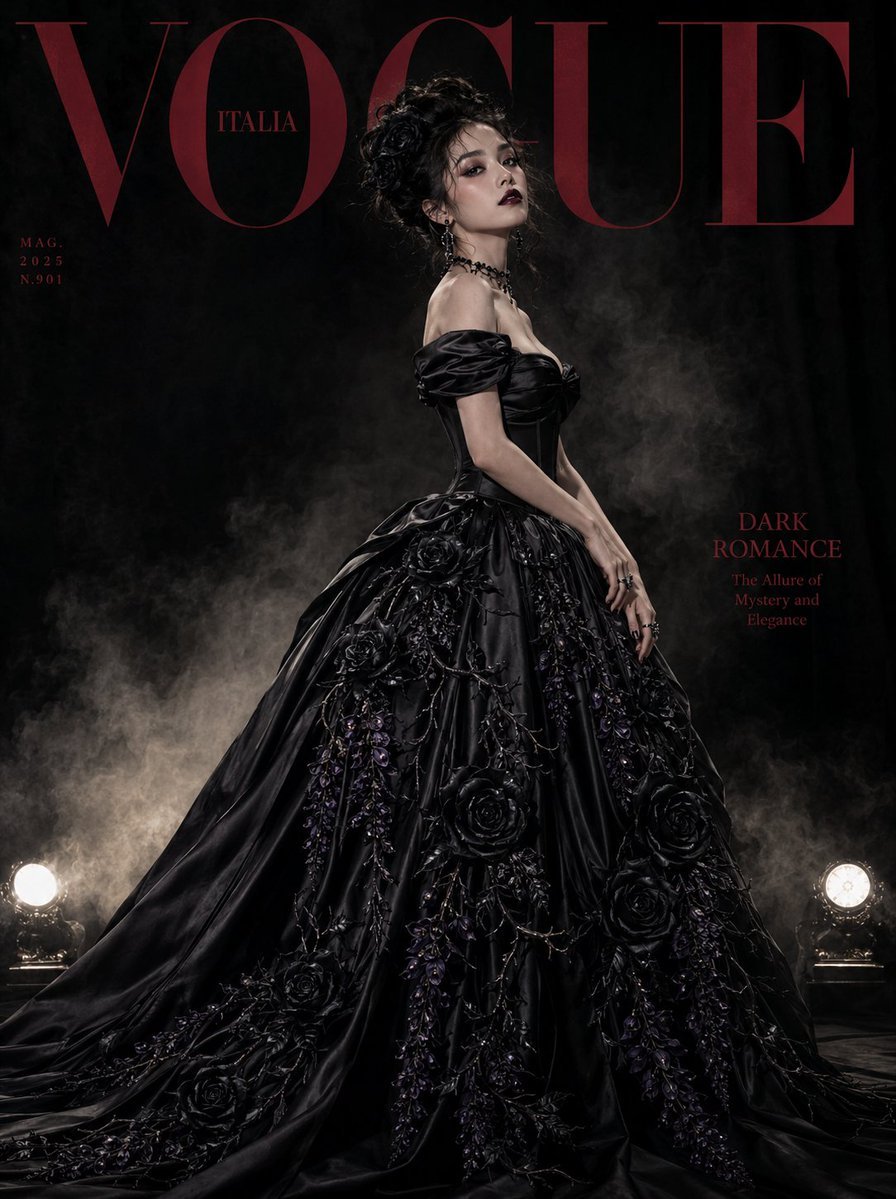
Gothic Luxury Magazine Cover
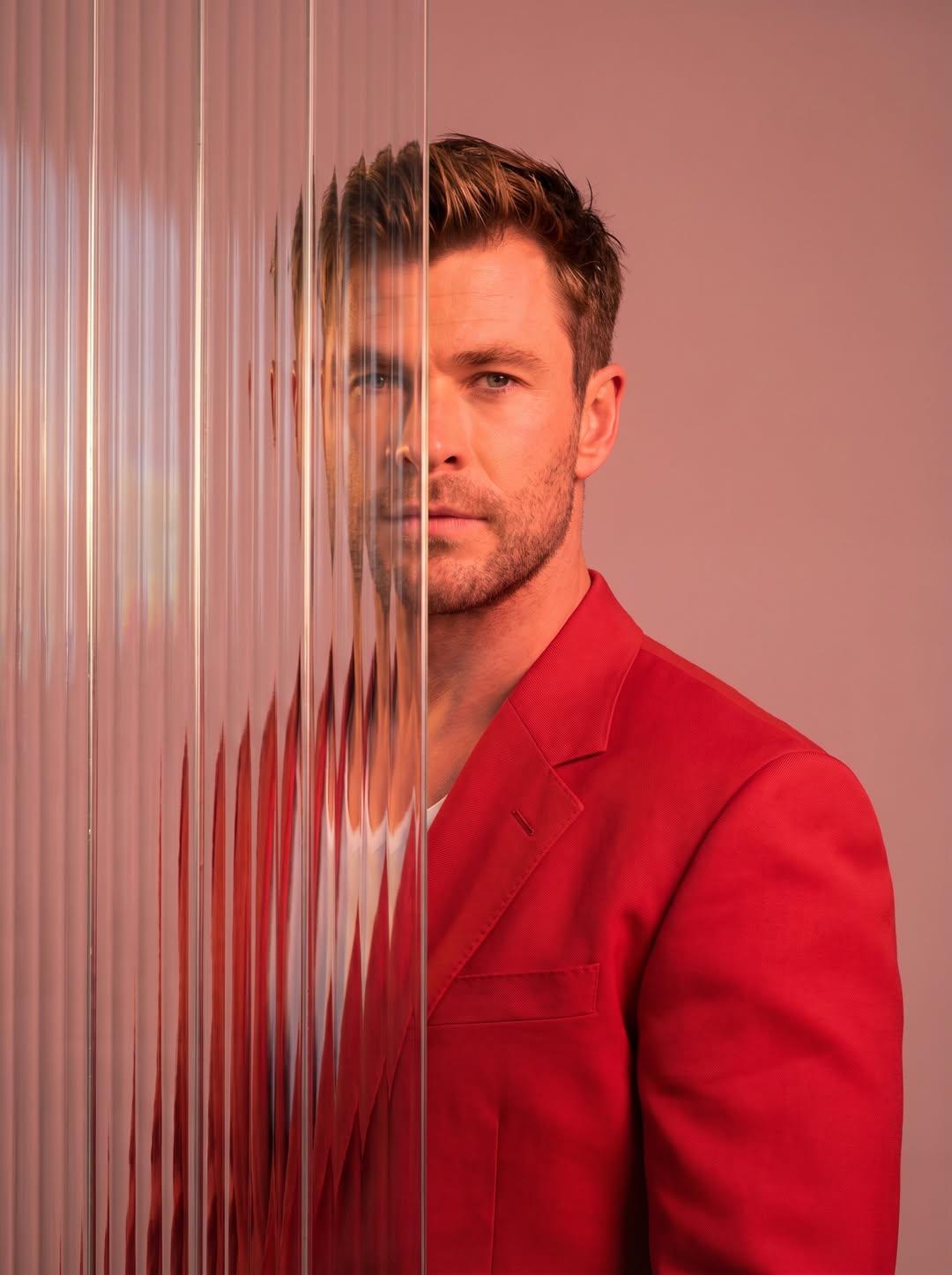
Gemini Nano Banana 2
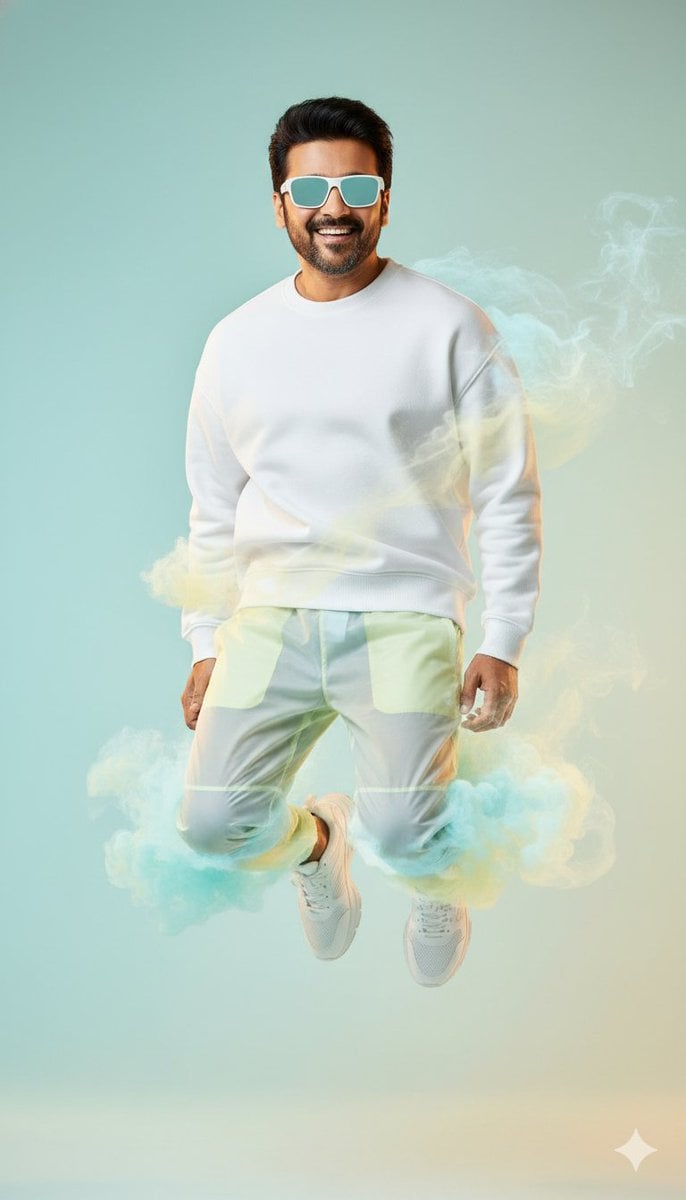
High-Fashion Sportswear Editorial Jump Shot

Style Transfer for Medical Term Infographic
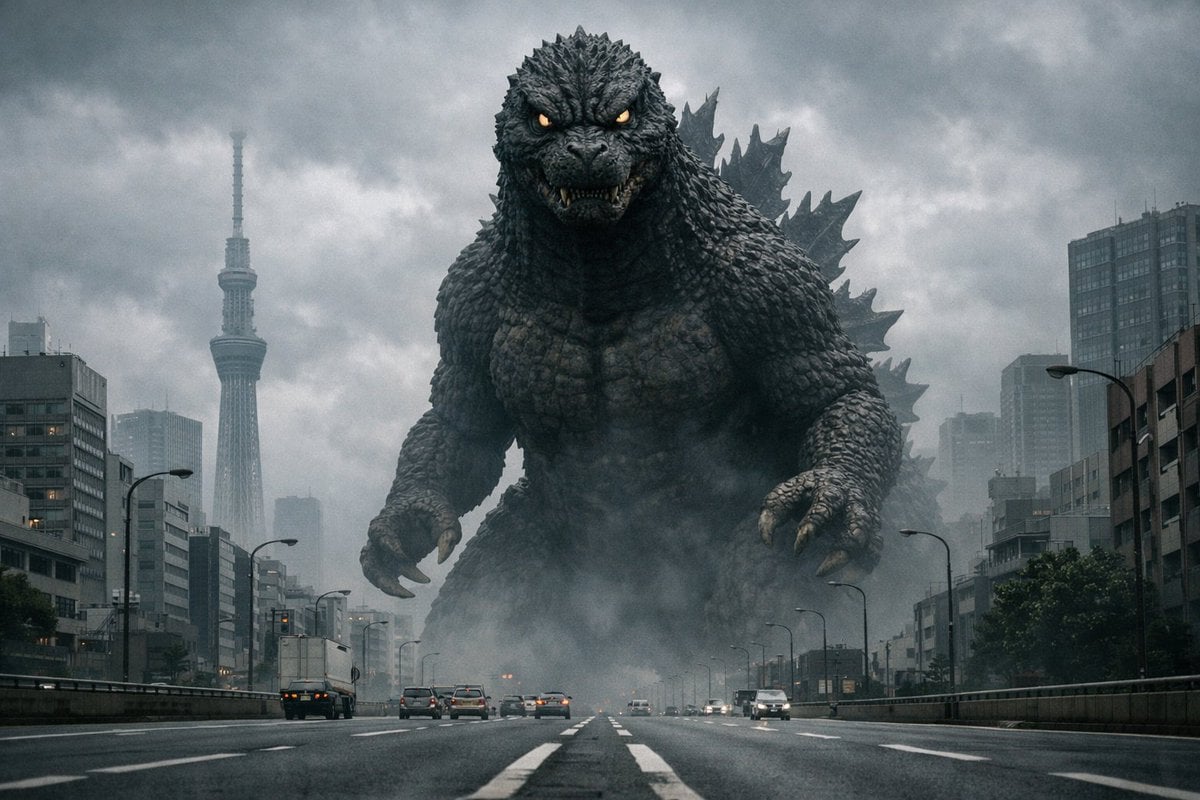
Godzilla in Tokyo Skytree District, 70s Style
Browse template categories
Giant Hamster Bakery Chase questions
How do I use the Giant Hamster Bakery Chase template?
Add your photo if the template asks for one, edit the prompt if you like — the template's model and format are already selected — and press Generate. Your version opens in PicX Studio.
Can I customize the Giant Hamster Bakery Chase template?
Yes. You can change the subject, setting, lighting, mood, format, and available model controls before creating your image.
Is the Giant Hamster Bakery Chase template free?
Opening and editing this template is free. Generating uses credits, shown on the Generate button when you are signed in.
Which AI model should I use?
Start with GPT Image 2, which is the model associated with this template. You can compare another compatible model for a different finish.
Looking for something else? Browse all templates.

Your photo, any look
Thousands of ready templates for every top image and video model, from one credit balance.